-
-
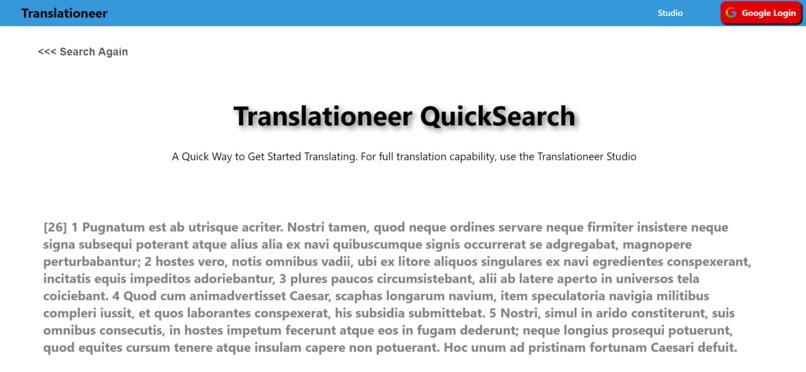
Translationeer QuickSearch
-
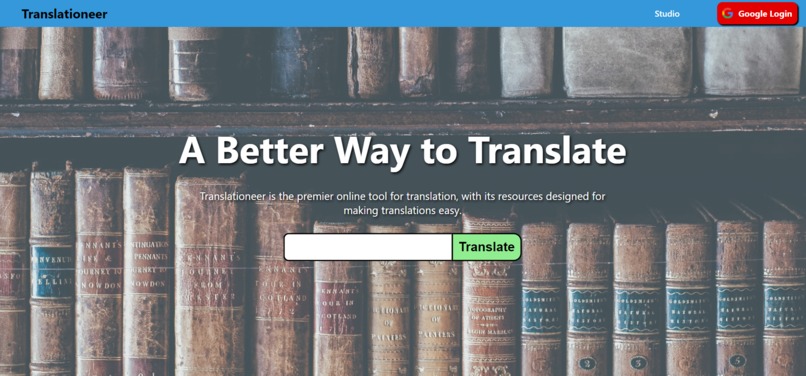
Home Page


Inspiration
As many students go back to school and adjust to the remote learning environment, language students need good online tools for translations. That is why I created Translationeer, a flexible and comprehensive translation tool that allows language students across the world to translate with ease and confidence/
What it does
Translationeer uses an interactive UI with draggable elements to see definitions from many different translation API providers. There is also a studio where features such as section splitting and saving a side-by-side translation doc come into play. Translationeer is a large set of tools to meet any translation needs
How I built it
I used React on the frontend and Node.js on the backend, with web scraping libraries like Cheerio.js to help with building the backend API to the project. I used firebase firestore for the database and firebase's auth providers for Google auth.
Challenges I ran into
The studio is a very complex piece of Translationeer that involves many React components working together, making it the most difficult part to code.
Accomplishments that I'm proud of
I really like the UI of the app and how friendly and interactive it is.
What I learned
I learned to use webscraping libaries for the first
What's next for Translationeer
I will make all the studio features, as well as further enhance the UI, documentation, and add an interactive element so teachers an publish assignments for students


Log in or sign up for Devpost to join the conversation.