-
-
Thumbnail
-
Write Comment
-
Listening
-
Init


Inspiration
The goal of this small project is to improve the developer experience while coding by deploying a tool to make it easier to comment one's code. Most of the code found on the internet has few lines of commentaries or none at all; this is due to how uncomfortable and time consuming it is for the coder to write those comments. With the solution we are presenting, we aim to transform the task of writing commentaries from something boring, repetitive and tiring to a more comfortable and helping task to do.
What it does
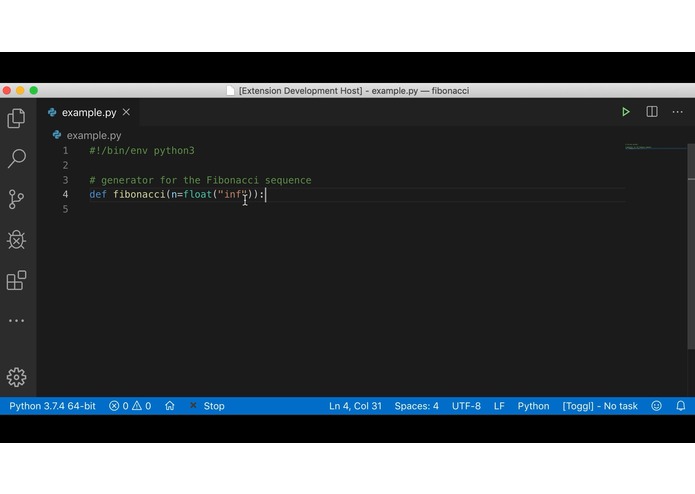
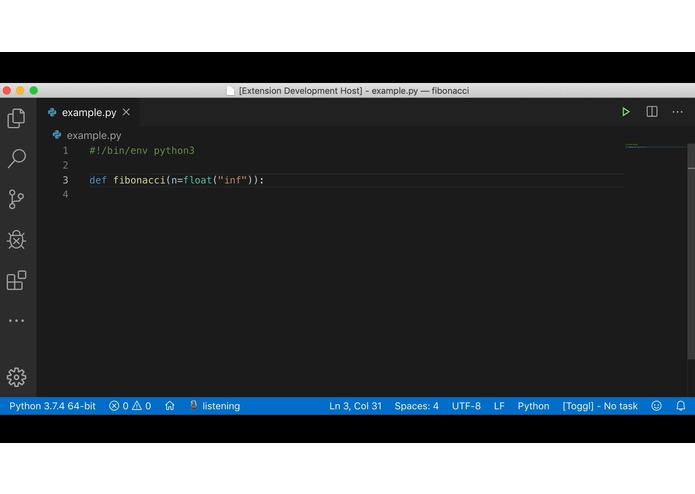
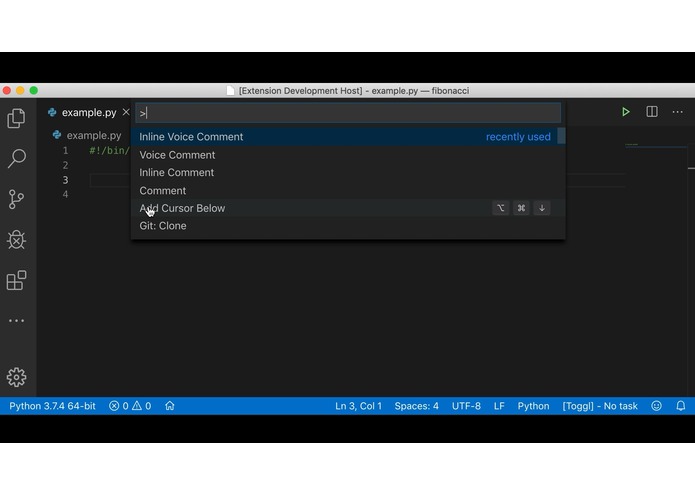
This VS Code add-on uses speech recognition to transform the coder's verbal words into textual commentaries adapted and inserted to the code that is being developed.
How we built it
The first step to start working on this project was to be able to use a Visual Code API, to accomplish this first point, a simple tutorial provided by Microsoft was followed (https://github.com/Microsoft/vscode-extension-samples/tree/master/helloworld-sample). Then we started to explore some opensource projects to see how to integrate the VSCode API with speech recognition software like (https://github.com/lanly-dev/VSCode-VoiceCommands). Then we start experimenting with speech software recognition, with some offline solutions as well as some APIs to decide what was our better option. Then we implemented some scripts or apps to get the speech to text functionality and then link it to the extension. Finally, we prepared the extension to publish to the Visual Studio Code Marketplace.
Challenges we ran into
To accomplish the main goal of writing a commentary on a code file, it was necessary to know which coding language was being used in order to select a specific syntax to indicate the beginning and the end of the commentaries section. This issue was solved by using the automatic functions provided by Visual Studio to write commentaries.
Another encountered issue was related to the speech recognition libraries; initially, the project aimed to use an offline library but the found resources were formed by old code which was not accurate enough. Finally, the team decided that it would be better for the functionality of the application to use an online library, using Google's API for Speech recognition (https://cloud.google.com/speech-to-text/).
Finally, the last issue worth stating is related with the high difficulty to integrate this type of extensions to the chosen software, Visual Studio Code due to the characteristics of the program's API. The way to solve is was by using macros to enable certain functionalities.
Accomplishments that we're proud of
In 2 days, we built our first extension for a code editor. Also, we were able to work with very different libraries by joining some of their functionalities and adapting it to work with the code we had made ourselves.
What we learned
To work with extensions for Visual Studio Code and to establish communication between two very different processes.
What's next for Voice Comment generator for VSCode
Experiment with alternatives ways to work with speech recognition to find an offline solution. Finish the implementation of speech recognition for some specific platforms, for example, Windows. Take a deeper look into natural language processing.
Built With
- netcore
- python
- typescript


Log in or sign up for Devpost to join the conversation.