-
-
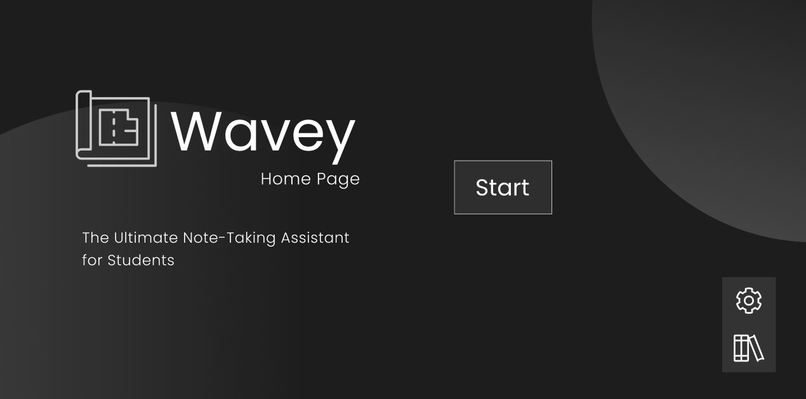
Home Page
-
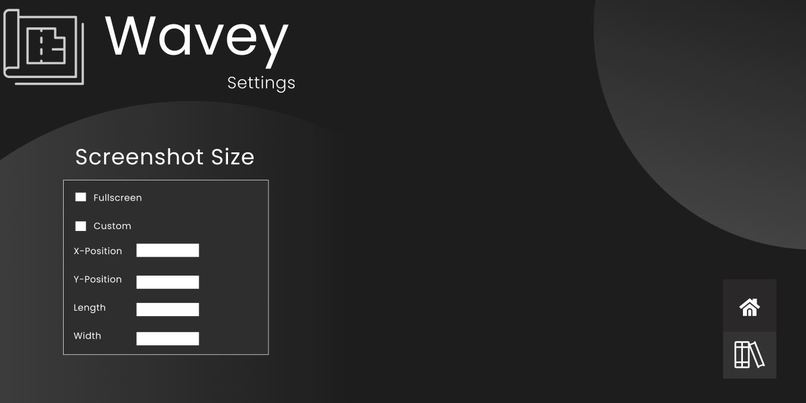
Settings Page
-
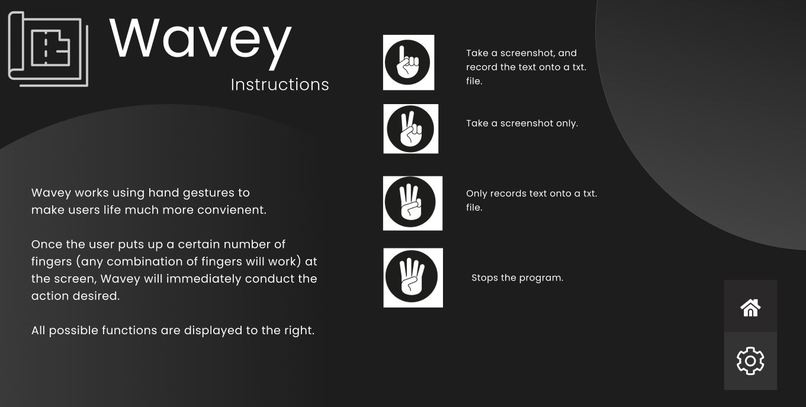
Instructions Page
-
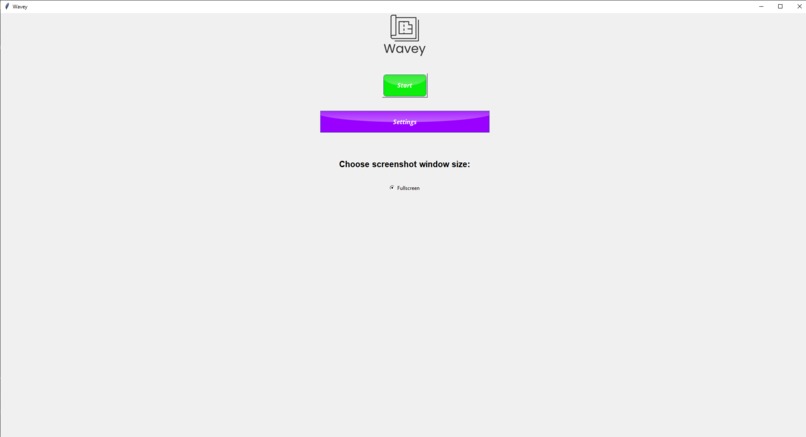
GUI
-
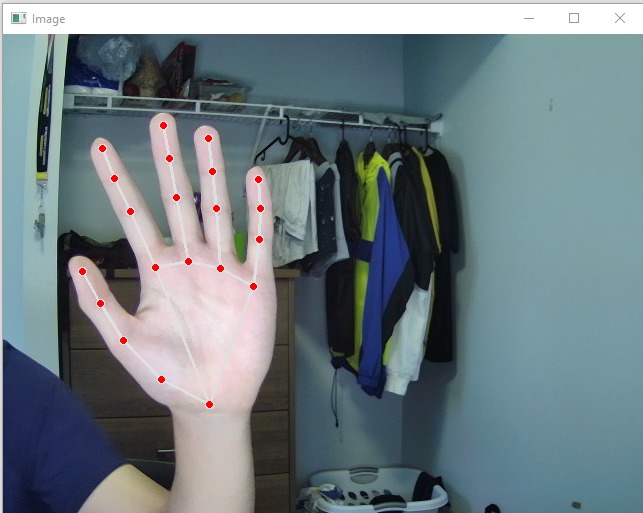
Hand Tracking


Inspiration
We students faced many challenges when learning turned from in-person to online. One of the main challenges students faced was how to take efficient notes. To combat this, we decided to create Wavey, your ultimate note-taking assistant.
What it does
Wavey makes note-taking incredibly efficient by utilizing hand gestures to perform certain actions to aid students. For example, if a student were to hold up one finger on camera, the program would take a screenshot and record it onto a text file. In addition, if a student were to hold up two fingers on camera, it would simply take a screenshot and if a student were to hold up three fingers it would just record the information onto a text file. These three functions make note-taking incredibly efficient, simple and convenient for students!
How we built it
We used pycharm and vscode. In addition we used OCR through pytesseract, mediapipe, tkinter, pyautogui.
Challenges we ran into
This was our first time making a graphics user interface (GUI) using python, so that provided us with some difficulties. Also, we had some issues integrating the OCR, GUI and hand recognition.
Accomplishments that we're proud of
We are proud of our GUI, since it was our first time creating such a program.
What we learned
We learned how to work with mediapipe and how to create a basic GUI with buttons.
What's next for Wavey
We hope to alter our GUI to match our figma designs and also ironing out the screenshot size.




Log in or sign up for Devpost to join the conversation.