Image

Linux Arbitrary File Write and Privilege Escalation with dd

The disk group seems innocent enough - it’s meant for disk management utilities. But give someone disk group access and you’ve essentially handed them root. Here’s how to exploit raw block device access to bypass all file permissions and escalate privileges. While the XKCD comic above is tongue-in-cheek, using dd for filesystem manipulation is genuinely powerful and dangerous. The Linux disk group allows raw access to disks on the system. It’s meant to allow members to use tools to manage disk partitions and format disks at the block level. However, it can also be used to get arbitrary file read/write by directly editing the disk contents even if file system permissions forbid it. For this reason it is a very privileged group and should be considered equivalent to root access. ...

January 28, 2026 · 7 min
Image

Software Supply Chain Security: The Case for Minimal Dependencies

In 2016, removing an 11-line npm package called left-pad broke thousands of projects worldwide. Nine years later, attackers compromised packages with 2.6 billion weekly downloads using phishing and self-propagating malware. The Problem: A Decade of Escalating Supply Chain Attacks Timeline March 2016: Left-pad incident - removing an 11-line dependency broke thousands of projects including Babel and React. October 2021: ua-parser-js compromise - library with 7M+ weekly downloads hijacked multiple times, injecting cryptocurrency miners and password stealers. ...

September 23, 2025 · 4 min

Drouter: Dynamic Route Injection for Docker Containers

When working with Docker containers on complex networks, you often need to add static routes so containers can reach networks that aren’t directly connected to their default gateway. This becomes especially important when using macvlan network drivers where containers get their own IP addresses on your physical network. I’ve just released drouter, a lightweight systemd service that solves this problem by automatically injecting routes into Docker containers based on simple labels. The Problem Consider this scenario: you’re using a macvlan network driver so your containers get real IP addresses on your network (say 192.168.1.0/24). Your router is at 192.168.1.1, but you have additional internal subnets like 10.0.0.0/8 that are reachable through a different gateway at 192.168.1.254. ...

September 20, 2025 · 3 min
Image

ESPHome ESP32 Coredump Debugging

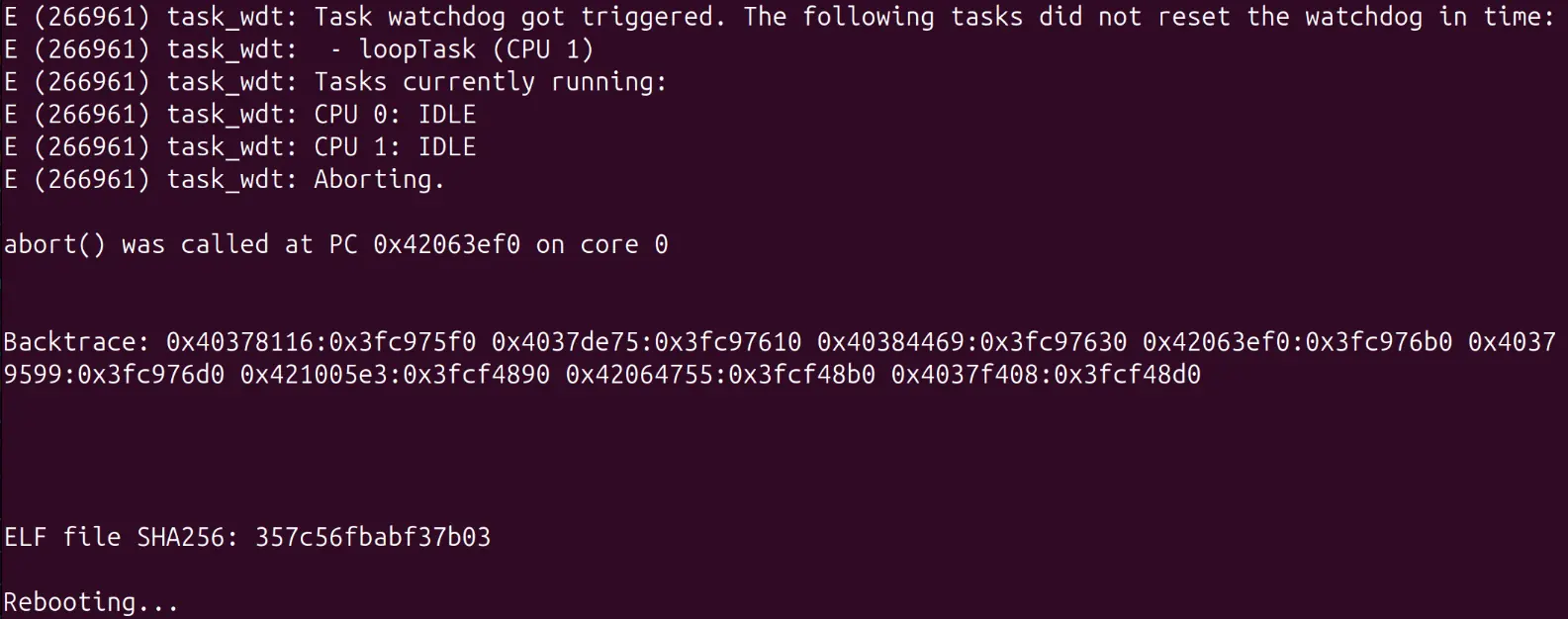
When developing with ESPHome on ESP32 devices, crashes can be frustrating to debug without proper stack traces. Enabling coredumps provides detailed crash information to help identify the root cause of issues. Configuration To enable coredump functionality, you’ll need to modify your ESPHome configuration and create a custom partition table. This setup is for the Arduino framework - ESP-IDF configurations will differ slightly. ESPHome Configuration Add the following to your ESPHome YAML configuration: ...

August 22, 2025 · 2 min
Image

Adtran Fiber ISP Hacking

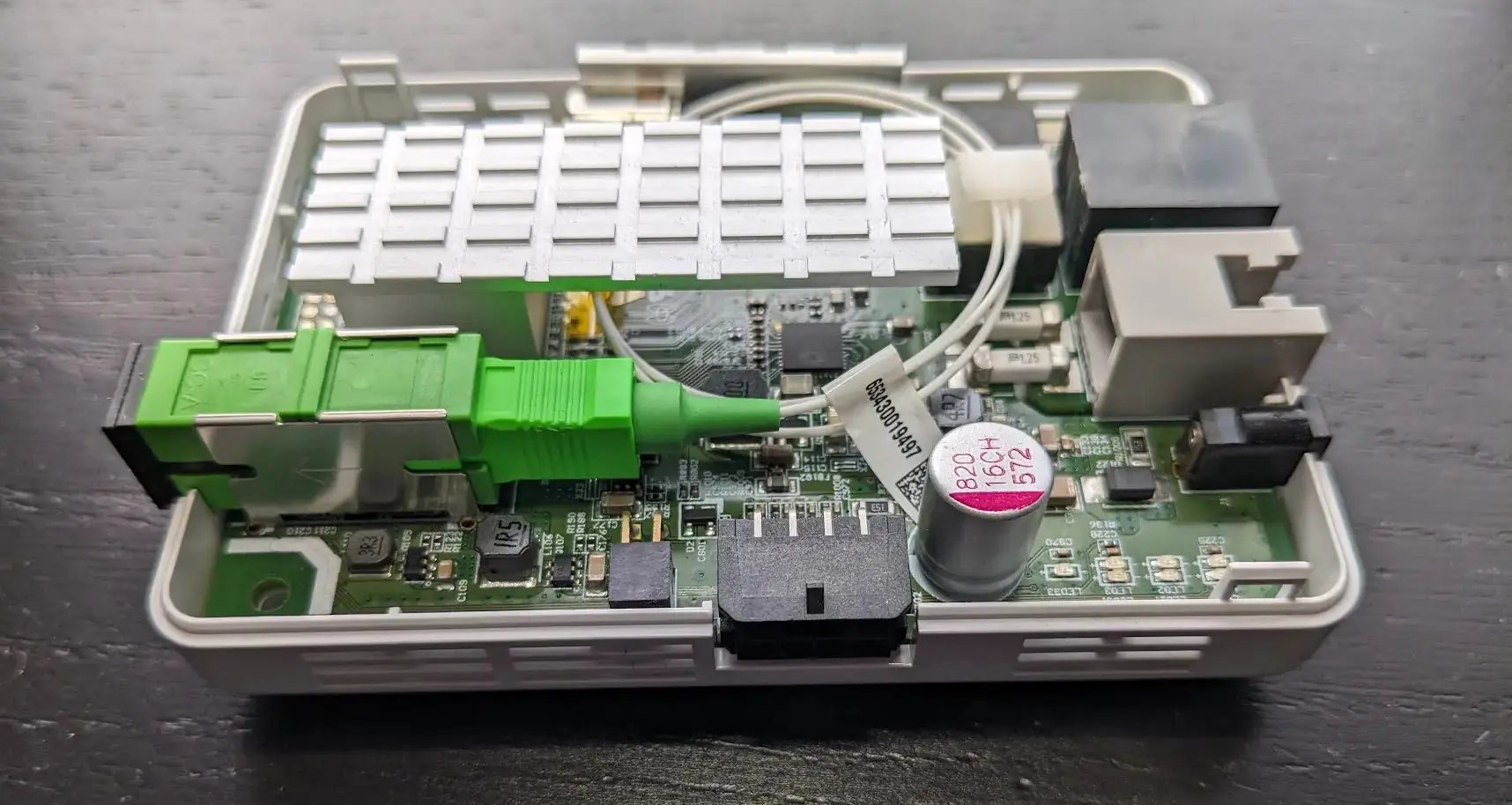
Adtran 411 Security Audit Adtran produces equipment for fiber ISPs. I was provided an Adtran 411 by my current ISP for Internet access and decided to take a deep look into it. Hardware The Adtran 411 is a small GPON fiber ONT (Optical Network Terminal) designed to give symmetrical gigabit fiber Internet to SOHO users. It connects to the ISP via a GPON uplink and provides the user a normal ethernet RJ-45 connector to plug their router into and a RJ-11 port for a landline to be tunneled over VOIP. ...

August 15, 2025 · 8 min
Image

SOCAT and WireGuard: a perfect pair for DPI Bypass

Tunneling WireGuard over TLS using SNI Domain Fronting There are numerous ways to get unrestricted egress on a restricted network. Here I will demonstrate how to use socat to tunnel a UDP connection over a TLS tunnel with a faked SNI domain in order to bypass network restrictions. This technique works on a restricted network that allows outbound TLS traffic to at least a single domain, but only checks the domain in the TLS Client Hello SNI field, and not the destination IP address. I have found this to be a common setup on many captive portal or restricted networks making use of a DPI firewall to block all other network traffic. ...

May 23, 2025 · 4 min
Image

Converting Sunbeam Heated Mattress Pad to ESPHome

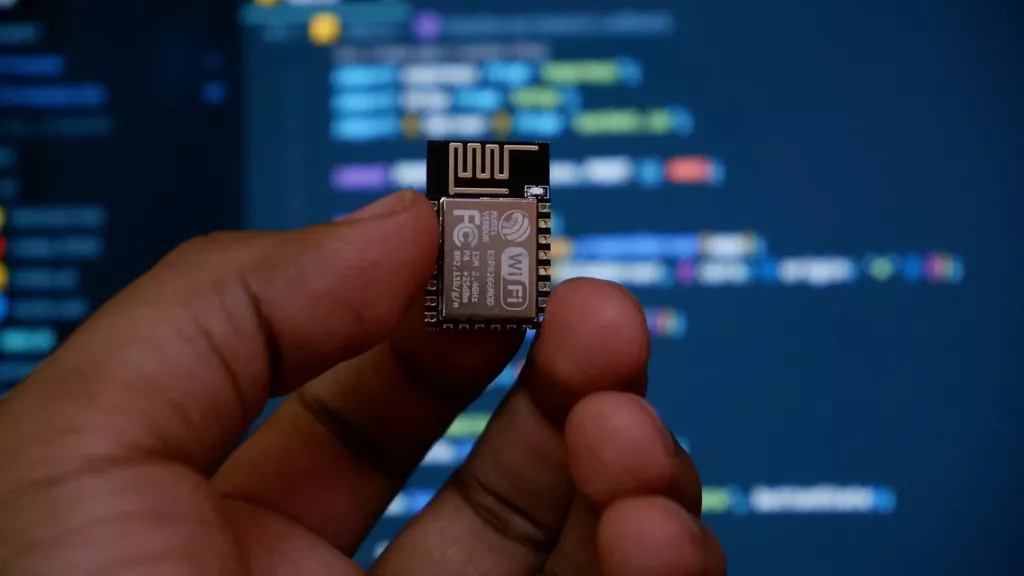
This post outlines the process to replace a Tuya radio module with one running ESPHome to fully control a heated mattress pad locally with Home Assistant. I purchased a Sunbeam Heated Mattress Pad for those cold winter nights. The mattress pad controller connects to WiFi and has a remote control app. However, it has a safety feature that limits functionality. The app can only adjust heat levels and turn the pad off unless you’ve recently pressed a physical button on the controller, effectively limiting the app to changing heat levels and turning the device off. ...

February 26, 2025 · 10 min
Image

Influencing Linux IP Source Address Selection

When creating a socket unless manually specified, the OS will automatically determine the source address to use. However, the OS’s default choice may not always be desired. Source Address Selection allows for influencing the sources address chosen by the OS. What is Source Address Selection? When a host with multiple routable IP addresses sends a packet to another host, it needs to determine which of its local addresses to use as the source “from” address. ...

December 11, 2024 · 7 min
Image

Creating a Mikrotik BGP.Tools Session

When running a network with its own ASN, you will likely end up spending some time working with BGP. Knowing how your peer networks connect can help with your own network planning. BGP.Tools is a service that maps out different networks and the routes between them by having networks opt to provide bgp.tools with a BGP session sharing their exportable routes. This guide will walk you through setting up a BGP.Tools session with a Mikrotik router running RouterOS 7. ...

February 11, 2024 · 2 min
Image

Remove SNAP from Ubuntu

Recent versions of Ubuntu are shipping with Snapcraft by default, and some of the default applications run inside a snap as well. Snaps are application containers, similar to Docker, but designed for desktop applications. Unfortunately Canonical seems to be pushing Snaps hard, and they are not always wanted. This is made worse by not providing an easy way to remove the snap functionality for Ubuntu. The commands bellow will entirely remove snap from an Ubuntu installation. ...

February 19, 2022 · 1 min