
LearnPress Key Features
Explore the LearnPress key features that empower you to create engaging courses, effortlessly manage students, and boost revenue. This core LearnPress functionality provides powerful tools for teaching, assessment, and monetization.
LearnPress AI
HOT
Generate engaging course content with the ultimate AI-powered assistant for LearnPress educators.
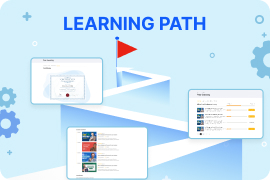
Collection Learning Path
HOT
Make your course collection into structured journeys, designed to help learners achieve a specific goal.
Create Course – Learning Experiences & Activities
Lessons
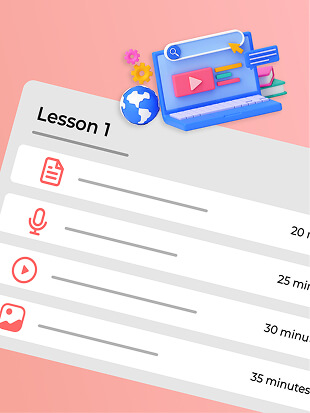
Multimedia Lesson Types
Support for Video, Image, Audio, and Text-based lessons, a versatile LearnPress feature.
LearnPress AI
Automatically unlock lessons over time, gradually release content to guide learning.
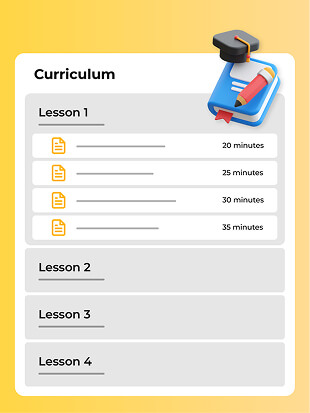
Lesson Banks
Create unlimited lessons and assign them to a course curriculum.
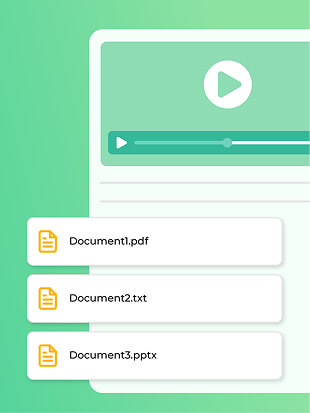
Learning Materials
Allow students to download additional resources like PDFs, worksheets, and slides directly from the lesson.

Live Lessons
Real-time interactive sessions, great for Q&A and in-depth discussions.
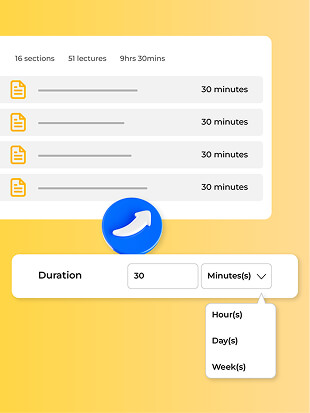
Set Duration
Estimate how long students should access a lesson to prevent rushing through the material.
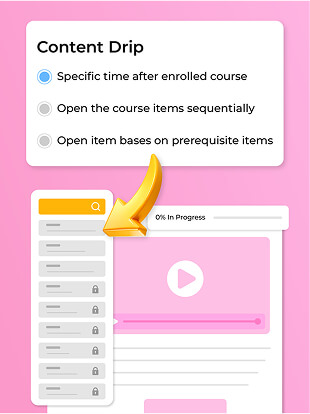
Content Drip
Automatically unlock lessons over time—this LearnPress capability guides the learning path gradually.
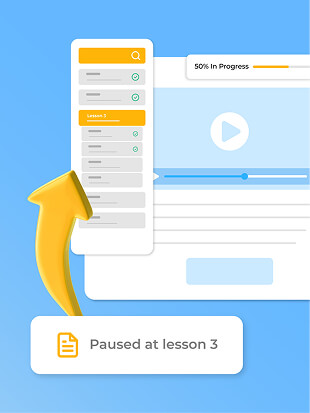
Save Progress
Students can pause a lesson and resume exactly where they left off—ideal for self-paced learning.
Quizzes
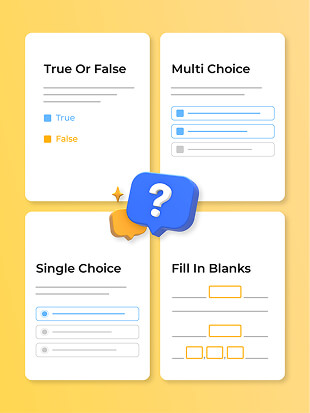
Diverse Question Types
Multiple choice, Single choice, Fill in the blanks, True/False, Sorting Choice, and more.
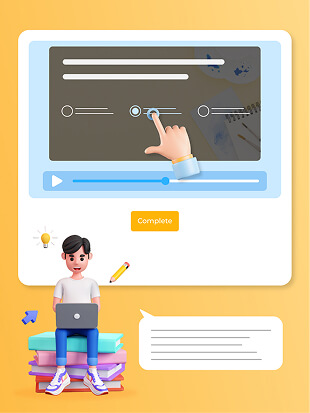
INTEGRATION Interactive Video Quizzes
Create engaging quizzes directly within the video, enhancing interaction and learning.
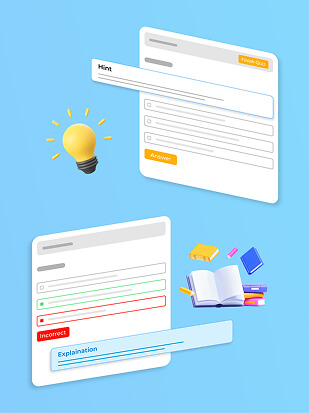
Hint & Explanation
Help struggling students by offering optional hints or explanations to guide them toward the correct answer.
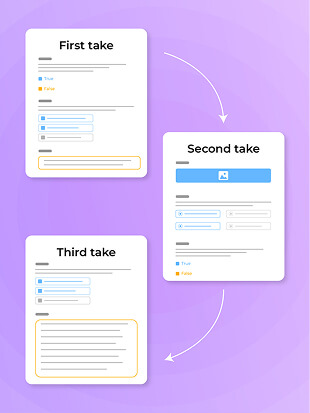
Random Quiz
Prevent cheating with this LearnPress functionality that shuffles questions and answers for each attempt.
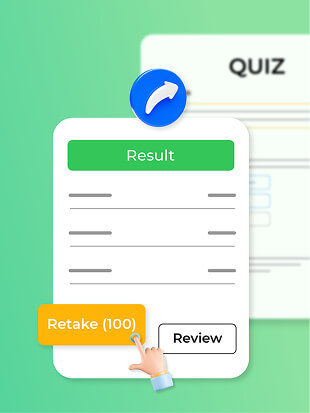
Quiz Attempts
Let students retake quizzes with or without limitations to reinforce learning.
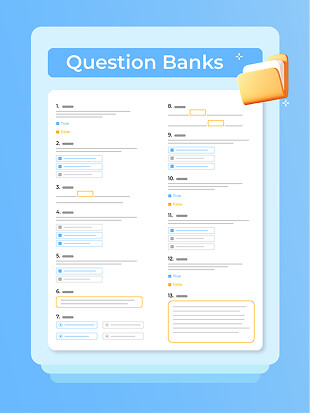
Question Banks
Save and categorize quiz questions for reuse in different courses, making test creation faster and more efficient.
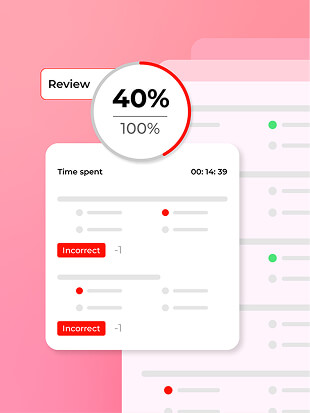
Negative Marking
Penalize incorrect answers to encourage accuracy and discourage guessing.
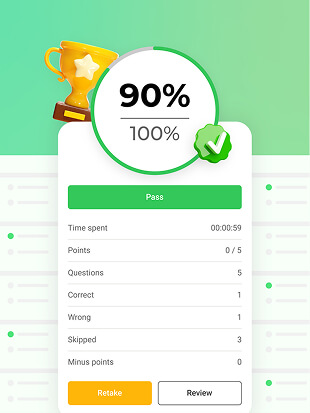
Passing Grade
Set minimum score thresholds that students must meet to complete the course.
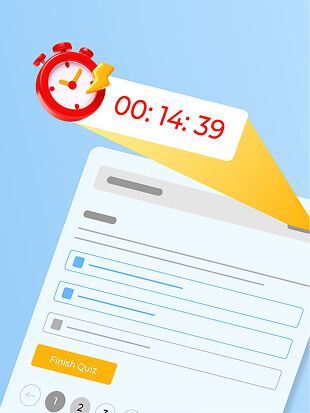
Time Countdown
Add pressure by setting a time limit for quizzes, enhancing focus and decision-making skills.
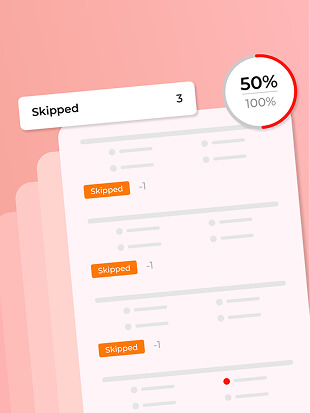
Minus for Skip
Deduct points if students skip questions to encourage them to attempt everything.
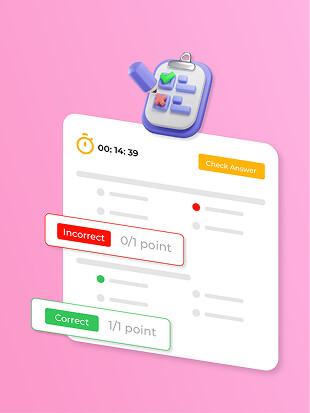
Instant Marking
Students get immediate results and can learn from mistakes on the spot.
Assignments
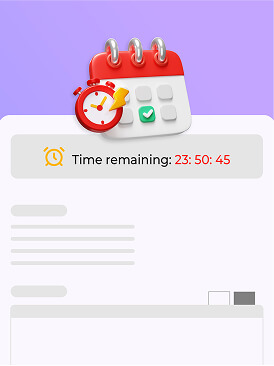
Time Countdown
Set deadlines and automatically lock submissions after the due date.
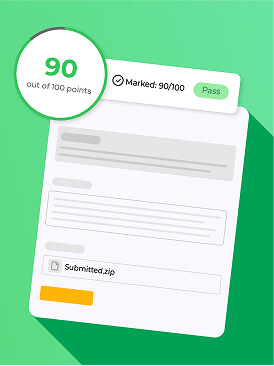
Passing Grade
Require students to meet a minimum score before moving forward in the course.
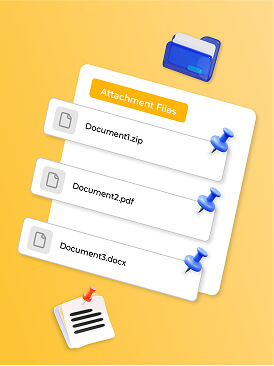
Attachments
Allow students to submit documents, presentations, or images as part of their assignments.
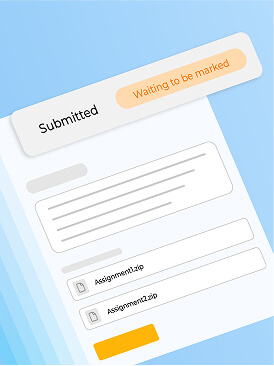
Marking Status
Easily track which assignments are graded and which need attention (for students and instructors).
Monetize Course – Different Selling Strategy
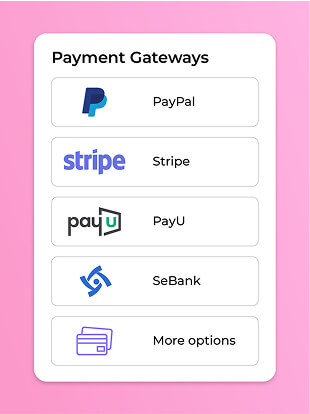
Payment Gateways
Accept payments through various global and local gateways (PayPal, Stripe, etc.).
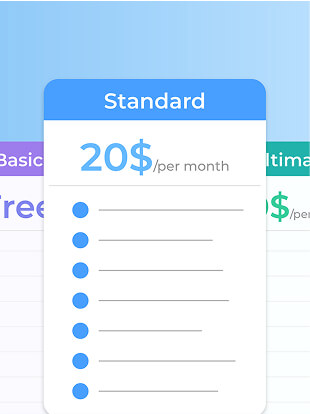
Subscription-based
Offer monthly or yearly membership plans for recurring revenue.
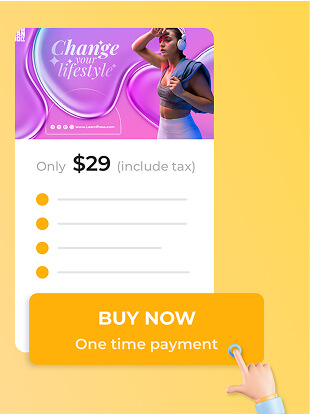
One Time Payment
Sell courses as standalone purchases for a one-time fee.
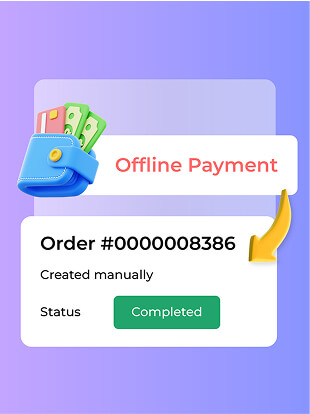
Offline Payment
Enable manual order creation for payments made outside the platform (e.g., bank transfer).
Pre-sell a Course
Start selling access before your course is fully ready, generating interest and early revenue.

Upsell with Bundles
Increase sales by offering discounted course bundles, giving learners more value for less.
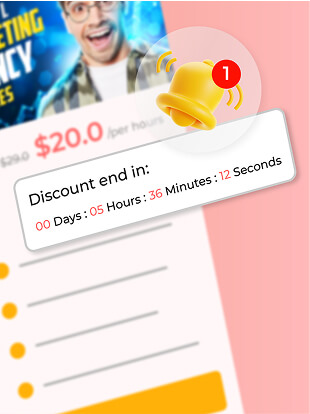
Discount Offers
Run promotions per course to boost enrollments and attract more students. A flexible LearnPress feature.

Coupons
Generate unique discount codes for special deals or giveaways.
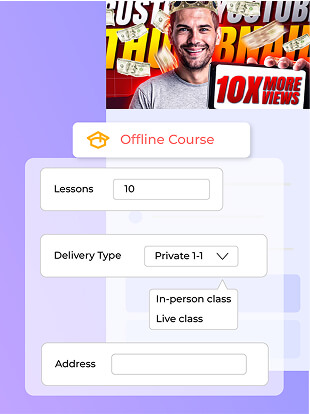
Sell In-person Courses
Allow students to register and pay for in-person workshops or training sessions.
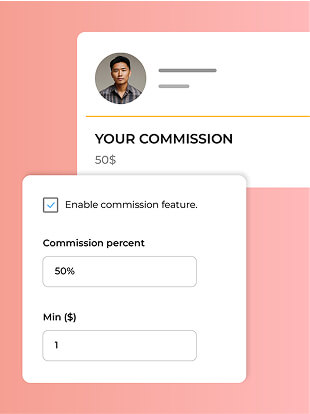
Commission
Define instructor revenue-sharing structures easily. Essential LearnPress functionality for multi-instructor sites.
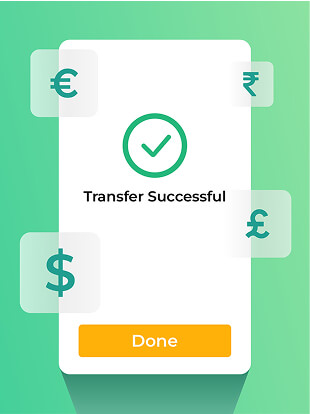
Multi-Currency Support
Let students pay in their local currency, reducing barriers to global enrollment.
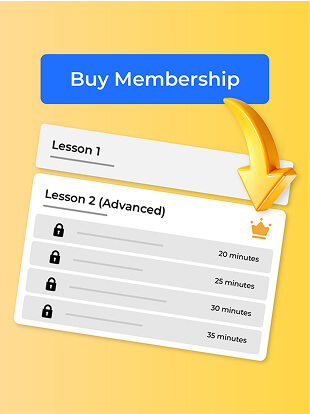
INTEGRATION Membership
Offer exclusive course access via membership levels, unlocking premium content (Requires compatible membership plugin).
Manage course – Take Full control
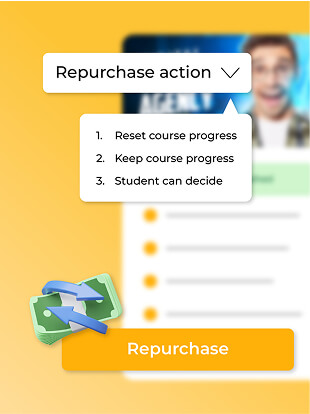
Repurchase Option
Let students rebuy a course for refresher training.
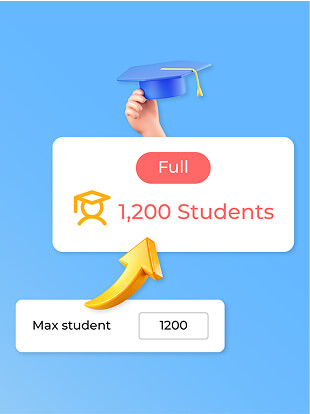
Course Capacity
Set class size limits to ensure quality learning and better student engagement.
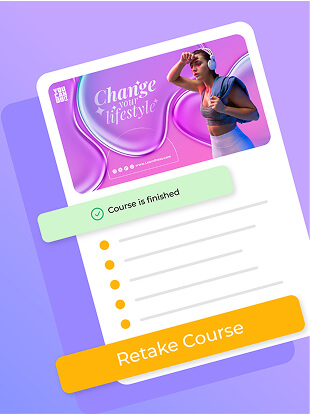
Re-take Course
Allow students to repeat the entire course to strengthen understanding.
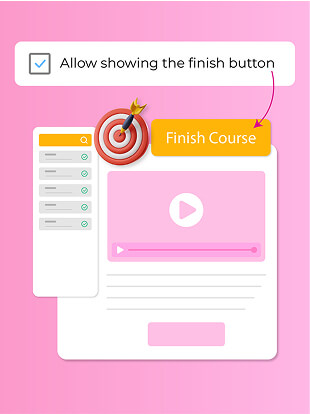
Finish Button
Add a clear “Finish Course” button to mark progress officially when student is ready.
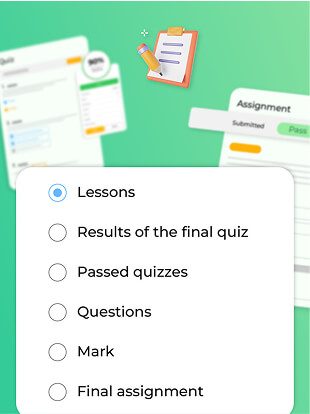
Evaluation Methods
Choose from grading styles like percentage-based, or custom assessments.
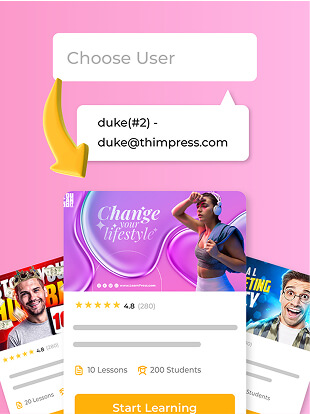
Assign course to students
Manually enroll students if needed, perfect for internal training programs.

User Progress Tracking
Monitor individual student progress through courses in real-time. A key LearnPress capability.
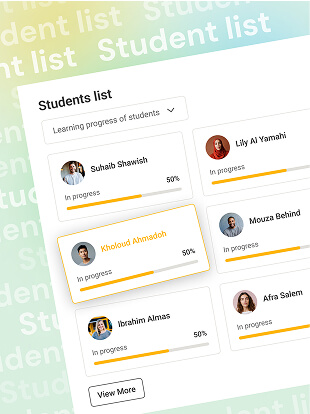
Student List
Track who is enrolled, their progress, and performance insights.
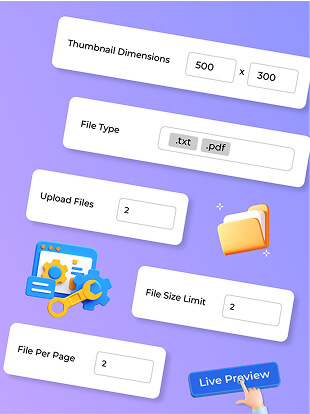
Media Settings
Control resolution options and download permissions.
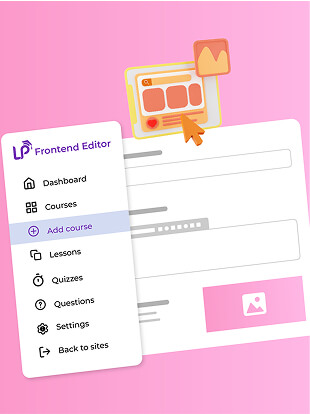
Frontend Editor
Instructors can create and edit courses directly from the website, no backend access needed.
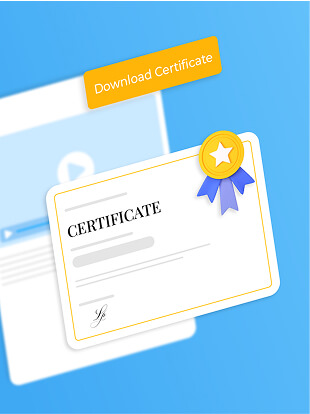
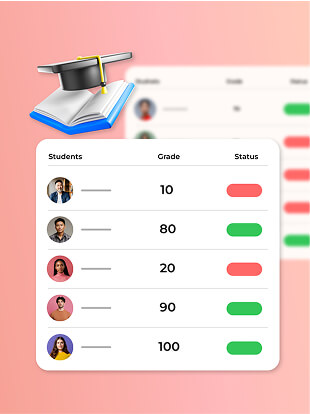
Gradebook
Automatically track student grades and performance analytics.
Certificates
Issue official course completion certificates customized with student names and designs.
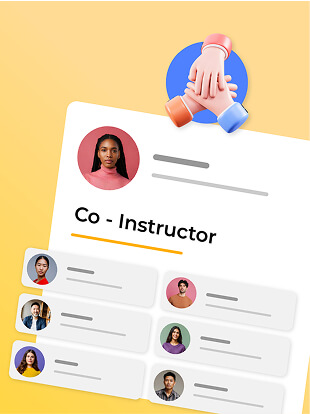
Co-instructors
Allow multiple teachers to collaborate on a course.
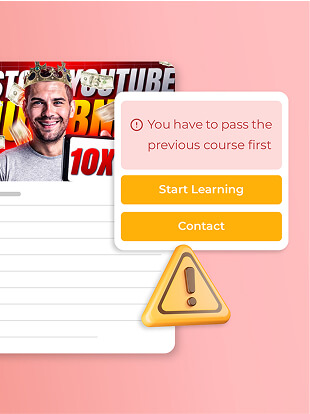
Prerequisite Courses
Require students to complete specific courses before unlocking advanced topics.
Announcements
Send course updates or important messages to all enrolled students.
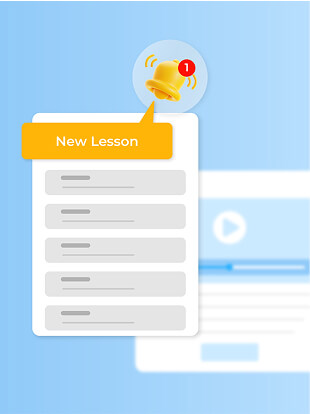
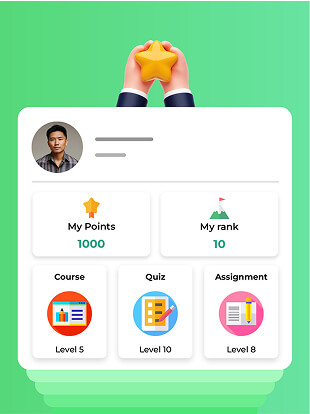
INTEGRATION Loyalty Points & Rewards
Encourage engagement by rewarding students for completing courses or achieving milestones.
Marketing Course – Increase Engagement and Create Community
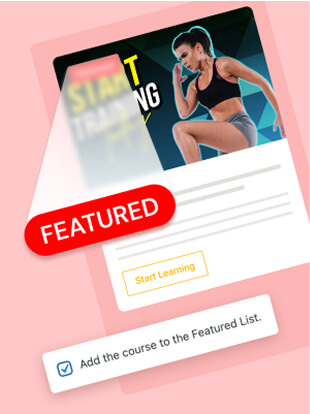
Featured List
Promote top courses on your homepage for better visibility.
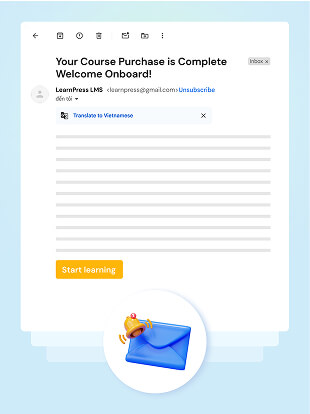
Email Notification
Automatically confirm about orders and remind students about upcoming lessons, assignments, or quizzes. These are core LearnPress features.
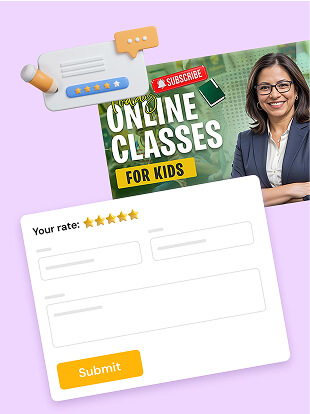
Rating & Reviews
Automatically confirm about orders and remind students about upcoming lessons, assignments, or quizzes.
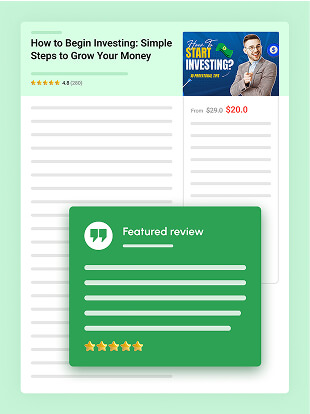
Featured Review
Show most impressive review about your course to attract more students.
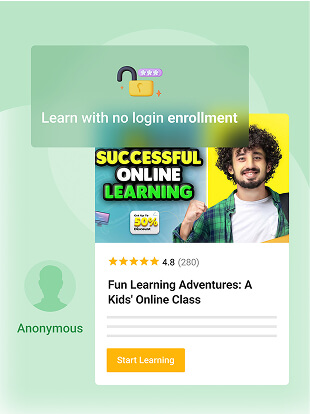
No Enrollment Requirement
Let users access free content without signing up.
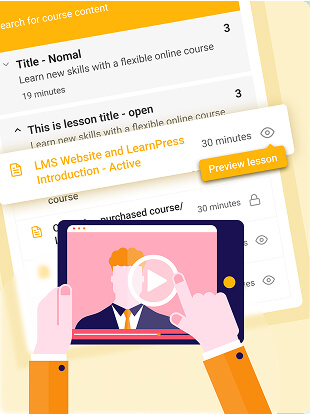
Preview Lesson
Offer free lessons so potential students can experience your teaching style before purchasing.
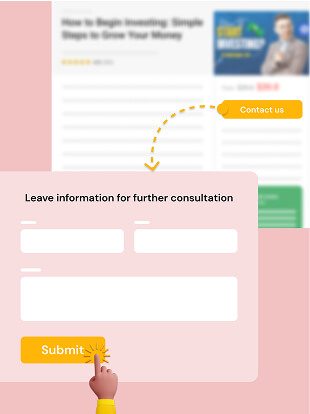
CTA Button to External Link
Link directly to external resources, partners, or other offers for flexibility.
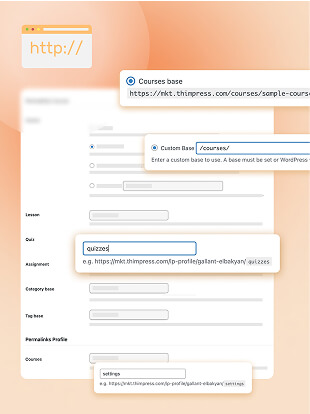
Custom Permalinks
Improve SEO and branding with personalized course URLs.
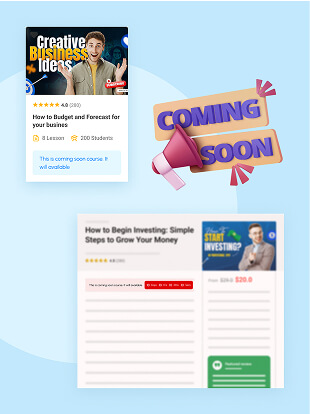
Coming Soon Mode
Tease upcoming courses before launch to generate buzz.
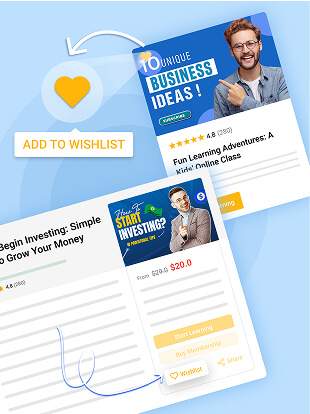
Wishlist
Enable students to save courses they plan to purchase later.
