 Library


🌟 Hand-picked 1,509 sref codes, 6,036 prompts and art Guide to spark your creativity!
Find the best Style Reference Code with Prompts and Video Examples. Updated daily.
💡Top Month
💎 Top Week
🔥 Top Day
Anime
Photography
Surrealistic
Coloring book
Comic book
Illustration
Cartoon
Manga art
3D
2D
Oil painting
Ink and watercolor
Sticker
Pixel
Studio Ghibli
Disney
Cute
Dark fantasy
Flat vector
Golden
Pink
Green
Purple
Orange
Red
Blue
Black
Vector
Cyberpunk
Vintage
Christmas
Halloween
Yellow
Fashion
Film
Line art
Minimalism
Children's book
Eastern aesthetics
Sci-fi
Poster design
Gradient
Jewelry design
Ukiyo-e
Pop
Neon
niji 6 / niji 7


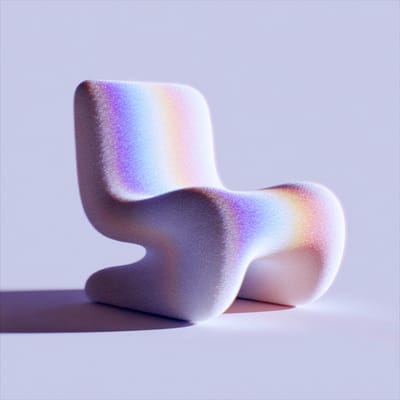


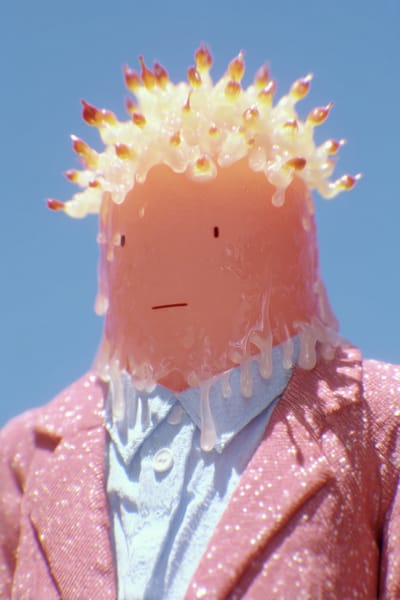
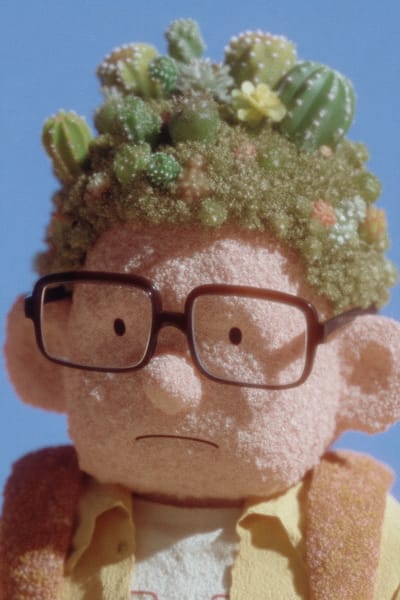
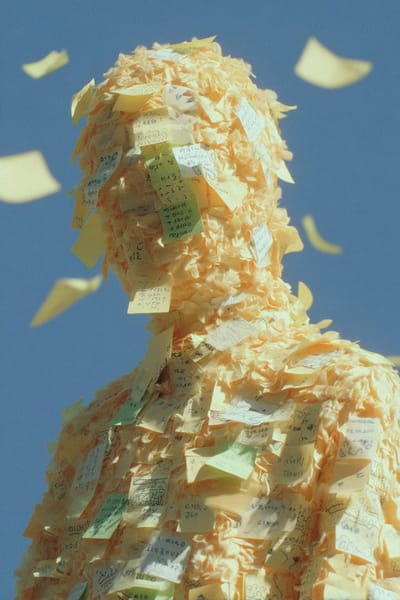
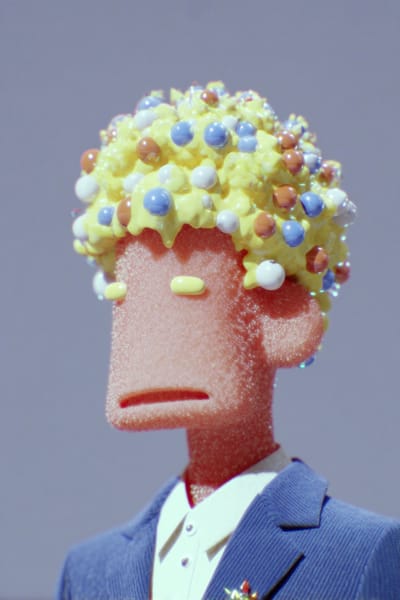


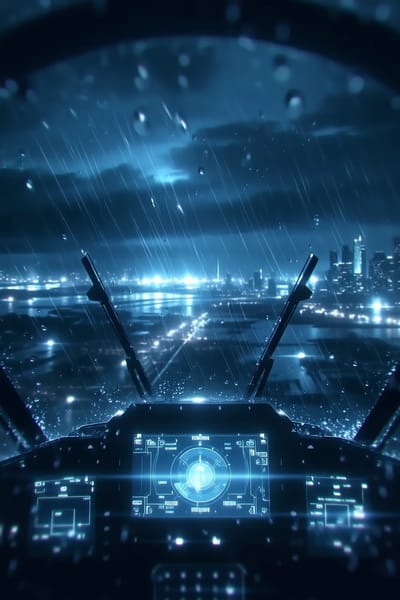


Trending Sref and Prompts
Top 6 Most Popular Prompts with Style Reference Codes and Video Showcases Recently.


Exclusive Prompts with Sref Combinations
Discover your favorite Sref Combinations and Video Examples with Prompts, Make Your Art Style Unique


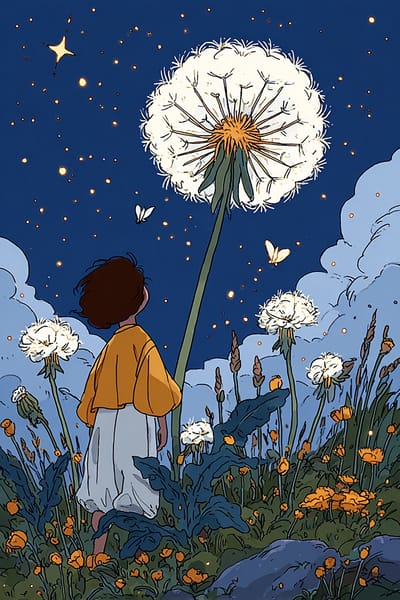


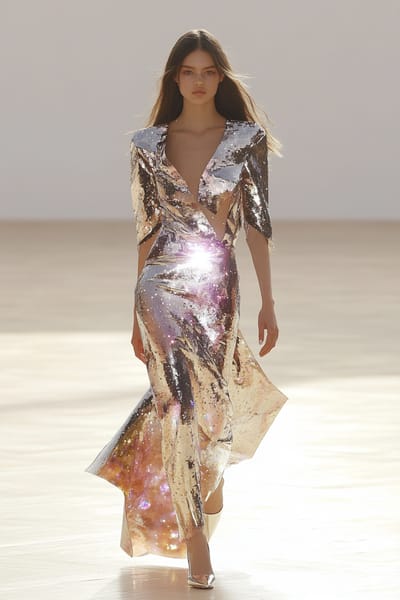

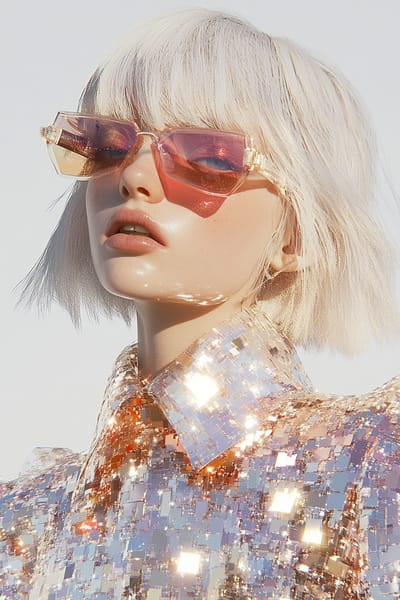
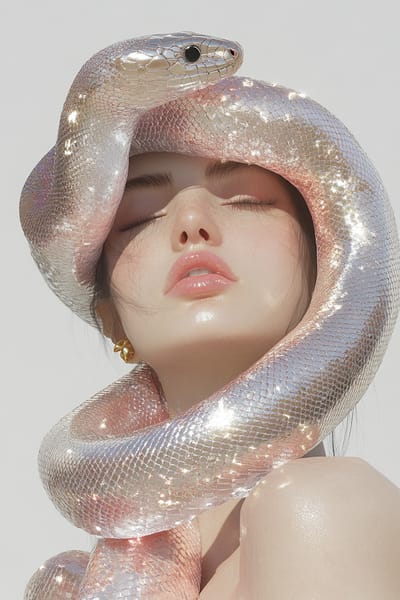


Free Prompt and Latest Community Works
Discover the latest creations from our community members
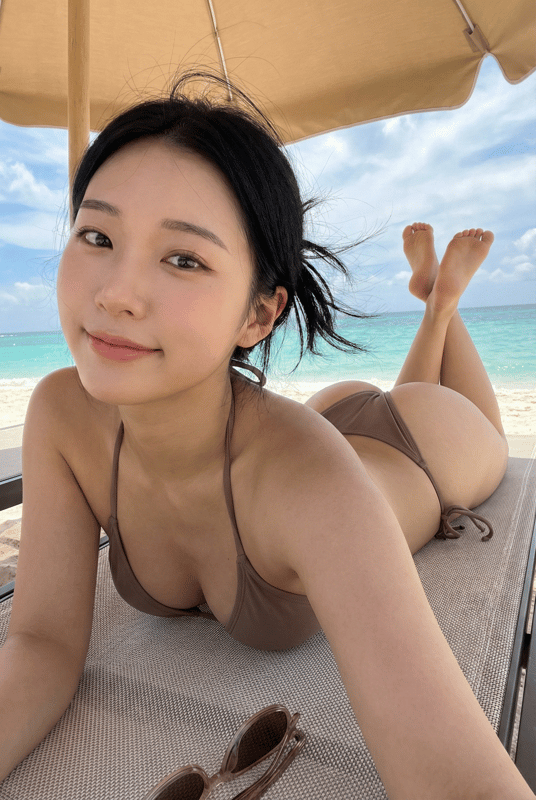

xie underwood
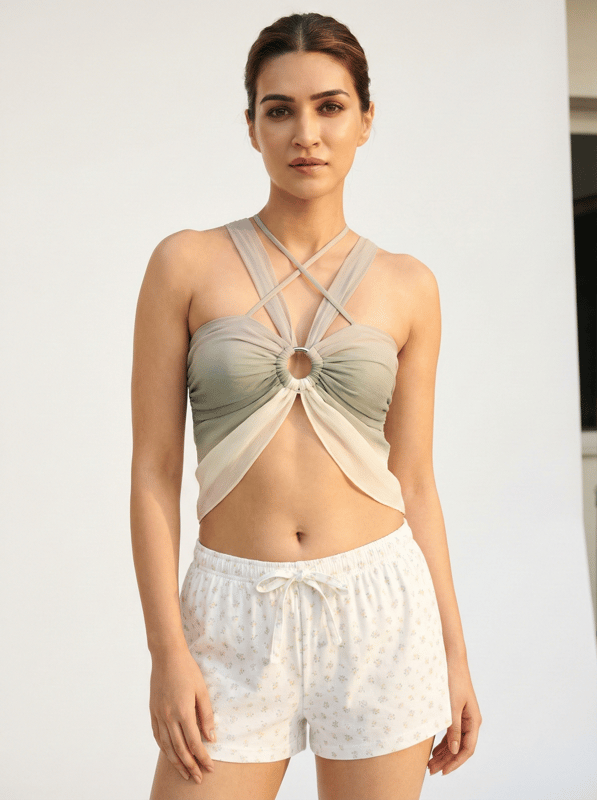

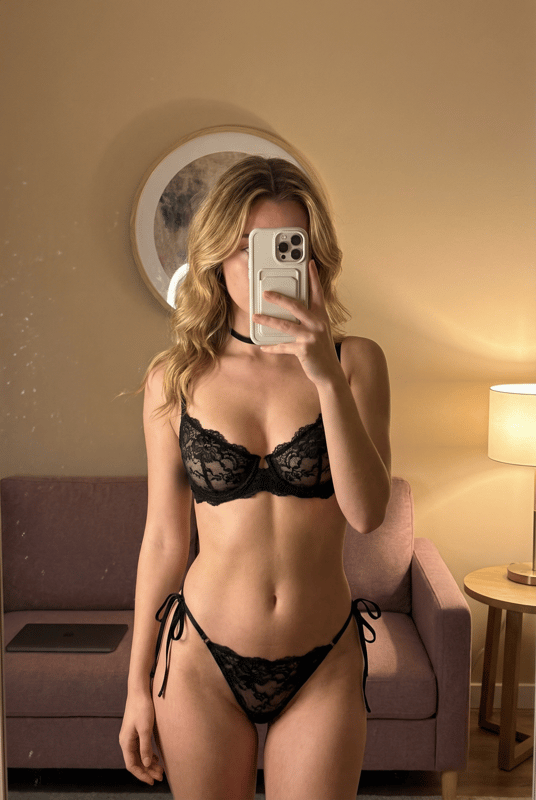
xie underwood
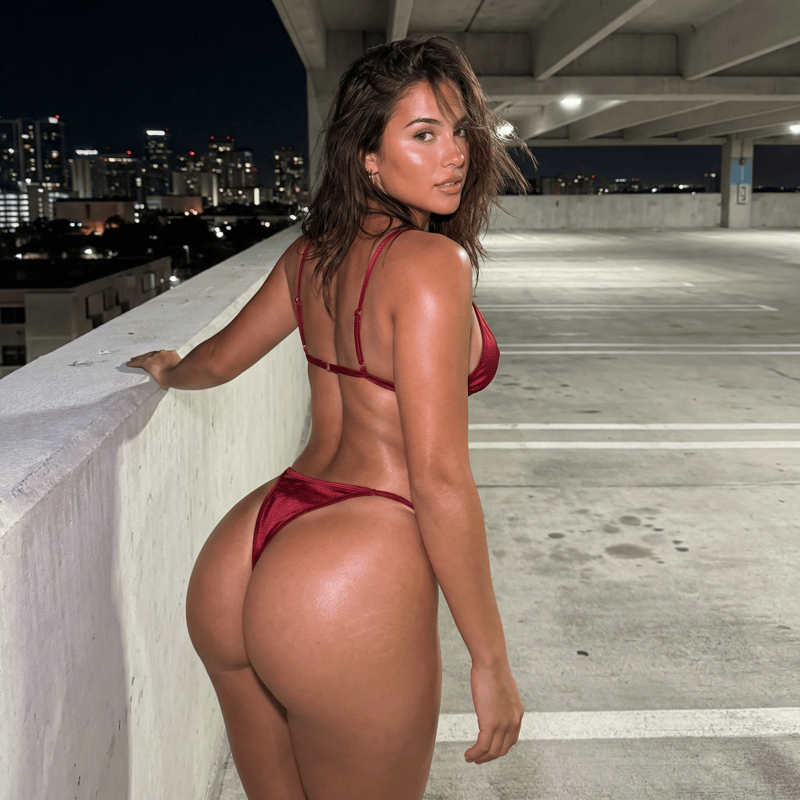

Kevin B
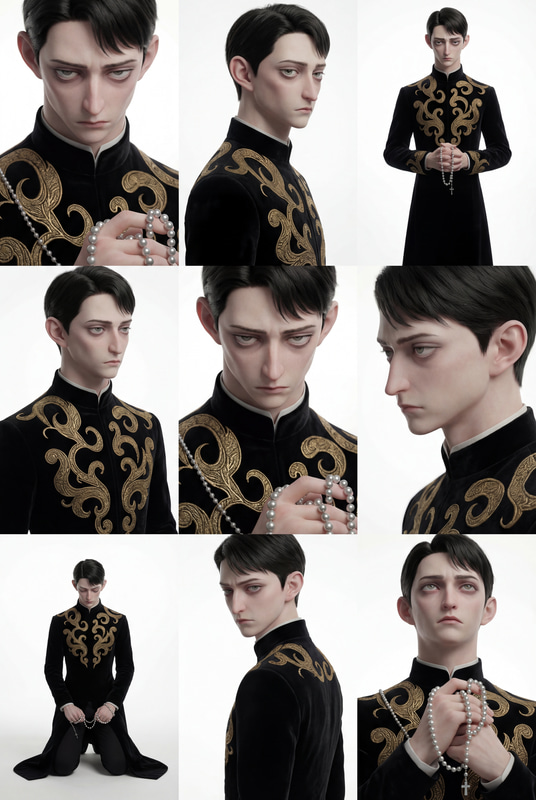
xie underwood
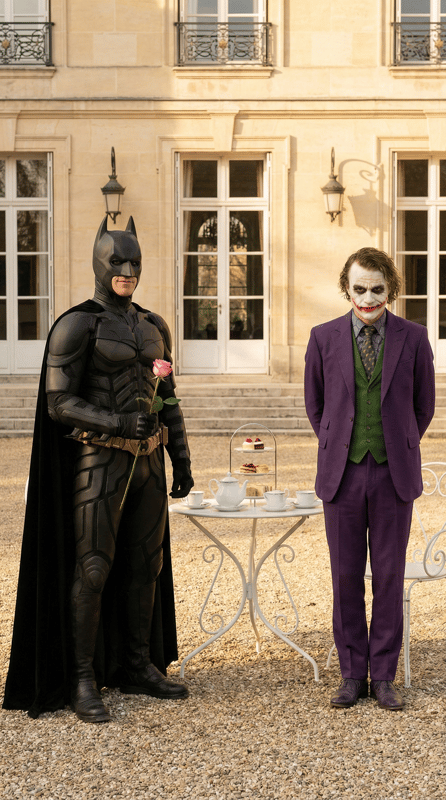
xie underwood
Explore AI Tools & Community Gallery
Jump into the full toolbox, see how creators build, and browse every community piece in one place.
Become a Premium User
All style reference Code Combinations, Prompts and Video Examples Just for You
With our crafted prompts, you can perfectly replicate the style of those SREF codes
Annual Subscription
Simple pricing. All features included.
50% off billed annually
- Exclusive SREF code combination with Prompts and Examples
- Access to all 5900+ prompts on the website
- Daily updates with new SREF codes
- Exclusive member badge 👑
- Cancel anytime
- 400 credits/year renewal bonus for AI image and video generation 🎁
Lifetime Access
One-time payment, yours forever
One-time payment, no subscription
- Exclusive SREF code combination with Prompts and Examples
- Access to all 5900+ prompts on the website
- Daily updates with new SREF codes
- Exclusive member badge 👑
- One-time payment, No subscription
- 1000 credits (one-time bonus) for AI image and video generation 🎁


 999+
999+1200+ artists became members 👑
This website stands out as one of the pioneering libraries I discovered in my AI art journey. What truly sets it apart is its comprehensive offering: not just unique style codes, but also intricate blends and full prompts. The inclusion of complete prompts is particularly valuable, as it's an artistic choice that many creators hesitate to share openly.
Felix Koutchinski
2.4K followers on X
As a beginner in MidJourney, I struggled to create the style of images I envisioned and felt lost with keyword usage. This led me to create this website for sref codes and examples with prompts, aimed at helping newcomers easily generate high-quality images and find joy in their creative process.
underwood
10K followers on X
There are many Midjourney Sref galleries online, but Midjourneysref. com, is my go-to resource. If you're looking for a comprehensive collection of Midjourney Srefs, this is the only website you need.
𝐙𝐞𝐧𝐠 💜
4.6K followers on X
Unlock powerful style arsenal with one click
Save time, save effort, and still get professional results.
You don't need every SREF code. You only need the best ones.
We handpick and update the most effective SREF codes daily—so you don't have to sift through endless noise.
Complete prompts. What you see is what you get.
Replicate any style in seconds—images or multi‑frame videos—staying consistent and professional without endless tweaking.
Exclusive style combinations that make you stand out.
Member‑only combos designed to spark inspiration and give your work a recognizable, differentiated edge.
Your Creative Edge Begins with Premium
Without Premium
- ✕Search across different websites and social media for new sref codes
- ✕Suboptimal results with sref codes, as complete prompts are rarely shared
- ✕No style-based categorization
- ✕Manual collection and organization required
- ✕Limited access to video style previews
With Premium
- ✓Daily updates with latest and most popular sref codes
- ✓Access complete prompts for perfect results. You can perfectly replicate the style of SREF code
- ✓Browse by style categories
- ✓Pre-organized collection - just save your favorites
- ✓Discover the ranking of users' favorite sref codes.
- ✓Use them for video creation with our video style previews available.
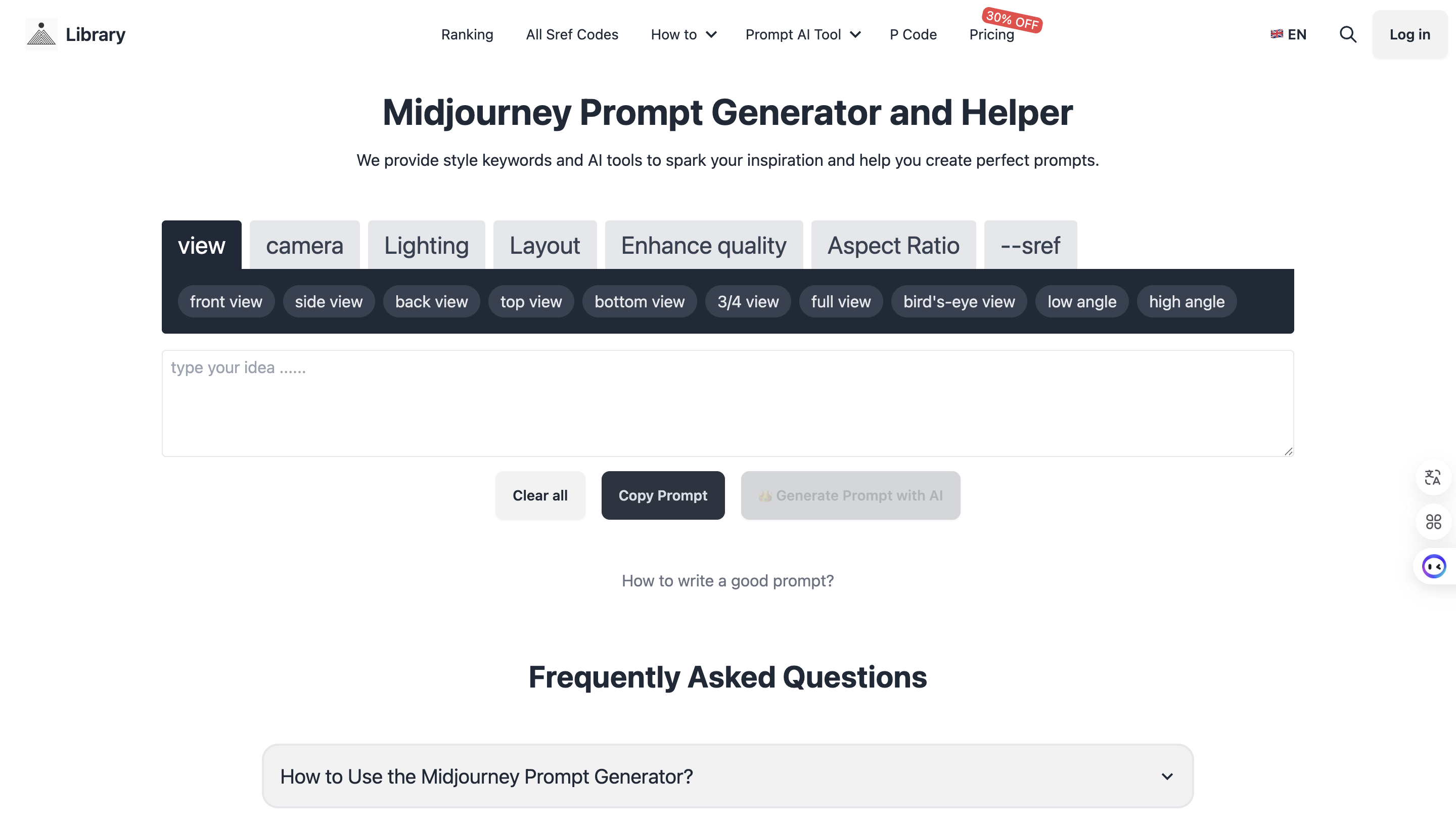
Free Midjourney Prompt Generator & Tools
Master Midjourney Prompt Structure with our AI-powered Builder and Image-to-Text converter.
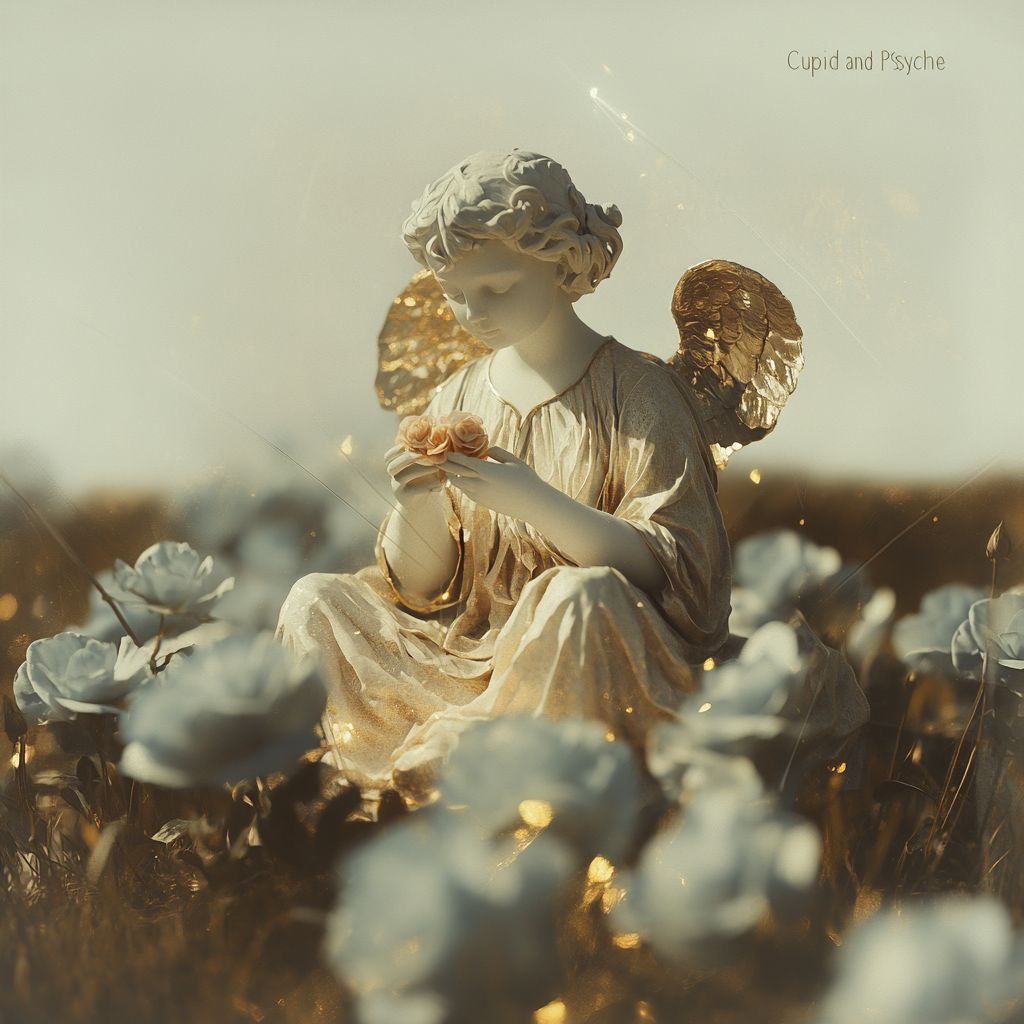
Free AI Prompts & Visual Art Style Guides
Explore our curated library of free prompts for Midjourney, Gemini, and more. Master aesthetics with our in-depth style tutorials.


Frequently Asked Questions
What is a Midjourney Prompt?
A Midjourney prompt is the text or phrase you use to tell the AI image generator what you want it to create. In essence, it is the command sent to Midjourney to generate visual art. However, a modern prompt is more than just a text description. In the latest versions (V6 and V7), a perfect prompt follows a specific structure: Subject + Environment + Lighting + Parameters (like --sref codes or --ar aspect ratio). This structured approach, combining descriptive text with technical parameters, is key to generating high-quality results.
What is a Midjourney style reference (SREF) Code?
A Midjourney sref Code (style reference) is a specific parameter used on the Midjourney platform to generate unique and consistent styles of images. Each sref code corresponds to a particular effect, making it a powerful tool for artists and creators looking to achieve specific visual outcomes. Simply add an sref code to your prompt to apply a preset style to your new image. Since Midjourney introduced its unique digital styles, Midjourney style reference (sref) Codes have quickly become a hot trend in the AI art community. Creators eagerly share their favorite code effects on social platforms like Twitter and Reddit, driving a captivating wave of creativity. These Midjourney style reference (sref) Codes act like magical numbers that, when combined with prompts, guide Midjourney to imbue your images with specific styles or aesthetics. With these codes, you can effortlessly create cohesive illustrations without the need for lengthy and complex prompts. On this website, we've carefully curated over 2000+ prompts, 500+ style reference (sref) Codes, and examples that we believe you'll love. These prompts and codes encompass a wide range of styles, from whimsical and playful to mysterious and bizarre. Whether you're crafting illustrations for children's books, fantasy novels, or just for fun, we're confident you'll find the perfect codes and prompts to meet your needs here.
Which versions support Style Reference code?
Style Reference code is compatible with Midjourney versions 6, 7, and Niji 6 & 7.
How to Create new sref code?
Log in at midjourney.com, click the Style Builder button on the left rail, and open the builder workspace. Enter a foundational prompt, run it to get your first image grid, and use that grid to kick off the training loop. Across multiple rounds, keep selecting only the images that genuinely match your taste so Midjourney can lock onto your preferences. Once the training loop finishes, Midjourney outputs a style profile that includes both a --style code and a --sref code; append that code to any future prompt whenever you want to reuse the same look.
How do I use Midjourney SREF Codes in my prompts?
Using an SREF code is simple. Type your text prompt as usual, and add the parameter --sref followed by the code number at the end. For example: /imagine prompt: a cute cat sitting on a roof --sref 19961010 --v 6. This tells Midjourney to draw the cat using the specific art style associated with code 19961010.
What is the difference between '--sref' (URL) and 'Sref Codes'?
Both commands control style, but they work differently. --sref [Image URL] allows you to use any image from the internet as a style reference. The AI analyzes that image and mimics its vibe. Sref Codes (e.g., --sref 12345) are built-in, random presets hidden within Midjourney's algorithm. Codes are easier to share and reproduce, while URLs offer infinite custom possibilities. Our website provides a library of the best Sref Codes so you don't have to hunt for them randomly.
Why should I use Midjourney style reference Code?
Using Midjourney style reference (sref) Codes in your prompt is beneficial for both beginners and professional creators. For beginners, these codes offer an easy way to generate images with specific styles. For professionals, sref codes provide advanced control over visual outcomes, allowing for more precise and tailored creations.Combined with well-crafted prompts, these codes can produce even more impressive and specific results.
Can I mark and save my favorite Midjourney style reference Codes?
Yes, on our website, you can mark and save your favorite Midjourney style reference (sref) Codes. This feature allows you to easily revisit and reuse the codes that work best for your projects, streamlining your creative process and making it convenient for future use.
What makes our website different from others?
your ultimate resource for exploring and discovering the best style reference and sref codes for Midjourney. Our website offers:
- Curated Selection: We meticulously select and curate only the Midjourney style reference codes and prompts that generate visually appealing and high-quality images and videos in Midjourney. Not all codes make the cut, we ensure only the best are included to simplify your creative process
- Prompts and Illustrative Examples: For each Midjourney style reference and sref code, we provide examples, complete prompts, and even Midjourney video examples to help you understand how to effectively use them. This makes it easier for you to visualize the potential of each code and apply it to your projects
- Categorized for Ease: To enhance your search experience, we categorize Midjourney style reference and sref codes, making it simpler to find the styles you love and the effects you want to achieve
- Easy Marking: If you find a Midjourney style reference and sref code you like, you can easily mark it for future use, making it convenient to revisit your favorite styles
- A dedicated community: For more discussion or to provide feedback, feel free to join our Reddit community.
Can I extract sref codes from images?
It is not possible to directly extract Midjourney's sref code from an image. However, you can obtain a random sref code by using the command --sref random.For information on how to use sref random, you can refer to this article: Mastering Midjourney's --sref random: A Guide to Finding Unique style and sref code in AI Art Styles
How to write effective Midjourney prompts?
An effective Midjourney prompt consists of several key components that help guide the AI to generate your desired image:
- Subject: Clearly define what you want in the image (characters, objects, scenes)
- Background/Scene: Specify the setting or environment
- Style: Indicate artistic styles like "watercolor", "oil painting", or "cyberpunk"
- Mood/Atmosphere: Use descriptive words like "mysterious", "bright", "surreal" to set the tone
- Technical Parameters: Include relevant parameters like --sref for style reference, --ar for aspect ratio. Start with simple prompts and gradually add more details and parameters to refine your results. For example: Basic prompt: "A banana floating in air --v 6.1". Enhanced prompt: "Banana shaped hologram of molten liquid metal, floating in air, isolated on a lilac background, minimalist design, vector illustration, high resolution photography --sref 4262062604 --v 6.1".
Unlock All Premium Features
- ✨ Access to all 4000+ prompts on the website
- 📝 Daily updates with new SREF codes
- 🔧 Exclusive member badge 👑
- 💰 Cancel anytime - No lock-in
Save 50% • Billed annually at $42/year
Join the ranks of other 1000+ creators
