
LightsOut
Flashlight Timer for iPhone. Set it. Forget it. Lights out.
iOS 17.0+ · iPhone Only · No Ads · No Subscription


Stop draining your battery while you sleep
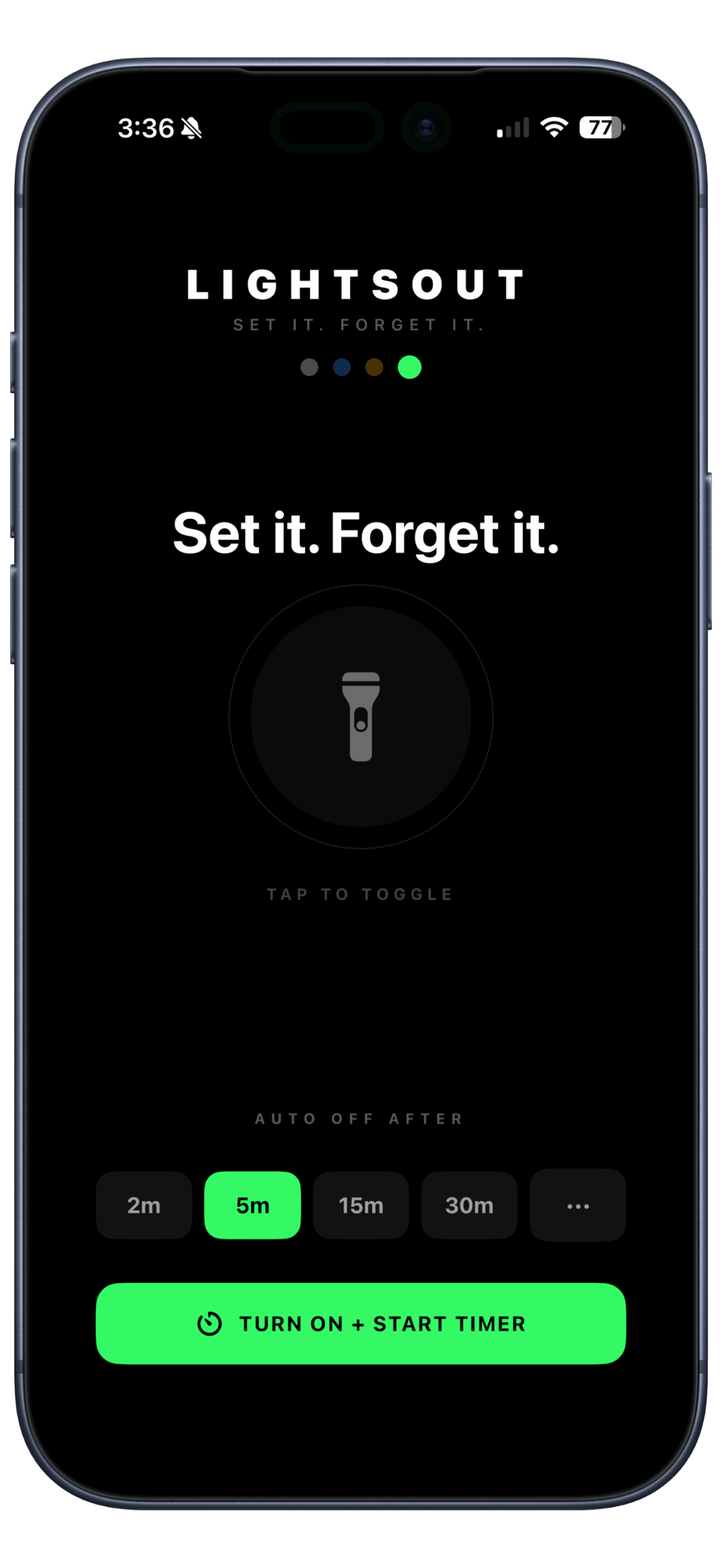
Your iPhone flashlight has no timer. LightsOut fixes that — set it for 2, 5, 15, or 30 minutes (or anywhere up to 2 hours), and it shuts off automatically.
⛺ Camping
Read in your tent without worrying about a dead battery in the morning.
🌙 Bedtime
Wind down with a book. LightsOut turns off when you fall asleep.
⚡ Power outage
Navigate the dark without leaving your flashlight blazing all night.
🔦 Any time
Whenever you need light for a set time and don’t want to think about it.
Everything you need. Nothing you don’t.
One-time purchase. Every feature included.
Preset + custom timers
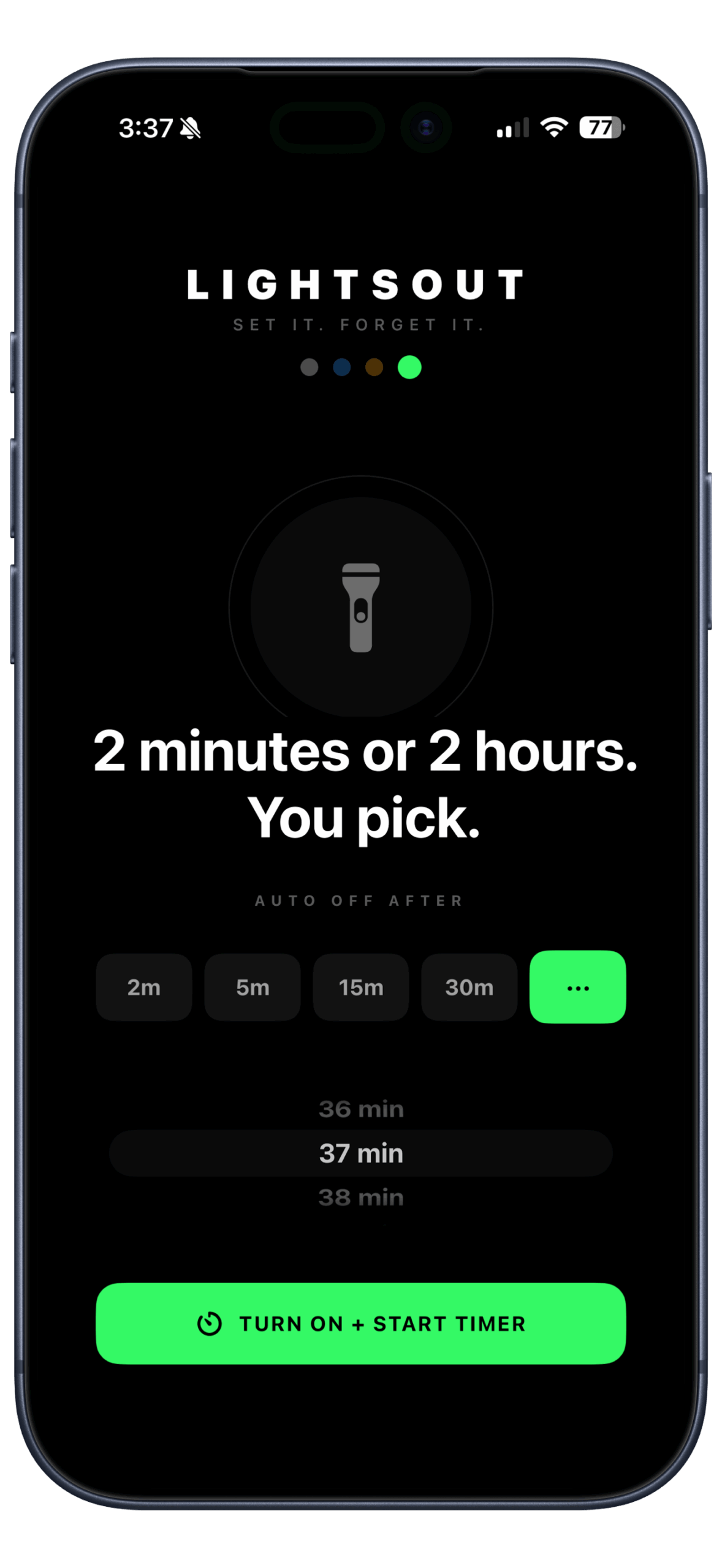
Quick-tap 2, 5, 15, or 30 minutes — or dial in any time from 1 to 120 minutes.
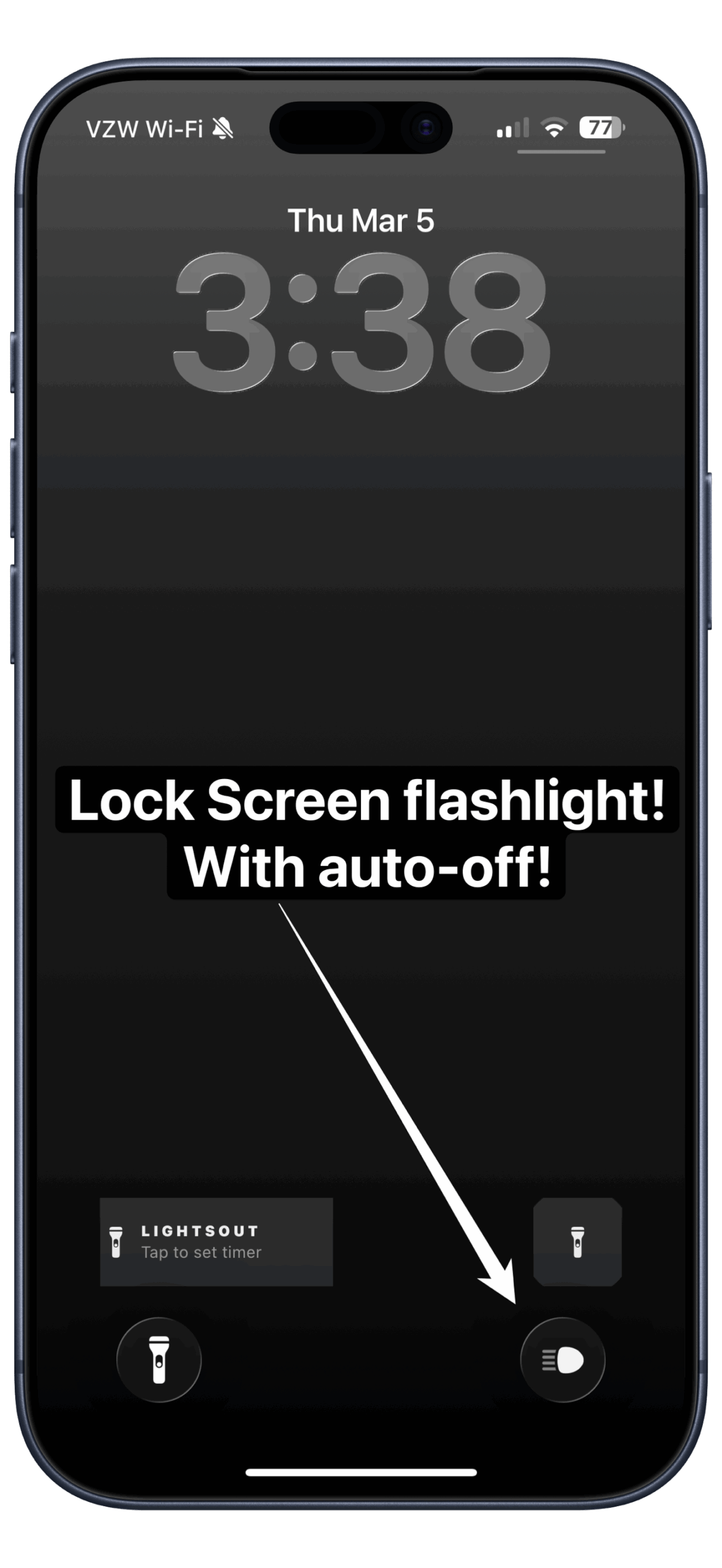
Lock screen widget
See your remaining timer without unlocking your phone.
Home screen widget
One tap to launch from your home screen. Timer status always visible.
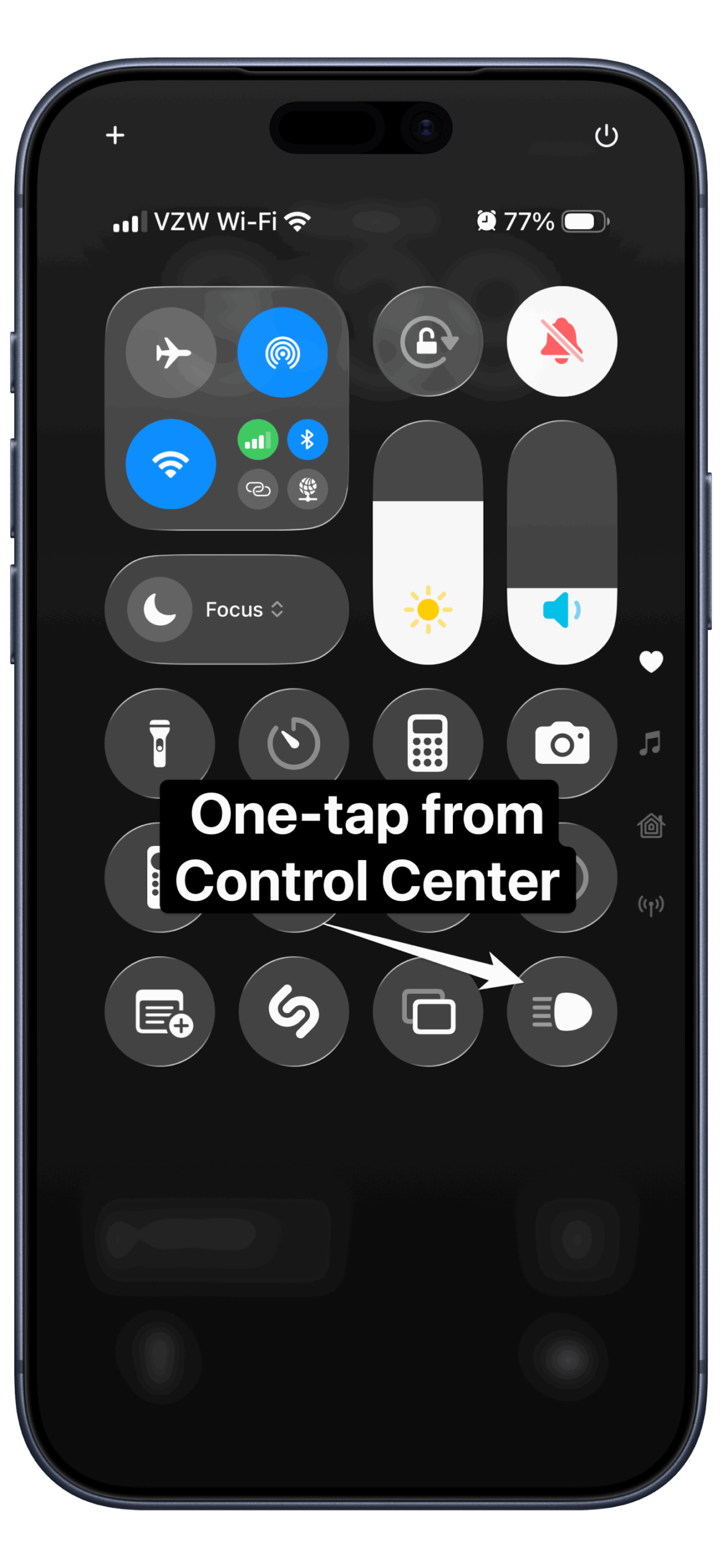
Control Center access
Replace your stock flashlight toggle with LightsOut. Requires iOS 18+.
Siri + Shortcuts
“Start LightsOut timer for 15 minutes.” Fully integrated with Apple Shortcuts.
Pause & resume
Swipe away mid-timer? LightsOut saves your time and picks up right where you left off.
Color themes
Four themes — Mono, Blue, Amber, and Green. Match your vibe.
No ads. No subscription.
$1.99 once. That’s it. Yours forever.
See it in action
Questions
Why does LightsOut need camera access?
The iPhone flashlight is technically part of the camera hardware. LightsOut uses Apple’s camera framework exclusively to control the flashlight. It does not access your camera, capture photos or video, or store anything.
Will the flashlight stay on if I lock my phone?
iOS doesn’t allow third-party apps to keep the flashlight active after the screen locks. LightsOut keeps your screen on during the timer, which keeps the torch running. If you manually lock your phone, the flashlight will turn off.
What if I swipe away the app mid-timer?
LightsOut will pause your timer and turn off the flashlight automatically. When you reopen the app, you’ll see a Resume prompt with your remaining time ready to go.
Does the Control Center control require a newer iPhone?
The Control Center integration requires iOS 18 or later. The rest of the app — timers, widgets, Siri — works on iOS 17 and up.
Is there a subscription or in-app purchase?
Nope. $1.99 once. No ads, no subscription, no upsells. Every feature is included.
Set it. Forget it. Lights out.
Your flashlight deserves a bedtime too.
