Your first draft, fast
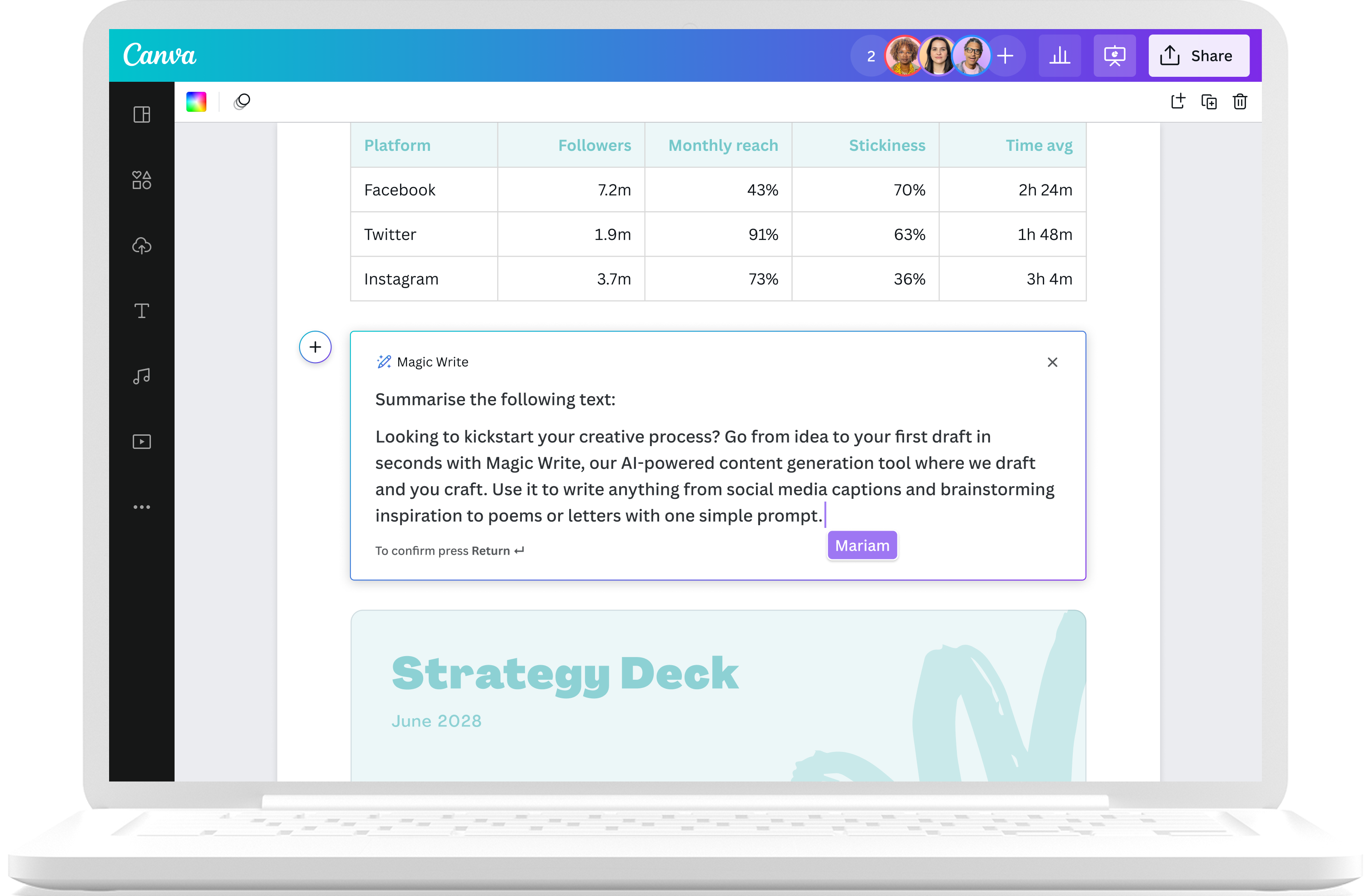
Looking for some words of inspiration to kickstart your creative process? Magic Write, powered by OpenAI, is your very own AI text generator to help you get out a first draft, fast. Simply start with a prompt and watch as copy, blog outlines, lists, bio captions, content ideas, brainstorms, and more appear in seconds.
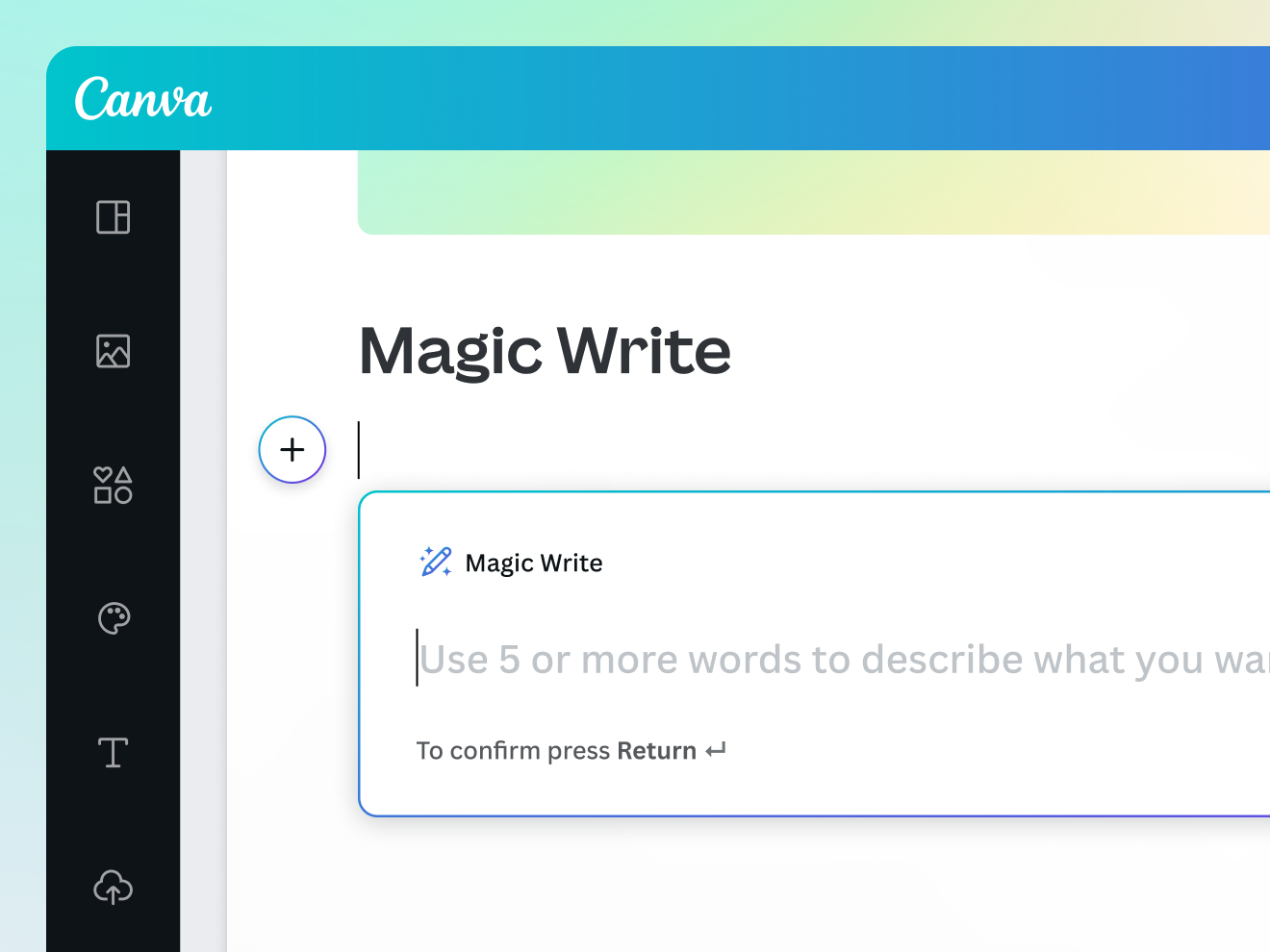
Introducing Magic Write
Go from idea to your first draft in seconds with Magic Write, our content generation tool powered by OpenAI. Use it to write anything from social media captions and profile bios to brainstorming and seeking inspiration for poems or letters with one simple prompt. Magic Write is available across all Canva designs for 25 free queries. Access additional queries with Canva Pro.
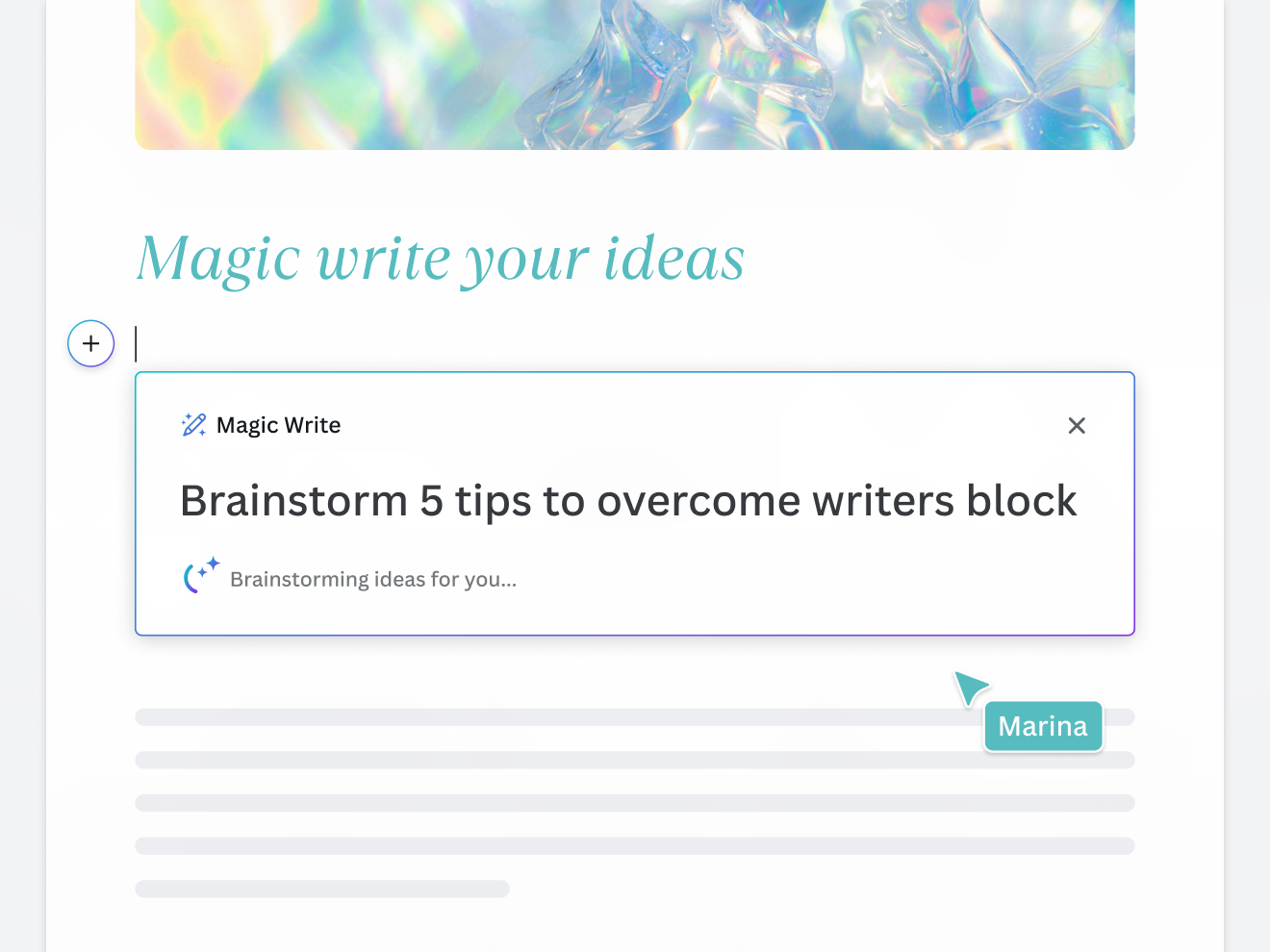
Save time with fast and easy content generation

Unblock your writer’s block
Struggling to get your thoughts onto the page? Magic Write™ is designed to turn a few keywords into quality content—whether it’s a cover letter, a greeting card, a blog, or anything in between.

Brainstorm your big ideas
Whether you need to increase your output at work or you’re looking for some personal inspiration, you’ll never be short of an idea again with Magic Write™ and Canva's AI tools. Use it to list new ideas on a topic or outline topics for your blog.

Your draft to craft
Find the perfect words to add to any doc or design. In seconds, we’ll magically transform your idea into text, ready to tweak, make your own, or collaborate on. Magic Write™ can also refine and revise your work in a click.
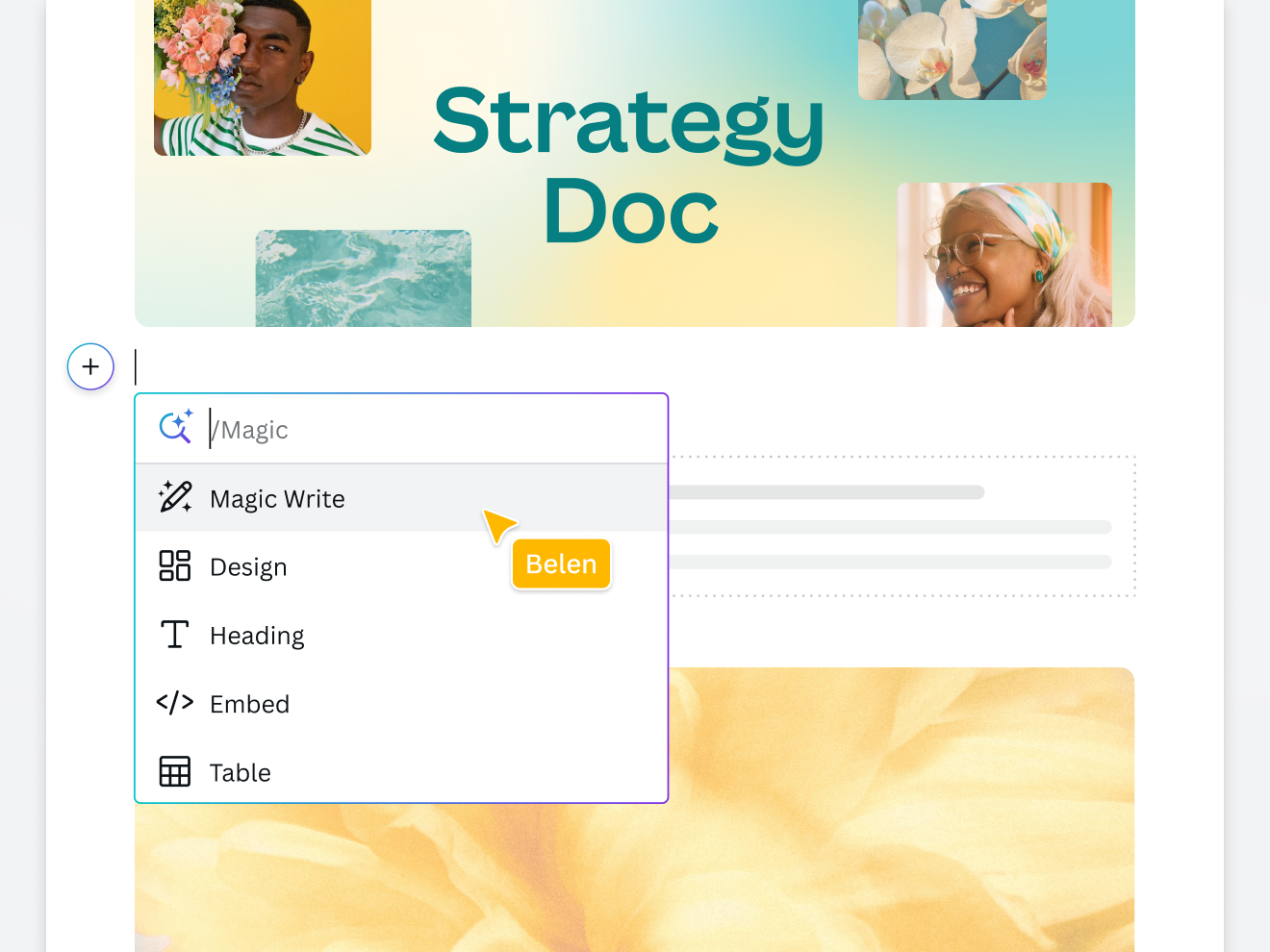
A whole new way to do docs

Never start from scratch
Staring at a blank page can be daunting. Simply tell Magic Write™ what's on your mind, and it'll create the starting point for you. Type what you're looking for and move from an idea to editing in seconds.

Built visually from the ground up
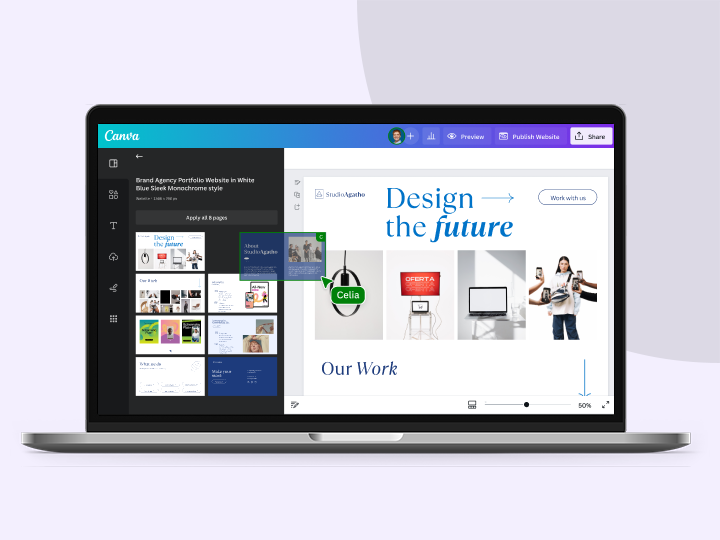
Canva Docs has been built with visuals at the forefront. It empowers you to create Design Blocks to focus your audience's attention. Use design blocks to make your design pop, then finish it off with the perfect AI-generated text.

All of the power of Canva
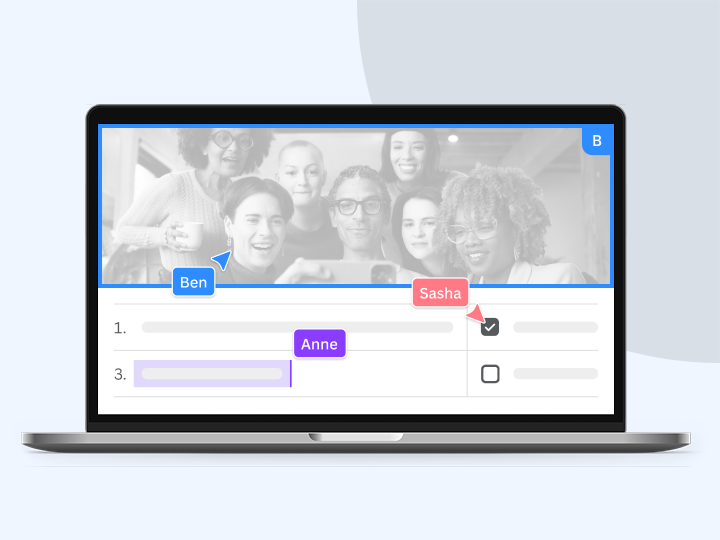
Canva Docs is powered by the same technology you know and love, including real-time collaboration. Brainstorm, create, and fine-tune ideas with your team – all at the same time and get notified when you’re tagged in a Doc.
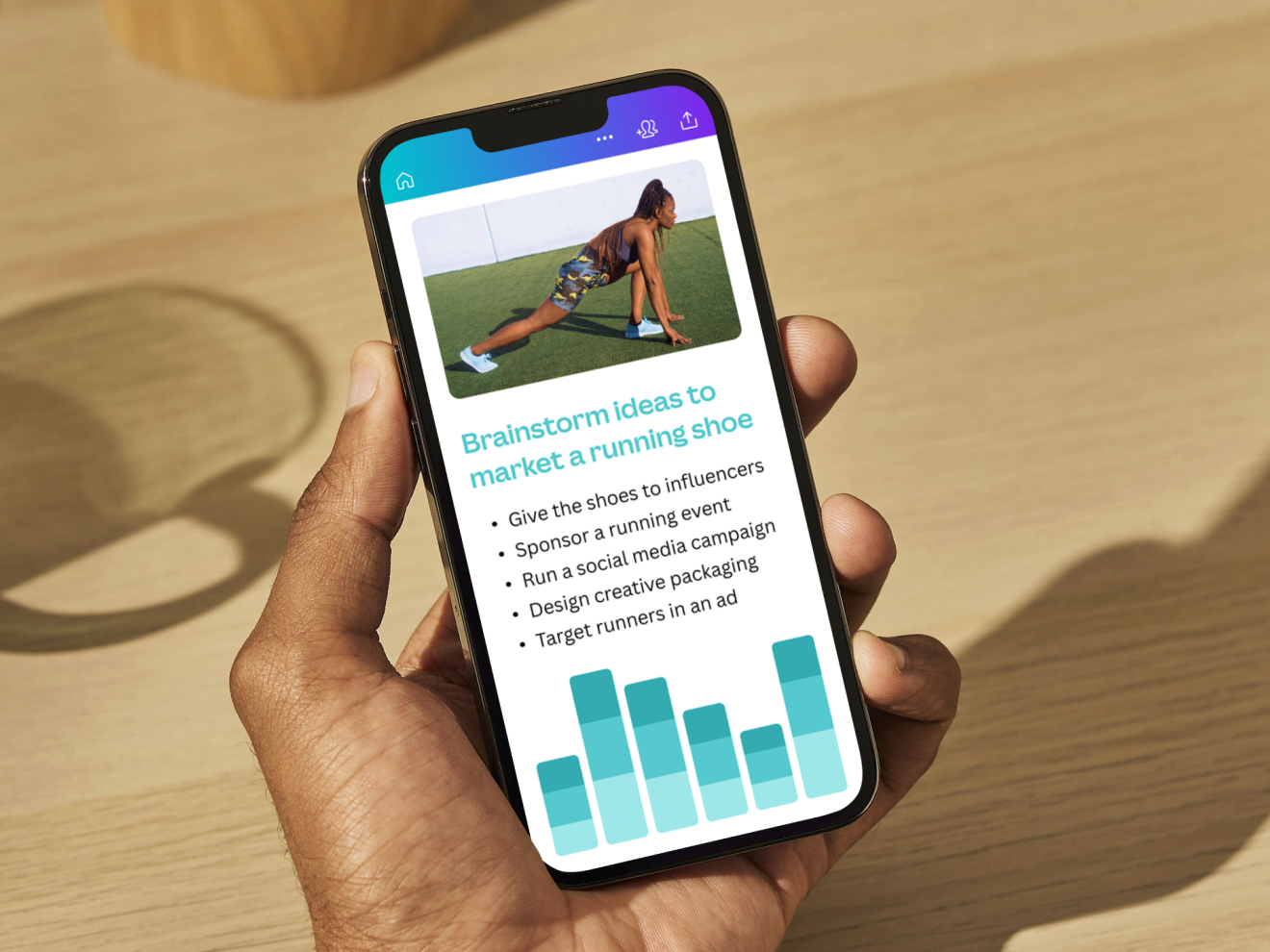
Streamline your content writing workflow

Work across every device
Whether you’re at your desktop or traveling with your tablet or mobile device, brainstorm ideas and generate content with Magic Write™ whenever you need in a Canva design. Get additional queries for more copy inspiration with Canva Pro.

Everything in one place
No more jumping between different apps as you workshop your ideas. Move from brainstorming to polishing your copy, and keep your documents in the same place as the rest of your creative content.

Easier and more effective teamwork
Design a springboard to launch your dream project and have fun along the way. Go from idea to drafting, editing, and collaboration all on one page as you stay across every change your team makes.
Putting your safety first and always
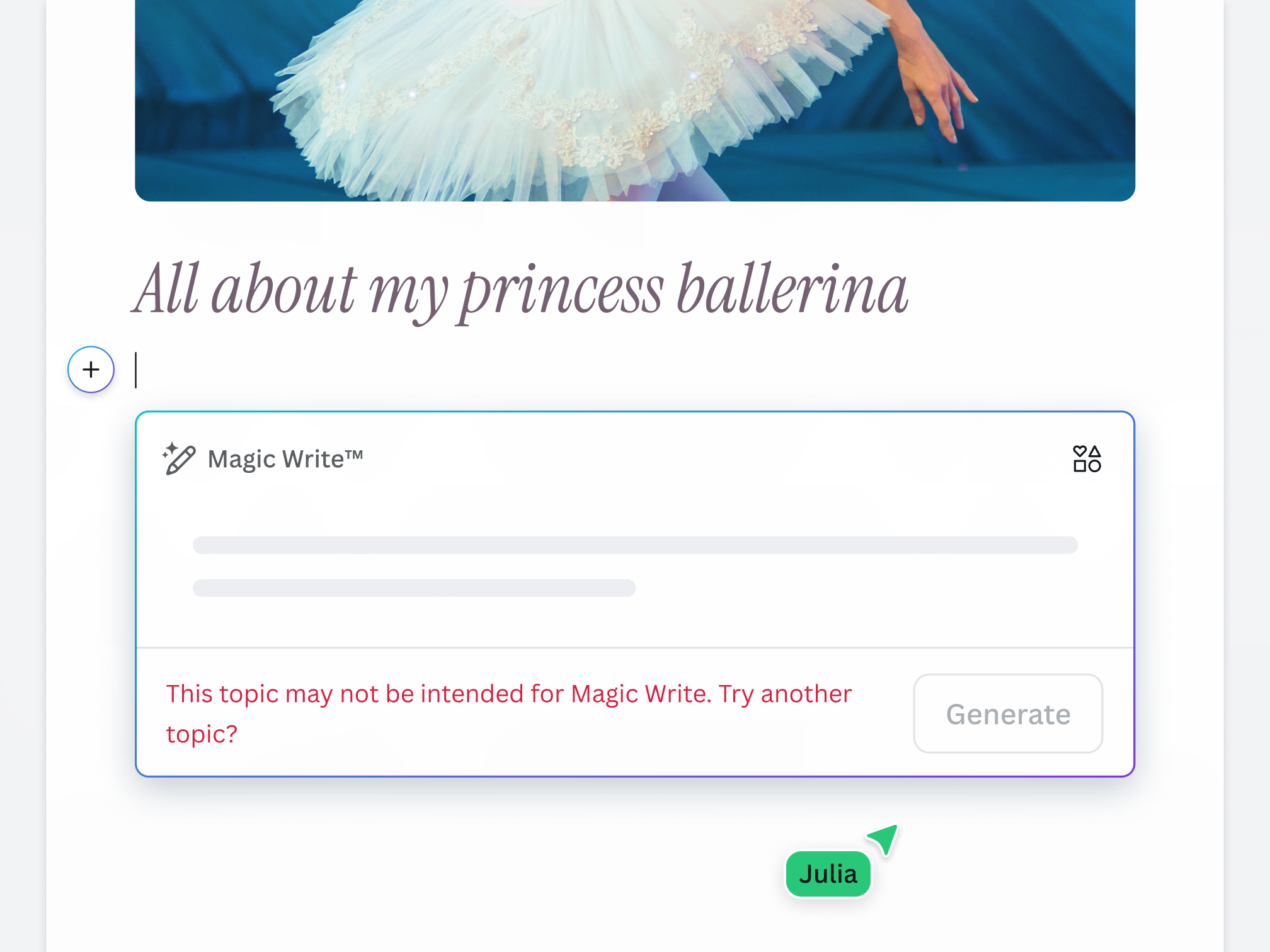
Creativity shouldn’t be dampened by harmful or unsafe content, so we’ve built a multi-layered set of safeguards into our AI writer. Our goal is to make AI-generated content as safe and appropriate as possible across a range of categories. We encourage anyone using Magic Write to ‘be a good human’ and use it in an ethical and responsible way. We won't tolerate any use of Magic Write that violates our Terms and Acceptable Use Policy.
For every user, on every budget

For marketers
Designed for marketers who wear many hats and need to produce content quickly. Build fresh, engaging text like social bios, captions, ad copy, product names, and marketing strategies.

For small business owners
Brainstorm content ideas and generate blogs, product descriptions, web copy & more on a limited time and budget, so you can skip past creative blocks and focus on growing your business.
For everyone
Fast, easy, and fun to use, generate text quickly for any personal project—from letters and speeches to daily affirmations and cards—and edit to suit your needs.
All the AI writing features you need
Get to your first draft fast with Magic Write. Simply start with a prompt, and watch the magic happen. Write anything from internal comms to a story with Magic Write in Canva Docs—all on one fast and easy document creation platform!

Brainstorm faster and find new ideas
Magic Write™, an AI Writer and idea generator, helps you come up with ideas and topics you may have never even thought of.

Generate short-form text
Create any short-form text—from social media captions, profile bios, product descriptions, and more—with a few prompts.

Generate long-form text
Quickly craft high-quality, long-form content for blogs, sales emails, feature stories, and more. Experience a faster writing process.

Expand writing
When stumped for words and ideas mid-sentence, let Magic Write™ continue writing and expand the rest of your content.

Create outlines
Use Magic Write™, an AI writing assistant, to effortlessly generate outlines for articles, blogs, or essays and to better structure any piece of content.

Create lists
An AI writer tool that lets you generate lists—from pros & cons lists to marketing strategy lists—so you can focus on writing better, faster.

Headline generator
Generate catchy headlines, titles, and taglines fit for your blog, article, essay, story, or more with the keywords you specify.

Paragraph generator
Generate complete paragraphs for articles, essays, stories, blogs, and other content types in your desired tone or voice.

Rewriting tool
An AI-powered tool to help you rewrite any piece of content, so you can focus on getting out that first draft, fast.

/ Magic shortcut
Access Magic Write using our custom /Magic keyboard shortcut.

Paraphrase tool
An AI-powered paraphrasing tool that will reword and rewrite any piece of content, so you can focus on spinning and editing it into a creative sentence or paragraph.

Summary generator
An AI-powered text summarizer tool that will condense and extract key topics from any piece of content, so you get a shortened, more readable version.
How to use Magic Write
- Create or open an existing design.
- Select the Canva Assistant button on the bottom right hand corner of the page. You can also type / to open the Canva Assistant shortcut. In a Canva Doc, select the + icon.
- Enter or describe the text you want to generate. For example, “5 tips to overcome writer’s block.” The more detail you provide, the better. If you need to add keywords, make sure you add them to your sentence.
- Once you’re happy, hit Enter. Magically, your text will appear.
- Finally, proofread and edit the text to suit your needs. Once you’re ready, finalize and share your design.
Your questions, answered
Magic Write is available across the Visual Suite in Canva. Try it with a Canva Doc or click here.
Magic Write, an AI text generator, will add a touch of magic to any creative project, including social and ad copy, landing page copy, template copy, blog content, website copy, and snappy Twitter, Instagram, and Facebook post descriptions. Stuck for words for invitations or personal correspondence? Magic Write can help inspire the right words to truly make your message feel special.
Magic Write is available across all Canva designs in Canva Free, Pro, Teams, and Nonprofits accounts. Magic Write works in 20 languages. See them all here. Magic Write is not available to Students in Canva for Education accounts.
It's free for anyone who uses Canva! Anyone with a Free Canva subscription can perform up to 25 uses in total. Anyone with a Pro, Teams, or NFP subscription can generate up to 250 queries per month.
Magic Write uses a machine learning model to predict and generate the text you want based on the instructions you provide. It has been trained with data on the public internet up to mid-2021 and uses this data to make its prediction and generate the text. Because the text is generated based on the instructions you provide, the more specific the directions you give, the better your result will be.
You can learn more about writing a good prompt here.
The best AI text generator lets you brainstorm new ideas for content and can draft those ideas for you, cutting down your writing time. With Magic Write, you can turn a simple text prompt into amazing content in seconds. Type what you're looking for and watch as a blog post or cover letter appears on the page. Plus, you can access Magic Write for free on the web or mobile.
You can use the text you create with Magic Write for any legal purpose, including for personal or commercial projects, as long as you follow our terms.
If you are going to use Magic Write for commercial projects, please note that you may not have exclusive rights to the text you generate. This means other people may also use it.
Please be mindful that Canva doesn’t provide any guarantee that the text you generate is cleared for use (particularly if the output reproduces text from existing works). If you are going to use the output for any commercial purpose (e.g., selling a book written in part by Magic Write), it may be a good idea to seek local legal advice.
Magic Write currently works in 20 languages. The languages supported as of March 22, 2023 are English, Spanish, Portuguese, Indonesian, French, Thai, Italian, Russian, Arabic, Japanese, Turkish, German, Vietnamese, Chinese, Polish, Dutch, Korean, Czech, Romanian, Malay, and Tagalog text.
One of Canva’s values is to “Be A Good Human” and we ask you to keep this in mind when using Magic Write. Do not use it to generate harmful content, infringe any third-party rights, or defame anyone. Remember to tell anyone who is reading the text that it is AI-generated.
You can read the full terms here.
Magic Write is designed to help you create your first draft in seconds. As part of sharing this new technology in an ethical and responsible way, Magic Write does not support certain topics at this time:
- Medical topics, such as medical advice and information, are unsupported. We encourage you to consult a professional when writing about these topics.
- Political topics, including policies, politicians, and election-related content, are unsupported. Magic Write is designed to be a family-friendly experience, so we do not support content that is sexually explicit, potentially offensive, or discusses illicit activities
- Topics relating to self-harm and mental health are unsupported. We encourage contacting local mental health support services.
Unfortunately, there is no easy answer to this! The treatment of AI-generated works under copyright law is an open question, and the answer may vary depending on what country you live in.
For now, Canva does not make any copyright claim over the output you create with Magic Write. As between you and Canva, you own the output you create with Magic Write (subject to you following our terms), and you give us the right to host it on our platform and to use it for marketing our products.
However, please note that this does not mean you are the copyright owner of the output or that you have exclusive rights to it.
Our values define how we build our products, treat our community and impact the world. We want to ensure our community feels safe when creating and interacting with content on our platform.
To ensure our community can enjoy Magic Write safely and responsibly, we've put various measures in place, including automated reviews of input prompts for terms that might generate inappropriate content. Users can report unsafe content here, and we also encourage you to get in touch with our support team to provide feedback at any time.
We won't tolerate any use of Magic Write that violates our Terms and Acceptable Use Policy.
Magic Write is only active if you choose to use the feature. When you use the feature, Magic Write only processes the instructions you submit, and does not have access to other parts of your document. The AI model is trained on public web pages and is not trained on Canva documents or designs.
More resources
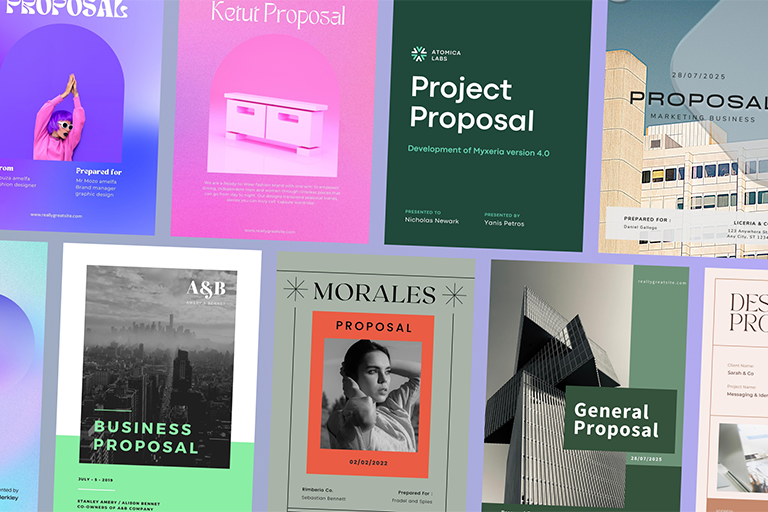
Learn the basics for creating your ideal document.

How to organize your blog post while you write
Structure your thoughts and ideas for an awesome blog post.

Watch words transform into images with a free AI image generator.
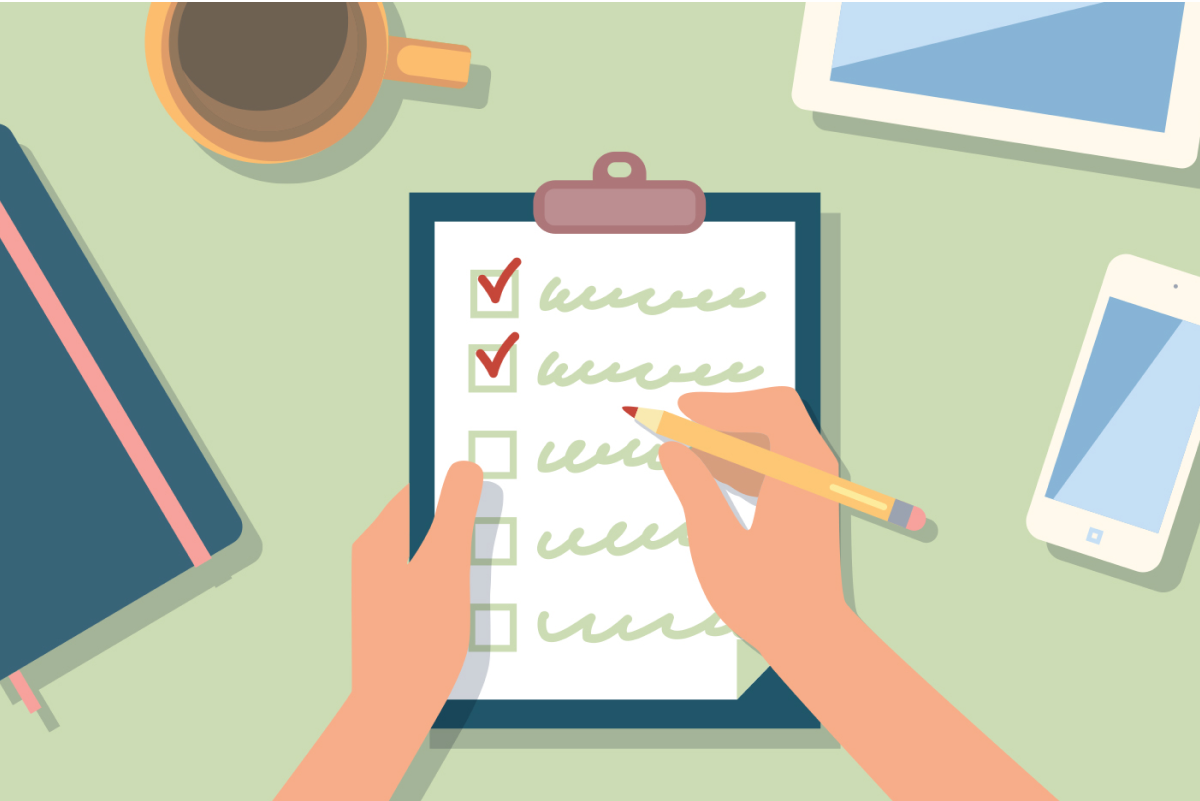
The ultimate guide to making checklists
Make effective checklists to stay organized and efficient.

Visual communication for future managers
Communicate your ideas visually to become an inspiring leader.
Discover more products

Your first draft, fast
Looking for some words of inspiration to kickstart your creative process? Magic Write, powered by OpenAI, is your very own AI-text generator to help you get out a first draft, fast. Simply start with a prompt and watch as copy, blog outlines, lists, bio captions, content ideas, brainstorms, and more appear in seconds.
