WordPress Community & Feedback Plugin

Build Your Own Reddit-Style Community in WordPress

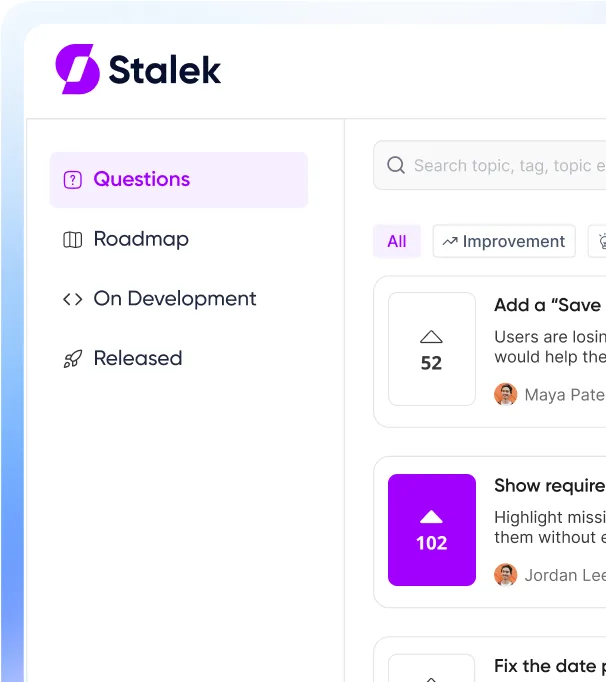
Bring customer conversations, feature requests, polls, and community groups into WordPress. Let members ask questions, vote on ideas, share feedback, and follow your roadmap, with public posts kept on your own domain.
Overall member teststages test
smiling face test
monthly activity testtopic_post test
Admin & User Views

Set It Up Your Way. Your Community Sees It Instantly

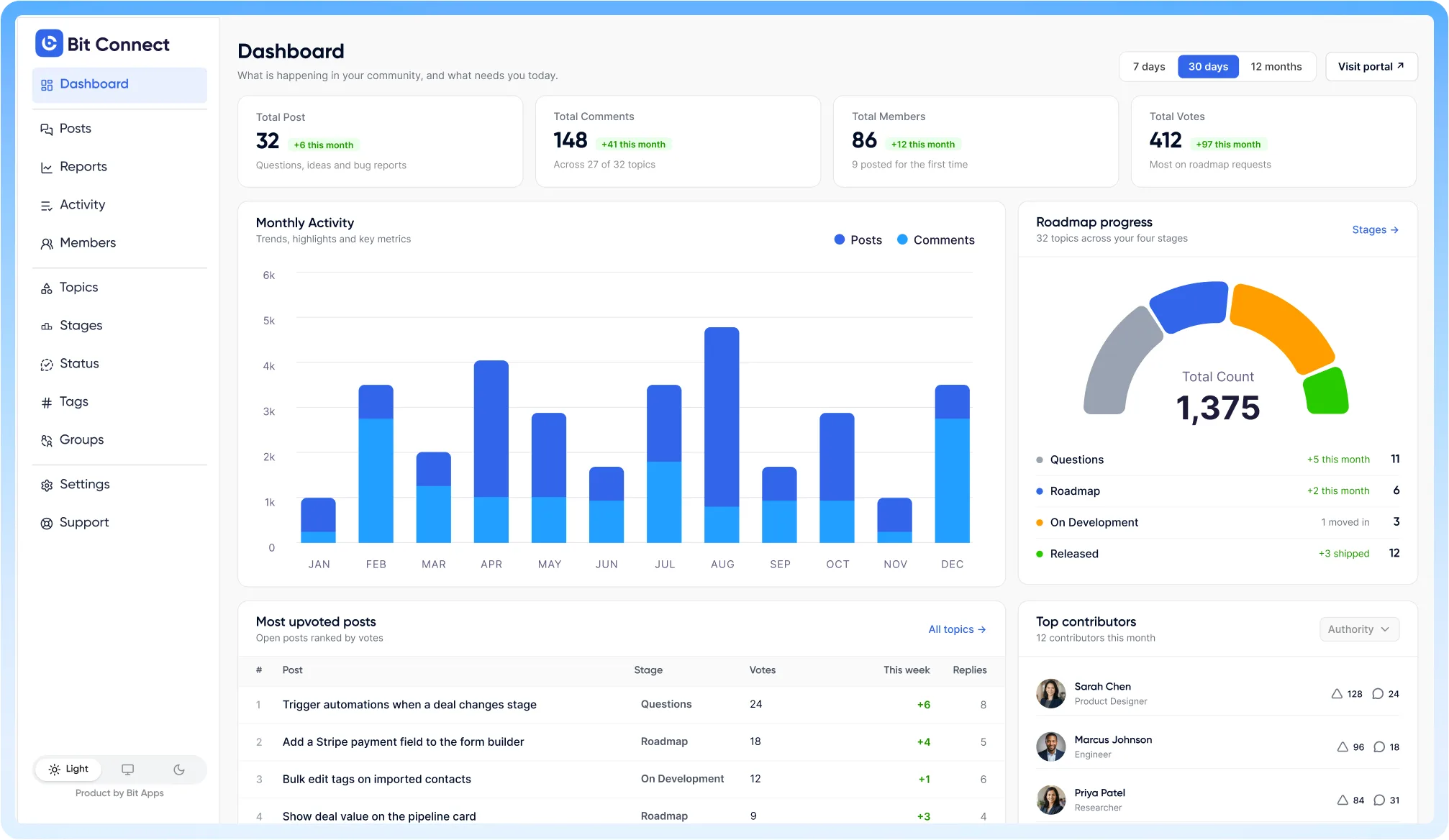
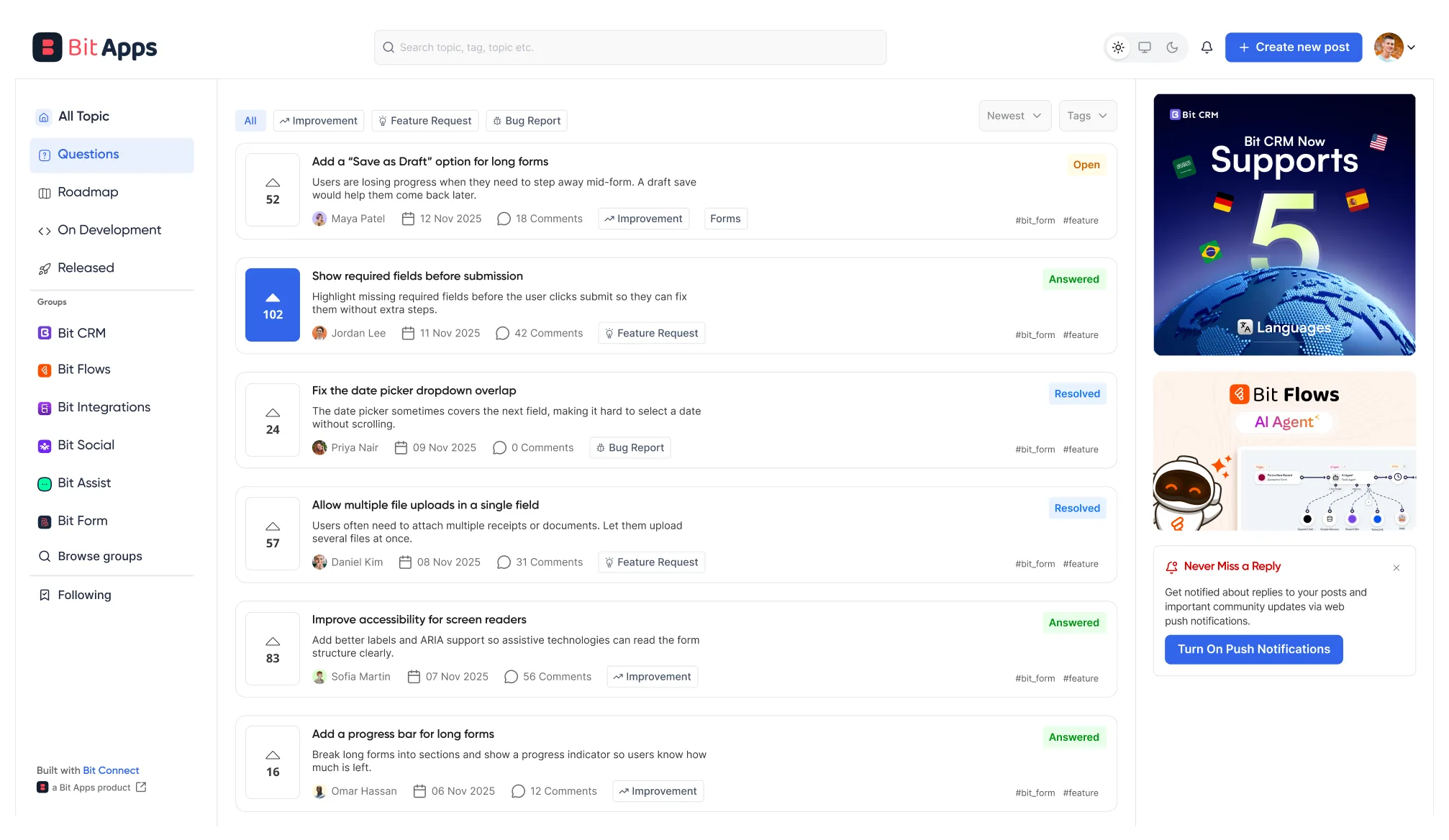
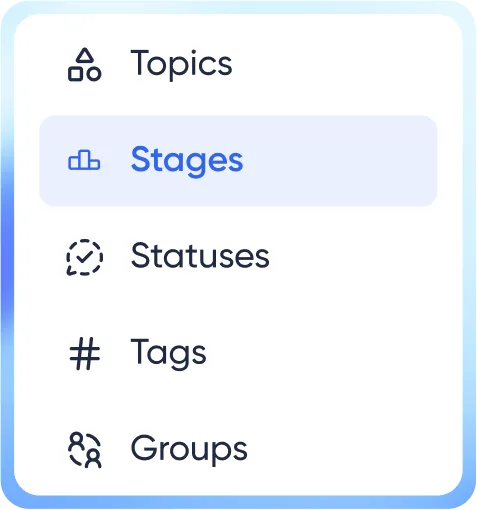
Set up stages, statuses, topics, tags, groups, permissions, and SEO inside WordPress. Give members one place to ask questions, share feedback, follow updates, and take part in community discussions.
admin_dashboard
user_dashboard
The problem

The same request reaches you in four places

Your team keeps answering the same questions across different channels. Previous answers get buried, and customers never know their requests have already been heard.

Support email

A customer asks for a feature your team has already discussed.
support email

Facebook comment

The same request appears again, buried under other comments.
comment 3Dfacebook 3D

Ticket, opened Tuesday

Another support ticket repeats a request you've already answered.
Ticket 3D

One-star review

A frustrated customer feels ignored and leaves a poor review.
Rating 3D
Solution

What Bit Connect does differently

Bring questions, feedback, votes, polls, and group conversations to your WordPress site. Set member access, organize discussions, and manage search visibility while keeping your community content and data under your control.

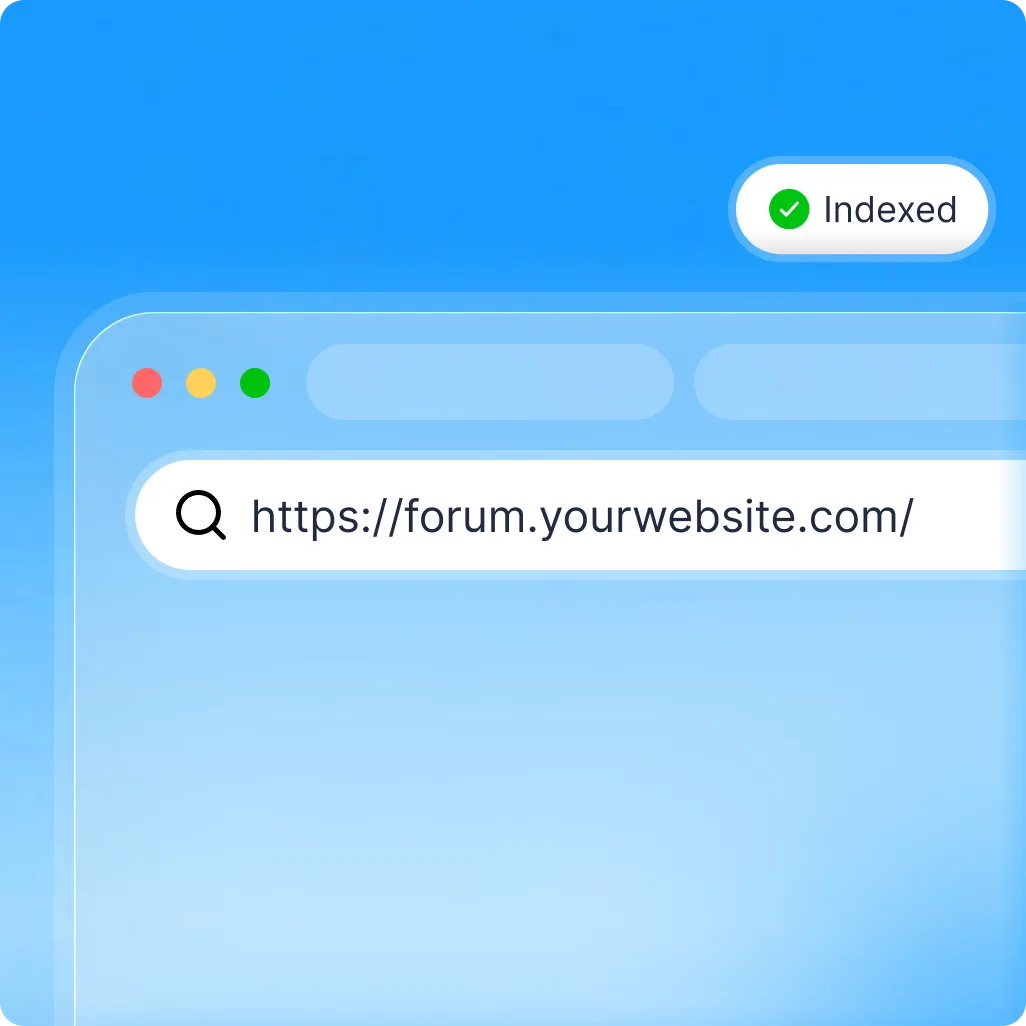
Your community lives on your domain, ready for search

  • Public posts get their own URLs on your WordPress site.
  • Dedicated XML sitemap, canonical tags, SEO metadata, and schema.
  • Control indexing for topic, tag, stage, status, and group archives.
  • Set custom post permalinks directly in the editor.
  • Sitemaps split at a URL count you choose, up to 50,000
  • Public discussions and answers are readable by search engines and AI crawlers.
domain_indexed

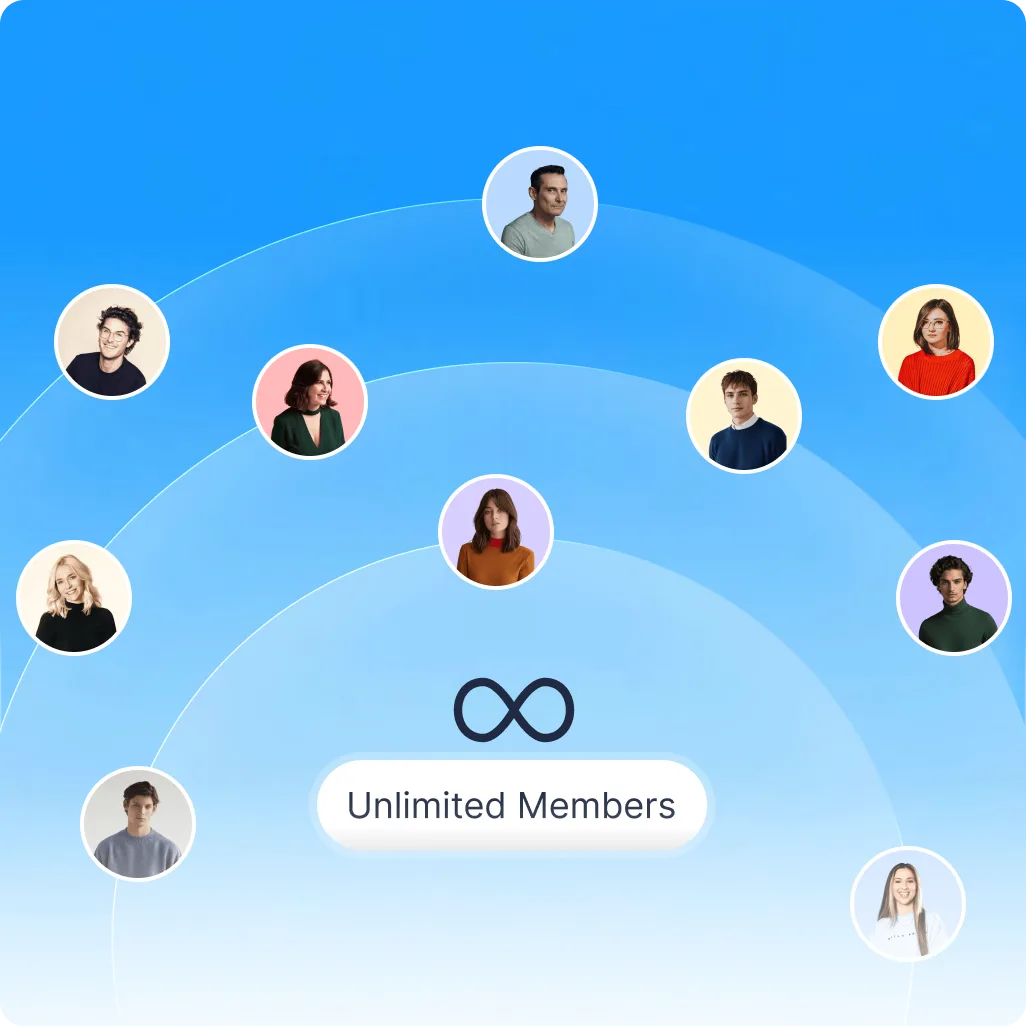
No limits on members, voters or comments

  • Many hosted platforms increase costs as member or participant counts grow.
  • Bit Connect never bills you by member, vote, or comment count.
  • Your members use existing WordPress user accounts.
  • Grow your community without moving to a higher pricing tier.
no_limit_on_member

Real moderation tools, not just approve and delete

  • Review reports by post or reply, with clear moderation statuses.
  • Audit log with filters for actions and content.
  • Reported content stays visible until moderators review it.
  • Set moderation rights for your existing WordPress roles.
  • Override permissions for each member.
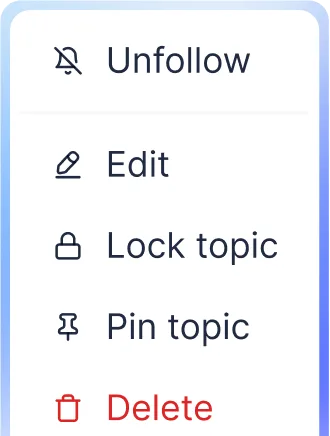
  • Pin, lock or delete posts in the portal. Manage reports and review moderation activity from WordPress admin.
real_moderation_tools
Custom Stages

Create custom stages that fit your business

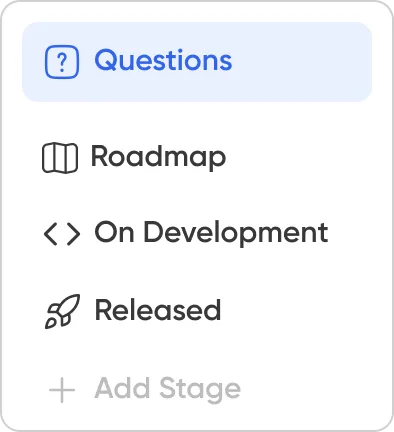
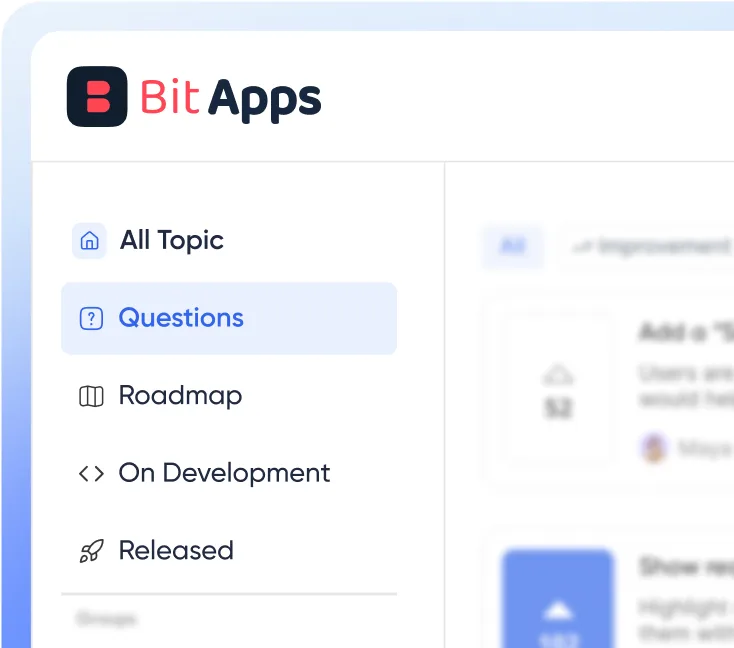
Stages are the sections of your portal, and you name them. Whatever you create in the admin becomes the sidebar your members browse. Nothing is locked to software products.

Plugin Developer

Keep property requests and updates in one shared hub.
  • Questions
  • Roadmap
  • Bug reports
  • Add Stage
plugin developer

Property manager

Build a clean central catalog of everything you sell.
  • Maintenance
  • Notices
  • Suggestions
  • Add Stage
property-manager

Franchise operator

Give stores one place to share requests and feedback.
  • Store requests
  • Under review
  • Rolled out
  • Add Stage
Franchise-operator

University dept.

Collect course feedback, ideas and student questions.
  • Course feedback
  • Proposals
  • Announcements
  • Add Stage
university_dept
Member Experience

What Members Can Do in Your Community

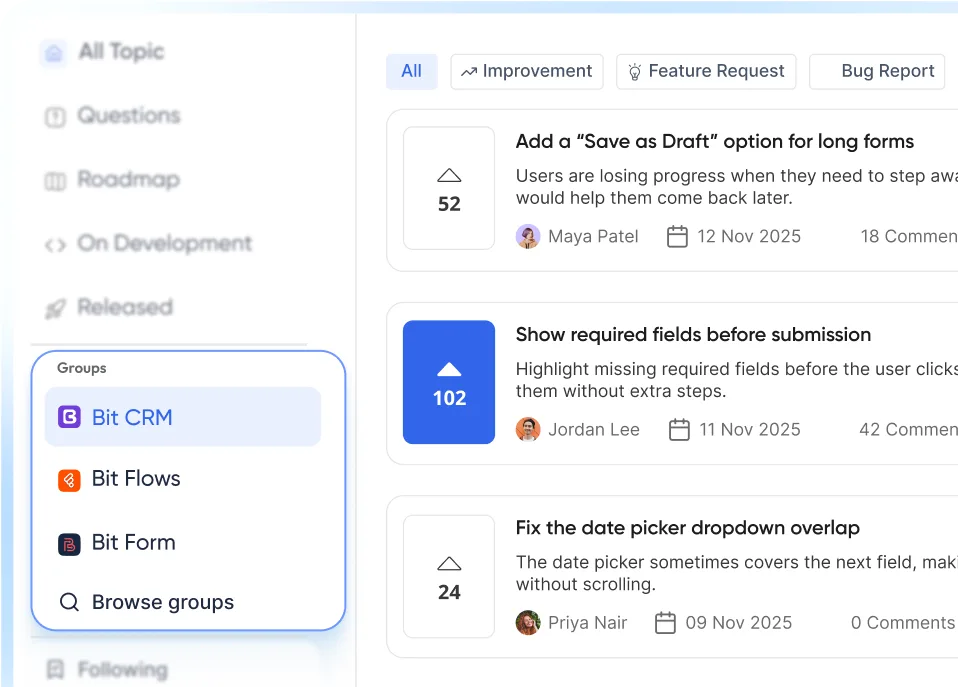
Give members one place to post questions, share feedback, join discussions, and follow updates. They can vote on ideas, add polls with Pro, manage profiles and connect right inside WordPress without a separate platform.

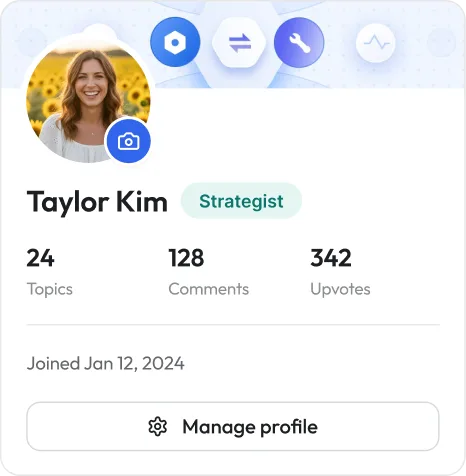
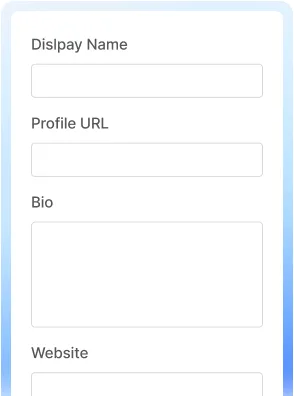
Every member gets a profile page

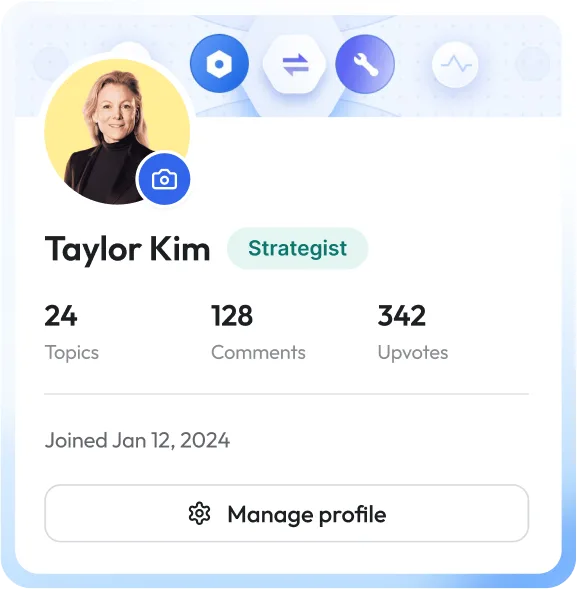
Avatar, cover, bio, five social links. Editable slug at /user/, and old slugs keep resolving as aliases. Posts, comments and upvotes tabs.
profile page

Start a Discussion

Create topics with rich text, images, attachments, tags, products or departments, topic types, and a custom permalink.

Comment, Reply & Vote

Join threaded conversations, reply to others, upvote useful topics or comments, and help important ideas rise.

Follow topics and mention people

Follow discussions, tags, departments, or the whole community, and mention other members when you want them involved.

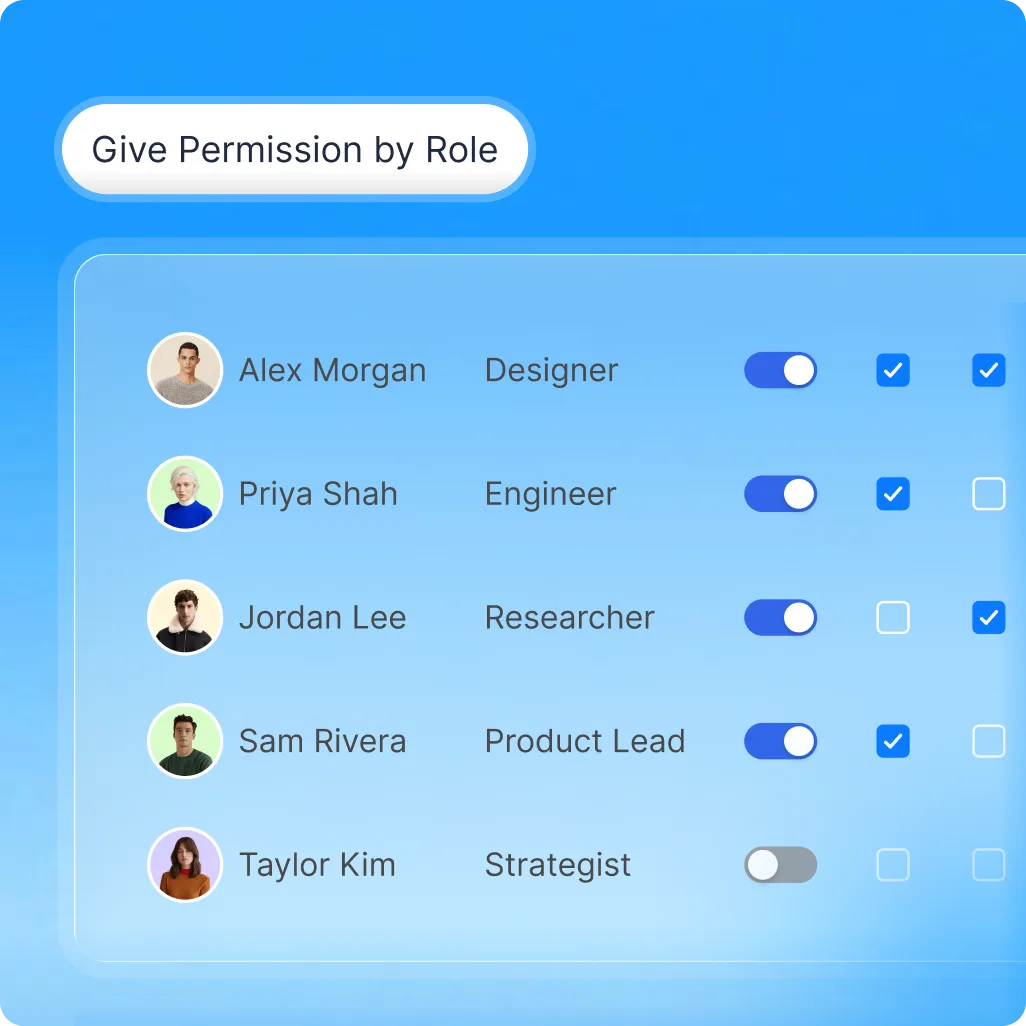
Members can see their own permissions

Members can view the permissions available to them based on their WordPress role and any access you assign.

Members manage their own account

Change email with verification, change password, reset a forgotten one. None of it reaches your inbox.
profile uploadprofile_detail
Solution

Get Your Community Live in Three Steps

Choose where it lives, make it yours, and set how members join. You can customize the rest of your community whenever you’re ready.
Step 1: Portal
live-address

Pick where it lives

Its own page at /community, your homepage, or the [bit-connect] shortcode on a page you've already built.
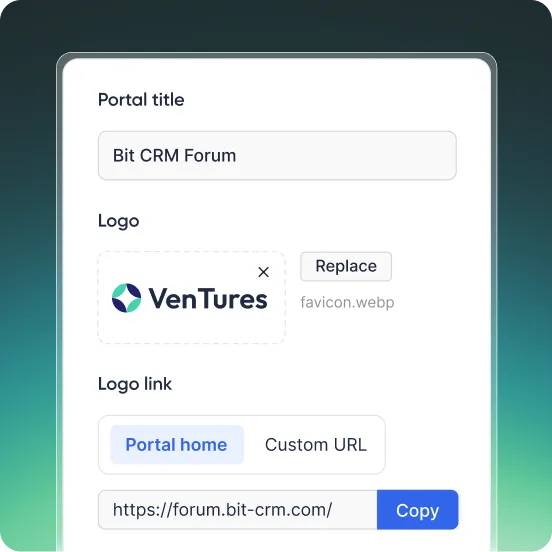
Step 2: Branding
Brand_it_set_access

Brand it, set access

Title, logo, logo link. Then one choice: everyone, or logged-in users only.
Step 3: Auth
sign_in

Choose sign-in

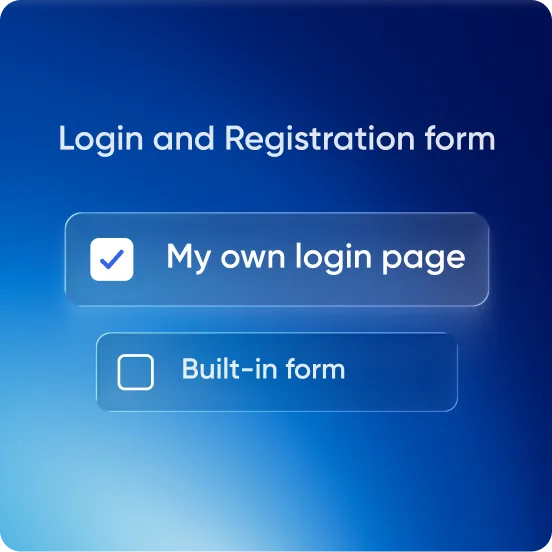
Built-in login and registration, with your wording and new-account role. Or point it at your membership plugin.
Stages, statuses, topic types, tags and products are all optional, and all editable later.
Features

Everything You Need to Run Your Community

Set up stages, statuses, topics, tags, roles, and moderation and access rules. Add polls and public or private groups with Pro so every discussion finds its place right inside your own WordPress community portal.

Vote-ranked requests

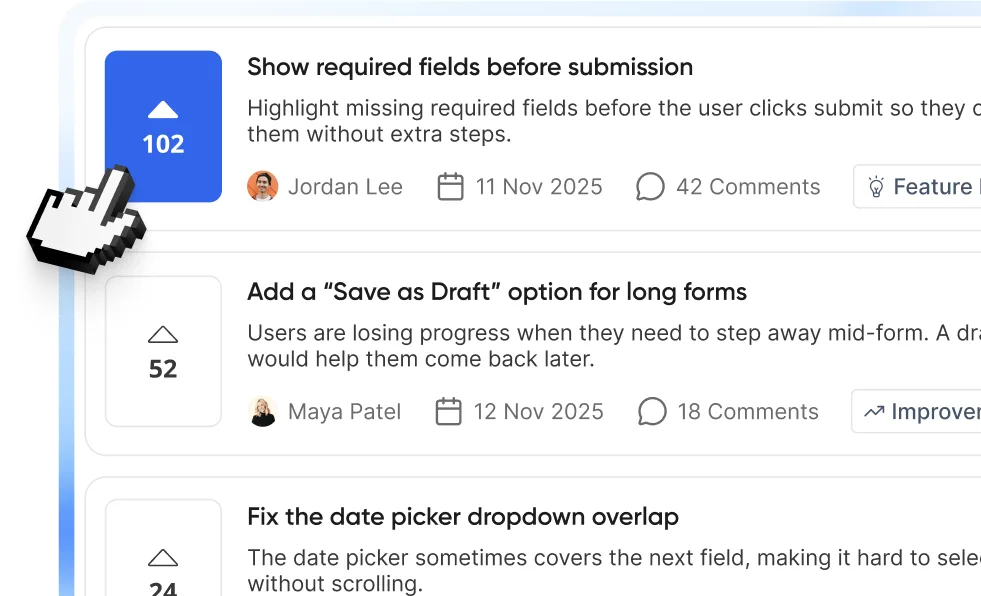
Post voting is free, so members can help rank feature ideas. With Pro, comment upvotes make helpful replies even easier to find in busy discussions.
vote ranked request

Stages you name yourself

Each with a slug, description, and separate light and dark icons. Drag to reorder.
question stage 1

Polls for Better Decisions

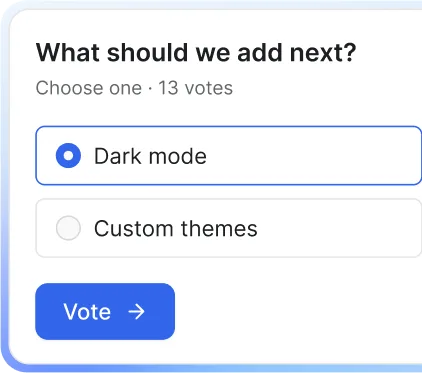
Bit Connect offers five poll types: choice, image, ranking, meeting and yes/no. Collect votes in posts and see what members want next.
stage

Threaded discussion

Comments, replies, pinning, locking. Private topics for anything that shouldn't be public.
unfriend_edit_etcwhat should we add next

Member Profiles & Badges

Give every member a profile and recognize contributors with custom badges you create and assign.
member profile view

Notification emails you control

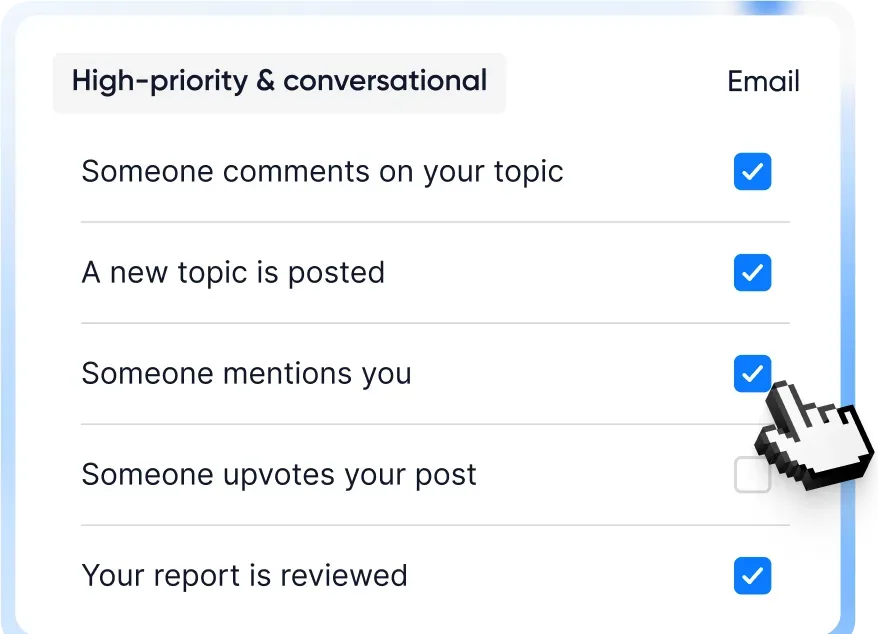
Per-event delivery, retention limits, test sends. Custom sender and daily or weekly digests with Pro.
mailboxbellhigh priority & conversational

Matches your site design

Light, dark and system themes. An optional sidebar card for pushing your trial from inside the community.
dashboard viewcolor pickermode switcher

Permissions & Moderation

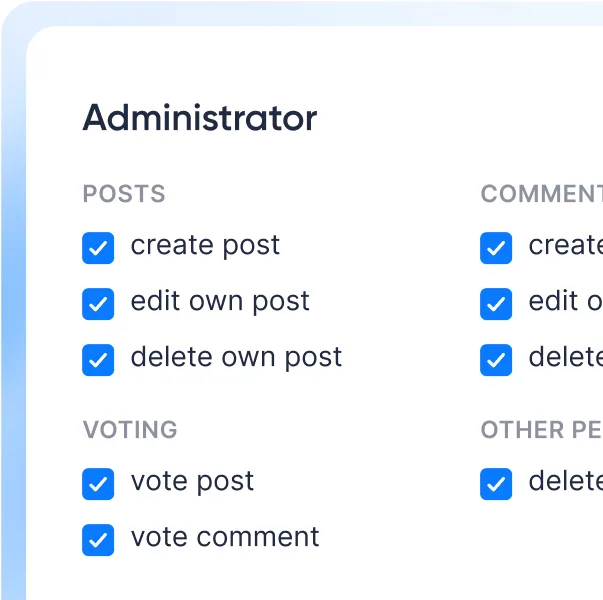
Control capabilities by role or individual member, review reports, auto-hide reported content, and keep a moderator activity log.
administration view

SEO & Search Visibility

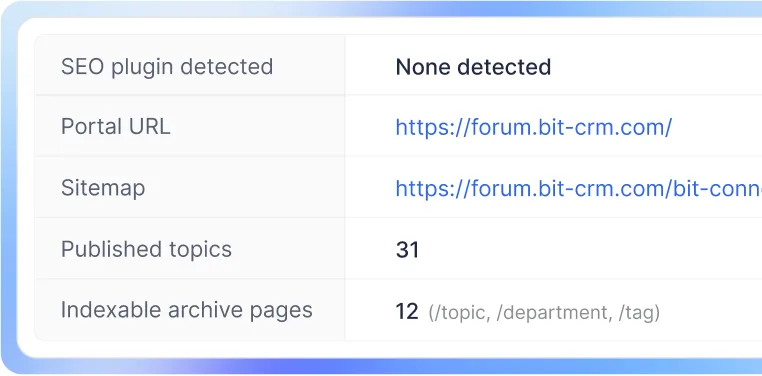
Control which community archives appear in search, while Bit Connect handles sitemap, schema, and portal SEO output.
Search Inputseomaginfying glass

Public or Private Discussions

Keep the whole portal open, require sign-in, or let members create private topics when conversations should stay restricted.
public & private

Custom Statuses & Topic Types

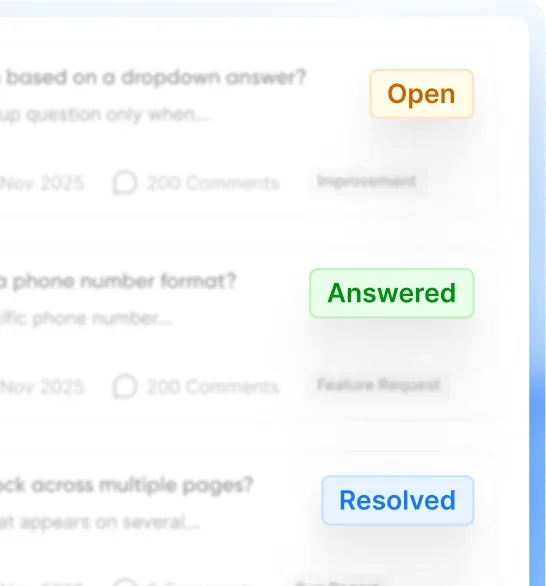
Create your own statuses and topic types such as Question, Feature Request, Bug Report, Feedback, Idea, Released or Discussion.
Status
status view e1792231358655
Topic Type
topic types

Groups or Departments

Organize topics around products, teams, services, departments, or any category that makes sense for your business. You can even rename “Departments.”
Groups or Departments
Comparison

Why Choose Bit Connect for Your WordPress Community?

Bit Connect combines community discussions, feature requests, voting, moderation, SEO control, and WordPress-native ownership in one place. Here’s how that differs from hosted community platforms and traditional idea-board plugins.

Features

bit connect
You are here

Hosted SaaS

Idea-board plugins

Where community lives

yoursite.com/community/...
Vendor subdomain by
On your WordPress site

Community structure

Custom stages, statuses, topics, tags, groups (public/private)
Structure depends on the platform
Usually limited to boards, statuses, or categories

Search visibility

Own sitemap, schema, per-taxonomy index control
Depends on platform and plan
Usually basic WordPress SEO support

Member limits

No built-in member cap
May depend on pricing tier or tracked users
Usually depends on the plugin/site

Discussion

Threaded replies, comment voting, pinned answers, private topics, attachments
Usually strong
Comments only

Member profiles

Profiles, activity, badges, social links, posts, comments, and upvotes
Often available
Usually limited

Moderation

Report queue, audit log, 13 role capabilities
Usually strong
Approve or reject

Data sits in

Your database
The vendor’s
Your database

Best fit

Businesses that want community + feedback + roadmap + SEO in WordPress
Teams comfortable using a separate hosted platform
Simple feature request or voting boards
Who it is for

Built for Products, Teams, and Communities on WordPress

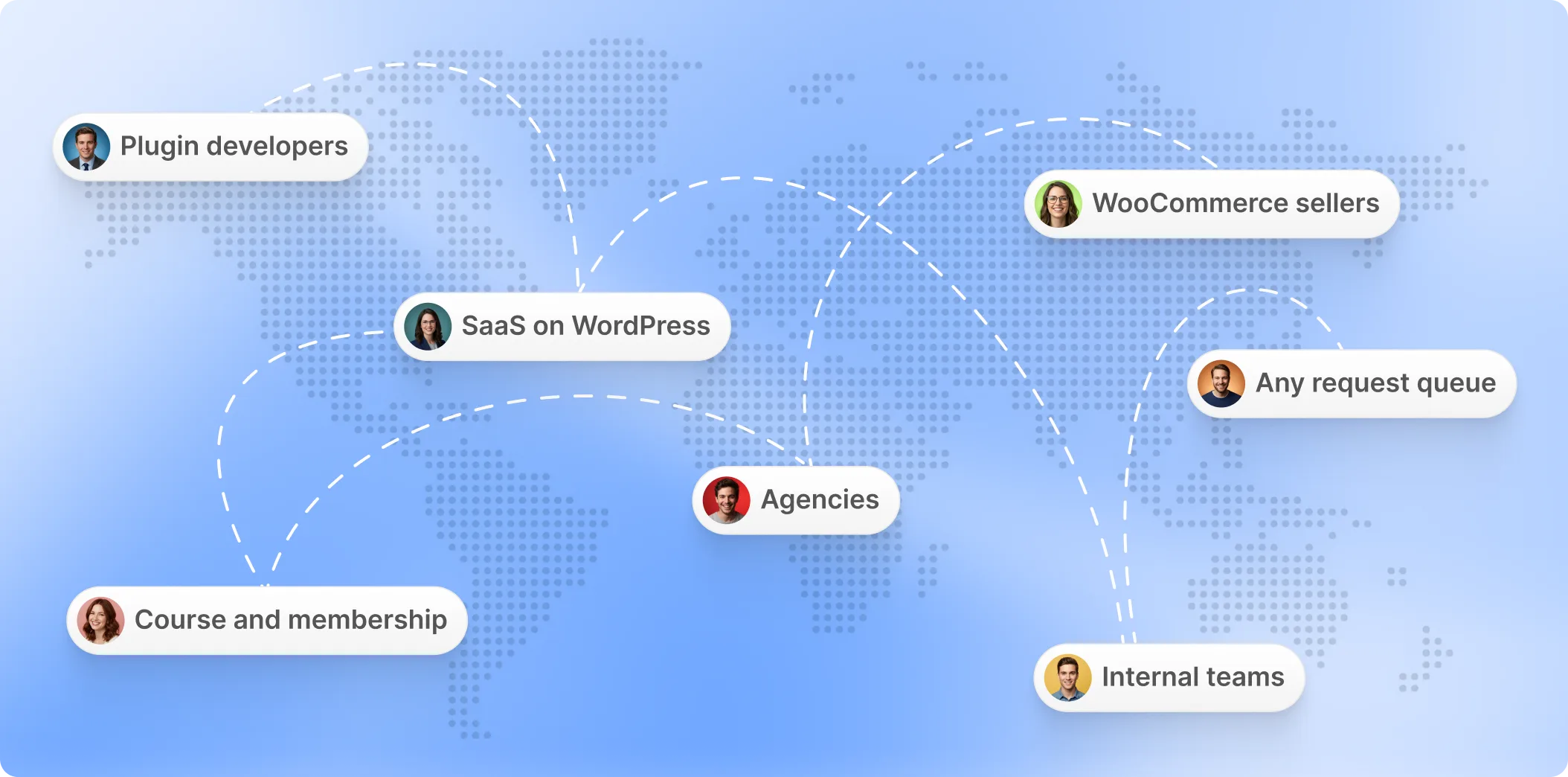
Bit Connect helps plugin developers, SaaS teams, WooCommerce stores, agencies, membership sites, and internal teams bring discussions, requests, and feedback into one organized community hub.
Built for people selling something on WordPress
Hello, This is Abdul Kaioum

A Reddit-Style Plugin WordPress Needed, So We Built It

After releasing Bit Form in 2021, we started collecting feedback, suggestions, and feature requests through our Facebook community, email, live chat, Messenger, social media, and other platforms.

When a user requested a feature, reported a bug, or shared a suggestion, we added it to our project management tool (Notion). Then we kept them updated manually.
Once a feature was added to our roadmap, it went through analysis, development, testing, and beta testing before the final release.
During that time, users would ask us about the status of their requested feature, or we would manually inform them. But we missed many follow-ups.
FAQs

The Most asked Questions

The most asked questions by community users about Bit Connect and its possibilities. Here are all answers.

A WordPress community plugin lets you create a space where users can start discussions, ask questions, share ideas, comment, vote, and interact directly on your website. Bit Connect adds these community features while keeping the conversations and member activity inside WordPress.

Install Bit Connect, choose where you want your community portal to appear, add your branding, and configure how members sign in. You can then create your own stages, statuses, topic types, departments, and tags before inviting members to join.

Yes. Skip the wizard's page-creation step and paste the [bit-connect] shortcode into any published page. That page becomes the portal.

Yes. You can structure it around questions, bug reports, ideas, feedback, product discussions, support conversations, or any topic types you define yourself.

Yes. Bit Connect supports in-app and email notifications for community activity such as replies, mentions, votes, status changes, reports, and badges. Members can also choose instant, daily, weekly, or no email notifications.

Yes. Topics and comments can include attachments, and Bit Connect supports images, documents, and optional video uploads. You can control file types, file sizes, and posting limits from the admin settings.

Yes. You are not locked into predefined labels. Create your own stages, statuses, topic types, departments, and tags, then organize them around your actual product or business workflow.

Yes. Make the full community public or members-only. With Bit Connect Pro, members can also create private posts visible to the author and moderators, or join dedicated public and private groups with their own access and membership controls, plus invite-only joining.

No limit and no per-seat extra costs. Bit Connect does not use a separate participant counter or hosted-user allowance. Members are based on your WordPress users, so the community is not structured around a SaaS-style tracked-member tier.

Public Bit Connect discussions can be made searchable from your own domain. Bit Connect includes sitemap support, schema, archive indexing controls, profile indexing options, and compatibility handling for major WordPress SEO plugins

Members can flag posts and comments for review, and moderators manage reports through a dedicated queue. Pro adds automatic hiding at a set report threshold, while the activity log tracks moderation actions for every case.

Yes. Bit Connect lets you organize topics using custom departments, topic types, tags, stages, and statuses. Departments can even be renamed to match your business terminology.

Get Bit Connect

Your Community Creates Content.
Make Sure You Own It.

Public conversations get their own URLs on your domain, with SEO controls that help search engines discover them.
Bit Connect turns discussions into product insight, feature priorities, and searchable content on your own domain. One place for your users to speak, vote, and help shape what comes next.
Subscribe Our Newsletter
footer text 2x