

What is a Notion connection?
A connection gives an app access to content in a Notion workspace. For example, a connection can add tasks to a database or post a comment on a page. You can also call the same API as yourself with a personal access token.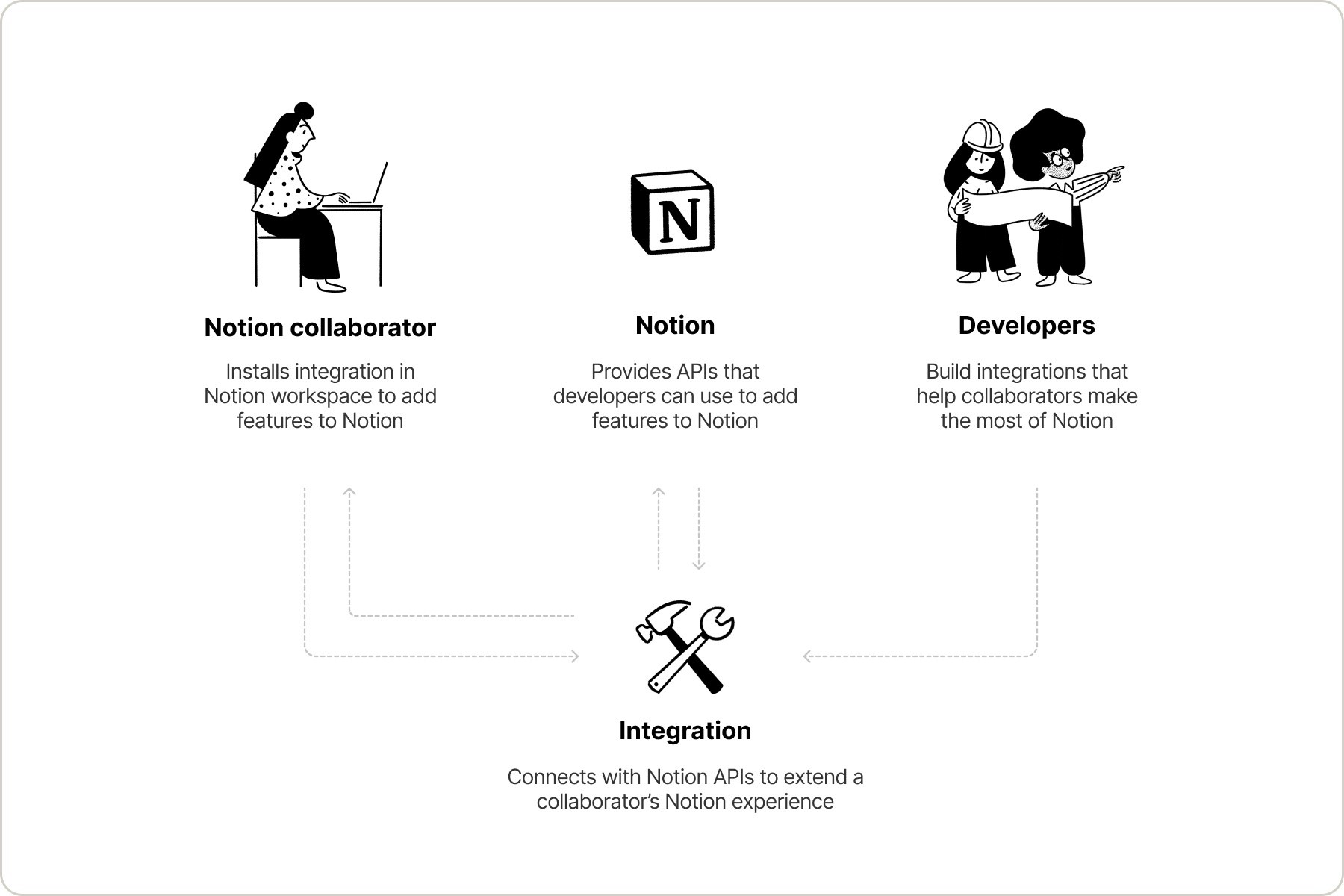
Connection types
Use an internal connection for a team automation in one workspace. A public connection uses OAuth so other people can install your app. A personal access token runs a script or tool with your own access.Public connections must undergo a Notion security review before being listed on the Marketplace. You can create and use a public connection without listing it.
Comparison
Looking for SCIM or SAML SSO?Enterprise identity management (user provisioning, group management, and Single Sign-On) is covered in Notion’s Help Center, not in these API docs.

Provision users and groups with SCIM
SAML SSO configuration
Shared concepts
Capabilities
Capabilities control which operations a connection or token can perform, such as reading content or adding comments.
Pages
Create, update, and retrieve page content.

Databases
Create a database and find its data sources.

Views
Create and configure database views programmatically.

Data sources
Manage data sources, properties, entries, and schemas.

File uploads
Upload and attach files to pages and databases.

Comments
Handle page and inline comments.

Content queries
Find pages and data sources by title.

Users
Read user profiles available to your connection.
Content access
Connections must have access to pages and databases before they can interact with them. The mechanism differs by type:- Internal connections can be granted access in two ways: the connection owner can add pages directly from the Content access tab in the Developer portal, or workspace members can share pages via the Add connections menu in Notion.
- Public connections use the OAuth page picker, where users select which pages to grant access to during the authorization flow.
- Personal access tokens use the token creator’s existing Notion permissions. If the creator can access a page in Notion, a PAT with the right capabilities can access it through the API.


