
Remove Image Background —
Fully Automatic, No Sign-Up


By using this tool you agree to our Terms of Service and Privacy Policy.
- Full ResolutionDownload at the size you uploaded.
- No WatermarkClean files, ready to publish.
- Up to 50 at OnceDrop a whole folder of photos.
One Cutout, Ready Anywhere
Lift the subject once, then drop it on white, a studio backdrop or a whole new scene.

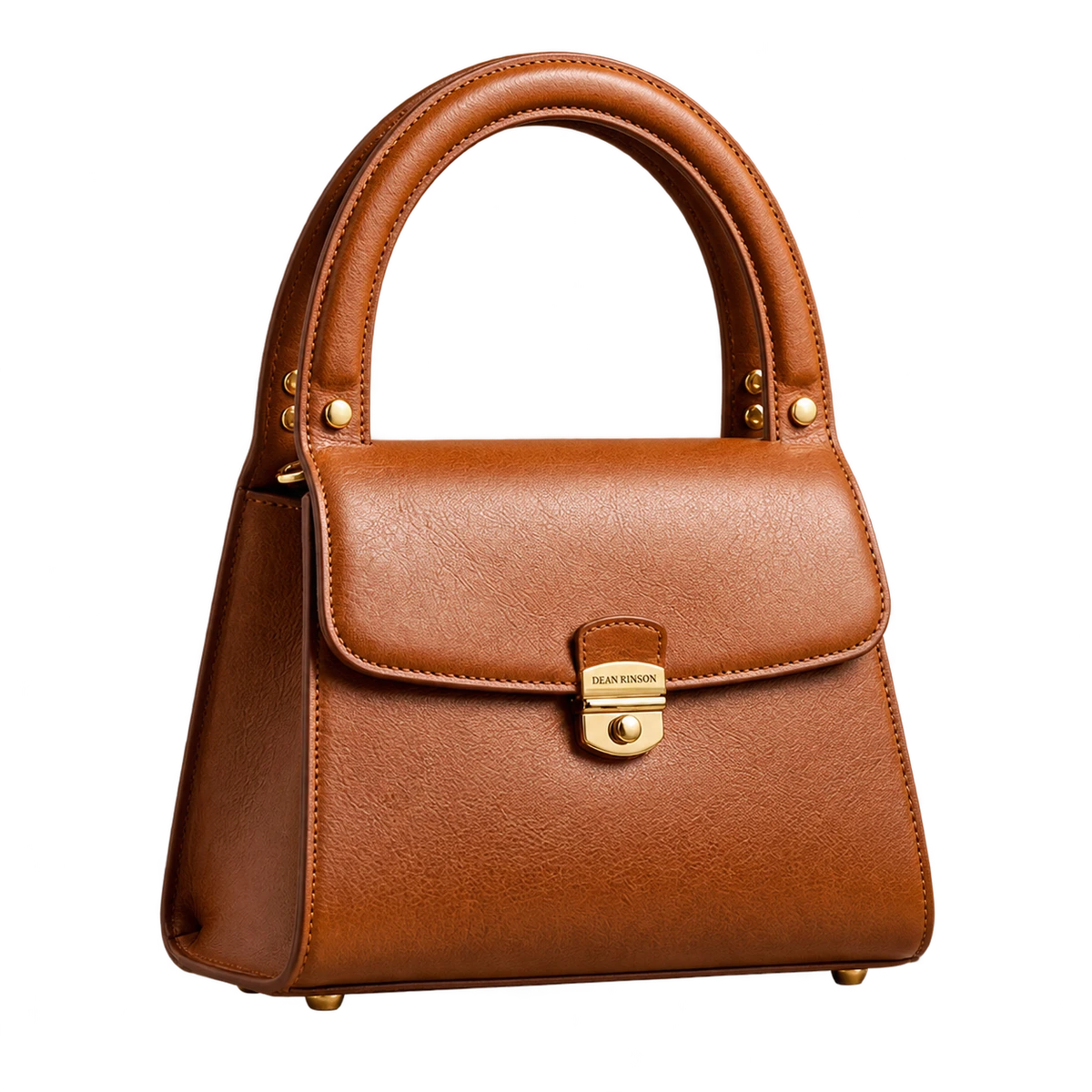
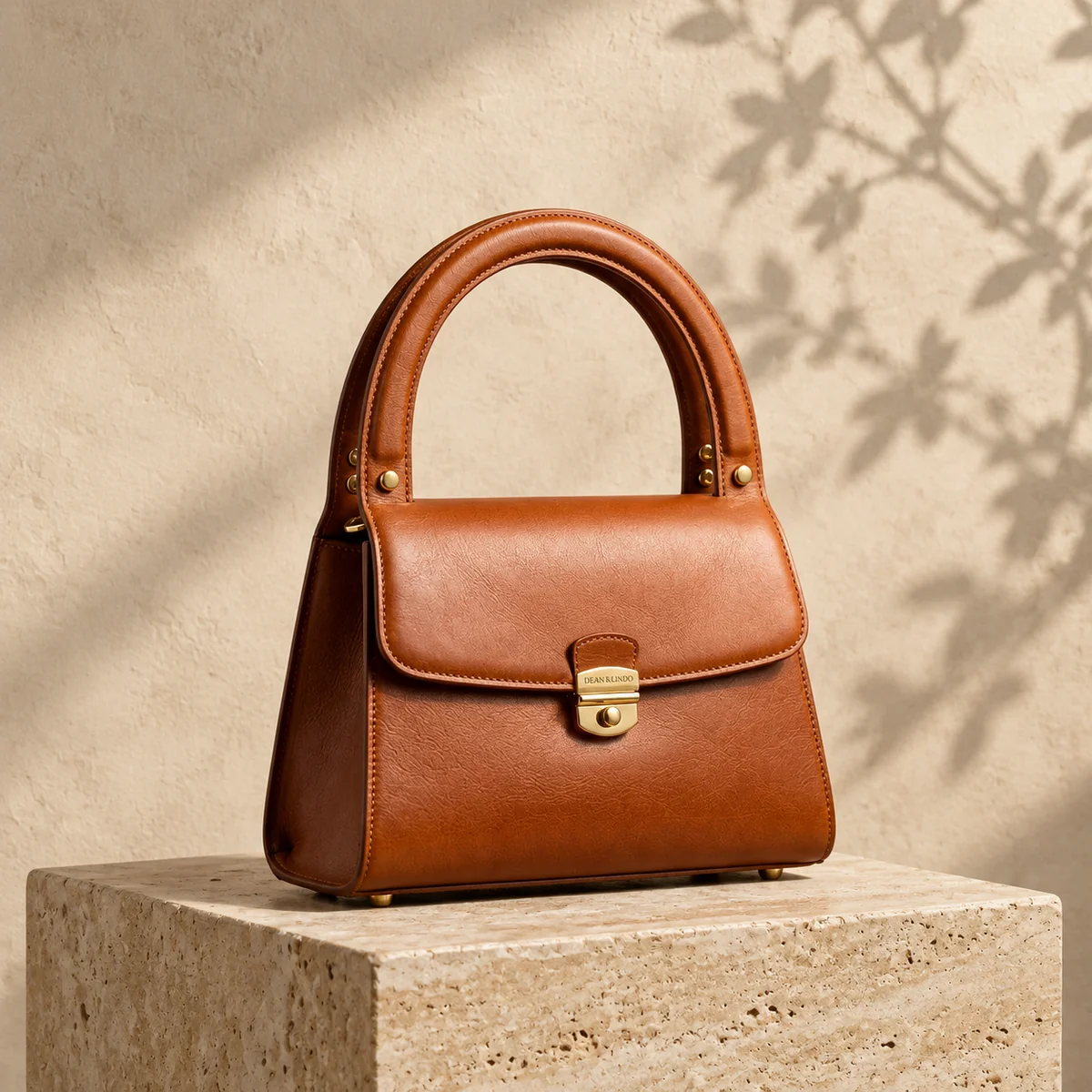
Amazon, eBay and Shopify product photos in one click.Try with your photo
Clean edges, down to every stray hair.
No cherry-picked studio portraits. Flyaway hair, hollow handles, glass reflections, and signatures — cleanly cut out without halos or blur.

Every stray hair kept.
Preserves fine flyaway strands without harsh fringes or white halos.
Outdoor BackgroundPristine Cutout
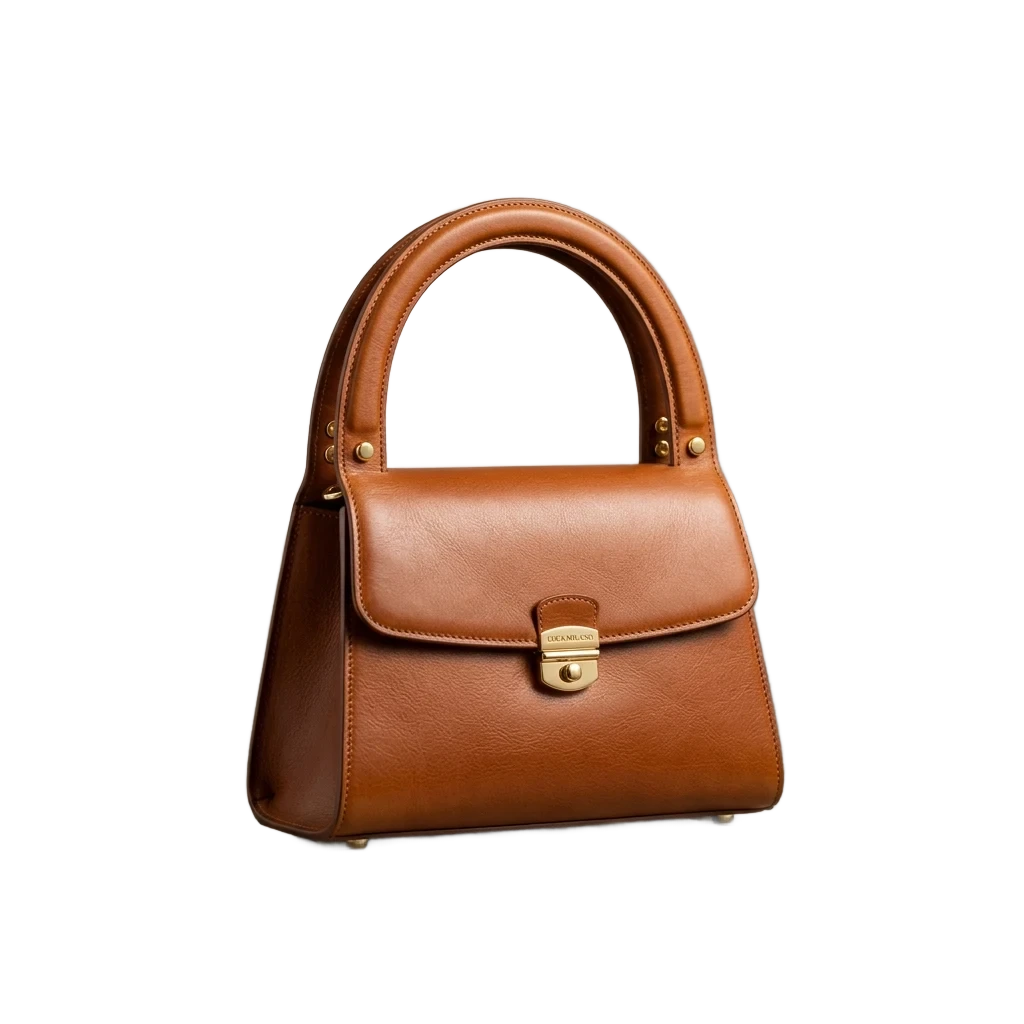
Hollow handles fully cleared.
Penetrates closed-loop cavities cleanly — no manual cleanup needed.
Studio BackgroundFully Hollowed Cutout

Complex spokes & tinted glass.
Hollows out dense wheel gaps while preserving natural glass transparency.
Studio TurntableTransparent Cutout
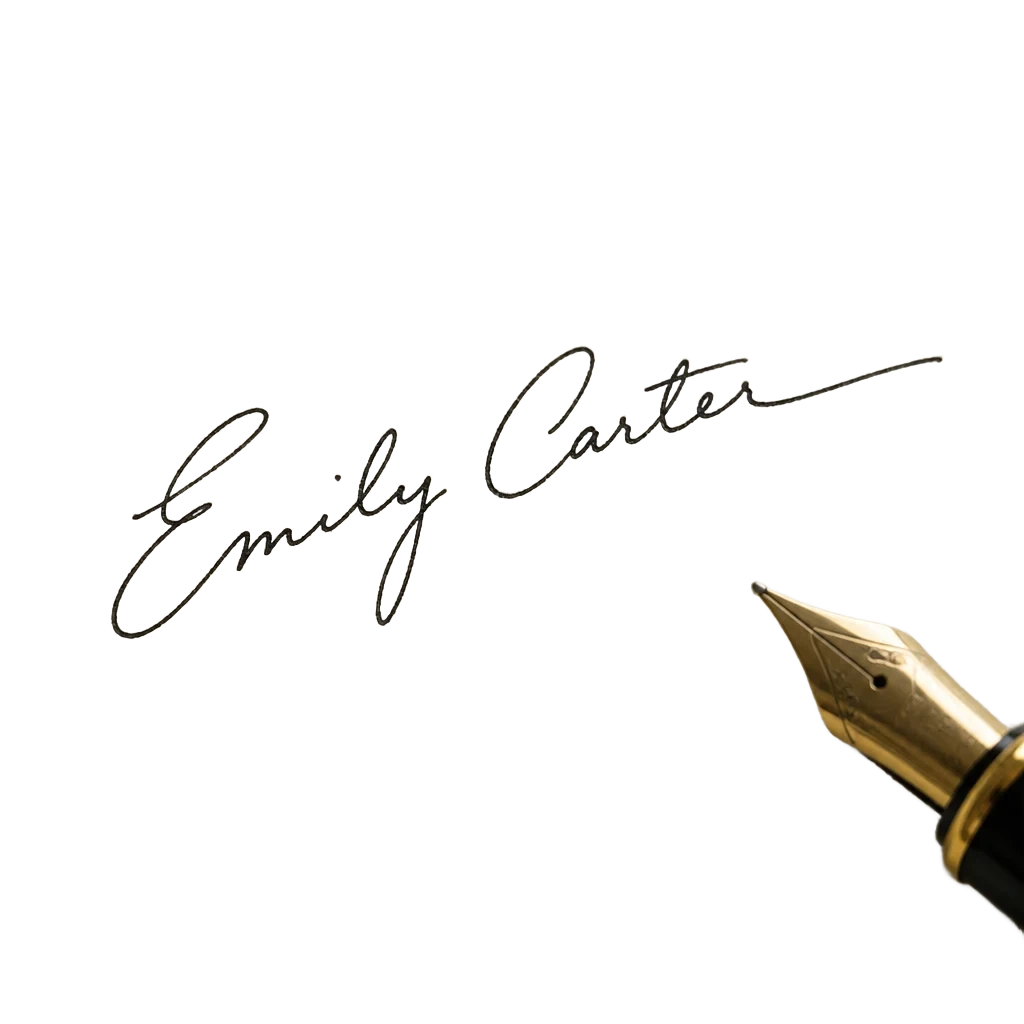
Clean signatures from dark paper.
Strips paper shadows and grain while keeping natural pen strokes intact.
Phone SnapshotClean Ink Alpha
Built-in Editor: From Cutout to Commercial Finish
Background, blur, shadow, outline, text, filters, sizes — the same cutout, one click each in the free editor.

Made for Every Image Workflow
From single portraits to full catalogs, clean cutouts in seconds.
Hundreds of images? Use the desktop app
Drop whole folders, carry on after interruptions and save straight to your disk — same account, same credits.
Every Picture Fix, One Place
Cut out, clean up and sharpen photos — and soon video — with the same one-click AI behind PixRemove.
 Remove Background
One click, clean edges down to the hair.
- Batch Remove
Up to 50 images at once, downloaded as one ZIP.
- Magic Brush
Brush over a spot and AI fixes the edge.
 AI Backgrounds
Put your subject in a new scene that matches its light.
 Remove Object
Brush over people, text or clutter and they are gone.
 UpscaleSoon
Enlarge small images up to 4× with crisp detail.
- Video Background RemovalSoon
Remove the background from any clip — no green screen.
PixRemove FAQ
Yes — you can try PixRemove for free. When you need more, buy a one-time credit pack from $2.99 or choose a monthly plan. 1 image = 1 credit, no hidden fees. See pricing
No. Unlike other tools that downgrade free downloads to blurry low-res previews, PixRemove preserves your original image resolution and exports full HD transparent PNGs.
Zero watermarks. Every downloaded image is 100% watermark-free, and you retain full commercial rights to use them on Amazon, Shopify, marketing ads, social media, or client work.
JPG, PNG and WebP images up to 30 MB and 30 megapixels each. Every cut-out downloads as a clean transparent PNG at the original resolution, or as a JPG on a background you choose.
Yes. Your photos are only used to process your image — we never sell them or use them to train AI models. Uploaded originals are deleted automatically after 24 hours. See our Privacy Policy for details.
Yes! In addition to 1-click background removal, you can use our Object Remover tool to cleanly erase photobombers, text, logos, and unwanted objects from any photo.
Yes. PixRemove for Mac and Windows takes a whole folder at once, carries on by itself after an interruption, and saves every cut-out straight to your computer. Same account and credits as the website, and failed images are never charged.
Try It on Your Own Photo
Drop an image here and get a clean cutout in seconds.
