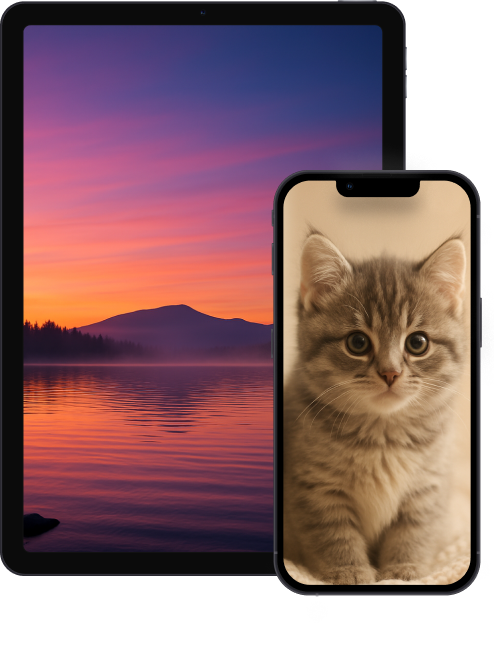
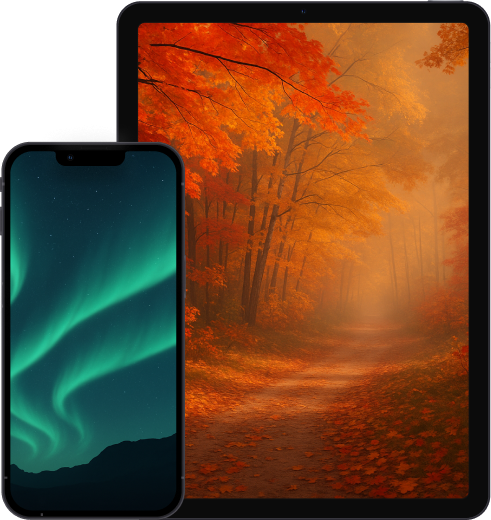
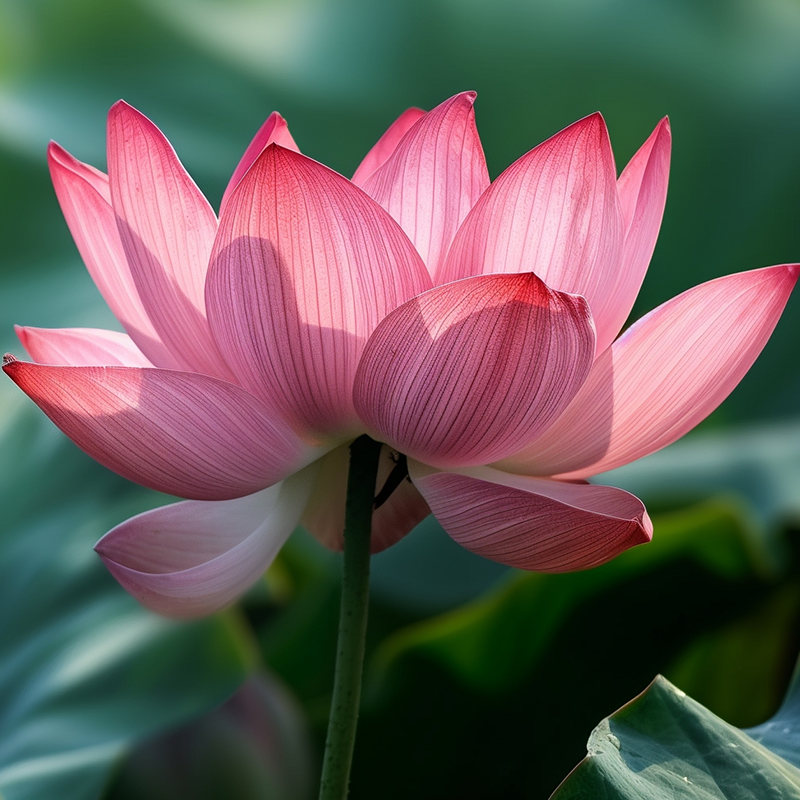
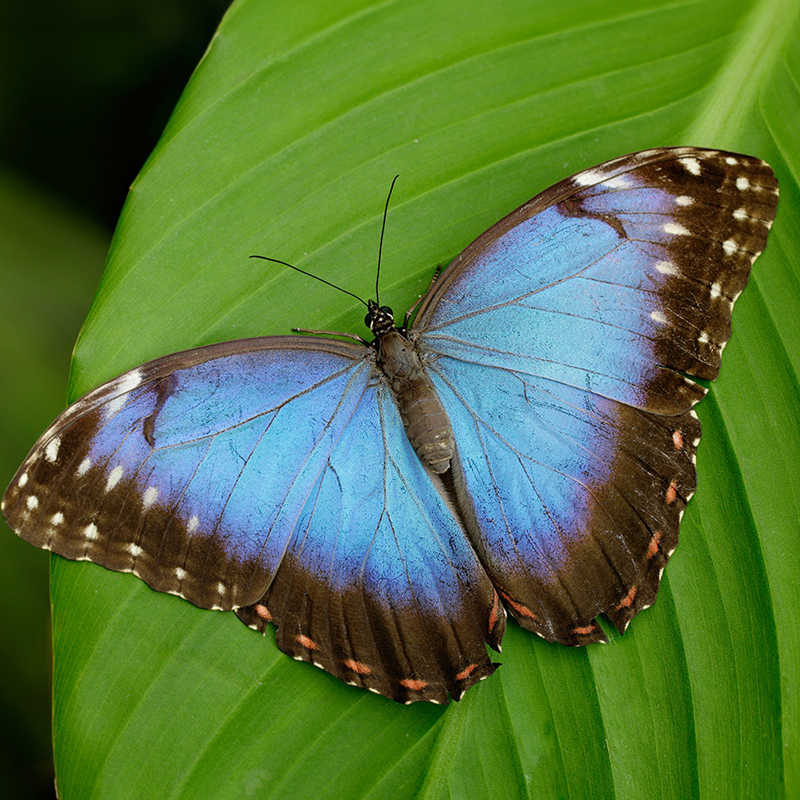
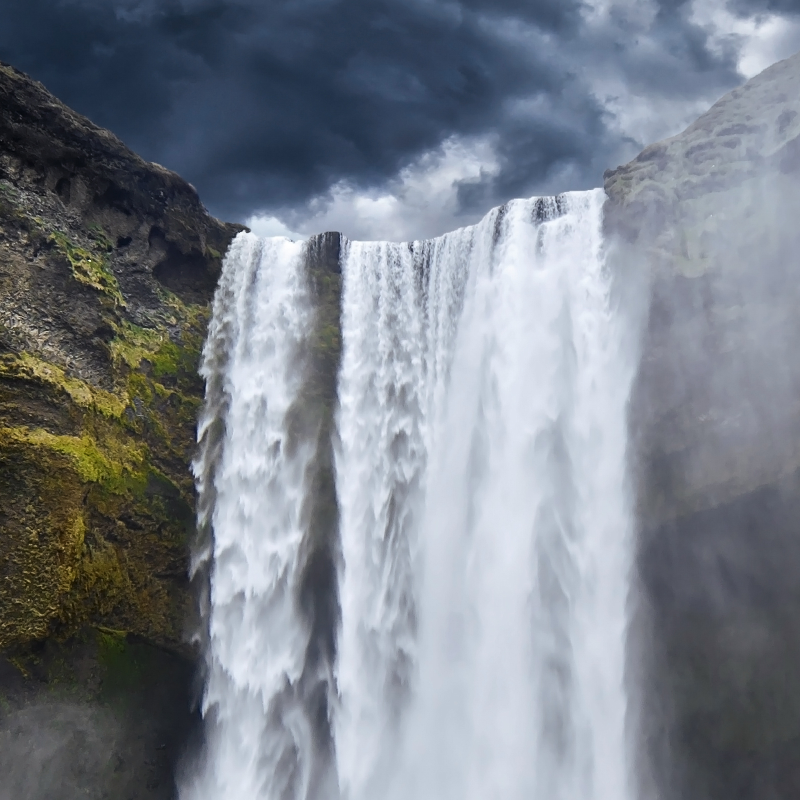
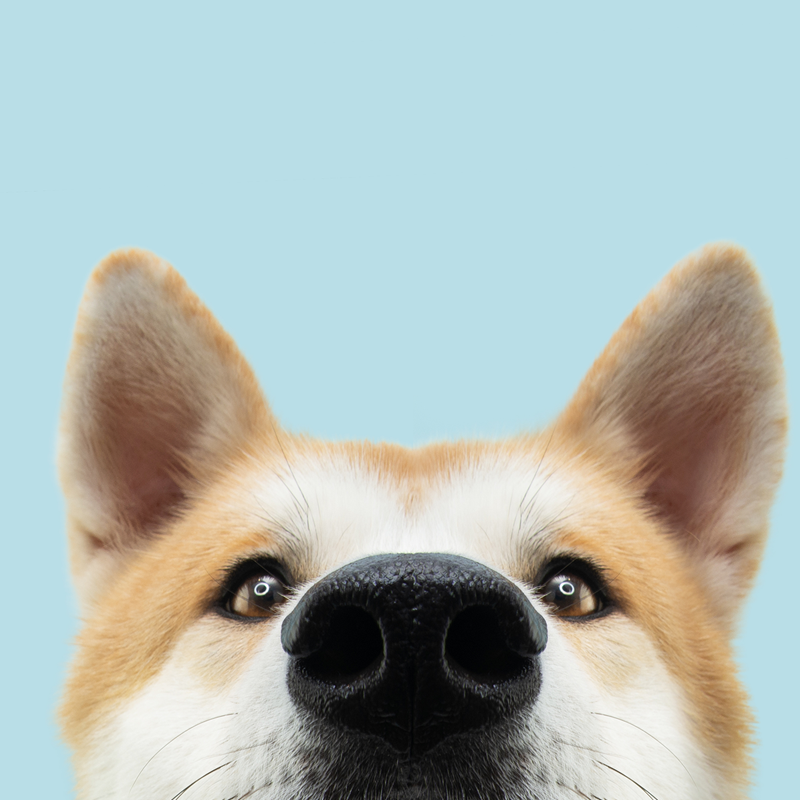
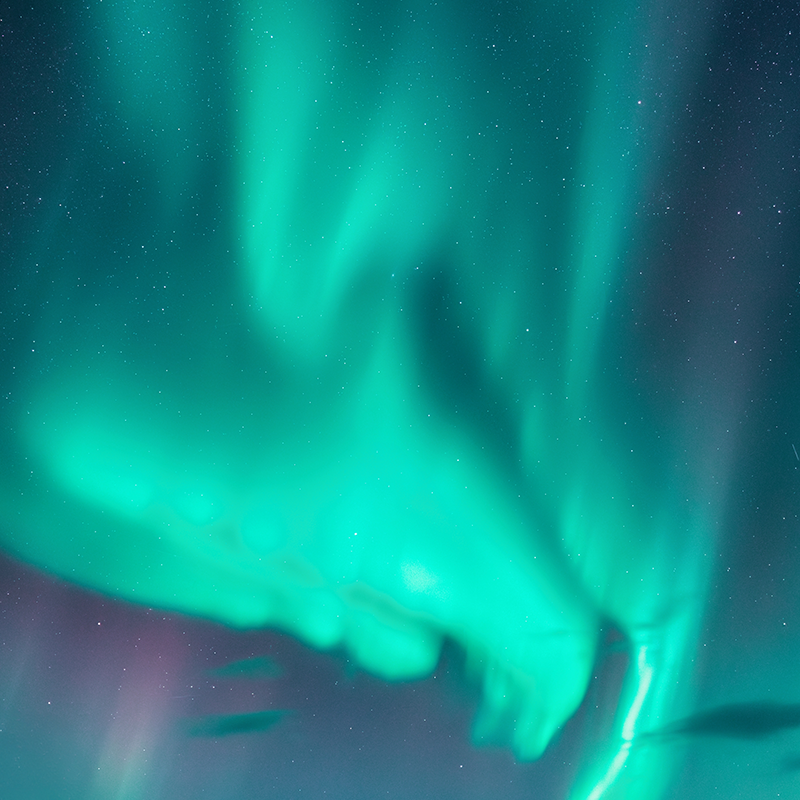
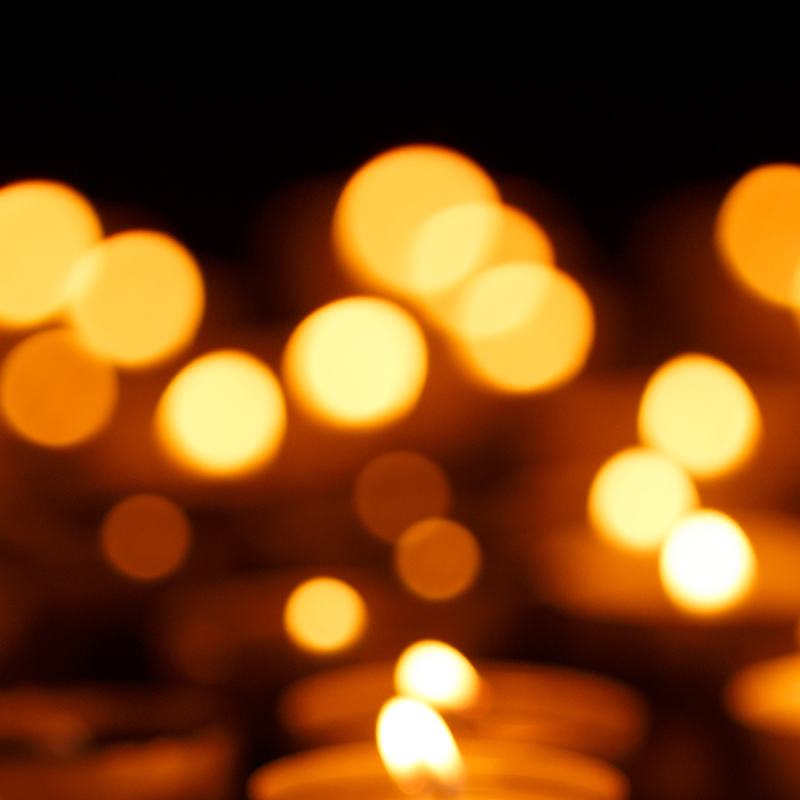
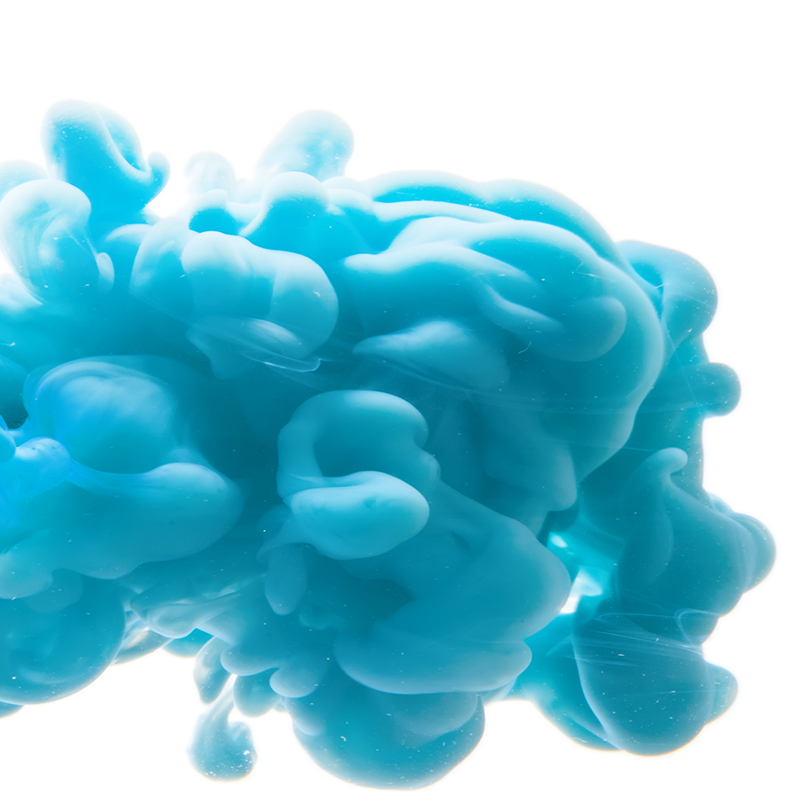
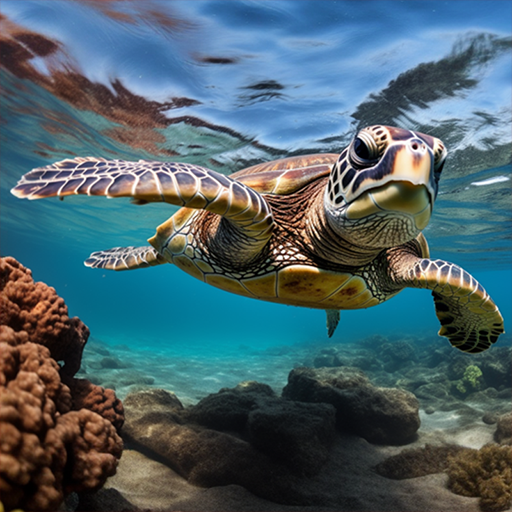
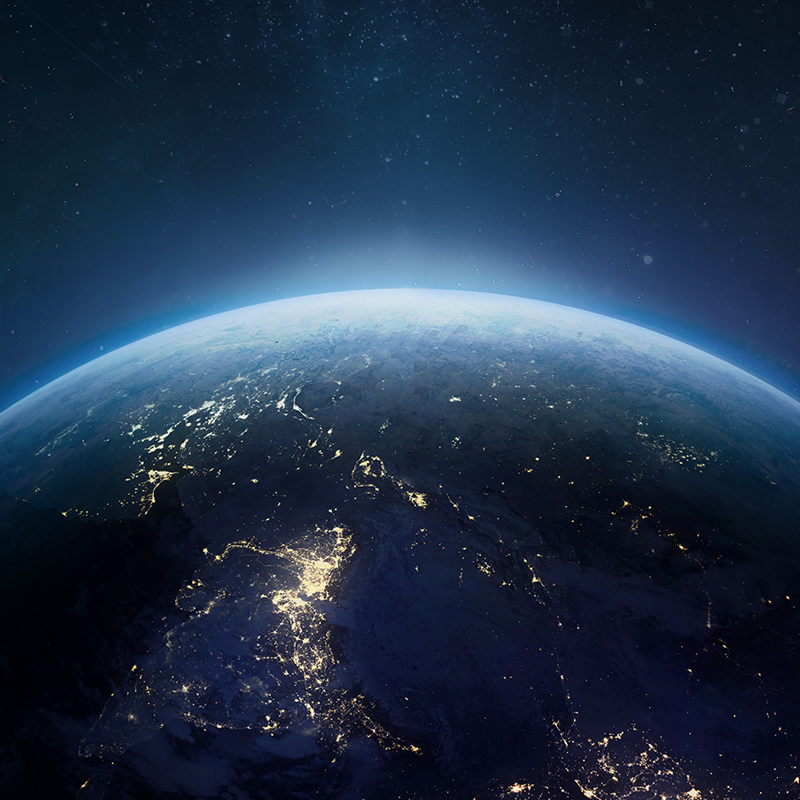
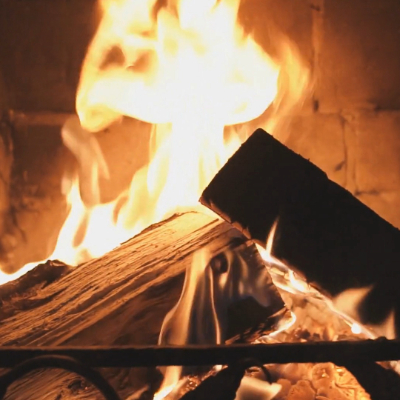
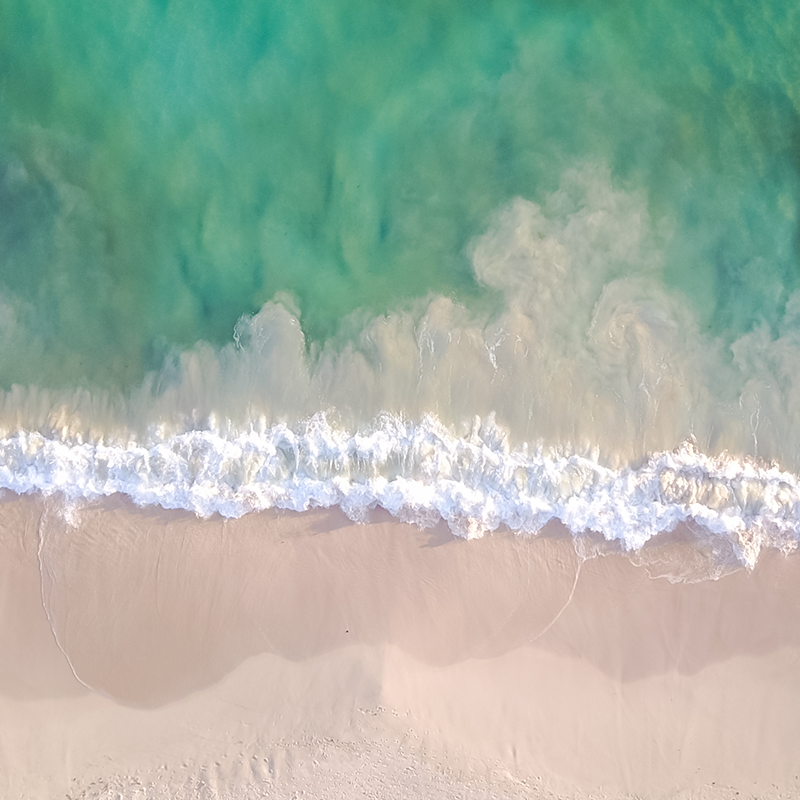
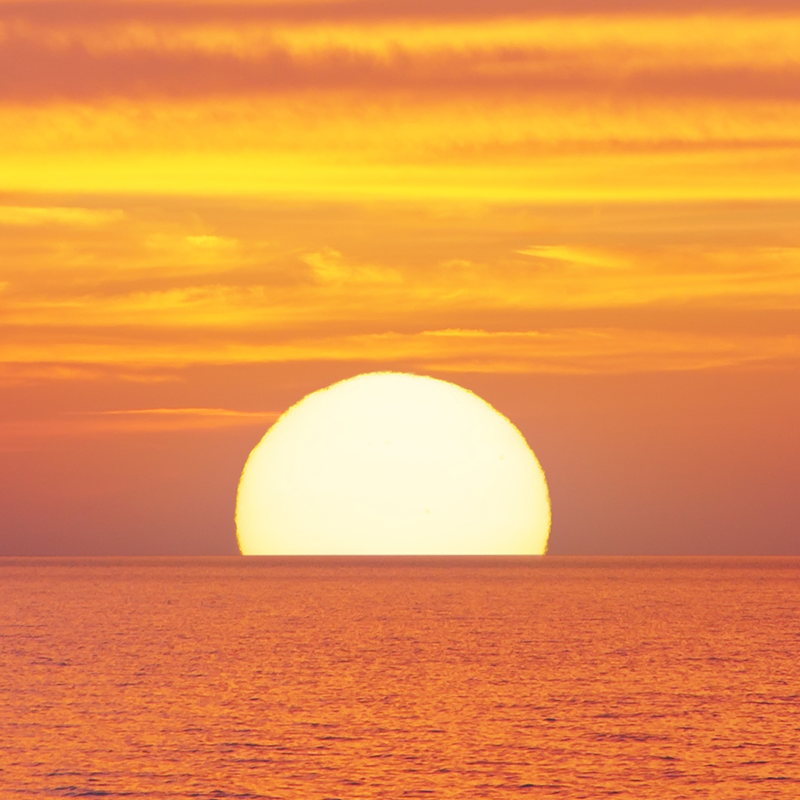
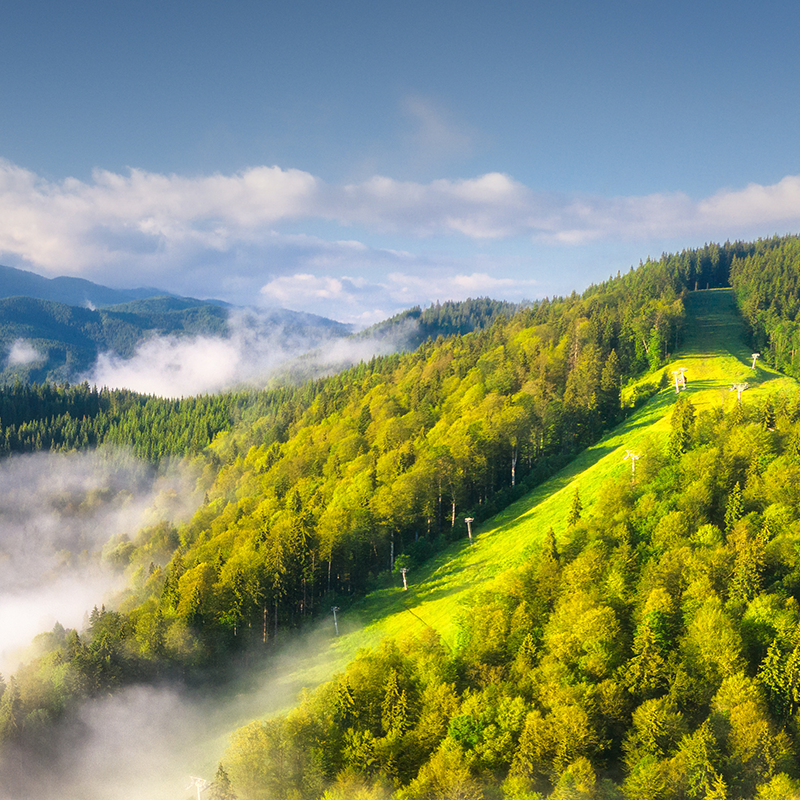
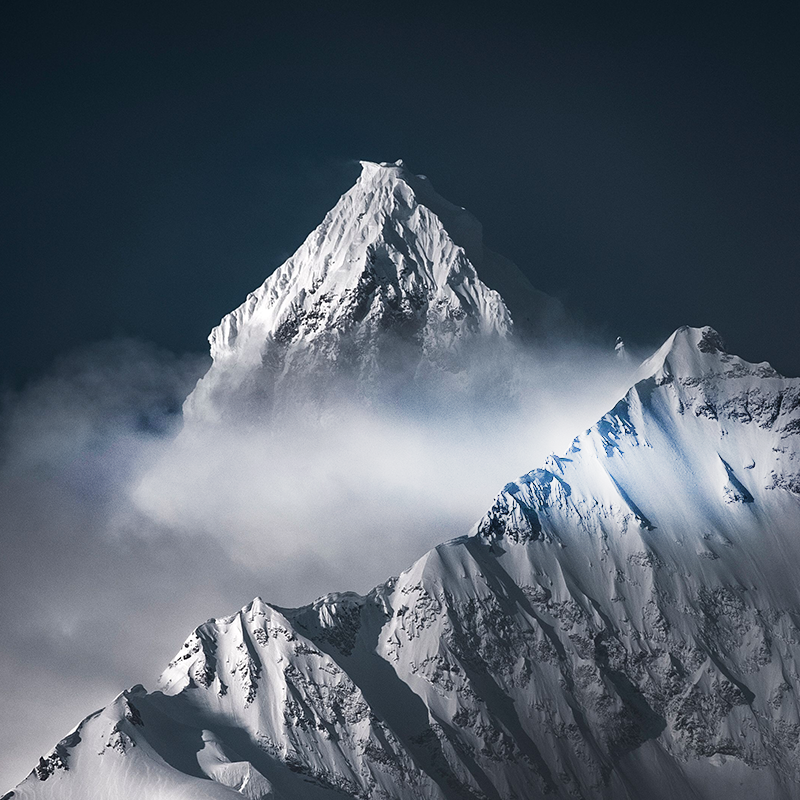
Experience our free 4K HD screensavers and transform your screen into a vivid masterpiece. With stunning visuals of your favorite subjects, from nature to space and art, every glance becomes an adventure. Bring your screen to life with captivating imagery, vibrant colors, and endless inspiration!
App Features
Discover the ease of one-click installation and enjoy our vast library of free, stunning 4K HD screensavers. Keep your screen fresh with regularly updated, captivating visuals!
Completely Free
Enjoy our high-quality screensavers at no cost.
High Quality
Experience unparalleled visuals with stunning 4K HD resolution.
Simple Download
Install screensavers with a click and regularly discover new ones to keep your screen exciting and fresh.
Check out these SmartTV screensaver apps:
African Safari
Blossoming Flowers
Beautiful Butterflies
Breathtaking Waterfalls
Adorable Pets
Relaxing Snow
Northern Lights
Candel Lights
Bikini
Ink In Water
Clouds
Corral Reef
Earth
Fireplace
Luxury Cars
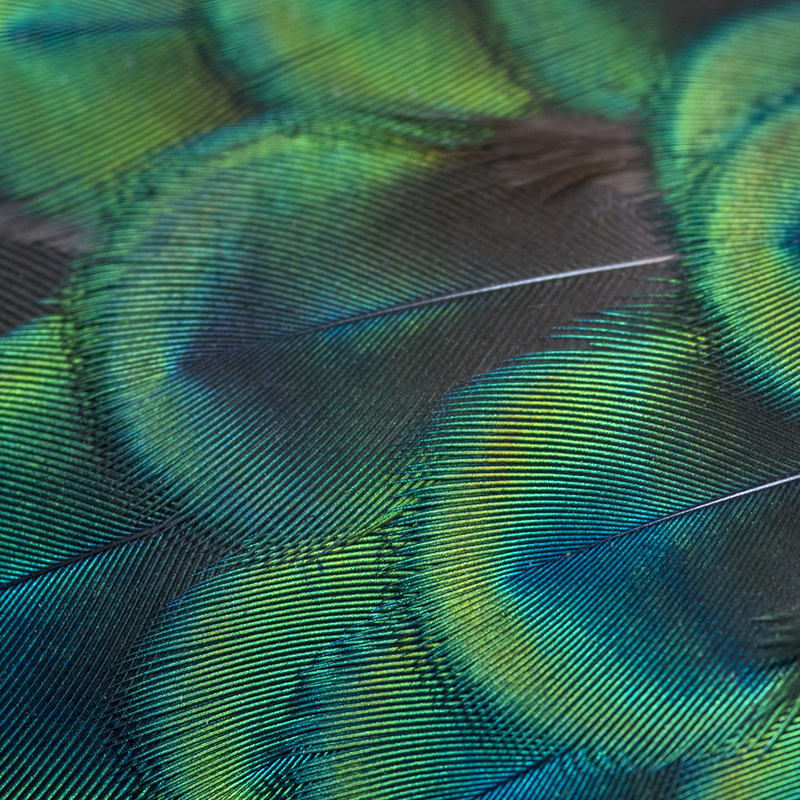
Peacocks
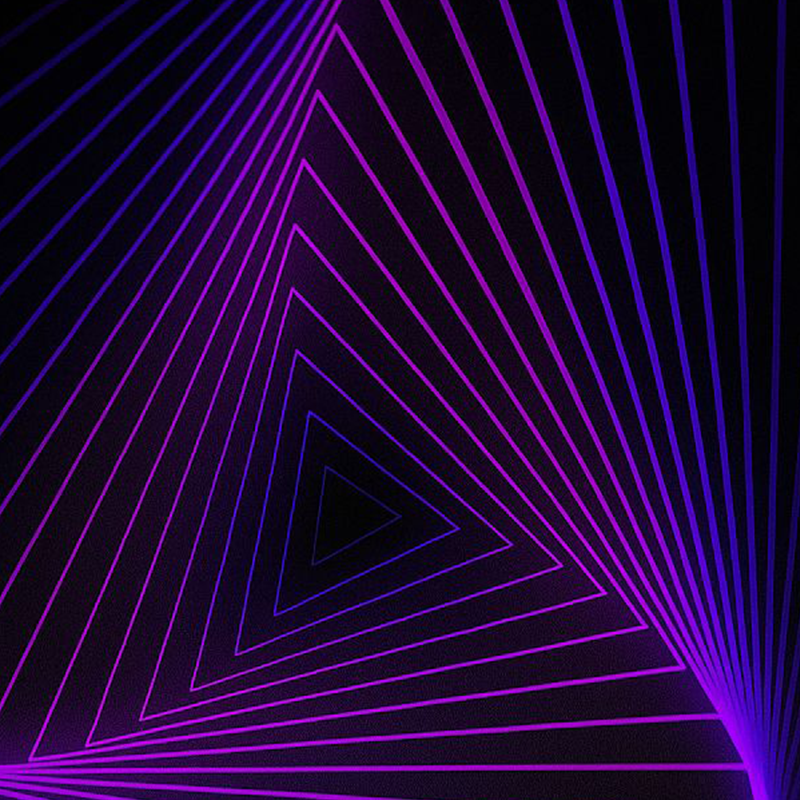
Geometric Shapes
Mermaids
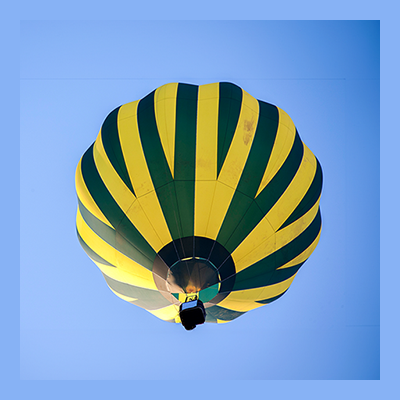
Hot Air Balloon
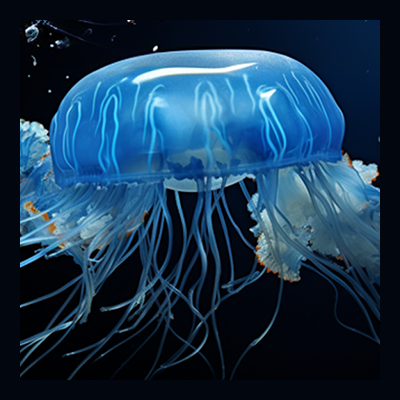
Jellyfish
Ocean Waves
Sunsets
Mountain Views
Snowy Mountains
Rain Serenity
FAQ
What is Bright Screensavers?
Bright Screensavers is a free screensaver application that provides beautiful, high-quality screensavers for your device. Choose from a variety of stunning visuals to personalize your screen when your device is idle.
What are the current available operating systems?
Bright Screensavers is currently available on Huawei devices and LG TV platforms, with Tizen (Samsung Smart TV) and Windows versions coming soon.
Why is Bright Screensavers free?
Bright Screensavers is free because we have integrated our own SDK within the app. This SDK helps us extract and validate publicly available information on the internet, which supports the app’s operation without charging users. There are no hidden fees, in-app purchases, or subscription costs.
What information does Bright Screensavers collect?
We do not track, store, or collect any personal user information such as your name, email, browsing history, or device details. Bright Screensavers only uses your IP address.
Is my privacy protected when using Bright Screensavers?
Yes. We are committed to user privacy. The only identifier we collect is your IP address. We do not track your personal activities or information.
Is Bright Screensavers safe to use?
Yes, Bright Screensavers is completely safe. Our SDK only extracts and validates publicly available information on the internet. We do not access your personal files, contacts, messages, or any sensitive data on your device.
We’re proud to have obtained certifications from trusted sources such as Appesteem, which can provide users with added confidence in our product. Boostnet is free because we have integrated our own SDK within the app. This SDK helps us extract and validate publicly available information on the internet, which supports the app’s operation without charging users. There are no hidden fees, in-app purchases, or subscription costs.
What does the integrated SDK do?
Our SDK extracts and validates publicly available information from the internet. This process happens in the background and does not interfere with your device’s performance or access any of your private data. The SDK operation is what allows us to offer Bright Screensavers for free.
Does Bright Screensavers slow down my internet or device?
No. The SDK operates efficiently in the background with minimal resource usage. The screensaver has negligible impact on your internet speed or device performance.
What screensaver options are available?
Bright Screensavers offers a diverse collection of high-quality screensavers including nature scenes, abstract art, cityscapes, space themes, and more. New screensavers are added regularly to keep your display fresh and engaging.
How do I use Bright Screensavers?
Simply open the app and opt-in to get the best HD experience! The screensaver will automatically activate when your device is idle.
Can I change screensavers?
Yes, you can change screensavers as often as you’d like. Browse the collection and select a new screensaver whenever you want a fresh look.
Can I customize when the screensaver activates?
Yes, you can adjust the idle time before the screensaver activates in the app settings. Set it to activate after a few minutes or longer, depending on your preference.
Do the screensavers use a lot of battery or power?
Our screensavers are optimized for efficient power usage. However, like any display content, screensavers do consume some power.
Technical Questions
Does Bright Screensavers work without an internet connection?
No, an internet connection is necessary in order to operate Bright Screensavers.
Do I need to create an account to use Bright Screensavers?
No account creation is required. Simply download, acept the terms and start enjoying beautiful screensavers immediately.
Can I preview a screensaver before setting it?
Yes, you can preview any screensaver in low quality before activating it to ensure it’s the perfect fit for your screen.
How can I contact support?
For support inquiries, please visit [email protected]. We’re here to help with any questions or issues you may experience.