Feature Comparison

xCloud vs Cloudways:
Choose The Right Hosting For You

Let’s see how xCloud stands as a better Cloudways alternative to help you pick the right hosting solution that can significantly impact your website’s performance.

  • checked-icon

    Free Feature

  • paid-icon

    Premium Feature

  • close-cross

    Not Available

Last updated: 02/09/2024

Features

xCloud

Cloudways

Hosting type

Cloud servers

Cloud servers

Lowest plan

Starts with 0

Image
Need to pay for own server & some features are locked

Starts at $11/month

Web Server – NGINX & OLS

Image
Image
Image
Do not provide OpenLiteSpeed servers.

Integrate Your Own Provider(Vultr, DigitalOcean, GCP, Hetzner, AWS or any Ubuntu)

Image
Image

Root access to server

Image
Image

Vertical Scaling

Image
Image

Unlimited websites creation

Image
Image

External Database

Image
Image

WordPress Multisite ( support for sub-domain and sub-folder )

Image
Image

Site Disable

Image
Image

Blueprints

Image
Image

Custom NGINX

Image
Image

Built-in 1-click NGINX configuration for caching plugins ( Rocket-NGINX for WP Rocket, Standard WP NGINX for WP Super Cache, W3 Total Cache)

Image
Image

Full page & Redis cache

Image
Image

Integrate your own cloud storage (DigitalOcean Spaces, Vultr Object, Cloudflare R2 Storage or any S3 compatible storage) account

Image
Image

Transactional email service

Image
Image
100 free emails for default team
Image

Easy integration with Mailgun, SendGrid, ElasticEmail, or any SMTP provider

Image
Image

Fully WordPress focused

Image
Image

WordPress theme, plugin, & core update

Image
Image

Automatic security updates

Image
Image

7G & 8G Firewall

Image
Image

Fail2Ban Integration

Image
Image

Firewall Management

Image
Image

Vulnerability Scanner

Image
Image

Accounts & roles management for team

Image
Image

Automatic FREE Let’s Encrypt SSL certificates

Image
Image

Custom SSL/TLS certificates

Image
Image

Automatic Cron job

Image
Image

Custom Cron Jobs

Image
Image

Multiple PHP versions in the same server

Image
Image

Compatibility & easy management for PHP 8.3

Image
Image

WP-CLI

Image
Image

Bulk site & server migration

Image
Image

cPanel Site Migration

Image
Image

Multisite with Subdomain Support

Image
Image

Full Site Backup

Image
Image

Incremental Site Backup

Image
Image

Site Backup download option for remote backups

Image
Image
Image
Need to SSH manually

Full Server Backup Management

Image
Image

File Manager

Image
Image

Reset File & Folder Permissions

Image
Image

Server & Site monitoring

Image
Image

Slack Integration

Image
Image

WhatsApp Integration

Image
Image

Server and Site Log

Image
Image

Add existing database

Image
Image

Clone site to same & another server

Image
Image
Image
Need staging site functionality

1-click staging

Image
Image

Staging With Pull Push

Image
Image

1-click magic login

Image
Image

Magic Login Disable

Image
Image

Live chat support

Image
Image

Clone & Deploy from GIT

Image
Image

Whitelabel

Image
Image
full support for server, sites & billing
Image

Moneyback guarantee

14 days

Image

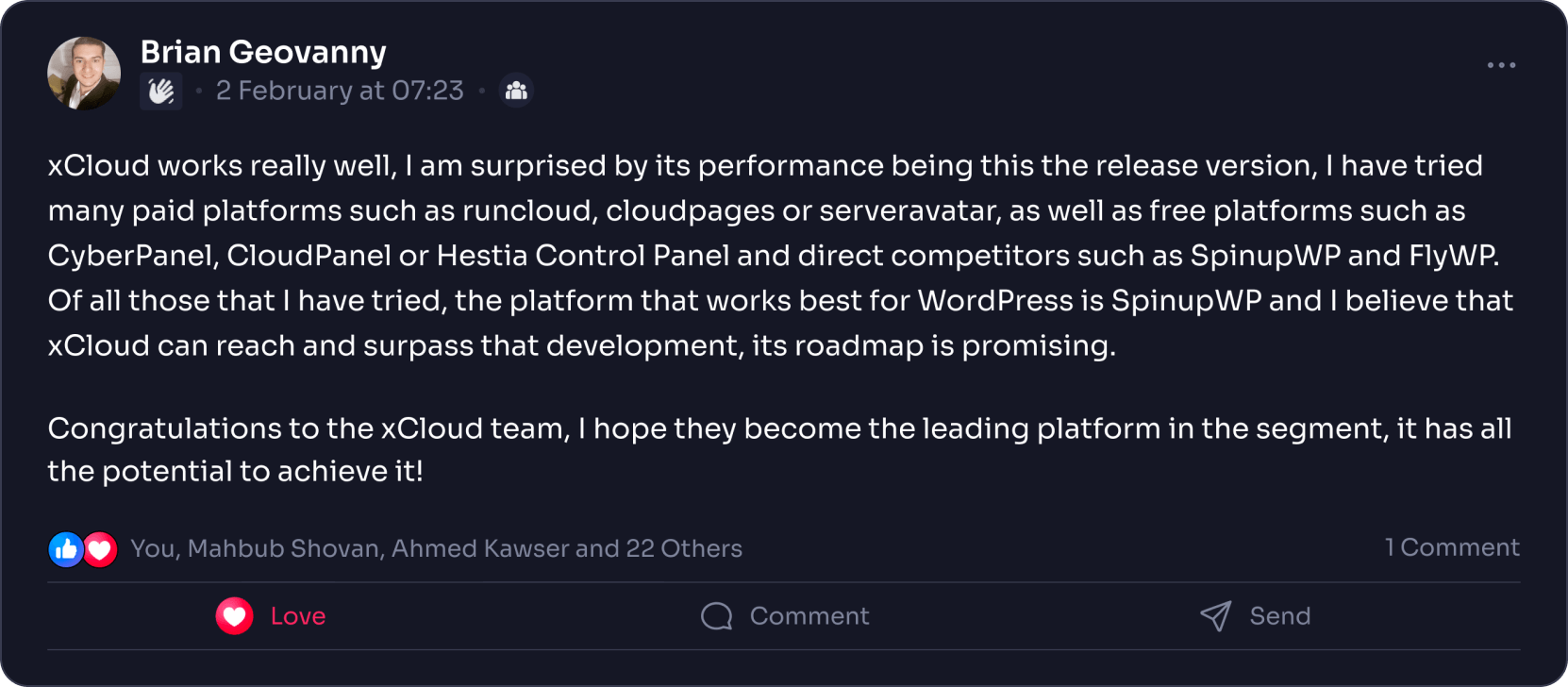
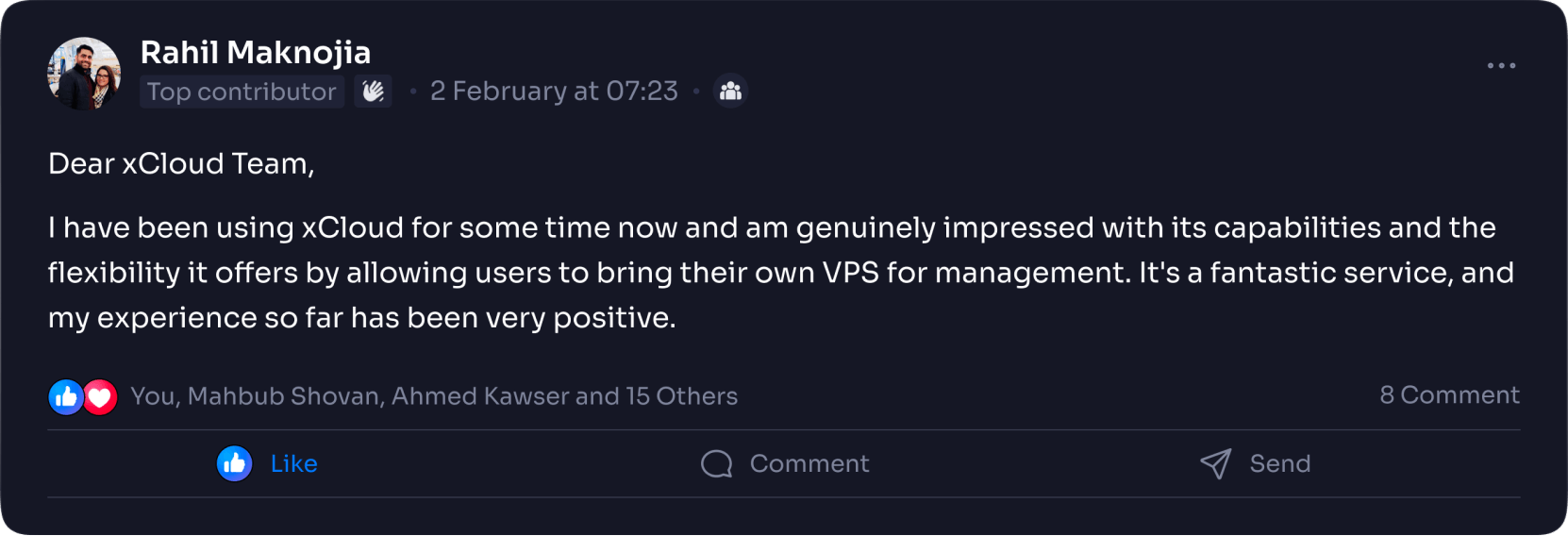
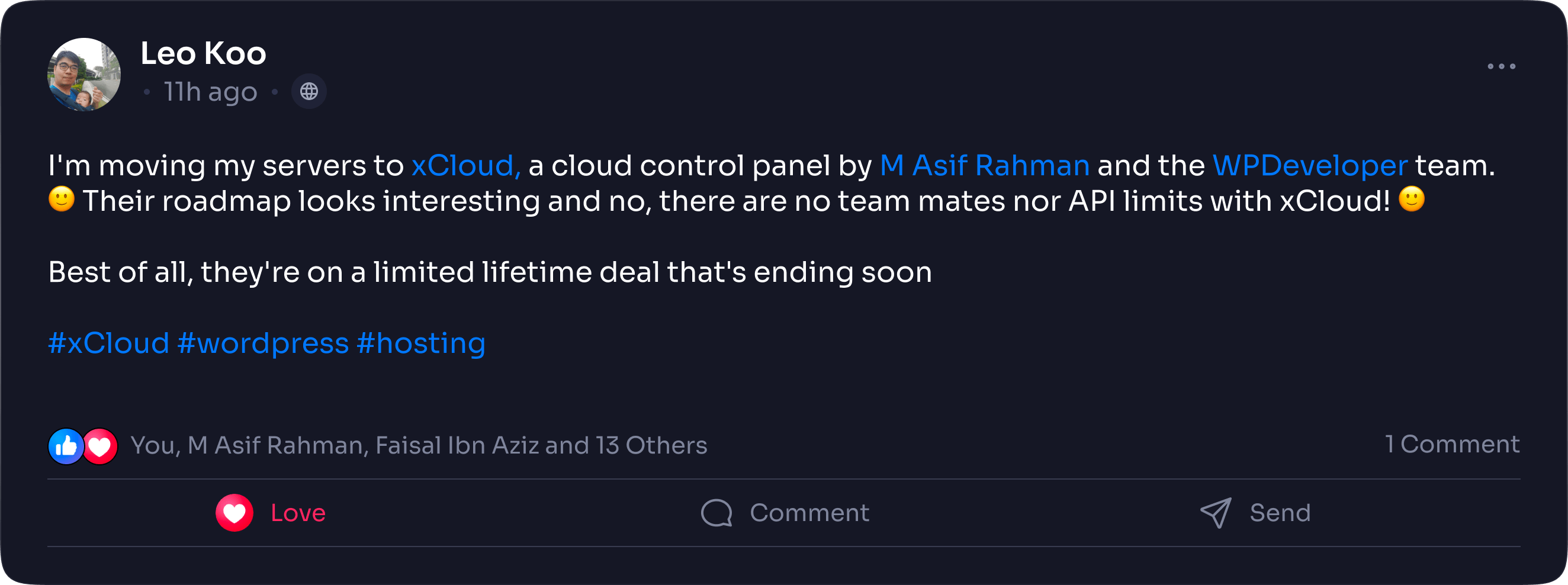
Hear What The Users Have To Say

Image
Image
Image

Powerful xCloud Features To Easily Manage Your WordPress Website

Image

1-Click Server
Creation

One-click setup of self-managed or fully-managed xCloud servers from the dashboard for quick & easy deployment of your WordPress website.

Image

Compatibility with Caching Plugins

xCloud will automatically enable Rocket NGINX to directly serve previously cached files, and also compatible wp caching plugins like WP Rocket, WP Super Cache, W3 Total Cache plugins, & more.

Image

WordPress Theme, Plugin, Core Updates

xCloud simplifies WordPress maintenance by offering one-click updates for plugins, themes, and the WordPress core that eliminates the hassle of manual updates.

Image

Transactional Email
Service

xCloud provides 100 FREE transactional emails to simplify email management & integration with popular services like Mailgun, SendGrid, and Elasticemail.

Image

Free Website
Migration

Transfer multiple WordPress websites from cPanel & shared hosting with our free migration feature and plugin to smoothly move your sites.

Image

Full Access With No Limitation

You have root access to your xCloud server, and we’re here for support. Our system uses updatable standard packages, giving you server flexibility.

xCloud vs Cloudways: Pricing Comparison

Explore pricing plans of both xCloud & Cloudways – managed servers, & make informed decisions to manage your website.

Ram/Bandwidth

SSD/NVMe

vCPU

xCloud

Cloudways

1GB/1TB

25GB

1

$5

$14

2GB/2TB

55GB

1

$12

$28

4GB/3TB

80GB

2

$24

$54

8GB/4TB

160GB

4

$45

$99

16GB/5TB

320GB

6

$88

$170

Ram/ Bandwidth

SSD/ NVMe

vCPU

xCloud

Cloudways

1GB/1TB

32GB

1

$7.5

$11

2GB/3TB

80GB

2

$20

$24

4GB/3TB

120GB

2

$30

$46

8GB/4TB

256GB

3

$50

$88

16GB/5TB

384GB

4

$100

$149

32GB/7TB

512GB

8

$200

$240