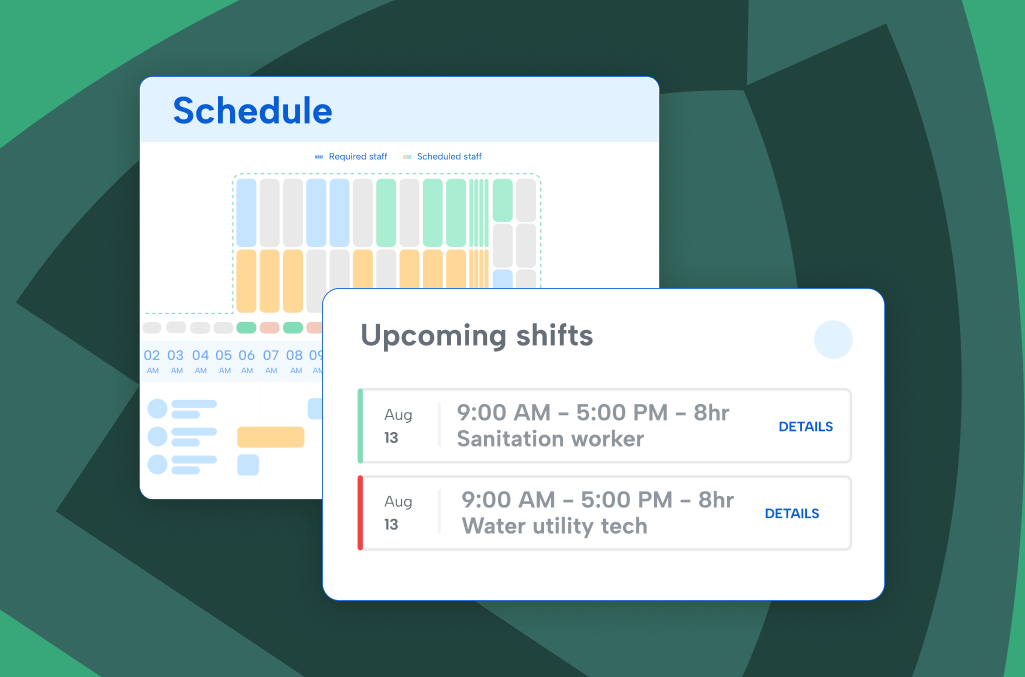
Managing employees today feels like a never-ending cycle of new things to worry about — scheduling, time tracking, labor costs, payroll, compliance, and coverage, all while maintaining employee satisfaction.
So how are you supposed to stay on top of it all?
Workforce management (WFM) brings all these priorities under one roof, so you can coordinate how you deploy, support, and track your teams. This guide covers everything you need to know about workforce management, including what it is, how it works, and how WFM systems help you maintain or scale your current operations.
What is workforce management?
Workforce management (WFM) is how you plan, schedule, and track your workforce to keep operations running efficiently while controlling costs and labor compliance risk. Put simply, WFM is what you do to make your organization run smoothly, which includes:
- Forecasting labor needs
- Creating schedules
- Tracking time and attendance
- Supporting employee leave management
- Maintaining compliance with wage and hour laws
Done well, workforce management reduces costs, improves employee experience, and supports long-term operational health. But getting WFM right doesn’t happen by jamming all your individual functions together at once into a junk drawer and expecting it to open well. It requires organization where everything has a place and a purpose.
Your workforce is changing too. More full-time, part-time, seasonal, and multi-generational employees expect flexibility and self-service, not just a paycheck. A modern approach to workforce management accounts for that mix, so scheduling and time tracking work for how people actually want to work today.
What is a workforce management system?
A workforce management system is a collection of solutions working together to help your organization manage and optimize its labor. These systems handle everything from employee scheduling and time tracking software to absence management and compliance reporting.
The best workforce management systems are customizable, scalable, and designed to integrate with payroll and HR platforms, so your data is funneled through one central source of truth to reduce friction.
These five core pillars help you understand all the inputs that influence workforce management. You can imagine these each in their own divider within your workforce management “junk drawer” with each piece playing its part.
Employee scheduling
Scheduling is rarely as simple as assigning employees to shifts. Peak demand periods, unexpected absences, and a mix of full- and part-time schedules make it complex. With the right employee scheduling system in place, you can:
- Create work shifts that align with your operational needs
- Communicate schedule changes in real time
- Let employees manage their schedules and trade shifts remotely
- Set alerts for approaching overtime thresholds
This gives you the flexibility to match labor to demand while keeping employees informed and empowered. But what about when your employees aren’t on schedule?
Leave and absence management
Keeping track of vacation, sick days, and extended leave impacts how well your operations flow, and even if you maintain compliance. But manual tools increase your risk of coverage gaps and paid leave law violations. With a structured approach to leave management, you can:
- Establish clear protocols for requesting and approving time off
- View employee balances and receive alerts for exceptions
- Integrate leave data into shift planning
According to Kaiser Permanente, absenteeism costs employers about $2,945 per employee each year. Better leave and absence planning helps mitigate those impacts.
Time tracking and job costing
Whether your teams are on a job site, in the field, or on a shop floor, you need insight into how labor is spent. A strong time tracking system enables you to:
- Track time across departments, job codes, and cost centers
- Establish cost codes and calculate shift differentials
- Manage paid breaks and multiple job costing levels
With this data, you can more accurately forecast labor expenses. Not only do you keep projects within budget, but HR, payroll, and leadership can use workforce management systems to consolidate documentation — improved compliance, easier process.
Mobile solutions
The International Data Corporation (IDC) estimated that mobile workers accounted for almost 60% of the total workforce in the United States. A complete workforce management system recognizes the importance of mobile as both a standalone function and flexible choice.
Mobile support allows you to:
- Enable self-service access to schedules and PTO requests from any device
- Allow employees to clock in/out from mobile devices
- Set geolocation rules for location-based clock-ins at worksites
Whether your team is remote, hybrid, or field-based, mobile access ensures accuracy and engagement in coordination wherever your teams are — a necessary, but often overlooked component in WFM.
Compliance
Workforce management systems support labor compliance by enforcing breaks, overtime, and shift length rules. Practices like audit trails, automated alerts, and attestation logs help you:
- Flag violations before they become legal issues
- Enforce CBAs and state-specific laws with pre-built rules
- Maintain audit-ready records without extra admin burden
With all the constructive capabilities in WFM, the compliance function rounds out the system with a proactive mechanism to protect your organization from unnecessary risk.
Workforce management systems by industry
So you might be wondering, “Workforce management sounds nice. But how does it work for my industry?” Here are some specific use cases, by industry, for why you might want to implement a workforce management system:
| Industry | How workforce management plays a role |
| Enterprise | Reduces coverage gaps, maintains compliance, and improves efficiency across departments and job sites. |
| K–12 education | Helps schools handle budget cuts, staff shortages, and extra duty assignments with easier scheduling and time tracking. |
| Government | Supports compliant payroll, boosts public sector productivity, and ensures accountability for tax-funded roles. |
| Public safety | Improves shift coverage and simplifies complex shift rotations for EMS, fire, and police, all while supporting labor laws. |
| Healthcare | Prevents understaffing, supports regulatory compliance, and helps providers deliver better care shift by shift. |
| Retail | Manages fluctuating traffic and high turnover with dynamic scheduling and real-time labor insights. |
| Higher education | Tracks both staff and student worker hours, supporting compliance with grants, labor laws, and union contracts. |
| Hospitality | Keeps schedules flexible, staff engaged, and operations smooth to support consistent, high-quality guest service. |
| Manufacturing | Handles multi-shift production lines, tracks time by job costing by code, and reduces costly labor misallocation. |
| Construction | Tracks labor across job sites, flags overtime, and adjusts schedules to reduce delays and control costs. |
| Small business | Automates time tracking and scheduling to avoid missed shifts, payroll errors, and unneeded administrative burden. |
| Business services | Connects scheduling and time tracking to client contracts and credentials, so billable hours are captured accurately and margins stay protected across every job site. |
Benefits of workforce management
When scheduling, time tracking, and compliance work together instead of in silos, organizations see real, measurable gains:
- Fewer coverage gaps – Demand-based scheduling and fast shift backfill mean the right people are in the right place, even when someone calls out.
- Cleaner payroll – Accurate time capture and automated pay rules cut down on corrections, retro pay, and disputes. Organizations using workforce management software report up to a 75% reduction in payroll processing time.
- Lower turnover – Predictable schedules and mobile self-service give employees more control over their work life.
- Greater compliance confidence – Built-in labor law guardrails apply automatically, reducing exposure to fines and audits.
- Real-time visibility – Leaders can see labor costs and staffing levels as they happen, not after payroll runs.
- Lower labor costs – Overtime control and smarter scheduling cut labor spend without cutting people.
Frequently asked questions
What’s the difference between HR and workforce management?
HR covers hiring, benefits, and long-term people decisions. Workforce management covers the day-to-day: who’s working which shift, whether time is tracked accurately, and whether pay and compliance rules are followed. The two connect — workforce management data feeds HR reporting and payroll — but they solve different problems.
What’s an example of workforce management?
A retail store manager building next week’s schedule around expected foot traffic, tracking clock-ins through a mobile app, and getting an alert before an employee hits overtime. This is workforce management in practice. It shows up any time scheduling, time tracking, and labor rules work together instead of as separate manual tasks.
What’s the primary purpose of workforce management?
The primary purpose is to match the right people to the right shifts, track their time accurately, and keep pay and compliance rules applied consistently, without the manual back-and-forth of spreadsheets, paper schedules, or disconnected tools.
What is workforce management software?
Workforce management software is a solution that combines all the capabilities of a WFM system together. Whether you choose one or all the features in a software — manage scheduling, time tracking, leave requests, compliance, labor forecasting — it’s designed to work in tandem with all the necessary functions of a WFM system.
With the right software, you can:
- Make proactive, data-backed staffing decisions
- Reduce payroll errors and administrative overhead
- Manage labor costs and track time in your workforce
- Maintain compliance across locations and roles
- Improve process transparency and employee satisfaction
And when your needs change, modern WFM software grows with you. Whether you’re running a small business or a multi-location enterprise, workforce management software gives you confidence that your operations are running as smoothly as possible.
If you’re focused on automation while creating a stress-free experience for your employees, let’s chat about how TCP Software can help.
TCP Software’s employee scheduling and time and attendance solutions have the flexibility and scalability to suit your business and your employees, now and as you grow.
From TimeClock Plus, which automates even the most complex payroll calculations and leave management requests, to Humanity Schedule for dynamic employee scheduling that saves you time and money, we have everything you need to meet your organization’s needs, no matter how unique. Plus, with Aladtec, we offer 24/7 public safety scheduling solutions for your hometown heroes.
Ready to learn how TCP Software takes the pain out of employee scheduling and time tracking? Speak with an expert today.
What to read next
Explore all resources