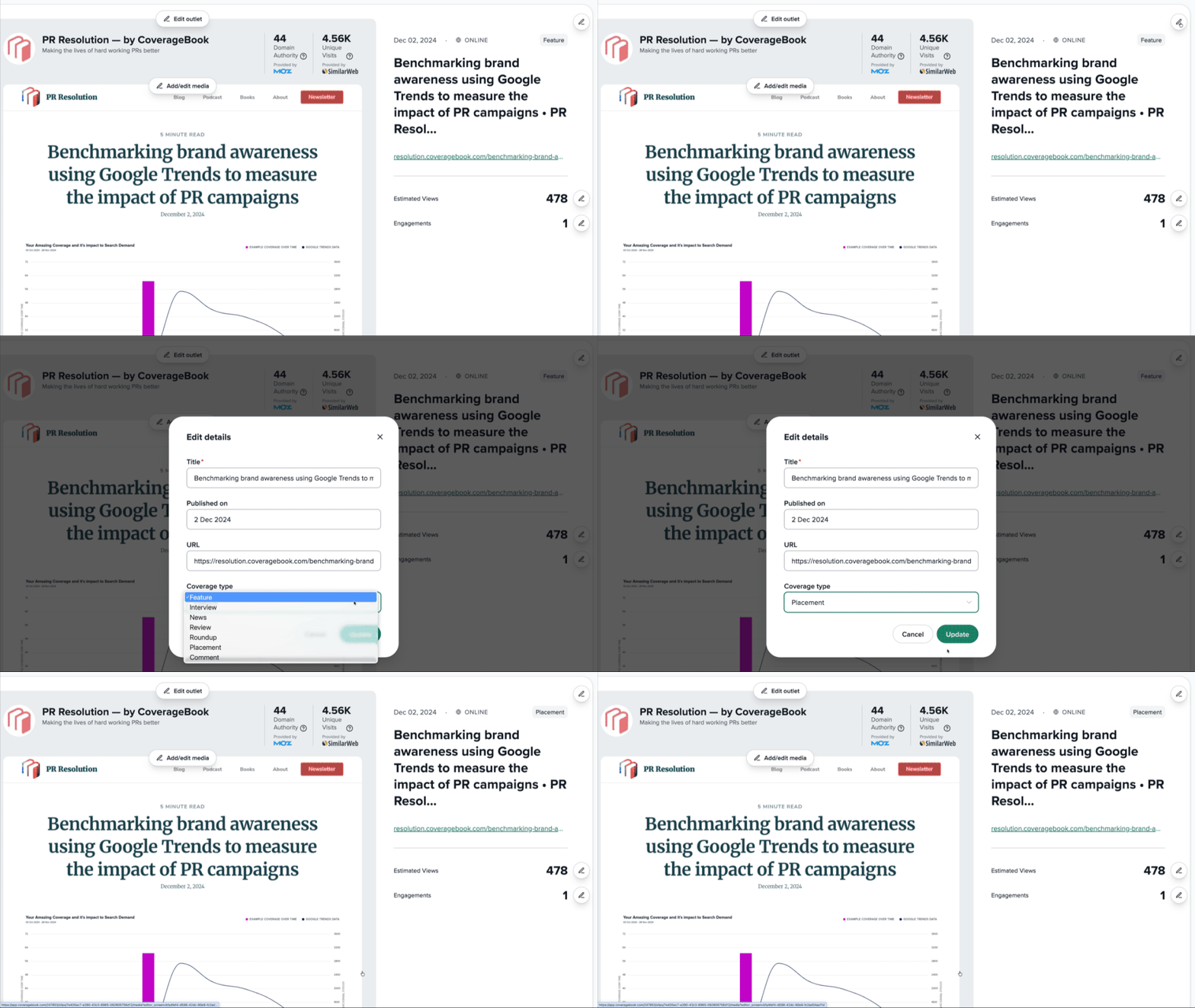
New
We've introduced two-factor authentication so your team members can now sign in using an authenticator of their choice (1Password, Google Authenticator, Authy etc).
Account admins can enable and manage 2FA for all team members. Once enabled they'll have 14 days to set it up. We'll email a link with instructions. Head to the main settings - team - two-factor page in your CoverageBook account to enable it for everyone!
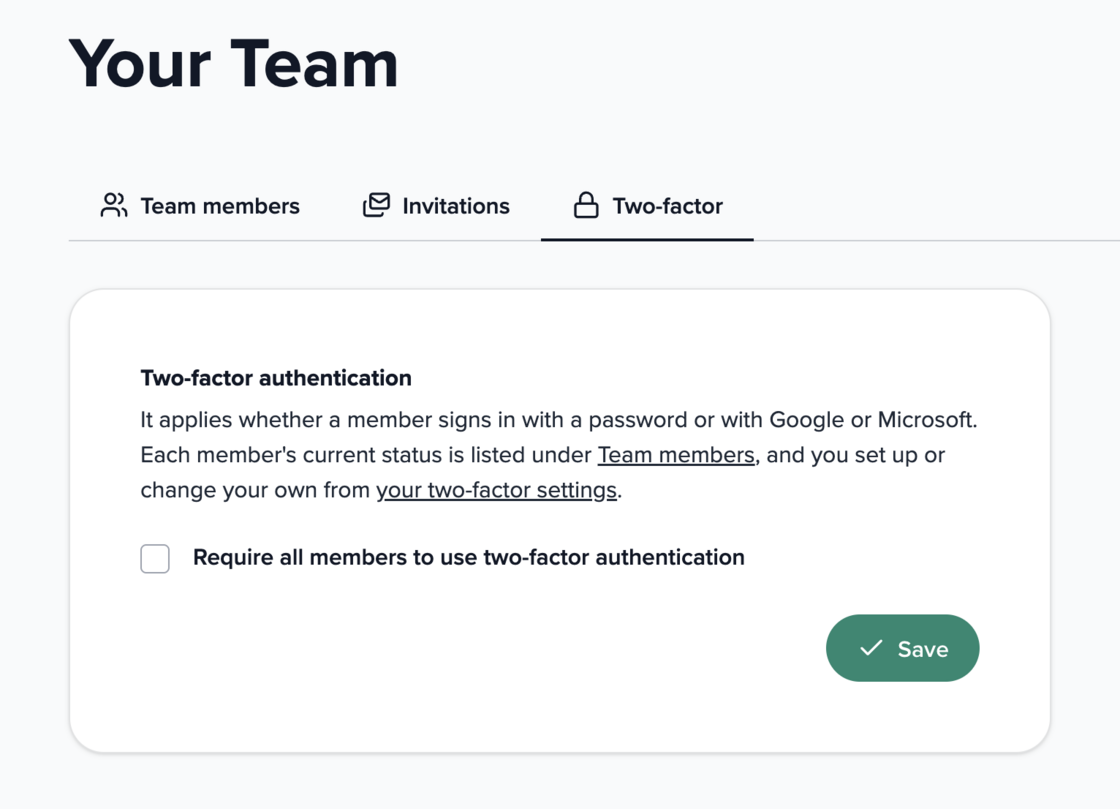
You can sign in securely using either a password, or Google or Microsoft SSO along with your 6-digit 1FA token. For more info on setting this up check out our guide here.