
Visual Studio Blog
The official source of product insight from the Visual Studio Engineering Team
Featured posts
Visual Studio 2026 is here: faster, smarter, and a hit with early adopters

Dear developers, We’re thrilled to announce that Visual Studio 2026 is now generally available! This is a moment we’ve built side by side with you. Your feed...
Latest posts
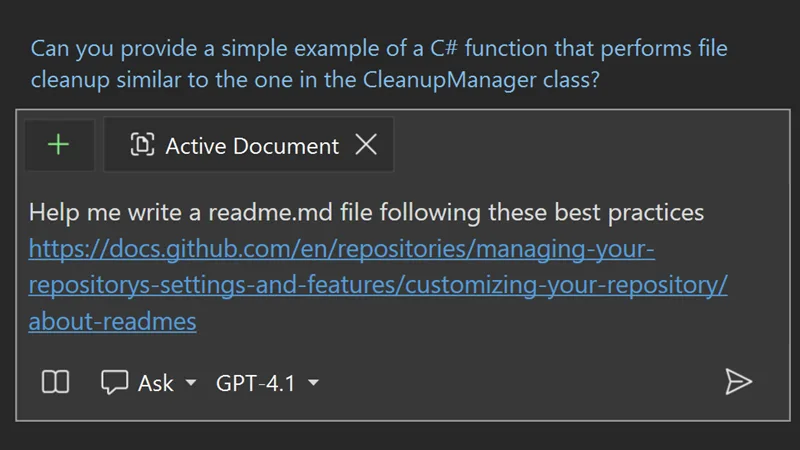
Unlocking the Power of Web with Copilot Chat’s New URL Context

There are many scenarios where Copilot Chat can feel limited by the built-in model training data. Maybe you want guidance on the latest web framework, documentation, or project-specific resources—but Copilot’s responses just aren’t specific enough. For developers who rely on up-to-date or esoteric answers, this gap can be a real frustration. URL Context: Bringing the web into Copilot Chat With the new URL context feature, Copilot Chat can now access and use information directly from web pages you specify. By pasting a URL into your Copilot Chat prompt, you empower Copilot to pull real-time, relevant infor...
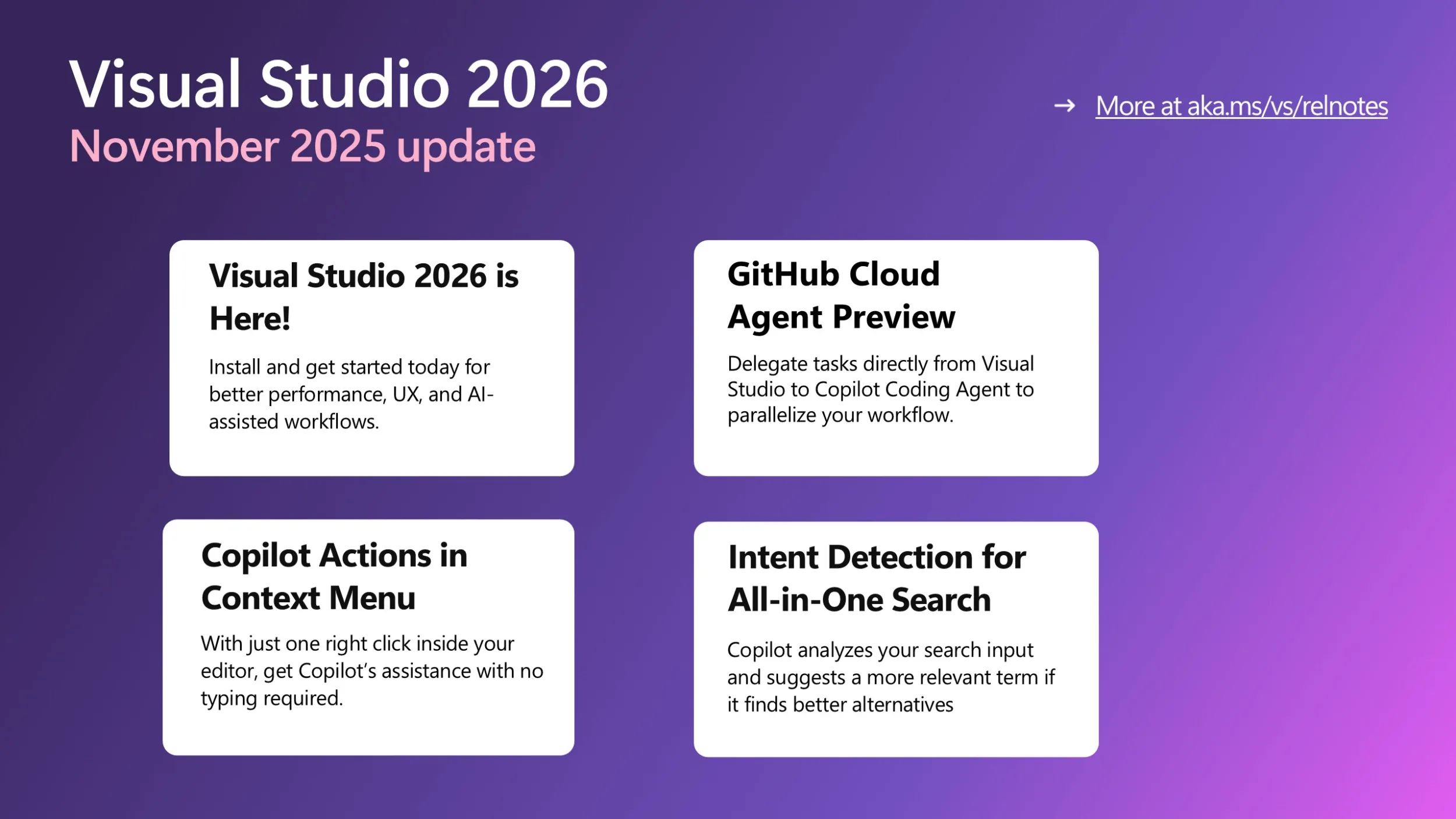
Visual Studio November Update – Visual Studio 2026, Cloud Agent Preview, and more

Visual Studio 2026 is here! If you haven’t heard the news yet, we’re excited to share with you that Visual Studio 2026 is now generally available! This new version can better assist you with several performance improvements, a redesigned user experience, and a major leap in AI-driven development. Read more about it here and get started with VS 2026 today! Below updates are all available in Visual Studio 2026 only. GitHub Cloud Agent Preview is now available in Visual Studio The Cloud Agent is now in preview and ready to help you offload repetitive or time-consuming work. Enable it via the Copilot badge d...
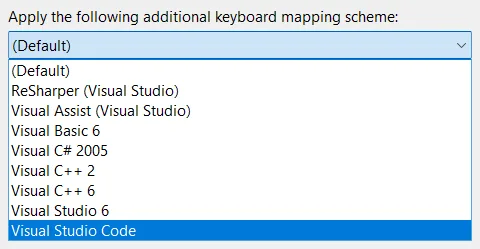
Why changing keyboard shortcuts in Visual Studio isn’t as simple as it seems
A straight look at what’s behind the keys We’ve all tried unlearning a keyboard shortcut - it feels like forgetting how to breathe. Muscle memory doesn’t mess around. We wrestle with this every time someone suggest a “quick” shortcut change. It’s not just editing a keybinding but navigating a history that makes Visual Studio so customizable for developers like us. Picture yourself deep in code, chugging coffee, ready to close a tab. You hit Ctrl+W because Chrome, VS Code, and every other tool uses it. But in Visual Studio? You likely need Ctrl+F4, a combo straight out of the Windows 98 era. Or maybe you try c...

Profiler Agent – Delegate the analysis, not the performance

In Visual Studio 2026 we introduced Copilot Profiler Agent, a new AI-powered assistant that helps you analyze and optimize performance bottlenecks in your code. By combining the power of GitHub Copilot with Visual Studio's performance profiler, you can now ask natural language questions about performance, get insights into hot paths, and quickly identify optimization opportunities. Let's walk through a real-world example of how this tool can help you make meaningful performance improvements. Benchmarking a real project To demonstrate the capabilities of the Copilot Profiler Agent, let's optimize CsvHelper, a p...
Upgrade MSVC, improve C++ build performance, and refactor C++ code with GitHub Copilot

Visual Studio 2026 introduces new GitHub Copilot capabilities to support C++ developers in three development tasks: These experiences are available now as a Private Preview in Visual Studio 2026. Install Visual Studio 2026 and join the waitlist for Private Preview today. C++ code editing tools for GitHub Copilot C++ code editing tools for GitHub Copilot bring the precision of C++ IntelliSense to Visual Studio agent mode to enable faster and more accurate codebase-wide edits. This includes: See Perform wide-sweeping refactors using C++ code editin...

Visual Studio – Built for the Speed of Modern Development

Visual Studio will adopt the Modern Support Lifecycle as a continuously updated IDE designed to deliver innovation as soon as it is ready, while maintaining the reliability and stability you count on every day with control over your build tools choices.
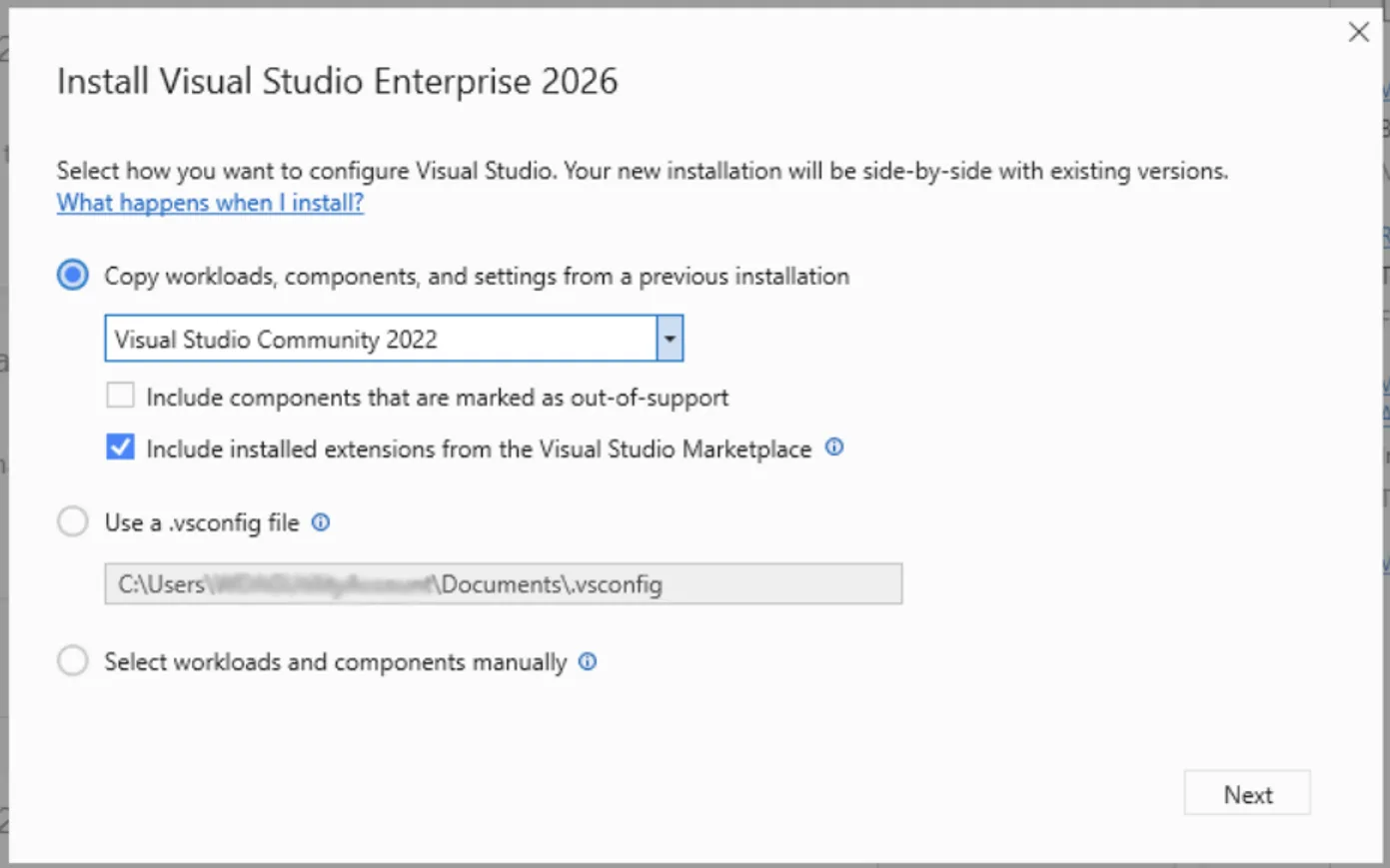
Spend Less Time Upgrading, More Time Coding in Visual Studio 2026

In the past, moving to the next major version of Visual Studio could take hours, sometimes days, to recreate your dev environment the way you like it. Visual Studio 2026 makes it easier than ever to stay current with the latest productivity features, performance improvements, and security fixes all without disrupting your flow. With the new Visual Studio install experience, you can effortlessly recreate your previous Visual Studio 2022 environment. Your workloads, SDKs, toolsets, extensions and settings are automatically copied and configured, so everything you need to build and continue developing your project i...
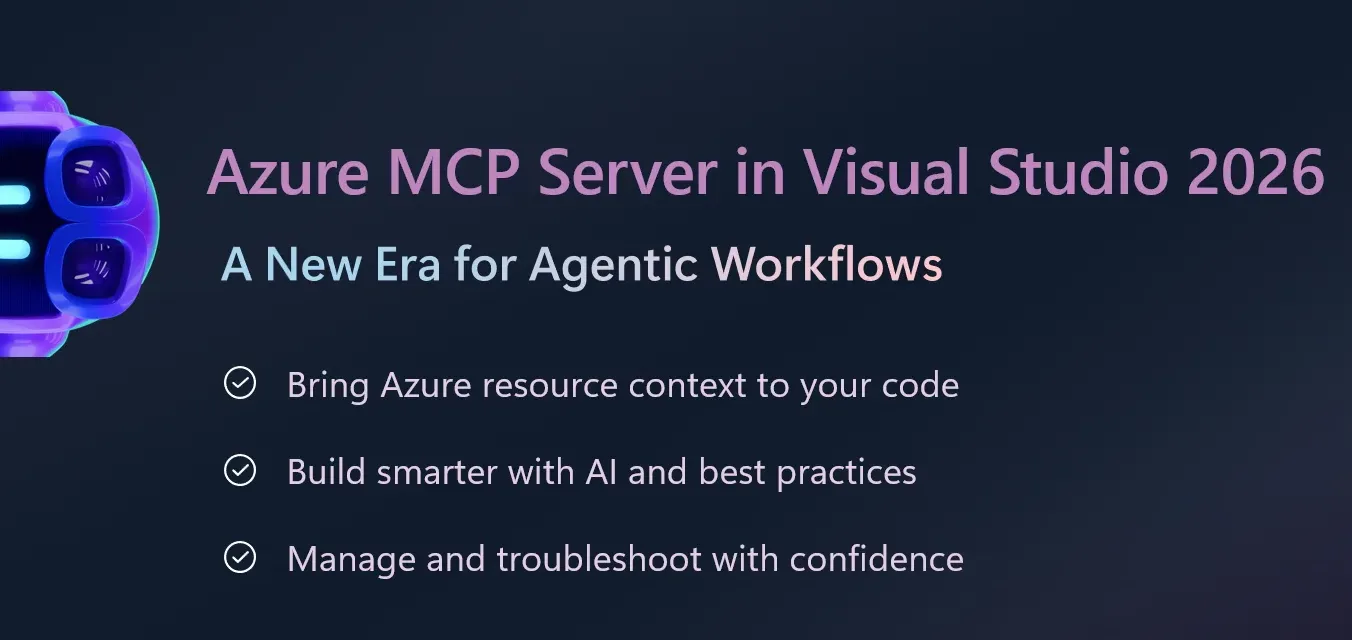
Azure MCP Server Now Built-In with Visual Studio 2026: A New Era for Agentic Workflows

Managing cloud resources often means juggling multiple tools, writing custom scripts, and switching contexts between your IDE and cloud management portals. These extra steps slow development and make it harder to build intelligent, secure applications efficiently. We’re excited to announce that Azure MCP Server (Model Context Protocol) tools are now generally available out-of-the-box in Visual Studio 2026, bringing agentic cloud automation directly into your trusted IDE. This integration empowers developers to build intelligent, secure applications faster, with less complexity and more confidence. Why It ...
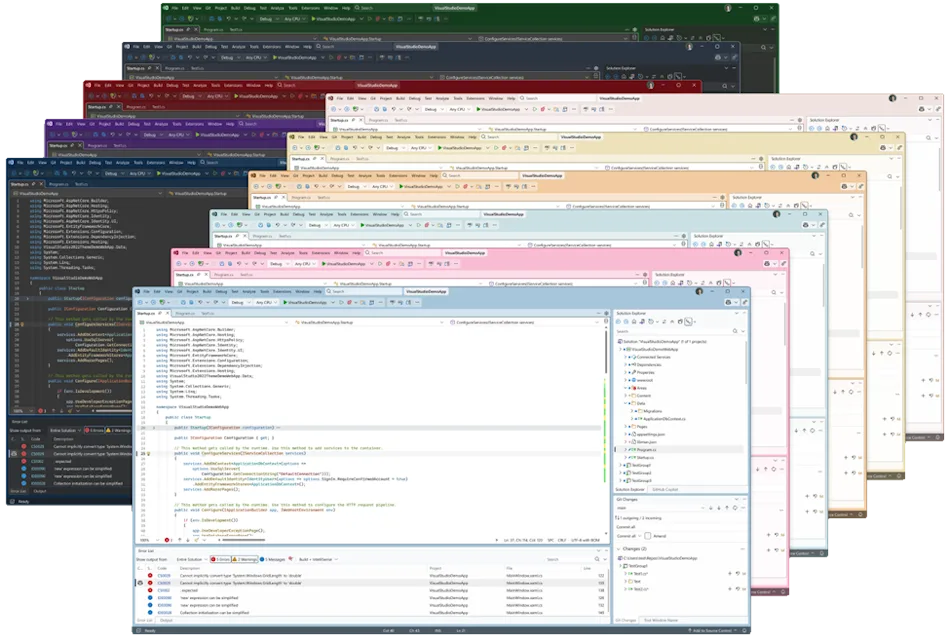
A first look at the all‑new UX in Visual Studio 2026

Visual Studio 2026 introduces a refreshed user experience, thoughtfully crafted for clarity, accessibility, and a clean interface that feels right at home on Windows. This update is the result of extensive collaboration with developers and incorporates valuable feedback from the community. We’ve improved typography, iconography, and the overall layout to minimize distractions and keep your code front and center. Each update is designed to support modern workflows, making Visual Studio a more intuitive, consistent, and personal experience. Download the Insiders release and try our new visual improvements, AI in...
