Please see the instruction below to find out how to install an EasyHTML5Video application.
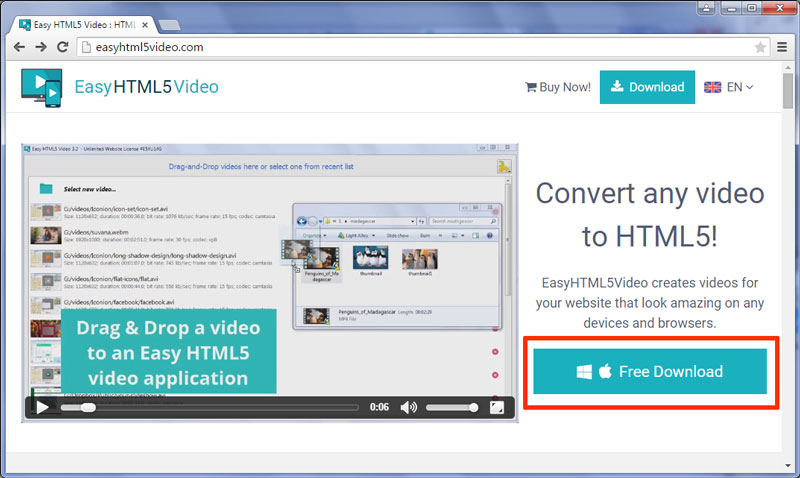
First of all you should go to the EasyHTML5Video website. Click the 'Free Download' button at the right side of the video.
Input your name and Email address. Then push the 'Download Now!' button.
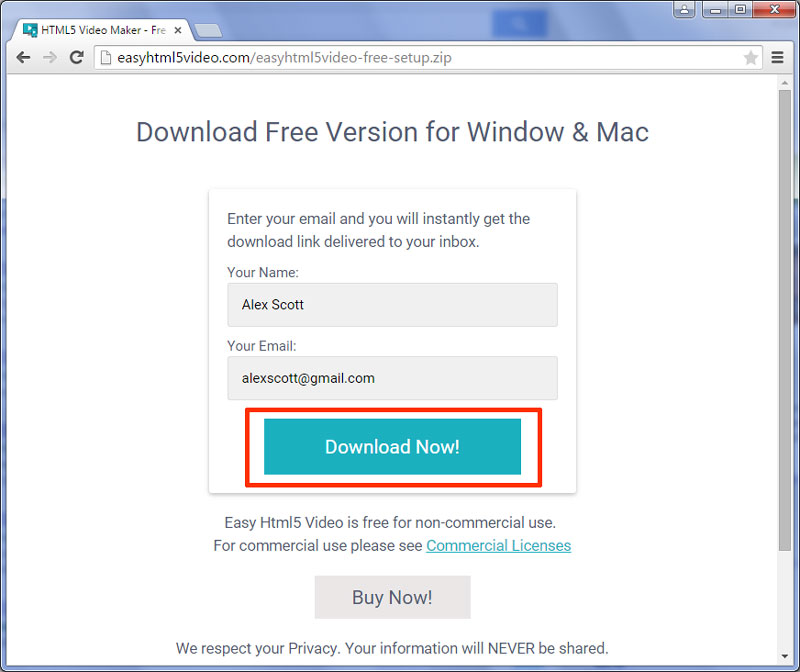
You will receive the download links on your e-mail. Also you can use the links that appeared on the screen.
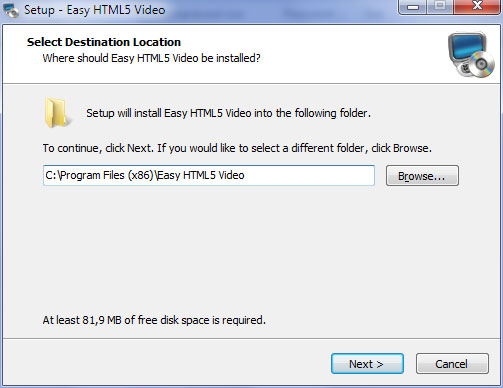
Open the downloaded file. Select the folder where you want to install the application. After that click on the 'next' button.
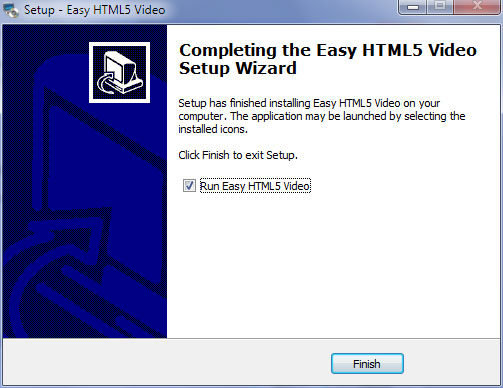
Now the installation is complete!
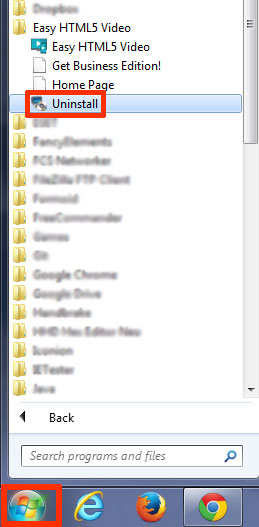
Go to the Windows start menu. Find the Easy HTML5 Video application and click 'Uninstall'.
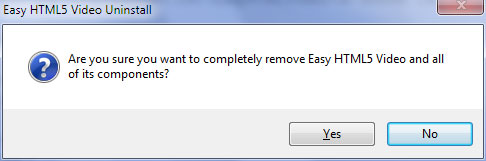
Click 'Yes' in the appeared window.
Now your EasyHTML5Video application is fully uninstalled!
For troubleshooting, feature requests and general help contact us at  . Make sure to include details on your browser, operating system, Easy Html5 Video version, link to your page. In most cases you'll get a reply within 1 business day.