Every user gets a personal dashboard after completing the appointment. Admin can enable the user dashboard on the front end.
Shortcode insert by admin
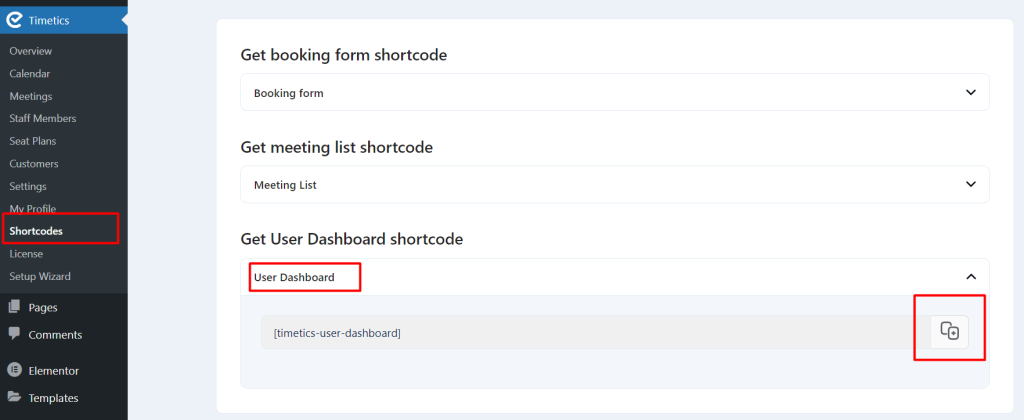
Go to the Timetics -> Shortcodes -> Get User Dashboard shortcode and copy the shortcode.
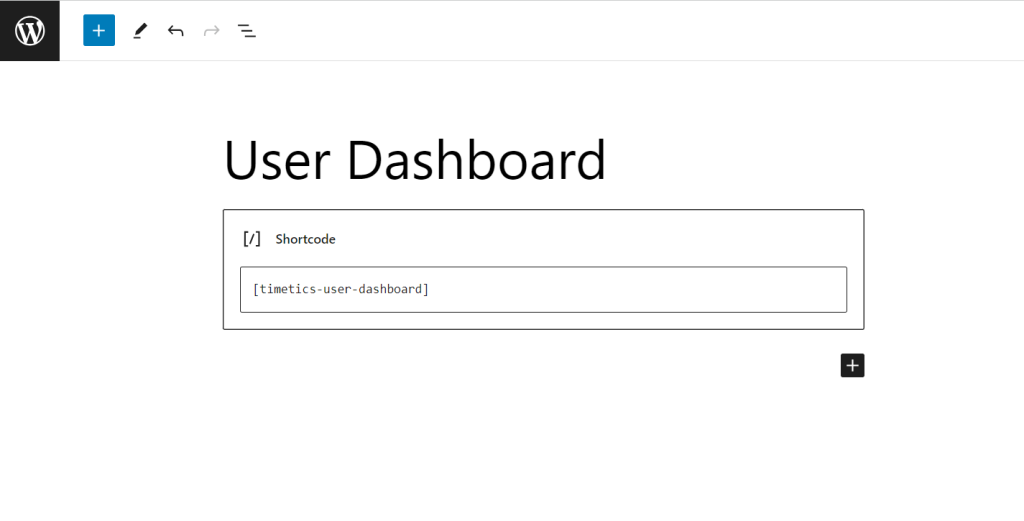
Now insert the shortcode on a page. and save changes.
Frontend Dashboard from User Account
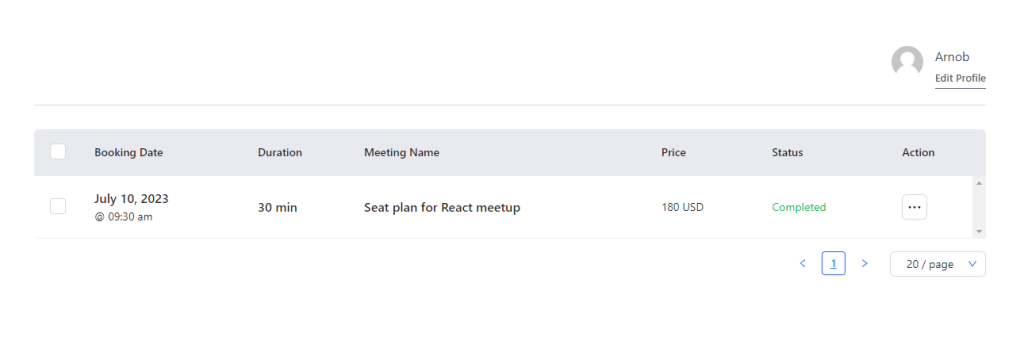
If any user will access his personal dashboard, he will see the Dashboard on the front.
Edit Profile
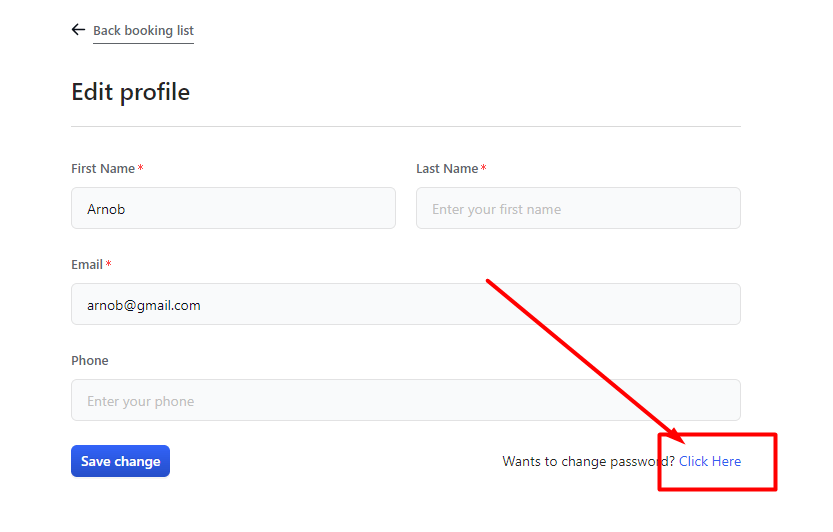
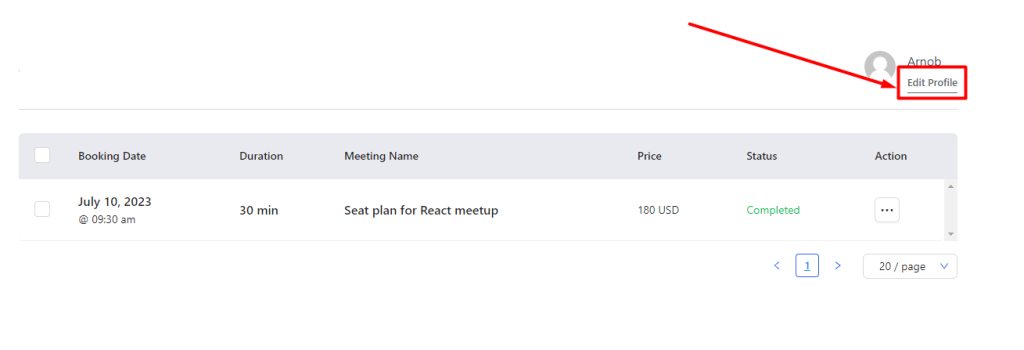
For editing the profile from the front end, click “Edit Profile” and change the information.
Change Login Details
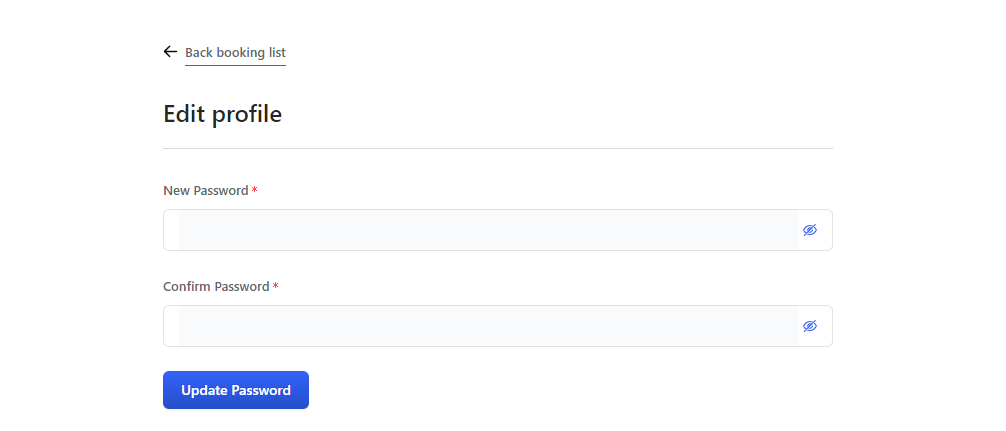
The user can change the password. Click on “Click here” and change the password.