Advertisement

Featured

Winaero Tweaker


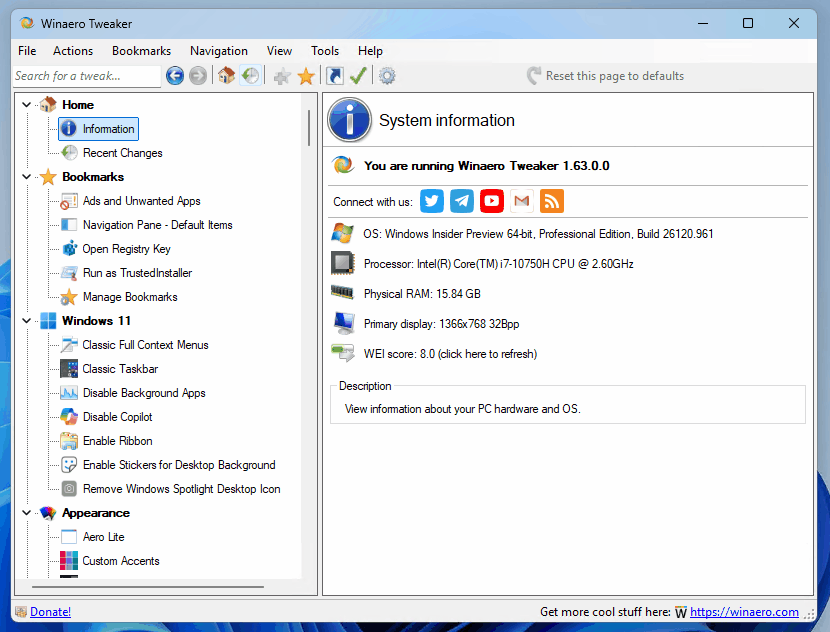
Winaero Tweaker 1.63Winaero Tweaker is a free app for all versions of Windows that lets you adjust (i.e. tweak) hidden secret settings that Microsoft does not let you adjust from the user interface. In addition, it allows you to add extra value to existing Windows apps and tools with advanced context menus, options, and handy commands.

It is a powerful system utility that supports Windows 7, Windows 8, Windows 8.1, Windows 10, and Windows 11 and includes hundreds of settings. It also includes many options that were earlier available exclusively in my standalone applications.

⬇️Get Winaero Tweaker⬇️

Features | Screenshots | Version history | EULA | FAQ

💡 Besides Winaero Tweaker, there are a number of other useful freeware tools created by Winaero. Check them out here: Winaero apps.

Here’s a first look at Windows 11’s Movable Taskbar

Microsoft is finally addressing one of the most vocal complaints in Windows 11 history. The company recently confirmed the return of the movable taskbar, a staple feature missing since the 2021 launch. A developer posted a short debug video that showed the feature in action, then removed the clip. The video surfaced in a virtual machine, and it used an internal debug menu for fast testing.

Microsoft makes the Edge browser open every time you start Windows 11

Microsoft is constantly looking for ways to increase market share for its Edge browser. This time, the company has decided to force Edge to launch every time a Windows 11 computer is started. This change is currently being tested in the beta version of the browser.

The Command Prompt in Windows 11 receives a huge number of improvements

Microsoft announced a major update to the Windows Console Host environment, bringing several features already implemented in the Terminal application to the classic Windows command line. The porting of features was possible because Windows Console is now part of the open-source Windows Terminal project.

A new Windows 11 engineering team will deliver native apps and UI

Microsoft Partner Architect Rudy Huyn announced a new engineering team focused on building “thoughtful and truly user-friendly interfaces” for Windows 11. The team will deliver fully native apps and interface elements, abandoning web technologies such as WebView.

Optional Windows 11 Build 29558.1000 (Canary) Updates ChkDsk and Terminal

Microsoft has released a new preview Windows 11, 29558.1000, to Windows Insiders in the Canary channel. The Command Prompt, now part of the open-source Windows Terminal project, receives upstream changes: a new UseDx rendering option, regex support in the Find dialog, bold font rendering, and improved paste reliability. Accessibility integration was rewritten, VT-based autoscroll is enabled by default, and WSL–PowerShell output/input synchronization is more reliable. Updated chkdsk to accept quoted paths with spaces, and much more.

Windows 11 Build 26300.8142 (Dev) Adds Protected Print Mode Indicator to Printers

Microsoft has released a new preview build of Windows 11, 26300.8142 (KB5079492), to Windows Insiders in the Dev channel. The build resumes testing an Administrator Protection feature and now allows users to enable it via Settings > Privacy & Security > Windows Security > Account Protection; a restart is required. A new touchpad option in Settings > Bluetooth & Devices > Touchpad lets users choose right‑click zone sizes - Default, Small, Medium or Large - with a “Custom” label when manufacturer apps set alternate values. and more.

css.php
Using Telegram? Subscribe to the blog channel!
Hello. Add your message here.