Latest blog articles & news

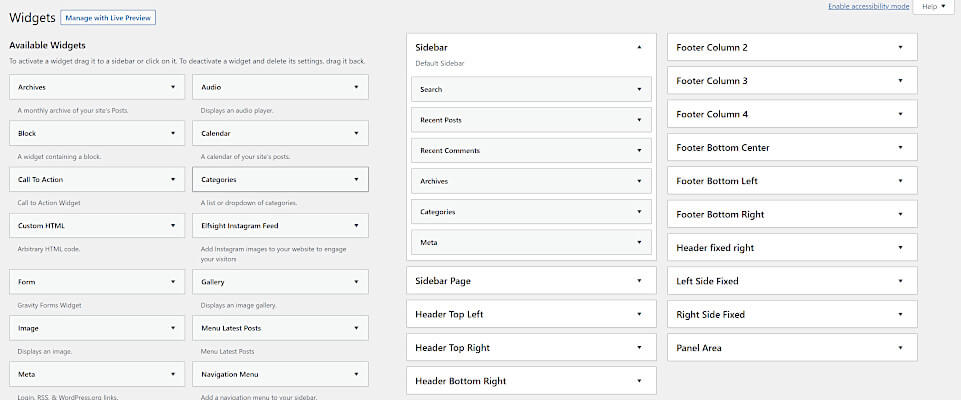
Screenshot of a WordPress Widgets admin page showing various available widgets on the left and multiple widget areas, such as sidebar and footer columns, on the right for customization with an option to disable widget block editor.
In this tutorial, we are going to show you how to easily disable lazy loading in WordPress 5.5 with just a few lines of code….
Close-up of pine tree branches decorated with glowing yellow string lights, creating a festive and cozy holiday break atmosphere. The dark background highlights the illuminated branches, adding warmth to the season.
Because our team has been working extremely hard, we will be out of the office on a holiday break from 12/23/2020 – 12/27/2020….
How To Redirect WooCommerce Shop URL To Another Page
In this tutorial, we are going to show you how to redirect the WooCommerce shop URL to another page….
A top view of a workspace with a laptop, black notebook, pen, potted plant, and a hand holding coffee. The laptop screen displays THIS IS WHERE YOU ARE, hinting at Lazy Loading for efficient digital workflow.
In this tutorial, we are going to show you how to easily disable lazy loading in WordPress 5.5 with just a few lines of code….
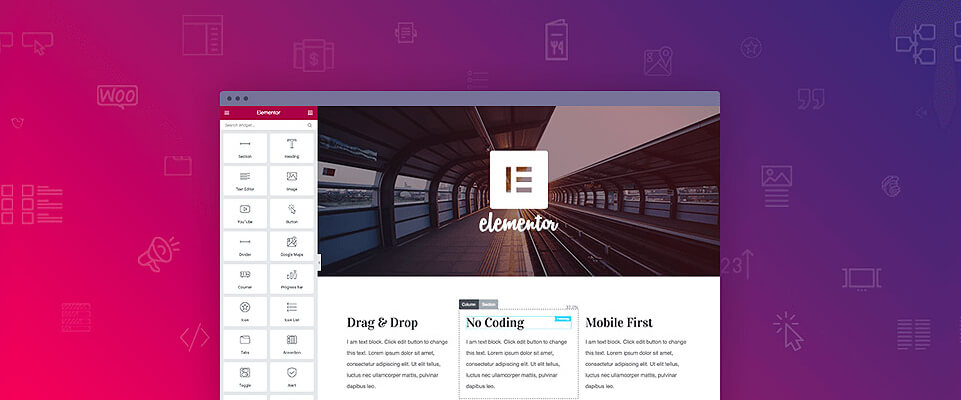
Screenshot of the Elementor page builder interface, with a drag-and-drop sidebar on the left and a web page preview on the right. A logo sits centerstage, set against a pink and purple gradient—perfect for adding PHP Code to Elementor projects.
In this tutorial, we are going to show you how to easily add PHP Code to any Elementor page by creating a simple shortcode and adding it to…
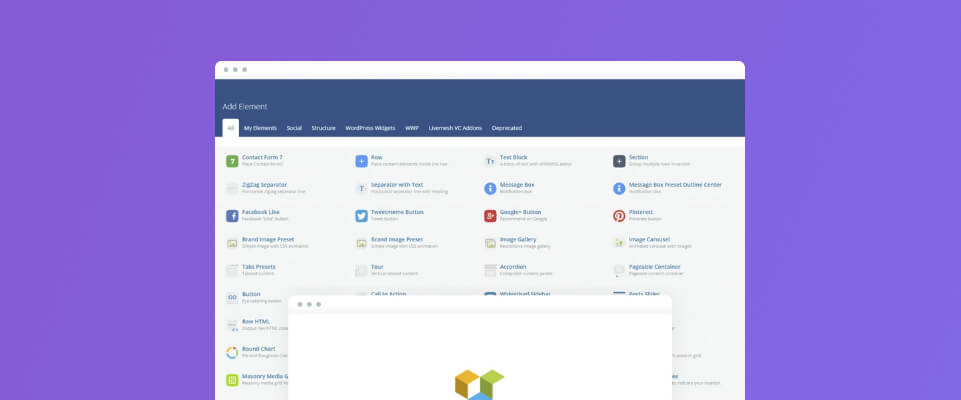
Screenshot showing a webpage with food listings and a pop-up form titled Listing Settings, where a restaurant listing is being edited. Three food-related cards are visible, displayed in a layout created with WPBakery Visual Composer.
Learn how easy it is to create a WPBakery Visual Composer Add-on element that you can use for almost any application! This can come in handy when you’re…
WordPress Tutorial: Create A Unique ID for Gravity Forms Entries
Gravity Forms by default does not have a native function that allows you to create a unique ID or ticket number for each entry. The only type of…
WordPress Tutorial: Create WordPress Dashboard Admin Theme Plugin
In today’s blog post we are going to teach you how to create a simple WordPress plugin that you can use to create your own WordPress Admin Theme….
Wordpress Tutorial: Add PHP Code to WPbakery Visual Composer
WPBakery Visual Composer by default does not allow you to add custom PHP code. In this Wordpress tutorial we are going to show you how to create a…
Wordpress Tutorial: Gravity Forms Automatically login user after registration
Gravity Forms is one of the best Wordpress form plugins out there. If you’re using the Gravity Form User Registration addon in this Wordpress tutorial we are going…
Change WordPress Login Logo To Companies Logo
WordPress by default provides their own logo on the admin signup or login page. Today in this blog we will show you how to easily add your own…
Screenshot of an online bookstore homepage with a green header, navigation menu, and banner advertising “Sales up to 70% off.” Different Wordpress menus are visible at the top, and three book covers are displayed to the right.
When creating a WordPress website you may run into scenarios where you would like to display a different Nav Menu depending on if a WordPress User is Logged…