Judoscale changelog
Judoscale changelog
judoscale.com

Judoscale now speaks your time zone


New


Our charts have always shown date/time stamps using your local (browser-based) time zone, but the schedule has been UTC-based since the beginning. Now both speak the same time zone: yours!

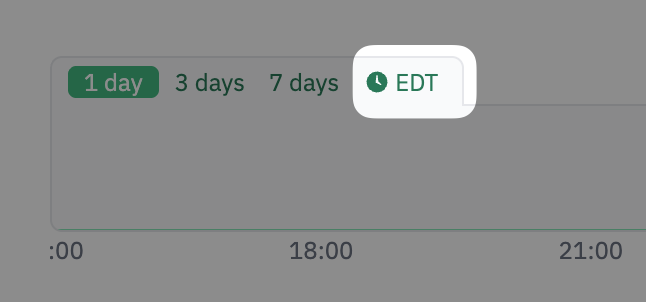
The schedule is now displayed matching the charts time zone, which can be configured in your user settings or directly in the chart overview, so you can choose a specific time zone to see both the charts and schedule across the board. This only affects your view.
CleanShot 2026-04-14 at 16.08.48@2x.png

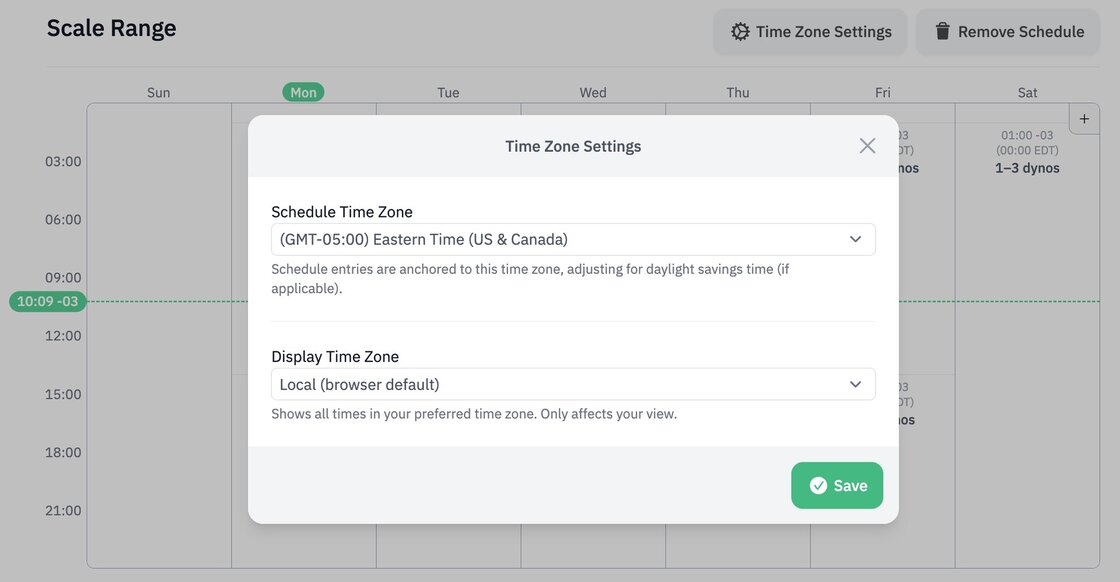
The schedule can also be anchored to a specific time zone (UTC by default), and is going to be daylight saving time-aware, so it will adjust accordingly as clocks change. The time zone is set is per-process, so you can have a different one on each process if needed.
public.jpeg

Check out the documentation for more info.

Launch the PaaS Pricing Calculator for your setup


New


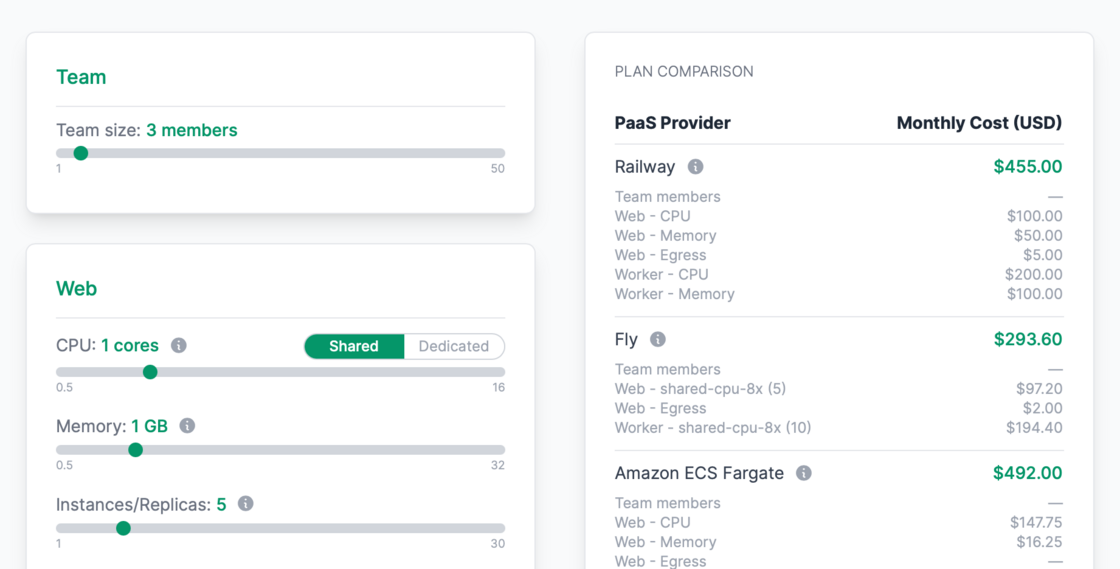
Want to compare hosting costs across PaaS platforms?

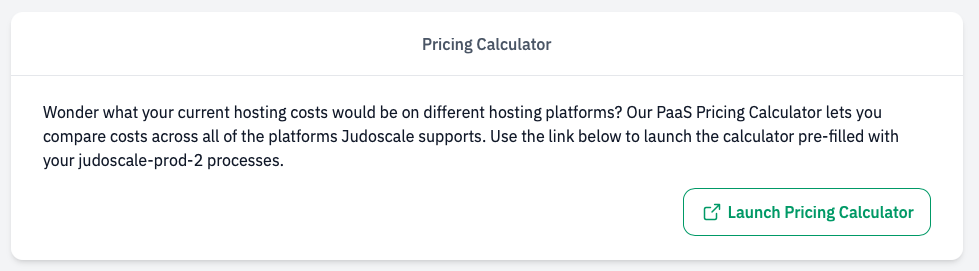
If you visit your application settings you'll see a new card near the bottom with a "Launch Pricing Calculator" button.

Screenshot_2026-04-06_at_13.12.13.png

This launches our PaaS Pricing Comparison Calculator pre-filled with your app's processes.

CleanShot 2026-04-07 at 08.52.56@2x.png

Busy Jobs chart for worker processes


New


Worker process scaling charts now include a "Busy Jobs" row that shows when your background workers had active jobs running.

Busy Jobs Chart

This row appears when you have the Prevent downscaling when jobs are busy setting enabled, helping you see at a glance when job activity might be preventing downscaling.

Prevent downscaling when jobs are busy setting

2FA with TOTP


New


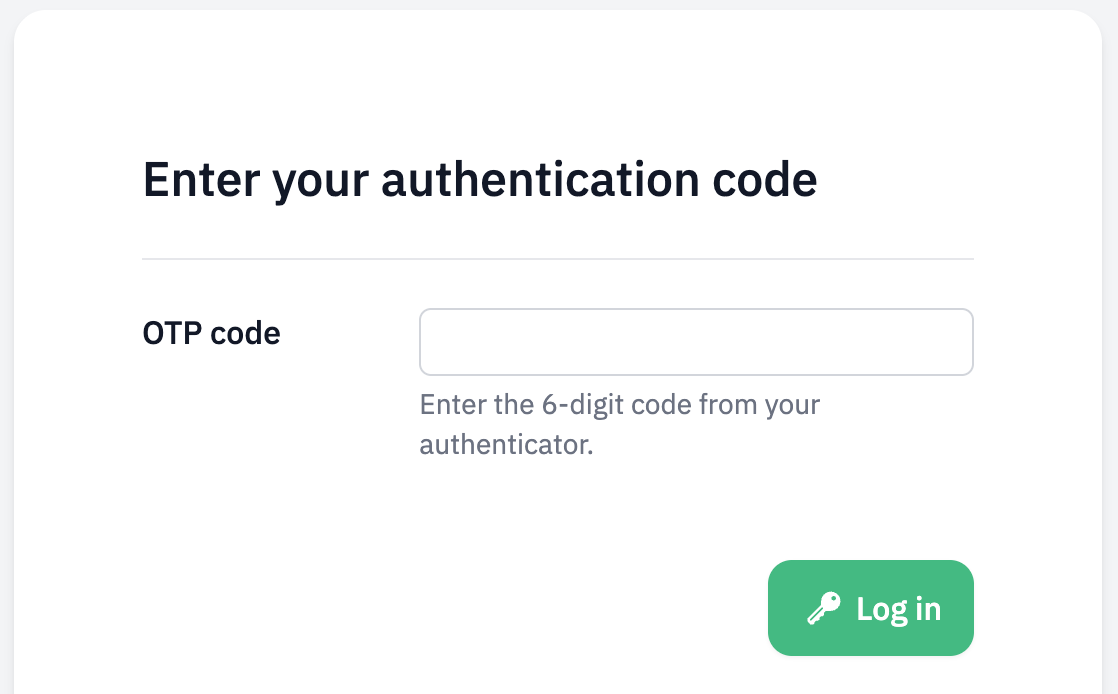
You can enable two-factor authentication using time-based one-time passwords in Judoscale now.

Screenshot 2026-02-23 at 11.59.50.png

Head over to your user settings to enable it.

Support for Python Dramatiq task library


New


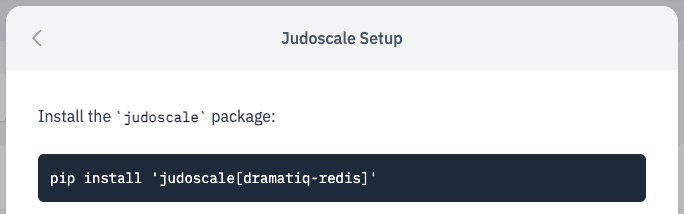
Our judoscale-python package just got native support for the Dramatiq background task processing library.

Dramatiq Setup

It only works with the Redis broker (for now). I's fairly simple to setup, and you'll be autoscaling your dramatiq workers in minutes!

Heroku Add-on to Direct migration tool


New


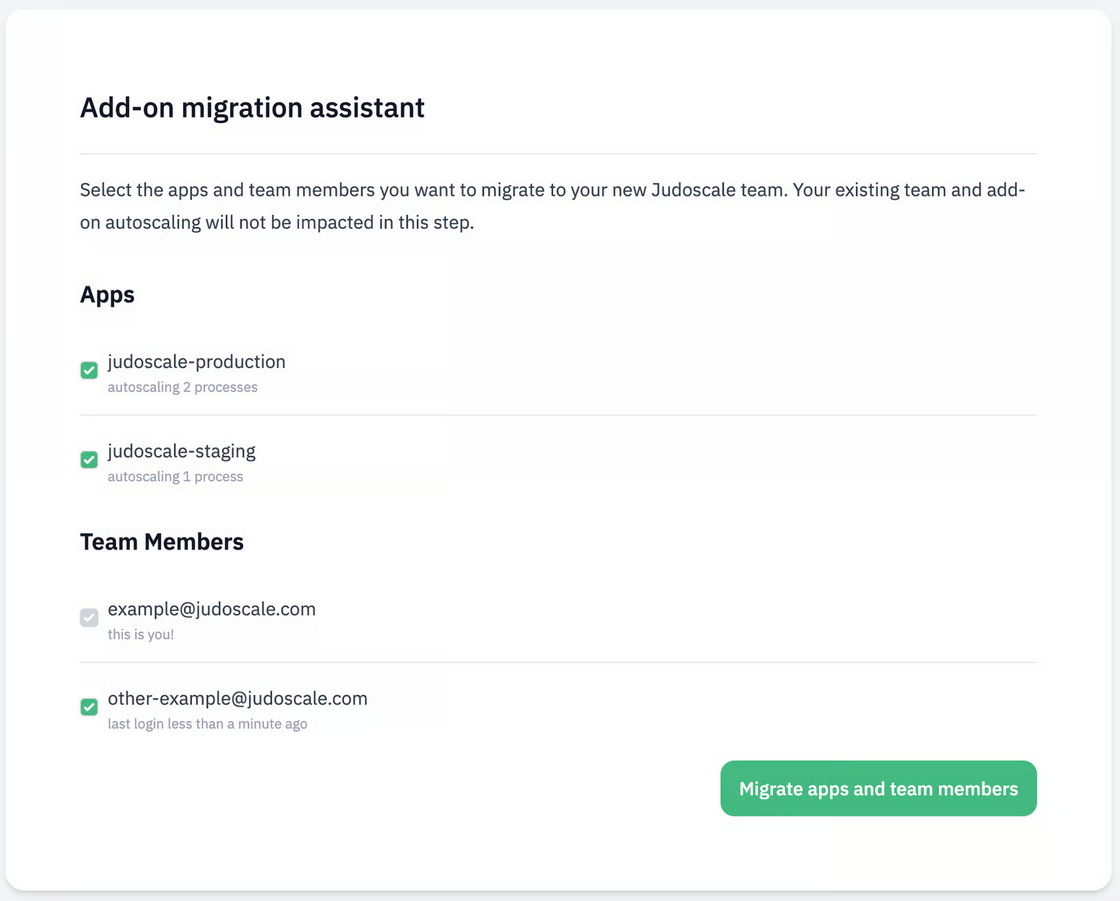
We've just released an assistant to help Heroku teams migrate from our Heroku add-on to one of our more economical Heroku direct plans.

image.png

It will copy over all your processes settings, and guide you to enable autoscaling on the new team. Check out the documentation to get started.

Heroku Direct with team level billing


New


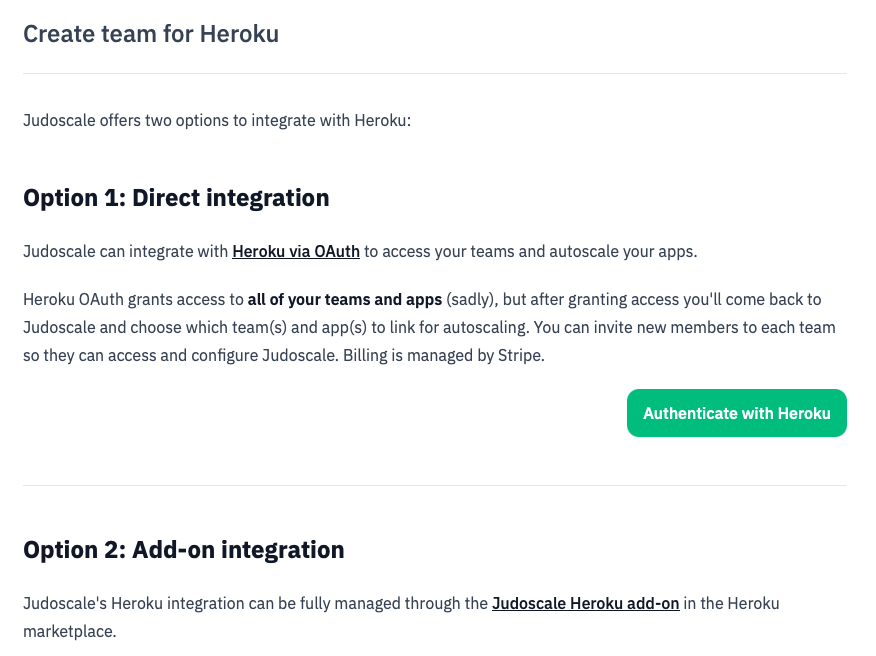
You now have the option to integrate with Heroku directly through Judoscale via OAuth, unlocking team level plans & billing, and slightly cheaper plans.

heroku-direct2.png

Same product, same features, different pricing. Learn how to get started with Heroku Direct, and check out our pricing docs for more info.

New Web Utilization Metric


New


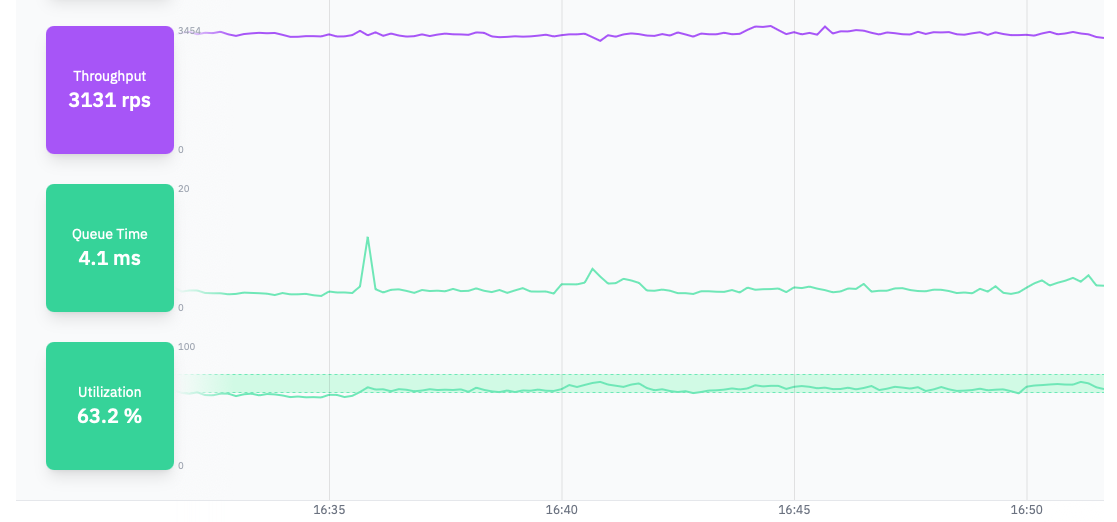
Utilization is a percentage representation of active processes handling web requests in your app. Nearing 100% utilization means almost all processes are actively handling requests almost all the time, which also means the app has very little room for handling traffic spikes without bringing in more processes.

You can use the utilization metrics to control autoscaling for your app, either on its own or combined with request queue time:

Screenshot 2025-09-30 at 16.52.01.png

Read more about proactive vs reactive autoscaling and how utilization works in our blog, and check out the documentation to get started.

Use Terraform to connect Judoscale on AWS


New


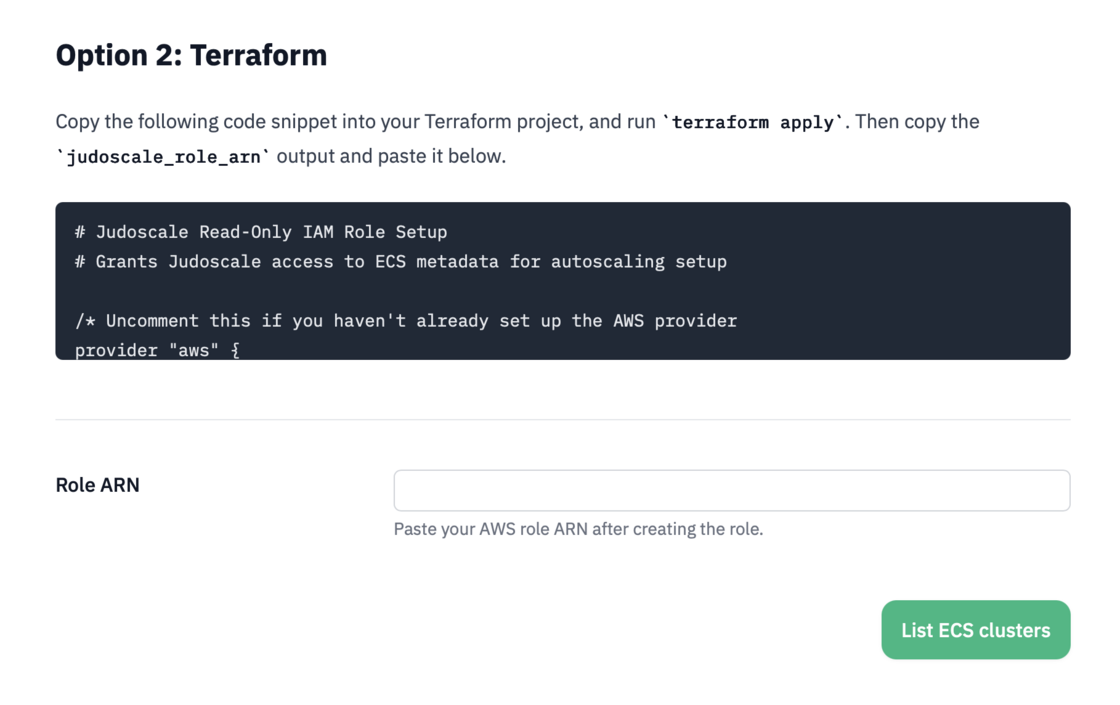
Our customers on AWS now have the option of using Terraform (instead of CloudFormation) to setup Judoscale's connection to their ECS clusters. You'll see this option when creating a new team or enabling autoscaling for the first time.

CleanShot 2025-08-22 at 15.30.25@2x.png

👉 For more info including a video walkthrough, check out our docs.

Use Judoscale with ANY cloud platform


New


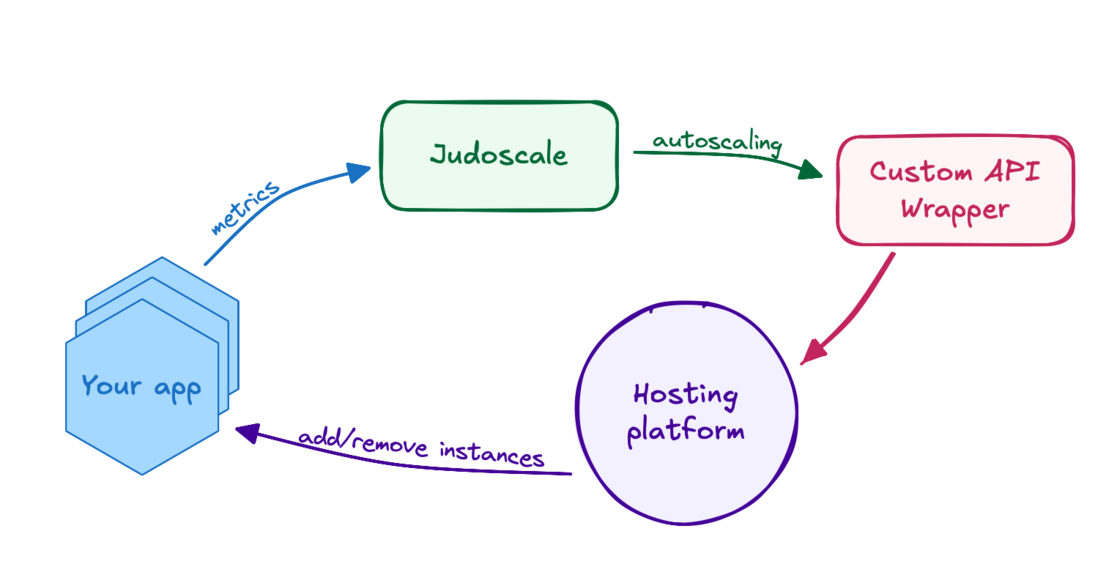
You can now use Judoscale with any cloud provider that exposes an API for scaling, if you're willing do a bit of integration work yourself. You just provide a thin wrapper around that API that acts as the glue between the provider and Judoscale, and Judoscale handles the rest.

Custom API Integration-2.png

Dive into our documentation to get started!