What is Dropbox Dash?

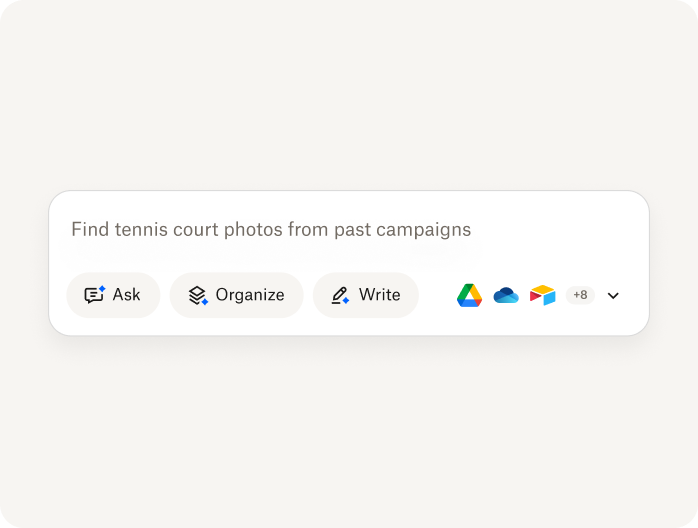
Search files, media, people, and more—all in one place

Dropbox Dash uses AI to search across all your connected tools—so you can surface answers, stay organized, and get work done without switching tabs.

Dash brings all of your content, across connected apps, into one searchable hub. Plus, we're rolling out new features that enable you to dig less and do more.

Image

How does Dropbox Dash work?

Image

Connect your apps in just a few clicks, so your team can work from one place

Find answers fast with AI-powered universal search that works across all your content

Stay in control of sensitive content with built-in access governance and permission settings

Try Dropbox Dash

Work smarter, not harder with universal search

Universal search in Dropbox Dash allows users to search multiple connected apps at once

Search files, emails, and links without switching tools

Get AI-powered results designed to return relevant content based on query context—not just keywords

Save time every day with fast, accurate answers

Discover universal search

Get instant insights with AI-powered Chat

Image

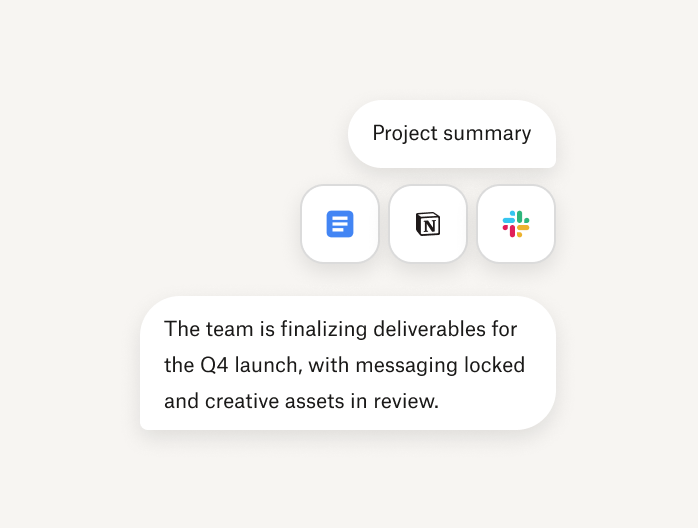
Skip the digging—summarize documents at a glance

Ask natural questions and get human-like clarity—backed by AI

Quickly surface the information that matters most

Learn about chat

Keep content organized with Stacks

Image

Group related content—files, links, apps—without reworking folder structures

Speed up onboarding and simplify collaboration

Declutter your tools—Stacks bring structure with ease and flexibility

Explore Stacks

Manage your day from one dashboard

Dash helps teams manage work, stay connected, and view meetings—all from one central dashboard

Pin key documents, tasks, and tools for quick access

Stay in sync with meetings and recent activity

Let AI surface what’s most relevant to your workday

Learn about start page

Bring all your tools together

Dash works seamlessly with the apps your team uses most at work

Connect with tools your team already uses (Slack, Gmail, Jira, and more)

Eliminate tool-jumping with unified search

Simplify your workflow with one search bar

View supported integrations

Frequently asked questions

What is Dropbox Dash, and how does it work?
Who is Dropbox Dash for?
What apps does Dropbox Dash connect with?
Can I control who can access information in Dash?
Does Dropbox Dash store my files?
How is Dropbox Dash different from traditional search?
Does Dropbox Dash work on mobile?
How secure is Dropbox Dash?

Explore more Dash features
Image

Smart stacks

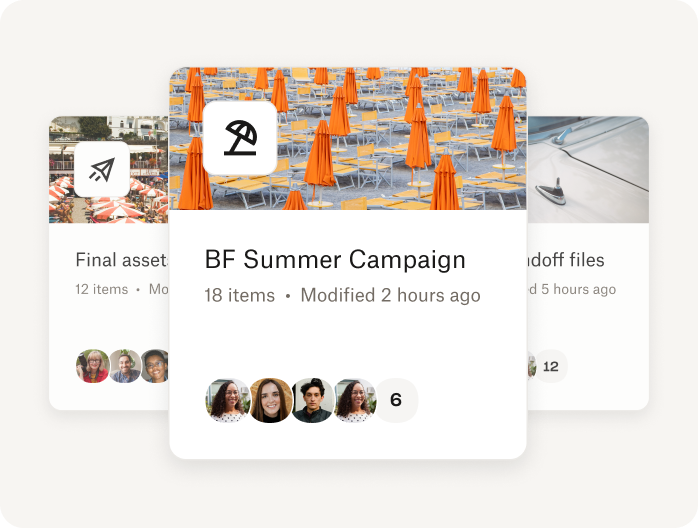
Group related files, links, and content into stacks—making knowledge easier to find, share, and organize across teams.

Explore smart stacks
Image

Universal search

AI-powered search helps teams find anything across their connected apps in seconds—no switching tools or digging through folders.

Discover universal search
Image

AI-powered Chat

Dash summarizes documents and delivers clear, context-aware responses, so your team can focus on what matters most.

Discover AI Chat
Made by Dropbox—trusted by over 700M registered users worldwide

Cut through chaos with
Dropbox Dash

Image
Made by Dropbox—trusted by over 700M registered users worldwide

Cut through chaos with
Dropbox Dash

Image