

설명
ActivityPub으로 페디버스에 접속하세요! 블로그를 더 넓은 세상에 알리고, 팔로워를 모으며, 업데이트를 공유하고, 다양한 ActivityPub 호환 플랫폼의 사용자들로부터 댓글도 받아보실 수 있습니다.
With the ActivityPub plugin installed, your WordPress blog itself functions as a federated profile, along with profiles for each author. For instance, if your website is example.com, then the blog-wide profile can be found at @example.com@example.com, and authors like Jane and Bob would have their individual profiles at @jane@example.com and @bob@example.com, respectively.
예시: 제 마스토돈 프로필 이름은 @pfefferle@mastodon.social 입니다. 여러분이 이를 검색하고 제 프로필을 찾아 팔로우를 누르면, 이제 제가 작성하는 모든 게시물이 여러분의 홈 피드에 나타나게 됩니다. 마찬가지로, ActivityPub 플러그인을 사용하면 @jane@example.com에서 Jane의 프로필을 찾아 팔로우할 수 있습니다.
Jane의 @jane@example.com 프로필을 팔로우하면, 그녀가 example.com에 작성하는 모든 블로그 게시물이 여러분의 홈 피드에 도착합니다. 동시에 블로그 전체 프로필인 @example.com@example.com을 팔로우하면, 모든 작성자의 업데이트를 받아볼 수 있습니다.
참고: 아무도 여러분의 작성자 프로필이나 블로그 인스턴스를 팔로우하지 않으면, 게시물은 다른 사람에게 보이지 않습니다. 플러그인이 제대로 작동하는지 확인하는 가장 간단한 방법은 직접 자신의 프로필을 팔로우해보는 것입니다. 이미 마스토돈 프로필이 있다면, 새로 생성된 프로필을 먼저 팔로우해보세요.
이 플러그인은 다음의 페더레이션 플랫폼에서 테스트되어 정상 작동하지만, 이 외에도 더 많은 플랫폼과 작동할 수 있습니다:
알아두실 점:
- 블로그 전체 프로필은 리라이트(rewrite) 규칙이 활성화된 사이트에서만 호환됩니다. 만약 사이트에서 리라이트 규칙이 활성화되어 있지 않더라도, 작성자별 프로필은 여전히 작동할 수 있습니다.
- 많은 단일 작성자 블로그는 보통 SEO 플러그인(예: Yoast, Rank Math)을 사용하여 작성자 프로필 페이지를 비활성화하거나 다른 페이지로 리디렉션하도록 설정합니다. 이는 보통 블로그 홈 페이지와 중복 콘텐츠가 생기는 것을 방지하기 위해 이루어집니다. 만약 이렇게 작성자 페이지가 비활성화되어 있다면, ActivityPub 작성자 프로필은 작동하지 않습니다.
이 경우, 작성자 프로필 페이지를 다시 활성화한 후, SEO 플러그인에서 해당 페이지를 noindex 처리하면 됩니다. 이 방법을 사용하면 검색 엔진과의 중복 콘텐츠 문제를 해결하면서 ActivityPub 작성자 프로필도 정상적으로 작동할 수 있습니다. - ActivityPub이 설치되면, 앞으로의 새 게시물만 페디버스에서 볼 수 있습니다. 마찬가지로, 이미 ActivityPub을 사용 중이더라도, 사이트를 팔로우하는 사람들은 그 시점 이후에 작성되는 새 게시물만 볼 수 있으며, 이전에 게시된 글은 홈 피드에 나타나지 않습니다. 이 과정은 뉴스레터 구독과 매우 비슷합니다. 뉴스레터를 구독하면 향후 이메일을 받을 수 있지만, 이전에 보관된 이메일은 받을 수 없습니다. ActivityPub에서도 누군가 사이트를 팔로우하면, 그때부터 작성되는 새 블로그 게시물만 전달받게 됩니다.
그럼 실제 과정은 어떻게 진행되나요?
- ActivityPub 플러그인을 설치합니다.
- 플러그인 설정 페이지로 이동하여 원하는 대로 설정을 조정합니다. 준비가 되면 저장 버튼을 클릭하세요.
- 작성자별 프로필을 사용 중이라면, 블로그의 작성자 프로필 페이지가 활성화되어 있는지 확인합니다.
- 마스토돈 또는 다른 페더레이션 플랫폼으로 가서 자신의 프로필을 검색하고 팔로우합니다. 새 프로필은
@your_username@example.com또는@example.com@example.com형태이므로, 이 이름으로 검색하면 됩니다. - 블로그에서 새 게시물을 발행합니다.
- 마스토돈에서 홈 피드에 새 게시물이 나타나는지 확인합니다.
참고: 새 게시물이 페디버스 피드에 나타나기까지 최대 15분 정도 걸릴 수 있습니다. 이는 메시지가 지연된 크론(cron)을 사용하여 연합된 플랫폼으로 전송되기 때문입니다. 이렇게 하면 사용자가 많은 팔로워를 가지고 있는 경우 게시 프로세스가 중단되는 문제를 방지할 수 있습니다. 따라서 즉시 게시물이 보이지 않는다고 해서 문제가 있다고 가정하지 마세요. 조금 시간을 두고 기다려 주세요. 대부분의 경우 몇 분 내로 나타날 것이며, 모든 것이 예상대로 작동하고 있다는 것을 알게 될 것입니다.
스크린샷
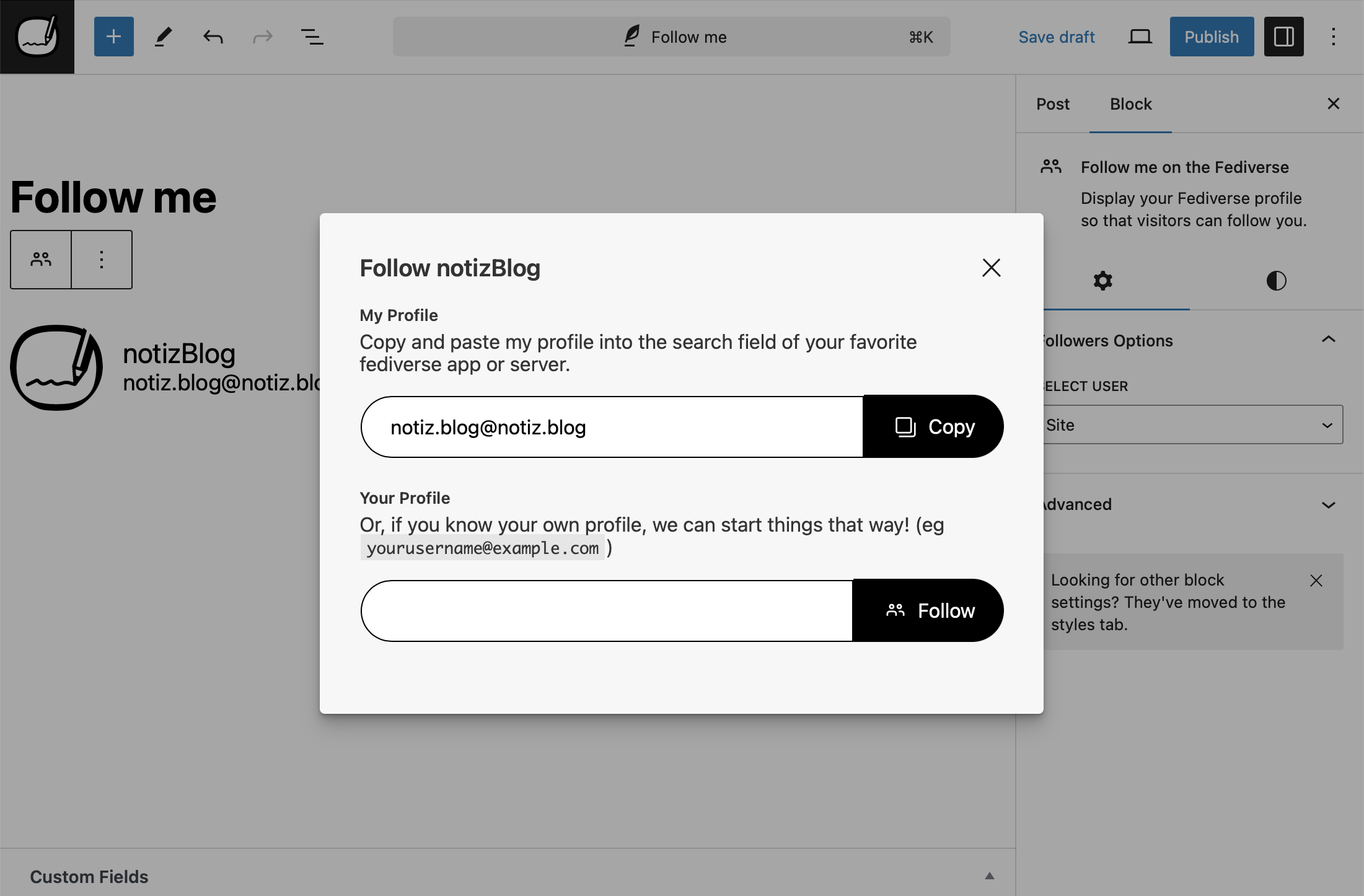
블록 에디터의 “팔로잉 하기” 블록 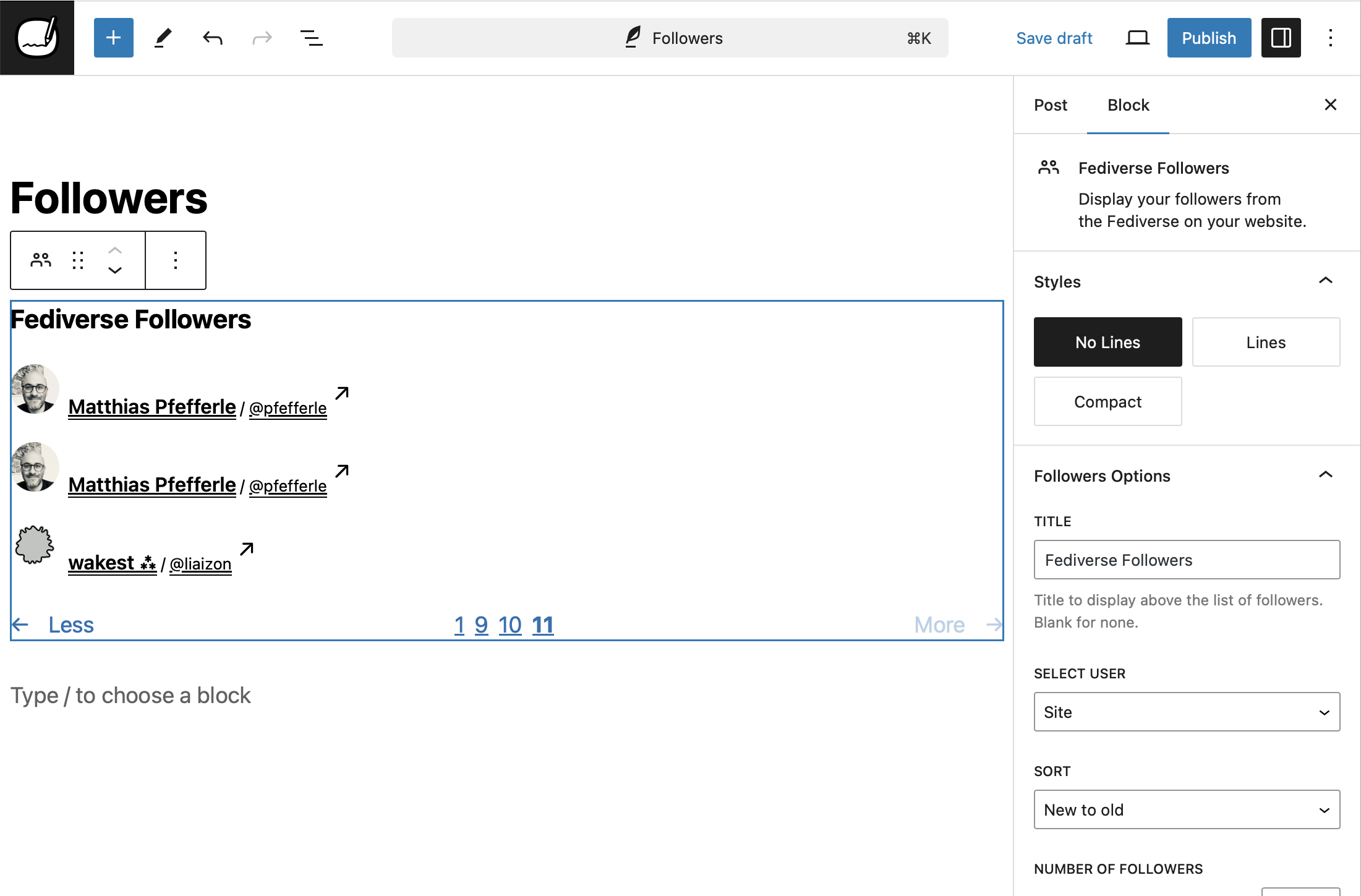
블록 에디터의 “팔로워” 블록 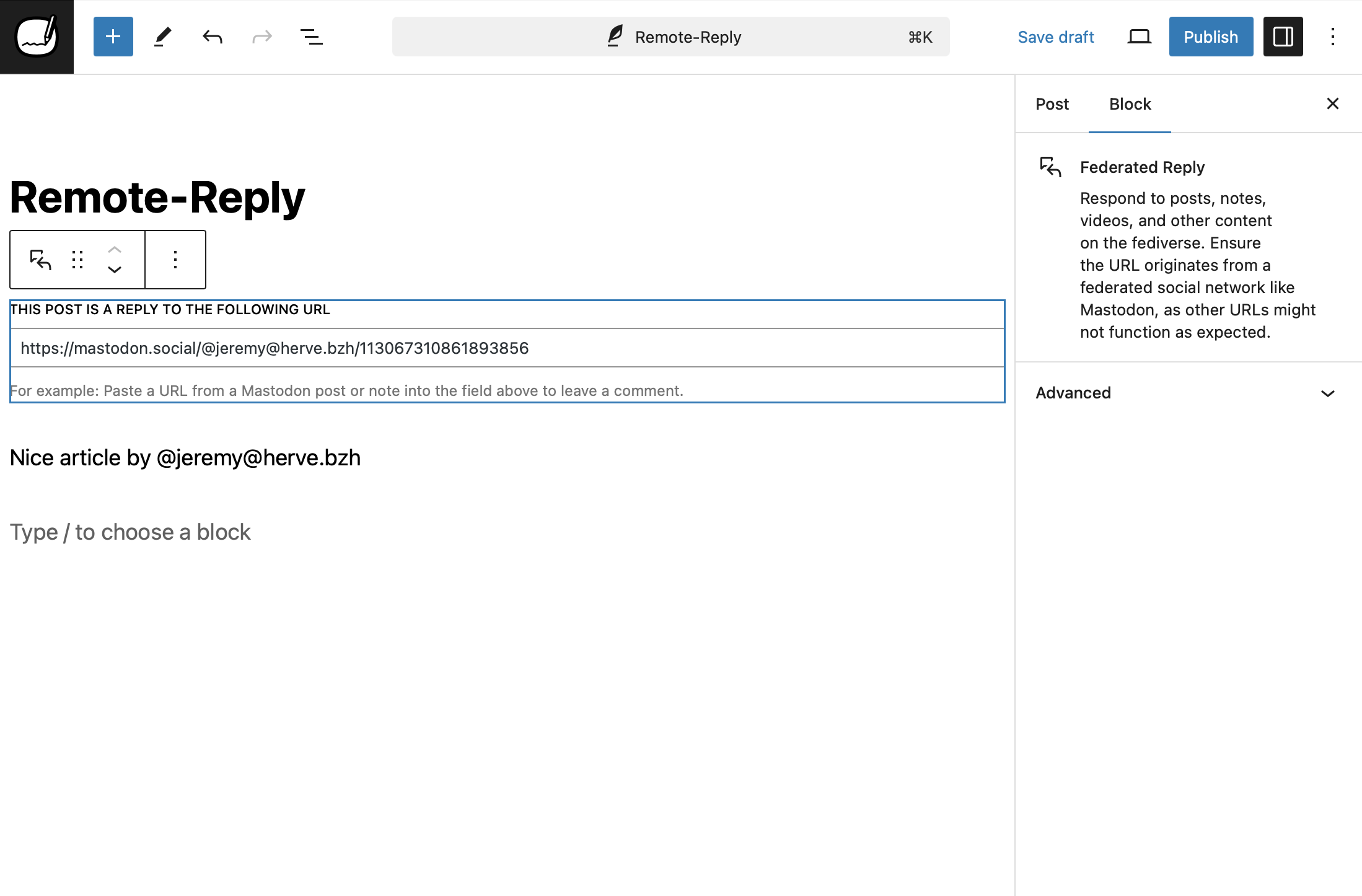
블록 에디터의 “페디버스 답글 달기” 블록 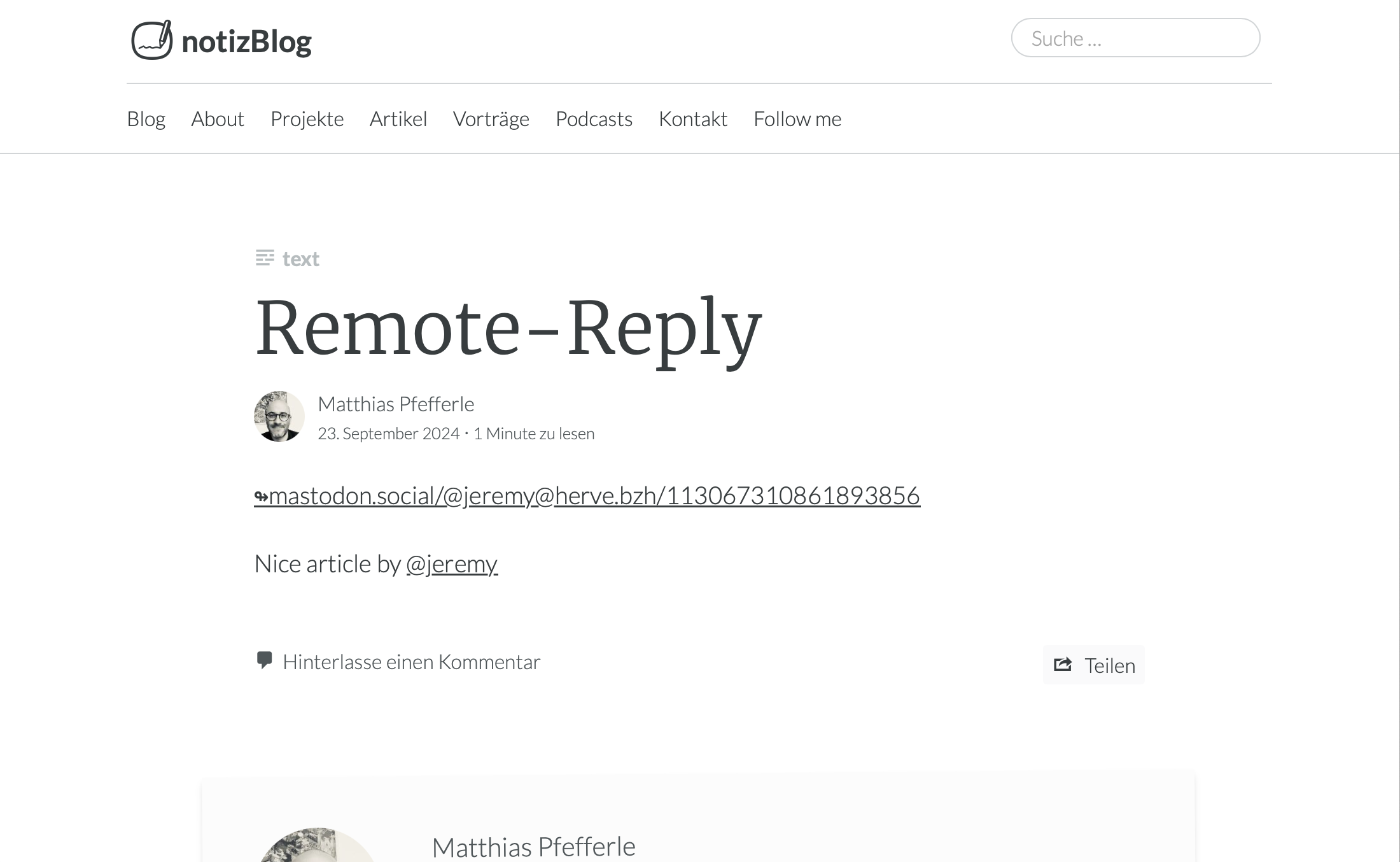
게시물로 “페디버스 답글 달기” 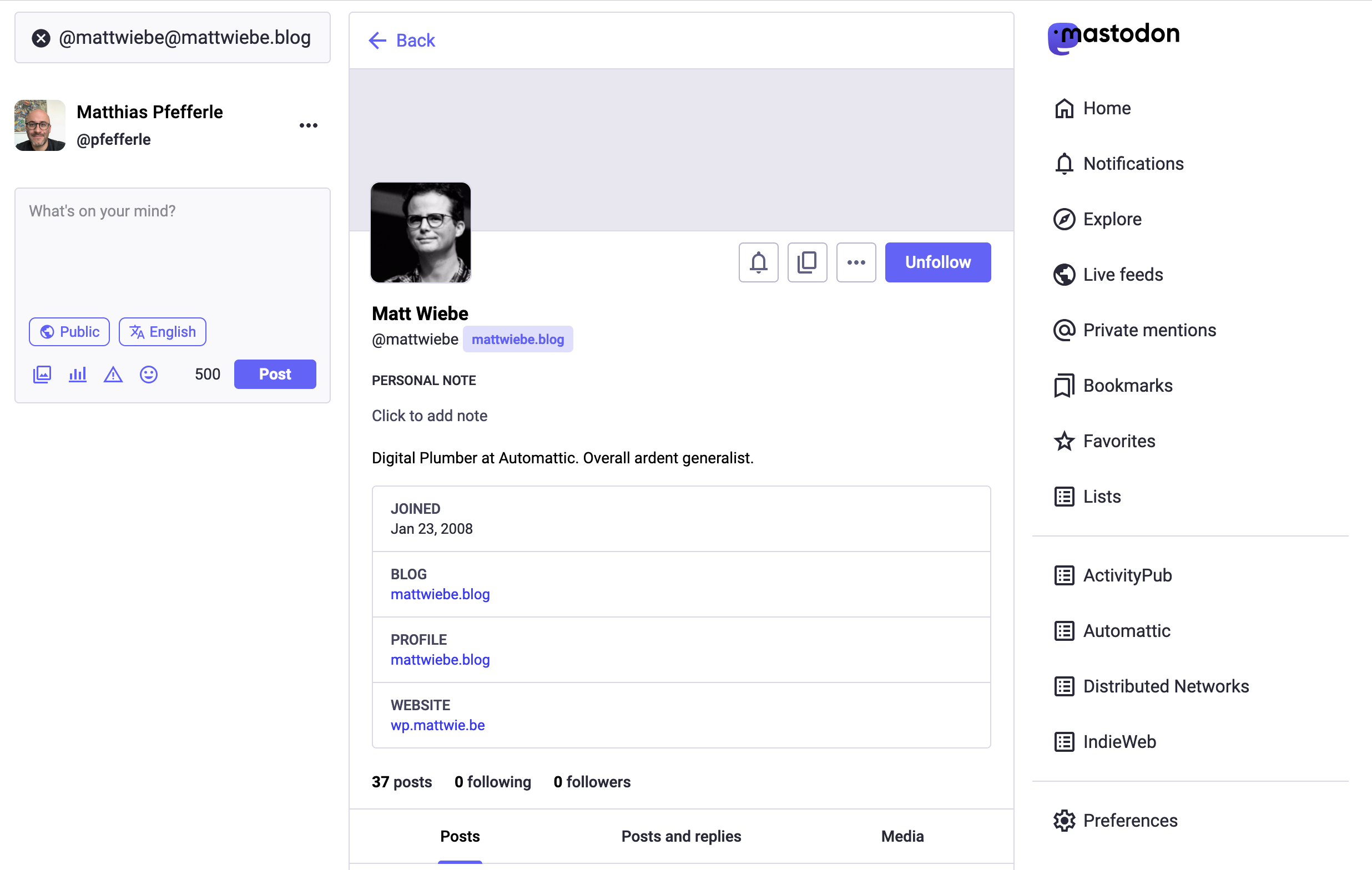
마스토돈 서버에서 확인할 수 있는 블로그 프로필


블록
이 플러그인은 11개의 블록을 제공합니다.
- Federated Reply Reply to posts, notes, and other content on the Fediverse directly from the block editor.
- ActivityPub Editor Integration Adds ActivityPub settings and controls to the WordPress block editor.
- ActivityPub Reply Intent Handler Handles reply intents for federated conversations in the block editor.
- Fediverse Extra Fields Display extra fields from Fediverse user profiles.
- ActivityPub Post Format Suggestions Suggests optimal post formats for ActivityPub federation before publishing.
- Fediverse Following Display the accounts you follow in the Fediverse on your website.
- ActivityPub App Manage ActivityPub settings, followers, and federation from the WordPress admin.
- Follow me on the Fediverse Display your Fediverse profile so that visitors can follow you.
- Fediverse Followers Display your followers from the Fediverse on your website.
- Fediverse Reactions Display Fediverse likes and reposts for your posts.
- ActivityPub Command Palette Registers ActivityPub commands for the WordPress Command Palette.
설치
WordPress 플러그인 설치에 대한 일반 지침을 따르세요.
자동 플러그인 설치
내장된 플러그인 설치 프로그램을 사용하여 WordPress 플러그인을 추가하려면:
- 플러그인 > 새로 추가로 이동하세요.
- 플러그인 검색 상자에 “
activitypub“을 입력하세요. - 설치하고자 하는 WordPress 플러그인을 찾으세요.
- 플러그인에 대한 더 많은 정보와 플러그인 설정에 도움이 될 수 있는 인쇄 또는 저장할 수 있는 지침을 보려면 세부 정보를 클릭하세요.
- 지금 설치를 클릭하여 WordPress 플러그인을 설치하세요.
- 결과 설치 화면에는 설치가 성공적으로 완료되었는지 또는 설치 중에 발생한 문제가 있는지 표시됩니다.
- 성공하면, 플러그인 활성화를 클릭하여 활성화하거나, 플러그인 설치 프로그램으로 돌아가기를 클릭하여 추가 작업을 수행하세요.
수동 플러그인 설치
WordPress 플러그인을 수동으로 설치하는 것이 적절한 몇 가지 경우가 있습니다.
- WordPress 플러그인의 설치 위치와 과정을 제어하고 싶다면.
- 서버에서 WordPress 플러그인의 자동 설치를 허용하지 않는 경우.
- 최신 개발 버전을 시도해 보고 싶다면 여기를 클릭하세요.
WordPress 플러그인을 수동으로 설치하려면 FTP에 대한 이해가 필요하며, 현재 버전과 호환되지 않거나 신뢰할 수 없는 출처에서 플러그인을 설치할 경우 사이트가 위험에 처할 수 있다는 점을 인지해야 합니다.
진행하기 전에 사이트를 완전히 백업하세요.
WordPress 플러그인을 수동으로 설치하려면:
- Download your WordPress Plugin to your desktop.
- WordPress 디렉터리에서 다운로드하세요
- GitHub에서 다운로드
- zip 아카이브로 다운로드한 경우, 플러그인 폴더를 데스크톱에 추출하세요.
- FTP 프로그램을 사용하여 플러그인 폴더를 온라인 WordPress 디렉터리의
wp-content/plugins폴더에 업로드하세요. - 플러그인 화면으로 이동하여 목록에서 새로 업로드된 플러그인을 찾으세요.
- 활성화를 클릭하여 활성화하세요.
FAQ
-
요약하자면…
-
이 플러그인은 워드프레스 블로그를 마스토돈과 같은 인기 있는 소셜 플랫폼과 연결하여, 게시물이 더 넓은 독자층에게 도달할 수 있도록 해줍니다.
설치 후에는 블로그가 이러한 플랫폼의 사용자들에게 팔로우될 수 있으며, 사용자는 홈 피드에서 새 게시물을 받아볼 수 있습니다. -
“ActivityPub for WordPress” 란 무엇인가요?
-
ActivityPub for WordPress는 워드프레스에 페디버스 기능을 추가해 주지만, Friendica나 Mastodon과 같은 플랫폼을 대체하는 것은 아닙니다. 분산형 소셜 네트워크를 직접 호스팅하고 싶다면, Mastodon이나 Friendica를 사용하는 것을 고려해 보세요.
-
왜 ‘ActivityPub’인가요?
-
ActivityPub이라는 이름은 이 프로토콜의 두 가지 핵심 개념에서 비롯되었습니다:
- Activity(액티비티): 이는 “Create(생성)”, “Like(좋아요)”, “Follow(팔로우)”, “Announce(알림)” 등과 같은 활동의 개념을 기반으로 합니다. 이러한 활동은 구조화된 메시지(보통 ActivityStreams 형식)로, 사용자가 네트워크에서 수행하는 행동을 설명합니다.
- Pub(펍): Publish(발행) 또는 Publication(출판)의 약자입니다. 이는 발행-구독(pub-sub) 프로토콜임을 의미하며, 한 사용자가 다른 사용자를 “팔로우”하고, 팔로우한 사용자가 발행한 활동을 받아볼 수 있다는 것을 나타냅니다.
종합하면, ActivityPub은 활동을 발행하고 구독할 수 있는 프로토콜로, 서로 다른 서버 간 상호작용이 가능하며, 사용자가 페디버스(Fediverse) 전반에서 서로를 팔로우할 수 있는 분산형 소셜 네트워킹을 가능하게 합니다.
-
어떻게 해결하나요?
-
문서 디렉터리에는 일반적인 문제를 해결하는 데 도움이 될 수 있는 사용 방법 섹션이 있습니다.
-
상수(Constants)
-
이 플러그인은 PHP 상수(Constants)를 사용하여 기본 동작을 활성화, 비활성화하거나 변경할 수 있습니다. 주의해서 사용하시고, 자신이 무엇을 하고 있는지 확실히 아는 경우에만 사용하세요.
ACTIVITYPUB_REST_NAMESPACE– REST 엔드포인트의 기본 네임스페이스를 변경합니다. 기본값:activitypub/1.0.ACTIVITYPUB_EXCERPT_LENGTH– 발췌문(Excerpt)의 길이를 변경합니다. 기본값:400.ACTIVITYPUB_MAX_IMAGE_ATTACHMENTS– 페더레이션될 첨부파일 수를 변경합니다. 기본값:4.ACTIVITYPUB_HASHTAGS_REGEXP– 텍스트에서 해시텍스트를 감지하는 기본 정규식(regex)을 변경합니다. 기본값:(?:(?<=\s)|(?<=<p>)|(?<=<br>)|^)#([A-Za-z0-9_]+)(?:(?=\s|[[:punct:]]|$)).ACTIVITYPUB_USERNAME_REGEXP– 텍스트에서 @-답글을 감지하는 기본 정규식을 변경합니다. 기본값:(?:([A-Za-z0-9\._-]+)@((?:[A-Za-z0-9_-]+\.)+[A-Za-z]+)).ACTIVITYPUB_URL_REGEXP– 텍스트에서 URL을 감지하는 기본 정규식을 변경합니다. 기본값:(www.|http:|https:)+[^\s]+[\w\/].ACTIVITYPUB_CUSTOM_POST_CONTENT– 활동(Activity)의 기본 템플릿을 변경합니다. 기본값:<strong>[ap_title]</strong>\n\n[ap_content]\n\n[ap_hashtags]\n\n[ap_shortlink].ACTIVITYPUB_AUTHORIZED_FETCH– AUTHORIZED_FETCH 기능을 활성화합니다.ACTIVITYPUB_DISABLE_REWRITES–mod_rewrite규칙의 자동 생성을 비활성화합니다. 기본값:false.ACTIVITYPUB_DISABLE_INCOMING_INTERACTIONS– 들어오는 답글/댓글/좋아요를 차단합니다. 기본값:false.ACTIVITYPUB_DISABLE_OUTGOING_INTERACTIONS– 나가는 답글/댓글/좋아요를 비활성화합니다. 기본값:false.ACTIVITYPUB_DISABLE_REMOTE_CACHE– Disable remote media caching (avatars, media, emoji). Default:false. ReplacesACTIVITYPUB_DISABLE_SIDELOADINGfrom 7.9.1.ACTIVITYPUB_SHARED_INBOX_FEATURE– 공유 받은편지함 기능을 활성화합니다. 기본값:false.ACTIVITYPUB_SEND_VARY_HEADER–Vary: Accept헤더 전송을 활성화합니다. 기본값:false.
-
팔로워는 어디에서 관리할 수 있나요?
-
블로그 사용자를 활성화한 경우, 해당 사용자의 팔로워 목록은 설정의 해당 경로에서 확인할 수 있습니다:
/wp-admin/options-general.php?page=activitypub&tab=followers사용자의 팔로워는 메뉴의 “사용자” -> “팔로워” 또는
wp-admin/users.php?page=activitypub-followers-list에서 확인할 수 있습니다.데이터 보호상의 이유로, 다른 사용자의 팔로워는 확인할 수 없습니다.
후기


기여자 & 개발자
“액티비티펍(ActivityPub)”(은)는 오픈 소스 소프트웨어입니다. 다음의 사람들이 이 플러그인에 기여하였습니다.
기여자


변경이력
8.0.2 – 2026-03-17
Security
- Prevent non-public posts (drafts, scheduled, pending review) from being accessible via ActivityPub.
8.0.1 – 2026-03-11
Changed
- Simplify the follow page block pattern to avoid duplicate headings and improve accessibility.
Fixed
- Fix dark sidebar colors appearing incorrectly with non-default admin color schemes.
- Fix Fediverse Reactions block not aligning with post content in block themes.
- Fix new posts being marked as modified on load, which prevented Gutenberg’s starter pattern modal from appearing.
8.0.0 – 2026-03-04
Security
- Prevent private recipient lists from being shared when sending activities to other servers.
Added
- Add a help section to interaction dialogs explaining the Fediverse and why entering a profile is needed.
- Add a notice on the Settings page to easily switch from legacy template mode to automatic mode.
- Add a pre-publish suggestion that recommends a post format for better compatibility with media-focused Fediverse platforms.
- Add a Site Health check that warns when plugins are causing too many federation updates.
- Add backwards compatibility for the
ACTIVITYPUB_DISABLE_SIDELOADINGconstant andactivitypub_sideloading_enabledfilter from version 7.9.1. - Add bot account snippet that marks ActivityPub profiles as automated accounts, displaying a “BOT” badge on Mastodon and other Fediverse platforms.
- Add Cache namespace for remote media caching with CLI commands, improved MIME validation, and filter-based architecture.
- Add federation of video poster images set in the WordPress video block.
- Add Locale from Tags community snippet.
- Add optional Like and Boost action buttons to the Fediverse Reactions block, allowing visitors to interact with posts from their own server.
- Add pre-built Fediverse block patterns for easy profile, follow page, and sidebar setup.
- Add snippet for blockless fediverse reactions
- Add
wp activitypub fetchCLI command for fetching remote URLs with signed HTTP requests.
Changed
- Improved active user counting for NodeInfo to include all federated content types and comments.
- Improve language map resolution to strictly follow the ActivityStreams spec.
- Superseded outbox activities are now removed instead of kept, reducing clutter in the outbox.
- The minimum required PHP version is now 7.4.
Fixed
- Accept incoming activities from servers that use standalone key objects for HTTP Signatures.
- Fix a crash on servers where WordPress uses FTP instead of direct file access for media caching.
- Fix a crash when receiving posts from certain federated platforms that send multilingual content.
- Fix automatic cleanup of old activities failing silently on sites with large numbers of outbox, inbox, or remote post items.
- Fix comment count to properly exclude likes, shares, and notes.
- Fix follow button redirect from Mastodon not being recognized.
- Fix modal overlay not covering the full screen on block themes.
- Fix outbox invalidation canceling pending Accept/Reject responses to QuoteRequests for the same post.
- Fix QuoteRequest handler to derive responding actor from post author instead of inbox recipient.
- Fix reactions block buttons inheriting theme background color on classic themes.
- Fix reactions block layout on small screens and remove unwanted button highlight when clicking action buttons.
- Fix signature verification rejecting valid requests that use lowercase algorithm names in the Digest header.
- Fix soft-deleted posts being served instead of a tombstone when the post is re-saved.
- Improve compatibility with federated services that use a URL reference for the actor’s public key.
- Improve handling of all public audience identifiers when sending activities to followers and relays.
GitHub에서 전체 변경 로그를 확인하세요.
