
Description
Section Separator Block is a lightweight and flexible Gutenberg block that helps you visually separate content sections using modern, responsive, and customizable dividers.
Easily add wave separators, icon dividers, pill-style separators, and bold gradient separators directly inside the WordPress block editor—no coding required.
Perfect for landing pages, blogs, portfolios, and business websites. Works seamlessly with any WordPress theme.
✨ Includes a fully FREE Icon Separator with customizable line styles, thickness, icon alignment, and improved editor controls.
✅ Why use Section Separator?
- Clean and modern section dividers
- Fully Gutenberg-native
- Responsive and performance-optimized
- Beginner-friendly with advanced controls
Perfect for
- Visually separating sections on your WordPress site
- Landing pages, portfolios, blogs, and marketing pages
- Decorative dividers with modern design aesthetics
Lightweight, flexible, and easy to use.
Key Features Include
- Wave Separator Block with multi-layer waves
- Adjustable wave height (amplitude) and shape
- Control wave color, opacity, and placement (top or bottom)
- Icon Separator (100% Free) with custom icon or SVG support
- Icon alignment: Left, Center, Right
- Line thickness and line style options (Solid, Dashed, Dotted)
- Multiple separator variants: Solid, Gradient, Glow
- Pill Separator with animated pill labels (pro)
- Infinite marquee animation with speed control (Pro)
- Bold Gradient Separator with SVG waves and decorative patterns
- Spacing, padding, margin, border, shadow, and typography controls
- Fully responsive on desktop, tablet, and mobile
- Optimized for fast loading and clean output
Free Version Includes:
Free Includes:
- Wave Separator (core features)
- Icon Separator (fully free)
- Basic Bold Gradient Separator
- Responsive design
- Unlimited usage
- Clipboard Copy for Shortcode
Pro Version Unlocks:
- Advanced wave motion directions and animations
- Premium wave presets (Ocean, Neon Glow, Fire, Sunset)
- Pill Separator with marquee animation and styling
- Advanced Bold Gradient options (patterns, SVG overlays)
- Priority support and automatic updates
How to use
- Install and activate the Section Separator plugin.
- Open the Gutenberg editor.
- Add the Section Separator block from the Widgets category.
- Customize settings from the right-side block panel.
- Enjoy beautiful section dividers 🎉
For installation help click on Installation Tab
Feedback
- Did you find a bug or have a feature request? Please share your feedback with us
Check out the Parent Plugin of this plugin-
B Blocks – A blocks collection and page building tool for Gutenberg.
Check out our other WordPress Plugins-
Html5 Video Player – Display videos as single and playlist in multiple skins.
PDF Poster – Display/Embed PDF files with different styles.
Html5 Audio Player – Listen audios with awesome visuals.
StreamCast – Customizable radio player with different skins.
3D Viewer – Embed 3D models and 3D products with interaction.
Advanced Post Block – Show posts and custom posts in different layouts.
Screenshots

Wave Settings 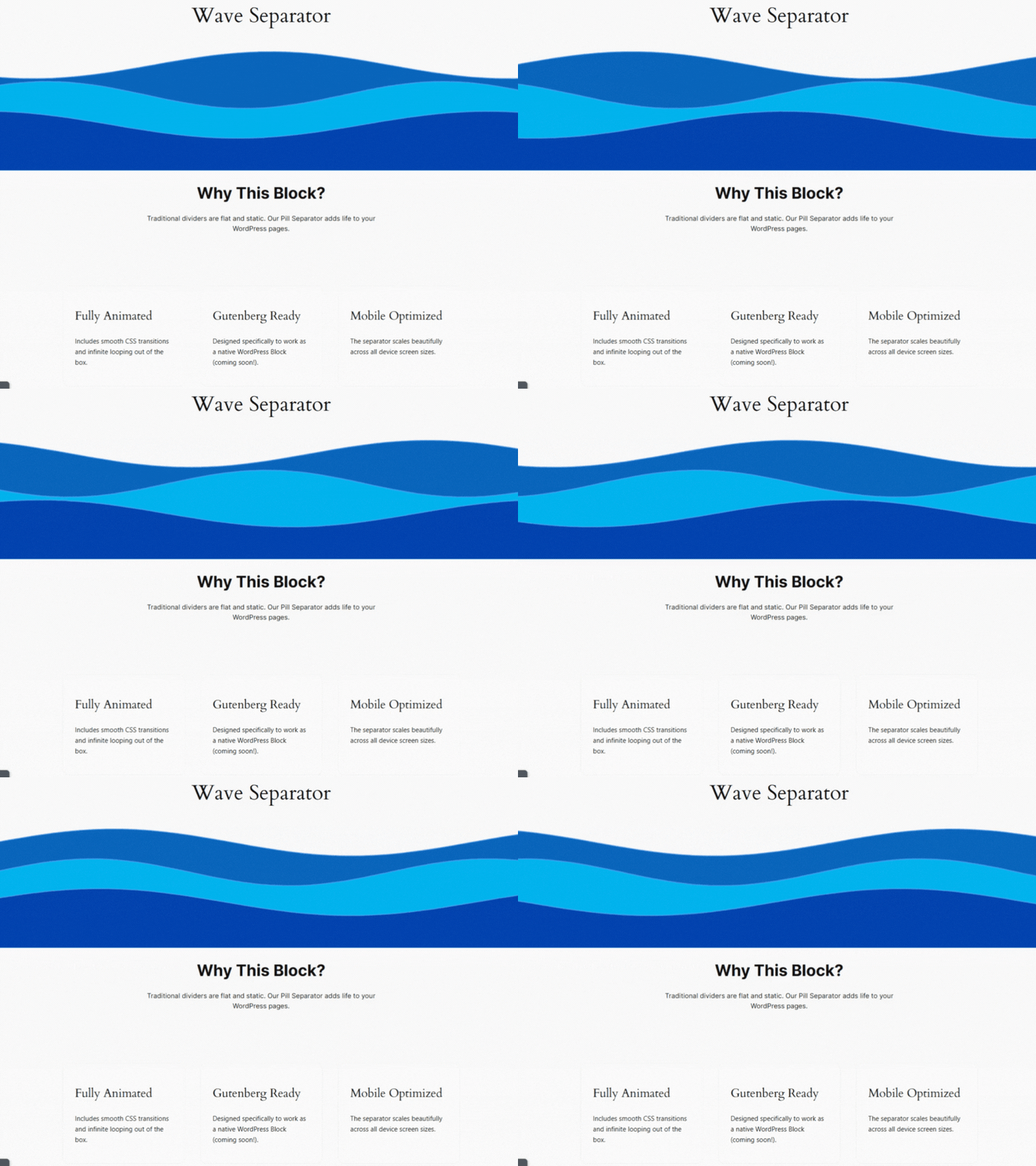
Wave Separator (Default) 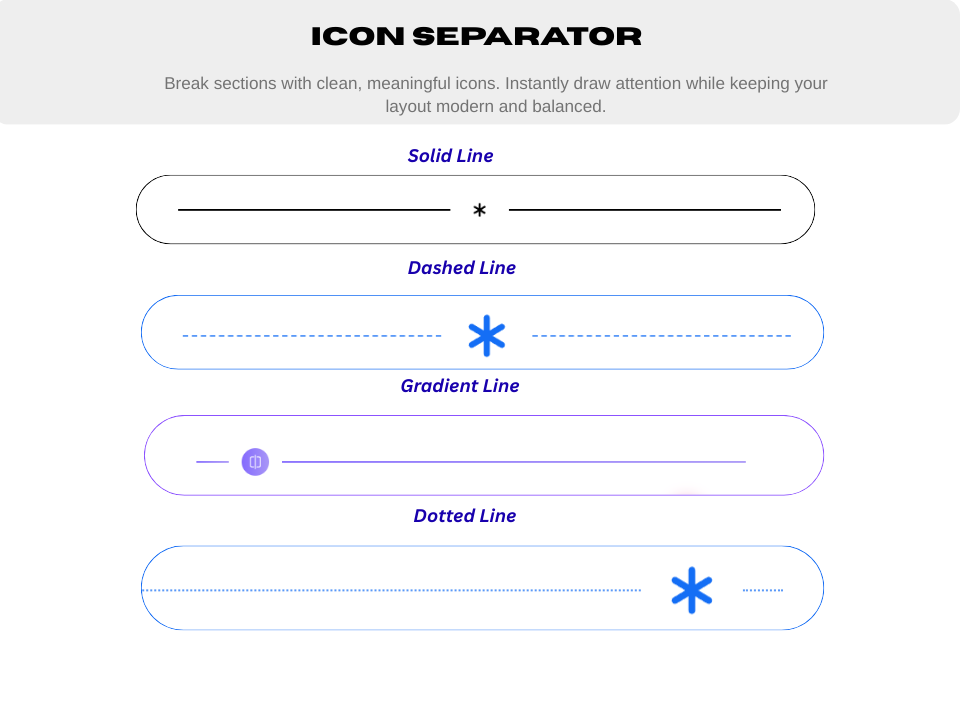
Icon Separator 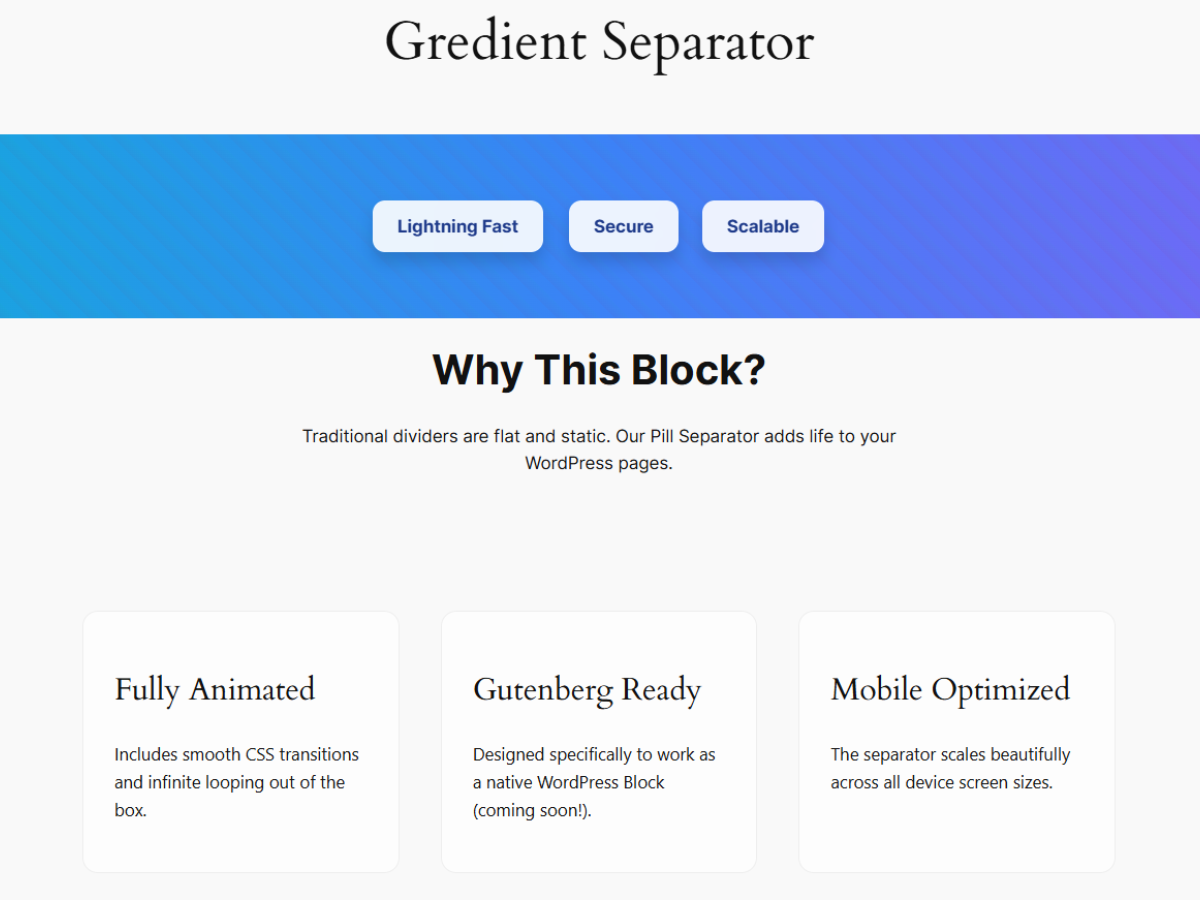
Bold Gradient Separator 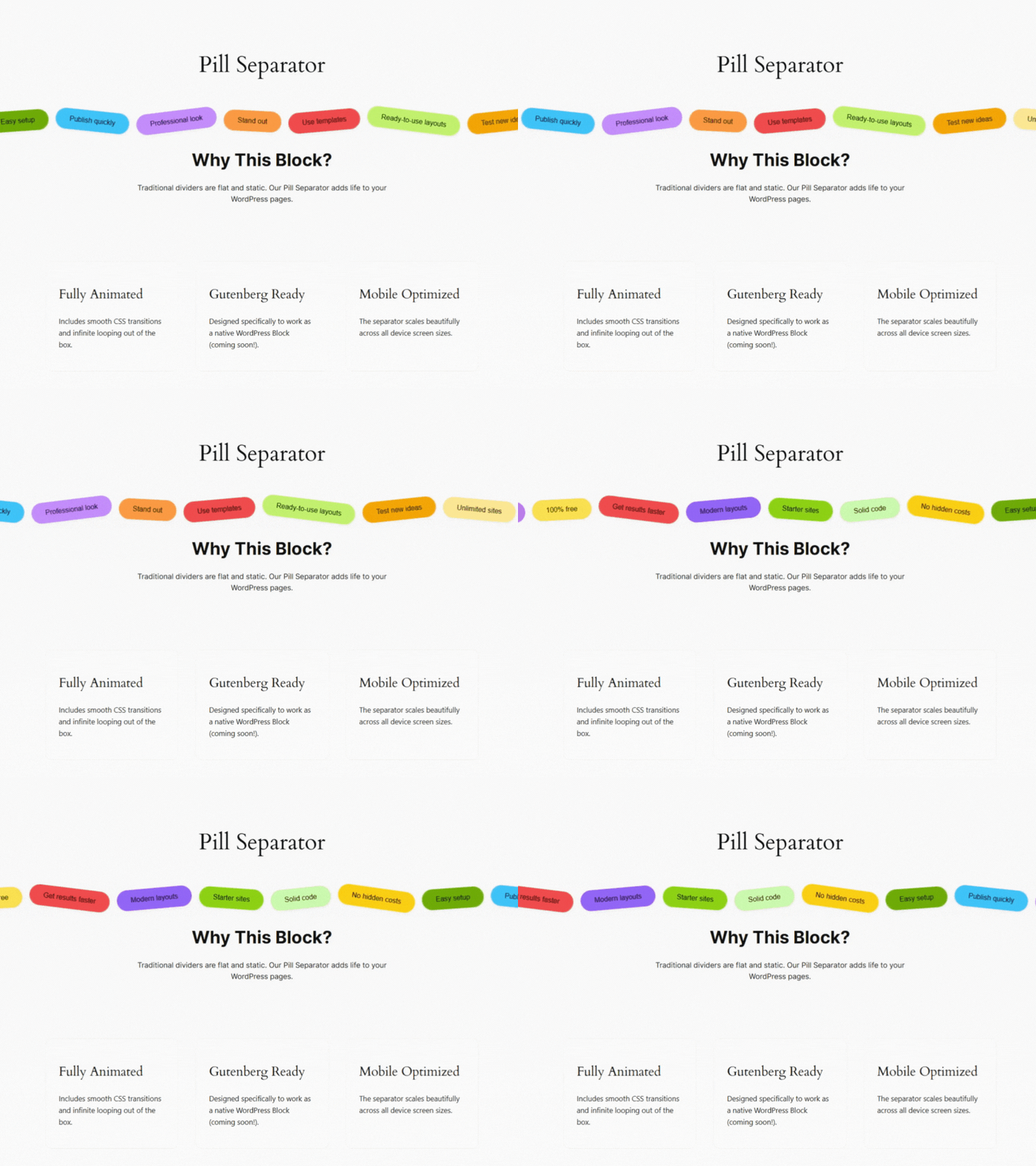
Pill Separator with marquee animation


Blocks
This plugin provides 1 block.
- Section Separator Separate the section in beautiful way.
Installation
From Gutenberg Editor:
- Go to the WordPress Block/Gutenberg Editor
- Search For Section Separator
- Click on the Section Separator to add the block
Download & Upload:
- Download the Section Separator plugin (.zip file)
- In your admin area, go to the Plugins menu and click on Add New
- Click on Upload Plugin and choose the
separator.zipfile and click on Install Now - Activate the plugin and Enjoy!
Manually Installation:
- Download and upload the Section Separator plugin to the
/wp-content/plugins/directory - Activate the plugin through the Plugins menu in WordPress
FAQ
-
Is Section Separator free?
-
Yes, Section Separator is a free Gutenberg block plugin.
-
Does it work with any WordPress theme?
-
Yes, it will work with any standard WordPress theme.
-
Can I change block settings?
-
Yes, you can change block settings from the Gutenberg block editor’s right sidebar.
-
How many times can I reuse a block?
-
You can use unlimited times as you want.
-
Is it responsive?
-
Absolutely. All separators are fully responsive and work on desktop, tablet, and mobile devices.
-
Where can I get support?
-
You can post your questions on the support forum here
Reviews
There are no reviews for this plugin.
Contributors & Developers
“Section Separator Block – Visually Separate Page Sections” is open source software. The following people have contributed to this plugin.
Contributors


Translate “Section Separator Block – Visually Separate Page Sections” into your language.
Interested in development?
Browse the code, check out the SVN repository, or subscribe to the development log by RSS.
Changelog
2.0.2 – 23 Feb 2026
- Update: Redesigned and modernized admin dashboard interface.
2.0.0 – 23 Dec 2025
- Added four new aesthetic wave presets: Ocean, NeonGlow, Fire, and Sunset.
- Added support for controlling wave amplitude (height/intensity).
- Added Wave Direction options: Left-to-Right (ltr), Right-to-Left (rtl), Invert, Static, Bounce.
- Added vertical flip option to invert wave direction vertically.
- Added a brand-new Separator Type: Pill, featuring colorful floating pill labels.
- Pill separator includes smooth infinite marquee animation with customizable duration/speed.
- Each pill supports individual customization: Background color, Text color, Label text, Rotation angle.
- Global style controls for the pill track: Padding, Margin, Background, spacing/gap.
- Individual pill item styling controls: Padding, Shadow, Typography, Border, Border Radius.
- Added a brand-new BoldGradient Separator combining editable pill-style items with pattern and wave overlays.
- Background Type control: Both, Pattern, Organic, or None.
- Organic Waves Controls: Enable/disable, Top & Bottom Opacity, Wave Height, Color Mode (Solid/Gradient), Gradient Options (Start Color, End Color, Direction: Horizontal, Vertical, Diagonal).
- Pattern Controls: Toggle visibility, Opacity, Configure Angle, Transparent Gap, Stripe Colors, and Distances.
- Dynamic Gradient Items: Inline RichText editing, Add/Duplicate/Remove items, Per-item color control.
- Gradient Item Styling Controls: Padding, Border, Border Radius, Shadow.
1.0.5 – 27 Nov 2025
- Improve Optimization.
1.0.4
- Add translate feature
1.0.3
- Fix Render Issue
1.0.2
- Reduce PHP Code
- Performance Improvements
1.0.1
- Reduce PHP Code
1.0.0
- Initial Release.
