Free Online 3D Character Creator
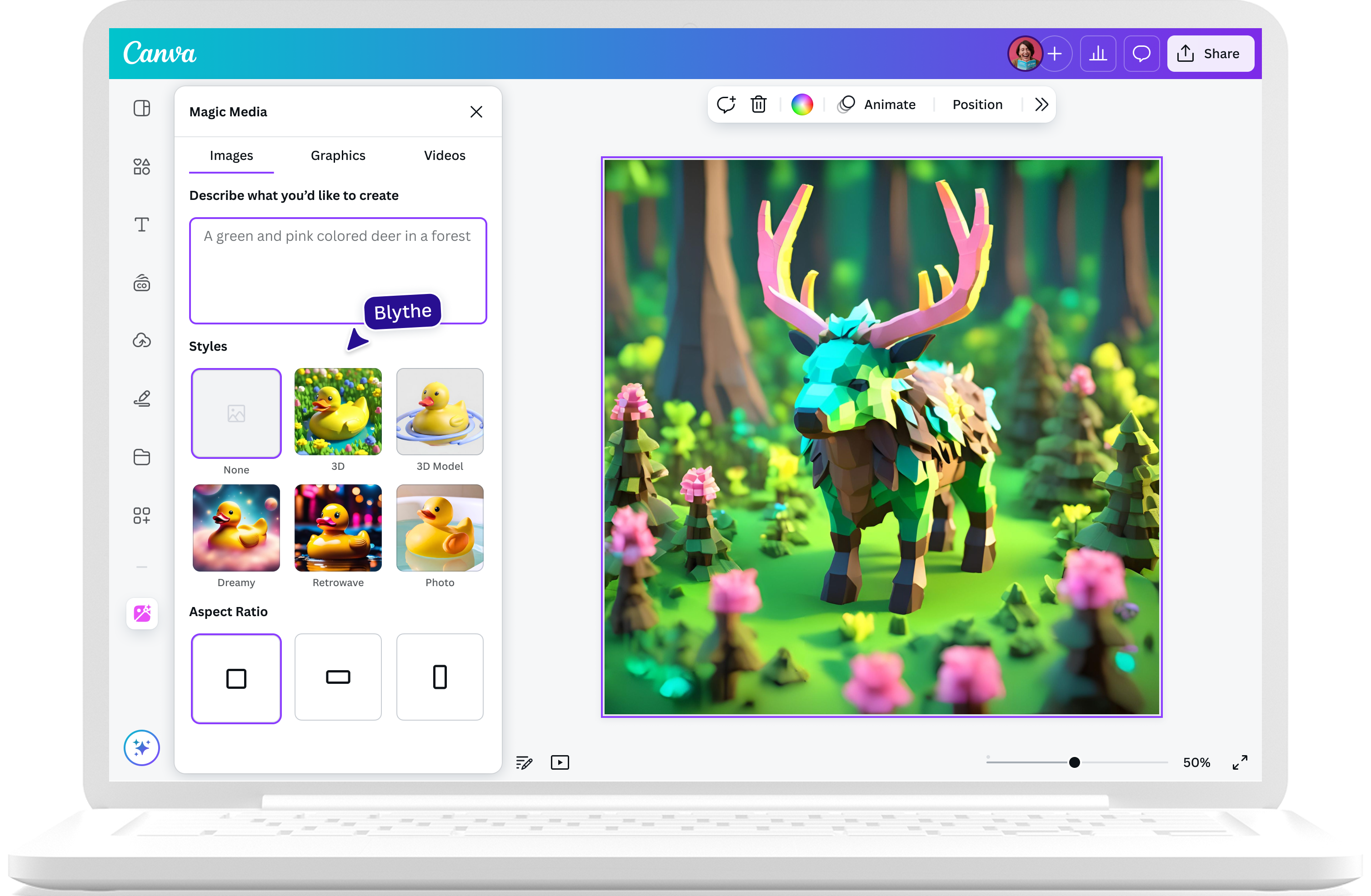
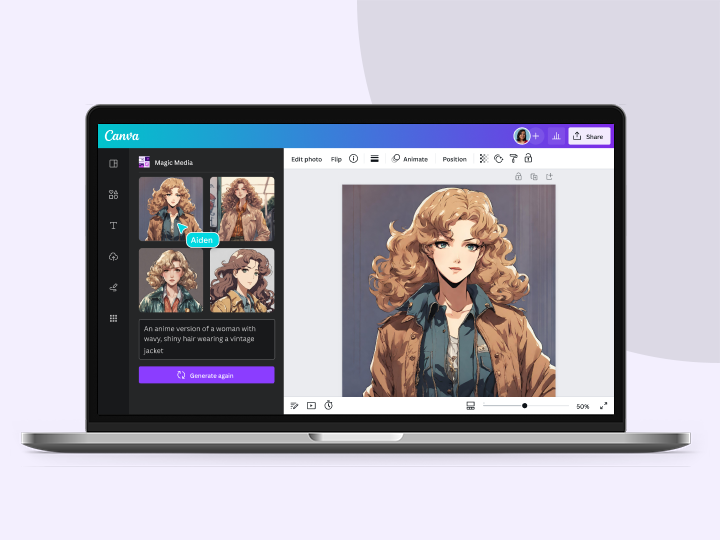
Create stunning, realistic 3D characters with Canva’s Magic Media™ Magic Media™ AI 3D character creator. No need for fancy 3D software — just type a prompt and get 3D characters for your game design, animation, or illustrations in a snap.
Introducing Canva’s 3D character creators
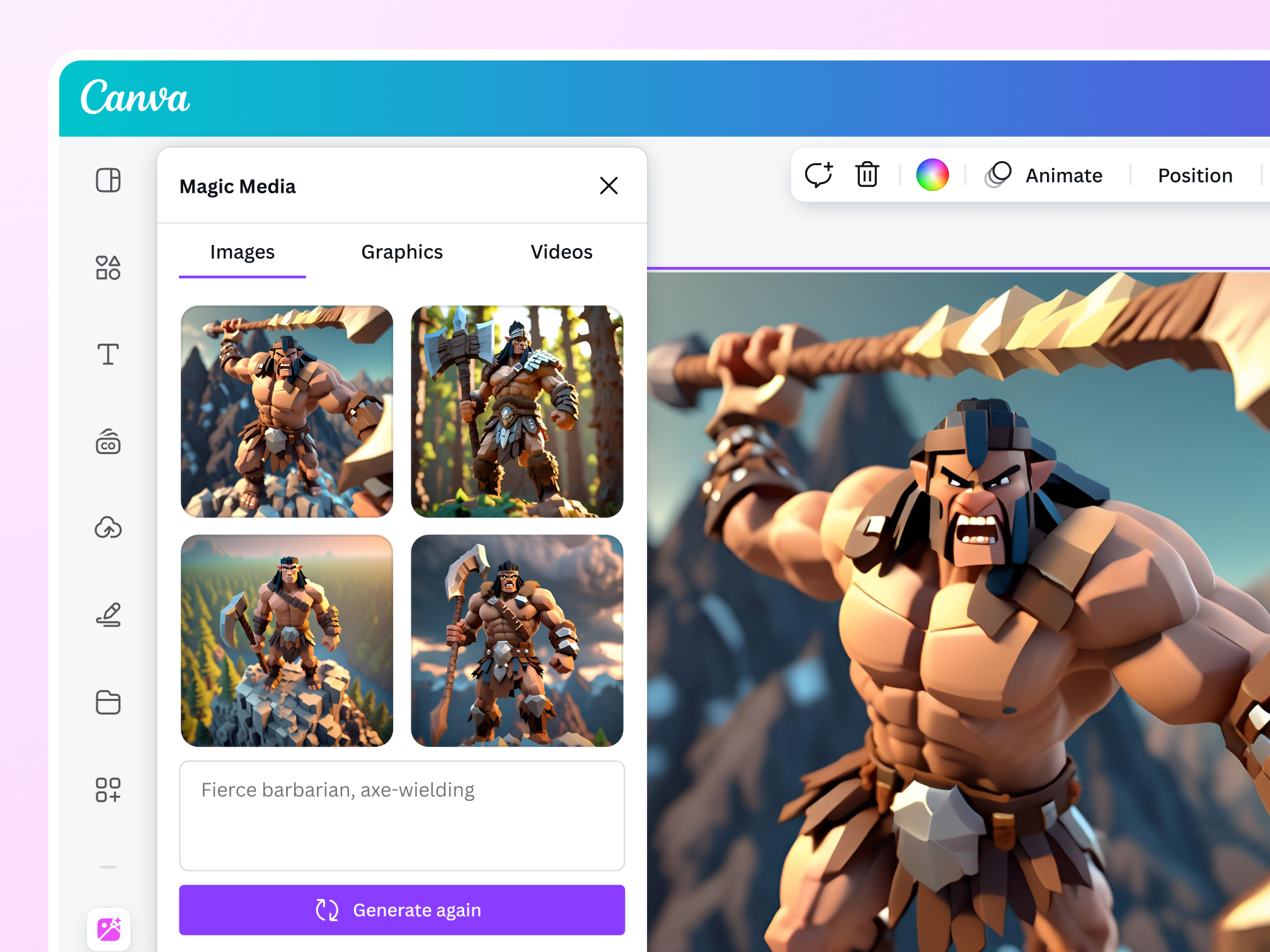
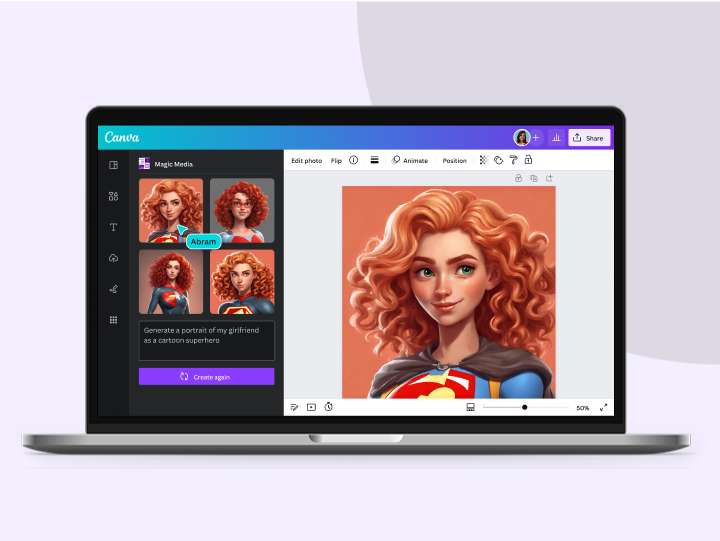
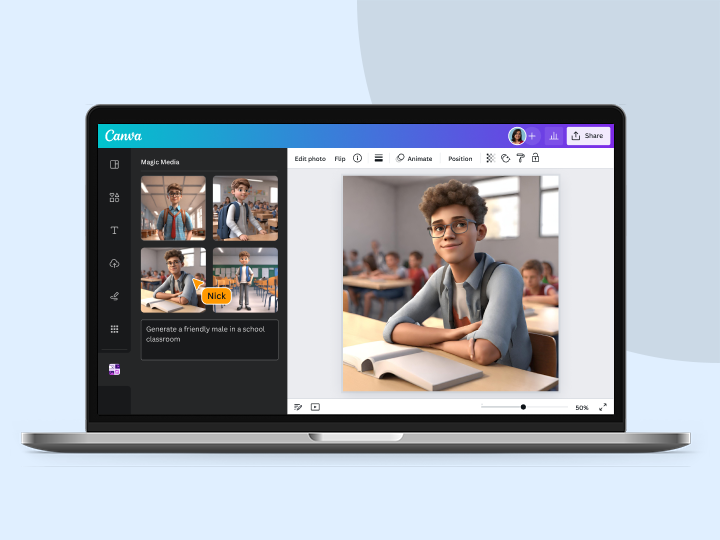
Bring a whole new dimension to your game design, illustration, or branding campaign. Generate 3D characters effortlessly with the AI 3D character creator on Canva. Simply type a text prompt, and watch your words transform into a 3D image of the character you have in mind.
Find the perfect character art style
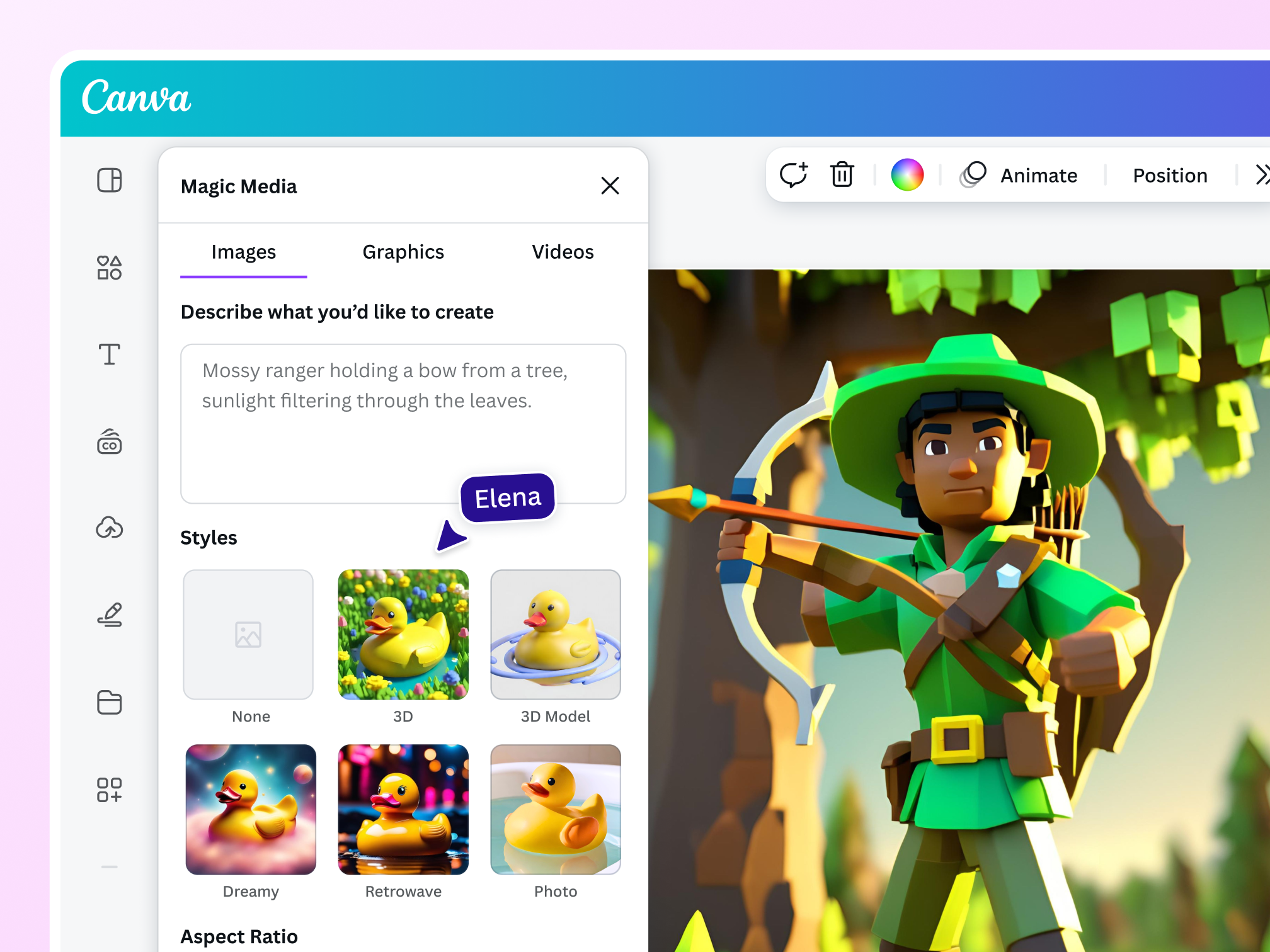
Need a little creative push to fully realize your vision? With Magic Media’s presets, you can experiment with different styles to get the look you’re going for. Choose from art style options like Photography and Digital Art to create the 3D character you imagine.
Spruce up your 3D character

Polish every dimension
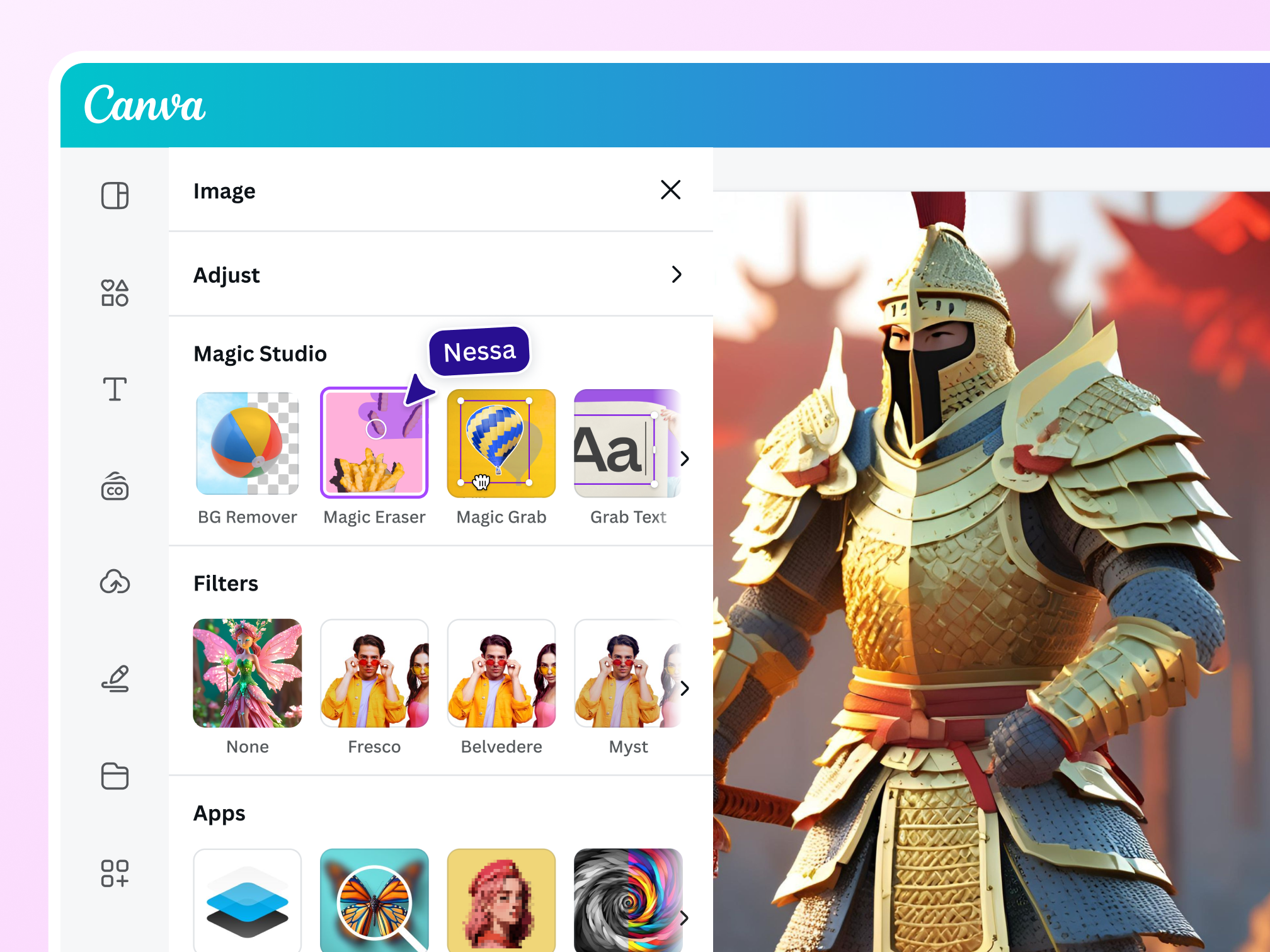
Clean up the photo with Magic Eraser (Pro) or refine every detail of your 3D character with our AI photo editor.

Create a compelling story
Let your 3D character speak by adding words or even text animations. Add design elements that match their history and background.

Layer filters and effects
Create the mood and atmosphere that match your AI-generated 3D character by layering filters and photo effects.
Explore 3D character creator tools
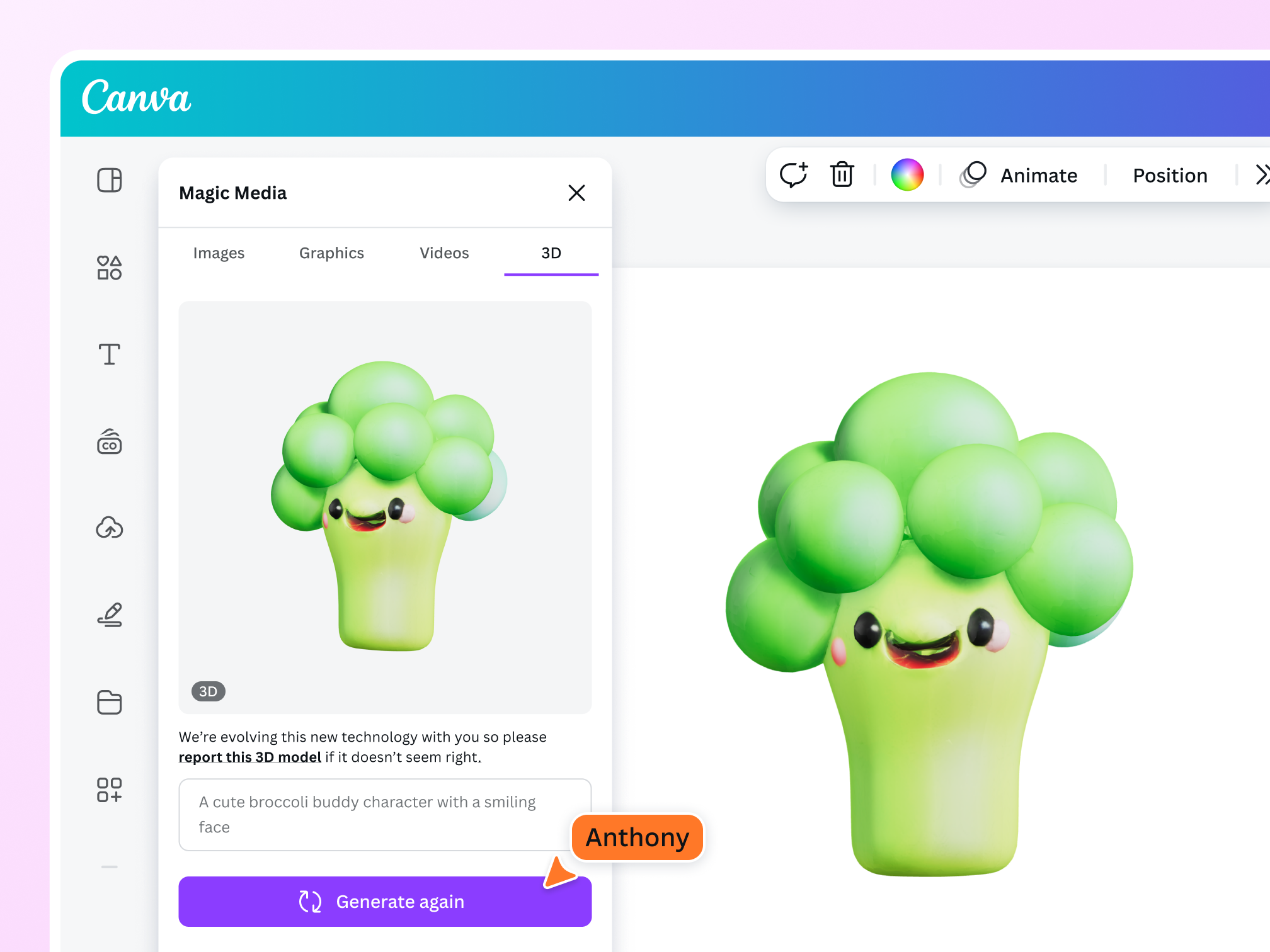
Magic Media: Canva’s AI image generator lets you choose a style preset before generating the 3D character. Get up to 50 images with a free account. Unlock up to 500 images per user per month when you upgrade to Pro.
Dream Lab: Powered by Leonardo.AI, Dream Lab generates beautifully detailed 3D characters. With a free account, you can get 20 uses per month. Upgrade to Pro to unlock up to 500 uses per user per month.
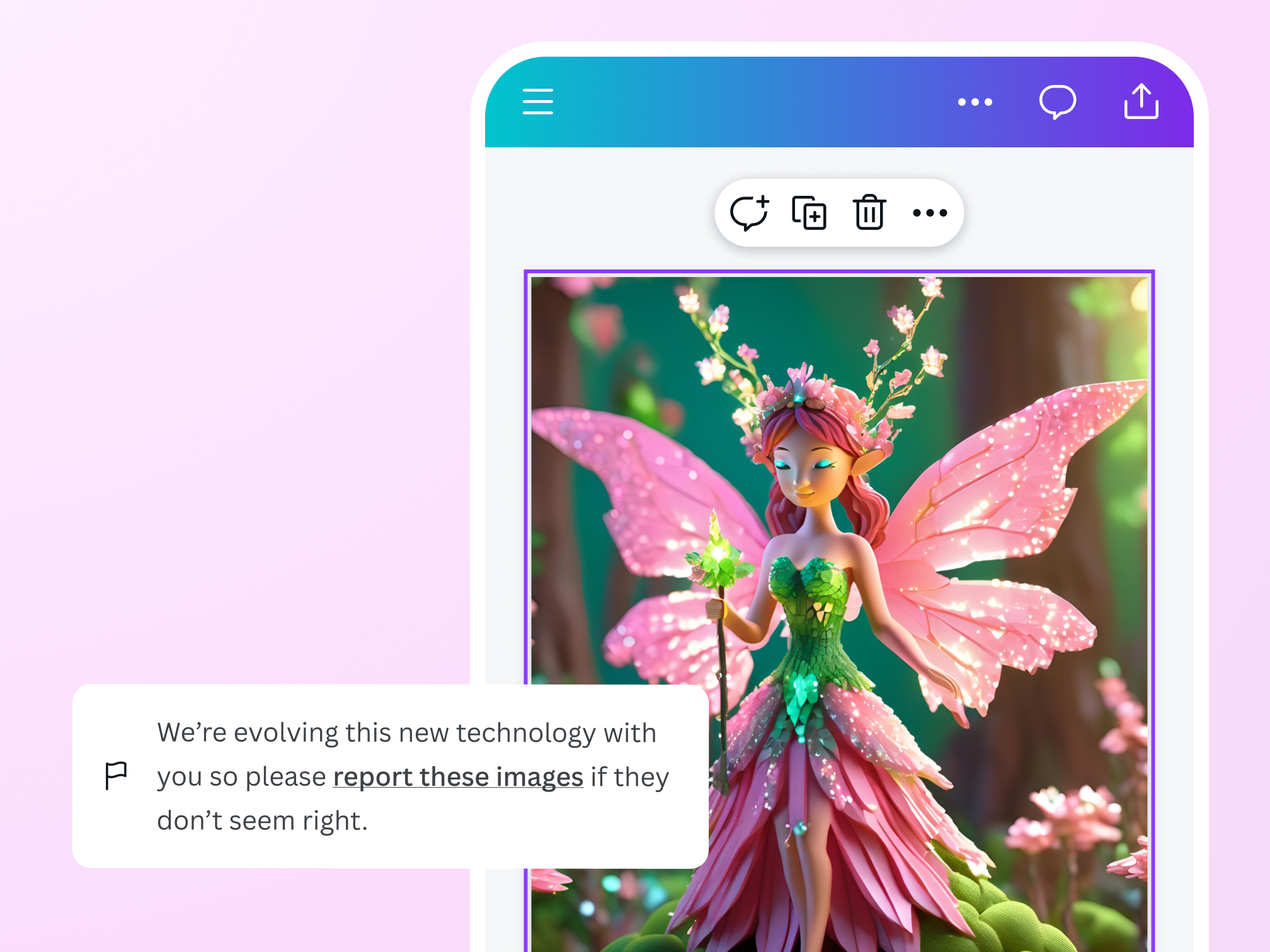
Create without worries
Feel safe and free to express yourself on Canva. We’ve put layers of security measures to protect your process. Encounter any unsafe content? Report it here. We don’t tolerate the use of the AI 3D character generator that violates our Terms and Acceptable Use Policy.
The 3D character creator for everyone

For character designers
Create 3D characters to complete the world-building for your video, game, or comic book.
For marketers
Turn your brand personas into unique 3D characters that resonate with your target market.
For illustrators
Effortlessly brainstorm 3D character ideas for your creative designs and passion projects.
All the editing features you need
Canva’s free drag-and-drop design tools make it easy to create any design, fast!

Generate images from text
Create AI images that visualize a product or idea, draft a creative concept, or push the limits of what's possible.

Various art styles available
Render your AI-generated images in stunning art styles like Watercolor, Filmic, Neon, Color Pencil, Retrowave, and more.

Magic Edit
Want to change the color or texture of an object? Or swap the background for something else? Magic Edit lets you add to, replace, or edit your image with a short written prompt.

Magic Eraser (Pro)
Instantly clean up your image and remove any unwanted distractions with Magic Eraser—no manual editing needed.

Enhance your images
Use Canva’s Photo Editor to fix your photo’s focus, lighting, and coloring with easy-to-use sliders.

Photo effects & filters
Choose from our selection of adjustable color filters and fun photo effects to remix your photo.
Add Text to Photo
Easily add text to your photo or image to tell a story. Font combinations, colors, and styles available.

One-click background remover (Pro)
Remove image backgrounds, perfect for product photos, headshots, or transparent PNGs.
Magic Expand (Pro)
Extend an image in any direction. Magic Expand lets you fix awkward framing, save zoomed-in images, or turn a vertical shot into a horizontal one.
Millions of free images, icons, and graphics
Get access to our entire library of millions of photos, icons, graphics, media elements, audio, sound effects, and more.

Access anywhere and autosave
Jump from device to desktop—design how you work best! Canva autosaves your progress along the way.

Cloud storage
Get free 5GB storage or upgrade to Canva Pro and get unlimited folders with up to 1TB storage for all your designs.
Easy sharing and exporting tools
Share and export designs as a JPG, PNG, PDF, and PPTX. And when you embed a doc, you can customize which page will be displayed.

Real-time collaboration
Create, collaborate, comment on designs, and get everyone on the same page, at the same time, from anywhere.

Content planner (Pro)
Create and schedule content to your favorite social media accounts directly from Canva.
How to make a 3D character
- Start from scratch or with a design template.
- On the editor sidebar, scroll down to select Magic Media. Click on the “3D” tab.
- Describe the 3D character you want to create. The more detailed the text prompt, the better.
- Click “Generate 3D” to create your character.
- Edit the image to match your vision. Use our AI photo editing tools, and add filters, effects, text, and other graphics.
- Download your 3D character, share it online, or use it in a Canva design.
Your questions, answered
A 3D character is a type of character rendered as a three-dimensional image. Making a 3D character typically requires various software to achieve the effect. Now, with 3D character creators like Magic Media, everyone can create a beautiful 3D character with a text prompt.
Magic Media and other 3D character creators work through a machine learning model that scans millions of 3D images across the internet along with the text associated with them. The algorithm spots trends in the images and text and can soon guess which image and text go together.
Once the model is able to predict what an image should look like based on the provided text, it can create entirely new 3D characters from scratch based on a new set of descriptive text users enter on the app.
With Magic Media, Canva Free users can generate up to 50 images in a lifetime for free. Meanwhile, with a Canva Pro, Teams, EDU, or NFP subscription, users can generate up to 500 images per month.
Canva’s AI 3D character creator is available through Magic Media, an AI image generator that lets you make your own 3D characters from text prompts. Aside from 3D characters, you can also generate your own images, graphics, and videos based on different art style presets.
Yes, you can use the 3D characters generated with Magic Media for any legal purpose, including personal or commercial projects, as long as you follow our Terms.
Keep in mind that if you’re going to use AI output for your commercial projects, you may not have exclusive rights to your AI 3D characters. This means other people may also use them.
Please be mindful that Canva doesn’t guarantee that the 3D characters you generate are cleared for use (particularly if the image you create looks like someone else’s work). If you’ll use AI-generated images for any commercial purpose (i.e., selling your creations), it may be a good idea to seek legal advice.
One of Canva’s values is to “Be a Good Human,” and we ask you to keep this in mind when using the AI 3D character generator. Do not use this feature to create harmful content, infringe any third-party rights (like copyright or trademarks), or defame anyone. Remember to inform anyone who is viewing your content that it contains AI-generated images.
Read the full terms here.
We don’t recommend this. Certain public figures have legal rights that allow them to control how their image is used commercially and they may not be happy with you creating AI-generated 3D images of them.
Similarly, if you use the 3D character creator on Canva to create recognizable characters or brands, these may be protected by copyright or trademarks. You should not use these images without getting permission from the rights owner. Canva can’t give you this permission.
Unfortunately, there is no easy answer to this! The treatment of AI-generated images and other works under copyright law is an open question and the answer may vary depending on what country you live in.
For now, Canva does not make any copyright claim over the images you create with our AI 3D character generator. As between you and Canva, you own the images you create with Magic Media (subject to you following our terms), and you give us the right to host them on our platform and to use them for marketing our products.
However, please note that this does not mean you are the copyright owner of the images or that you have exclusive rights to them.
Our values define how we build our products, treat our community, and impact the world. We want to ensure our community feels safe when creating and interacting with content on our platform.
We’ve put layers of safety measures in place so you can use Magic Media safely and responsibly. These include automated reviews of input prompts for terms that might generate inappropriate content. If you do come across unsafe content, report it here on Canva.
We won’t tolerate any use of our AI 3D character generator that violates our Terms or Acceptable Use Policy.
More resources
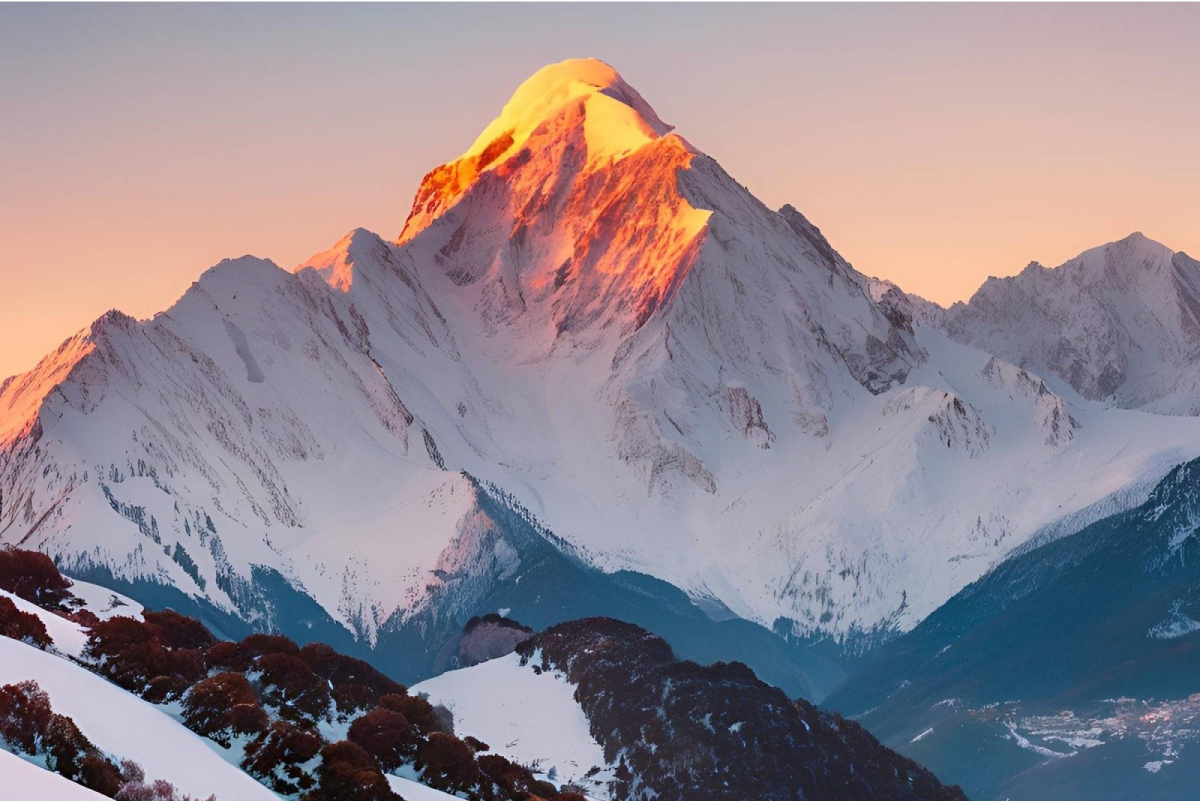
Watch words transform into images with a free AI image generator.
Make your own cartoon online for free
Turn your story idea into a cartoon with Canva’s cartoon maker.
Create your own avatar online for free
Personalize a fun avatar with Canva’s avatar generator apps.
Transform words into stand-out videos with AI
Instantly produce an AI-generated video from text.
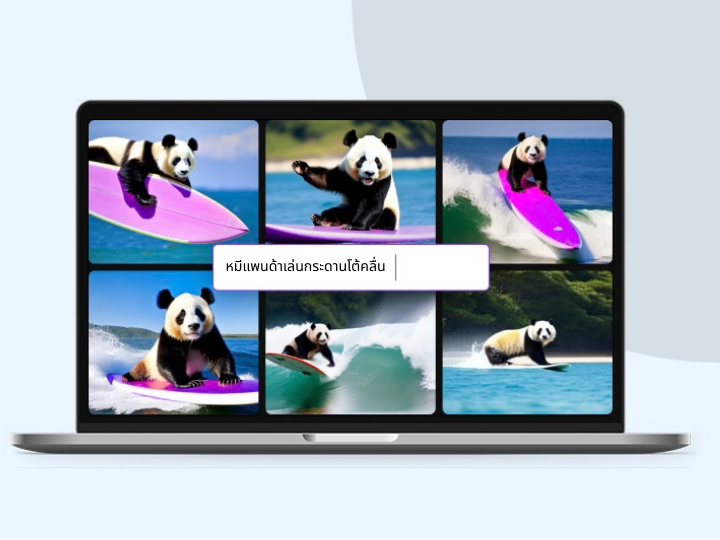
Free Online 3D Character Creator
Create stunning, realistic 3D characters with Canva’s Magic Media™ AI 3D character creator. No need for fancy 3D software — just type a prompt and get 3D characters for your game design, animation, or illustrations in a snap.
