AI Code Generator
Build, style, and publish interactive experiences for websites, presentations, docs, and more—no coding needed. Take them to the next level with built-in data capture that sends responses straight to Canva Sheets.
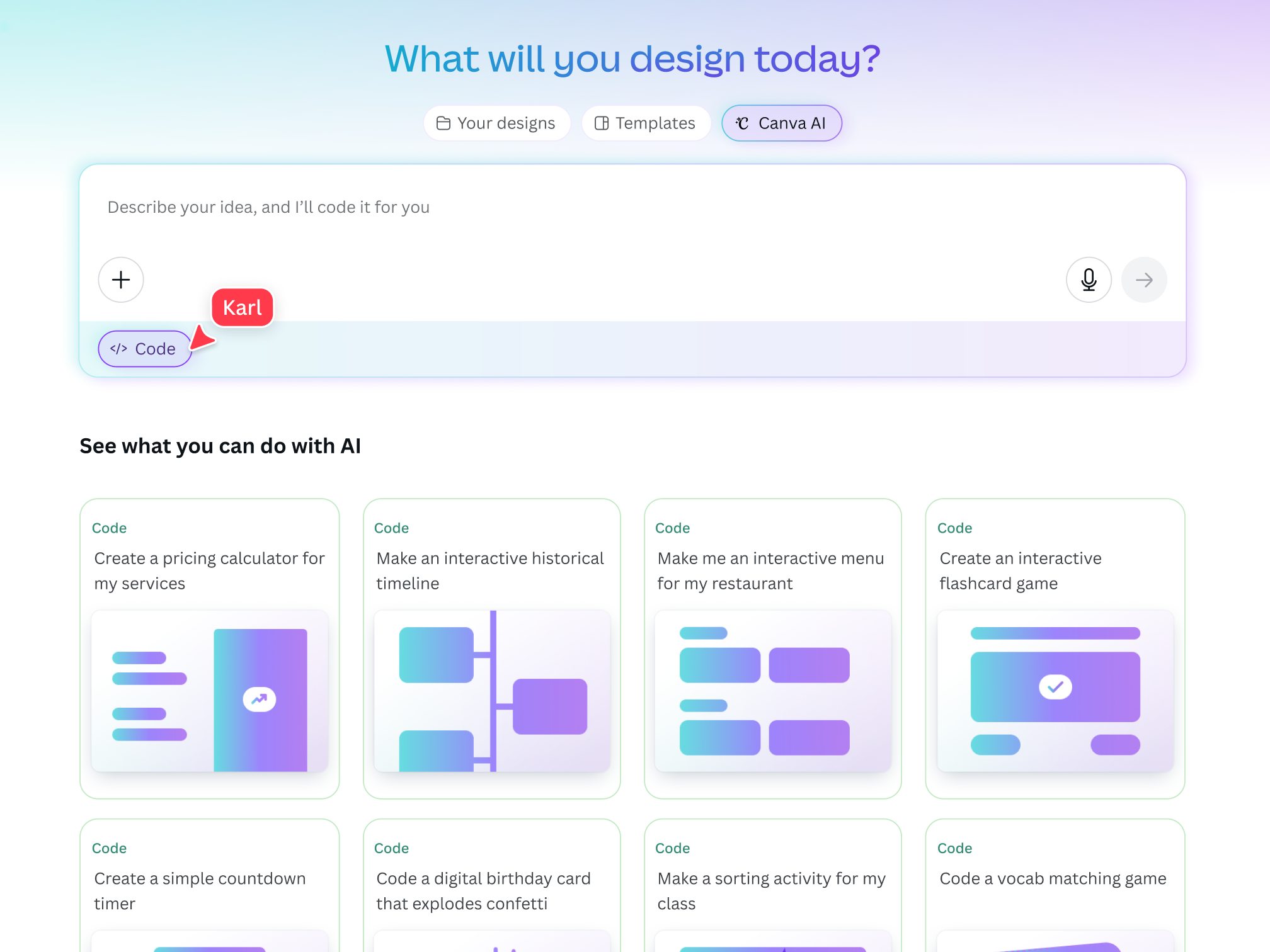
Introducing Canva’s AI code generator
Turn ideas into interactive experiences and capture the responses with ease. With the power of AI, whip up an interactive website or tool, customize colors and fonts to suit your style, and publish in an instant. Capture every response directly in a connected Canva Sheet, ready to share, analyze, or build on, all without leaving Canva. Skip the complexity and crack the code to creative possibilities.
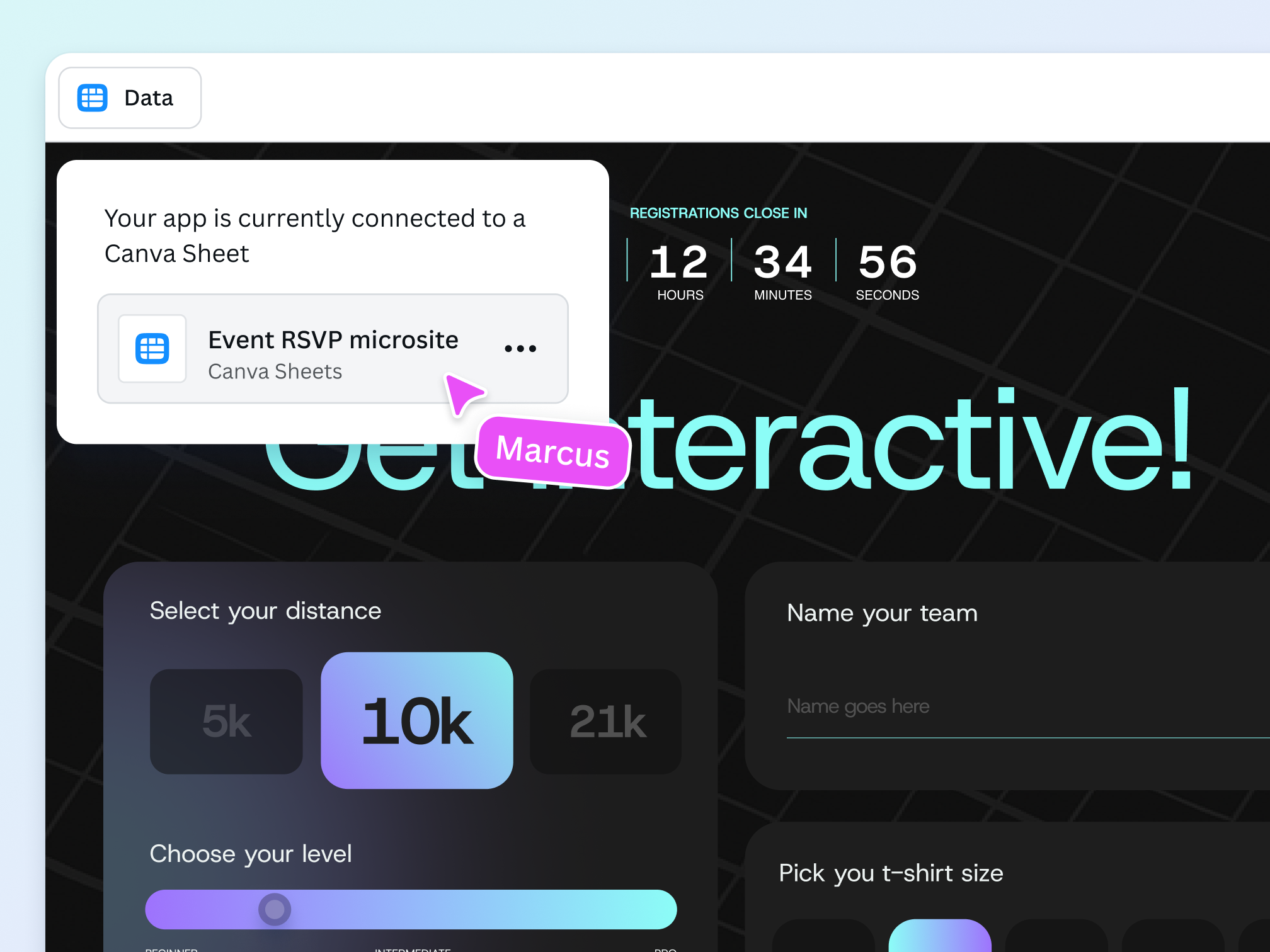
Build, publish, and capture data

Turn interaction into insights
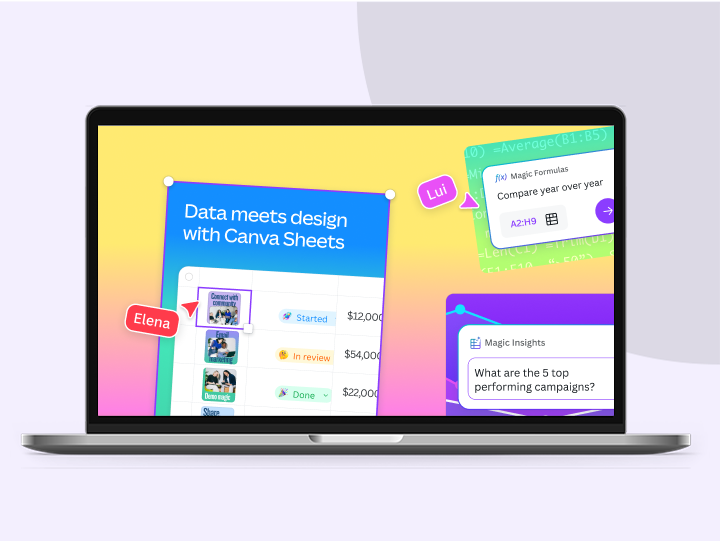
With data capture built right into your coded creation, every audience interaction flows directly into a connected Canva Sheet. Easily analyze and uncover insights, create data visualizations, and keep your team organized and in sync.

Bring interactivity to every format
Canva Code makes sure interactivity is available in every format. Seamlessly embed your AI-generated widget across different Canva designs, from presentations to Docs to social posts. Or, easily publish it as a live website in one click.

Build anytime, for every device
With Canva Code, you can build responsive digital creations for desktop, mobile, and tablet devices. Easily access it whenever the inspiration strikes — wherever you are, and on any device.
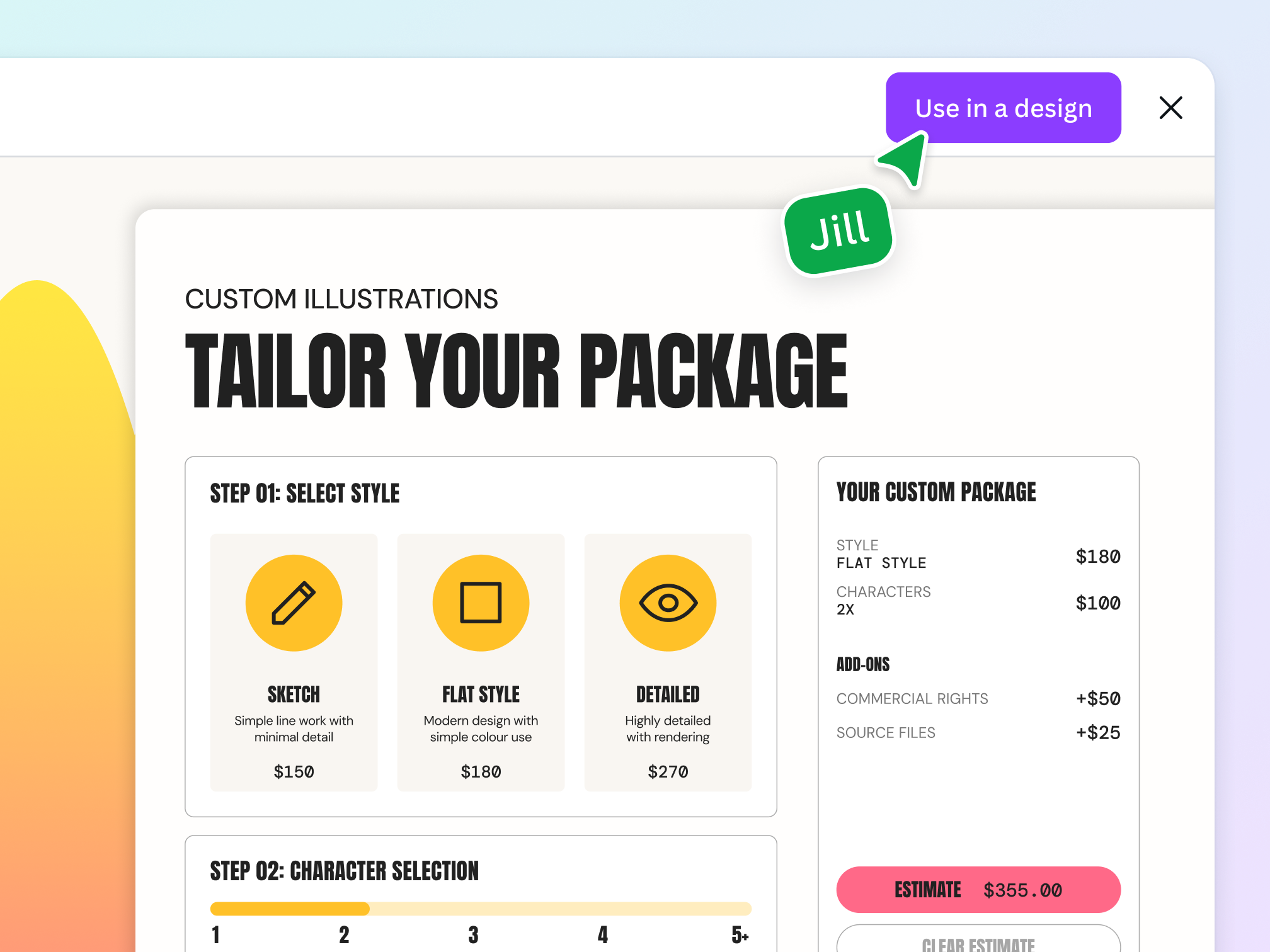
From idea to creation, instantly

Your AI-powered creative partner
With Canva Code, what used to take hours of doing can now be done in moments. Simply chat your ideas, fine-tune your artistic vision, and create ready-to-use, coded creations that go beyond static design.
Dream up your ideas, no coding required
Whether you need pricing calculators for your website, countdown timers for your campaign launch, or interactive widgets for your presentation, you can instantly build custom tools with Canva Code — no coding experience required.
Design according to your vision
Make your AI-generated widget uniquely your own, right in Canva’s editor. Swap fonts and color palettes, update text, and see your changes instantly. With our intuitive editing tools and your creativity, it’s easy to stay on brand, every time.
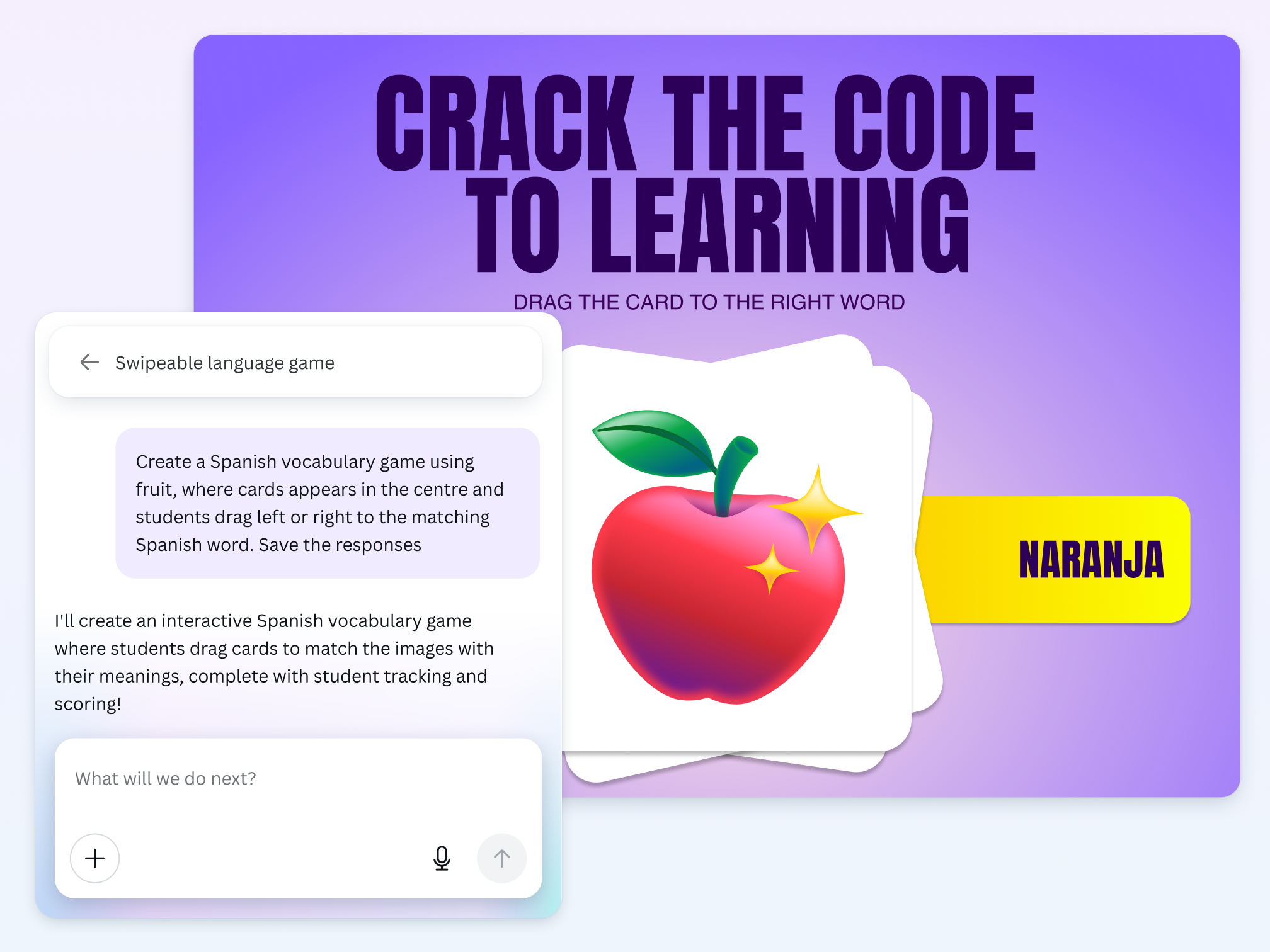
Redefine what’s possible in Education
With Canva Code, teachers will be able to transform abstract concepts into hands-on interactive experiences that capture student attention and keep them engaged — no coding experience required.
From drag-and-drop games to interactive widgets and timelines, or even classroom management tools like countdown timers or mental health checks. The classroom applications are endless and exciting!
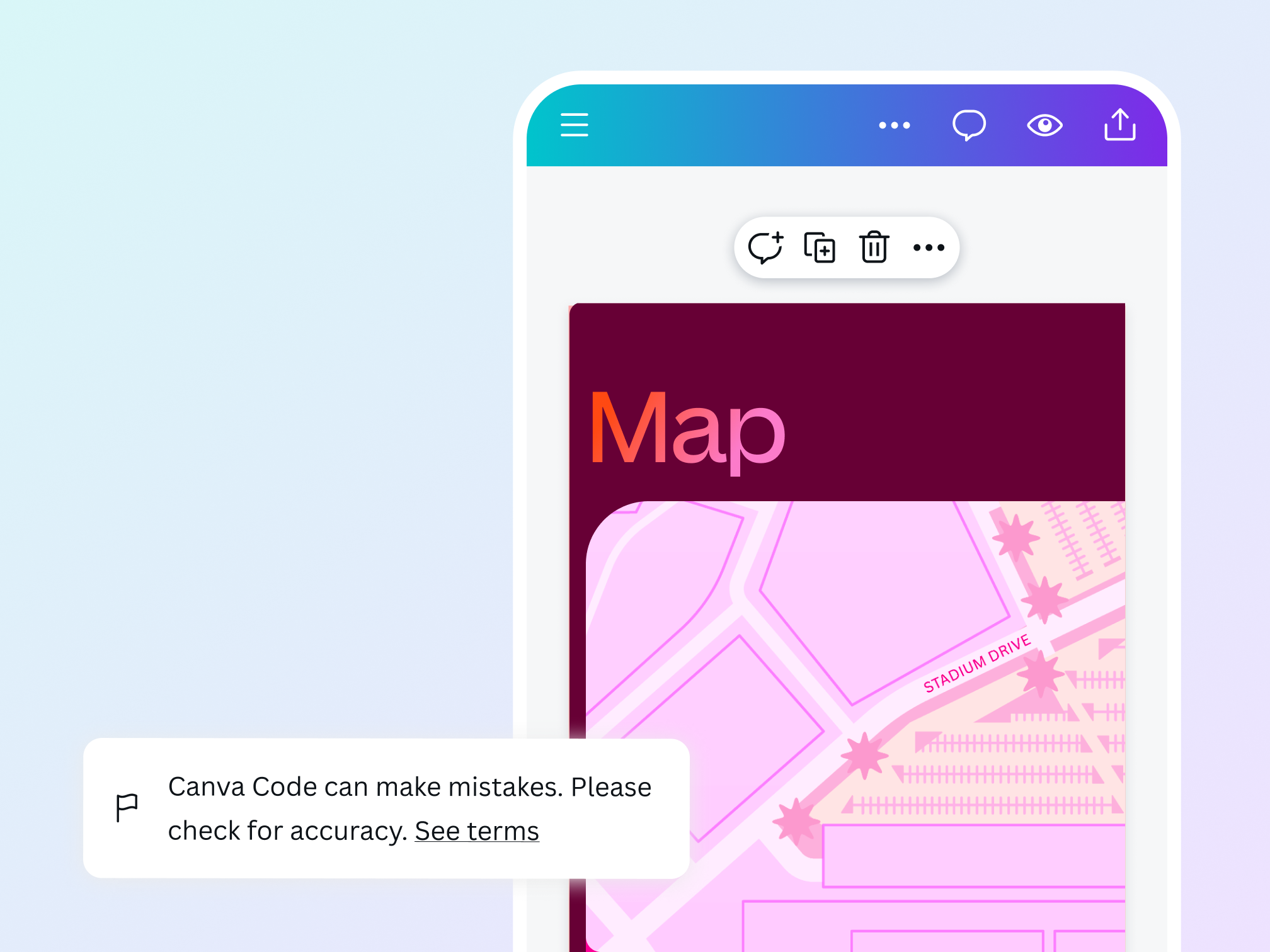
Bring your idea to life safely
We’ve built a multi-layered set of safeguards into our AI code generator to protect users from harmful and unsafe content. Our goal is to make AI-generated content as safe and appropriate as possible across a range of categories. We encourage anyone using Canva Code to ‘be a good human’ and use it in an ethical and responsible way. We won’t tolerate any use of Canva Code that violates our Terms and Acceptable Use Policy.
The AI code generator for every need

For personal
Expand your creative limits by building digital experiences, from interactive birthday cards to dynamic itinerary builders — no coding, no hassle.

For business
Build interactive product feedback tools, dynamic cost breakdown tools, and more to enhance customer experience and boost engagement.
For education
Ignite creativity in students and keep them engaged with interactive worksheets, educational games, and visual simulations.
All the features you need
Canva’s AI-powered code generator makes it easy to create any coded creation, fast!
AI code generations in no time
Describe what you need and watch our AI code generator build digital experiences—no coding required.

Friendly AI personality
Chat with Canva Code in natural, conversational language. Its approachable style makes creating functional, engaging experiences fun and full of possibilities.
Flexible input options
Type a description or use voice commands to get the exact design experience you’re looking for.

Styled your way (Make visual edits)
Customize your AI-powered coded creations, right inside Canva. Swap fonts, tweak color options, and make it yours in seconds with instant visual updates to the underlying code.
Seamless integration
Seamlessly incorporate your coded creations into existing or new Canva designs like websites, presentations, social posts, and more, with no app switching needed.

Secure AI use with Canva Shield
Get peace of mind with customizable AI settings, content safeguards, and privacy tools that put your organization in command.

Preview panel
Refine your coded creations instantly with our streamlined preview panel. Make quick edits through detailed prompts while staying in your current workspace.

Smarter, data-connected workflows
Get more from your interactive experiences with data capture in Canva Sheets. All built right into your coded creation.

Coding-free interactive website elements
Turn text prompts into engaging website features instantly. Add pricing calculators, product guides, and games that convert visitors to customers. No coding needed.

Presentation enhancers
Transform static slides into dynamic experiences with embedded coded creations that bring concepts to life during presentations.

Business tools generator
Build custom calculators, pricing tools, and estimators that help convert visitors into customers, all without coding.

Build fast. Publish faster
Bring your AI-powered creation to life then share them with the world, your way. Effortlessly publish as a live website with its own URL, or drop it into any Canva design like a doc, deck, or more.
How to use our AI code generator
- Launch CanvaOpen Canva on the app or web browser to use Canva Code.
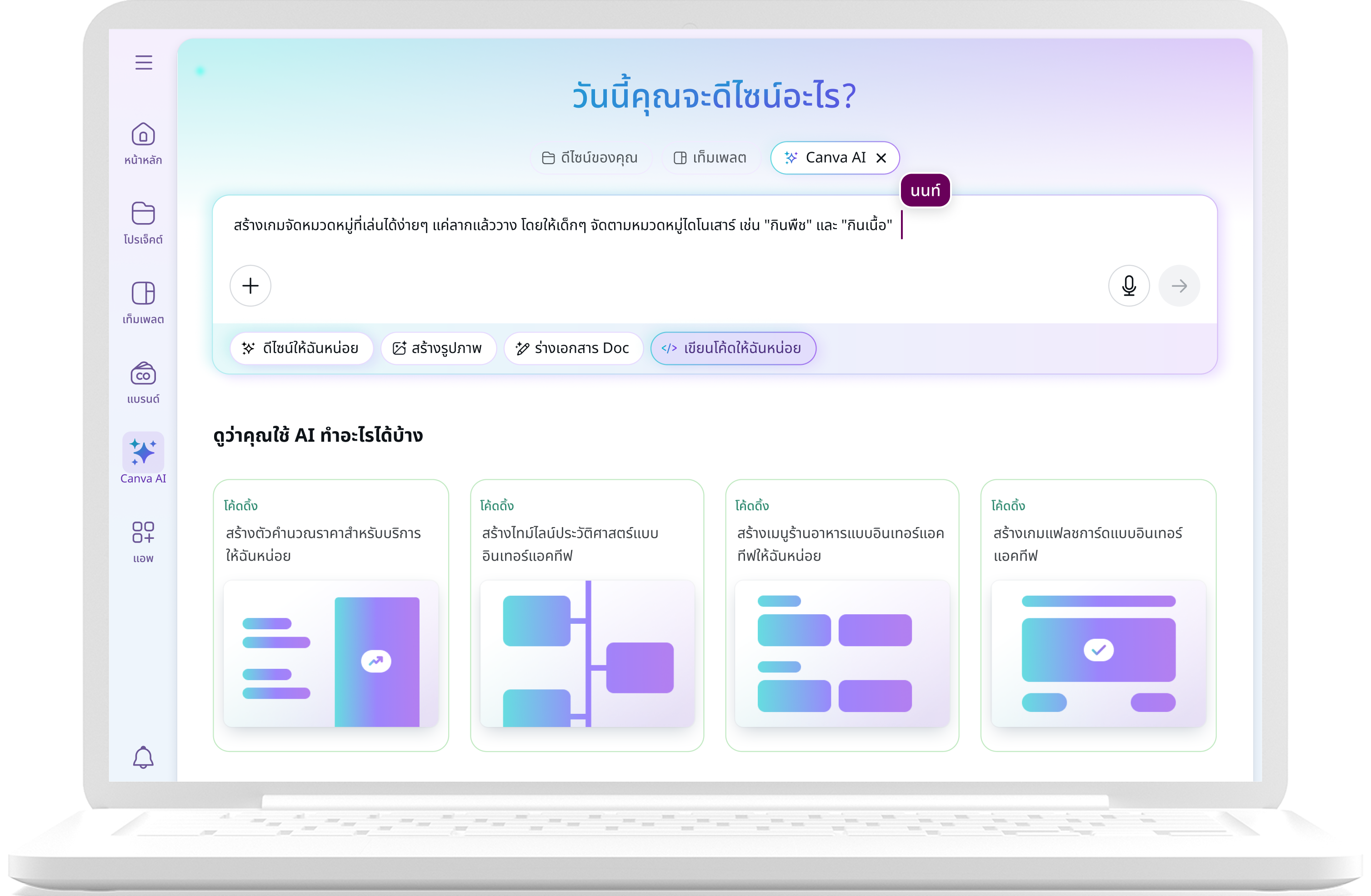
- Access Canva CodeOn the Canva homepage, click "Canva AI" and choose "Code" to start a conversation. If you’re using a Canva design, click "Elements" and choose "Generate code" in the dropdown menu.
- Enter your text promptWrite your text prompt to generate a widget. Include your preferred style, color palette, or theme — the more detailed your prompt is, the better.
- Refine your resultsIf the first version isn’t quite what you’re looking for, ask Canva Code through additional prompts to refine and iterate the widget. Or make direct visual edits in your Canva design.
- Integrate and shareOnce you’re happy with your creation, click "Use in a design" to integrate your widget in a Canva website, presentation, doc, or whiteboard. Or, hit "Publish" to share it as a website. Plus with data capture, every response will also be organized in a connected Canva Sheet.
Your questions, answered
Yes, Canva Code is available on all plans. Access is shared across all our premium AI tools, including Canva Code, and varies by plan:
- Free: limited monthly access
- Pro and Teams: high monthly access
- Business and Enterprise: higher monthly access
Access your new AI-powered creative coding partner from the Canva home page in our improved Search experience. It’s the launch pad for all your creative projects. Select "Canva AI." Then, click the “Code” button to get started. Start adding your prompts. Be as detailed as you want. Continuously refine your creation until it matches your vision.
Alternatively, from any Canva design, select the Elements tab in the left sidebar. Add your idea or prompt in the search bar. Then select "Generate code". Pick what you like and open it in the editor to customize further.
Yes. Administrators for Teams, Enterprise, and Education accounts can enable or disable all of Canva’s AI tools from their Admin Panel.
Yes, you can now directly customize your AI-powered coded creations, right inside Canva. Swap fonts, tweak color options, and make it yours in seconds with instant updates to the code.
The law is currently unclear on who owns the copyright in AI-generated content.
At present, Canva makes no copyright claim over any content you generate using Canva Code. Between you and Canva, you own the coded creations you generate with Canva Code, which is subject to you following our Terms. In turn, you give Canva the right to host your AI output on our platform.
Yes, you can use the designs and coded creations generated with Canva AI for any purpose, including personal or commercial projects, as long as you follow our AI Product Terms and Terms of Use.
Keep in mind that if you’re going to use AI output for your commercial projects, you may not have exclusive rights to your AI-generated designs. It’s your responsibility to ensure that your AI-generated design is suitable for commercial use. This includes determining whether permission is required to depict works of art, photographs, trademarks, or logos.
Please be mindful that Canva doesn’t guarantee that the AI-generated images, designs, text, and code you generate are cleared for use (particularly if the image or design you create looks like someone else’s work).
More resources
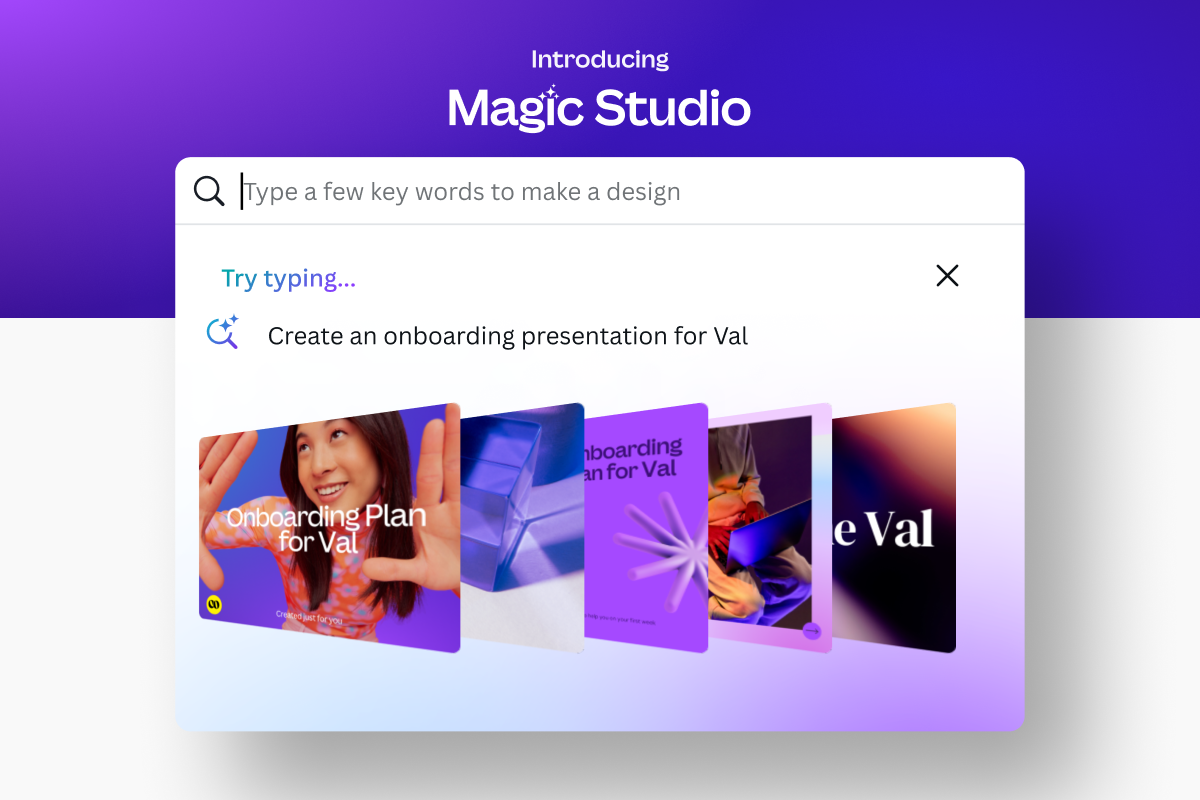
Meet Magic Studio: Canva's AI Tools
Find all the best AI-powered tools on Canva.
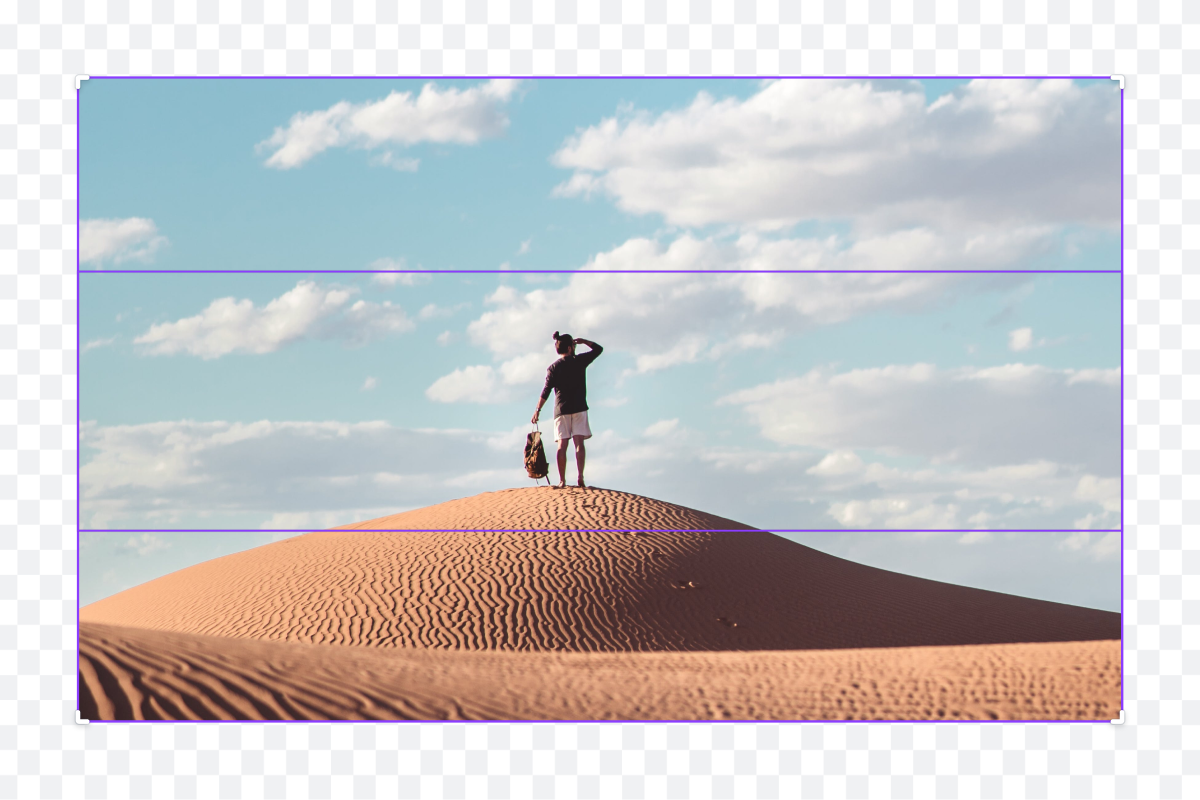
Expand images instantly with AI
Extend images in any direction with AI Image Expander on Canva Pro.
Learn how businesses can thrive in an increasingly visual world.

Visual communication for future managers
Communicate your ideas visually to become an inspiring leader.
Discover more products

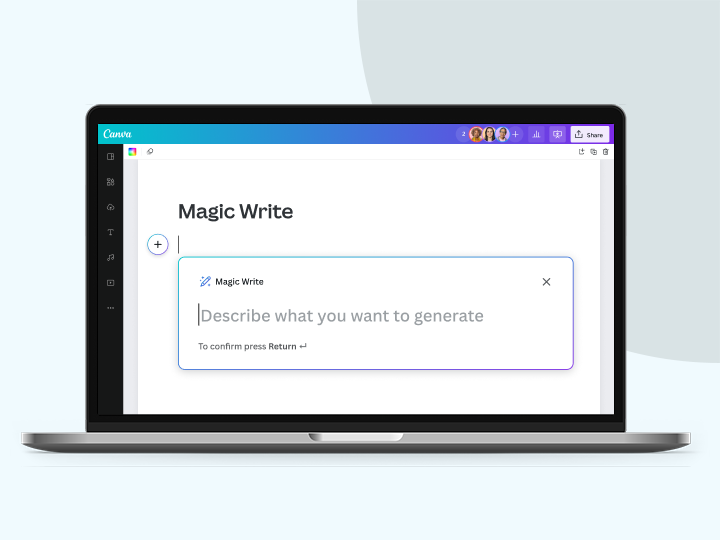
AI Code Generator
Reimagine how you bring ideas to life with Canva Code. Build interactive experiences with just a conversation and seamlessly integrate them into websites, presentations, docs, and more — no coding needed.
