Business Cards
Print custom business cards in a variety of high-quality paper stocks, finishes, and sizes. Showcase your professional edge today.
Easy to create and customize
Eco-conscious, high-quality prints
Fast and free standard shipping
Customer happiness guarantee
Shop business cards by shape & size

Shop business cards by paper finish
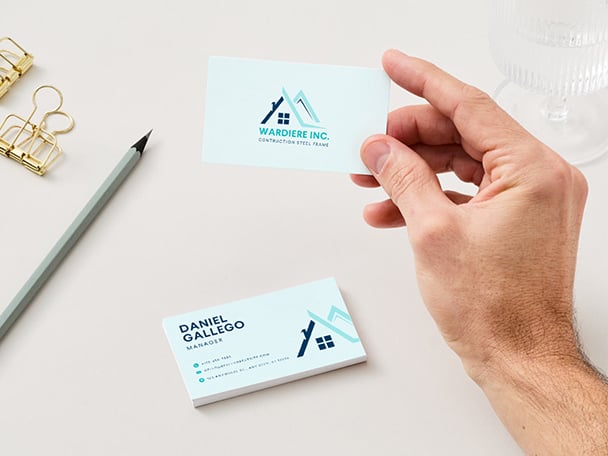
Get noticed with personalized calling cards in special materials and finishes.

Matte
50 cards from $14.50
A low sheen finish that won’t change how the colors look and are easy to write on.
• Full color, double-sided printing on square corners or round edges
• Available in standard or premium paper and 3 paper thicknesses
• Great for text-heavy card layouts
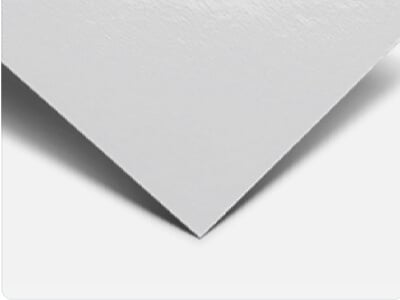
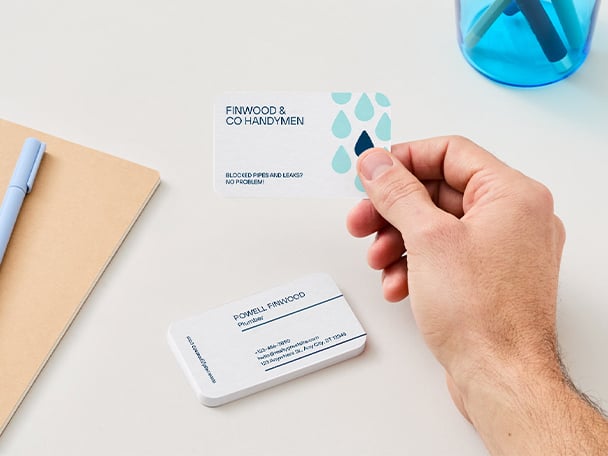
Gloss
50 cards from $15.00
An eye-catching, shiny finish that makes colors and photos pop while protecting from wear and tear.
• Full color, double-sided cards with straight edges or rounded corners
• Prints on standard or premium paper stock and 3 paper thicknesses
• Best for colorful designs

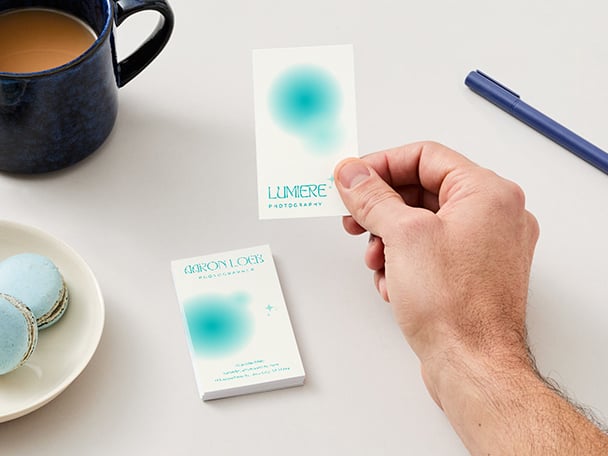
Uncoated
50 cards from $15.50
A natural texture that creates a softer, warmer look and provides the perfect writing surface.
• Double-sided printing in full color with square edges or round corners
• Choice of standard or premium paper stock and 3 paper thicknesses
• Best for a handcrafted look







All the printing features you need
Tap into tools that make you design like a superhero.
Thousands of free templates
Start inspired with thousands of customizable print templates.
Delivered to your doorstep for free
Choose from flexible delivery options, including free standard shipping, express delivery, or in-store pickup.

Your happiness, guaranteed
We'll refund or reprint your order if you're not happy with it.

Brand Kit (Pro)
Store your logo, brand colors, and fonts to stay effortlessly on-brand.

Magic Switch (Pro)
Create your design once, and we'll magically resize it into any printable product. Turn your design into a flyer, poster, sticker, and more.

Automated proofing
One-click Auto-Proofing will ensure your text size is ideal, element placement is within the bleed zone, and your resolution is pixel-perfect.
How to design and print your own business cards
- Start with a business card template from our library.
- Customize, collaborate, and finalize your design.
- Select your preferred printing options—from paper size, type, finish, and quantity.
- Approve your final design and place your order.
- Get your cards delivered straight to your door for free.

Your questions, answered
The standard business card size is 3.5 × 2 inches, close in size to a bank card, making them easy to fit inside a wallet. The thickness of business cards depends on the paper you pick and the finish. Paper thickness is measured in point (or PT), and the weight of the card is measured in grams per square meter (GSM).
All our paper is eco-friendly, so you can select from our lighter standard paper (240-325 gsm), our mid-weight premium paper (325-350 gsm), or our thickest deluxe paper (650 gsm) and design while being kind to the environment.
As with everything, stick with the basics if you want to make the best impression and make your brand stand out with your business card:
- Name or company name: make it clear who you are!
- Logo: keep it visual, simple, and on-brand.
- Phone number: show you are easy to reach.
- Email address: provide another contact option.
- Website: lead people to your business.
With our custom business card printing services, you can start designing for free and use our pre-made business card designs that already include all the information you need. Just fill out and customize the templates and you're ready to order and print.
At Canva Print, we strive to deliver your business card orders as soon as possible. The shipment of your order depends on the selected delivery type chosen upon ordering.
- Economy delivery: Up to fourteen (14) business days
- Standard delivery: Up to eight (8) business days
- Express delivery: Up to three (3) business days
Please note that shipping times vary between regions, and delivery to more rural areas may be slightly longer than to metro areas.
Check your print order status to see which one you selected.
Choosing the best business card shape and layout boils down to the brand aesthetic you want to achieve.
Horizontal business card shapes work best if you want a familiar card design and wish to relay more information on your calling card. This landscape card layout is great if you want to add photos, text, graphics, or QR codes.
Vertical business card layouts are ideal for brands who want an element of surprise or a sense of novelty in their cards. This is perfect for colorful and image- or graphic-rich card designs.
Think of paper finishes as the icing on your cake. Each finish option can give your printable business card a completely different look and feel—one that best ties up with your overall brand aesthetic.
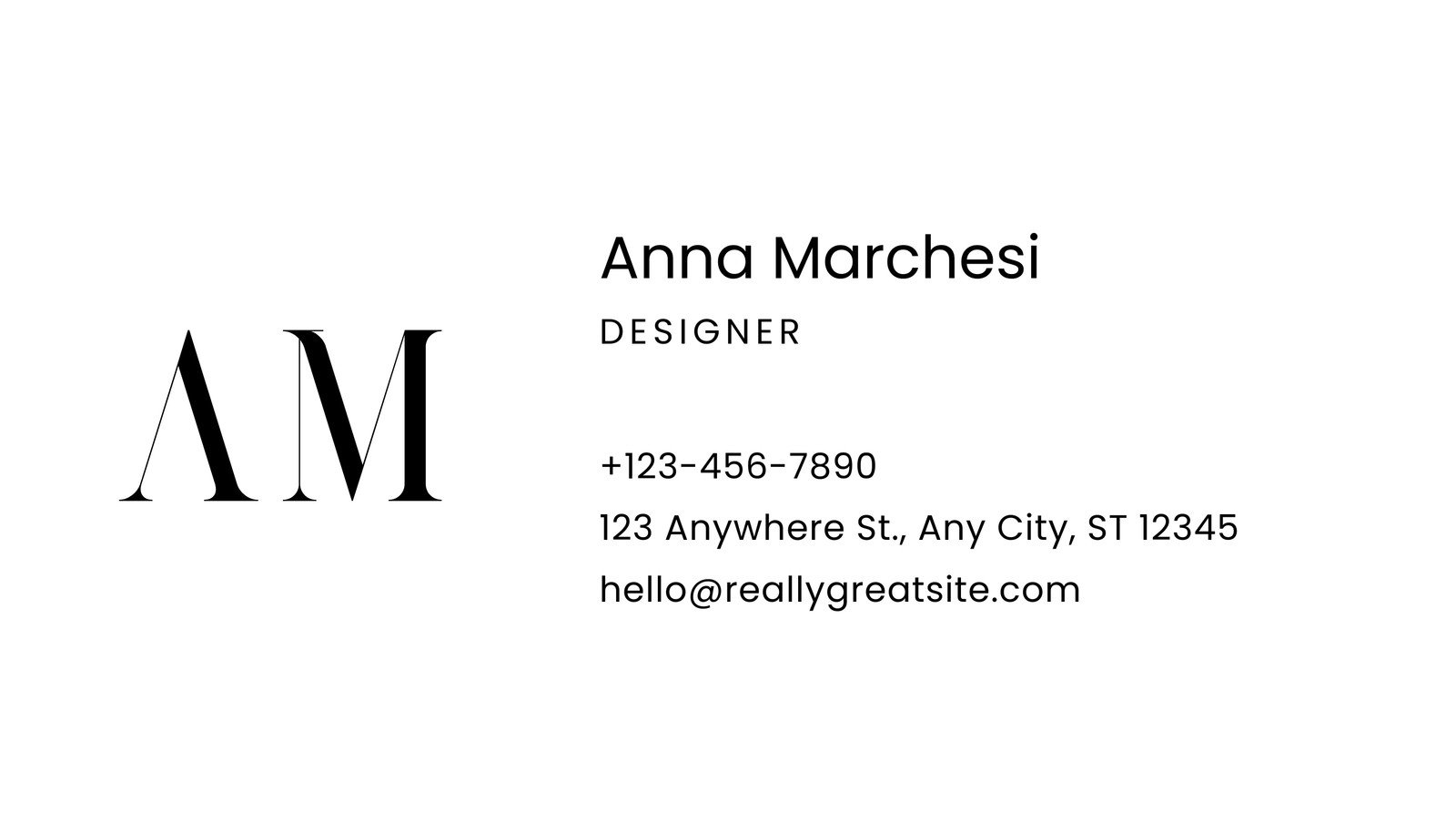
Matte business cards have a low sheen finish that won’t alter how the colors look, and you can write on them easily. Great for minimalist branding.
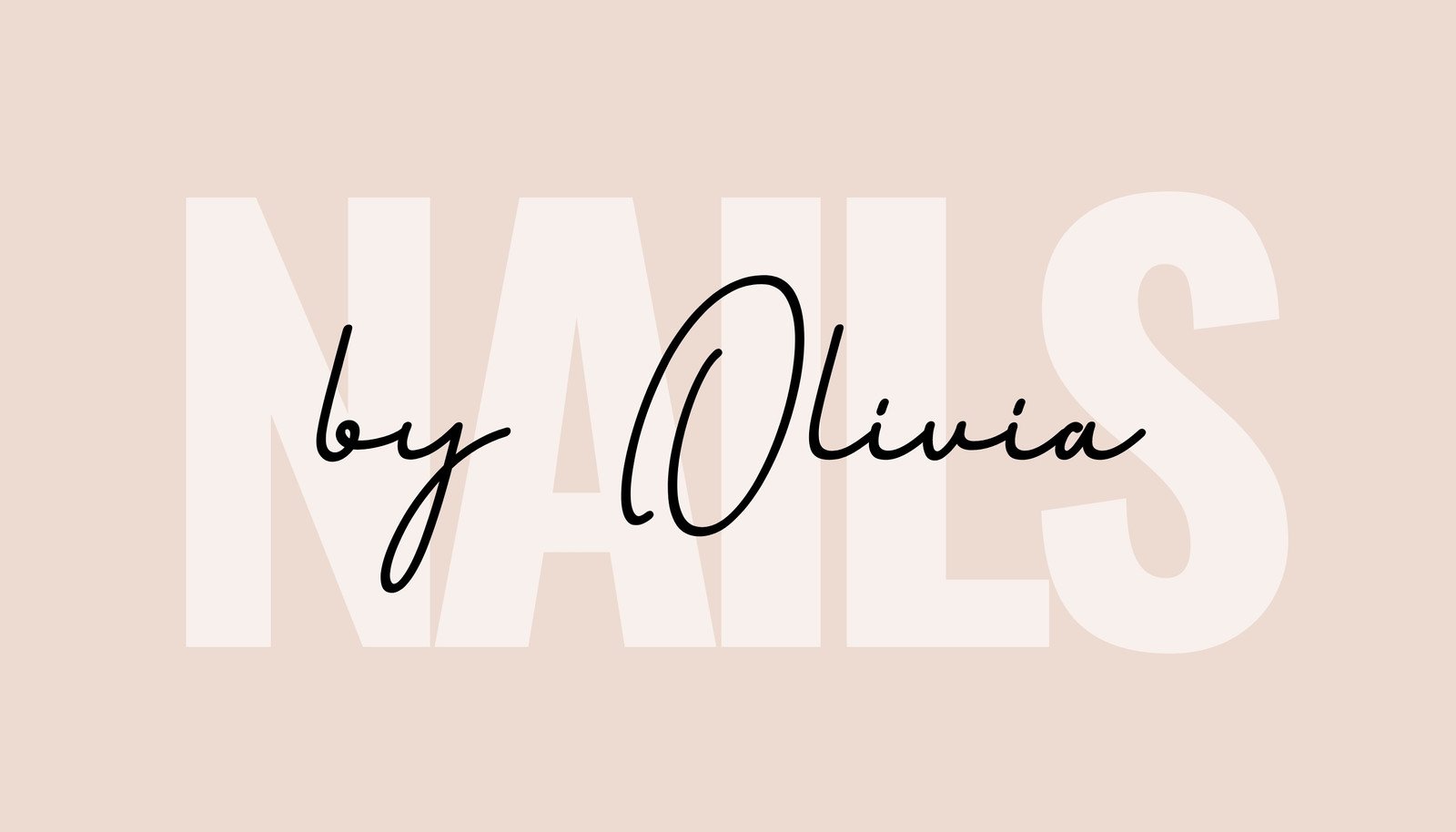
Gloss business cards, on the other hand, are shiny with depth. This finish makes your images pop and the colors more vibrant. It also protects cards from scratches, dirt, and other marks. Ideal for colorful brand campaigns and personalities.
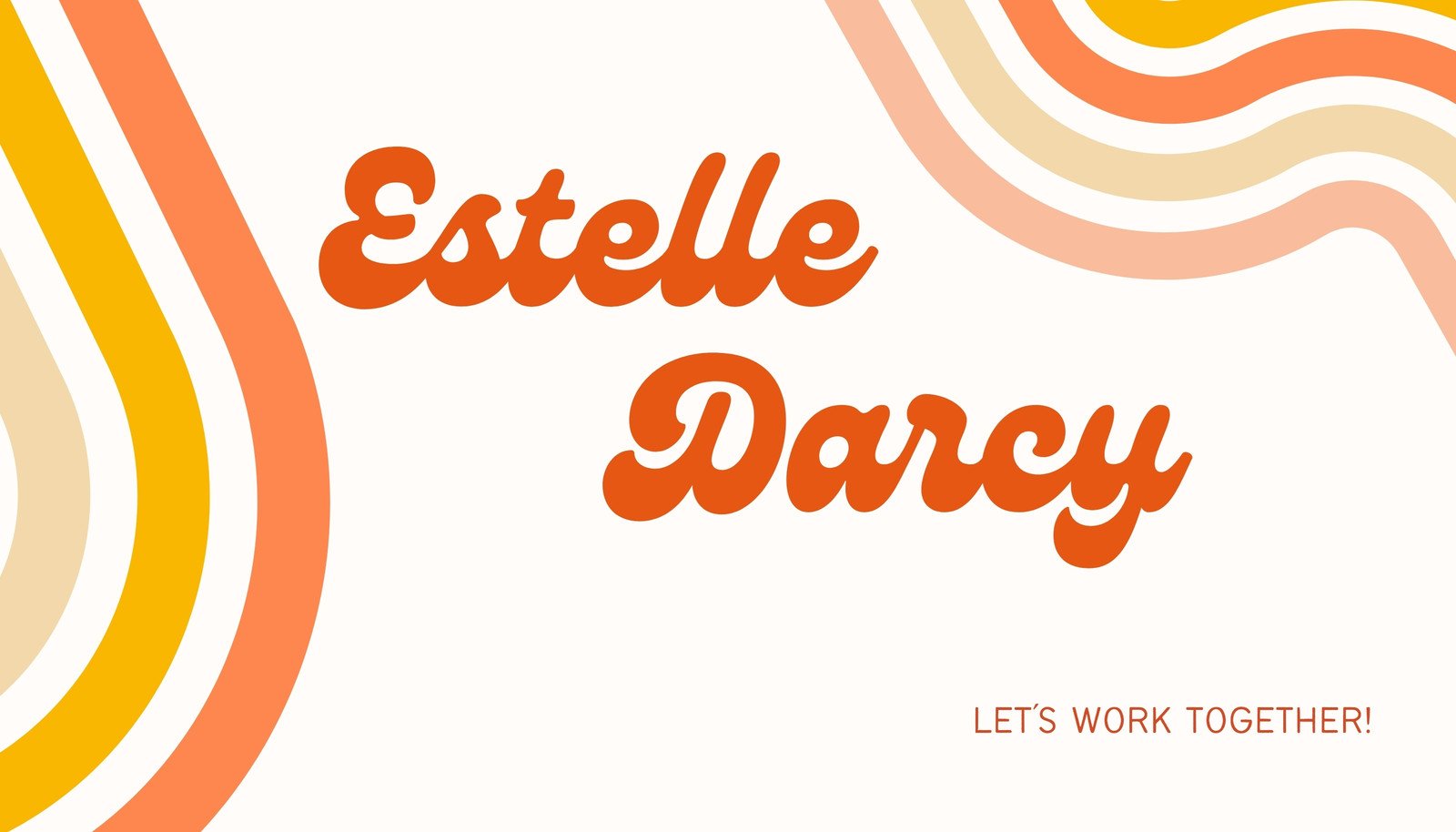
Uncoated business cards are just that. You can easily feel the natural grain, so they’re super easy to write on. Keep in mind, too, that all colors printed on uncoated papers look warmer and softer. These cards are perfect if you want to emphasize your brand’s organic and uncomplicated style.
You can make your business card more memorable by adding a unique spin on its size, texture, color scheme, or font styling. Be creative and on-brand with raised logos and text, cotton or wood material, a glossy finish, or rounded edges. We offer business card design and printing services that lets you choose from a variety of special paper stocks, finishes, and shapes. Explore more creative business card-making trends and tips with this guide on creative business card ideas and see how to get the look.
Glad you asked! Ideally, use fonts that are 7pt or bigger to ensure they can be easily seen. Smaller fonts may look big on your screen but won’t print well if they’re too small. Also, consider using Sans Serif fonts for smaller lines of text. Sans serif fonts, like Helvetica, don’t have the small features on the ends of strokes.
And lastly, here’s a pro design tip: don’t mix too many fonts in one design. Use two fonts at most on your business card design to keep it looking professional.
We optimize every single one of our designs and images for print. But if you are uploading photography (or non-vector artwork), make sure they are no less than 96 DPI but, ideally, around 300 DPI. You don’t want anything to look pixelated!
If your business card design is a mix of photos and graphics, make sure that the images you choose are above the recommended pixel sizes. After all, you want it to look perfect!
And with automated proofing, you can quickly check whether your design is print ready. With one click, it will detect ideal text size, check elements too close to the bleed zone, and ensure the image resolution is pixel perfect.
The One Print, One Tree initiative is just one of the ways we are making our printing solutions more sustainable, as part of doing the most good that we can through our Two-Step Plan. So, how does it work? Simple: for every print order you make with us, we will plant one tree. For more information visit here.
More resources

Create a business card in Canva
Discover more about creating custom business cards using Canva.

Design business cards that are the perfect fit with our handy sizes guide.

Learn how to make business cards with these expert tips!

World’s most famous people’s business cards
Take a cue from the business card of famous people.

Why branding matters to you or your business.
Discover more products
Business cards
Design and print custom business cards in Canva. Use pre-made templates and order prints on a variety of paper stocks, finishes, and shapes.
