- Create Blobs
Free blob generator


Easy drag-and-drop editor
3M+ free stock photos and graphics
Design from any device
Invite others and design together
Make one-of-a-kind blobs with ease using the free blob shape generator on Canva. With just a few clicks, you can find the perfect blob to elevate your design. Unleash your creativity and create standout visuals that leave an impact.

Add a distinctive touch to your design projects
Custom graphics can provide a unique feel to your projects that generic designs just can’t — but not everyone has the time or design skills to create them. With the free blob maker on Canva, you can generate random organic-looking blob shapes in seconds to spruce up any project, be it a social media post(opens in a new tab or window), video thumbnail, website design(opens in a new tab or window), or any other visual material.
How to make a blob

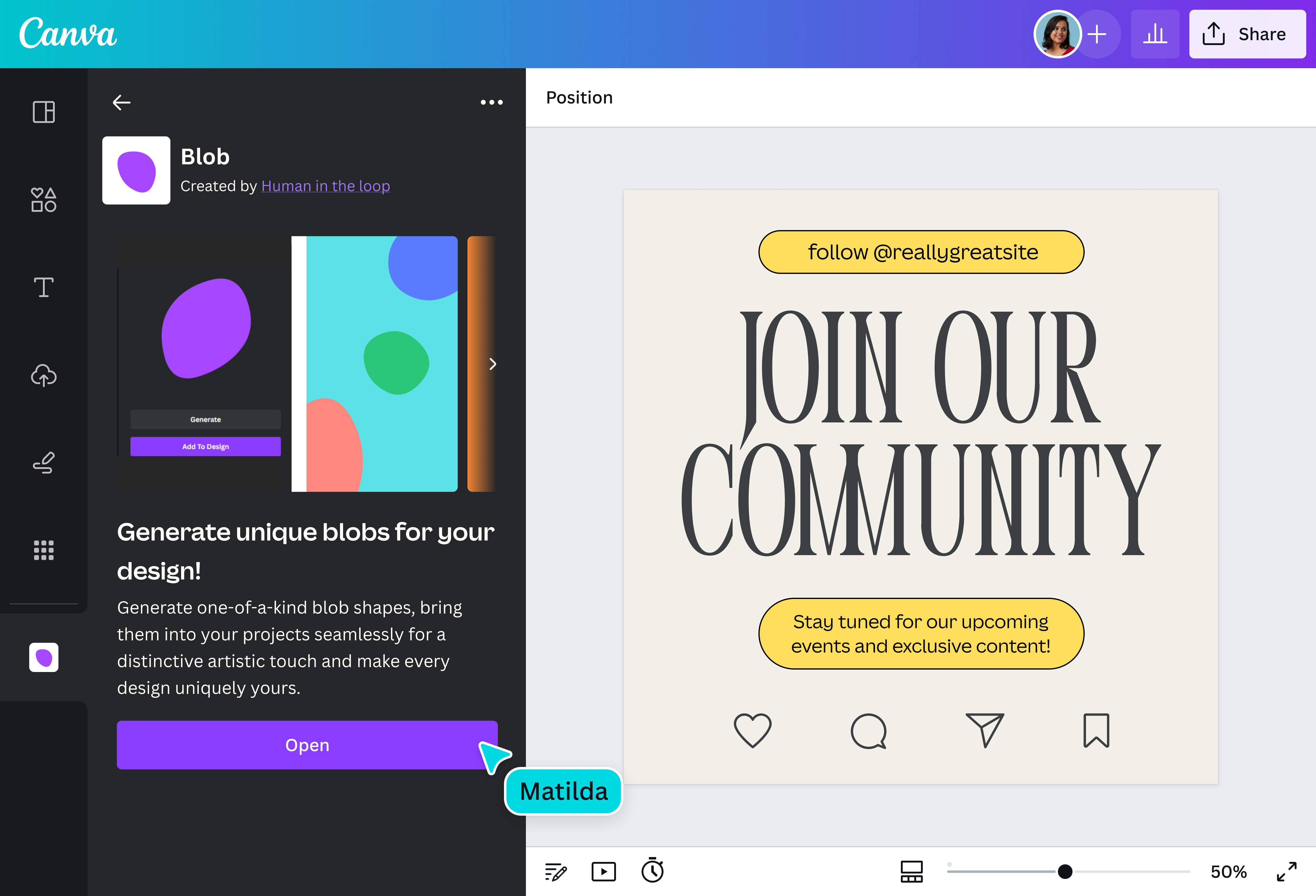
Create visuals that show off your personality
Create distinctive blob shapes in an instant with the easy-to-use blob generator on Canva. Click away until you find the perfect blob that matches your specific vision, and easily incorporate it in your design for that artistic touch. With this tool, you can inject a little fun into your project or add some personality that’s uniquely your own.
Let your creativity run free
Unleash your creativity and customize your organic blob shapes to suit your preferences. Once you add it to your design, you can change the color and size to better match your content. Want to bring motion to your blob? Use the Animation Maker(opens in a new tab or window) tool to make original motion path animations for it. Simply drag your blob across the page and our intuitive editor will record the movement.
Make visually impactful designs
The blob maker on Canva generates blob shapes that put the fun in functional for any project. Whether you’re crafting a social media post, presentation(opens in a new tab or window), or infographic, seamlessly add blobs to your design for extra zest. You can also use them as background or as a clip path for photos. Remember, any blob you make can serve as the starting point for an even more beautiful and expansive design.
Save and share in minutes
No matter how you plan to use your unique blob, you can instantly download your design in various formats or share it on different social media platforms. Download it as an SVG file to preserve its crisp quality. Share a link with your collaborators or attach your design to an email. You can achieve all of this with ease using the free blob generator on Canva.
FAQ
The blob generator on Canva is a third-party application that allows you to make a random and organic-looking blob shape with just a click of a button. With this user-friendly tool, you can:
- Add a unique feel to your social media posts, blogs, and websites;
- Inject a little fun into your corporate presentations; and
- Make educational materials like infographics more visually appealing.
The design possibilities are endless with the blob maker — just make sure to let your imagination run free!

@navneet4
