- Create Emojis
Free emoji generator

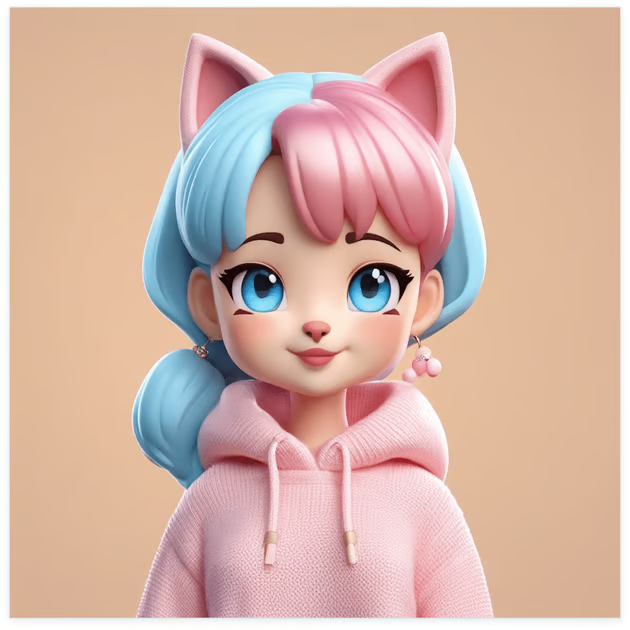
Easy drag-and-drop editor
3M+ free stock photos and graphics
Design from any device
Download or share designs easily
Maximize the power of expression with personalized emojis. Generate fun, relatable, and iconic emojis with the custom emoji maker found on Canva.

Create and share memorable emojis
Since they were introduced in the late 90s, emojis have now become a part of our daily lives. With so many emojis to choose from, these icons can be used in a myriad of ways. For online creators, emojis add a pinch of fun to content. For teachers, emojis can make educational tools more engaging. And marketers can play up their brand’s persona with the right emoji.
No matter how you use them, emojis should convey your message in seconds. But why settle for generic ones when you can whip up custom emojis with the emoji creator on Canva?
How to make an emoji

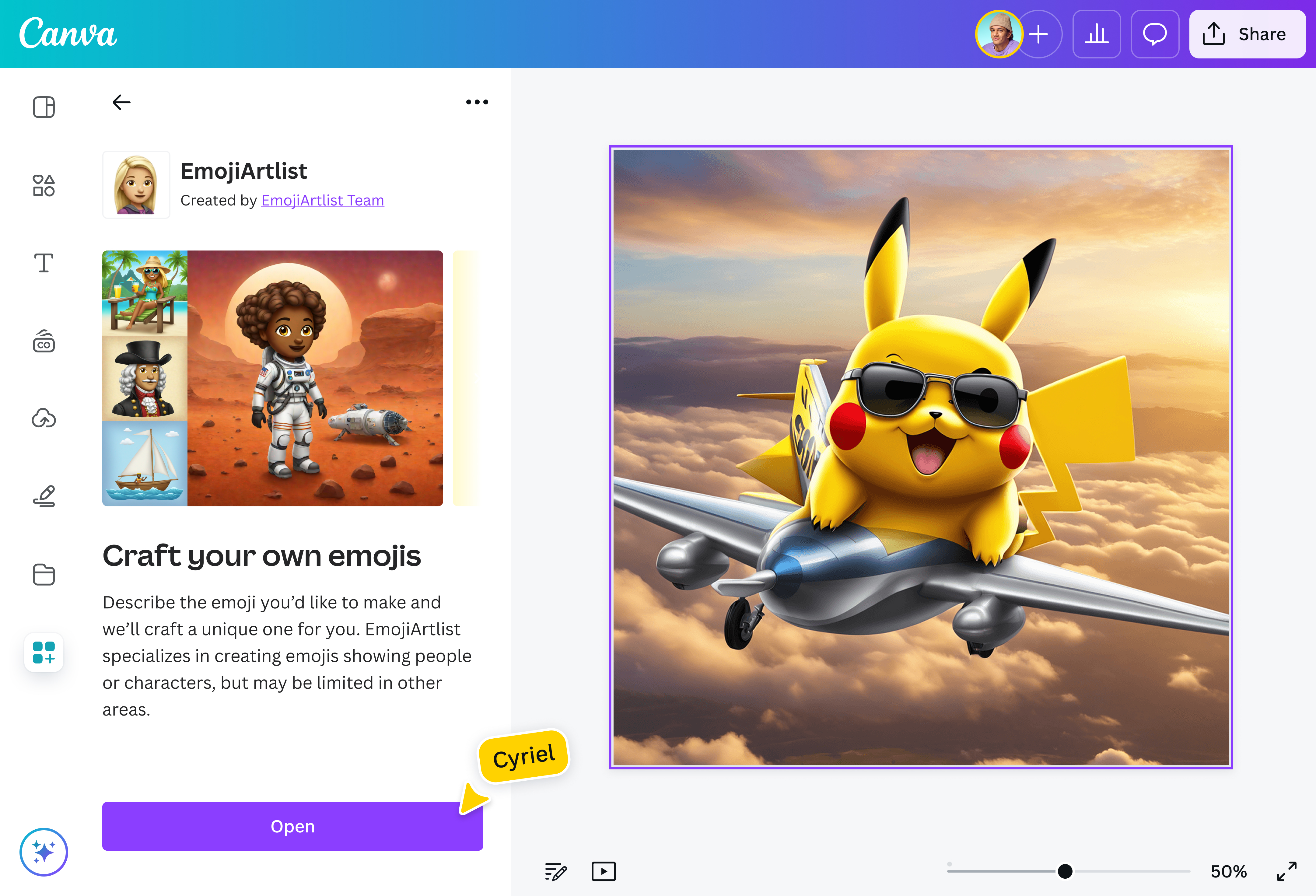
Generate fresh and epic emojis
Create one-of-a-kind icons that truly express your emotions. With the emoji generator on Canva, you can create emojis from text. Just describe the emoji you envision, and the emoji maker will turn it into a shareable emoji that your community will love. Generate emojis that show joy, shock, sadness, awe, and every shade in between. Get laughs by using these emojis on greeting cards, posters, or shirts.
Elevate the learning process
As an educator, you can create personalized emojis to develop exciting and memorable learning materials for learners. Whether it’s teaching emotions through flashcards or introducing musical instruments, custom emojis can serve as visual guides that make learning even more fun.
Increase online engagement with relatable emojis
Captivate audiences by adding fresh emojis in an Instagram Story. Emphasize a feeling with customized icons in a TikTok video. As a content creator, advertiser, or marketer, you’ll effectively capture people’s attention when you use fun emojis generated on Canva.
FAQ

@navneet4
