- Create Maps
Free online map maker


Easy drag-and-drop editor
1M+ professionally-designed templates
Try our design and work apps
Invite others and design together
Design stunning custom maps with ease. No art background or design software necessary. Use Canva’s free online map maker and create your maps you can add to infographics, documents, presentations, and even websites.

Better data visualization with our easy-to-use map maker
Canva’s map creator is easy to use and highly intuitive so that anyone can create their own personalized maps, even with no design or cartography background! Make beautiful, personalized designs that reflect your branding and easily incorporate your maps into infographics(opens in a new tab or window), business websites(opens in a new tab or window), flyers(opens in a new tab or window), brochures(opens in a new tab or window), or presentations(opens in a new tab or window).
Jumpstart your data visualization projects with any of our professionally designed map templates. They come with pre-made layouts and map assets that’s perfect for populating data-driven infographics and presentations. Tell better stories by editing the text with your own data, adding country labels, and changing the color scheme—all using our user-friendly drag-and-drop map builder.
How to make a custom map

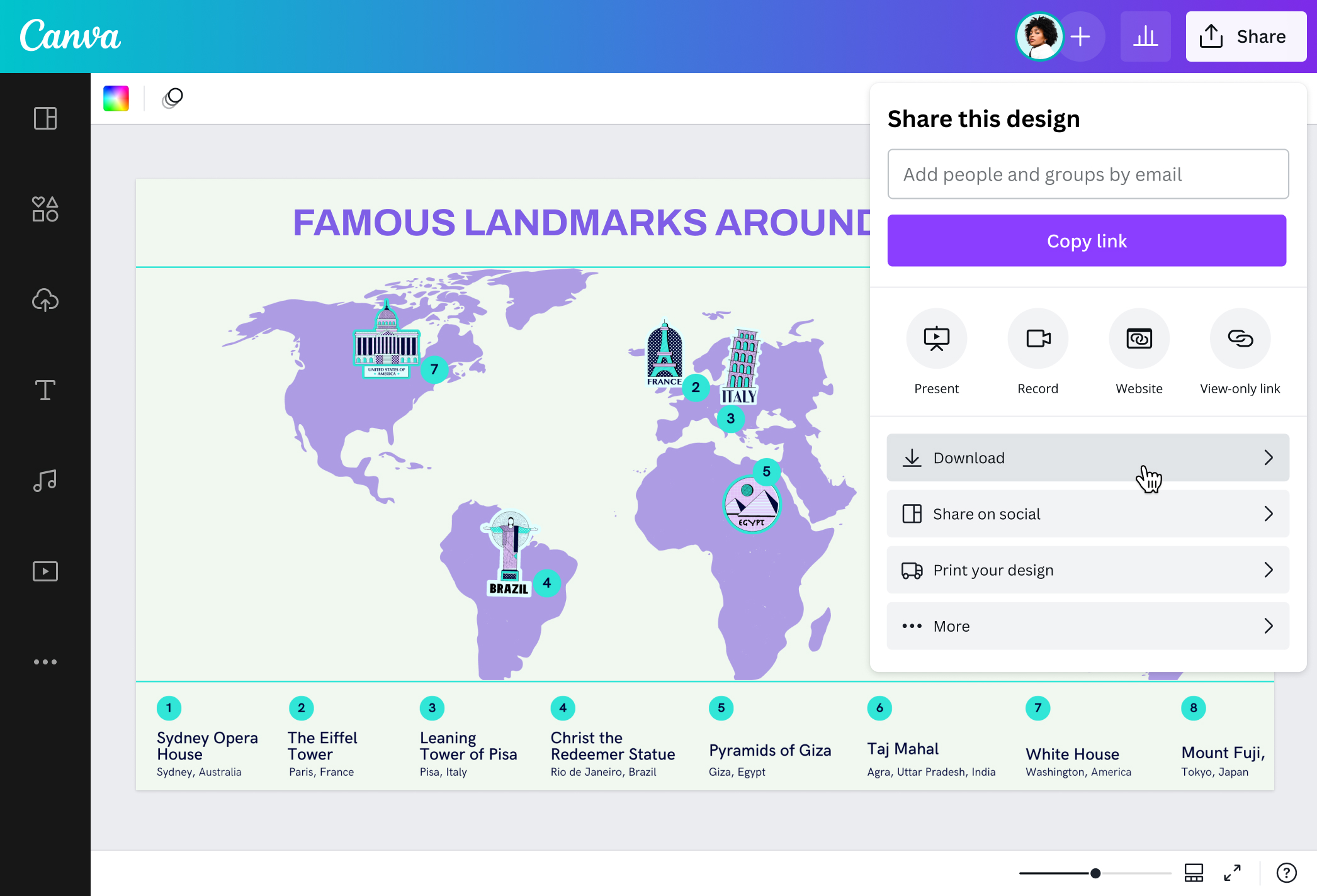
Drag-and-drop map generator
In the old days, mapmaking was the exclusive purview of cartographers. Today anyone that needs to go anywhere can make custom maps to their location of choice, with any context and information they need, in any format they understand best. Digital map makers are easy to use, often free, and give you plenty of room for customization.
Make locator maps to show customers how to get to your store or office, and print these on flyers and posters or post them on your website or social media. Create geographical maps to document your travels, plan your trips with AI(opens in a new tab or window), and add notes and memos for each location. Or generate city or regional maps when you visit new locations.
Our intuitive map generator lets you easily add arrows and lines to guide map readers to the right locations. Highlight a location by including text, coloring areas, inserting cliparts(opens in a new tab or window), and pinning marker graphics.
Make wayfinding hassle-free
With custom maps pointing the way to your business, your clients and partners don’t have to be navigators to where they need to go. Make maps that only lead to your doorstep, with no other details to distract or confuse your visitors. Draw up a guide through less conventional, but more efficient routes. Highlight specific landmarks that can help guests find you better.
When you make personalized maps, you can also personalize the journey for your visitors. This is especially helpful when making custom maps for wedding invitations, event announcements, and other marketing collateral that includes wayfinding directions.
Highlight map locations and data
With custom maps, you can emphasize specific map locations or data sets that best fits the story you want to tell. Creating a locator map? You can exclude any details (like side streets and markets) that might confuse or disorient users while emphasizing the parts they need to see. Building a Geographical Regions of the World map infographic? It’d be best to highlight the different continents with different colors and to add matching labels. Enjoy full control over how your map looks with Canva’s free map builder.
FAQ
To add a map as a design element on any Canva design, go to the Elements tab on the left sidebar. Search for “maps” and different map graphic elements and photos will appear. Choose the map element that best suits the project you are working on.
Alternatively, you can start with a blank template and create a base map for a geographic area you want. Once you’ve added all the elements, labels, text, and colors, save and download the design in PNG, JPEG, or PDF format. You can then add them into other Canva designs like infographics, websites, presentations, printable flyers, and more.
To create stunning fantasy maps on Canva, you need to start with a custom base map that matches the world you want to create. Then, use the Draw tool to draw anything you want to add to your map. And if you want to add custom graphics like map assets, markers, illustrations, etc., browse through our vast elements library.
Further populate your fantasy maps with roads, grids, and labels using lines, arrows, and text. Add color to specific elements, and apply gradients to differentiate land masses, forests, and cities. Play around with all the editing tools to create your own free fantasy map.
Unlike static maps, interactive maps allow the user to move around the map and perform certain actions like zooming in and out, changing views, or clicking on elements to get more information. Creating interactive maps can be complex and require expert skills and tools depending on how much user activity you want.
For most businesses, basic interactive maps are usually enough. Typically, audiences only need to zoom in and out to get a bigger picture of the area or see specific details like street names and building numbers. You can use many free online map generators to create a map of your local area with your address pinned for reference.

@navneet4


