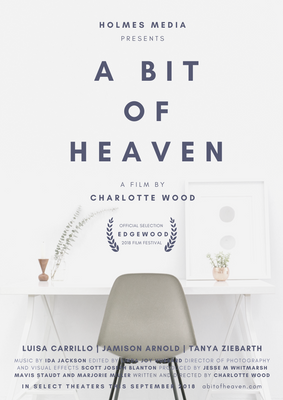
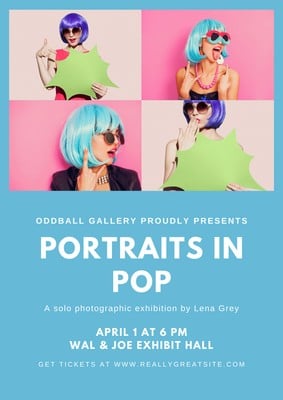
Custom posters made easy with Canva’s poster maker


Easy drag-and-drop editor
3M+ free stock photos and graphics
Generate content and media with AI
Invite others and design together
Stand out for the right reasons with a custom poster made and printed in Canva. No design skills? No problem. Our drag-and-drop poster maker makes it easy to get the look you want. Print on high-quality sustainable paper and have it delivered to your doorstep for free.

Easy poster-making within minutes
Canva’s free poster maker has thousands of templates designed by our team of professional designers. Templates are your shortcut to great design: You’ll have a custom poster in minutes.
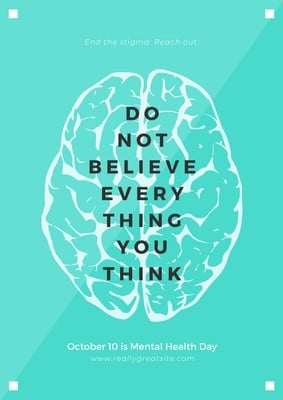
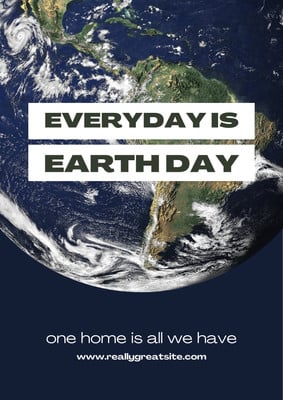
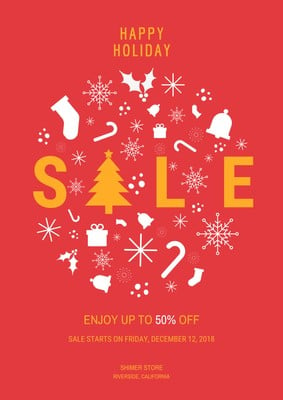
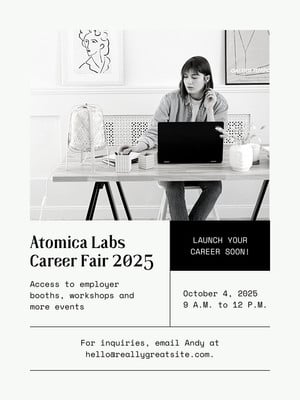
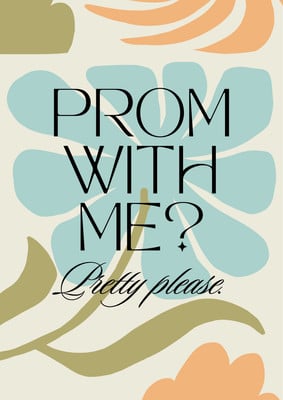
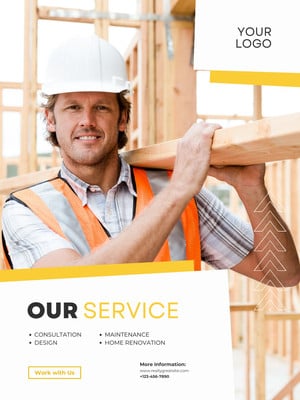
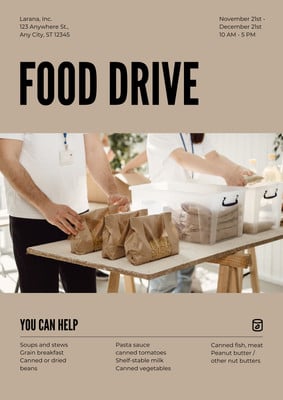
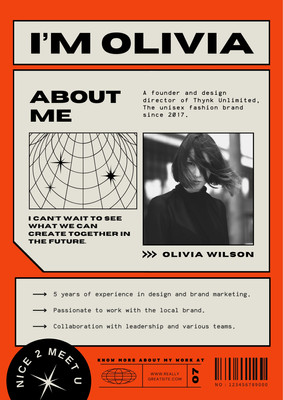
We’ve got poster templates for every need—from concerts to retail, conferences and quotes. Or design from scratch to create something entirely unique.
How to make a poster

Meet Magic Studio™: All the power of Canva’s AI
Magic Studio™ brings together the best AI-powered tools for you and your team to help you design with more ease, speed, and creativity.


Competitive poster printing rates
Avoid the hassle of dealing with a third-party printer. With Canva Print, your custom poster is taken care of from start to finish.
With a range of poster sizes, paper stock and finishes, you’re sure to get the look you want—and the price you need. With a minimum order of one, you can order as many (or as few!) posters as you need.
You can also publish your design as JPEG or PNG images, ready for uploading or emailing. Or, you can post your new poster straight to your Facebook, X (Twitter) and LinkedIn followers.
All the images you’ll ever need, royalty-free
Canva is jam-packed with all of the images you need to make your poster pop. Our library has over 2 million photos, icons and illustrations—or you can upload your own in seconds.
Create your poster with friends
With Canva, you can invite friends, family, and team members to collaborate on your poster together. Whether you’re creating a poster for the office or the classroom, you can collaborate in real-time, see changes as they happen, leave comments, play with colors, and design together from any location, on any device.
Custom posters. No design skills needed.
Our online poster maker gives you the power of great design without the hassle of complicated design software—or the cost of a professional designer.
Start creating in seconds. There’s no software to download, and no new skills to learn. Simply pick a poster template, then add your details. When you’re finished, you can print your custom poster, download or share your design.
FAQ
The most commonly used poster sizes are 18 x 24, 24 x 36 and 27 x 40 inches. The first is a medium-sized poster that works indoors and outdoors. The second is great for standing out in busier settings. The third size works for bus and subway stops.
A poster can include anything you want it to, but most are created for advertising purposes. That means you’ll want to include information about an event such as date, time and venue location; an eye-catching image to draw people in and fonts and colors that fit your brand.
Don’t overcrowd your poster with too many graphics or too much text. The most memorable posters are simple and clear with white space, visually pleasing information and a call-to-action. Only include the details you really need people to see; the idea is to pique their interest.
You can upload video clips in the MOV, GIF, MP4, MPEG, MKV, and WEBM formats, with a maximum upload size of 1GB. If the video has a transparent background, we suggest uploading it as a GIF.
You can upload photos, too. If you’re uploading JPEG/JPG, PNG, HEIC/HEIF, or WebP images, make sure your file is:
- Under 50MB in size
- Not more than 250 million total pixels (width x height)
- If it’s a WebP, only static files are supported
If you’re uploading SVG images, make sure your file is:
- Under 3MB in size
- Between 150 to 200 pixels wide
- Saved with an SVG Profile of “SVG 1.1”
To learn more about our media upload requirements, check this guide.

Jangchup L.