- Process Documentation
Creating process documentation: How-tos, templates, and tips
Jump to:
What is process documentation?
Modern organizations and companies run on repeatable, provable know‑how. Yet too many teams still rely on tribal knowledge that costs time, consistency, and trust. This guide walks you from “winging it” to fully documented workflows, so you can scale quality with every hand‑off. You’ll discover why structured documentation beats ad‑hoc notes, how to map and narrate any workflow in Canva Docs, and which templates turn expertise into a living, searchable knowledge base.

Definition and key concepts
Process documentation is the systematic recording of how work gets done. It captures each input, step, decision point, and expected output so that anyone can reproduce the result. Formats range from narrative SOPs and checklists(opens in a new tab or window) to process flow diagrams(opens in a new tab or window). When rigorously maintained, these assets become a single source of truth that underpins quality, compliance, and continuous improvement.
Short history of process documentation
Early manuals appeared in the 1910s with scientific management. ISO 9001(opens in a new tab or window) formalized documented information in the 1980s. Today, AI‑assisted capture tools log keystrokes automatically, while platforms like Canva Docs provide real‑time co‑authoring and version control—closing the gap between draft and day‑to‑day execution.
Types process documents
Process documents are essential tools for organizations, meticulously capturing every input, step, decision point, and expected output within a given process. Their primary purpose is to ensure that anyone, regardless of prior experience with the specific task, can reproduce the desired result consistently and accurately.
There are various types of process documents, each serving a slightly different function and level of detail:
- Standard operating procedures (SOPs) – e.g., a regulated product‑launch checklist.
- Onboarding manuals – role‑specific guides that cut ramp‑up time.
- Policy documents(opens in a new tab or window) – governing rules that ensure compliance.
- Knowledge‑base articles – bite‑sized answers linked from help center web pages.

Process documentation vs. process mapping
Process mapping – a visual blueprint
Process mapping turns activities into flowcharts(opens in a new tab or window) or swimlanes(opens in a new tab or window), making it easy to spot bottlenecks, redundant loops, and unclear hand‑offs at a glance. It is perfect for workshops, automation scoping, and onboarding visual learners because shapes and arrows show who does what and when in seconds. Tools like a BPMN diagram(opens in a new tab or window) can support this work by giving teams a clear, standardized visual language while still keeping the focus on mapping processes effectively.
Process documentation – your everyday playbook
Think of a process document as the story that brings the map to life. It explains why the work matters, names the people steering each step, and sets the yardsticks for success. Purpose blurbs, RACI grids, KPI targets, and clear escalation notes turn a tidy diagram into a living SOP. A document that still makes sense after a new tool rolls out, a teammate leaves, or the auditor comes calling.
How they work together
Teams rarely choose one over the other: map first to agree on flow, then embed that diagram inside a Canva Doc or whiteboard so stakeholders can comment, sign off, and schedule review reminders. The visual keeps meetings focused; the narrative keeps day‑to‑day execution and governance on track.

Benefits of effective process documentation
A well-structured process document is more than an internal memo; it is the engine that keeps quality high, teams aligned, and auditors satisfied. Below are four advantages you can expect when you treat process documentation as a living asset rather than a paperwork chore.
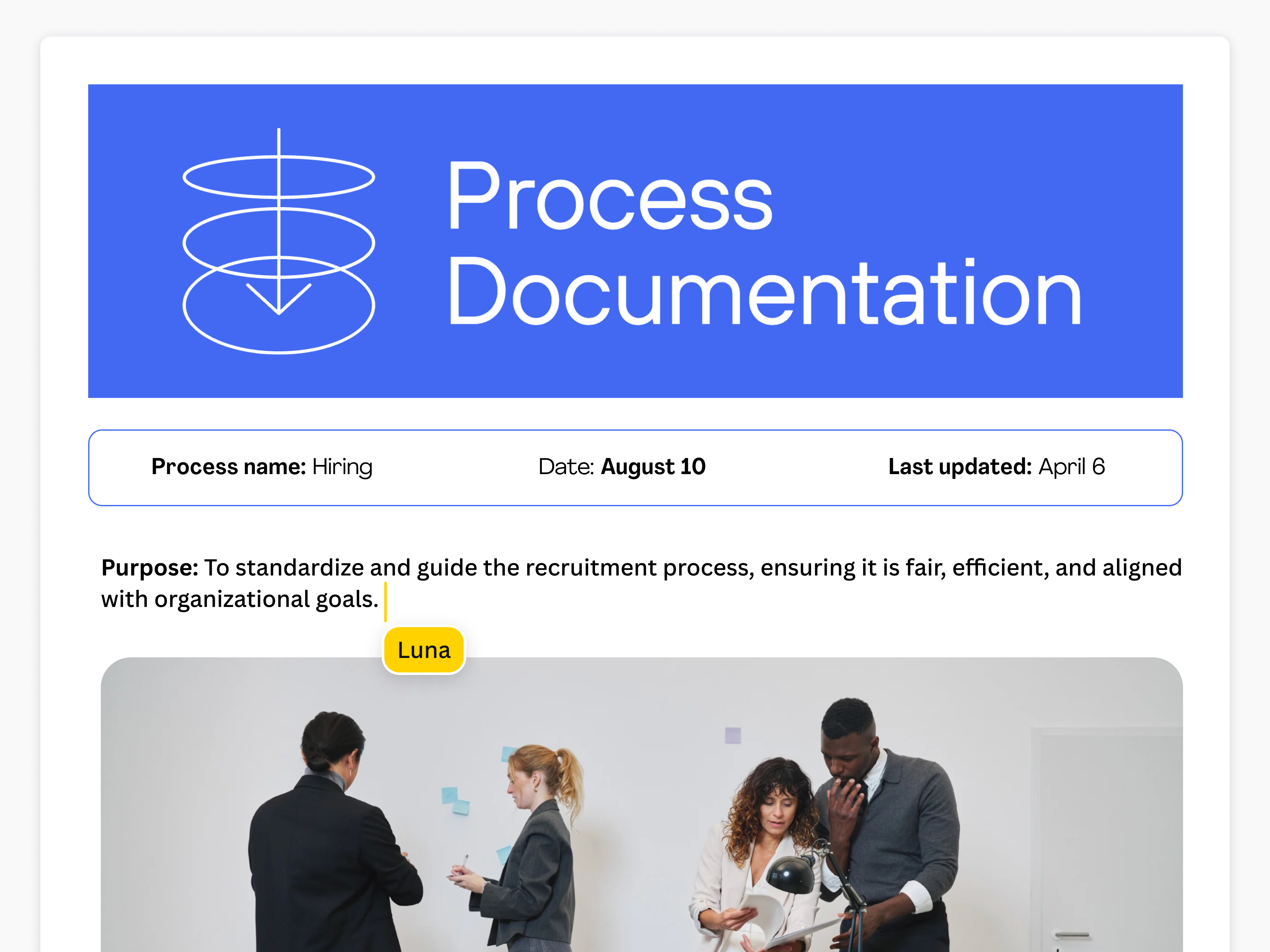
Consistency and quality control
Codified, version-controlled instructions remove guesswork and minimize process variation. Standardization alone can cut cycle times and operational costs, as shown in a Montana State University case study(opens in a new tab or window) that identified bottlenecks and trimmed task durations once workflows were captured electronically.
Error reduction and efficiency gains
Documenting each step—and the decision logic behind it—prevents “reinvent-the-wheel” scenarios. In the same study, 86% of employees said electronic, well-documented workflows eliminated manual rework and sped up completion times.
Faster onboarding and knowledge retention
Up-to-date process notes, SOP templates(opens in a new tab or window), and embedded visuals create a ready-made learning path for new hires. Structured documentation converts tacit know-how into a searchable knowledge base, reducing ramp-up time and ensuring mission-critical expertise stays in-house.
Compliance, audit readiness, and risk mitigation
ISO-aligned documentation provides the stable baseline auditors expect and makes it simple to trace version history, approvals, and KPI results. Organizations that maintain rigorous records report higher first-time-pass audit rates and fewer non-conformance findings.
When knowledge walks out the door with departing employees, the financial impact is staggering. The 2018 Panopto Workplace Knowledge and Productivity Report(opens in a new tab or window) cites an average annual loss of US$47 million in large enterprises due to undocumented workflows, operational bottlenecks, and duplication of effort. Beyond hard costs, teams suffer decision delays, scattered responsibilities, and inconsistent customer experiences—effects that ripple straight to the bottom line.
What to include in a process documentation
Every effective process documentation template balances narrative depth with governance rigour. Use the following building blocks to give readers the “why,” “what,” and “how” of any workflow while satisfying auditors, analysts, and new hires alike.
Lead with a searchable title (“Quarter-End Revenue Recognition SOP”) and a one-sentence purpose that ties the process to a strategic objective such as regulatory compliance or customer satisfaction. Clear intent aligns executives who skim with frontline teams who follow every step.
State where the workflow begins and ends, plus any upstream dependencies and downstream hand-offs. Borrow the ETVX model’s Entry and Exit criteria to keep work from starting too soon or finishing without proof of completion.
Spell out who owns, approves, contributes, and merely stays informed. Visual swimlane diagrams make accountability unmistakable and reduce sign-off bottlenecks.
List every dataset, credential, or tool the team needs at kickoff, then link directly to shared drives or dashboards so users aren’t hunting for assets and risking outdated files.
Write each action in active voice (“Validate invoice total in ERP”), keep steps granular—one verb, one outcome—and number them chronologically to minimize ambiguity and support future automation.
Embed flowcharts, screenshots, or short screen-capture videos; most professionals are visual learners, and clear visuals shave minutes off training time while boosting retention. Canva Docs lets you drop a whiteboard diagram or GIF alongside text so no one toggles tabs.
Define the deliverable (e.g., Approved Purchase Order) and the metrics—cycle time, first-pass yield, customer-satisfaction score—that prove success and feed your PDCA loop.
Document typical deviation scenarios (“Supplier fails credit check”) and the decision tree for handling them. Referencing Exit criteria from the ETVX model ensures no loose ends and preserves audit trails.
Insert a changelog capturing revision dates, authors, and approval signatures, then schedule quarterly reviews. ISO 9001 Clause 7.5(opens in a new tab or window) highlights version control as proof that processes stay current and effective.
Finish with hyperlinks to policies, regulations, and related templates so readers can drill deeper without leaving the page. For instance, link to the National Archives’ Process Description Document Template(opens in a new tab or window) or your own supplier-evaluation checklist—giving users immediate, task-specific guidance and cutting follow-up questions .
A complete Canva Docs template bundles all these fields with real-time co-editing, predefined RACI tables, and embedded version history—so your team captures tacit know-how once and scales it everywhere.
How to conduct process documentation
A concise, repeatable playbook keeps institutional knowledge from leaking out. Use the seven-step framework below to transform an unwritten workflow into a single source of truth inside Canva Docs(opens in a new tab or window).

Identify the workflow that creates the greatest drag on revenue, compliance, or customer experience. Rank candidates by risk, frequency, and business impact, then secure executive sponsorship for one high-value pilot. Capturing a pain point—such as delayed campaign approvals—helps justify the writing hours and fast-tracks stakeholder buy-in.
Mark clear start- and end-points, list out-of-scope activities, and set measurable targets (cycle time, cost-per-transaction, error rate). A documented baseline is the prerequisite for a Plan–Do–Check–Act improvement loop.
To create comprehensive process documentation, observe the current workflow by shadowing team members, screen-recording tasks, and logging hand-off timestamps. Supplement this by interviewing Subject Matter Experts (SMEs) to uncover edge cases and gain a complete understanding of how tasks are performed. This approach helps identify bottlenecks and lays the groundwork for effective process improvement.
Translate observations into a flowchart or swimlane diagram with Canva Whiteboards(opens in a new tab or window). Visual mapping makes bottlenecks obvious and clarifies RACI hand-offs before you commit words to the page.
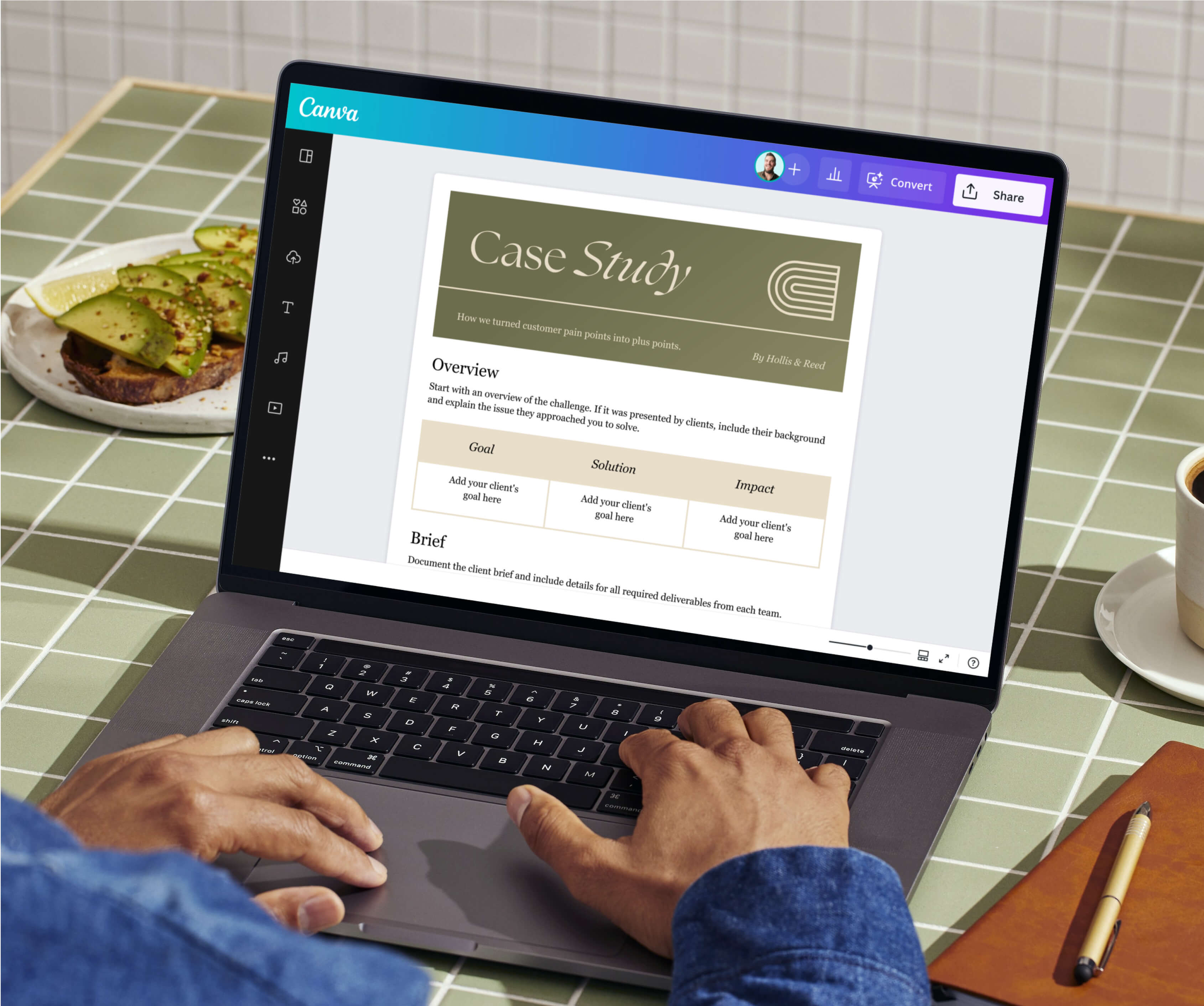
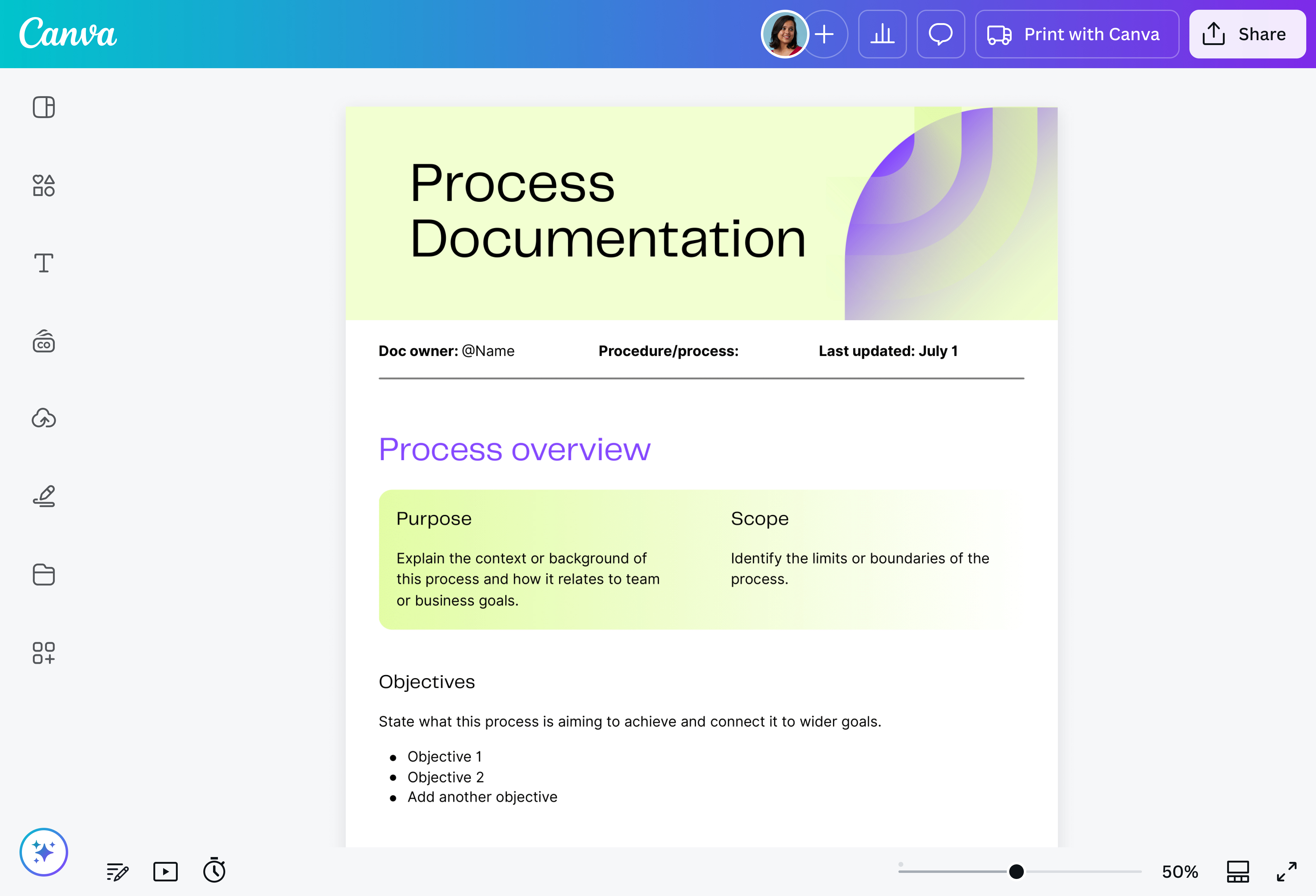
Use an enterprise-approved template to add title, purpose, inputs, step-by-step actions, KPIs and escalation paths. Drop in screenshots, short video clips, or data-driven charts(opens in a new tab or window) for instant context. Brand consistency takes seconds when your Doc pulls fonts and color palette from the Canva Brand Kit™(opens in a new tab or window).
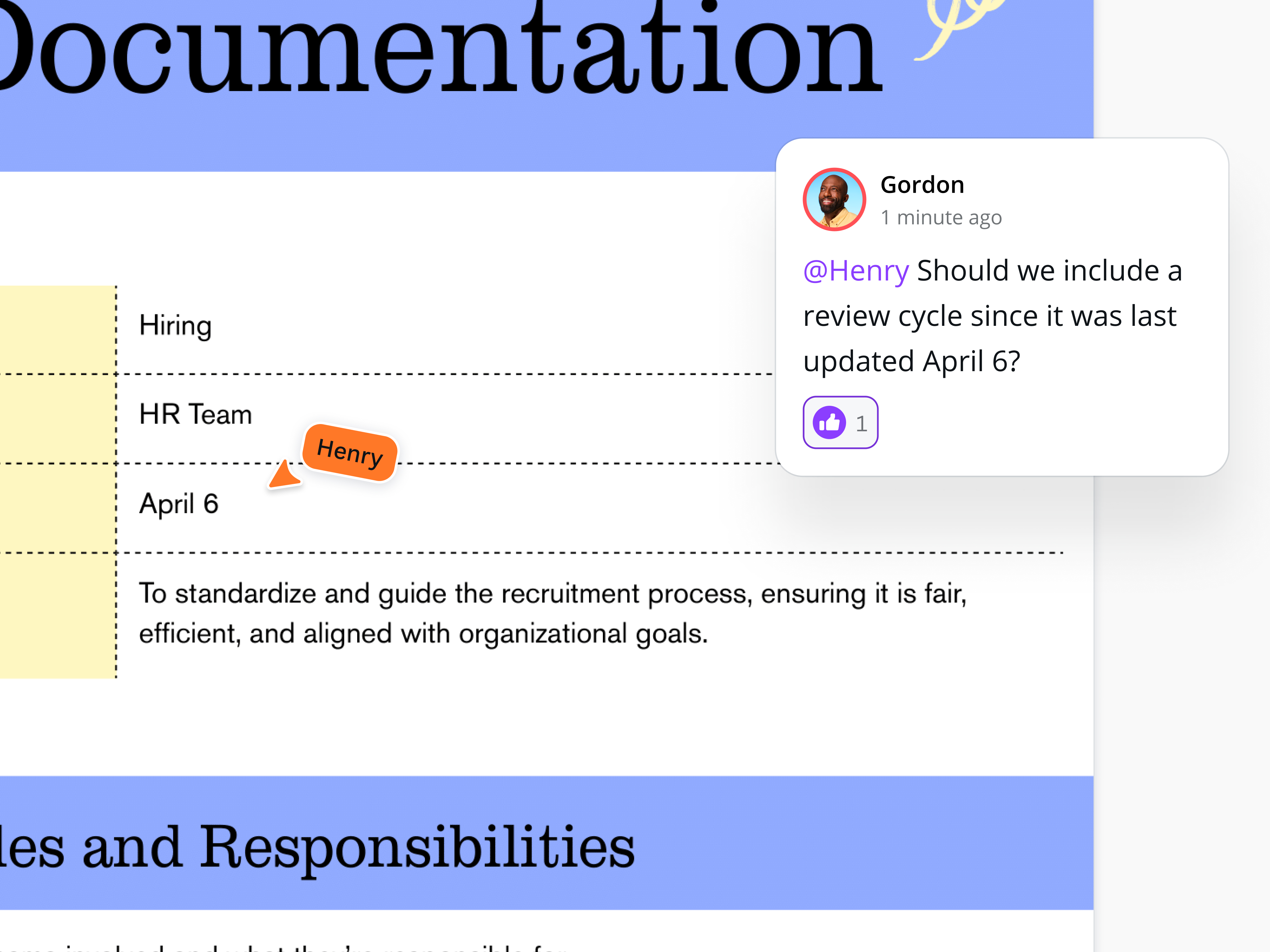
Conduct a dry-run with a new hire or an adjacent team. Capture questions in Canva Docs’ comment mode, adjust ambiguous steps, and route the document through your RACI approvers. Iterative feedback anchors the content in day-to-day reality.
Store the final process documentation in your central knowledge base with view-only permissions for most staff and edit rights for process owners. Revisit the KPIs quarterly. When data shows a gap, update the flowchart and version table to keep the document—and the process—continuously improving.
Get inspired with process documentation templates
Staring at a blank doc? Grab a Canva template, drop in your logo, tweak colors, and invite colleagues to comment live. In a few minutes, you’ll have a process document that looks totally planned, not patched, and everyone’s on the same page.


All you need in a business process documentation maker
Write, design, and share a process in one place. Drag in flowcharts, lock brand fonts, track versions, even spark first drafts with Magic Write™. It’s a documentation powerhouse without the steep learning curve.

Collaborate in real-time
Work with teams and build on ideas with comments and emoji reactions. Keep sync sessions on track with a timer.

Visual library for visual Docs
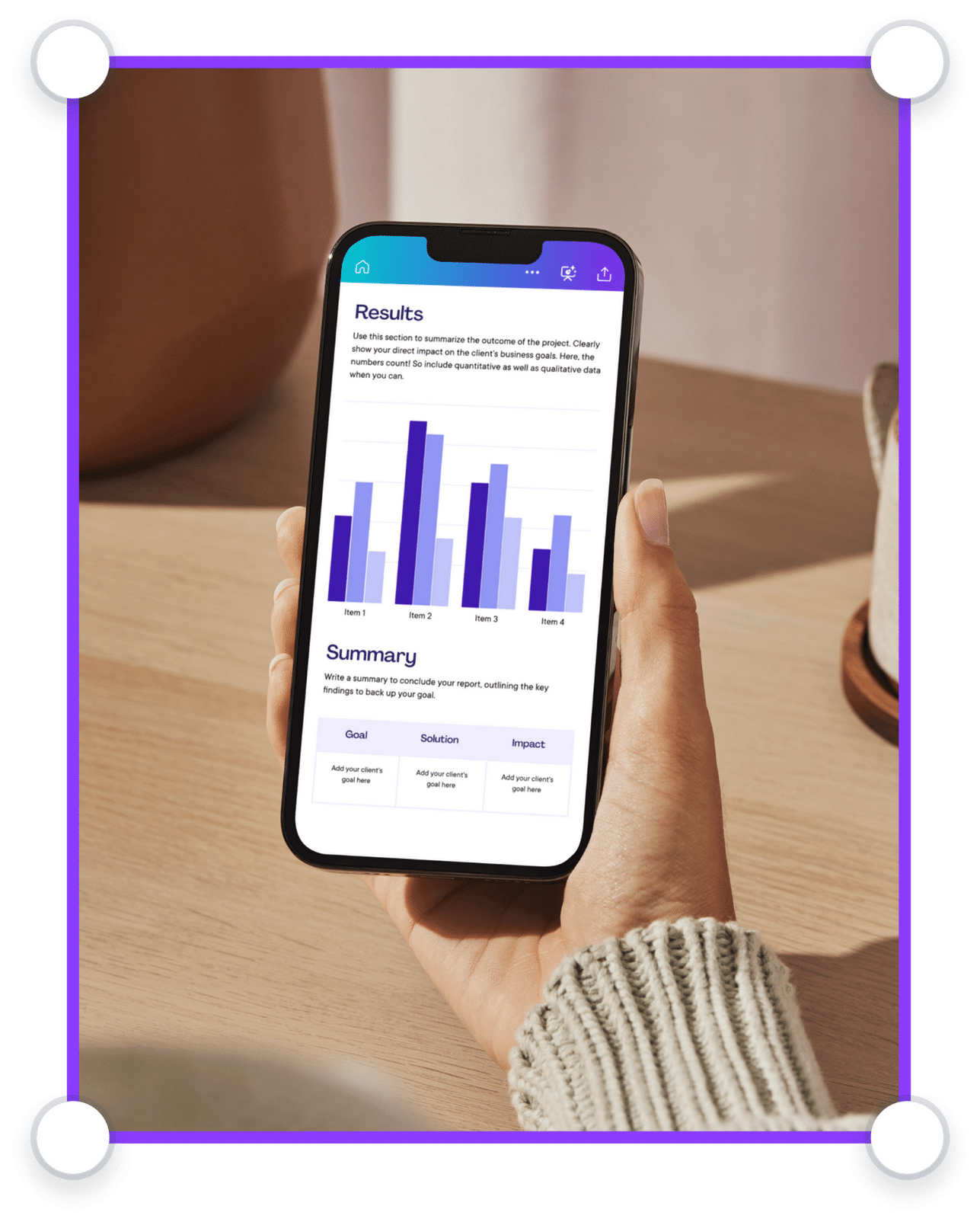
Seamlessly add visuals like graphs, tables, images, videos, graphics, and more, all available within your doc.

Manage all your content in one place
Design high-quality creative content for any format. Sort, share, and scale content with ease.

Scale your brand
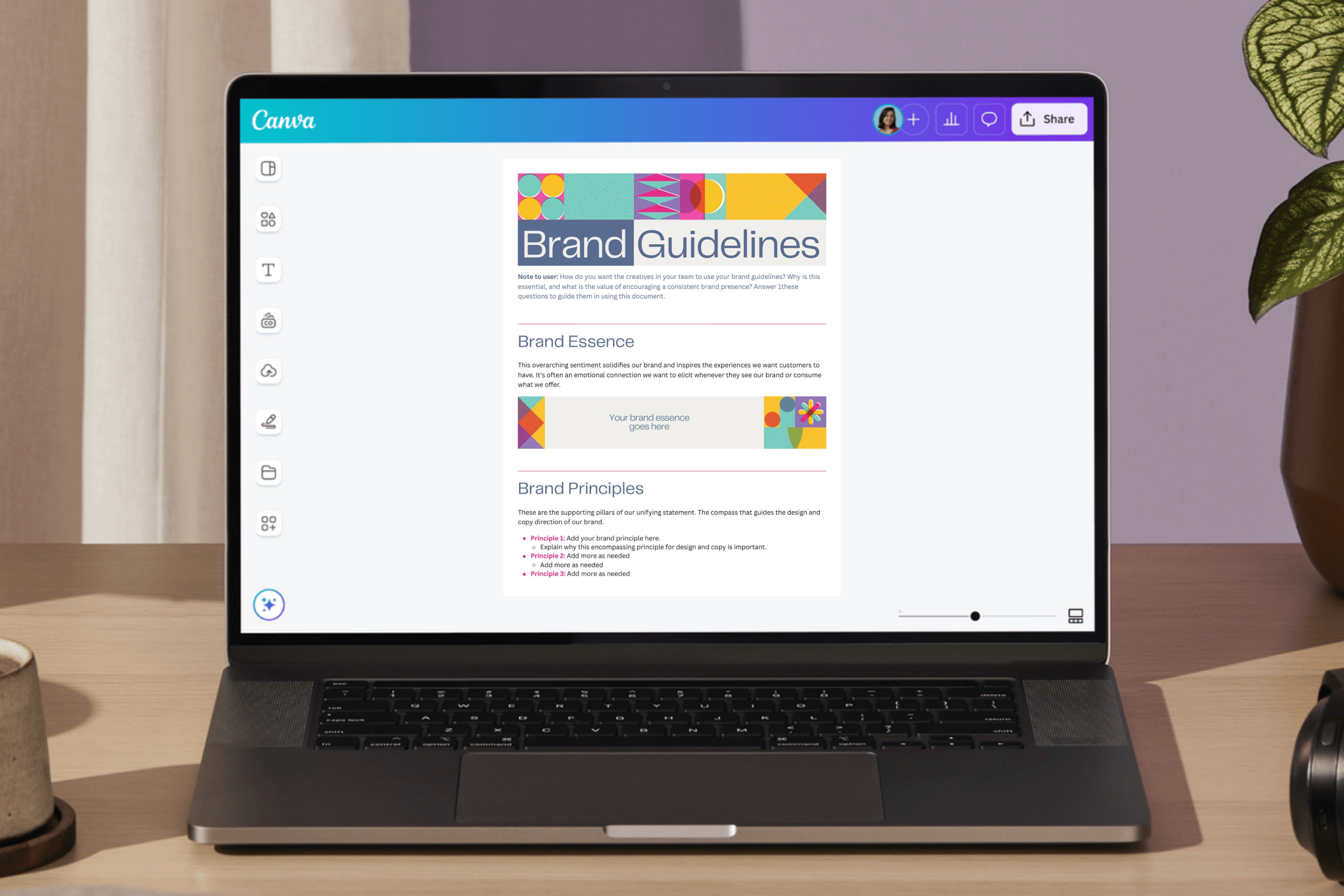
Set brand guidelines across your organization. Limit fonts, colors, and content to keep designs on brand.

Visually supercharge your work
Elevate your business documents. Create Docs, Whiteboards, Presentations, Websites, Videos, Social Media posts, and more.

Work smarter with Magic Studio AI
All the power of AI, at your fingertips. Generate assets, copy drafts, and designs with AI-powered tools within Canva.

Power up with apps
Make your organization’s workflows more efficient with hundreds of apps and integrations, or customize your own.

Stay safe and in control
Keep your confidential content safe with built-in security measures, user and AI controls, and usage reporting features.
Process documentation best practices
Think of each process document as an operational asset: it should be easy to read today, simple to govern tomorrow, and robust enough to withstand audits next quarter. These four habits keep that asset in peak condition.
Use plain language & action verbs
Effective SOPs and process documents are intuitive, easy to follow, and balances sufficient detail with simplicity. Start each step with an action verb. For example, use "Approve creative brief" instead of "The creative brief shall be approved."
Maintain centralized template governance
When layouts drift, so does trust. Start every workflow in locked Brand Templates(opens in a new tab or window) so fonts, colors, and mandatory sections stay consistent across regions and teams. Pair that with the Brand Kit to roll out color tokens and logos in one click—no rogue versions hiding in siloed drives.
Automate approvals and track versions
ISO 9001 Clause 7.5(opens in a new tab or window) requires a documented approval trail and change log. Canva Docs satisfies both with built-in request/approval workflows, time-stamped version history, and optional design approval for Enterprise(opens in a new tab or window) for granular sign-off rules. A structured lifecycle—draft, approve, publish, review—mirrors the best-practice loop described for effective SOPs in the research.
Practice continuous governance and simplify visuals
Documentation should breathe. Modern process docs are “living, accessible, and actively used” documents. Rotate custodianship between functions, set quarterly review reminders, and lighten visuals when stakeholders need speed over detail. With Canva’s visual suite, your process documents becomes a living workspace that keeps every update in one place and shows reviewers exactly what changed.
Process documentation FAQs
Think of your doc as a living thing rather than a one-and-done file. Most teams do a 90-day “health check” and also trigger an update the moment a tool, regulation, or KPI changes. Drive ongoing improvement by setting up calendar reminders built into your documentation platform.
Good documentation significantly streamlines employee onboarding. When Montana State University swapped paper manuals for digital workflows, 86% of employees said tasks got done faster and with fewer follow-up questions(opens in a new tab or window). By spelling out each step—screenshots, flowcharts, links—new hires can self-serve most answers and hit full productivity weeks sooner.
Four trouble spots crop up again and again when creating process documents. These are: fuzzy language, a single “gatekeeper” owner, stale PDFs nobody trusts, and diagrams so dense they scare off readers.
Documents left to age in shared drives quickly turn into “rigid, rarely used” artifacts that slow decisions instead of speeding them up. Keep the prose plain, share ownership across functions, schedule regular reviews, and use lightweight flowcharts when a full BPMN map isn’t necessary.
Pick a handful of metrics that tie straight to business goals, whether it’s cycle-time, first-pass yield, ramp-up days, or audit findings. MIT Sloan calls this hunt for a “killer KPI” the fastest way to show ROI(opens in a new tab or window). Capture a baseline before the doc goes live, monitor the same numbers after, and let the data tell the story. A steady drop in errors or a 30% faster onboarding cycle means your documentation efforts are working.
Was this page helpful?
Future-proof teams with smart process documentation