- Project Brief
Creating project briefs: How-tos, templates, and tips
Jump to:
What is a project brief?
According to the Project Management Institute’s Pulse of the Profession 2024(opens in a new tab or window), only 73.8% of projects fully meet their business goals. Projects typically fail to meet their targets due to unclear objectives, misaligned stakeholder expectations, and insufficient planning. One solution for these issues is a project brief.
Project brief definition
A project brief is a document that sets your project up for success. It provides a clear and concise overview of your project's goals, scope, deliverables, stakeholder responsibilities, and timeline. Basically, it acts as your project’s North Star, keeping everyone aligned and moving in the same direction.
The use of project briefs dates back to the mid-20th century, when organizations began formalizing processes to improve efficiency and accountability. Initially used in engineering and construction, project briefs have since evolved to serve industries such as marketing, product development, and creative services.

Project brief vs. project charter
A project charter is typically used in corporate or government settings to establish official approval, whereas a project brief is used to ensure smooth workflow and clear responsibilities. For example, a tech startup may create a project charter for investor approval and rely on a project for day-to-day execution.
Project brief vs. business case
A business case highlights data, risks, and potential returns of a project to justify its necessity, while a project brief outlines the execution of the project. Say a business is launching a new product. It may use a business case to gain stakeholder buy-in, then create a project brief to outline specific deliverables.
Project brief vs. creative brief
While they might be similar at first glance, a project brief ultimately provides the “big picture” of a project, while a creative brief(opens in a new tab or window) focuses more on the creative aspects, such as brand consistency and message.
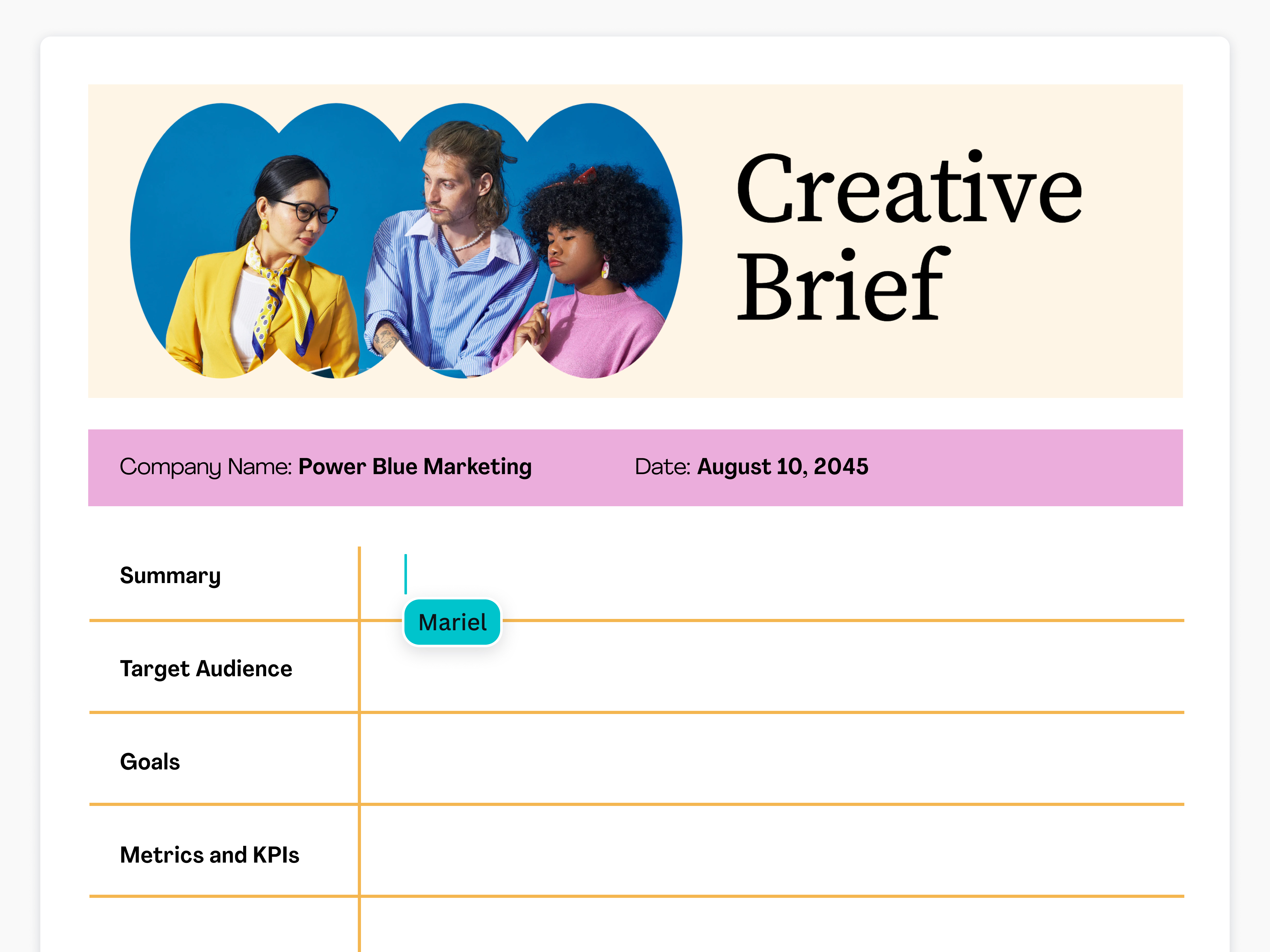
Example of a creative brief template.
What are the benefits of a project brief?
A project brief keeps teams aligned and organized, as well as ensures that objectives and expectations are defined from the start. Below, we outline how your team can benefit from having a project brief all throughout the project execution:
- Improved alignment: With a project brief, everyone, from team members to stakeholders, are aligned with clear objectives. This prevents miscommunication and keeps teams on track while executing the project.
- Efficient resource management: Project briefs help manage budget, time, and personnel allocation, so teams can handle resources wisely and improve productivity.
- Risk mitigation: Done right, a project brief can also identify potential issues and challenges, allowing teams to plan ahead and come up with possible solutions.

Components of a project brief
A well-crafted project brief builds a strong foundation for a smooth and successful project execution. By defining key elements upfront, you can create a project brief that helps teams stay aligned, focused, and on track. These elements include:
The project overview and background sets the context for the project. They explain the project’s purpose and relevance, and discuss the problem it aims to address and solve. Essentially, this section provides stakeholders with the information to understand why the project is necessary to begin with.

The project’s objectives act as benchmarks for success and help keep the team aligned and focused on the desired outcomes. It’s worth noting that clearly defined objectives basically set the foundation for a successful project.
The project’s success criteria ensures that progress is measurable, while the key performance indicators (KPIs) help track performance and determine whether the project is meeting its objectives. Keep in mind that regular monitoring of these makes it easier for the team to adjust strategies, when necessary.
The project scope(opens in a new tab or window) breaks down what's included in the project to prevent scope creep. It also outlines key deliverables, such as reports or marketing campaigns, so stakeholders are clear with expectations.
This section identifies key stakeholders, including clients, project sponsors, and team members. It’s important to clearly define each one’s role to ensure accountability within the team. This ultimately helps in preventing delays and confusion throughout the project lifecycle.
The timeline provides everyone with a roadmap for project completion. It should include critical milestones and deadlines to help track progress better. Plus, teams are more likely to stay on schedule and submit deliverables without delay.
This section breaks down the financial plan and resource allocation of the project. It should include key information, such as:
- Budgetary constraints
- Funding sources
- Required tools, personnel, and materials
Note that a well-planned budget helps eliminate the impulse to overspend and ensures resources are available at each stage of the project.
This section identifies possible issues or challenges that may occur during project execution, such as budget constraints, technical difficulties, or even stakeholder conflicts. Anticipating these early can help the team take on a proactive approach to problem solving and keep the project on track.
How to create a project brief
Whether you’re launching a marketing campaign, preparing for IT system upgrades, or setting the scope for a creative rebranding, a project brief can help eliminate confusion and reduce inefficiencies. Below, we provide a step-by-step guide on how you and your team can develop a comprehensive brief tailored specifically to your project.

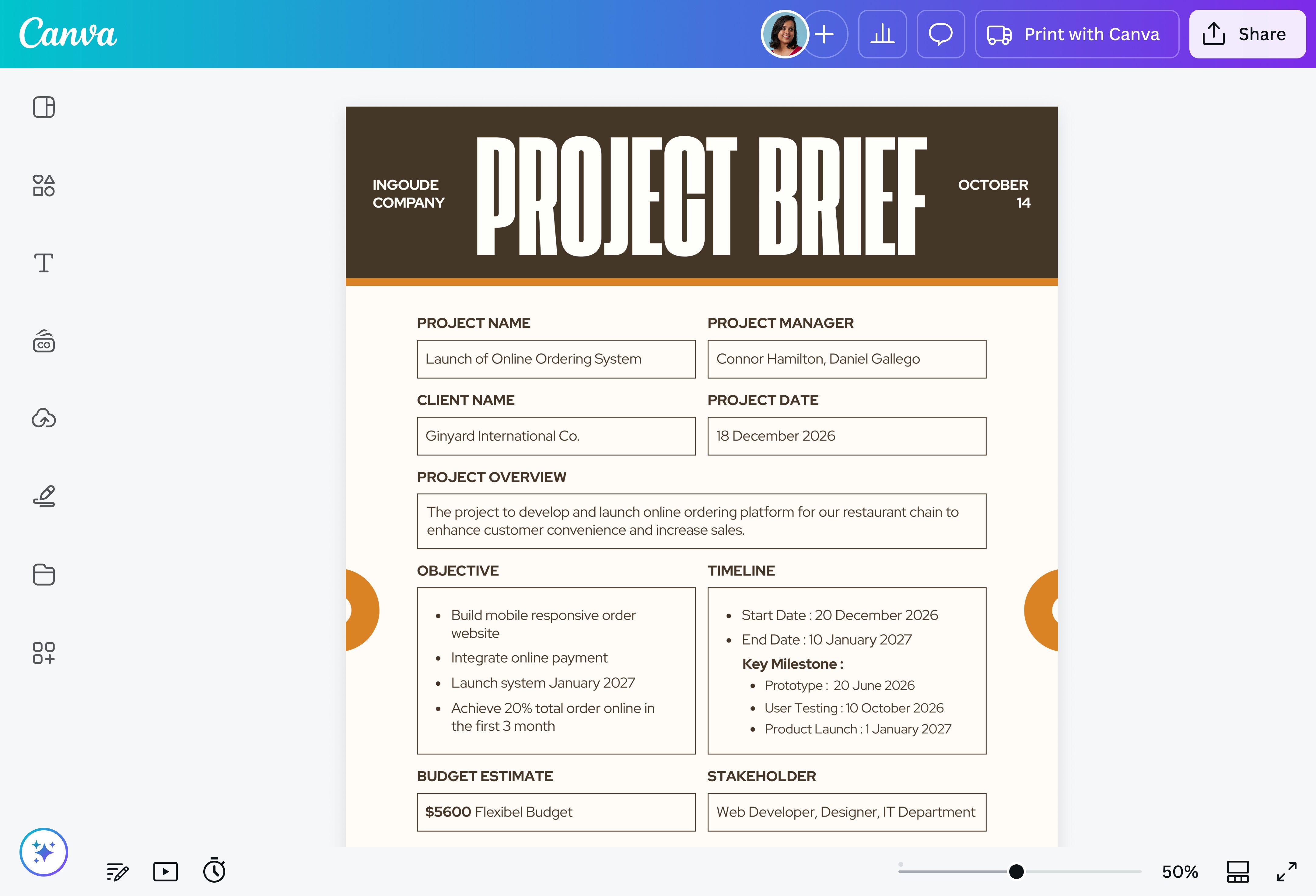
Before starting on your project brief, you need to understand the purpose of the project. Why is it necessary to launch? What objectives should it achieve? What pain points does it aim to solve? Make sure to clearly define measurable goals. You can write them down in an organized document, which you or any member of your team can refine and refer back to while creating the project brief.
Engaging key stakeholders early ensures everyone’s expectations are outlined and managed. For this step, identify who needs to be consulted. These include sponsors, team leads, and clients. Once that’s done, you can start gathering information by asking the following questions:
- What are the KPIs that will define the success of this campaign?
- How does this project align with our current brand guidelines?
- Are there security or infrastructure requirements that should be considered for this project?
- How will this project impact employee engagement and communication workflows?
Note that you can use surveys, meetings, or collaborative online whiteboards(opens in a new tab or window) to collect stakeholder insights.
Begin to define the project scope and deliverables to ensure alignment across teams. Doing so prevents scope creep, which is a common project pitfall. In fact, project management practitioners shared that around 49% of their projects experienced scope creep, according to a Project Management Institute report(opens in a new tab or window).
Without a strictly defined scope, projects can expand beyond their original intent, leading to misallocated resources, delays, and budget overruns.
When creating the project scope statement, make sure to include the following:
- Acceptance criteria: List down predetermined conditions or requirements that must be met for deliverables to be acceptable. Make sure they have a clear pass/fail result and target the end result (the what), not the solution (the how).
- Exclusions and constraints: Identify tasks that won't be carried out in the project. Anything you consider out of your scope of work falls under exclusions. Constraints, on the other hand, are the limitations of your project.
- Assumptions and dependencies: Identify factors the project relies on, such as external partnerships, regulatory approvals, or technology availability.
- A change control process: Establish how scope changes will be assessed, approved, and communicated to prevent scope creep.
If roles are unclear, tasks may be duplicated and overlooked, leading to inefficiencies and delays. Make sure your project brief explicitly mentions the roles and responsibilities of each team member. You can do this by:
- Using a RACI chart: This framework clarifies who's responsible for tasks, who makes decisions, who needs to be consulted, and who should be kept informed.
- Establishing communication channels: It helps to set up proper communication channels so team members can collaborate smoothly.
- Defining clear approval flows: Ensure that decision-making processes are structured so approvals happen quickly without any bottlenecks.
Create a structured timeline by breaking down the project into phases. For instance, a project may be divided into the research, design, execution, and review phases. Afterwards, determine deadlines and dependencies. Here are some tips for setting a timeline:
- If you’re creating a brief for a marketing campaign, align key milestones with major launches and ensure pre-launch testing and feedback cycles are built into the schedule.
- If you’re creating a creative project brief, establish multiple review checkpoints to avoid last-minute design changes that could delay execution.
- If you’re creating a brief for an organizational change, sync major communication milestones with company-wide meetings, training sessions, or policy(opens in a new tab or window) rollouts for maximum audience engagement.
Resource planning is crucial for teams to avoid unexpected roadblocks. Remember, each department will have different resource needs, so identify them early to ensure a smoother project execution. We outlined some guidelines below to help your team build this section in your project brief:
- Personnel: Identify the skills needed for the project and assign team members accordingly. Also, there should be adequate staffing for key phases like design, implementation, and review.
- Tools: Determine what software, hardware, or platforms will be required for the project. For example, marketing teams may need social media management tools, while creative teams may need design software.
- Budget forecasting: Break down estimated costs for personnel, tools, and additional expenses. Budgets should be allocated properly to prevent shortages mid-project.
List down potential risks associated with the project. These may include budget overruns, inadequate staffing, or stakeholder disagreements. Then, come up with mitigation strategies and backup solutions for them. For example, if you’re launching a marketing campaign, you may develop a response plan for campaign adjustments in case of negative feedback.
Before implementing the project, make sure your team reviews the brief for accuracy. This also helps spot gaps and inconsistencies before the full-scale implementation.
Once the project brief is reviewed and refined, get approvals(opens in a new tab or window) from decision makers and communicate the final version to everyone involved in the project. Always keep in mind that a project brief evolves as project requirements and stakeholder insights change, so keep this document updated.
Get inspired with project brief templates
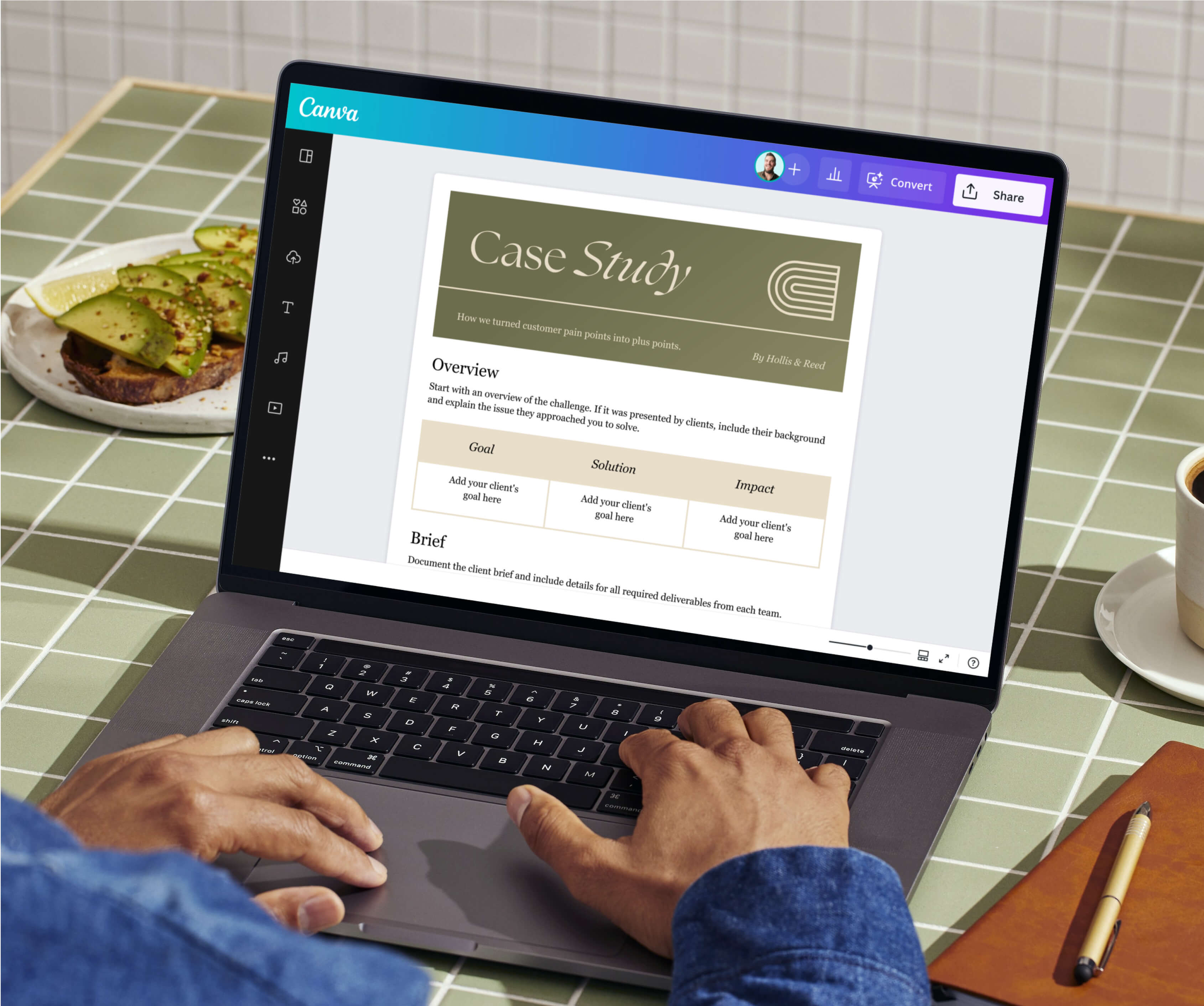
Get the ball rolling on your project brief with a beautifully made template from Canva. Each section of the document is customizable, so you can add, remove, rearrange, and swap as your project requires. Start by choosing your preferred design below and collaborate with your team in real time to create a project brief that guides your project to success.


All you need in a project brief maker
Make project briefing faster and more efficient with Canva’s project brief maker. Our collection of pre-made templates will help you start inspired, while our drag-and-drop editor and intuitive tools will make designing a breeze, regardless of your design skills. Effortlessly organize project details , refine objectives, and align teams with a well-planned project brief made on Canva.

Create visual Docs that grab attention
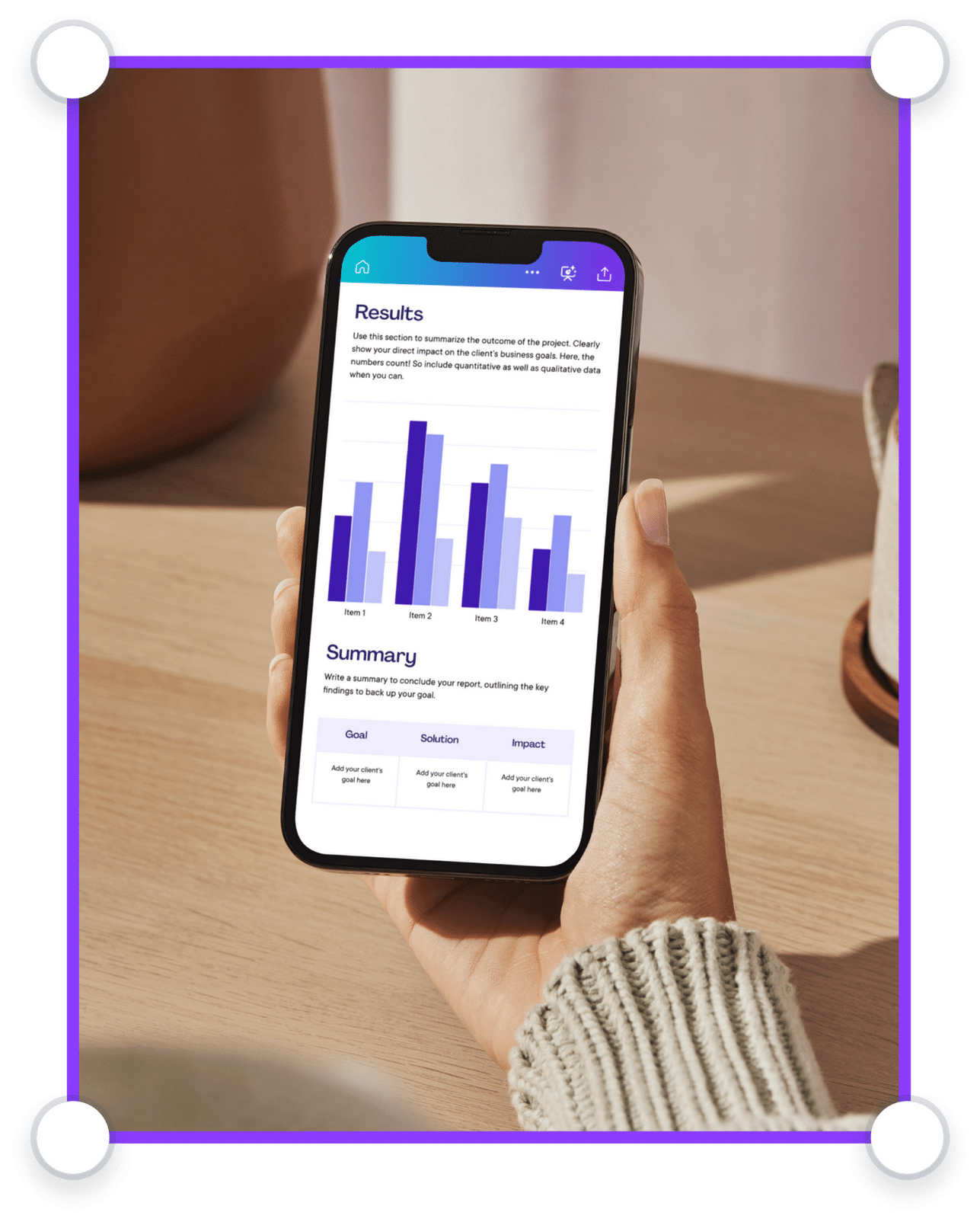
No more boring walls of text. Amplify your Doc’s message with premium design elements, tables, graphs, and highlight blocks.

Get things done, together
Tackle tasks as a team. Suggest changes, leave comments with stickers and reactions, and work on your doc from any device.

Manage all your content in one place
Design high-quality creative content for any format. Sort, share, and scale content with ease.

Scale your brand
Set brand guidelines across your organization. Limit fonts, colors, and content to keep designs on brand.

Visually supercharge your work
Elevate your business documents. Create Docs, Whiteboards, Presentations, Websites, Videos, Social Media posts, and more.

Work smarter with Magic Studio AI
All the power of AI, at your fingertips. Generate assets, copy drafts, and designs with AI-powered tools within Canva.

Power up with apps
Make your organization’s workflows more efficient with hundreds of apps and integrations, or customize your own.

Stay safe and in control
Keep your confidential content safe with built-in security measures, user and AI controls, and usage reporting features.
Project brief best practices
With a well-written project brief, your team is empowered to collaborate seamlessly and stay focused on the bigger picture. Everyone is on the same page, so there’s no confusion throughout the project’s lifecycle. Make sure your project brief is written with clarity and purpose to set your team up for success by following these best practices:
Keep it clear and concise
Make your project brief digestible by using short, direct sentences that get straight to the point. Ditch the jargon and complicated terms; your team should be able to scan the document and immediately understand what’s needed. On Canva Docs, you can play around with the formatting to make structuring information effortless, keeping everything neat and readable.
Use structured templates for consistency
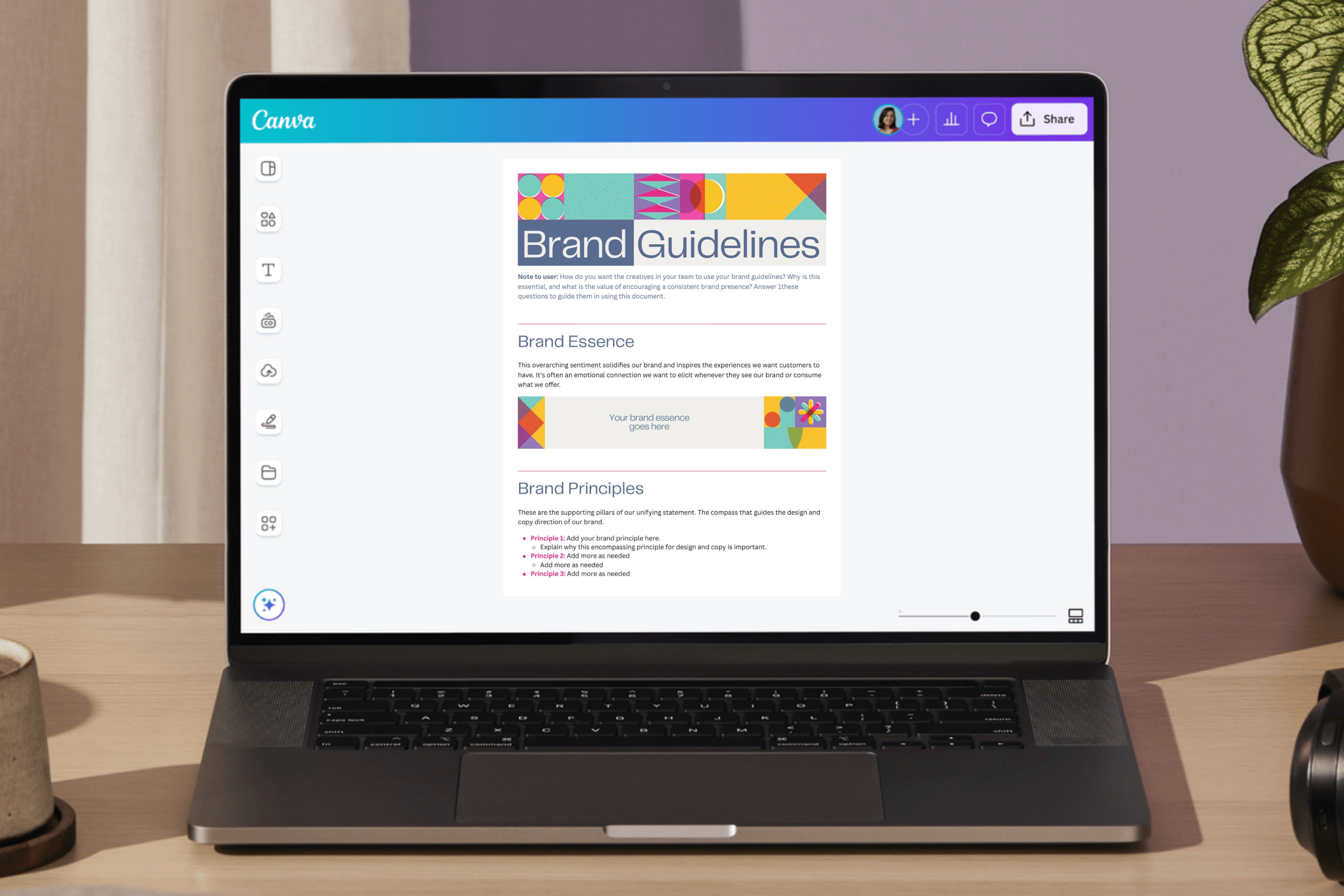
Save time and ensure your project brief is clear and consistent with a pre-made template. Canva Docs has a curated library of customizable templates that you and your team can edit to fit your particular needs. Want to make your project on brand? Set up Brand Kit (Pro)(opens in a new tab or window) and easily apply your company’s brand colors, fonts, and visuals to your document and other designs.
Get stakeholder alignment early
Projects thrive when everyone is on the same page from the very start. Bring stakeholders into the conversation early on to ensure alignment on goals, priorities, and expectations. On Canva, take advantage of our collaboration tools to gather insights in real time. Effortlessly tag teammates in a comment and assign tasks, add feedback in sticky notes, or react to their work with emojis and stickers.
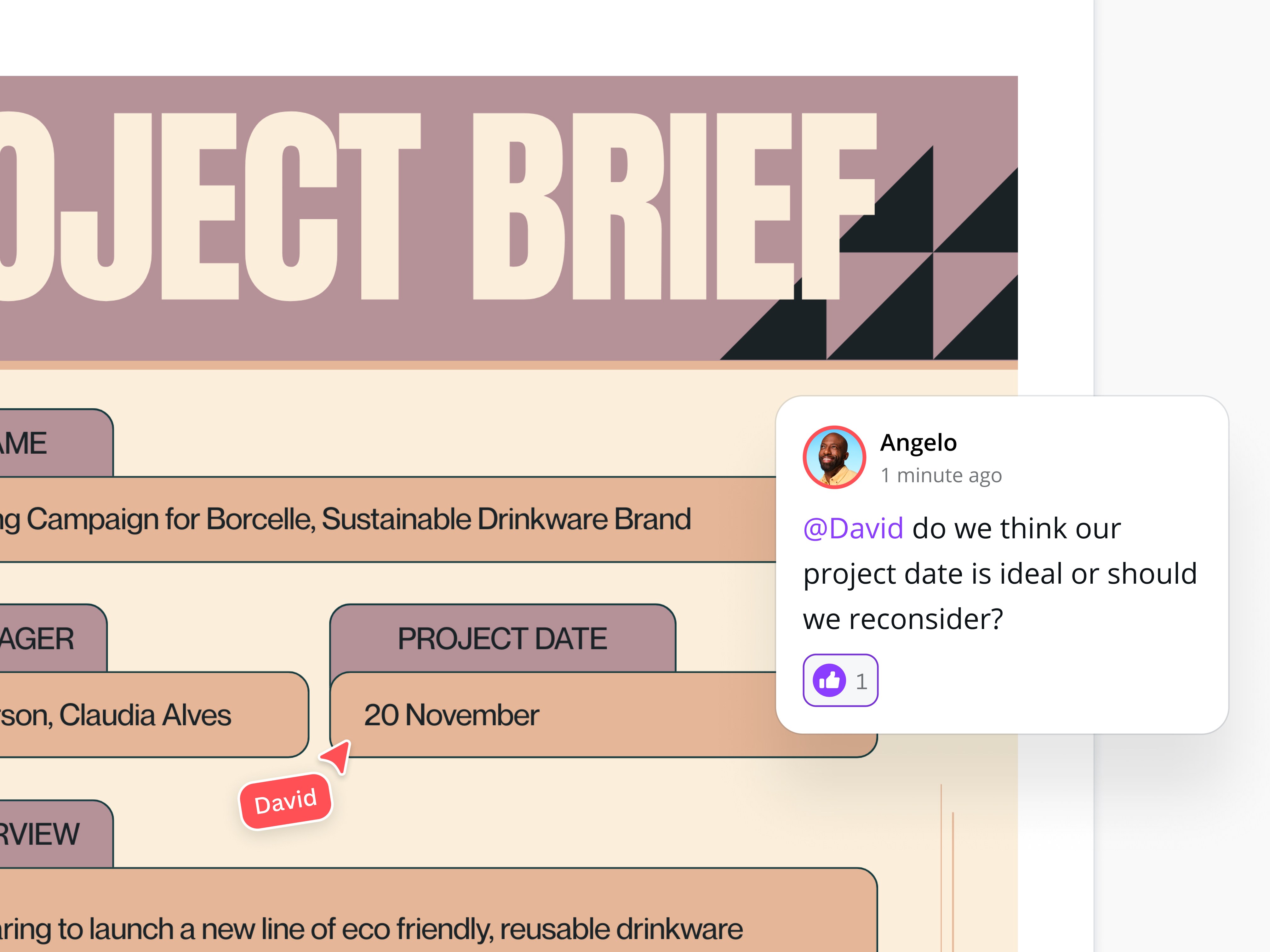
Take advantage of Canva Docs’ collaborative features to leave comments, assign tasks, and tag team members in just a few clicks.
Project brief FAQs
The project manager often drafts the project brief, collaborating closely with key stakeholders to gather necessary information. This ensures that the document accurately reflects the project’s goals and requirements from multiple perspectives.
A project brief should be concise yet comprehensive, providing enough detail to guide the project team without necessarily overwhelming them with unnecessary information. It should also clearly outline the project’s objectives, scope, deliverables, and timeline.
Yes, a project brief is a living document that can and should be updated as your project evolves. However, any modifications should be carefully evaluated and agreed upon by all stakeholders for continued alignment.
A project brief is a high-level overview of a project’s objectives, scope, and deliverables. A project initiation document (PID), on the other hand, expands on the brief with detailed planning elements, acting as a more formalized contract between stakeholders and the project team.
Was this page helpful?
Craft visually stunning project briefs that drive success