Inspiring teachers and
engaging students
Inspiring teachers and
engaging students
Create and personalize lesson plans, infographics, posters, video, and more. 100% free for teachers and students at eligible schools.
Visual communication and collaboration is an important tool for learning


How Canva works
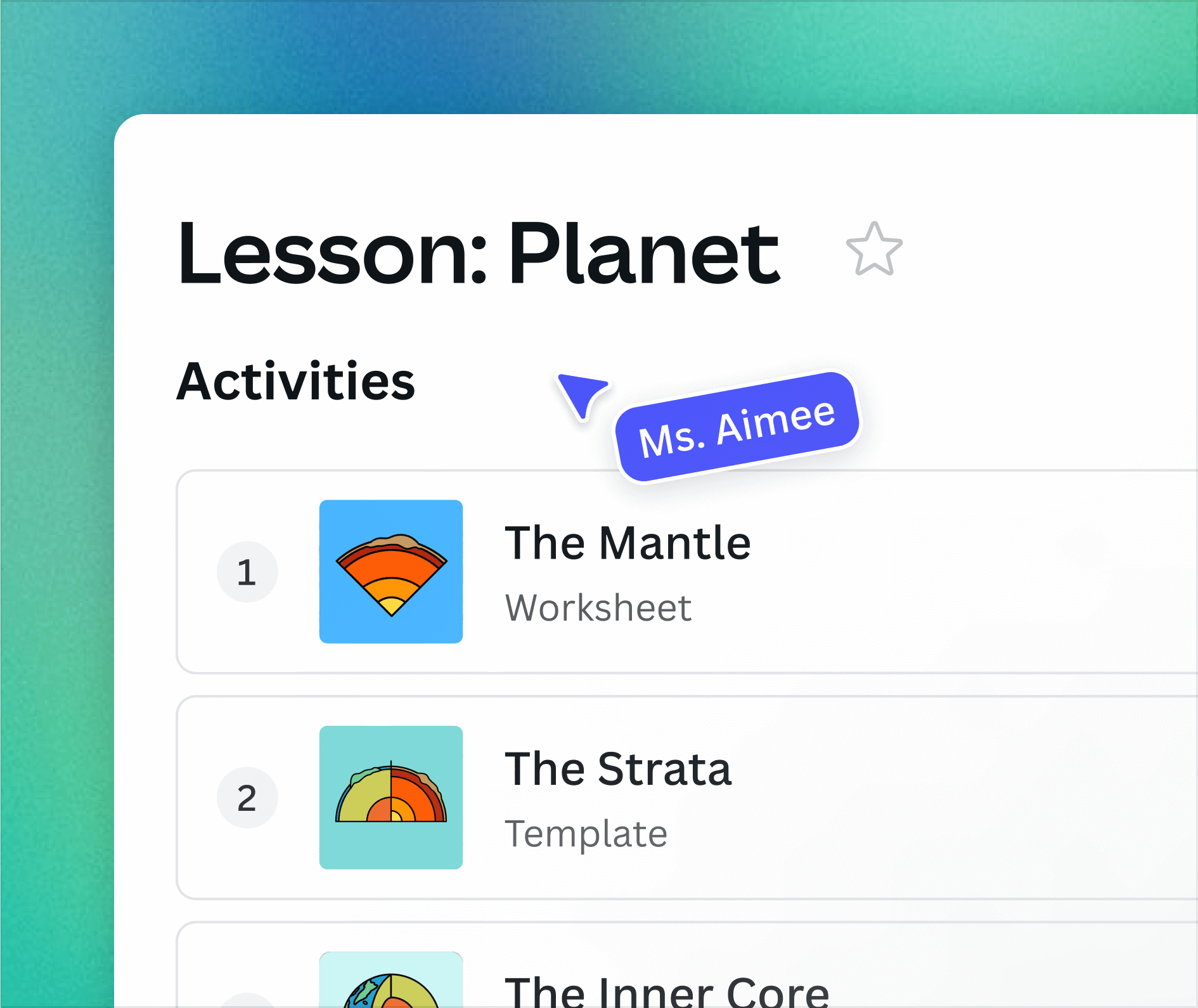
Transform your teaching with visual learning materials that engage every student. Create sequenced lessons using whiteboards, presentations, and videos that students can explore at their own pace. Track their progress in real-time and celebrate milestones that keep motivation high and learning active.
Level up your lessons and find all your teaching essentials in one place. With the Teacher Work Kit, you have everything you need to engage your students — from a variety of templates that help you start inspired, to tailored apps and resources that will level up your lessons. Check out Teaching Work Kits(opens in a new tab or window).
Access premium content and graphics that transform ordinary lessons into extraordinary experiences. Customize with our easy drag-and-drop editor and spark student engagement using professional images, GIFs, videos, animations, and music that bring lessons to life.
Watch learners shine as they express knowledge through dynamic group projects, compelling videos, creative posters, and presentations that reveal deep understanding and boost confidence in their abilities.


Get started with Canva Education — 100% free
Sign up with your education email address or upload proof of your teaching certification and employment. We'll upgrade you to Canva Education within a few days.
Canva your Campus
Everyone on campus can create and communicate in any format, from docs, to presentations, to video, to websites and whiteboards. Stay on-brand across departments and teams with brand controls. Transform reports, presentations, and documents with branded templates.


Canva Education connects to all your classroom tools


“With Canva Education, the amazing thing – not just for the students but for me – is that I get to see their creative minds in progress.”
George Lee
CAST Academy Coordinator, Balboa High School

Ready to get started with Canva Education?
Frequently asked questions
Yes - it's 100% free, with no paywalls or nasty surprises.
It’s our commitment that Canva Education will remain 100% free for K-12 (primary and secondary) educators, their students, as well as qualified school districts and institutions.
Most of Canva’s premium features are included in Canva Education, as well as dedicated features for educators, such as LMS integrations, the ability to share work and assignments with students, thousands of high quality educational templates, and more.
School districts and institutions can also enjoy enterprise-grade security features, deployment via SSO, onboarding support, and professional development training - all for free.
Canva Education is available for K-12 (primary and secondary) educators, their students, and qualified school districts and institutions. Check out our full eligibility guidelines.(opens in a new tab or window)
No problem. If you already have a Canva account, log in to your account, go to our sign up page(opens in a new tab or window), and follow the verification process to upgrade your account to Canva Education. All of your existing designs will transfer over.
Our dedicated education and district offerings are FERPA and COPPA compliant, and we are also a signatory of the National Data Privacy Agreement. We are committed to GDPR compliance, and offer safe-for-school content.
Currently, Canva Education is available for K-12 (primary and secondary) students. If you're a primary or secondary student, your teacher needs to invite you to join Canva Education. They can do this from their Canva Education account, here’s how(opens in a new tab or window).
We’re committed to doing everything we can to ensure that students can harness the full potential of Canva while remaining completely safe in the content they are able to access within Canva’s libraries.
Canva uses a multi-layered set of safeguards to ensure that the content within our Canva Education platform is safe for school and safe for students. As well as a set of blocked search terms, we also leverage a best-in-class machine learning platform, which scans our existing collection of millions of photos and graphics to identify, flag, and remove access to “not safe for school” content for Canva Education users. Our collections are reviewed by a human content moderator to check compliance with our “not safe for school” definitions.
