Design emails worth opening with Canva Email
Build visually stunning emails designed to stand out in busy inboxes. Create engaging email designs with Canva and export them as HTML to use on any platform.





+75M customers trust Canva Worldwide
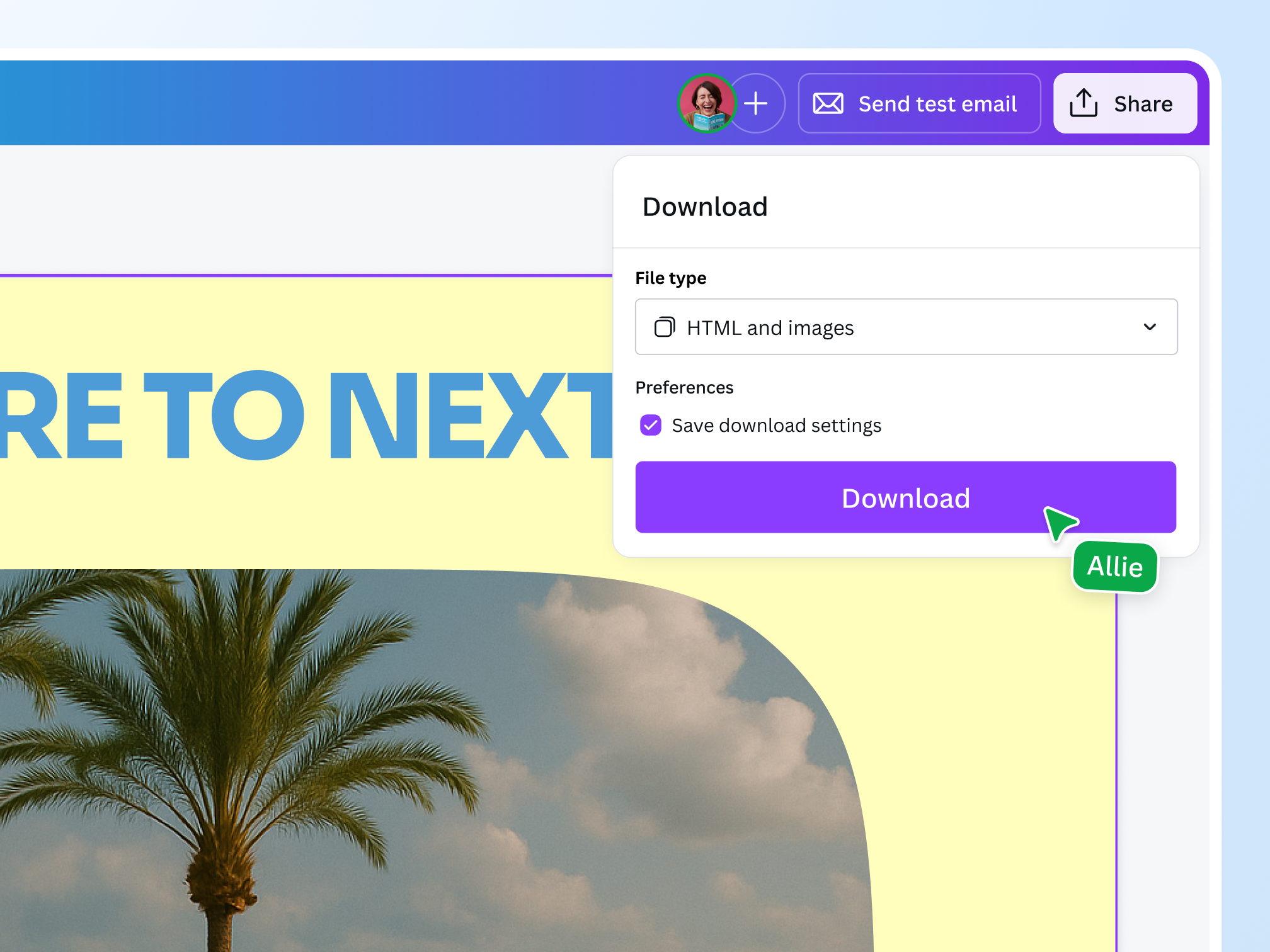
Build export-ready email designs with Canva
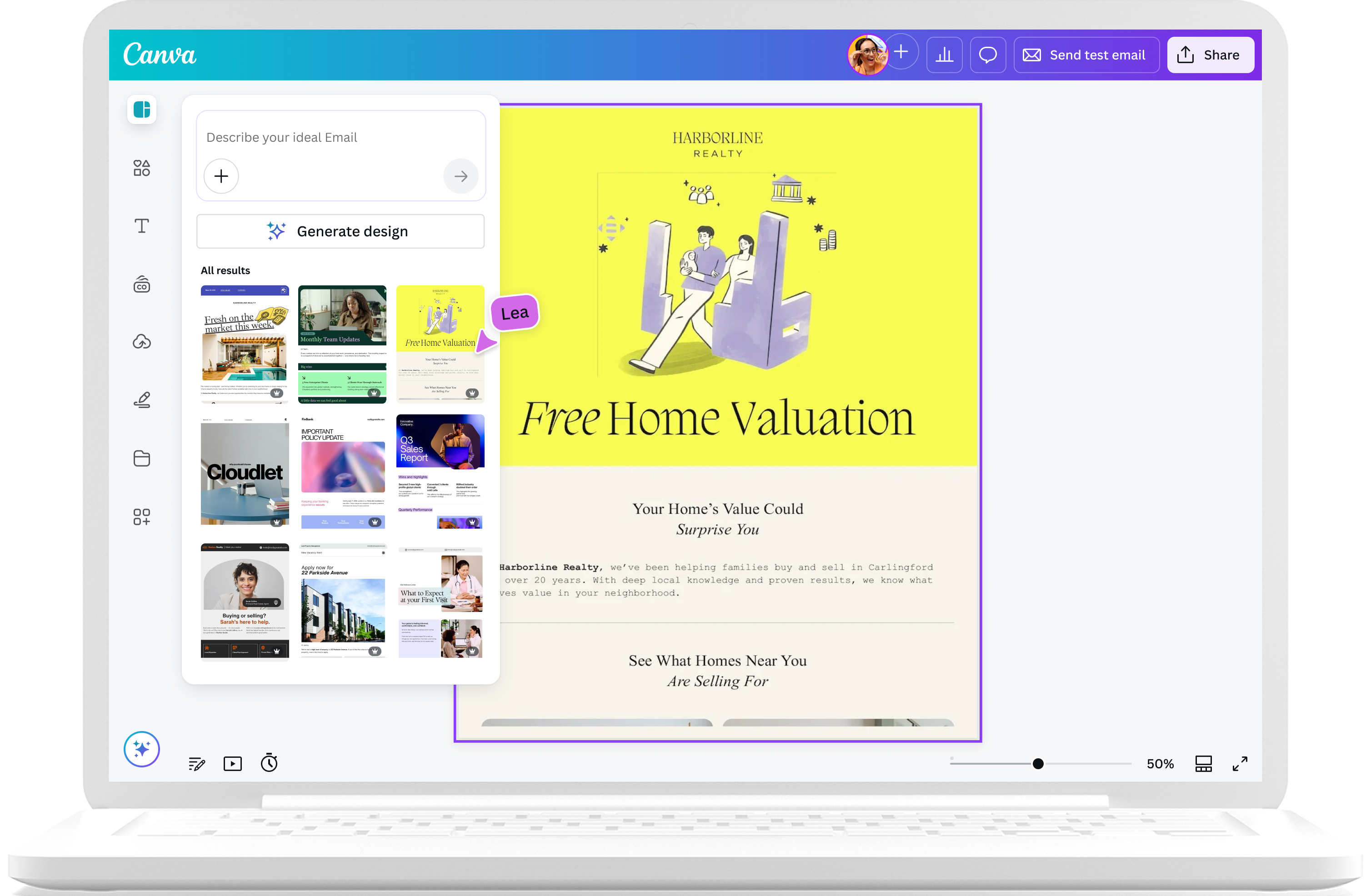
Say goodbye to clunky messages and say hello to inbox glow-ups with beautifully designed emails your brand deserves. Design eye-catching, click-worthy emails in seconds with Canva. Create, optimize, and collaborate, then export as HTML to use on any platform.
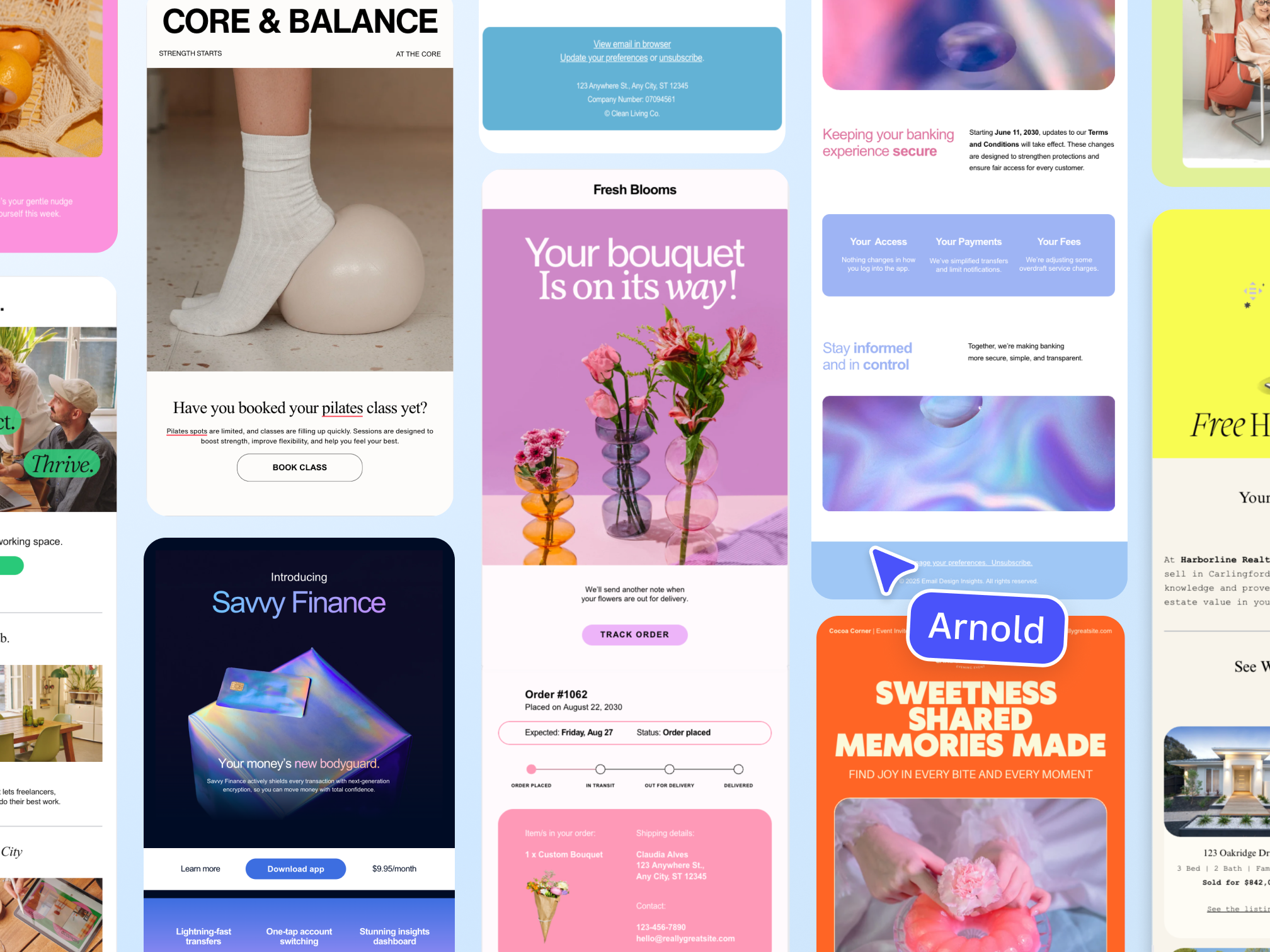
Templates for every send
Go from blank page to brilliant email in seconds. Choose from hundreds of email design templates, including industry-specific styles, that feature optimized content for email. Access expertly designed headers, icons, and buttons that elevate every message.
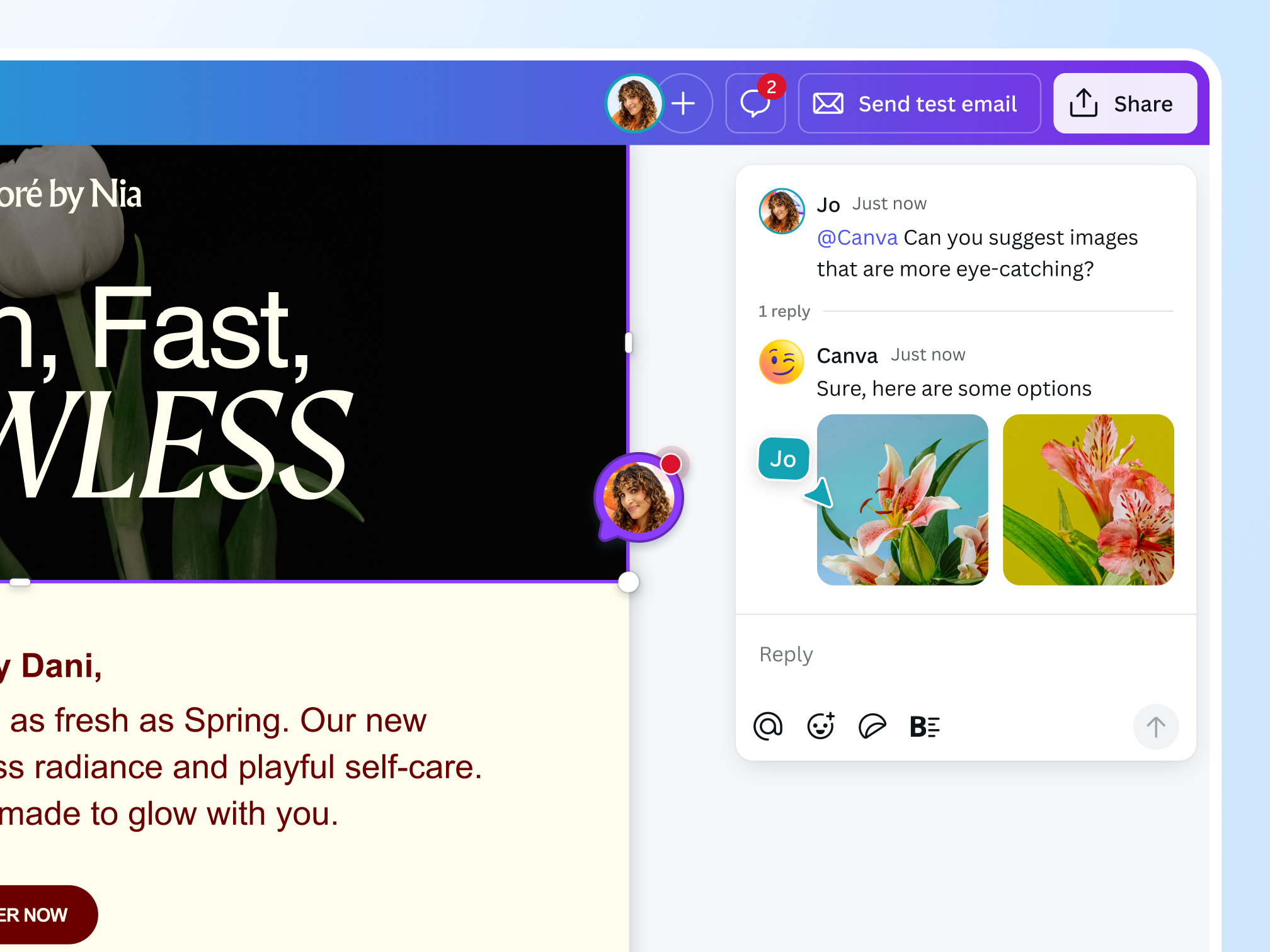
Craft your first draft with AI
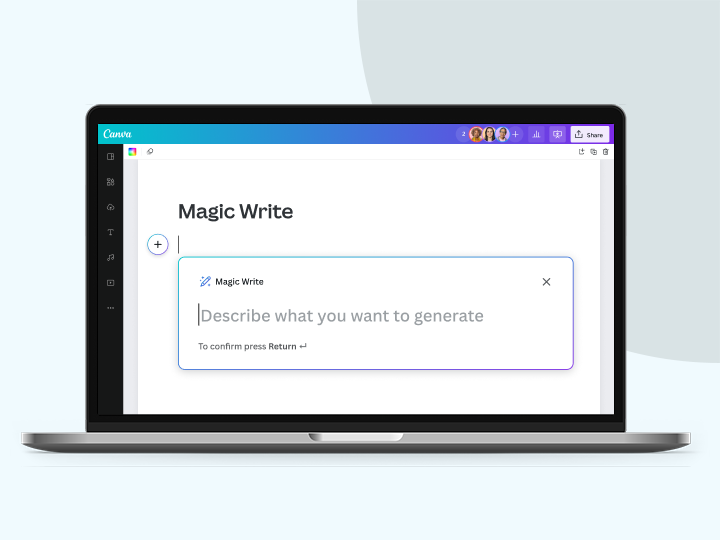
From the subject line to sign off, Canva AI will simplify your email creation. Tag @Canva in comments to spark ideas, apply updates, or get smart suggestions to optimize the email marketing campaign you’re building. You can also write compelling email copies with the help of Magic Write™.
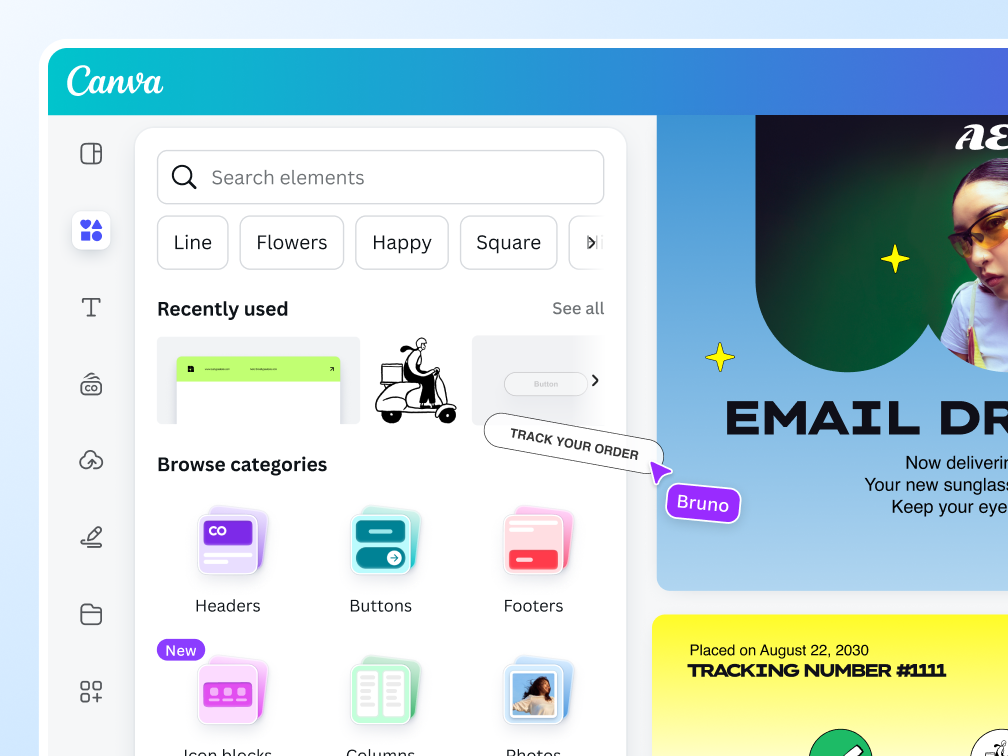
One easy workflow from design to distribution

For all email campaigns
Build complete email designs for newsletters, announcements, and more.

Stay on brand
Craft emails in the same place as your other marketing assets. Use the same brand kit across all channels to maintain visual consistency.

Easy HTML export
Send your email designs anywhere with seamless HTML export.
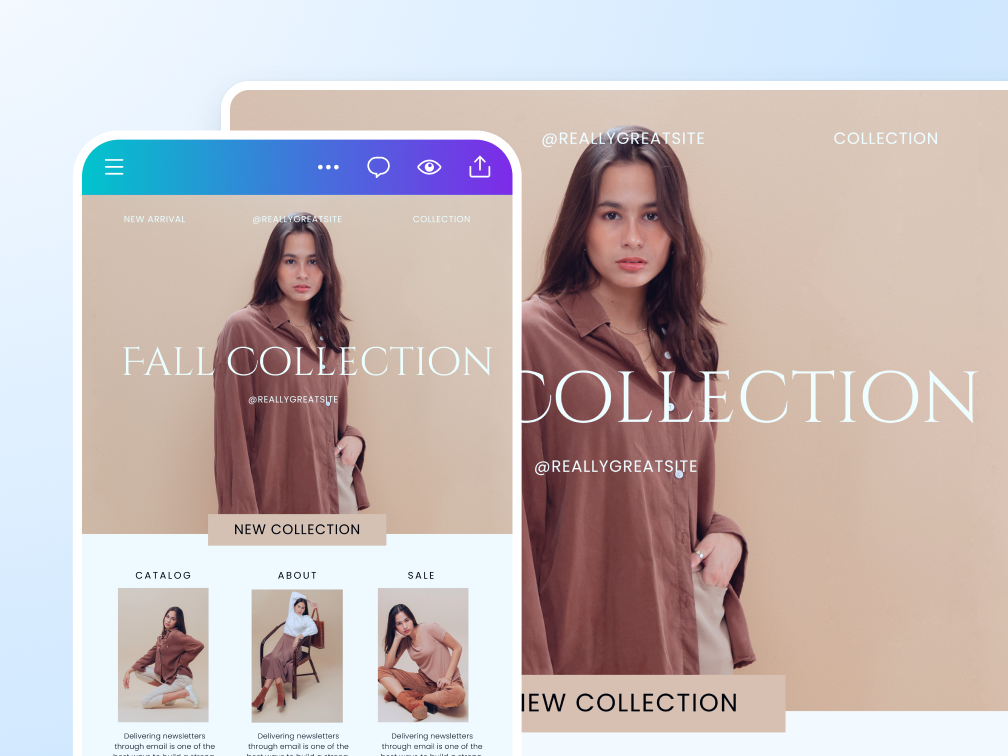
Deliver inbox-perfect emails with every send

Email preview
See how your email design will look on mobile and desktop. Check the layout to avoid send-time surprises.

Test email
Send a test email directly to your Canva-authorized email address to check the subject line, layout, and styling.

Send directly with Gmail and Mailchimp
Export email designs from Canva straight to Gmail and Mailchimp in a few clicks from the Share menu. More ESP integrations are coming soon!
Start inspired
Get a head start with free email design templates you can customize in a few clicks.
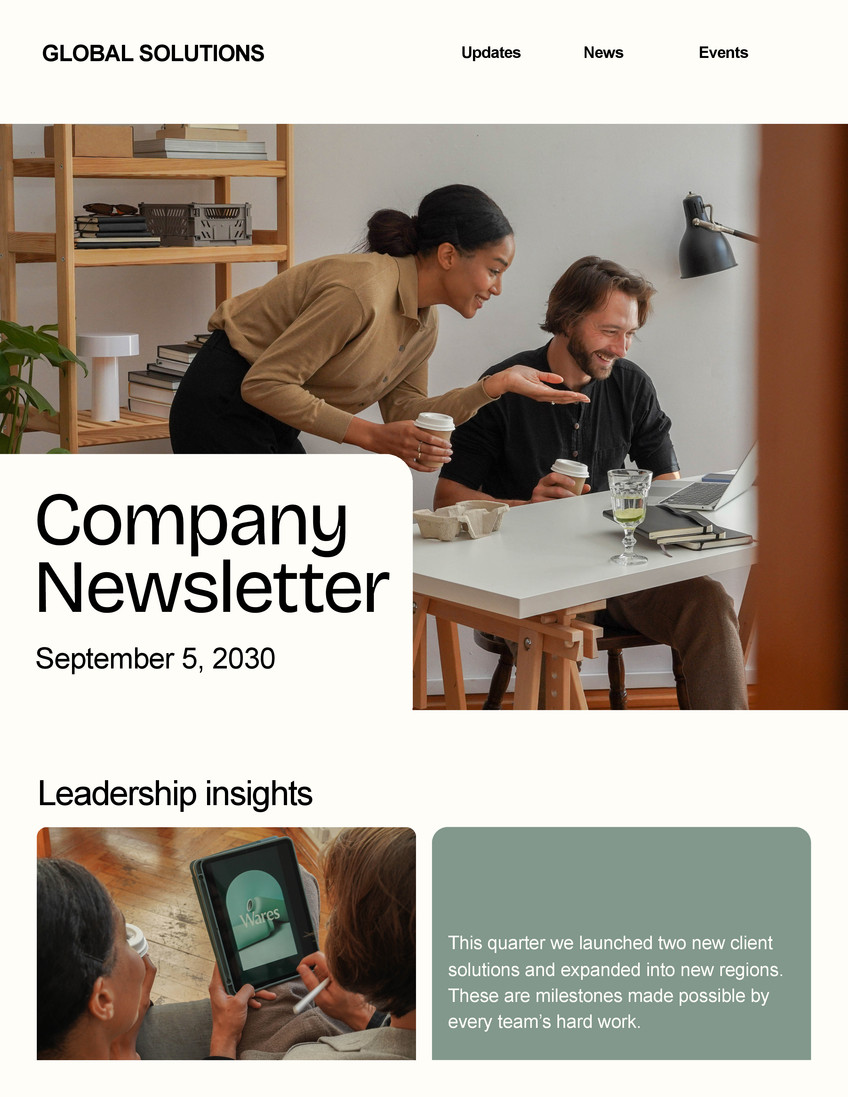
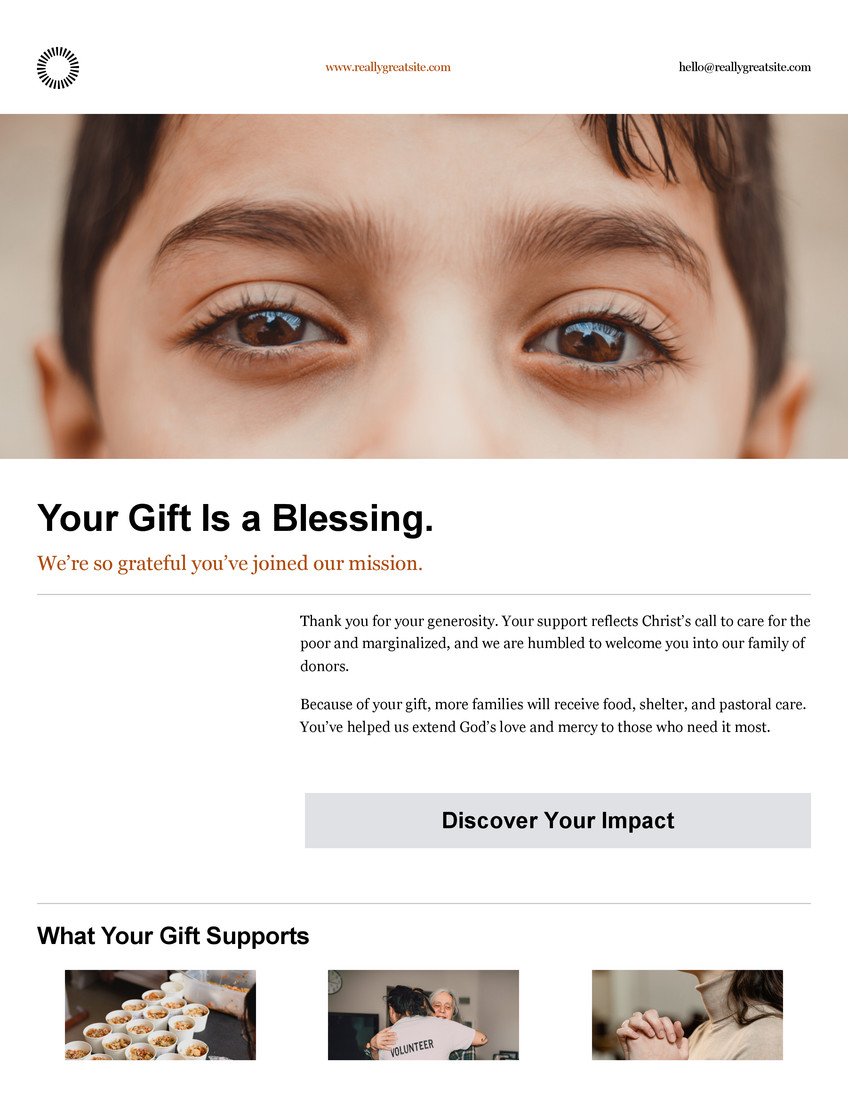
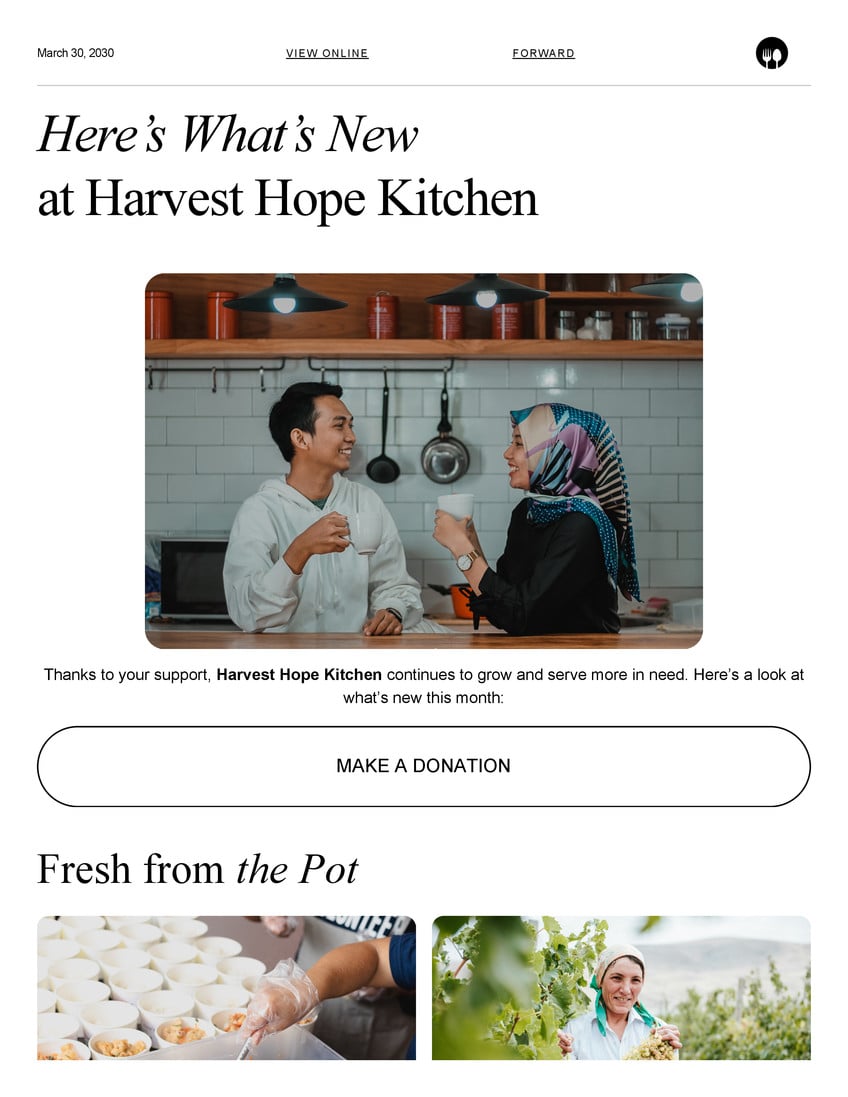


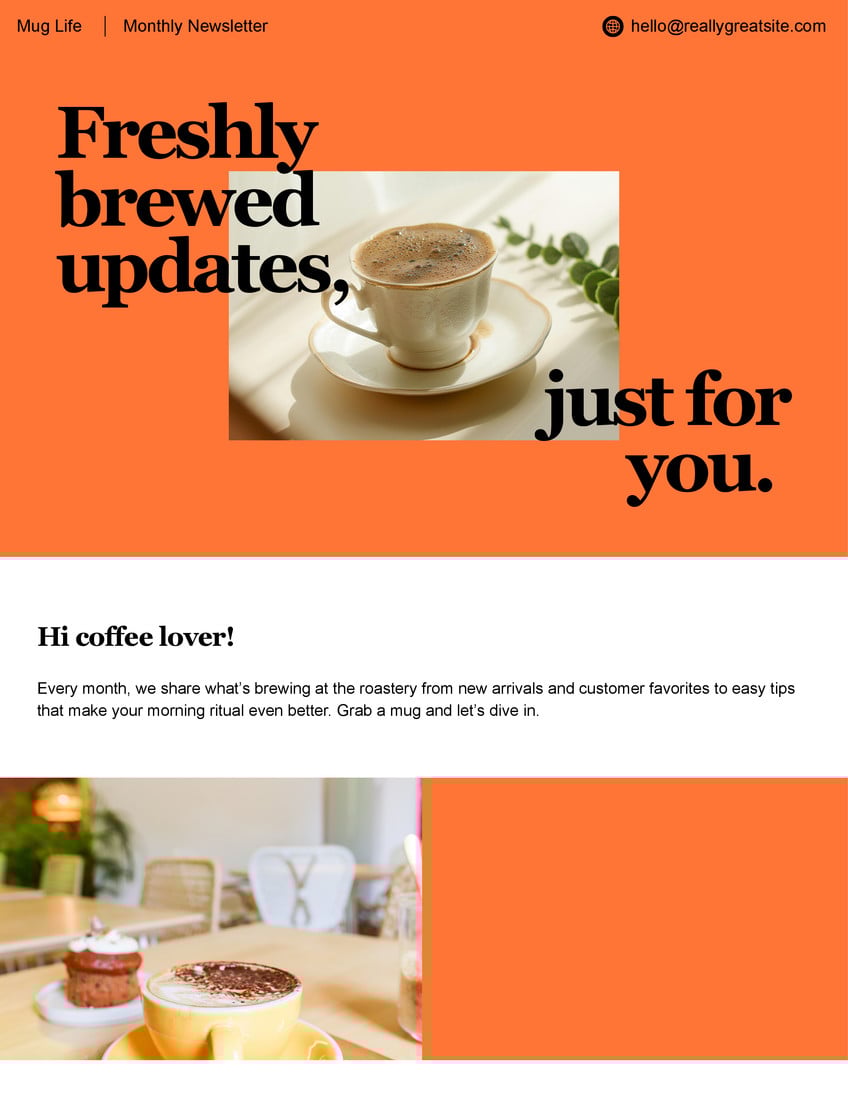
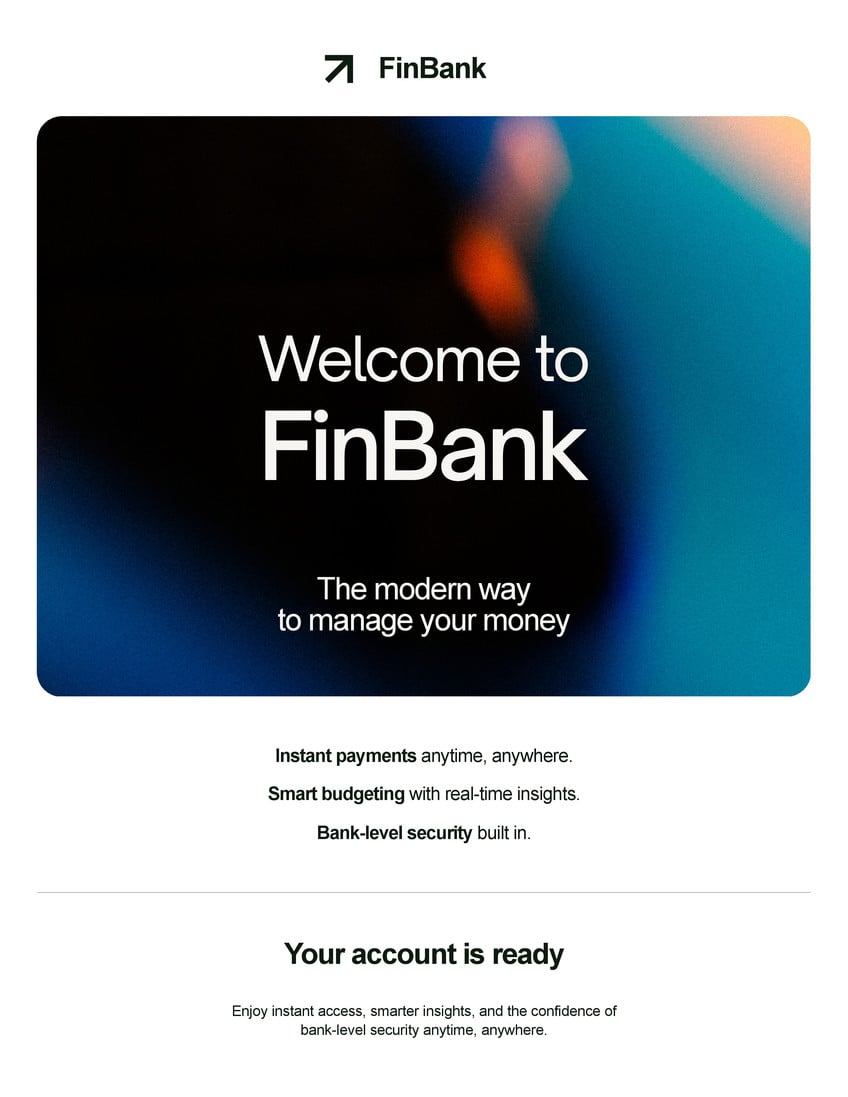

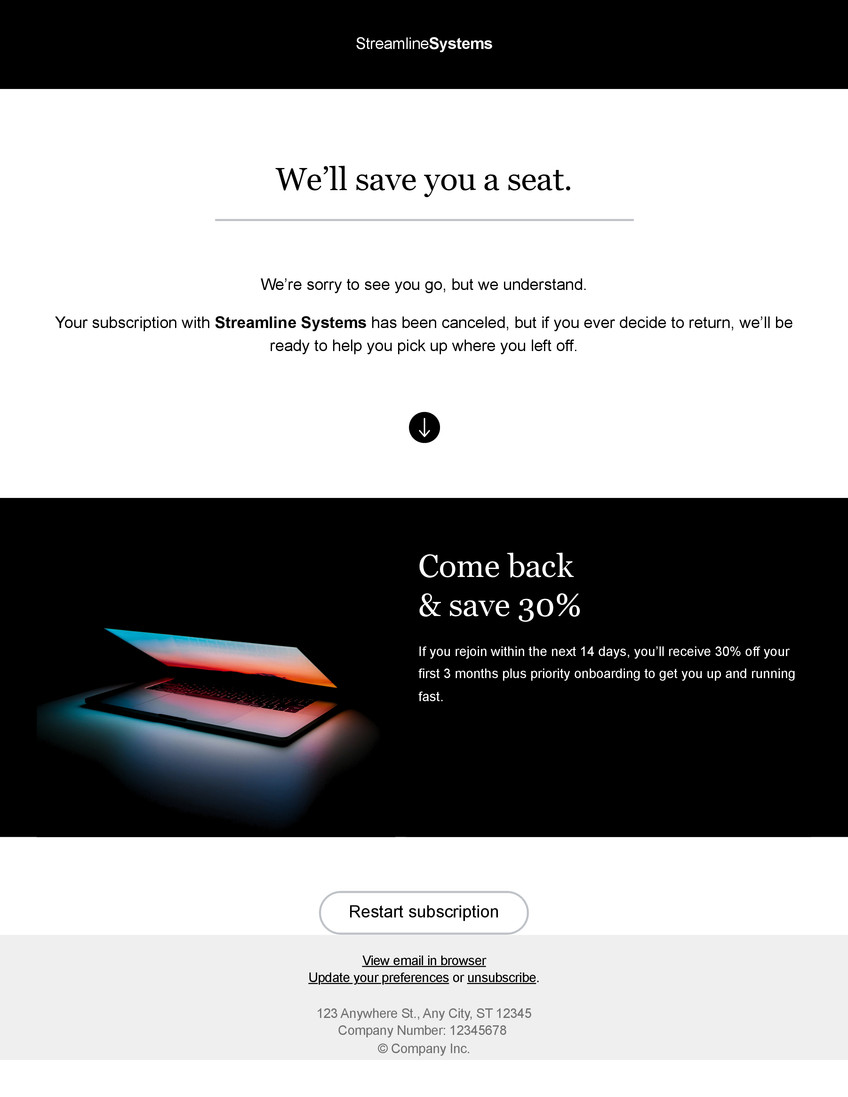
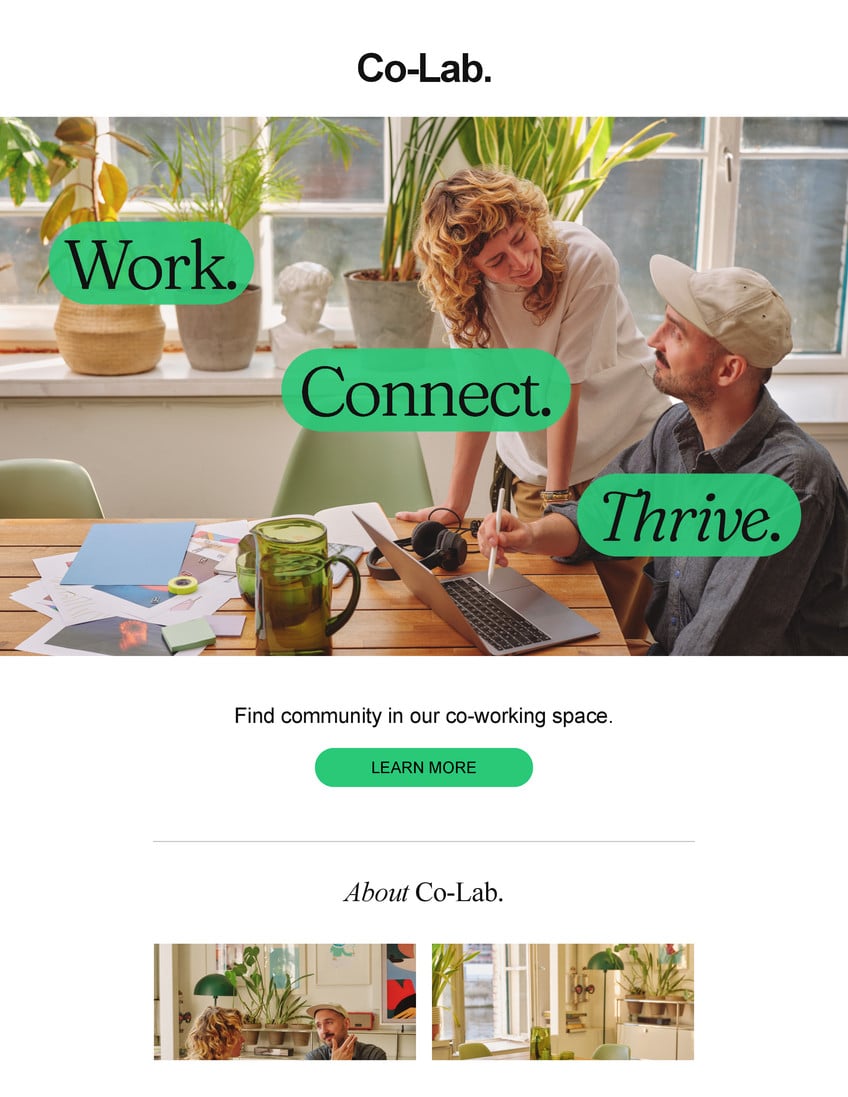
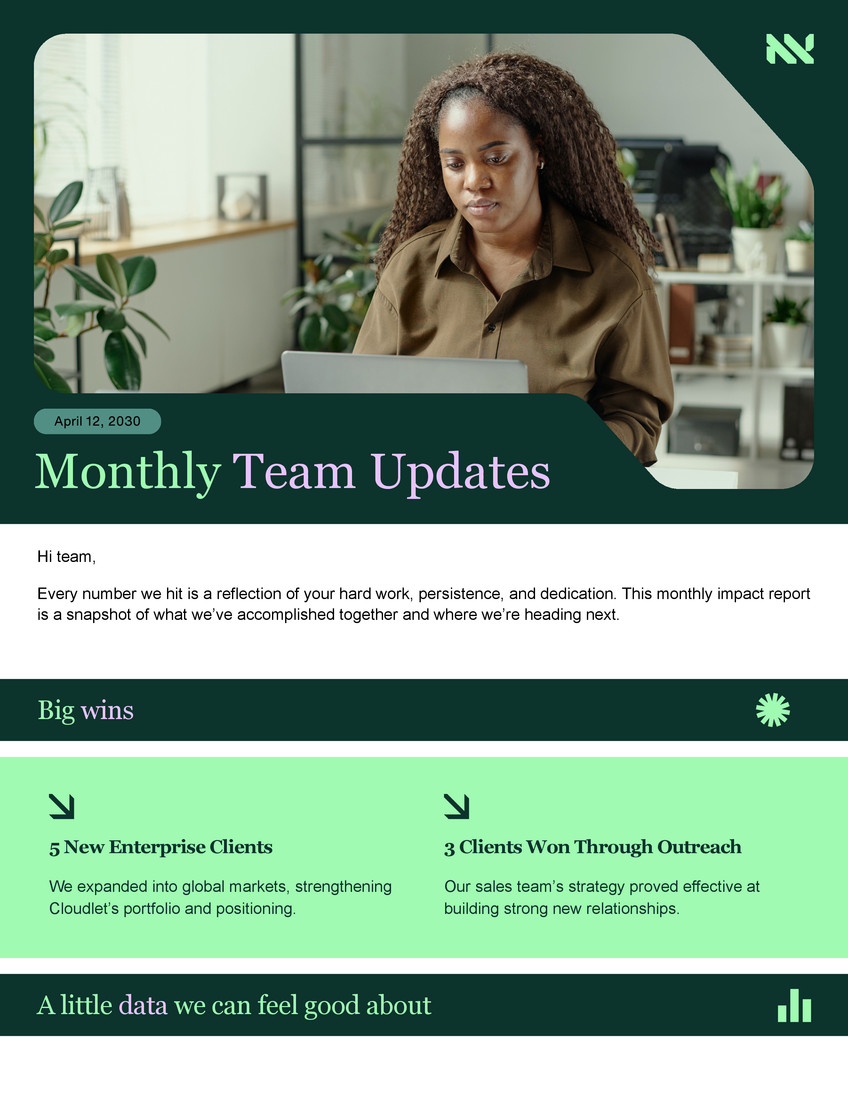
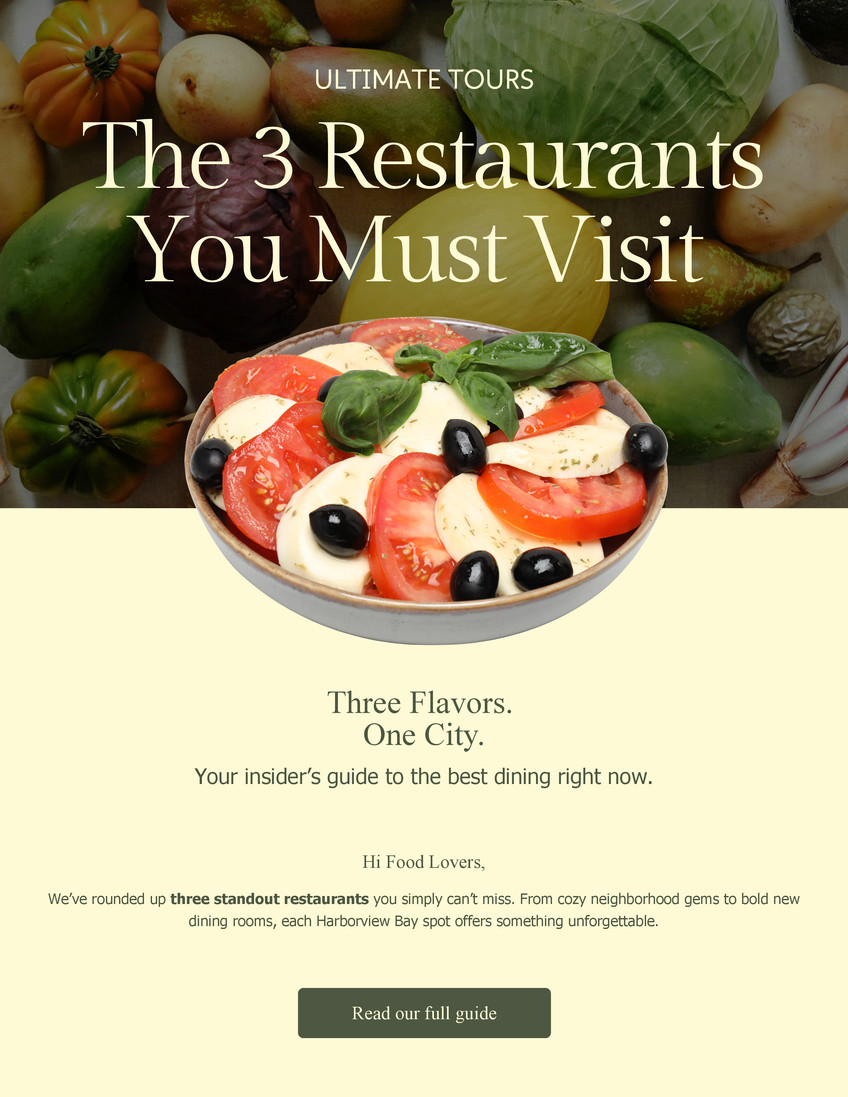
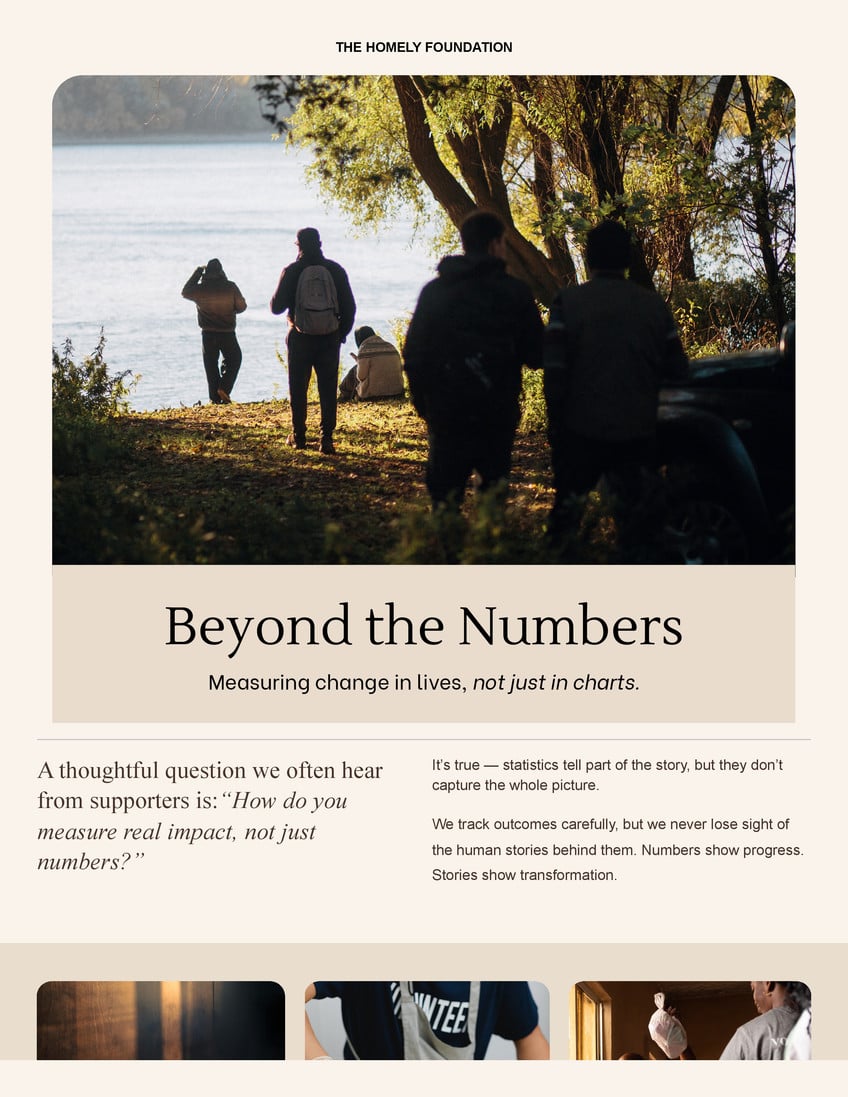

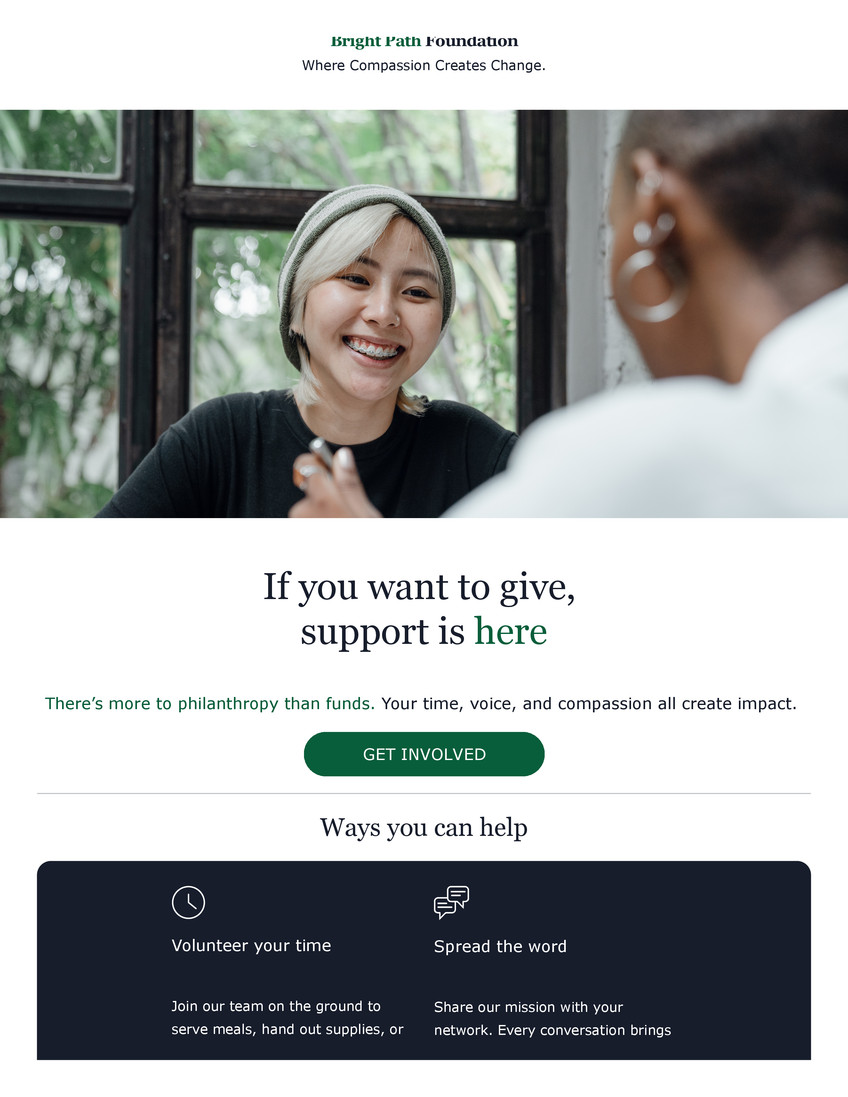

The free email design maker for everyone

For marketers
Deliver compelling communications that drive engagement and capture leads

For enterprises
Cascade internal updates that employees will read and respond to

For content creators
Keep your brand consistent from social posts to subscriber inboxes

For educators
Share school newsletters that keep parents informed and learners engaged
Everything you need in one place
No more jumping between apps—Canva’s free drag-and-drop tools make it easy to create email designs and keep them in the same place as the rest of your content.

Easy HTML Export
Export your email designs as HTML, ready for any platform.

Templates for your industry
Explore email template designs tailored to different industries.

Millions of free content assets
Access 100M+ media elements to make your email pop.

Email-specific content
All email design templates have best-in-class headers, footers, icons, and buttons.

Brand Kit (Pro)
Store your logo, brand colors, and fonts to stay effortlessly on-brand.

Link anything
Add links to any item in your email.

Email preview
Preview your email designs on mobile and desktop to ensure they look perfect.

Send test emails
Send yourself test emails to make sure your email is free of issues.

Smooth email workflow
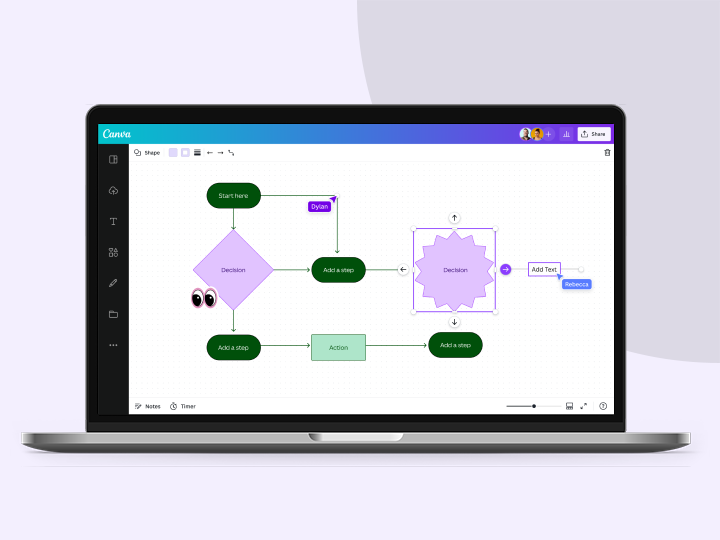
Easily collaborate on email campaigns, manage feedback, and assign approvals.

Magic Write™ for email
Create email copies with Magic Write™, an AI writer & text generator powered by OpenAI.

Canva AI
Tag @Canva in comments to apply updates or get suggestions to polish your email.

Magic Resize
Transform your existing marketing content into on-brand emails with Magic Resize.
How to design your email
- Launch CanvaClick “Email” on the homepage. You can also click “Create” at the upper left-hand corner and type “Email” in the search bar.
- Choose a templatePick an email design template that fits your needs, like a marketing or a newsletter email design template. Or start with a blank page.
- Customize your email designAdd text and info to your design. Explore Canva’s library, insert graphics and shapes, and use your Brand Kit to make every element on-brand.
- Send yourself a test emailOnce you’re happy with your email design, send a test email to yourself to check how the final version will look like. Make tweaks if necessary.
- Export your email designDownload your email design as an HTML file. Then, send it through your preferred platform. You can also export it straight to Gmail from Canva.
Your questions, answered
Canva Email makes it simple to create engaging emails using our drag-and-drop editor, no coding or complex email tools needed. You get access to hundreds of professionally designed email templates, rich visual content, AI-powered tools, and HTML export. Plus, you can create all your marketing materials on Canva, making it easy to stay on-brand and removing the hassle of switching between multiple apps.
Canva Email can be used for all types of emails, whether you’re a small business owner, a marketing specialist, or a content creator. Use it to create professional marketing newsletters, campaign announcements, client onboarding emails, or internal newsletters. You can also use it for creative event invitations, exciting product launch announcements, or personal projects.
Yes! Canva Email is free to use. However, some features and elements may require a Pro account or the purchase of Canva credits.
Once you export your email design as an HTML file, you can use it on platforms such as Gmail, Outlook, Mailchimp, Hubspot, and any other apps that let you send emails.
To ensure that your email appears exactly how you want it to, Canva Email is restricted to a set of curated email-compatible fonts that render reliably across major email providers. This helps prevent any misalignment or formatting issues. A warning will be shown in case your design has any non-compatible fonts.
Email design focuses on the overall look and feel of your email, from the layout and header to its colors, visuals, and CTAs. Your design will highly depend on what you’re creating the email for. Your email design is an important consideration if you want to make eye-catching and engaging emails that your readers actually open and read.
An email campaign refers to a set of emails that a business or individual sends out to achieve a certain goal, like announcing new products, generating sales from a mid-season sale, or getting attendees for an event.
One of the best ways to create email designs for your campaign is by using Canva Email. Our creative templates and powerful design tools make it quick and easy to design stunning emails. You can explore our Elements tab to find buttons, blocks, and graphics that fit your vision, and then experiment with Magic Write™ to craft compelling copy. Additionally, ensure that your email design stays consistent by using your Brand Kit.
More resources
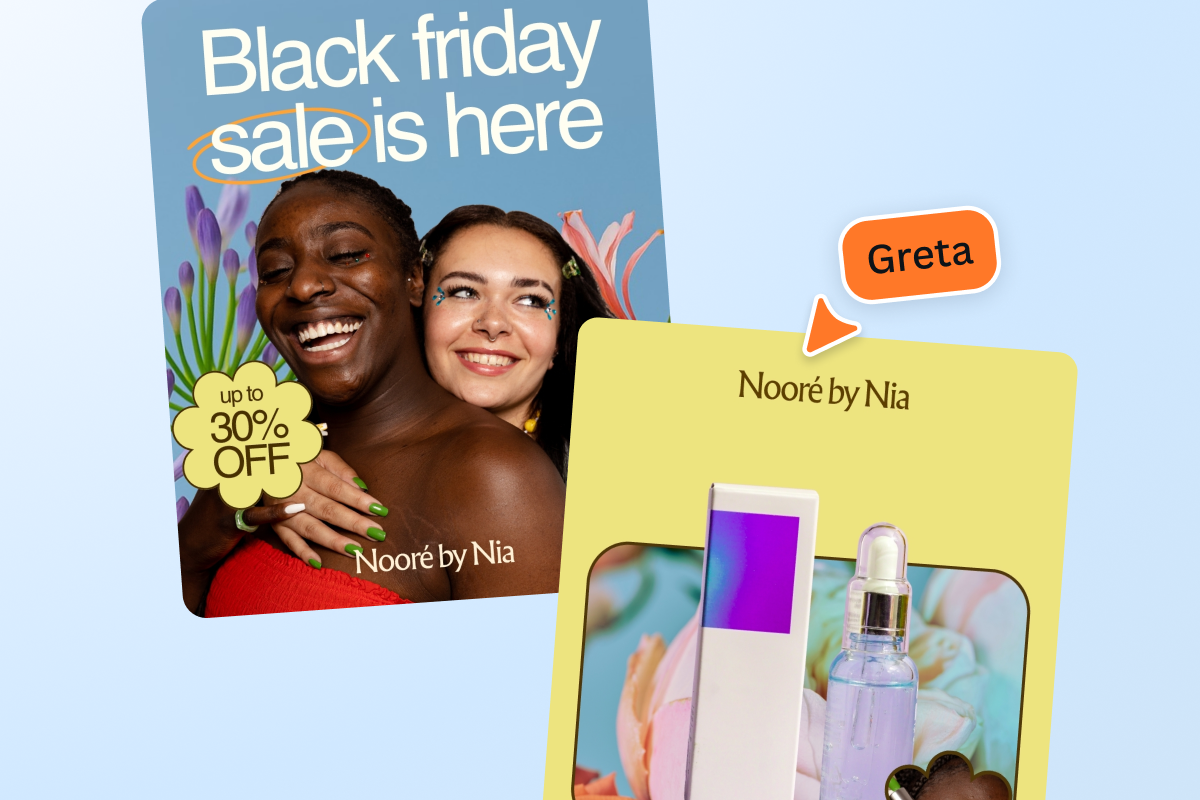
Plan, create, and adapt your campaigns across different channels.

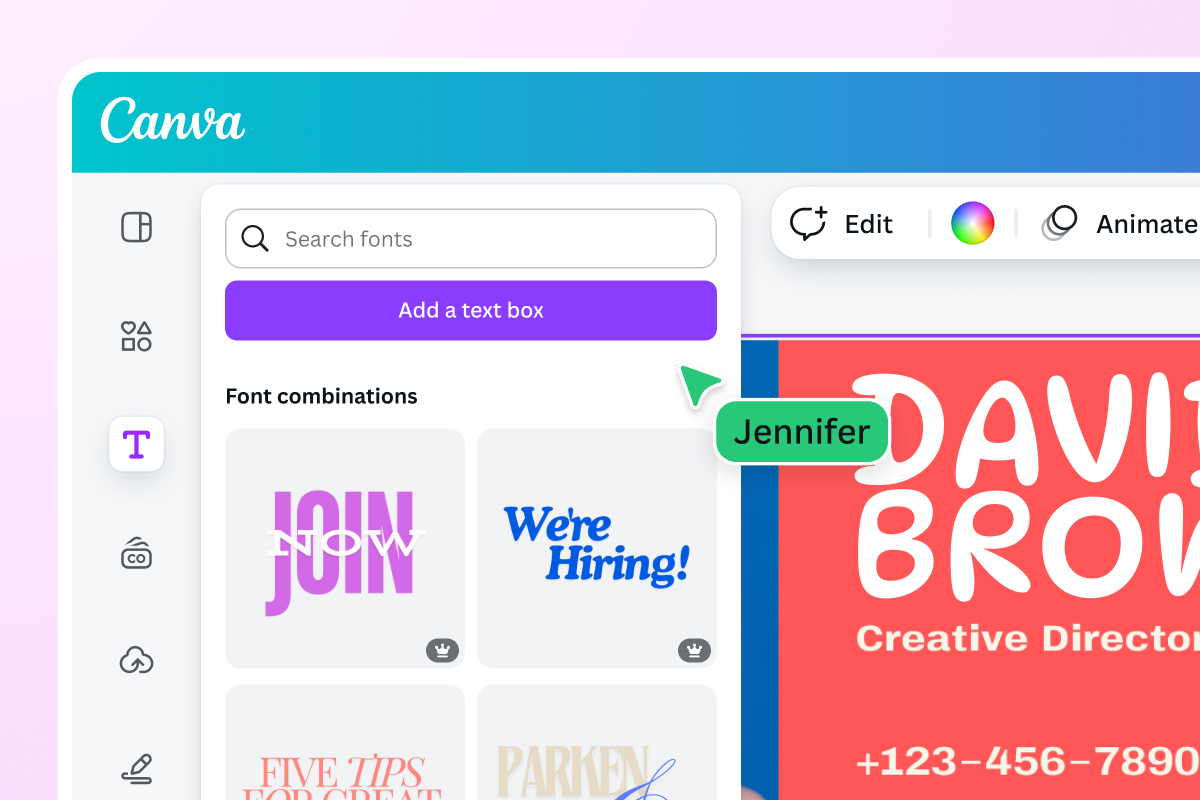
Canva's ultimate guide to font pairing
Learn all about font combinations as well as great examples of font pairings.
Stand out with a custom-made email signature
Use our signature generator to make an impactful signature block.
Discover more products
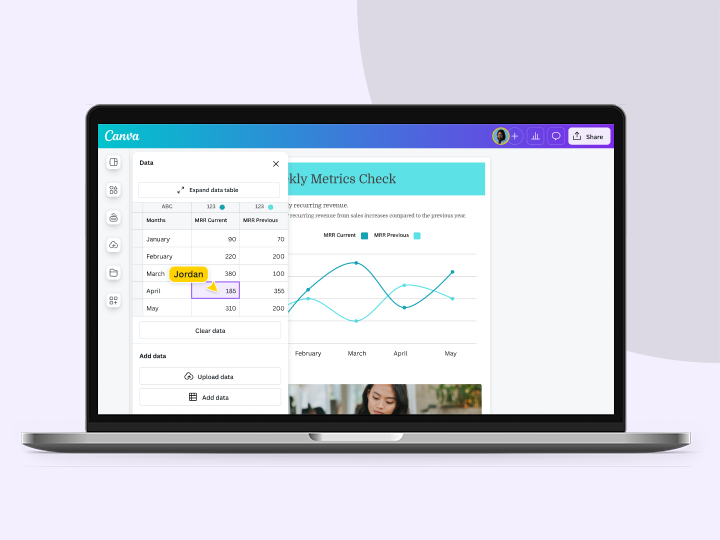

Design emails worth opening with Canva Email
Build visually stunning emails designed to stand out in busy inboxes. Create engaging email designs with Canva and export them as HTML to use on any platform.
