- Document Translator
Online Document Translator
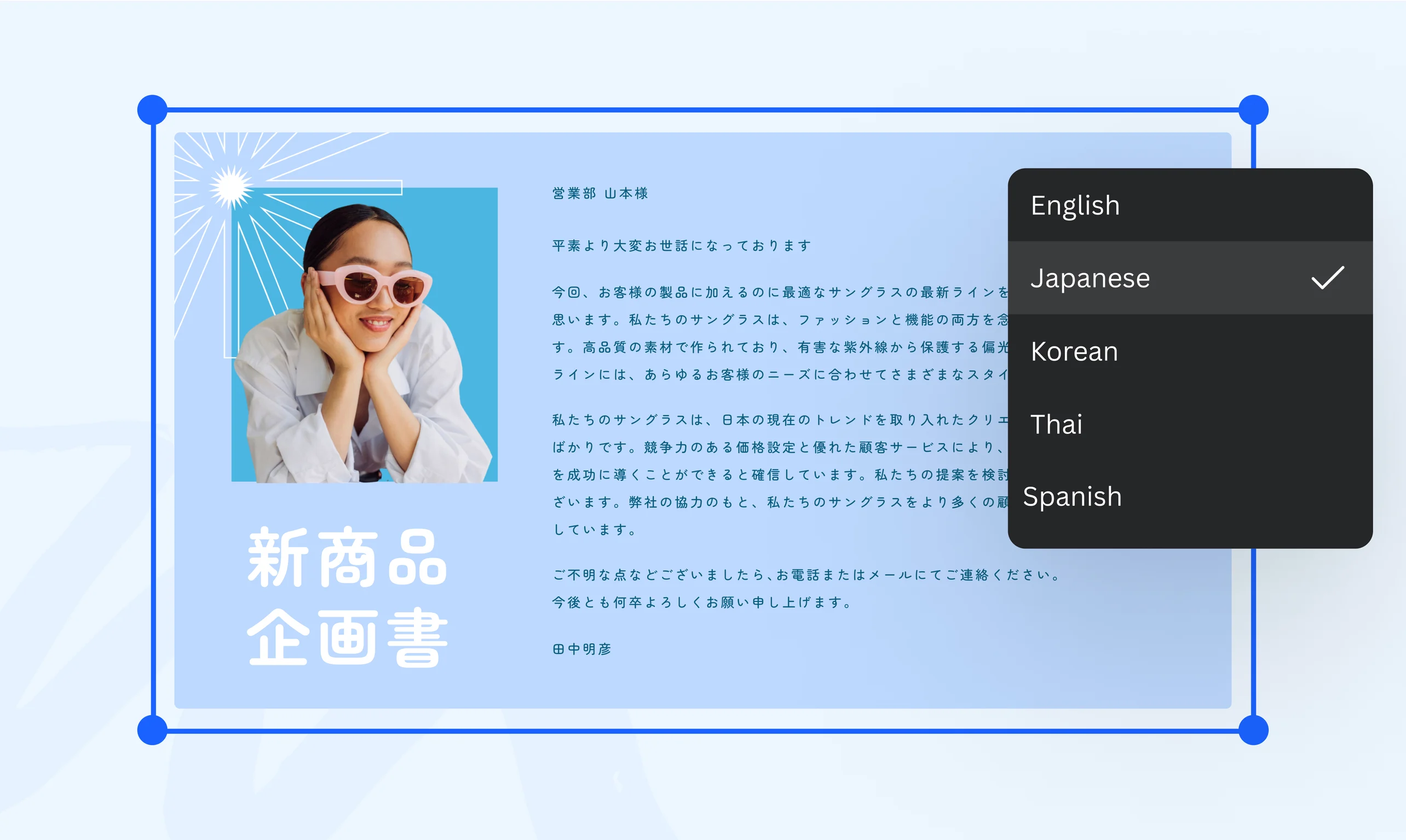
Make your content accessible to a broader audience. Translate up to 50 pages into multiple languages using our online document translator, then add stunning design elements for more context. Try it once for free on Canva.
or drop it here
Learn about Canva's upload formats and requirements. See how we use your content in our Privacy Policy.
How to translate a document
Upload your file
Select the “Upload your file” button or easily drag and drop your files into the section.
Edit your document
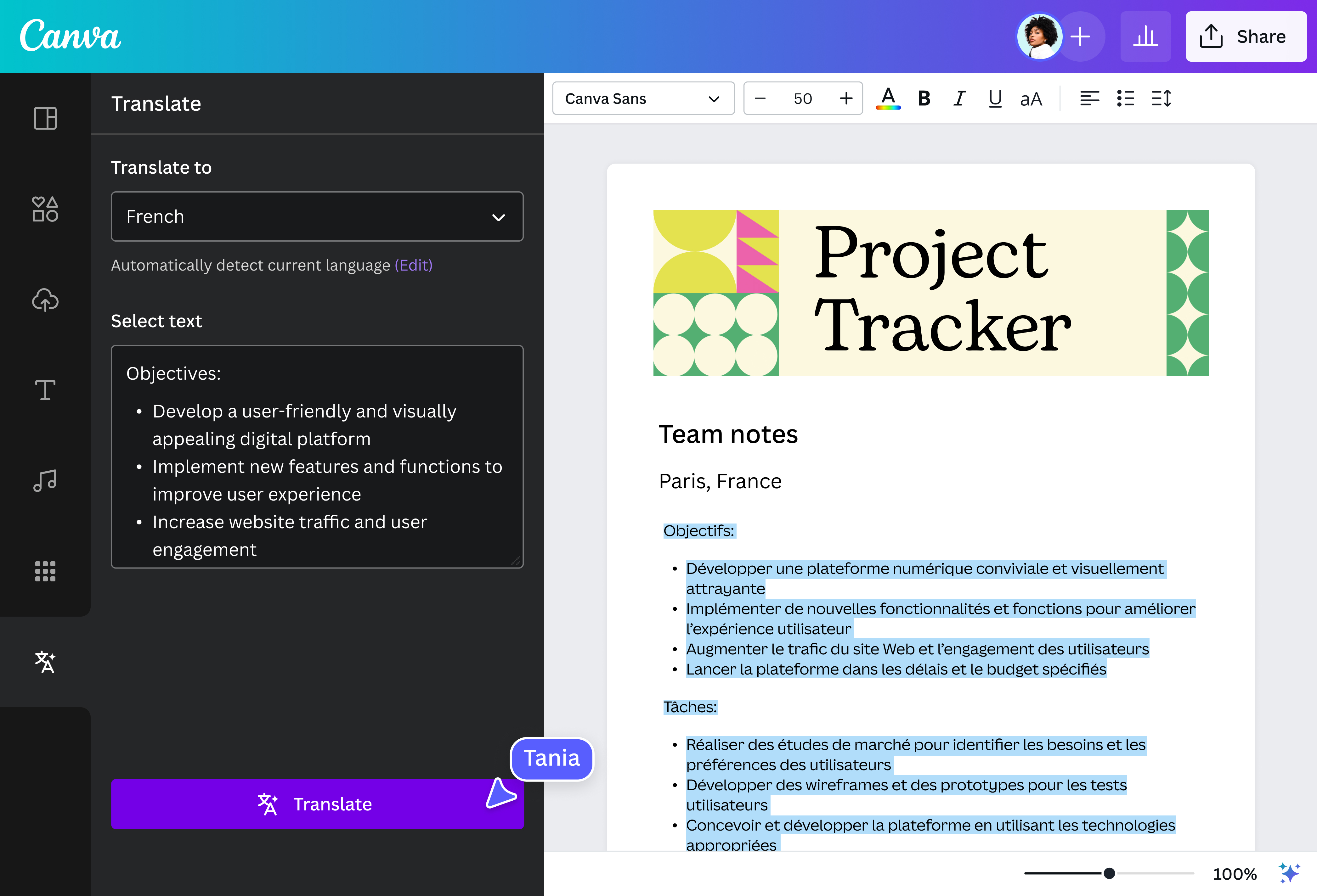
Translate pages or select text from a page using the Translate app in our online editor.
Edit your document Download your document
Finally, download your translated document once for free as a high-quality PDF file.
Connect to a global audience
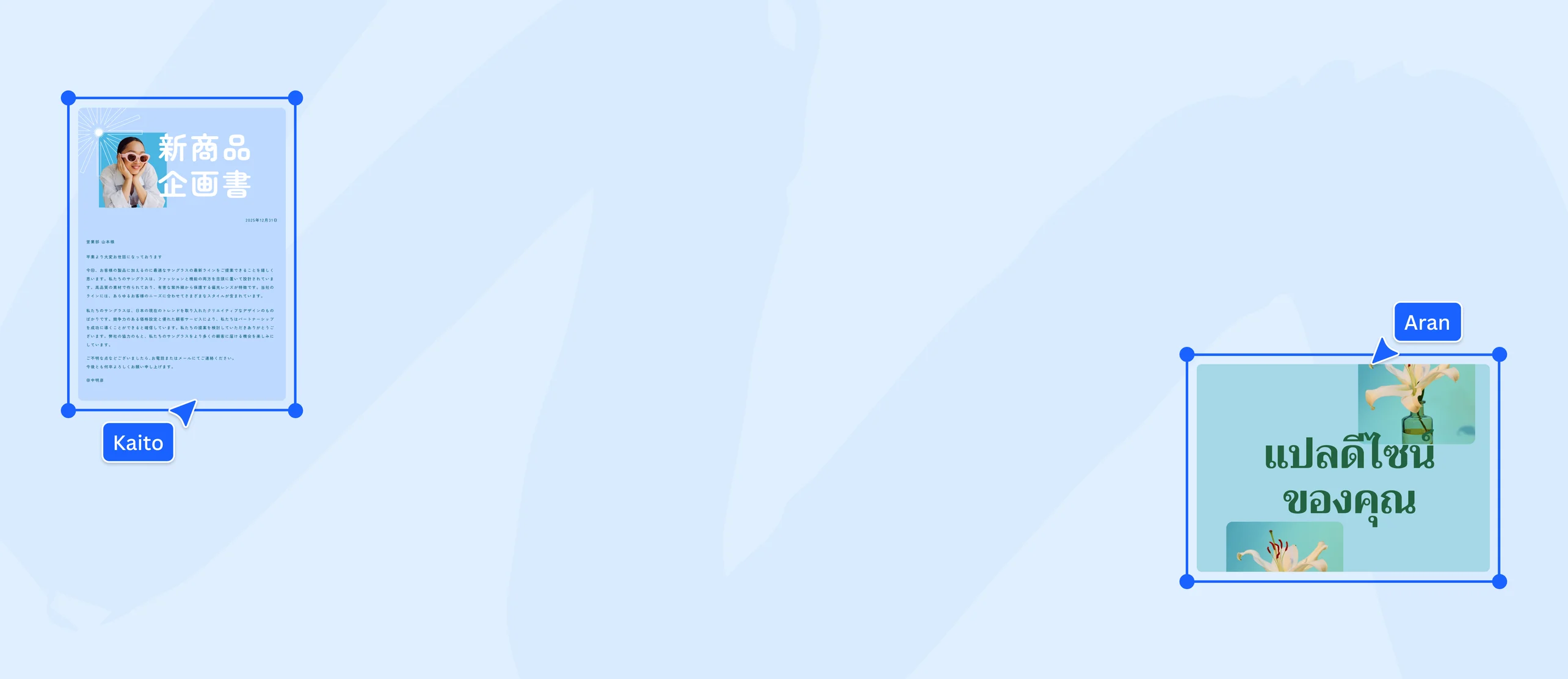
Expand your reach without breaking a sweat. Translate your content into multiple languages using Translate (Pro)(opens in a new tab or window) on Canva. Try it once for free. Our built-in AI-powered document translator app can instantly convert your text into 134 languages. Auto-translate to English, French, German, and more to keep your teams in the loop, grow on social media, and have your documents ready for a global audience.
All your translation work in one place

Teaching or collaborating with a new language? Turn language barriers into learning opportunities when you translate class materials into your students’ native language. Try it once for free on Canva. Streamline your document translation process and convert articles and reports—without having to leave the editor. It’s integrated seamlessly into our platform, so you can communicate with confidence.
Make your translated content more compelling

Breathe life into your translated documents with the help of visuals. Use Canva’s document translator once for free, then sign up for Canva Pro to access our full range of powerful design tools. Remove backgrounds(opens in a new tab or window) in one click, make quick touch-ups(opens in a new tab or window) using AI, then spice up your content with compelling images and design elements from our library. We make crafting clear, polished documents a breeze.
How to translate a document

Frequently Asked Questions
First, upload your document by clicking the Upload button on the homepage. Select your document to open it in the online editor. Then, use our AI translator tool to translate words from the original language into your desired speech.
Our Translate app lets you select the language you want to translate your document; we'll do the rest. Review the translation text first to see if it matches your desired tone before downloading your new document once for free. If you need to translate more than one Word document, consider upgrading to Pro to continue using the Translate app. You can also convert your text to speech with our AI voice generator.
- Translate PDF documents using our easy-to-use PDF document translator. Upload your PDF document to the online editor, then search for the Translate app to begin your one-time free translation. Our AI-powered translator can interpret 134 languages with just one click. See the list of languages here. Translate is free to try once, and then you can sign up for a Pro account for unlimited usage.
- Translate English text to Spanish using our one-time free document translator. When using our Translate app, choose Spanish as the language in which you want your document to be translated. Specify whether you want to translate the entire document or only a specific body of text from an individual page. Then, save your work. Consider signing up for a Pro account to continue translating English documents to Spanish.

@SpotOnDomain
