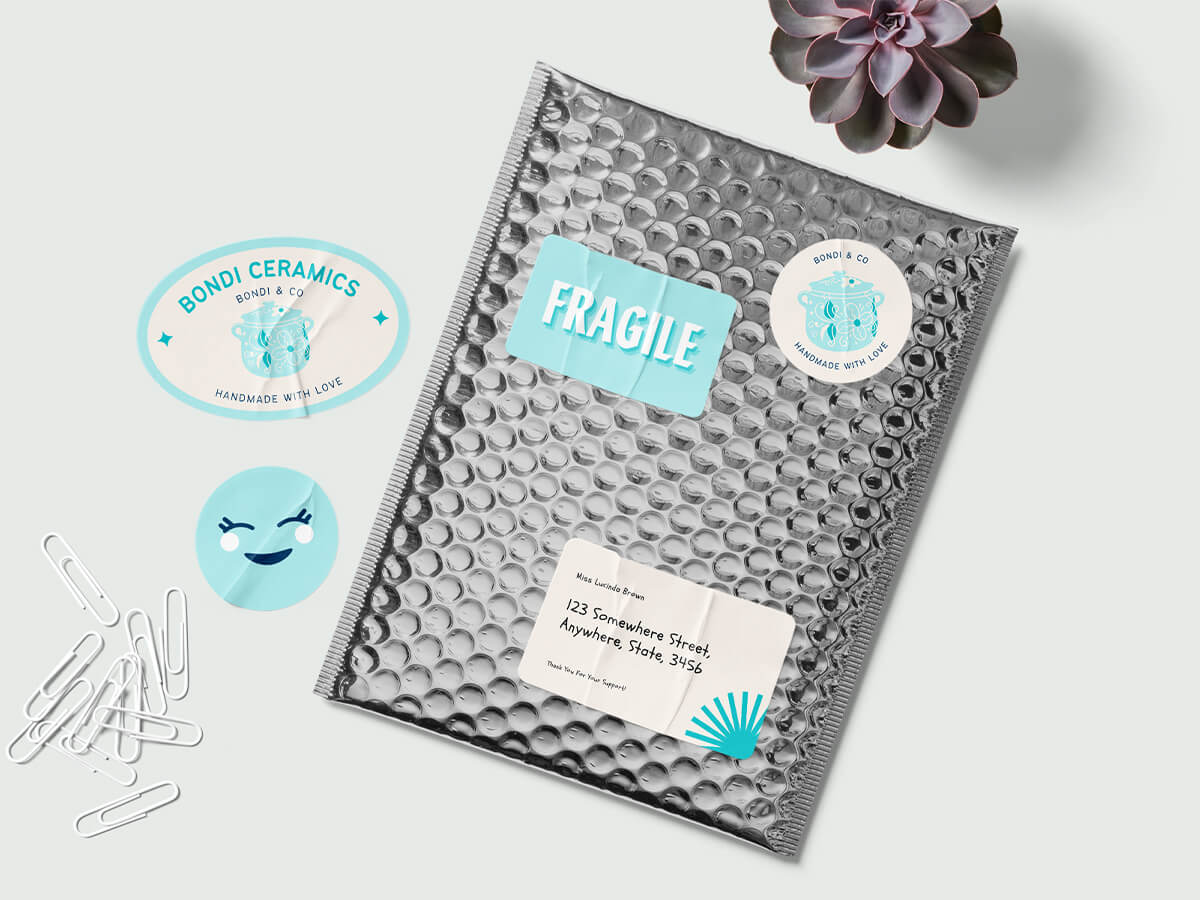
Design and print custom labels
Make your products, packaging, and projects stand out with high-quality, eco-conscious custom labels on Canva. Customize, print, and order online in minutes.
Easy to create and customize
Eco-conscious, high-quality prints
Fast and free standard shipping
Customer happiness guarantee
Shop custom labels by size & shape
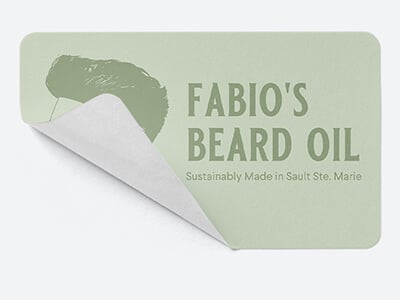
Rectangle labels
10 label sheets from $14.00
2 size options (2 × 3 inches, 4 × 6 inches)
Choose between glossy or matte finishes.
Ideal for package or address labels of all types.
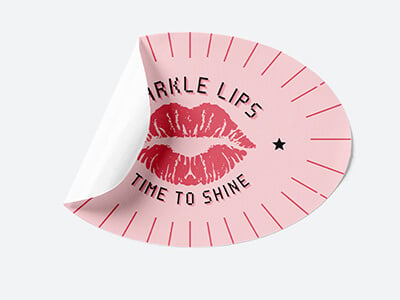
Oval labels
10 label sheets from $14.00
2 size options (2 × 3 inches, 4 × 6 inches)
Pick between glossy or matte paper finishes.
Great for uniquely shaped product labels or tags.
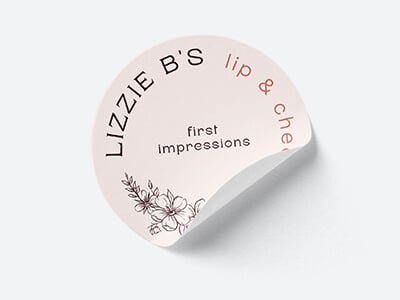
Circle labels
12 label sheets from $12.00
3 size options (2 x 2 inches, 3 x 3 inches, 4 x 4 inches)
Select from matte or glossy finishes.
Perfect as logo labels for personal items, wines, jars and water bottles.
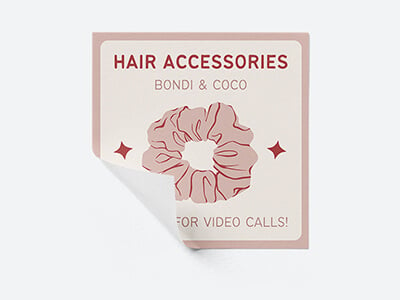
Square labels
12 label sheets from $12.00
3 size options (2 × 2 inches, 3 × 3 inches, 4 × 4 inches)
Available in matte and glossy finishes.
Perfect for business monogram and storage labels.
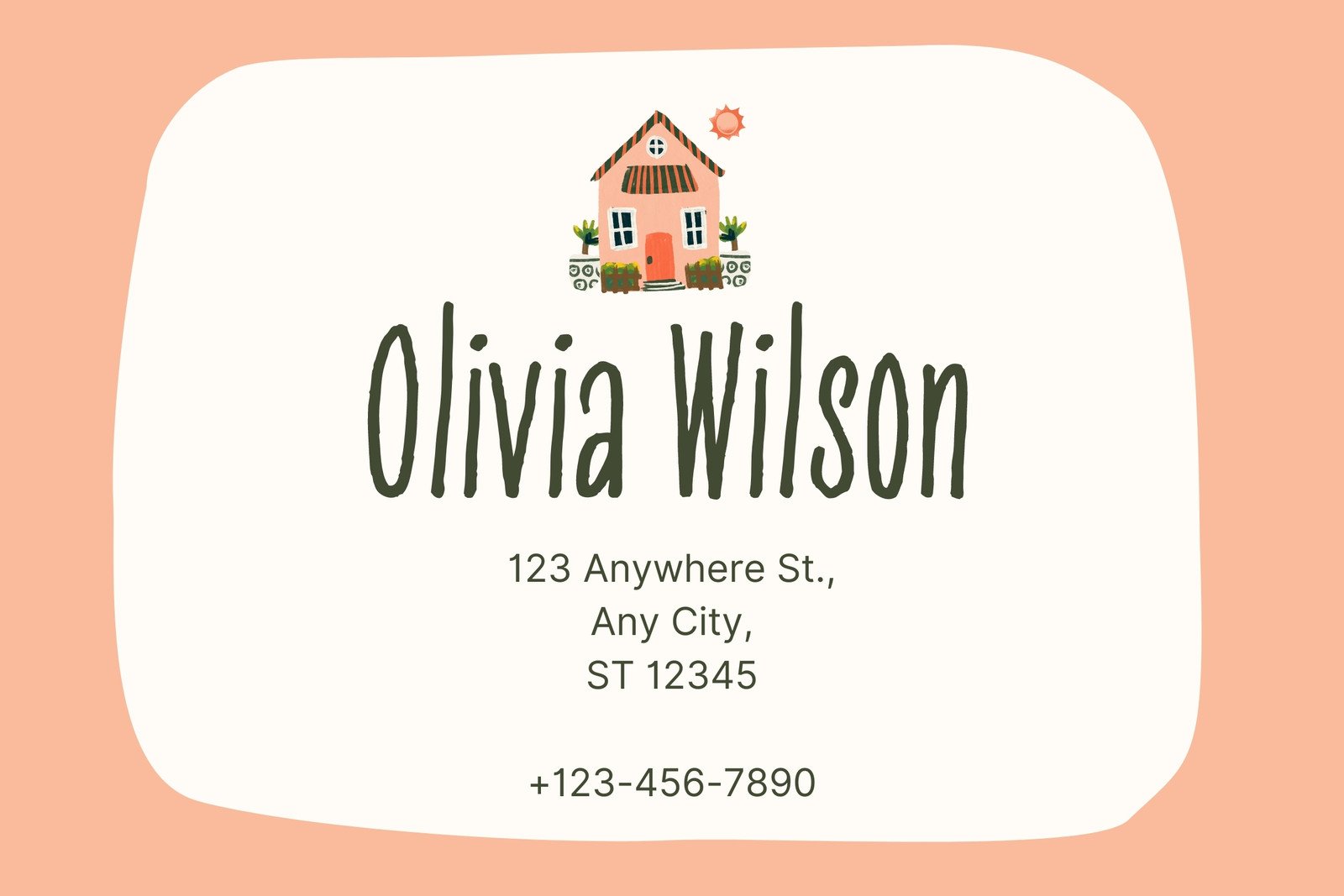
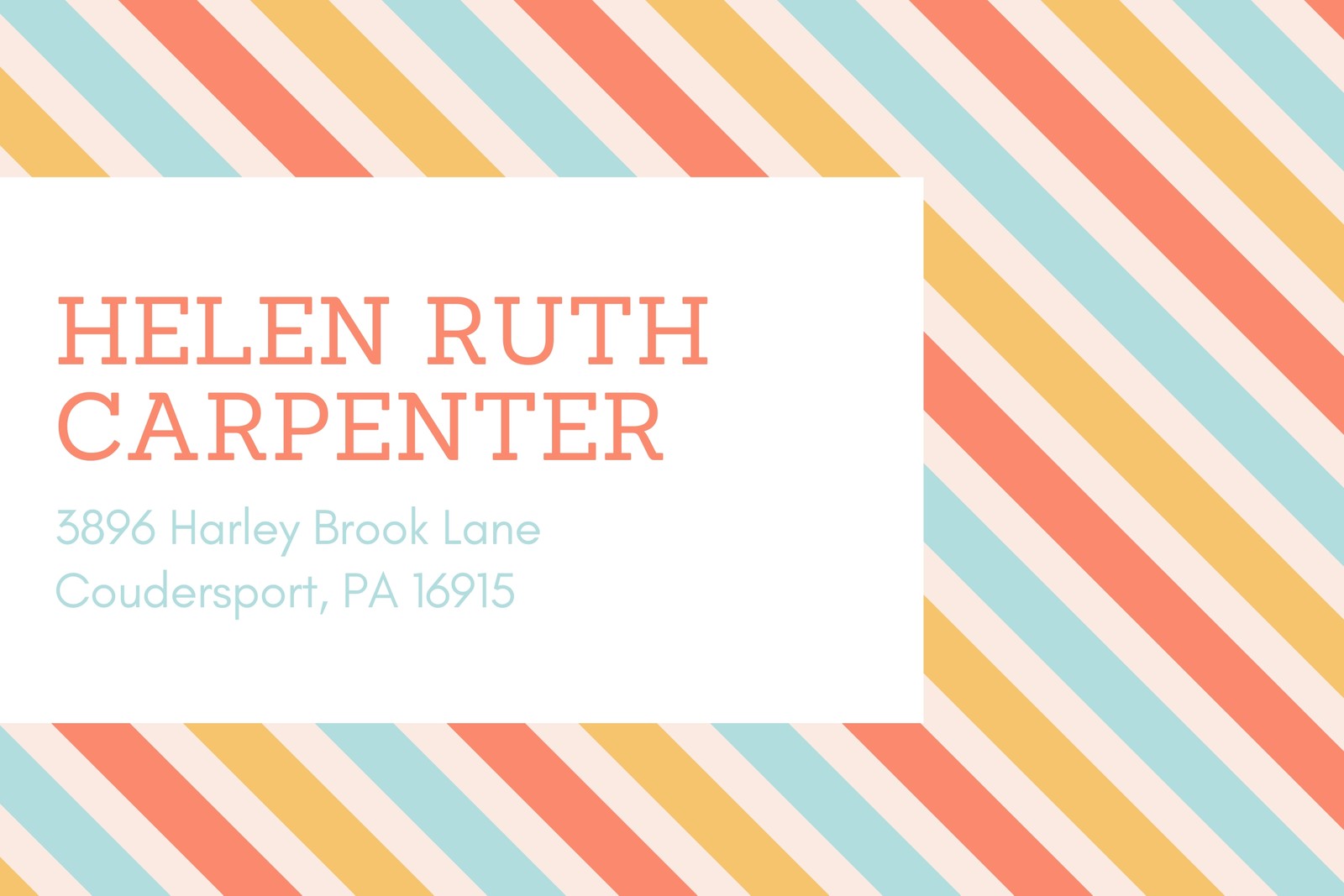
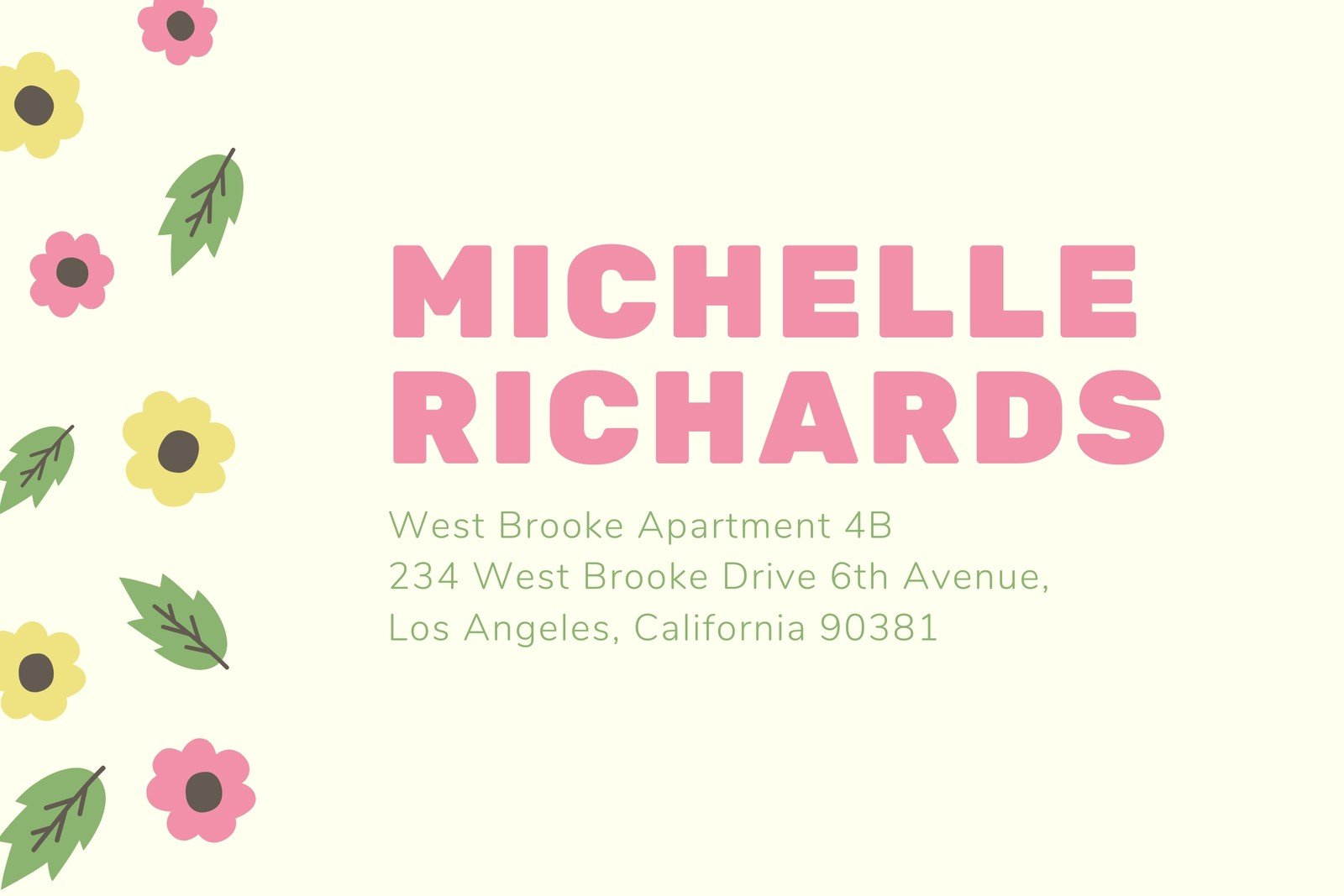
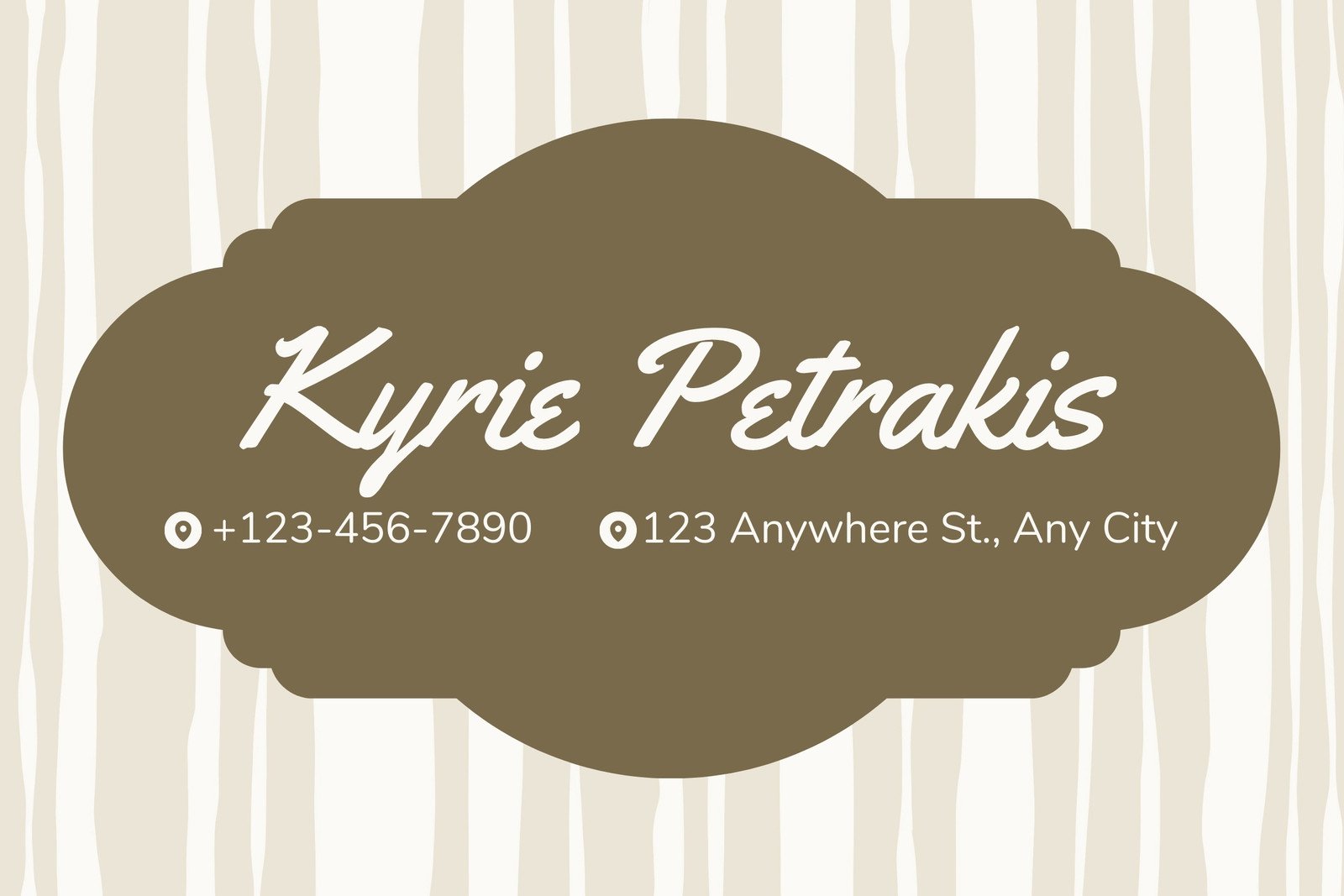
Shop popular label designs by use
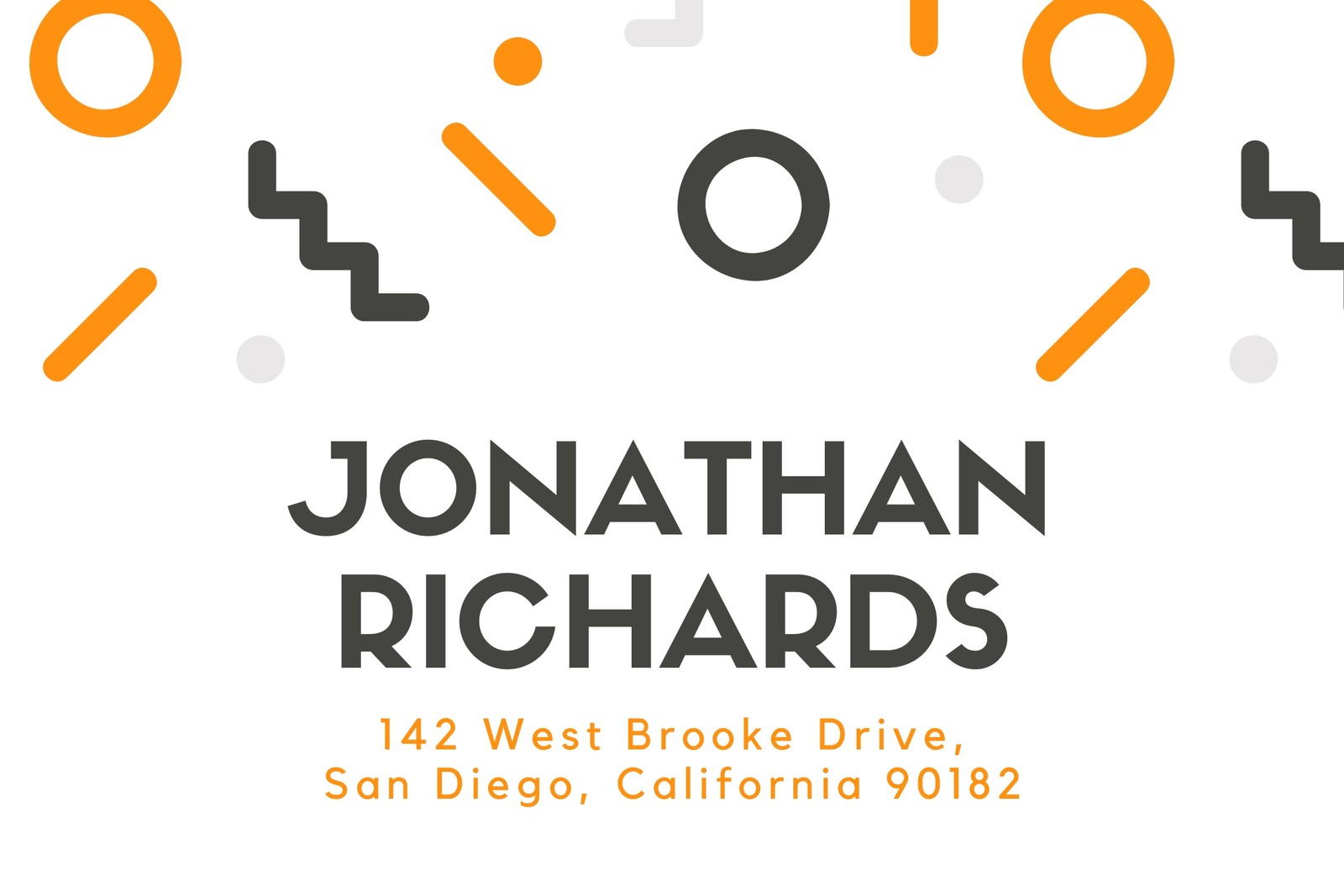
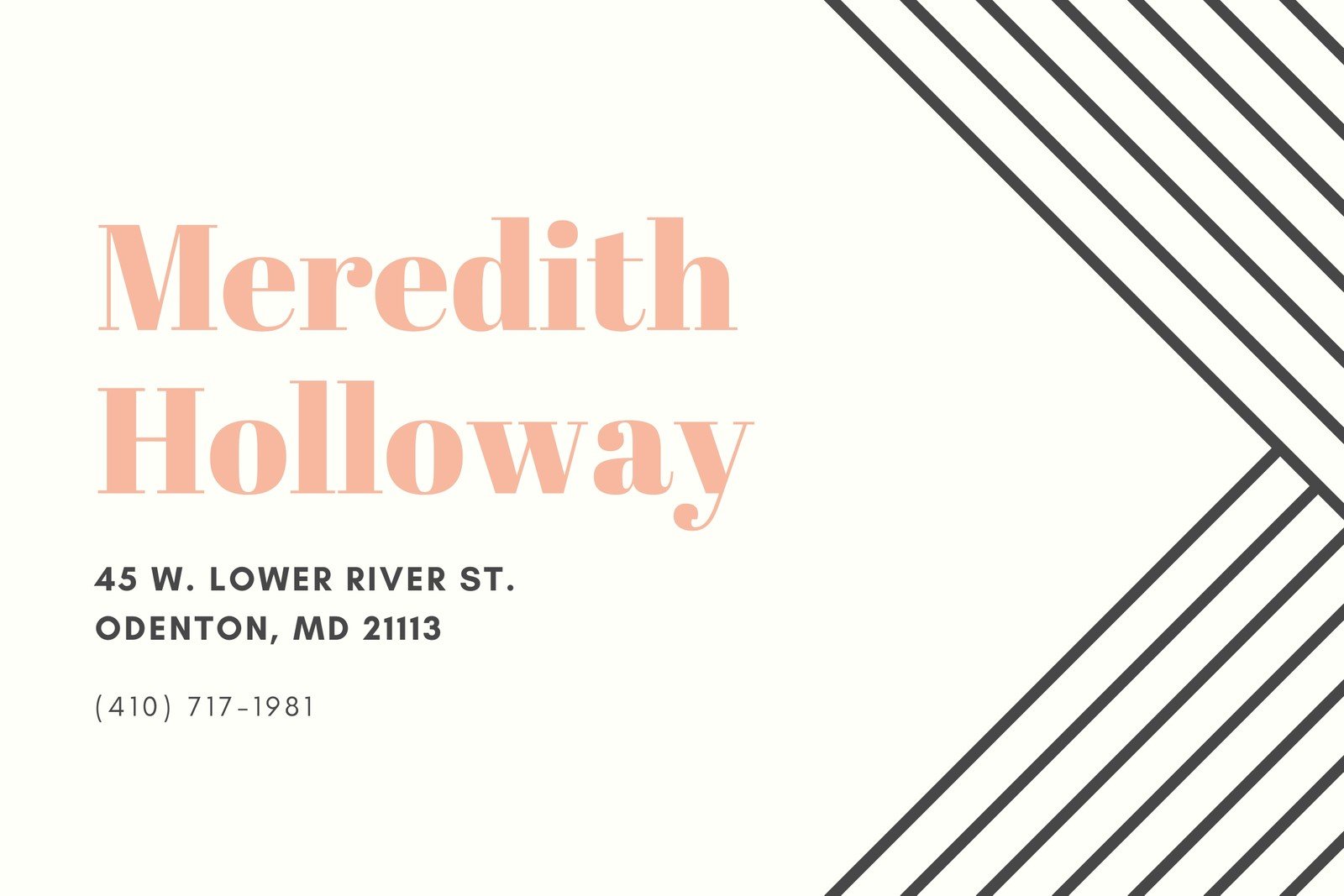
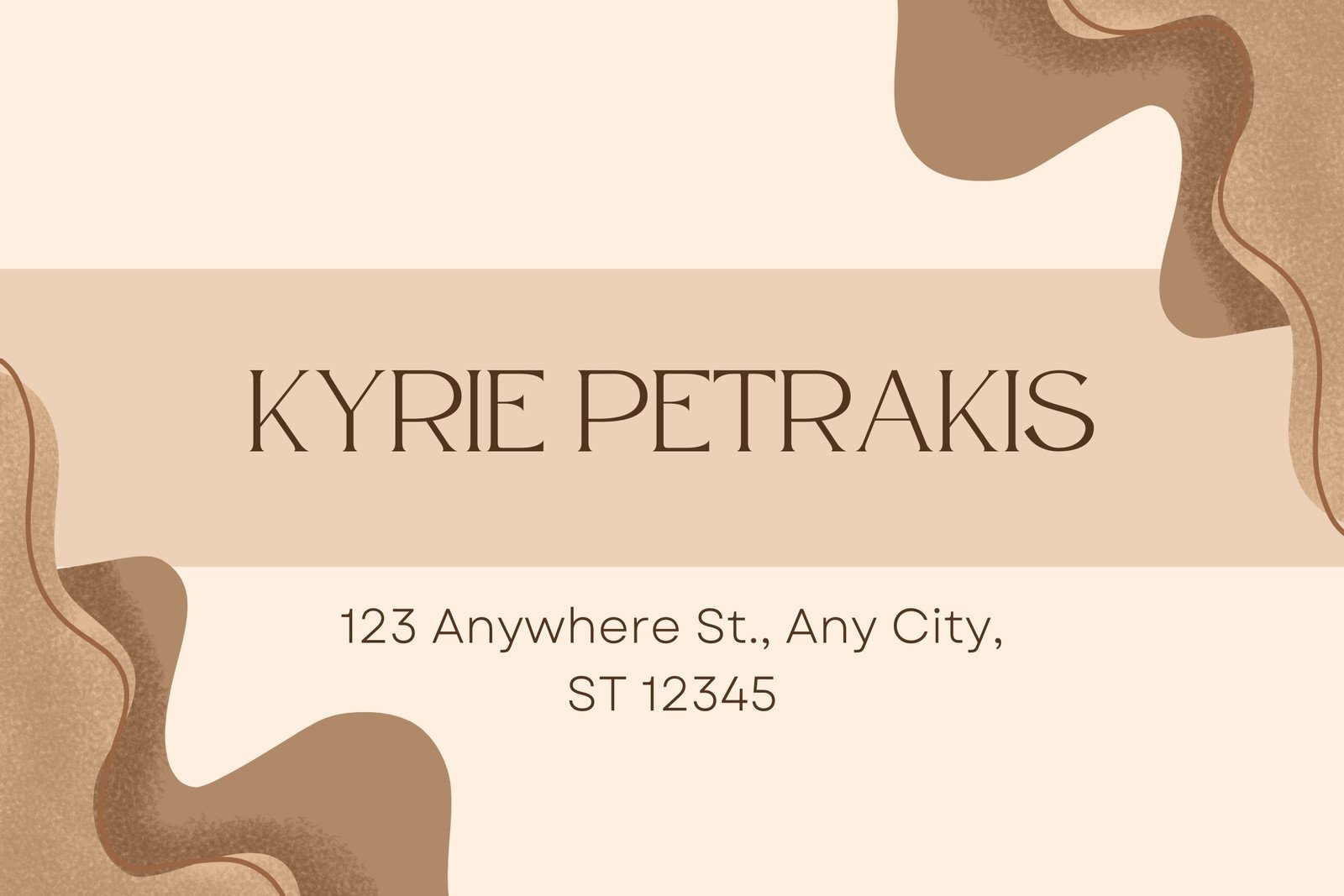
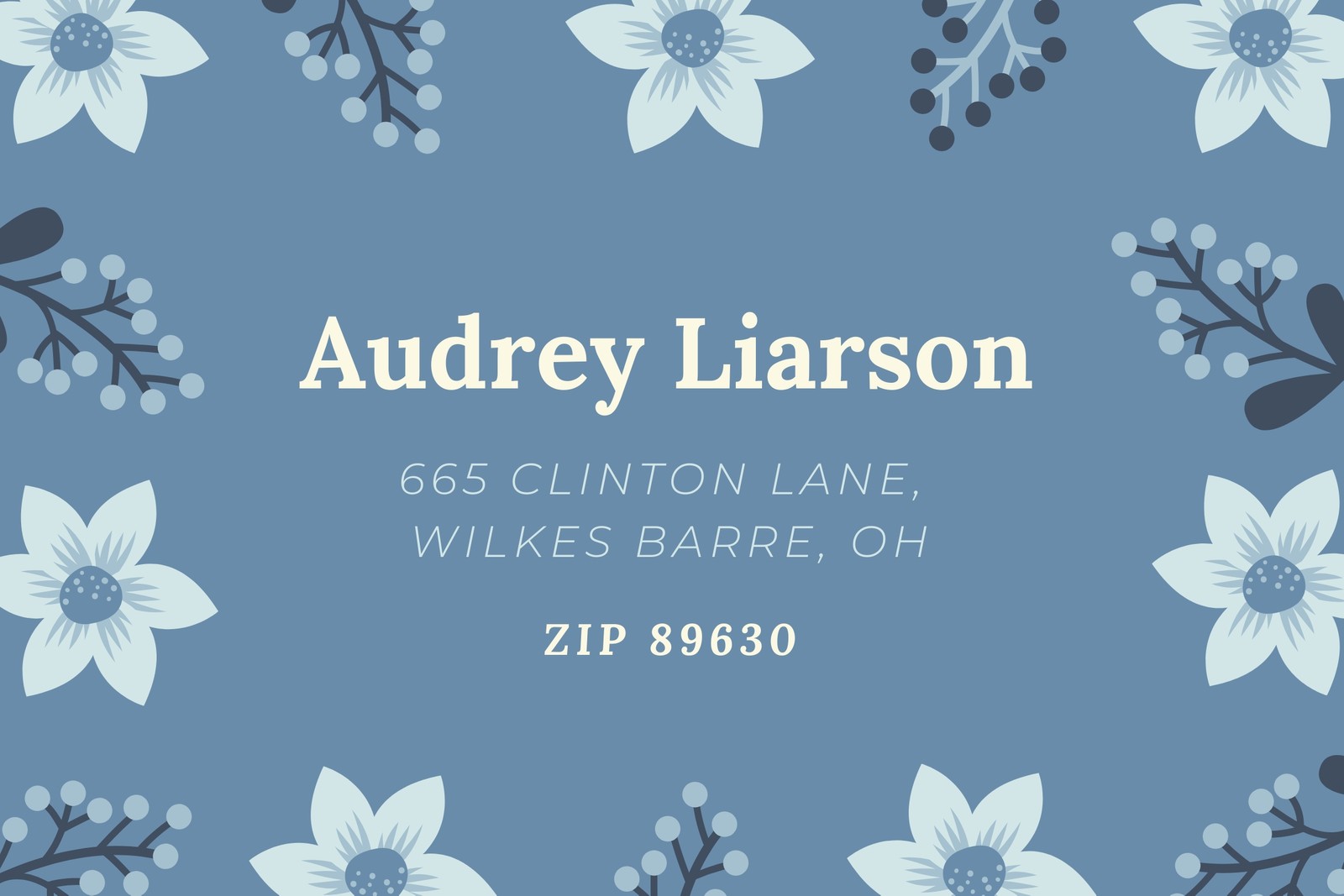
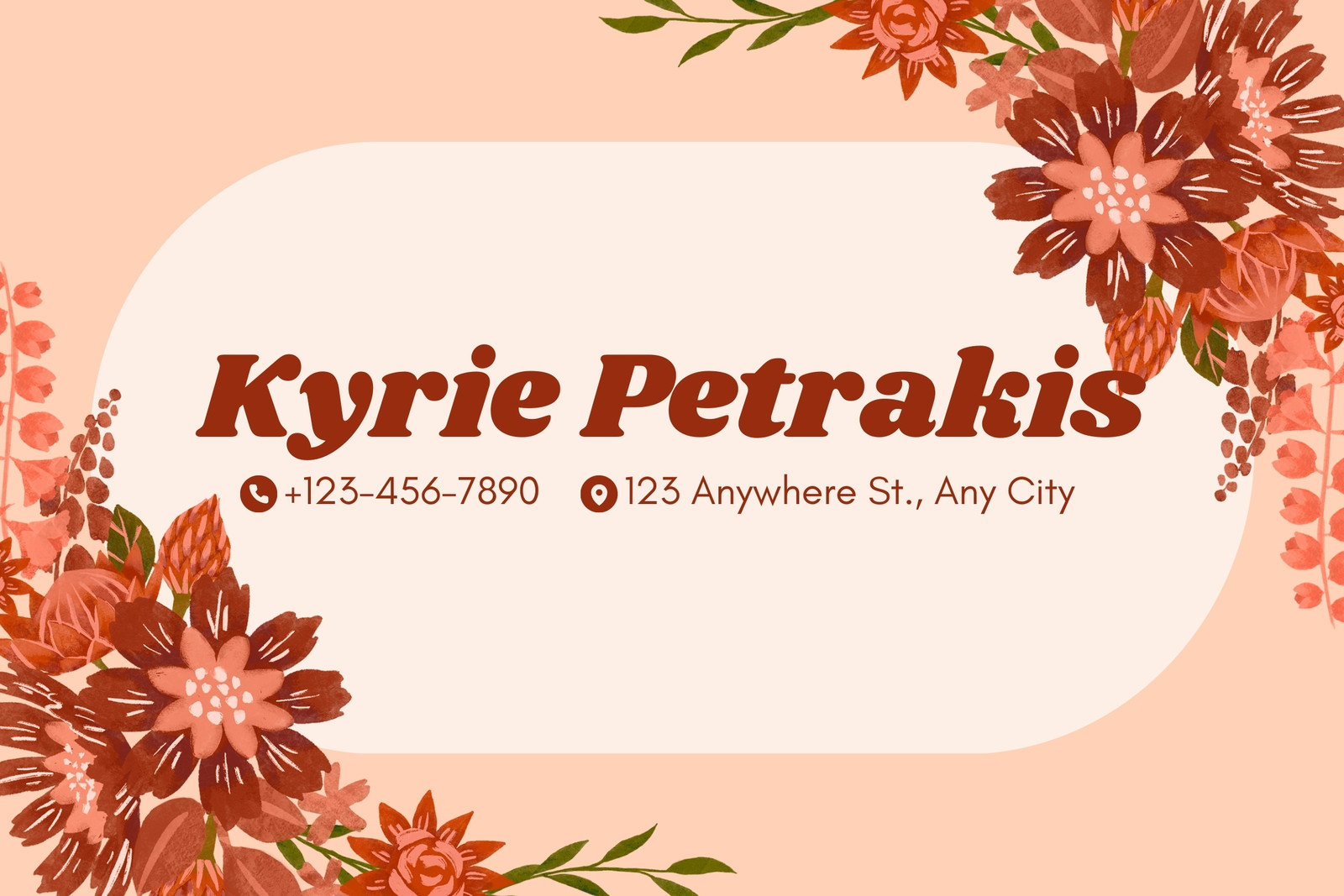
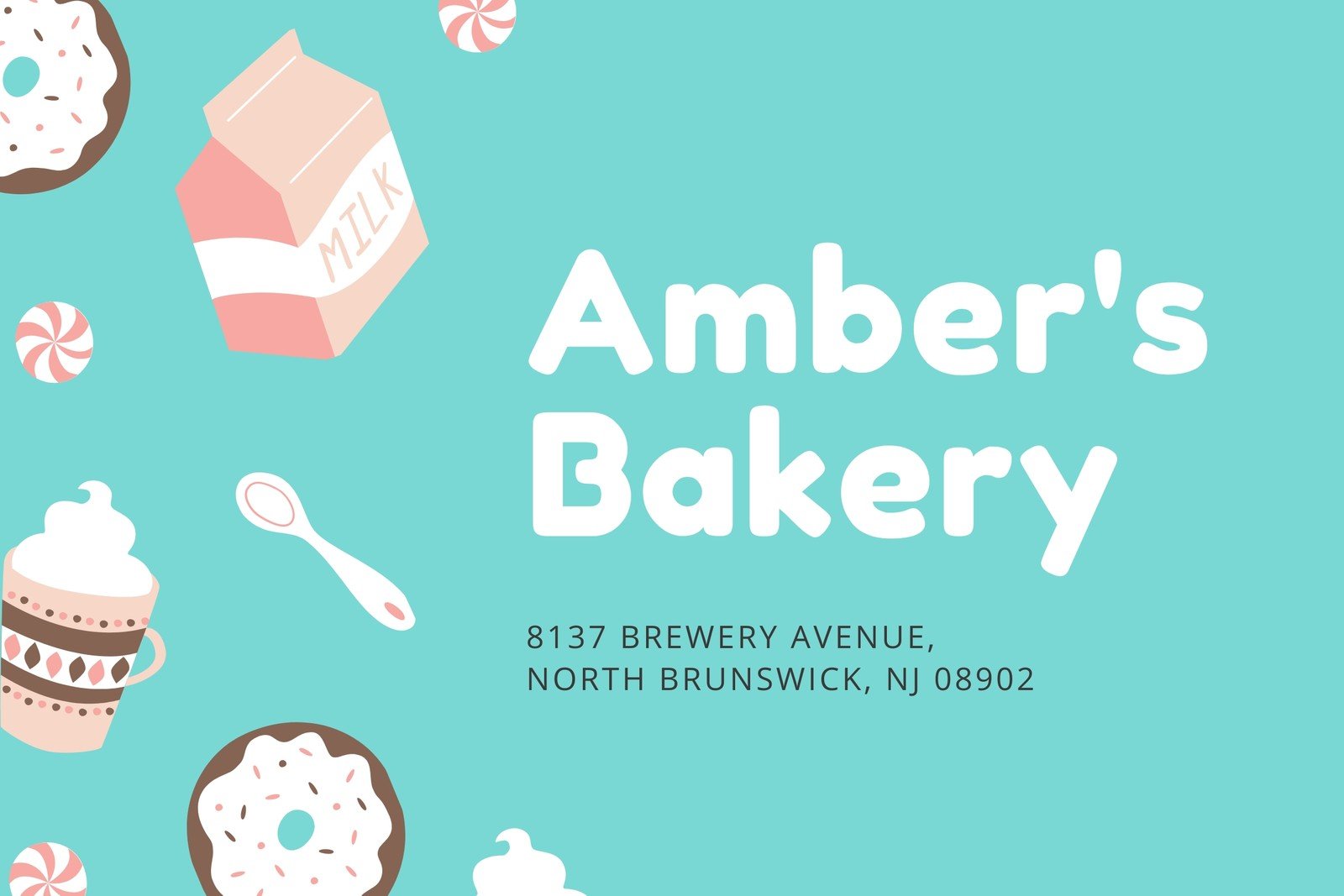
Get a headstart with free label templates you can customize in a few clicks and elevate any custom branded packaging.







All the printing features you need
Tap into tools that make you design custom labels like a superhero.
Thousands of free templates
Start inspired with thousands of customizable print templates.
Delivered to your doorstep for free
Choose from flexible delivery options, including free standard shipping, express delivery, or in-store pickup.
Your happiness, guaranteed
We'll refund or reprint your order if you're not happy with it.
Brand Kit (Pro)
Create consistent, on-brand designs. No need to upload your logo, colors, and font every time you need it. Upload it once and access it anytime for any design.
Magic Switch (Pro)
Create your design once, and we'll magically resize it into any printable product. Turn your design into a flyer, poster, sticker, and more.

Automated proofing
One-click Auto-Proofing will ensure your text size is ideal, element placement is within the bleed zone, and your resolution is pixel-perfect.
How to design and order custom labels
- Start with a label templateFind a label template from our gallery or create your own.
- Upload your logo & graphic assetsUpload your business logo, monogram, and other graphic assets to our dashboard.
- Customize your label designCustomize your label template using our drag-and-drop design tools and free media gallery. Add images, text, and other graphic elements. Resize into other label shapes and dimensions if needed.
- Share and collaborateCollaborate on the design with your team by sharing a link to your work-in-progress.
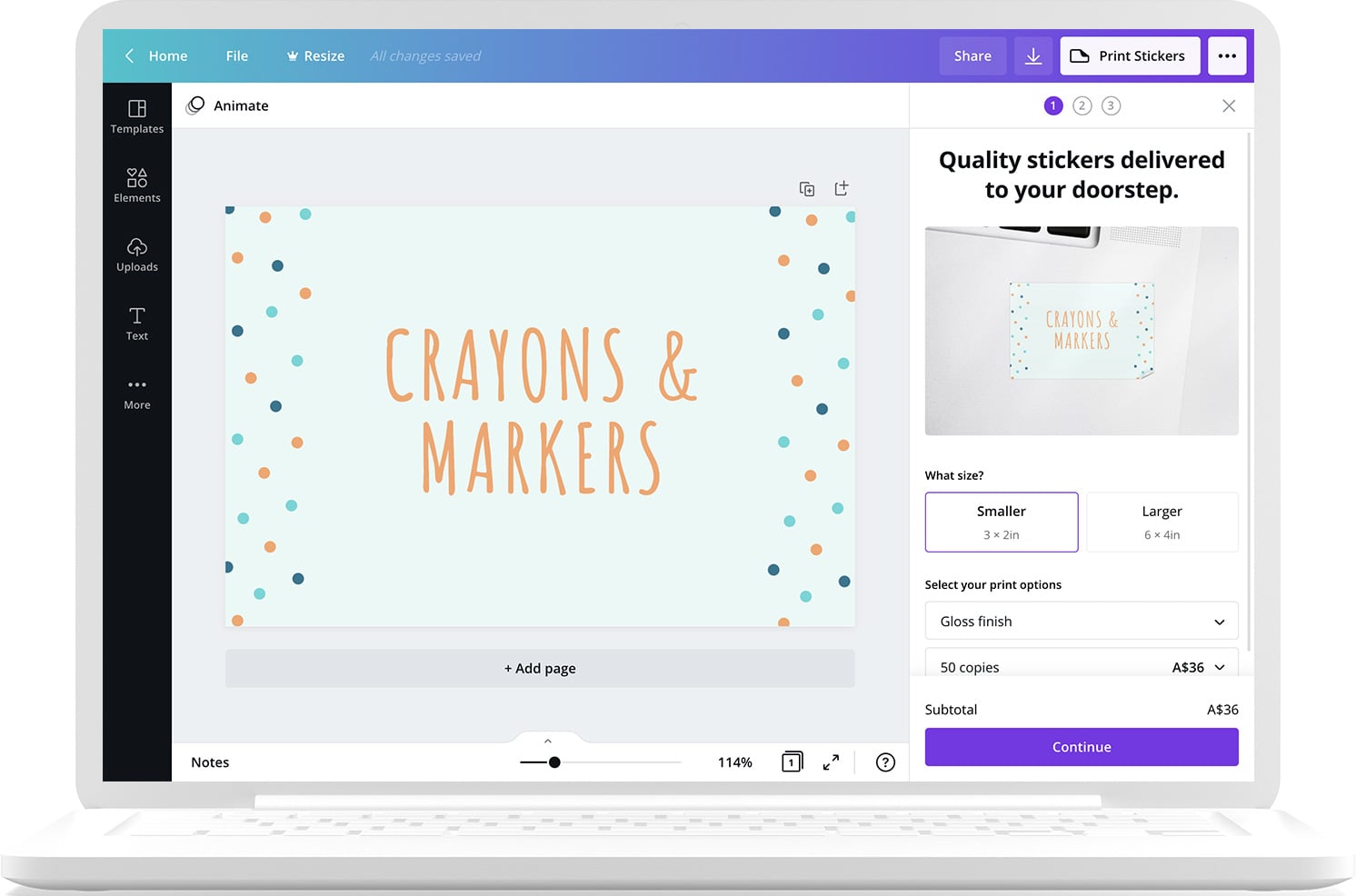
- Order and print your custom labelsClick “Print Labels” button in the upper-right corner. Select the perfect label shape, size, paper finish, and quantity. Then, order your sticker label from Canva Print. Enjoy free standard shipping.
Your questions, answered
A label can be any material affixed on a product or package that provides information on it, like a piece of paper, sticker, plastic film, or even cloth.
You can use labels for a variety of purposes:
- As promotional products, use custom labels to match your brand assets (like official business logo, typography, color) between your products, merch, and marketing correspondence.
- For product labeling, use printed labels to provide important information such as shelf-life and nutritional values for food items, or the proper use and disposal of products.
- For the classroom, use your label stickers as classroom name tags and on name labels for trolleys, tote trays, lunch boxes, and other items in the classroom.
- For personal projects, use personalized labels on your mailing envelopes and address labels, or as a fun and unique twist to your stationery and DIY crafts.
It depends on what you intend to use the label on. In general, a good label should have:
- The type of item you’re labeling
- The name of the item in a font that matches your branding
- The name or logo of your brand
- A color palette that matches your brand
To check if printed label stickers are available to you, visit What We Print.
We aim to partner with professional printers located as close to you as possible. For this reason, our print product catalog may vary from country to country.
Shipping times vary between regions, and delivery to more rural areas may be slightly longer compared to metro areas.
- Economy delivery: Up to 14 business days
- Standard delivery: Up to 8 business days
- Express delivery: Up to 3 business days
All delivery times include a production time of 1-2 business days. Note that these don’t include weekends and public holidays.
A free shipping option is always available. If you’re looking to receive your order sooner, we offer faster shipping for an additional fee.
Custom labels printed and delivered through Canva are covered by our Happiness Guarantee. To see what’s covered by the guarantee, visit Canva Print order issues.
If you have issues with a recently-delivered print order, get in touch within 30 days of receiving it. Contact support about a print delivery issue.
You can also get in touch with us about a print order you haven’t received yet. Contact support about an undelivered print order.
Currently, we do not offer samples of our products.
If you’re looking to make a large order, we suggest ordering a lower quantity first to confirm you’re happy with the results.
For a product label to stand out, it must incorporate the brand identity of your product: your logo, color palette, and typography. It should also be easy to read and instantly recognizable even from afar.
It’s easy. Just open the “Uploads” tab on our editing dashboard and drag your image from your desktop. And then drag and drop it to your label design!
The One Print, One Tree initiative is just one of the ways we are making our printing solutions more sustainable, as part of doing the most good that we can through our Two-Step Plan. So, how does it work? Simple: for every print order you make with us, we will plant one tree. For more information visit here.
More resources

Discover more about creating beautiful, custom labels with Canva.

50 insanely creative and stunning packaging designs
Discover unique ways to elevate your packaging design.

Choose the perfect label size for your packaging requirement.

Graphic design for print vs the web
Graphic design for print vs. the web: 15 vital differences you need to know about.

Build your brand: How to choose the right fonts
Be inspired with these 20 unique font combinations to help build your brand.
Discover more products
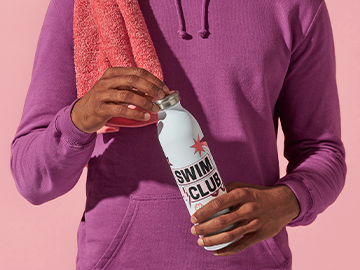

Design and print custom labels
Make your products, packaging, and projects stand out with high-quality, eco-conscious personalized labels on Canva. Customize, print, and order online in minutes.
