Plot Generator
Develop plot ideas that’ll keep everyone on the edge of their seats. Effortlessly draft a compelling storyline for your next book, movie, play, or ad campaign with Magic Write™’s plot generator — powered by OpenAI.
Magic Write™
See how it works
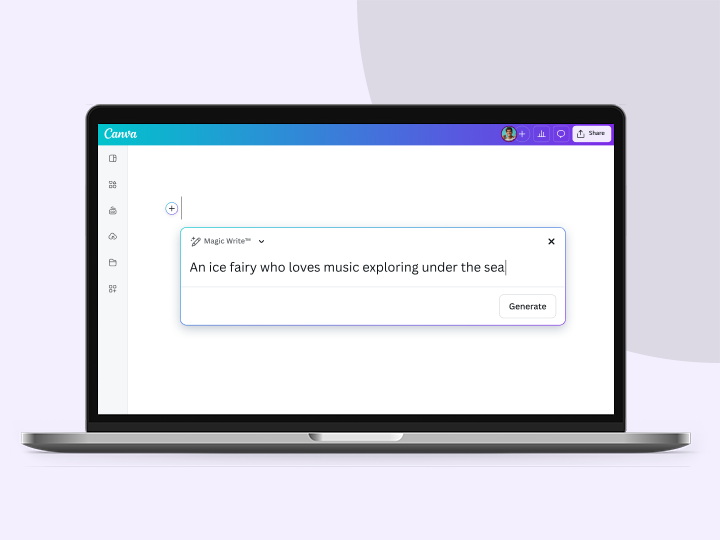
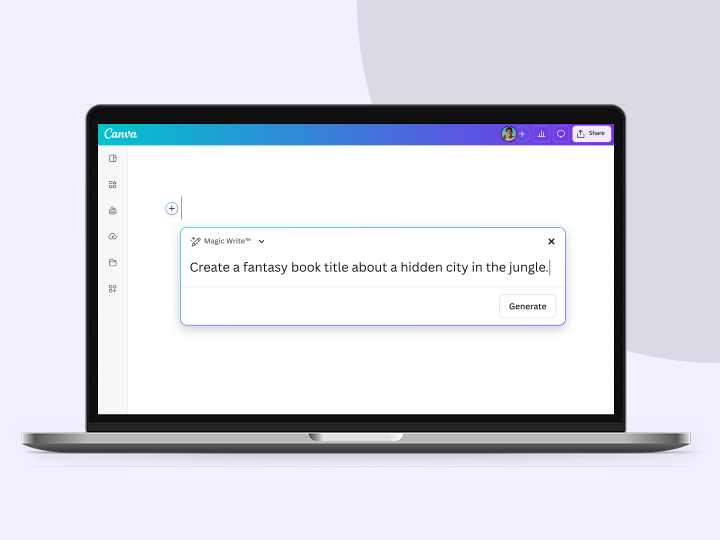
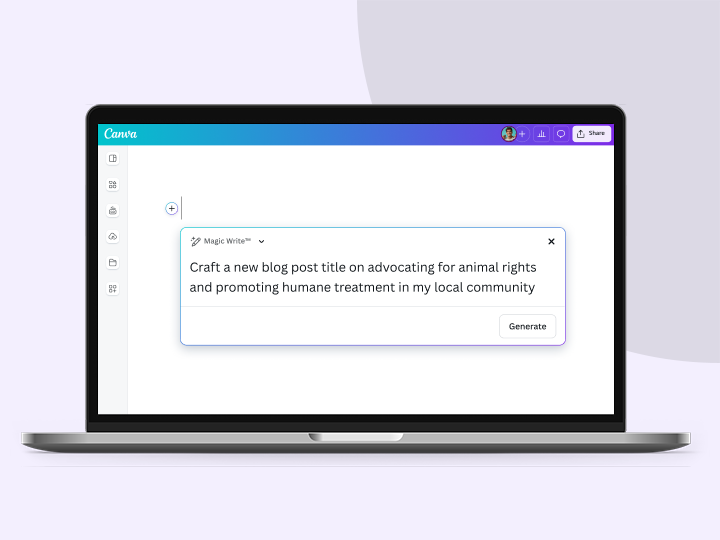
Interact with the sample prompts below to see the ideas generated by Magic Write.
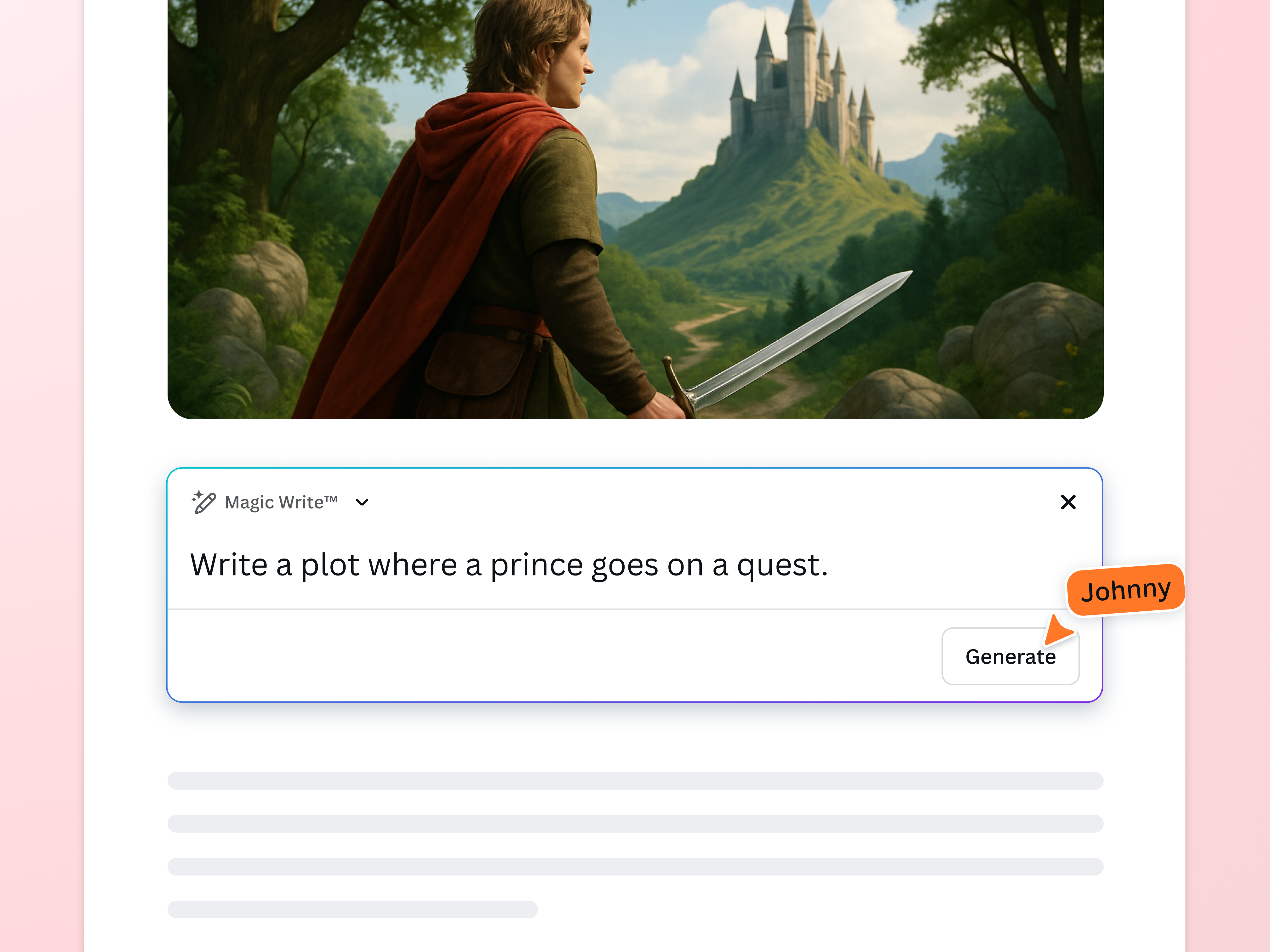
Flesh out your story with Canva’s Plot Generator
Create your next written masterpiece within seconds. Develop fresh ideas for a fantasy or romance story by accessing the AI plot generator in Canva Docs. Compose a text prompt with your theme, characters, and setting. Then, watch as a series of events magically appears on the blank canvas.
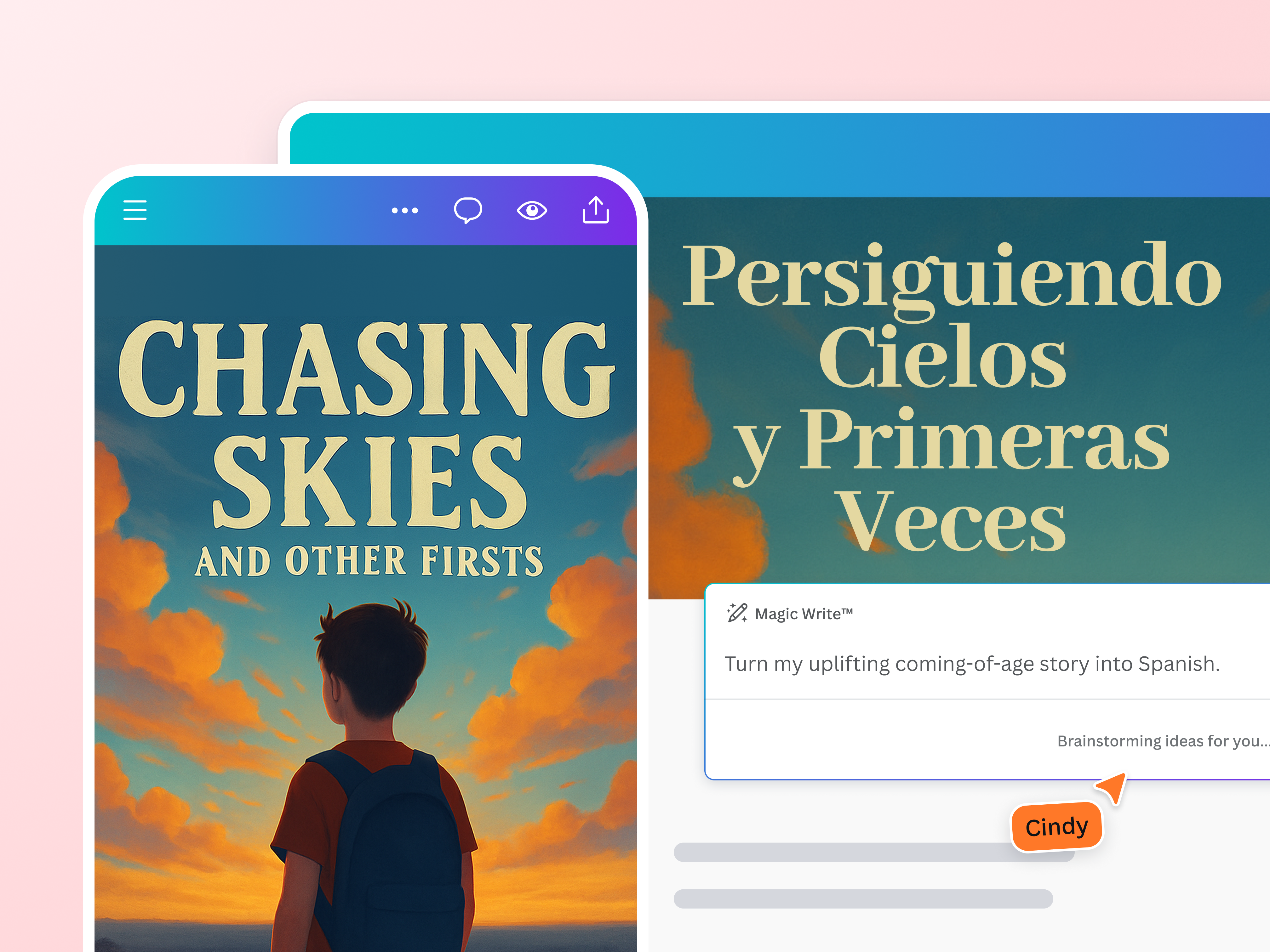
Become a masterful storyteller

Don’t wait for inspiration to strike
Whether you’re an aspiring playwright or a famous screenwriter, overcome writer’s block with Magic Write. Get access to the AI plot generator with a Canva Free, Pro, NFP, or Education (administrators and teachers only) account.

Polish your plot in any language
Build on specific sections of your plot. Simply highlight it and ask Magic Write to continue the story. Then, use Translate (Pro) to convert it instantly. Choose from 20+ supported languages such as Arabic, French, and Thai.

Find and hone your voice
Strike the right tone every time. Upload sample text that matches your voice or type in more descriptions to refine the copy. Canva Pro subscribers can take it a step further by setting up their brand voice under the Brand Kit.

Share your plot ideas

Collaborate with ease
Brainstorm with teammates to add unique twists and turns to your storyline. Grant them viewing, commenting, or editing access to the Canva Doc. Tag and notify someone to complete a task or answer a question.

Visualize your plot
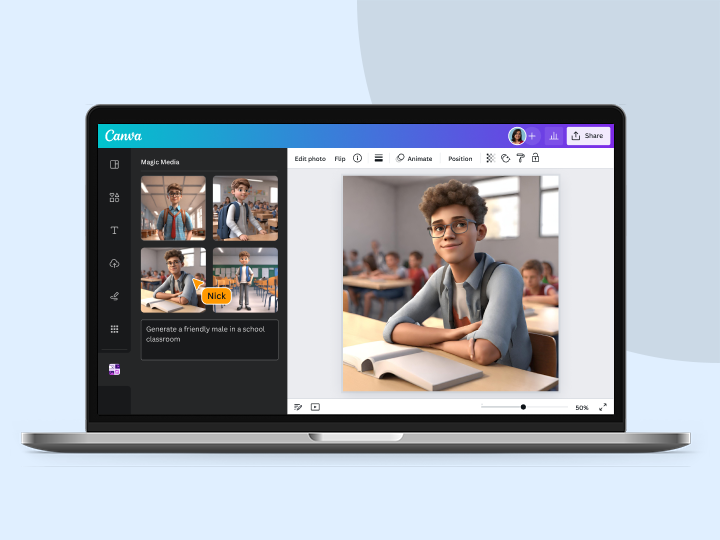
Who says your draft should only be in text format? The plot generator allows random elements to be dragged into the Doc. Explore the media library to find unusual settings and character pegs or create an image with AI.

Welcome others into your world
Tease your upcoming tome on socials. Present the plot outline to your publisher. No matter what story building stage you’re in, transform your Doc into various design formats with Magic Resize™ and keep everything in one reliable platform.
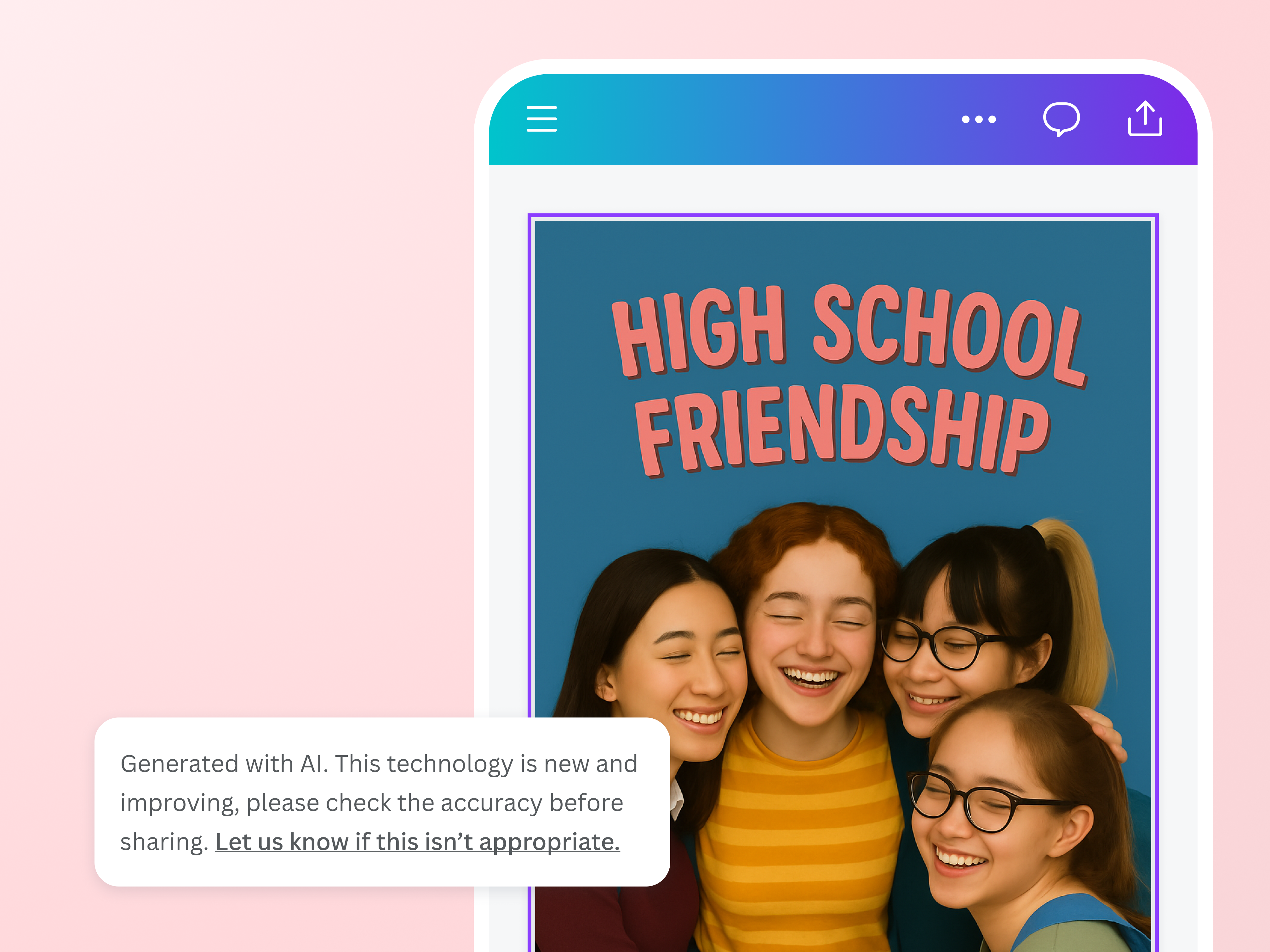
Write in a safe and secure space
From exposition to climax to resolution, Magic Write not only works hard to craft a satisfying narrative arc. It also applies safety measures that prevent the creation of harmful or inappropriate content. We won’t allow the use of the plot generator that violates our Terms and Acceptable Use Policy.
For all kinds of storytellers

Aspiring writers
Practice world-building by developing intriguing themes and multi-dimensional characters.

Marketing and ad teams
Connect with new customers and loyal clients through branded, narrative-driven promotional campaigns.

Content creators
Generate fun plot ideas you can feature in serialized content, role-playing shows, and live performances.
All the plot creator features you need
Always be in control of your story with Magic Write’s plot generator.

Brainstorm faster and find new ideas
Magic Write™, an AI Writer and idea generator, helps you come up with ideas and topics you may have never even thought of.

Generate short-form text
Create any short-form text—from social media captions, profile bios, product descriptions, and more—with a few prompts.

Generate long-form text
Quickly craft high-quality, long-form content for blogs, sales emails, feature stories, and more. Experience a faster writing process.

Create outlines
Use Magic Write™, an AI writing assistant, to effortlessly generate outlines for articles, blogs, or essays and to better structure any piece of content.

Create lists
An AI writer tool that lets you generate lists—from pros & cons lists to marketing strategy lists—so you can focus on writing better, faster.

Headline generator
Generate catchy headlines, titles, and taglines fit for your blog, article, essay, story, or more with the keywords you specify.

Paragraph generator
Generate complete paragraphs for articles, essays, stories, blogs, and other content types in your desired tone or voice.

Rewriting tool
An AI-powered tool to help you rewrite any piece of content, so you can focus on getting out that first draft, fast.

Expand writing
When stumped for words and ideas mid-sentence, let Magic Write™ continue writing and expand the rest of your content.

Edit content
An AI-powered text editor and grammar checker automatically edits typos and zaps grammar mistakes so you can speed up your creative process.

Paraphrase tool
An AI-powered paraphrasing tool that will reword and rewrite any piece of content, so you can focus on spinning and editing it into a creative sentence or paragraph.

Summary generator
An AI-powered text summarizer tool that will condense and extract key topics from any piece of content, so you get a shortened, more readable version.
How to use the plot generator
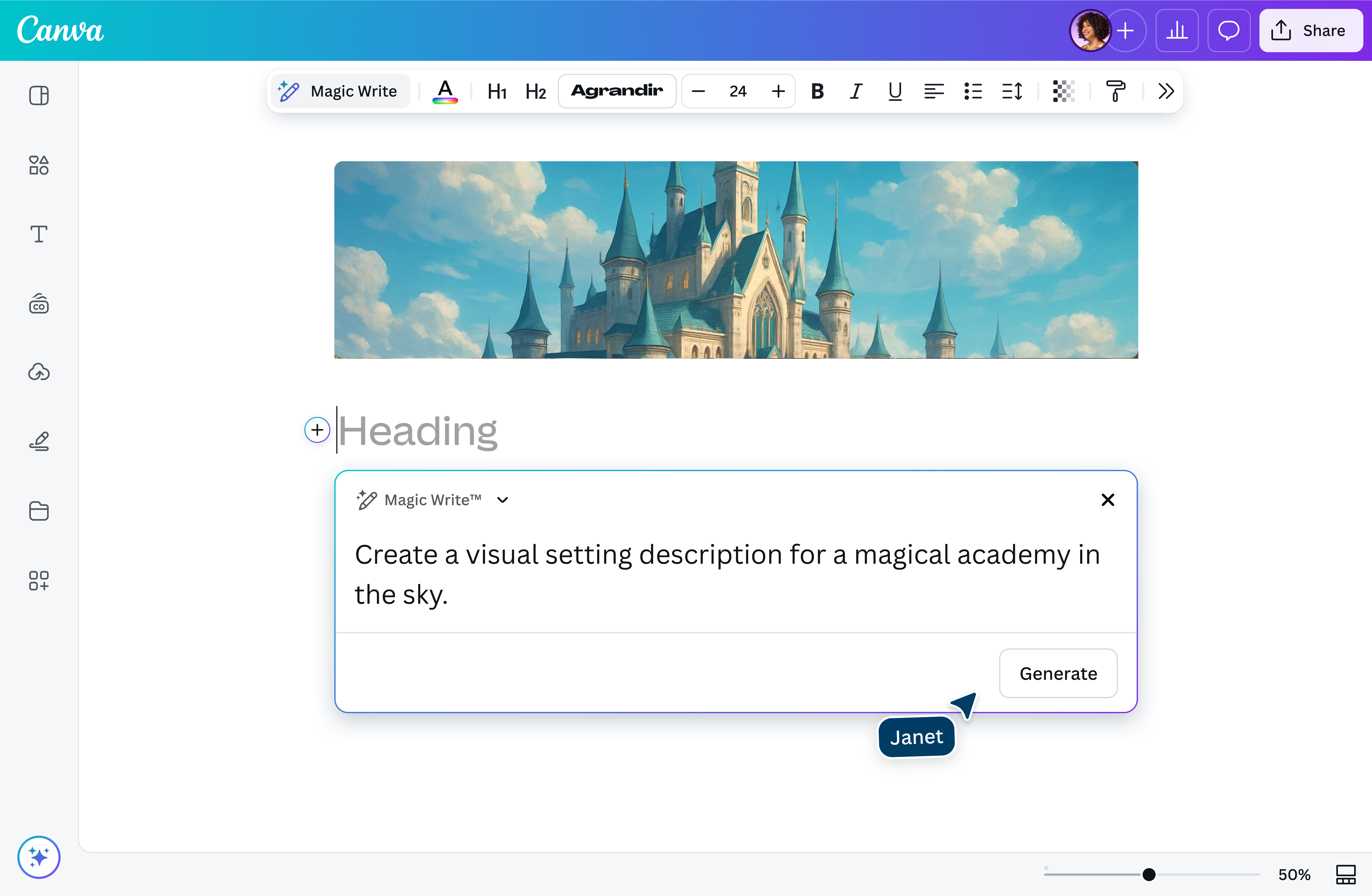
- Launch Canva DocsIn your Canva app or desktop browser, click on the Doc icon or the “Create a design” tab.
- Choose Magic WriteClick on the plus “+” button on the left side of the page. Or type “/” to use /Magic shortcuts. Select Magic Write from the dropdown menu.
- Type in your text promptEnter a detailed prompt about the plot you want to create. Include important keywords and upload brand voice samples. Click on Enter to generate the plot.
- Review and refine the plotEdit the AI-generated plot to suit your needs. Do a plagiarism check to verify if the plotline has already been used elsewhere.
- Download, share, or presentSave the final version of your generated plot. Convert the Doc into a presentation or PDF for quick sharing.
Your questions, answered
An AI plot is generated with the help of Magic Write, a machine learning model that predicts and produces text based on the prompt you provide. Built with OpenAI, this plot generator is trained with public web pages on the internet up to mid-2021. The more details you include in your instructions, the better your generated plot will be. Learn more about how to write a good prompt here.
Access to the AI plot generator is available with Canva Free, Pro, NFP, and Education (teachers and administrator) accounts.
Yes, you can use AI-generated plots for personal and/or commercial projects as long as you comply with our terms. However, remember that generating a plot using Magic Write does not grant you exclusive rights for commercial use. Other people may generate the same or similar-sounding plotlines depending on their prompts.
In addition, Canva does not guarantee that the plot and other text generated by Magic Write are up-to-date, accurate, and cleared for use. If you have plans of releasing a novel, screenplay, or a campaign with a plot that was entirely or partially created with Magic Write, you are highly advised to seek local legal advice before proceeding.
No, you cannot use the AI plot generator to fulfill school requirements. Magic Write is not available to students in Canva for Education accounts.
You can attempt to use the AI plot generator to write a whole book, but this task might be challenging to achieve for longer stories since Magic Write has a 2,000-word output limit. The generated text would most likely get cut off mid-sentence.
Instead of relying on the plot generator to write your entire book, maximize its AI writing features to speed up your creation process. Generate a list of plot ideas based on a specific literary genre. Brainstorm worlds, characters, and names. Use the shorten text feature to summarize your plot points.
You can generate plots in 20 different languages while using Magic Write. Supported languages include English, Spanish, Portuguese, Indonesian, French, Thai, Italian, Russian, Arabic, Japanese, Turkish, German, Vietnamese, Chinese, Polish, Dutch, Korean, Czech, Romanian, Malay, and Tagalog.
Access the AI plot generator by creating a new visual document or opening an existing design on Canva. Click on the + (plus) button on the left side of the page or type / (slash) to use /Magic shortcuts. Then, select Magic Write from the dropdown menu.
We pride ourselves in building products that impact the world in a positive way. We want to ensure our community feels safe when creating and interacting with content on our platform, so we’ve built a multi-layered level of safety measures into the plot maker tool. That way, every piece of content generated is safe and appropriate for all users.
We encourage everyone to use the plot generator ethically and responsibly, but there might be a few rare cases in which AI produces offensive or harmful content. If you come across such content, please report it here. For more details, read our terms and acceptable use policy.
There is no clear and easy answer to this. The treatment of AI-generated works under copyright law is an open question, and the answer varies depending on the country you reside in.
At present, Canva does not make any copyright claim over the text you generate with Magic Write. You own the output you create with Magic Write (subject to you following our terms), but you give us the right to host it on our platform and to use it for marketing and improving our products and services. Nevertheless, this does not make you the copyright owner of the generated text nor do you have exclusive rights to it.
Focused on causality, a plot is a sequence of events arranged in a certain way. Their thematic, emotional, and dramatic significance are revealed as the story unfolds. A story, on the other hand, is a narrative about real or fictitious people and events told in a chronological order.
English author EM Foster gives a clear-cut distinction between the two, stating, “‘The king died and then the queen died’ is a story. ‘The king died, and then the queen died of grief’ is a plot. The time-sequence is preserved, but the sense of causality overshadows it.”
There are many ways to make a plot. You can follow the three-act structure that divides a story into the setup/beginning, confrontation/middle, and resolution/end. Or you can make a more in-depth plot breakdown that includes the exposition, rising action, climax, falling action, and resolution. You can also try using story structures such as the Fichtean curve (with the character facing a set of obstacles) and Dan Harmon’s story circle (which focuses on the protagonist’s character arc).
To make a good plot, there must be a fine balance between different elements. These elements include strong narrative structure, intriguing themes, compelling characters, engaging conflicts, and immersive settings. The originality, thematic depth, and pacing can also make or break your plot.
The most important part of a story varies from writer to writer. Some consider the plot to be the most important part as it gives audiences a glimpse into what’s happening to the characters, and how they try to overcome their problems. Others believe that it’s important to establish good conflict (internal or external struggle that adds tension to the narrative) and have an emotionally impactful climax (the highest point of dramatic tension in the story). As a writer, it depends on the kind of story you want to tell, the theme or message you want to focus on, and the genre conventions you want to follow.
More resources
Learn the basics for creating your ideal document.
5 essential elements of brand storytelling
Build your audience by constructing a compelling brand narrative.
Gather and sequence your ideas in the most effective and intuitive order.

How to organize your blog post while you write
Structure your thoughts and ideas for an awesome blog post.
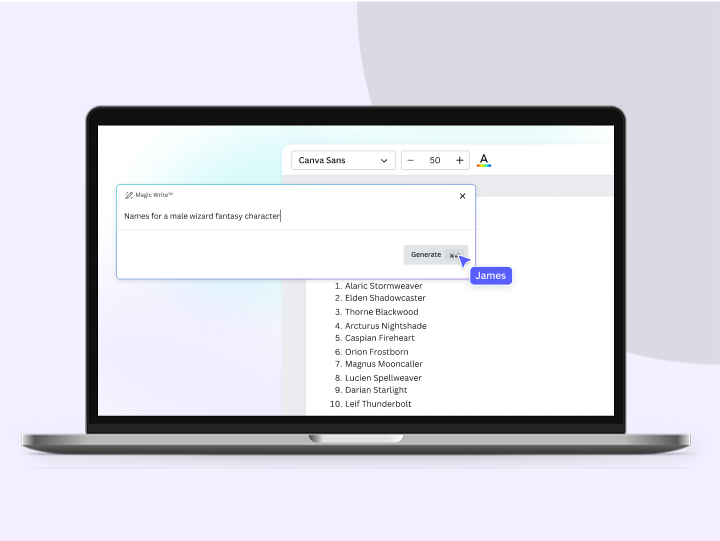

Plot Generator
Develop plot ideas that’ll keep everyone on the edge of their seats. Effortlessly draft a compelling storyline for your next book, movie, play, or ad campaign with Magic Write™’s plot generator — powered by OpenAI.
