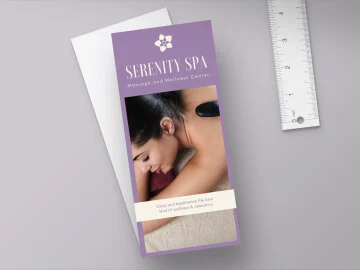
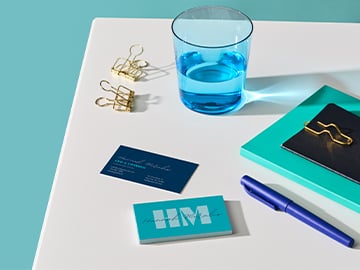
As of July 2025, we've upgraded our gloss finish for a more vibrant look and feel.
Postcards are the timeless message in a bottle of our digital age. You can pack these little paper wonders with your brand's heart and soul, unveil new products, and turn your ideas into eye-catching adventures. Whether it's brand promotion, heartfelt gratitude, or staying connected, print your custom postcards confidently by choosing your paper size, type, and finish to create a truly personal message.
Available in premium, hemp, and deluxe paper stocks.
Choice of matte, gloss, and uncoated paper finishes.
Full-color prints available in multiple orientations and sizes.
Eco-conscious, high-quality prints.
In stock and awaiting your amazing design.
We’ll refund, reprint, or offer a coupon if you’re not happy.
Economy delivery
FREE10-19 days
Standard delivery
8-11 days
Express delivery
4-4 days
In-store pickup may be available at checkout.
Easy to customize
1k+ free templates
Postcards
Promote our business, say thank you, or connect with loved ones with custom postcard printing through Canva. Available in a range of designs, paper stocks, finishes, and sizes, all with flexible shipping options.
Design and share for free
Order when ready
Design and share for free
Order when ready
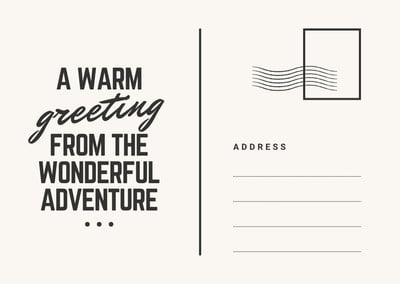
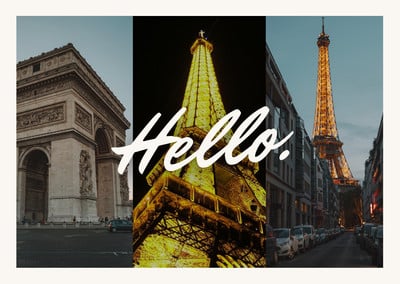
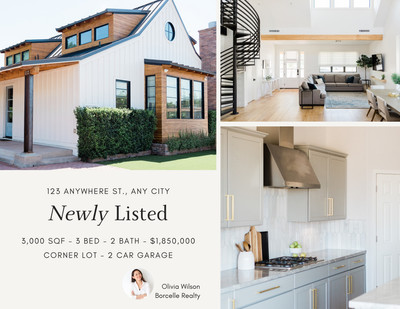
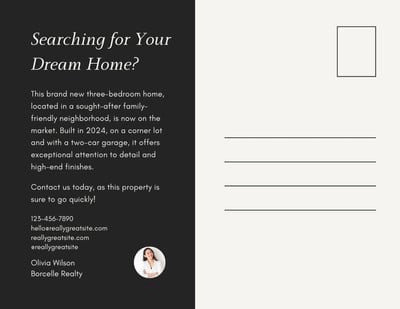
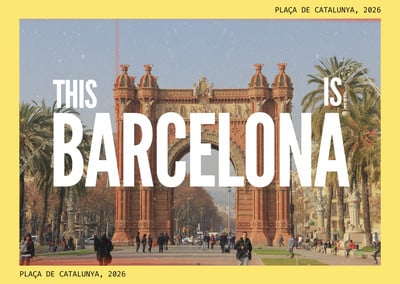
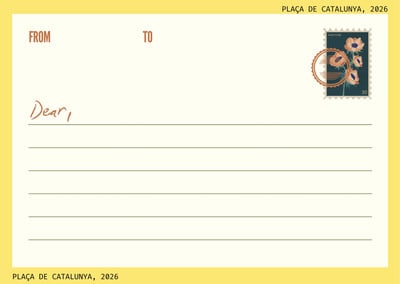
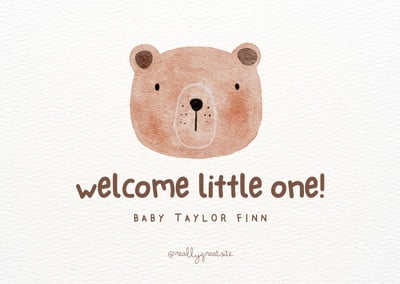
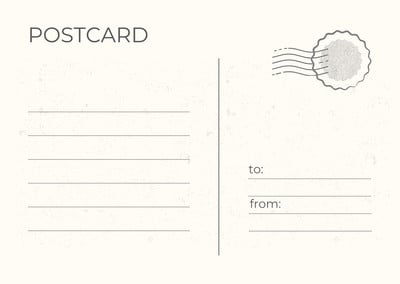
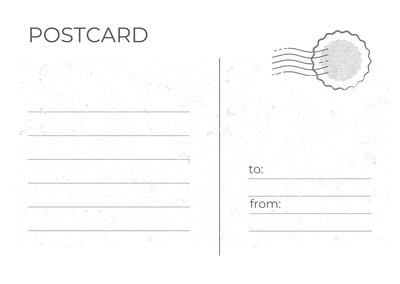
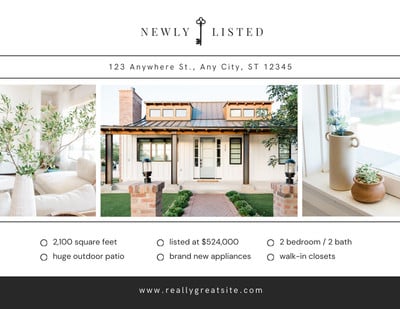
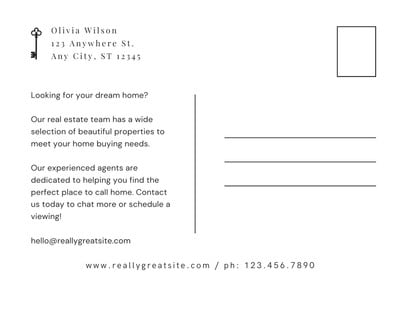
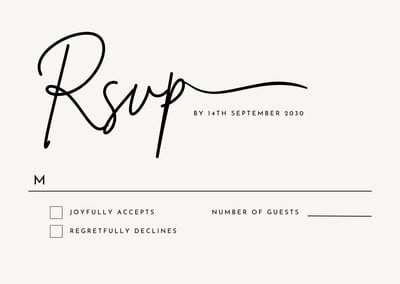
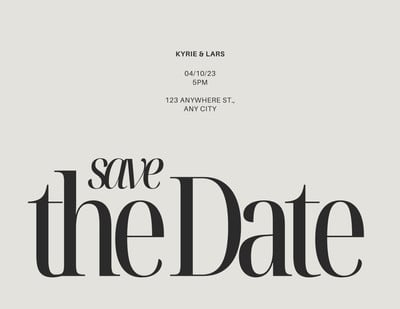
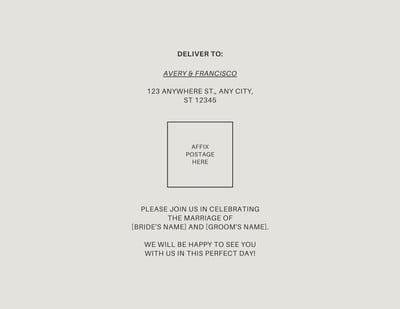
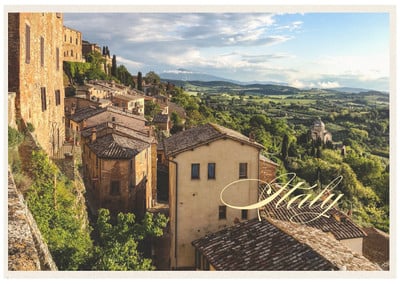
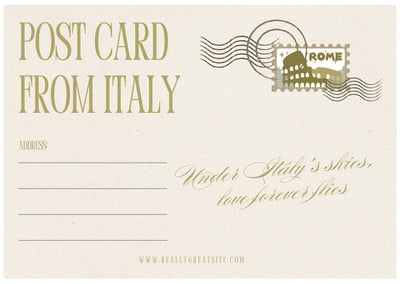
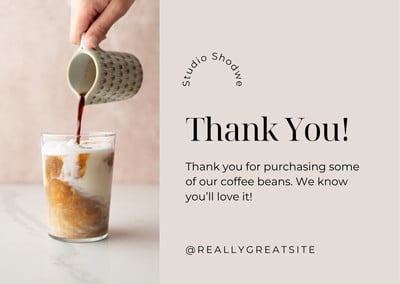
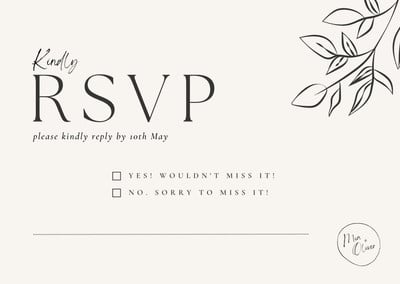
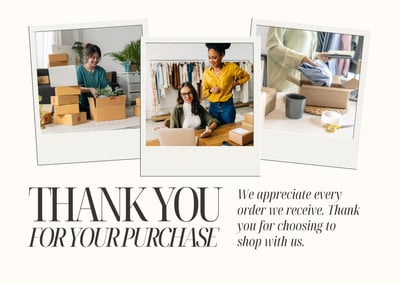
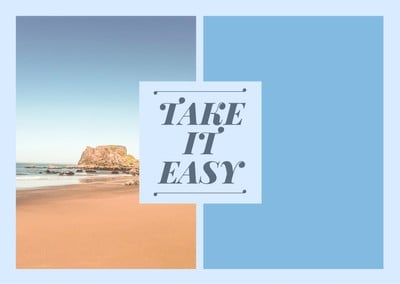
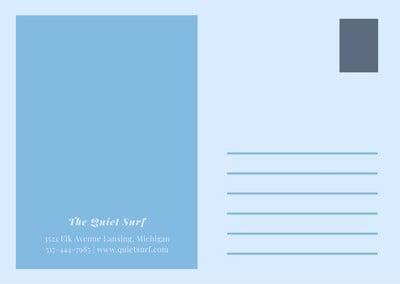
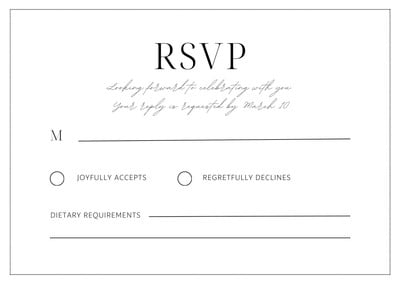

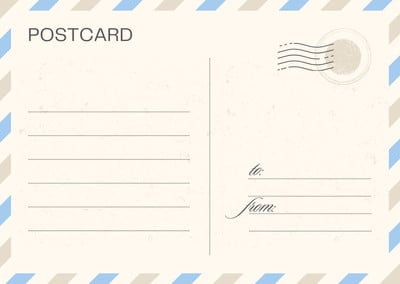

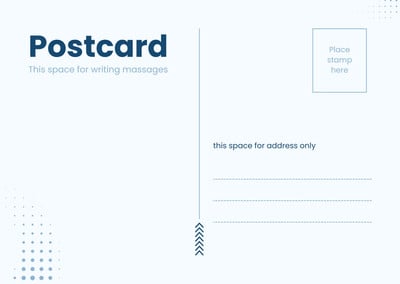
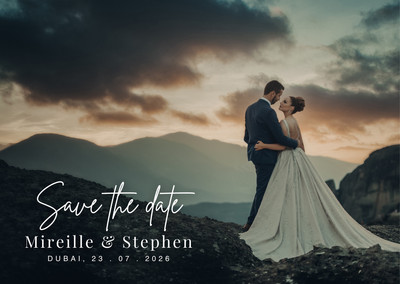
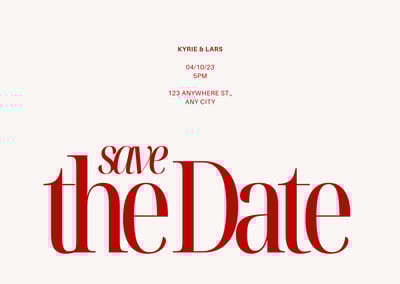
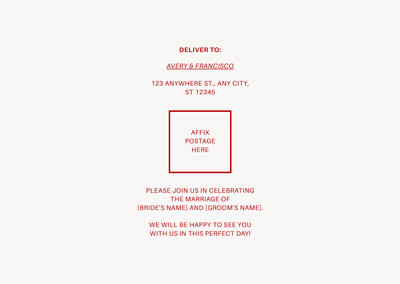
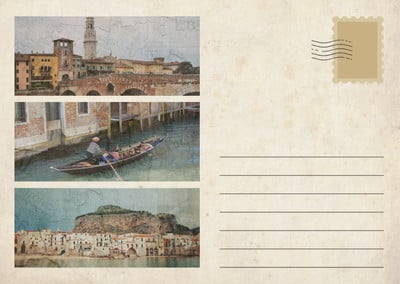
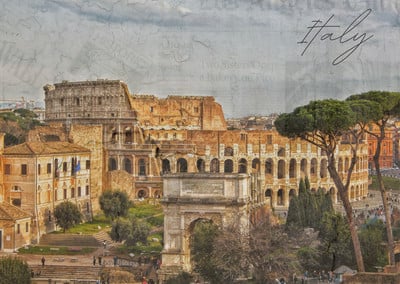
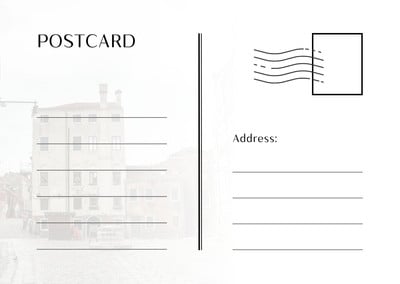
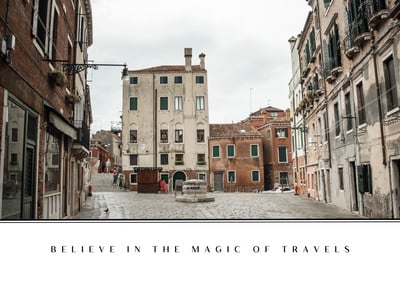
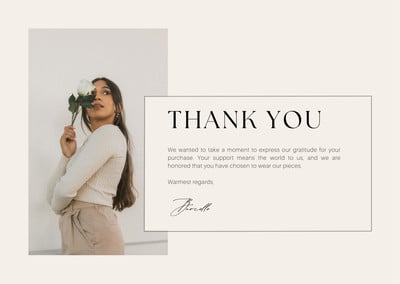
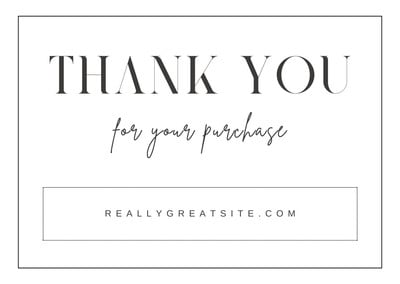
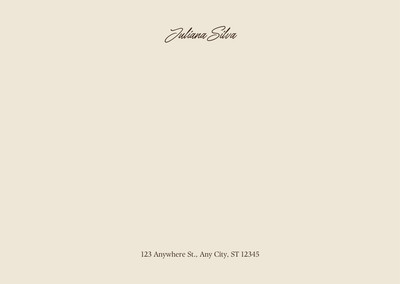

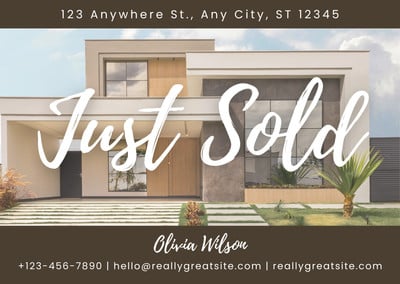
Design a postcard for all occasions
Design the ideal postcard for any occasion using our free fully-editable postcard templates. Our postcard printing service ensures that every postcard print pops, making your personal or brand’s message memorable.
Boost your business’ presence with our easy-to-use postcard printing service. Create direct mailers, event invitations, and promotional giveaways to get your message across, fast.
Make DIY stationery-making more fun with personalized postcards. Ideal for sharing memorable prints of travel photos, artwork, or thank-you notes with your family and friends.
Explore diverse postcard paper stocks, sizes, and designs that are perfect for promoting products, announcing loyalty programs, rallying donors, or simply extending your reach.
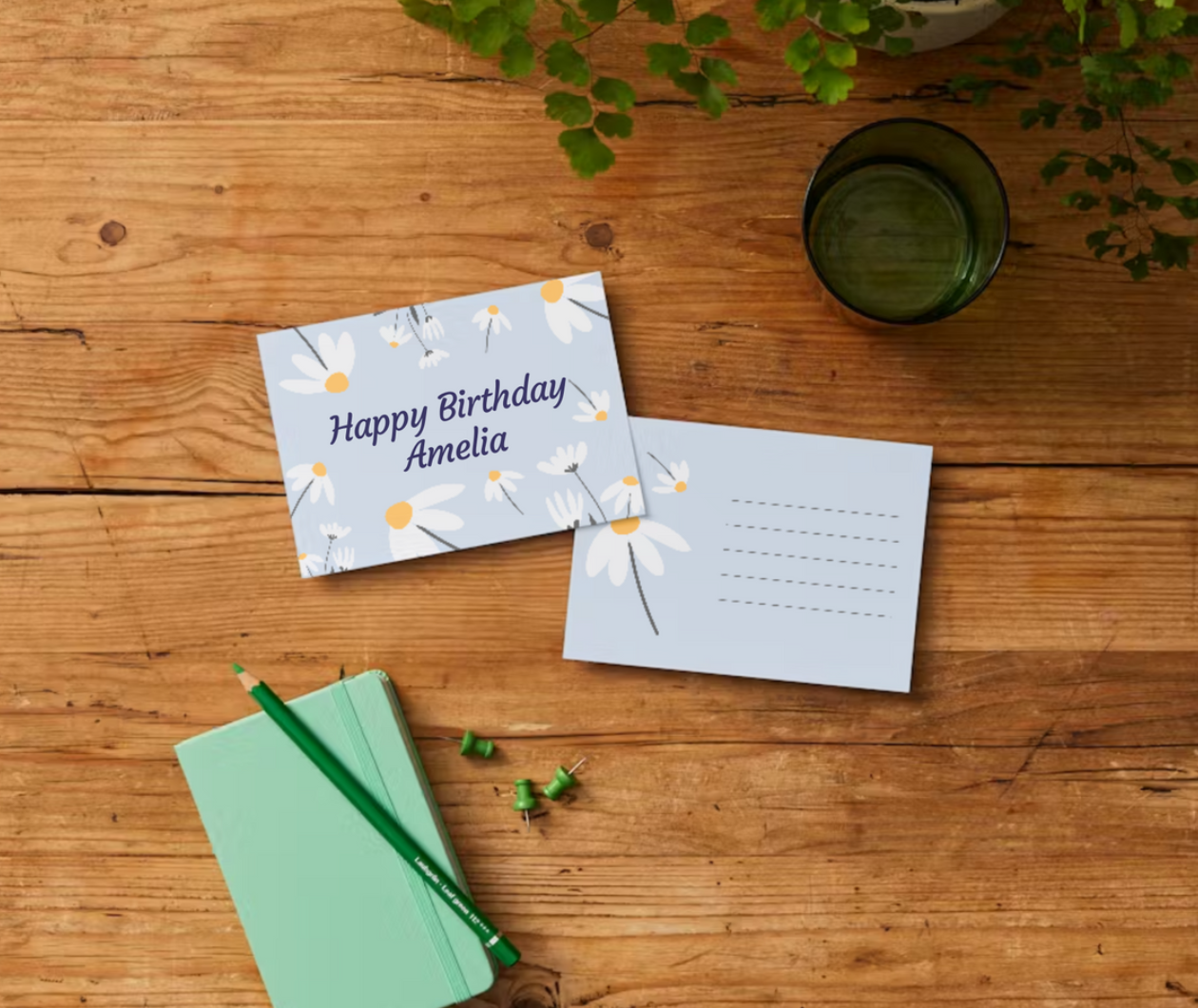
How to design and print your postcards
Start with a postcard template
Pick a postcard template from our library, or begin with a blank canvas.
Customize your postcard design
Use Canva’s intuitive photo editor. Get creative and use graphics, images, photos, and text to personalize your postcard design.
Collaborate and approve final design
Share with a friend, colleague, or client for review and approve the final design.
Place your order
Order postcards prints by selecting your preferred paper type, size, finish, and quantity.
Enjoy flexible delivery options
Get your postcards straight to your door with flexible shipping options or get them delivered to your recipient’s mailing address.
All the printing features you need
Canva’s free drag-and-drop design tools make it easy to design and order any postcard, fast!
Thousands of free templates
Start inspired with thousands of customizable print templates.
Delivered to your doorstep for free
Choose from flexible delivery options, including free standard shipping, express delivery, or in-store pickup.
Your happiness, guaranteed
We’ll refund or reprint your order if you’re not happy with it.
Brand Kit (Pro)
Store your logo, brand colors, and fonts to stay effortlessly on-brand.
Magic Switch (Pro)
Create your design once, and we’ll magically resize it into any printable product. Turn your design into a flyer, poster, sticker, and more.
Automated proofing
One-click Auto-Proofing will ensure your text size is ideal, element placement is within the bleed zone, and your resolution is pixel-perfect.
Your questions, answered
Postcards are thick pieces of paper used to send messages without envelopes. They can share travel greetings and news; but they can also be used as RSVP cards, as direct mailers and marketing inserts for your business, or as personalized as greeting cards, invitations, wedding save-the-date cards, and other types of advertising materials.
You can have your customized postcards printed and delivered through Canva. Just select Print Postcards from the menu bar above the editor, or the Share menu on a mobile device.
If the Print button isn’t visible, resize your design.(opens in a new tab or window)
To check if printed postcards are available to you, visit What We Print.(opens in a new tab or window)
We aim to partner with professional printers located as close to you as possible. For this reason, our print product catalog may vary from country to country.
You can check the price of postcards at any time. Simply start your postcard design, then select Print Postcards from the menu bar above the editor, or the Share menu on a mobile device.
The price will be located on the printing menu and will update depending on the options you select, such as size, material, or quantity.
Bulk discounts are automatically applied for larger quantities.
Shipping times vary between regions, and delivery to more rural areas may be slightly longer compared to metro areas.
- Economy delivery: Up to 14 business days
- Standard delivery: Up to 8 business days
- Express delivery: Up to 3 business days
All delivery times include a production time of 1-2 business days. Note that these don’t include weekends and public holidays.
A free shipping option is always available. If you’re looking to receive your order sooner, we offer faster shipping for an additional fee.
Postcards printed and delivered through Canva are covered by our Happiness Guarantee. To see what’s covered by the guarantee, visit Canva Print order issues(opens in a new tab or window).
If you have issues with a recently-delivered print order, get in touch within 30 days of receiving it. Contact support about a print delivery issue(opens in a new tab or window)
You can also get in touch with a print order you haven’t received yet. Contact support about an undelivered print order(opens in a new tab or window)
Currently, we do not offer samples of our products.
If you’re looking to make a large order, we suggest ordering a lower quantity first to confirm you’re happy with the results.
Here’s how to turn your existing promotional or social media materials into a postcard:
- Upload and open your design in Canva
- Select Share from the menu bar above the editor
- Select Print your design
- Select Postcards
- Your design will be copied and automatically resized to the size of a postcard.
To qualify as a postcard, your design must be rectangular and meet these standard postcard sizes or dimensions: At least 3 ½ inches high × 5 inches long × 0.007 inches thick. No more than 4 ¼ inches high × 6 inches long × 0.016 inches thick.
It’s easy to go overboard when you design a postcard, but we’ve put together four of our best design tips for creating an eye-catching postcard:
- Bring in your brand assets: Create a consistent brand look by adding your business logo, texts, colors, and other brand assets as you start designing. Use Brand Kit (Pro) to keep all your branding assets in one place, so importing your brand’s logo and fonts will be as easy as importing photo assets.
- Select complementary colors: Picking two or three key complementary colors will help you create that memorable, striking design. To help you decide what colors fit together, we’ve put together a color wheel(opens in a new tab or window) to make finding colors that suit each other much easier.
- Add your own photos: Make your postcard look as unique as possible with travel, family, or personalized photos you can import easily with our drag-and-drop import system. Select any photo (or photos, if you’re making a collage) you want to showcase in your design and drag it into your workspace. Then, adjust your size, crop, and add filters if needed.
- Keep your design simple: Pick as few design options as possible, such as one photo, two colors, and one font type over multiple photos, graphics, colors, and texts. Adding more than you need, especially if you’re expecting a response, will detract from the reason you’re sending it. A good design will help emphasize your purpose. Simple, really, is best for making your message shine.
On our print order page, you can choose whether you want to include an envelope for your card or not. If you wish to design matching envelopes for your postcards, check out our custom envelope printing service(opens in a new tab or window).
Yes, one-sided and double-sided printing is available for all postcards. For double-sided printing, make sure there are two pages on your postcard design before clicking the Print option. Each of our postcard templates includes space for writing messages or addresses.
The One Print, One Tree initiative is just one of the ways we are making our printing solutions more sustainable, as part of doing the most good that we can through our Two-Step Plan(opens in a new tab or window). So, how does it work? Simple: for every print order you make with us, we will plant one tree. For more information visit here(opens in a new tab or window).
More tips and resources
Get inspired, and learn more about design
Explore the blog
Create a postcard on Canva
Learn more
How to build a brand identity
Learn more
Your ultimate guide to visual marketing
Learn more