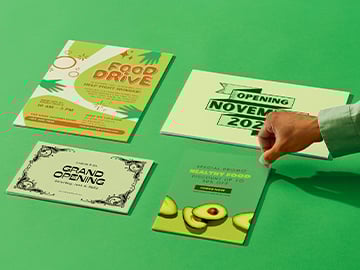
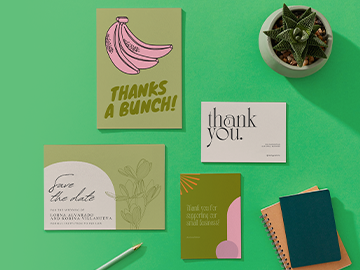
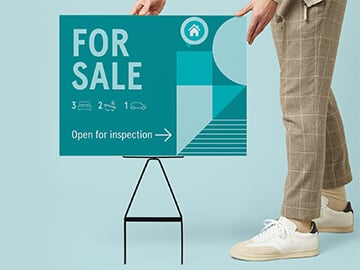
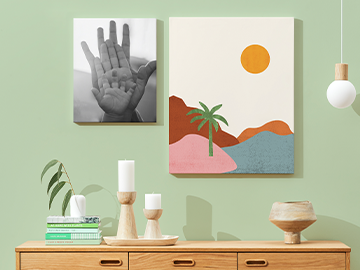
Digitally printed with high-quality color
Mounted posters are printed on a firm paper-based backing for a polished, frame-free display
Framed posters arrive ready to hang for effortless display
We’ll refund, reprint, or offer a coupon if you’re not happy.
Economy delivery
FREE10-19 days
Standard delivery
8-11 days
Express delivery
4-4 days
In-store pickup may be available at checkout.
Easy to customize
1k+ free templates
Design and order custom posters and art prints
Browse Canva's wide range of poster templates and make it your own to spread your message, decorate your classroom or build brand awareness. Buy with confidence through selecting your choice of size and finish with free shipping available.
Design and share for free
Order when ready
Design and share for free
Order when ready
Shop posters by popular categories
Get a head start on your printed poster design and browse our gallery of free custom templates made by amazing artists.
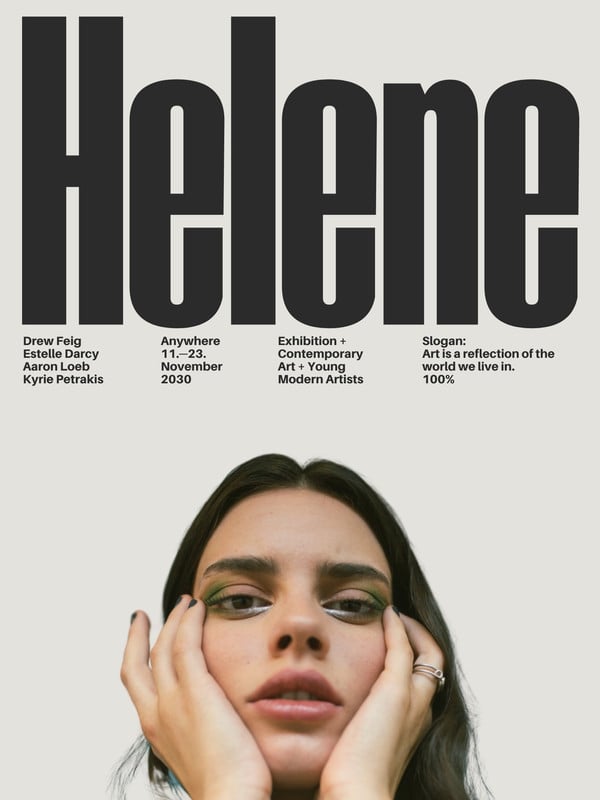
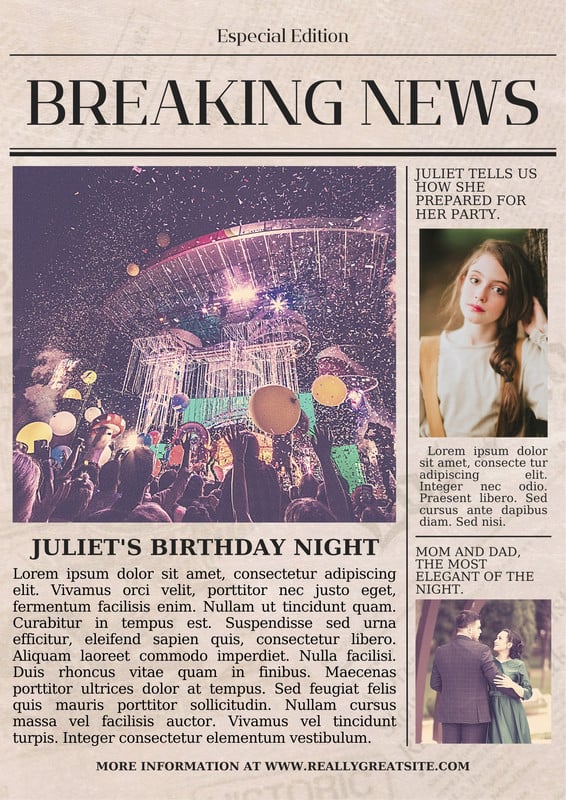
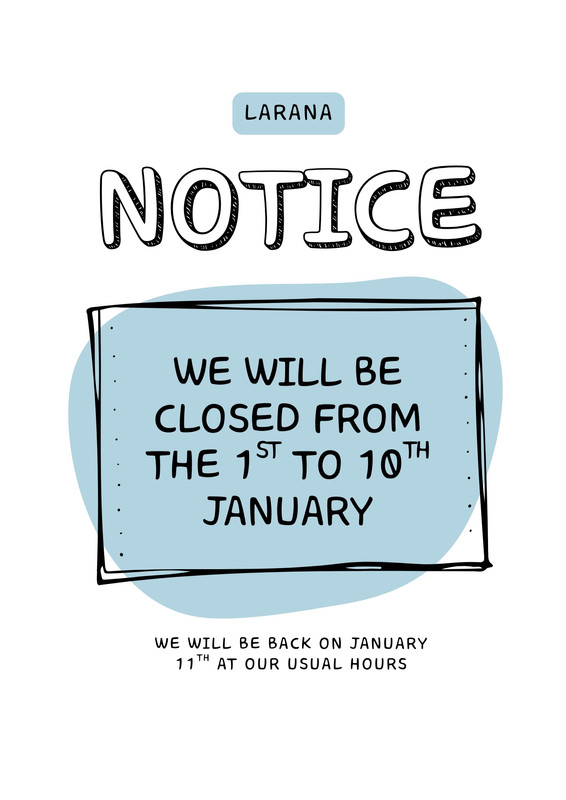
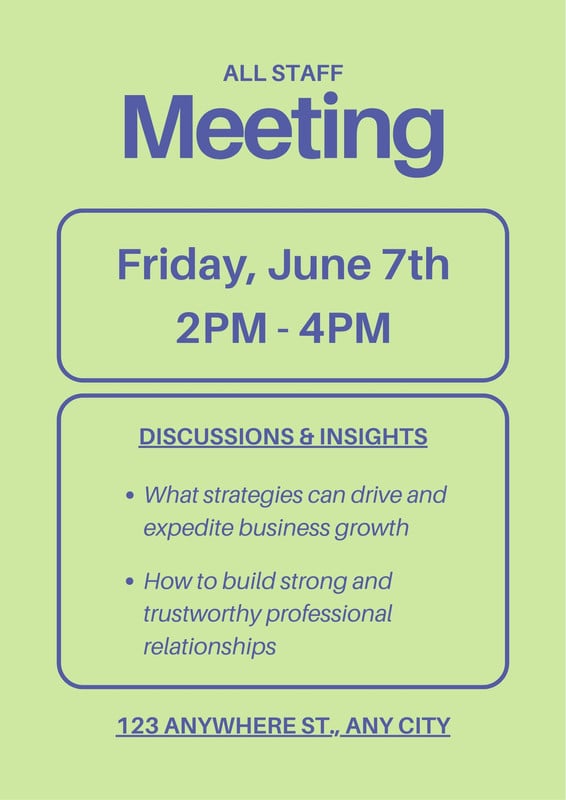
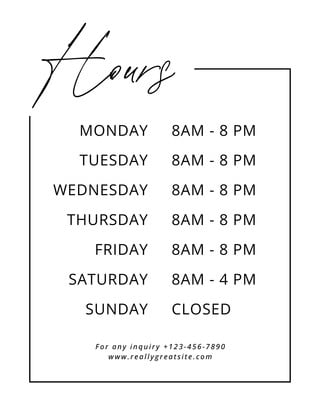
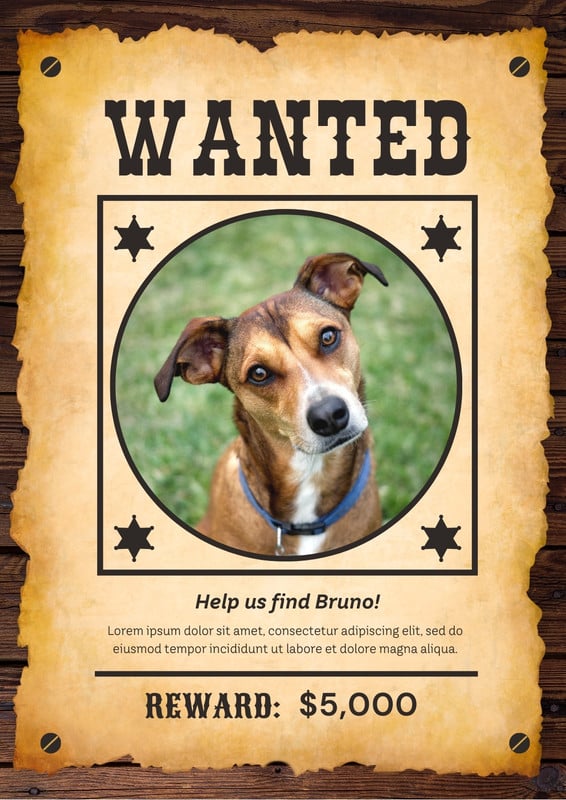
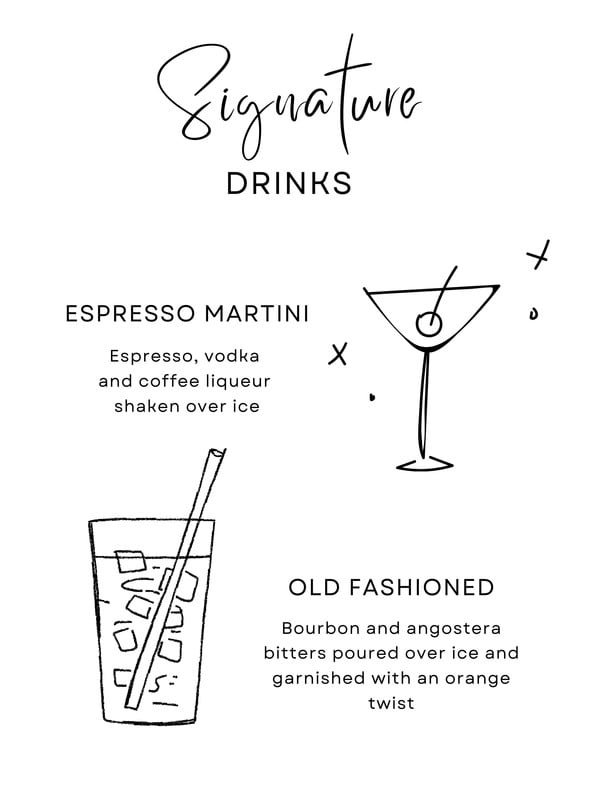
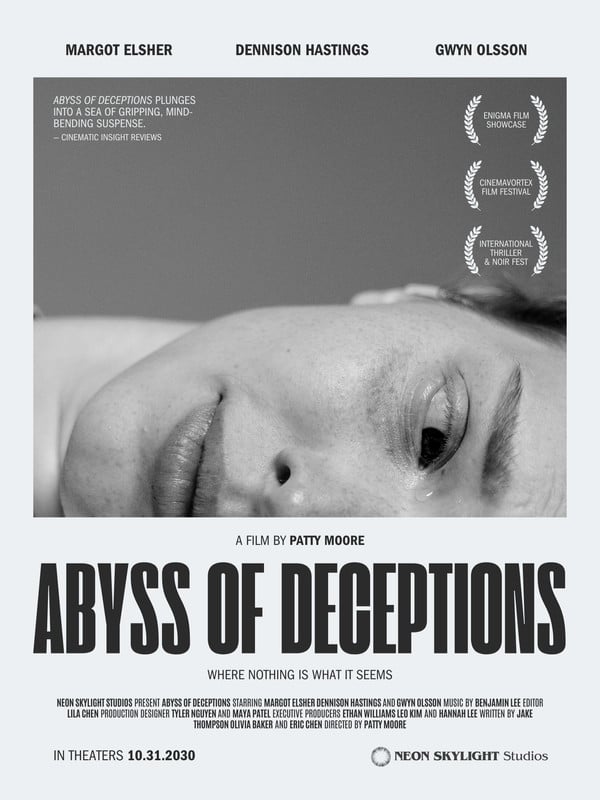
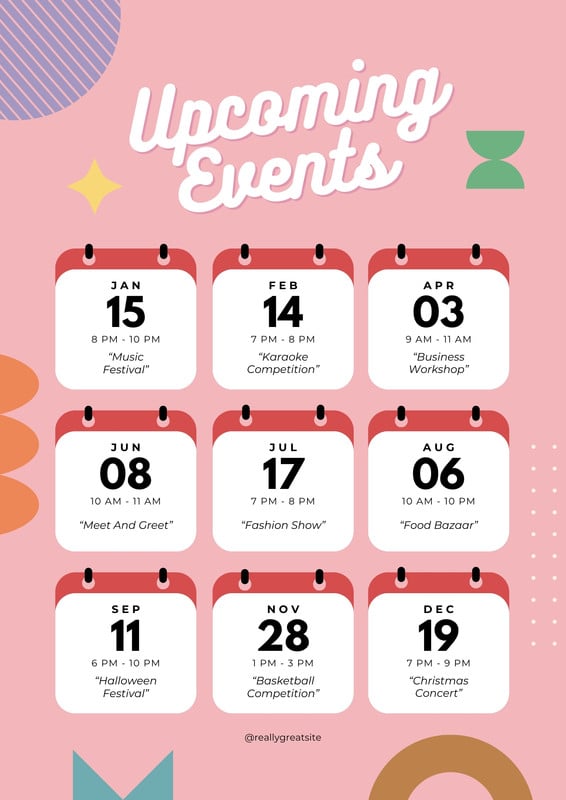
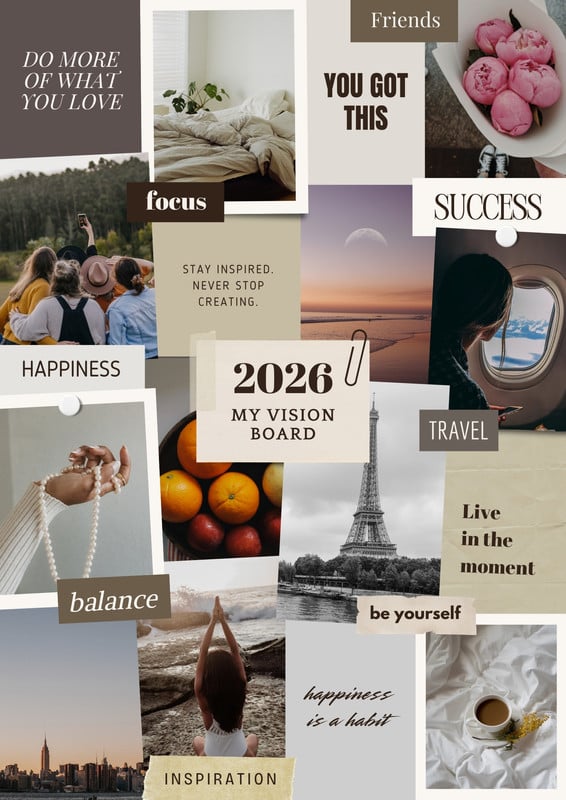
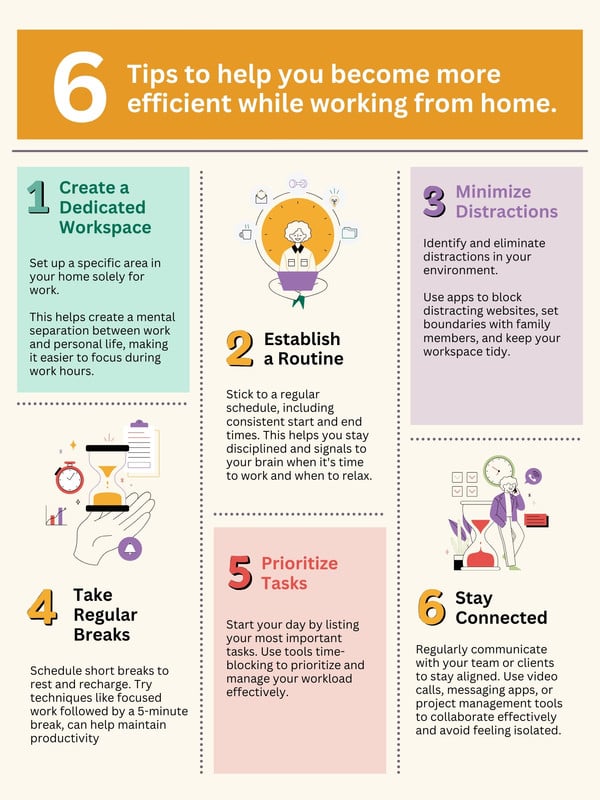
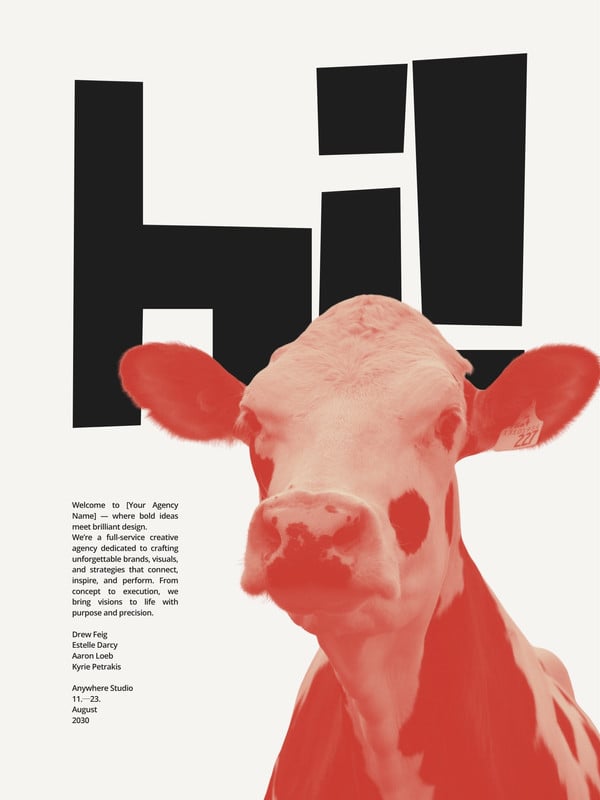
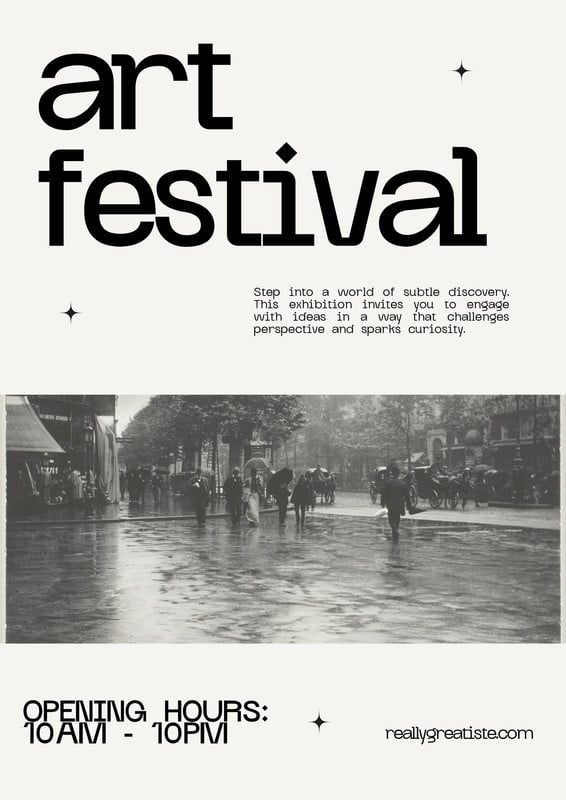
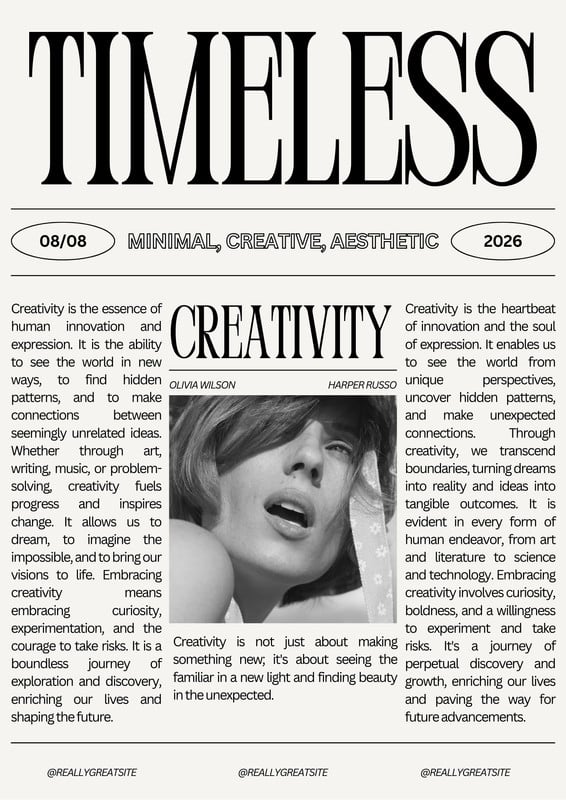
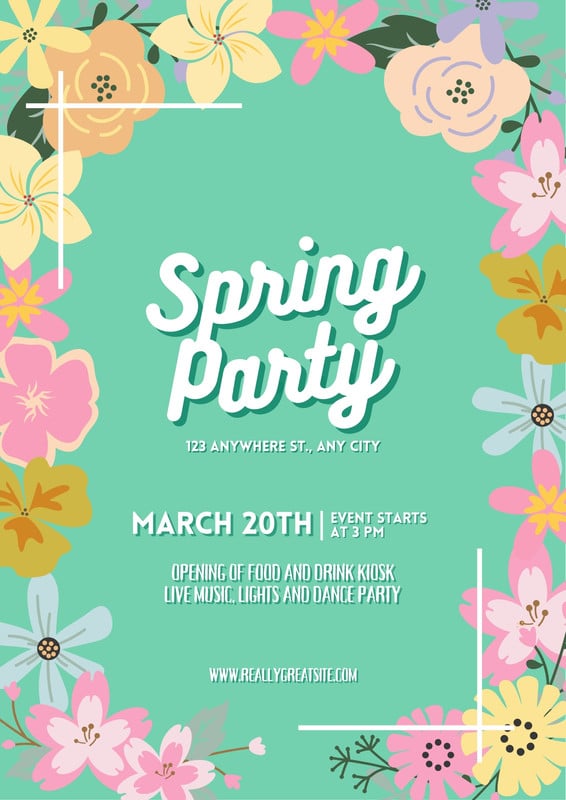
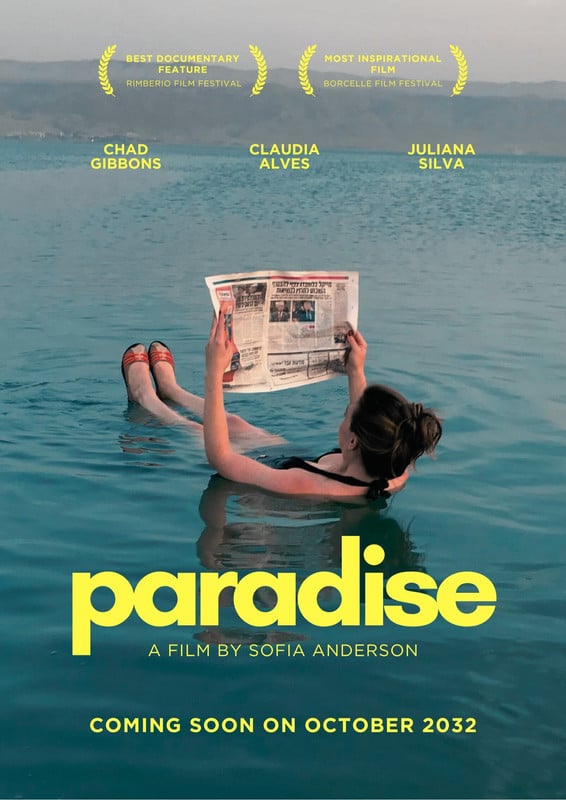
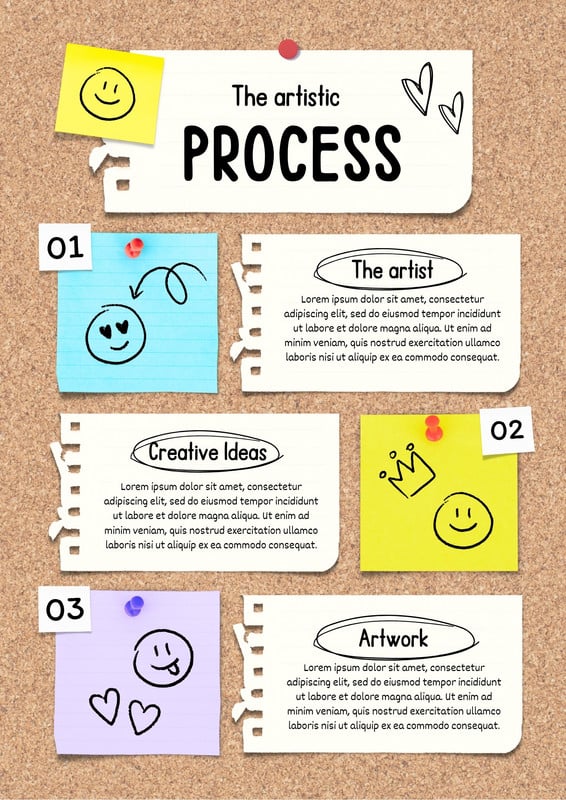

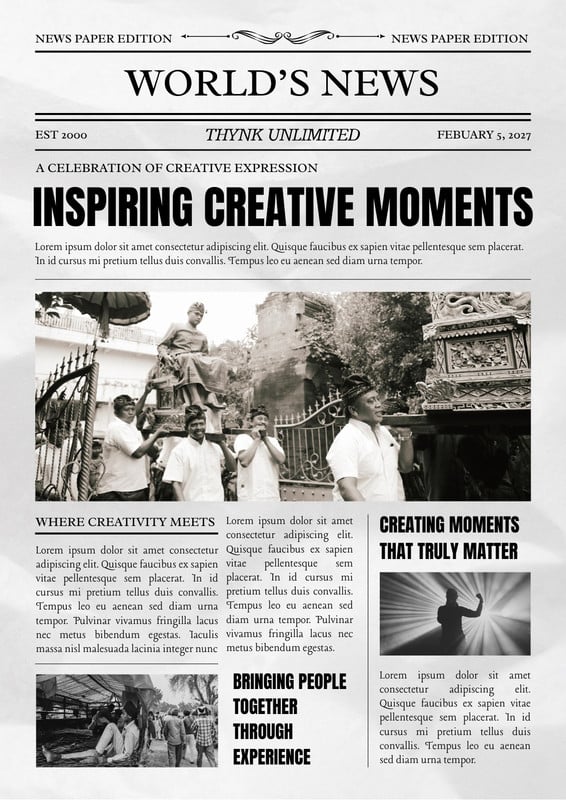
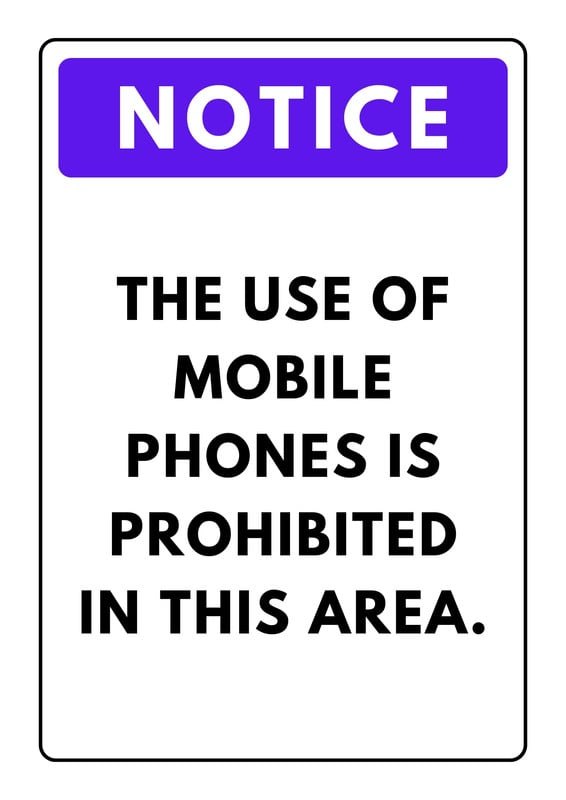
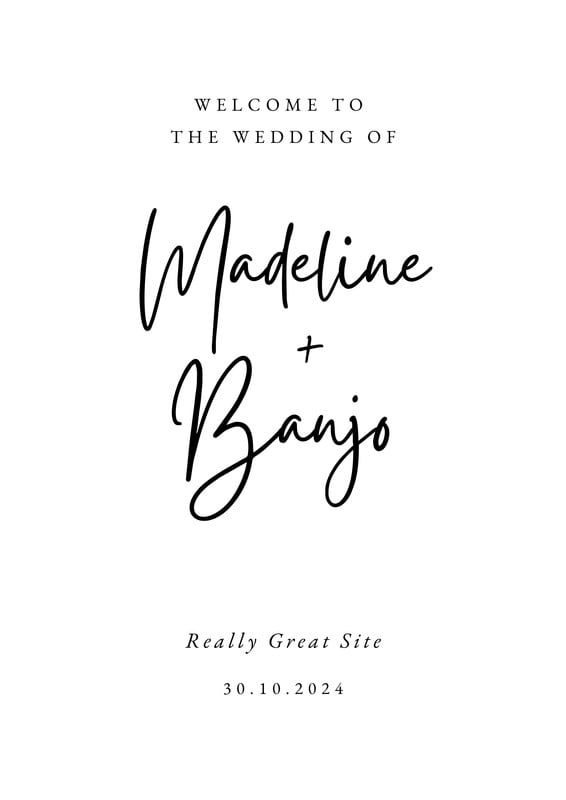
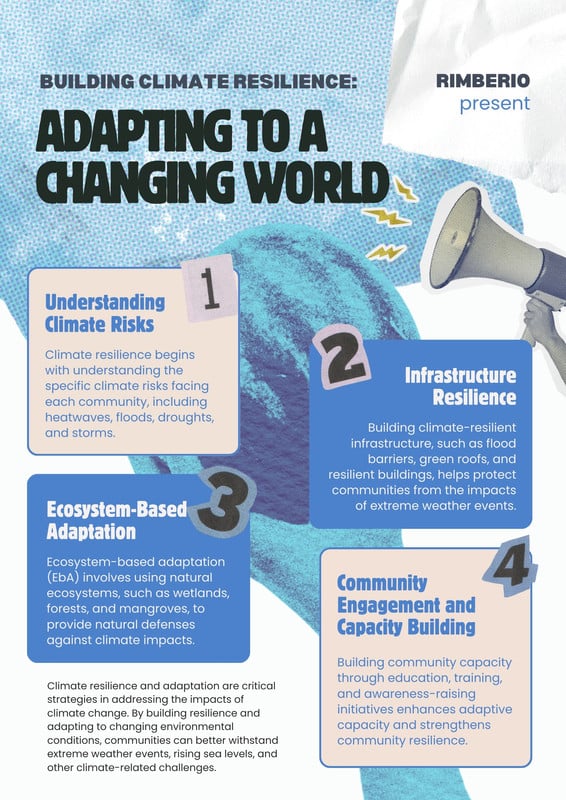
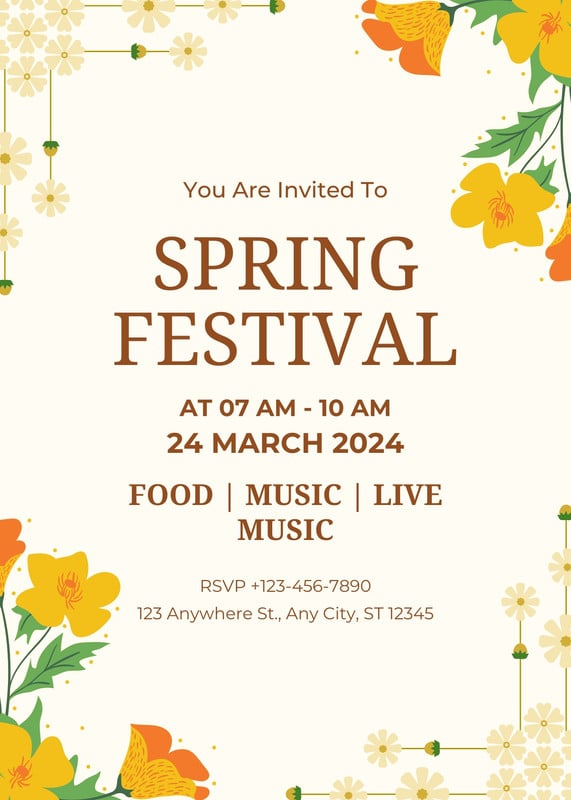
How to design and print your own posters
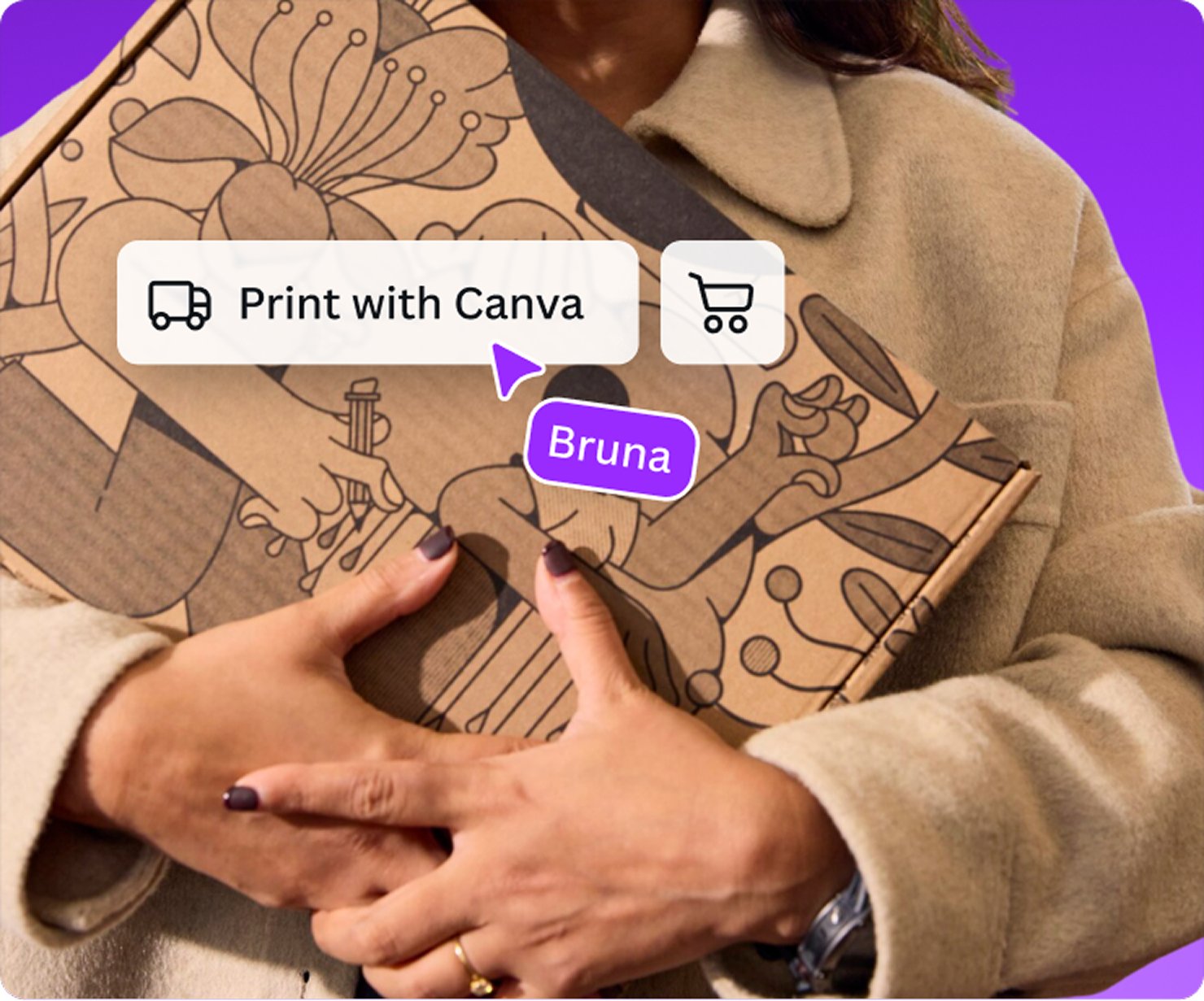
Start inspired with a custom poster template from our library, or begin your own design from scratch.
Customize your design with text and graphics that promote your business event. Use a photo, font, logo, and other media from your Brand Kit (Pro) to stay on brand.
Select your preferred poster printing options—from size, paper type, finish, framing color, and quantity via Canva Print.
Send a link of your design to friends or family for their inspired feedback, then approve your final design before you place your order for printing.
Get your new custom art, photo, or promotional poster delivered straight to your door via Canva’s printing services with free standard shipping.
All the printing features you need
Everything you need to create the perfect head-turning poster for your clients, on us.
Thousands of free templates
Start inspired with thousands of customizable print templates.
Delivered to your doorstep for free
Choose from flexible delivery options, including free standard shipping, express delivery, or in-store pickup.
Your happiness, guaranteed
We’ll refund or reprint your order if you’re not happy with it.
Brand Kit (Pro)
Store your logo, brand colors, and fonts to stay effortlessly on-brand.
Magic Switch (Pro)
Create your design once, and we’ll magically resize it into any printable product. Turn your design into a flyer, poster, sticker, and more.
Automated proofing
One-click Auto-Proofing will ensure your text size is ideal, element placement is within the bleed zone, and your resolution is pixel-perfect.
Frequently asked questions
You can have your customized poster printed and delivered through Canva. Just select Print Posters from the menu bar above the editor, or the Share menu on a mobile device.
If the Print button isn’t visible, resize your design(opens in a new tab or window).
To check if printed posters are available to you, visit What We Print(opens in a new tab or window). We aim to partner with professional printers located as close to you as possible. For this reason, our print product catalog may vary from country to country.
You can check the price of a poster at any time. Simply start your poster design, then select Print Posters from the menu bar above the editor, or the Share menu on a mobile device.
The price will be located on the printing menu and will update depending on the options you select, such as size, material, or quantity.
Bulk discounts are automatically applied for larger quantities.
Shipping times vary between regions, and delivery to more rural areas may be slightly longer than to metro areas. Delivery may also take longer if you ordered photo books, banners, or yard signs.
- Economy delivery: Up to 14 business days
- Standard delivery: Up to 8 business days
- Express delivery: Up to 3 business days
All delivery times include a production time of 1-2 business days. Note that these don’t include weekends and public holidays.
A free shipping option is always available. If you’re looking to receive your order sooner, we offer faster shipping for an additional fee.
Posters printed and delivered through Canva are covered by our Happiness Guarantee. To see what’s covered by the guarantee, visit Canva Print order issues(opens in a new tab or window).
If you have issues with a recently-delivered print order, get in touch within 30 days of receiving it. Contact support about a print delivery issue.(opens in a new tab or window)
You can also get in touch about print order/s you haven’t received yet. Contact support about an undelivered print order(opens in a new tab or window).
Currently, we do not offer samples of our products.
If you’re looking to make a large order, we suggest ordering a lower quantity first to confirm you're happy with the results.
We use digital poster printing and large format inkjet printers to turn your custom posters into vibrant, full-color prints that can captivate customers or simply look amazing as wall art.
If you are in Australia and New Zealand, you also have the option of getting your prints framed to make your custom poster last, and for that flawless, professional look.
The best size depends on the purpose of your custom poster, whether that’s to promote your business or simply display framed art on your wall! So for each size, here’s what we’d suggest:
- The A1 size is ideal for supersizing your message at trade shows, on window displays, or on your wall at home.
- The A2 size is the most popular poster size, as it’s great for store openings, sales, gigs, or events. Think of A2 as the best multi-purpose size!
- The A3 size is great for bars, indoor promotions, or on notice-board displays.
Regardless of your intention, remember that good design can get any message across, no matter the size of your prints.
To get a clear and crisp printing quality for your poster, make sure that the size of your design is properly configured to your desired printing size. Also make sure your images and illustrations are in good quality, ideally 300 DPI, so they clearly render on your print.
With our printing services, you won’t have to worry about any of this anymore! We offer automated proofing, so the size, resolution, color matching, cropping, and bleed of your design automatically adjusts to its best quality before printing.
To ensure that your poster lasts, make sure to print your design on a paper with at least a weight of 170-200 gsm. To make sure we provide you with good-quality posters, we print on 200-290 gsm high-quality paper, coated with a gloss to semi-gloss finish to make your design stand out.
To turn your existing promotional or social media materials into a poster, just upload and open your design in Canva. Click the Share menu at the top-right hand corner of the editor and click Print your design. Choose the Posters (Portrait) or Posters (Landscape) format and select Resize design. You’ll be directed to a new copy of your design now perfectly formatted to the size of a poster.
To turn your photo or artwork into a poster, just head over to the Canva homepage and click the upload icon on the upper right-hand side of the page. Just make sure that your images have at least 96 DPI in order to get clear, high-quality prints! Once the upload is finished, click Use in a design and choose the Poster format of your choice. You can now customize your new design with icons, illustrations, text, and more, and finally proceed to printing your poster!
To create a custom poster, the most important part is getting the design right. This helps effectively promote your business while staying consistent with the brand of your other promotional materials. With our poster maker, you can easily do this whether you’re an artist or not! Our top 4 poster-making tips to get you started include:
- Use a brand asset like a color palette, font, logo, or photo that you use in your other promotional materials. This helps customers quickly recall and recognize your business.
- Place all the important text details in one spot to avoid confusing your audience. Emphasize the most important ones in bigger fonts or prominent text colors.
- Avoid using more than 2 or 3 fonts, so your poster is easier and more enjoyable to read.
- Aim for one key image or a key theme, avoid cluttering your design, and make sure your elements are clear and high-quality.
Above all else, aim to keep it simple, and if you’re not sure, pick a template from check our wide gallery of customizable designs and make one your own.
The One Print, One Tree initiative is just one of the ways we are making our printing solutions more sustainable, as part of doing the most good that we can through our Two-Step Plan(opens in a new tab or window). So, how does it work? Simple: for every print order you make with us, we will plant one tree. For more information visit here(opens in a new tab or window).
More tips and resources
Get inspired, and learn more about design
Explore the blog
Create a poster in Canva
Learn more
26 poster designs for your event
Learn more
50 outstanding posters to inspire your next design
Learn more