Create prototypes for any platform
Design, test, and collaborate faster and more efficiently with the tools you love and the prototyping abilities you need.





+75M customers trust Canva Worldwide
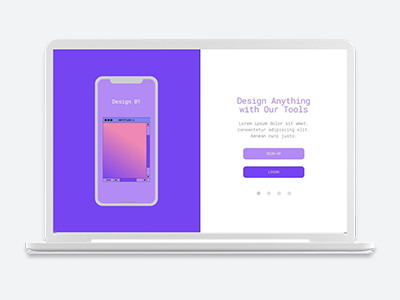
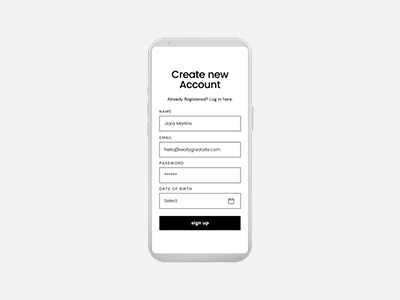
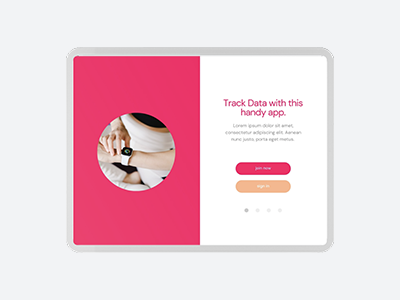
Fast track your design workflow
Speed up the prototyping process with ready-made templates so your ideas look professional without hours in front of the screen.
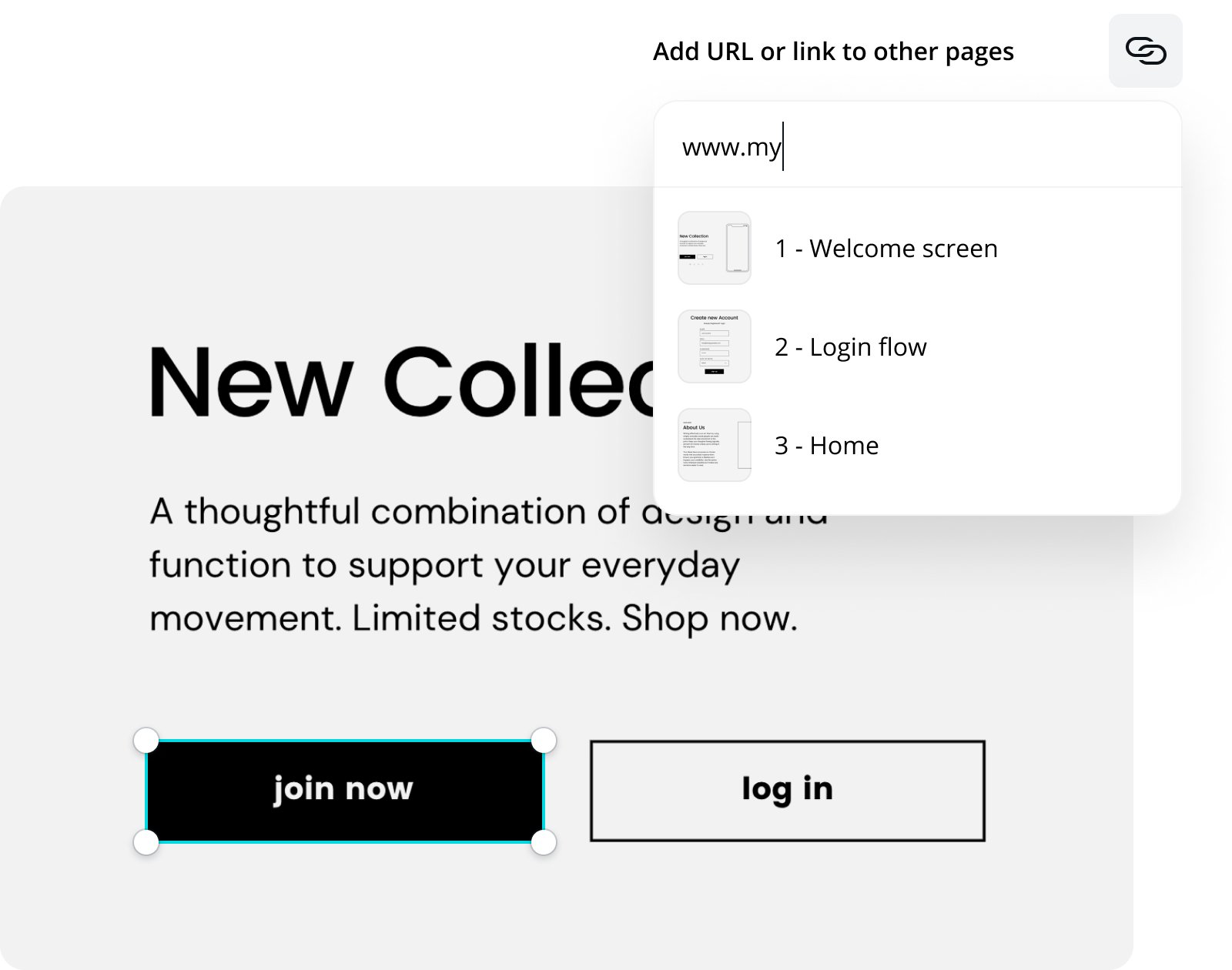
Prototyping made easy

Linkable elements

Interactive features
Optimized wireframes
Work together, wherever you are

Collaborative prototyping

Assign tasks and gather feedback

Hassle-free handoff process
Start inspired
Get a headstart with free design templates you can customize in a few clicks.
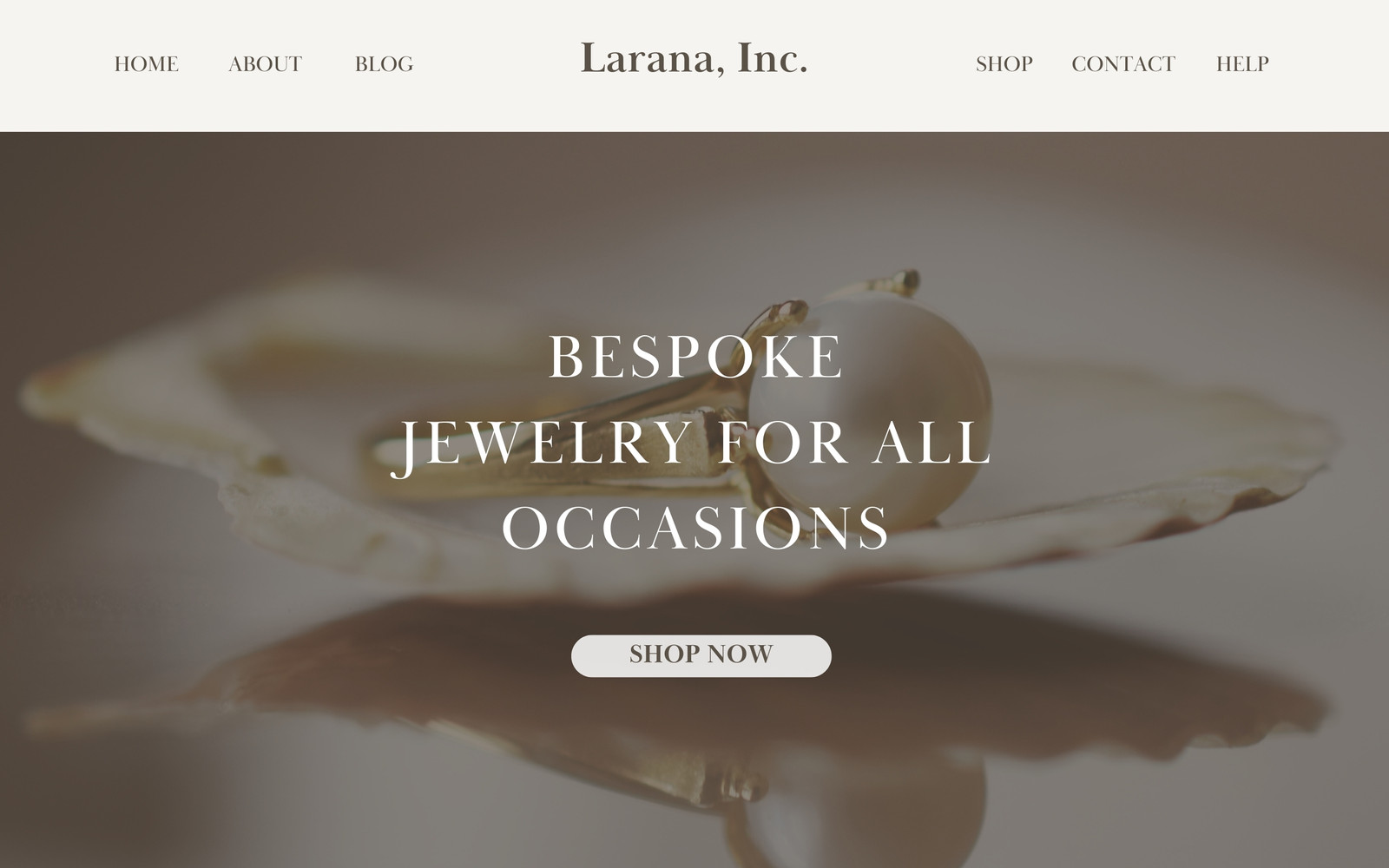
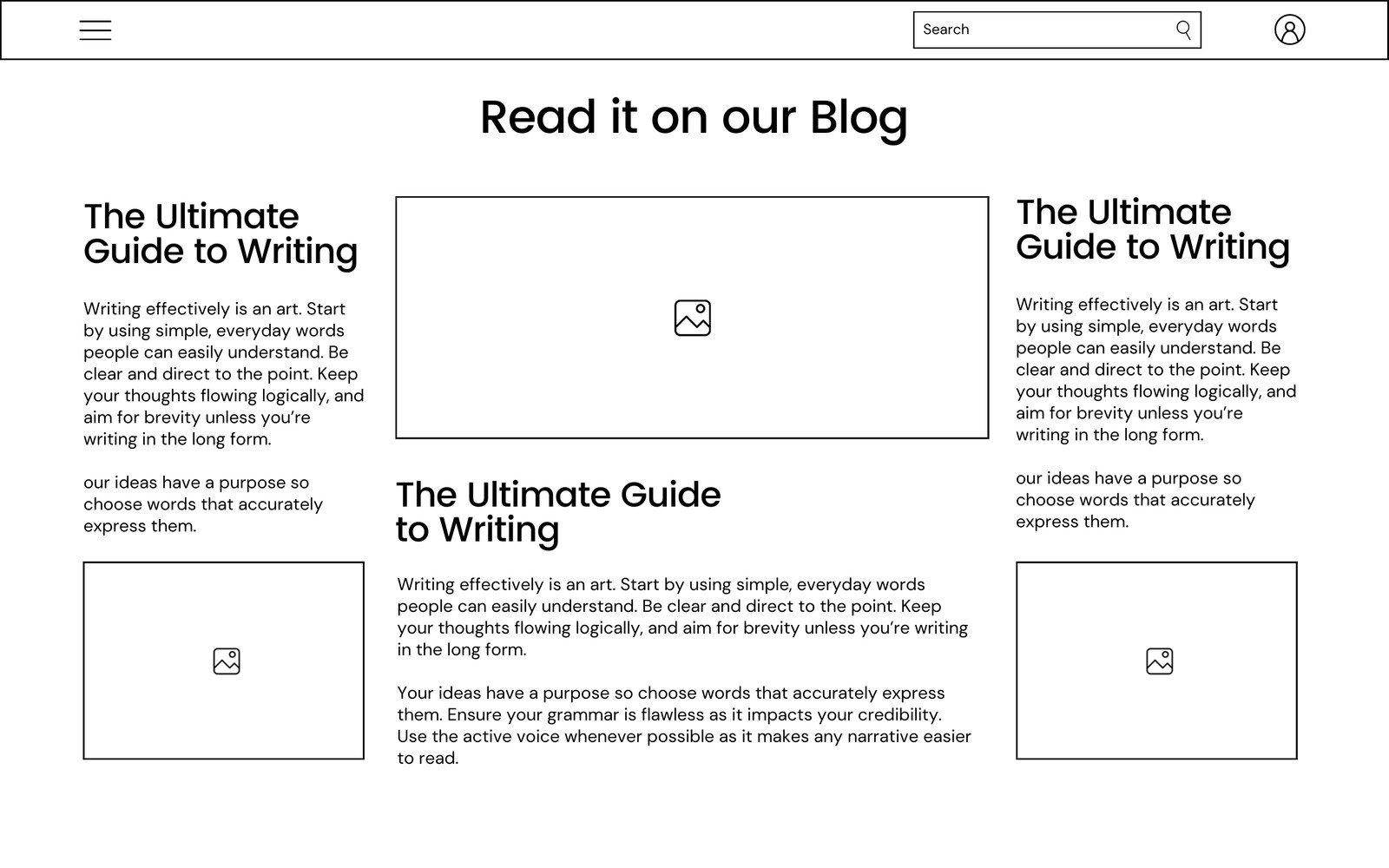
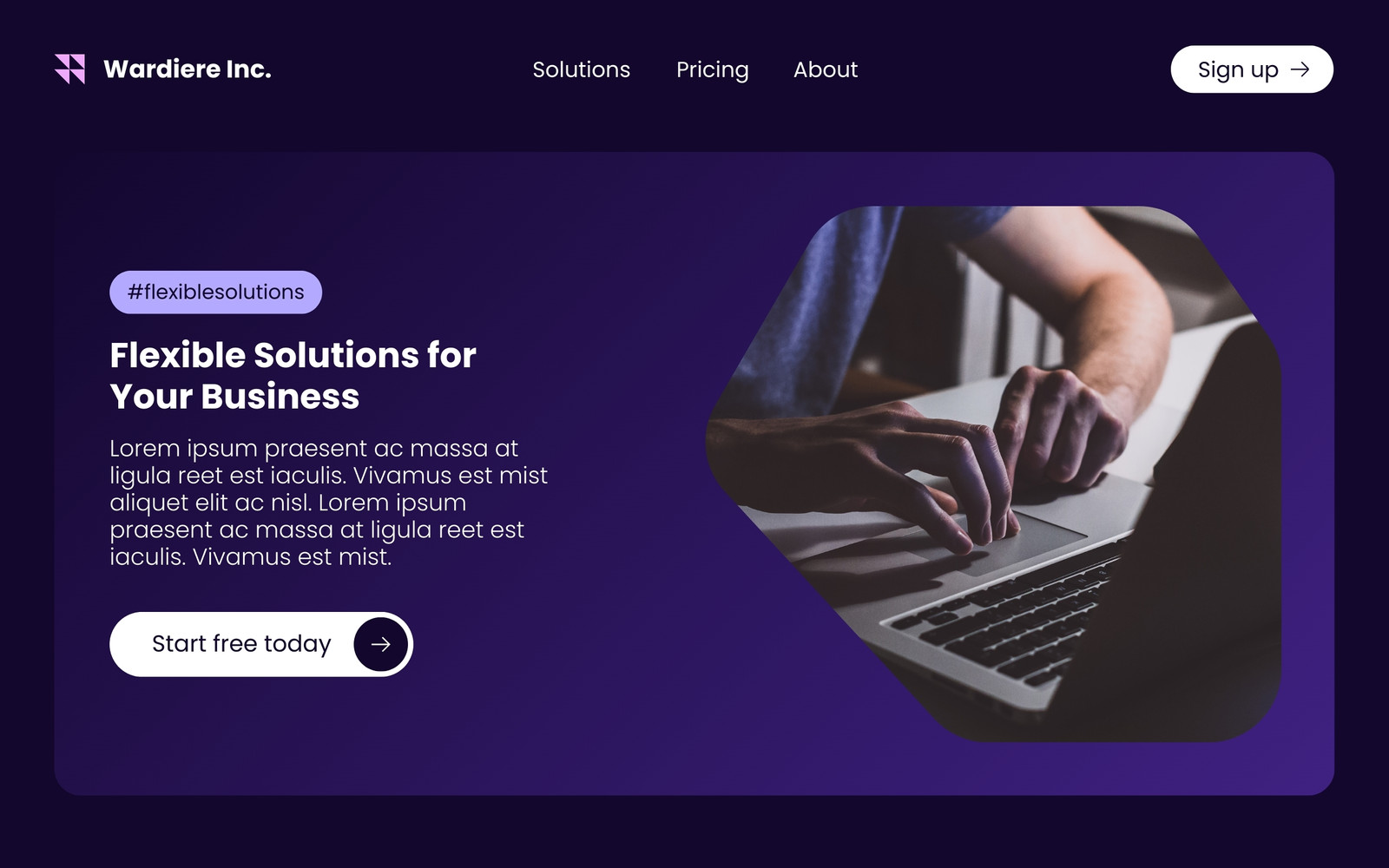
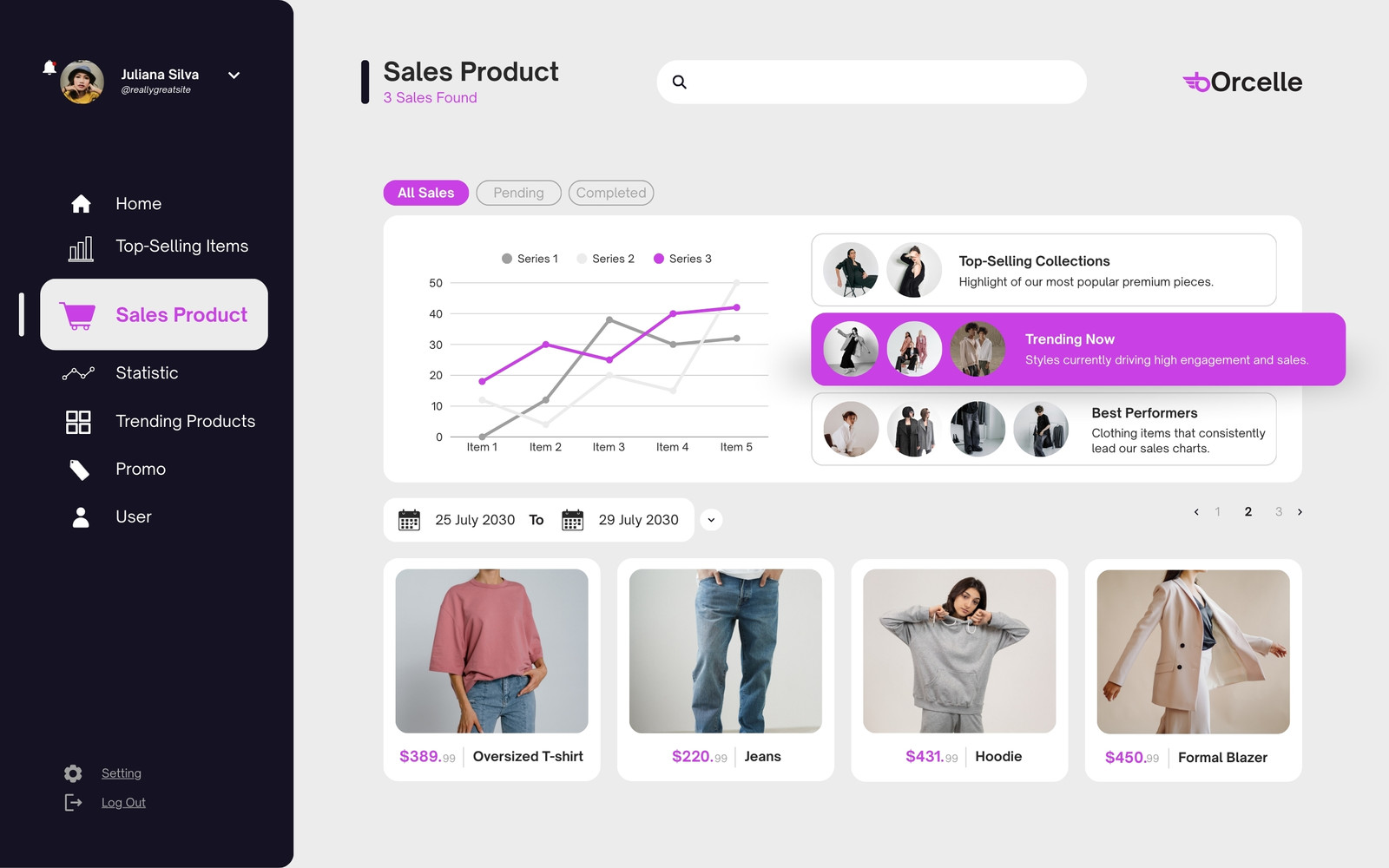
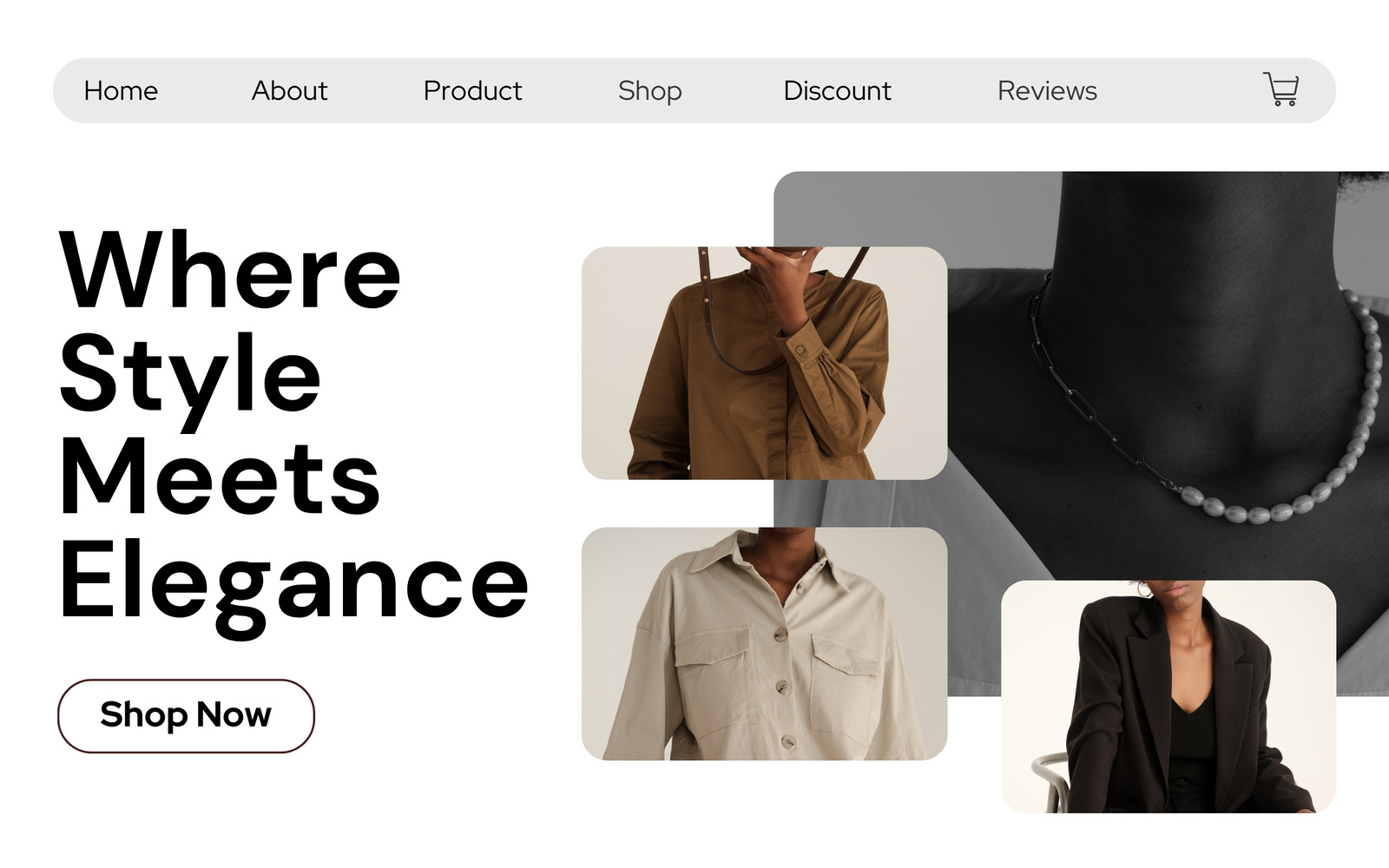
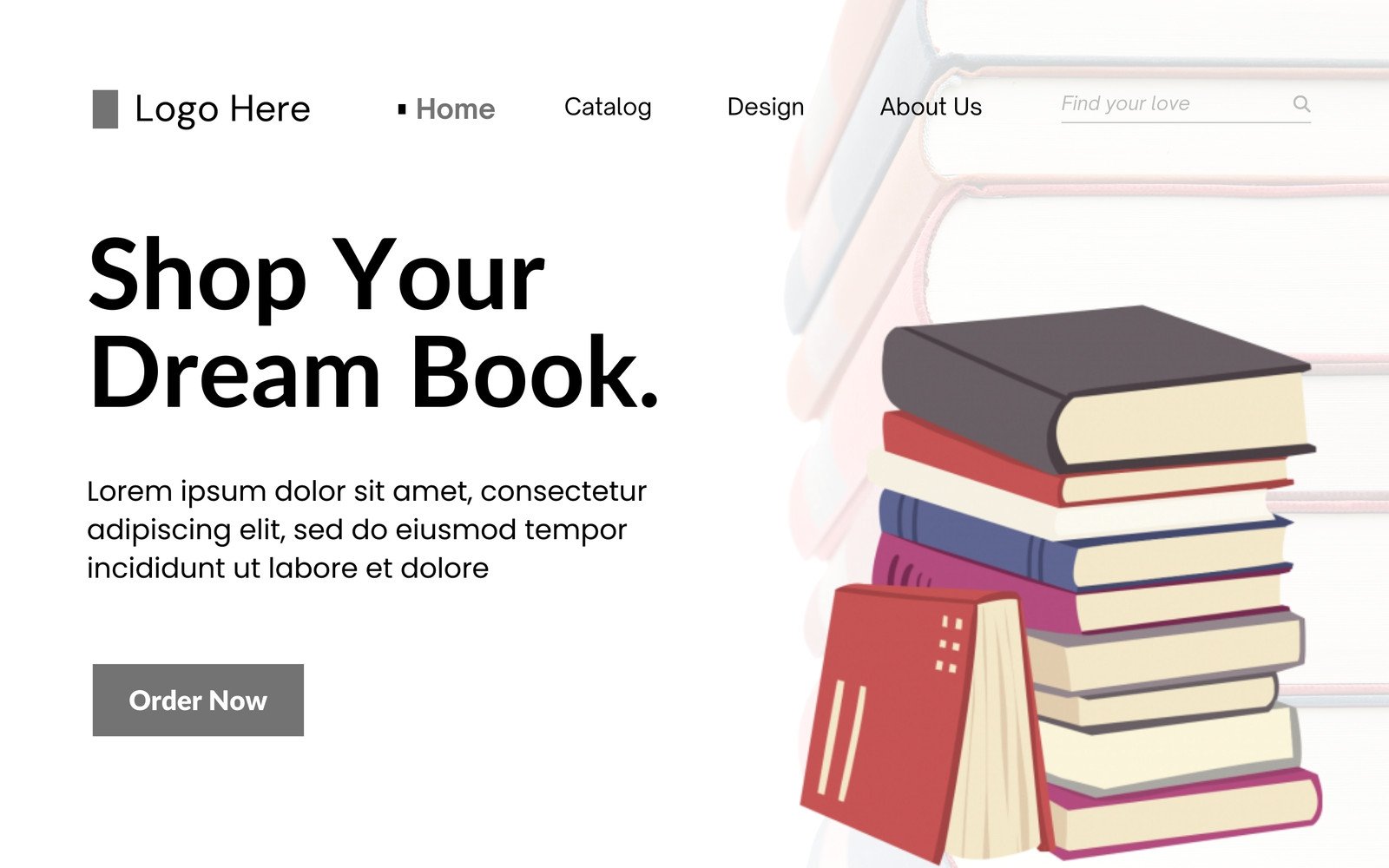
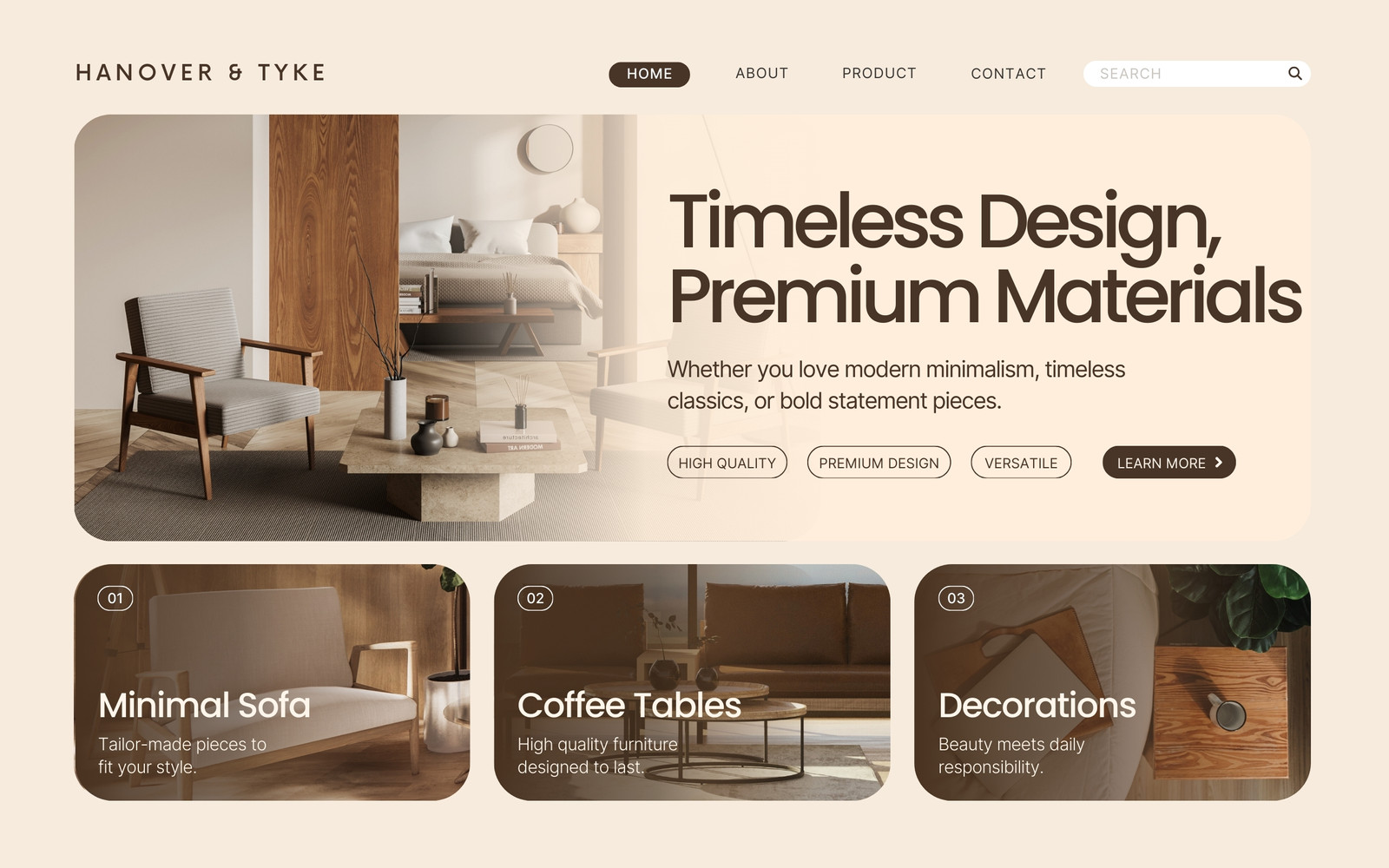
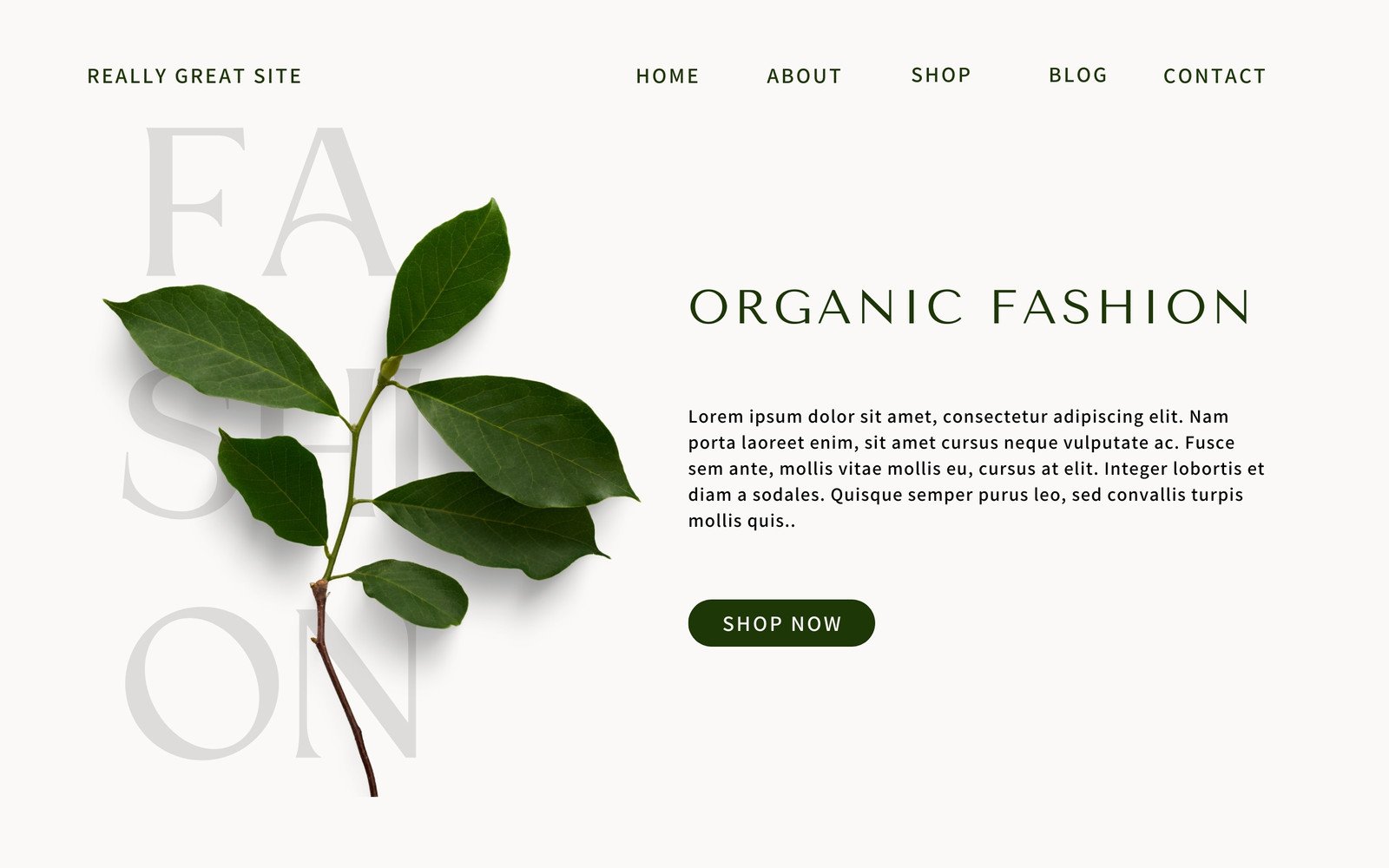
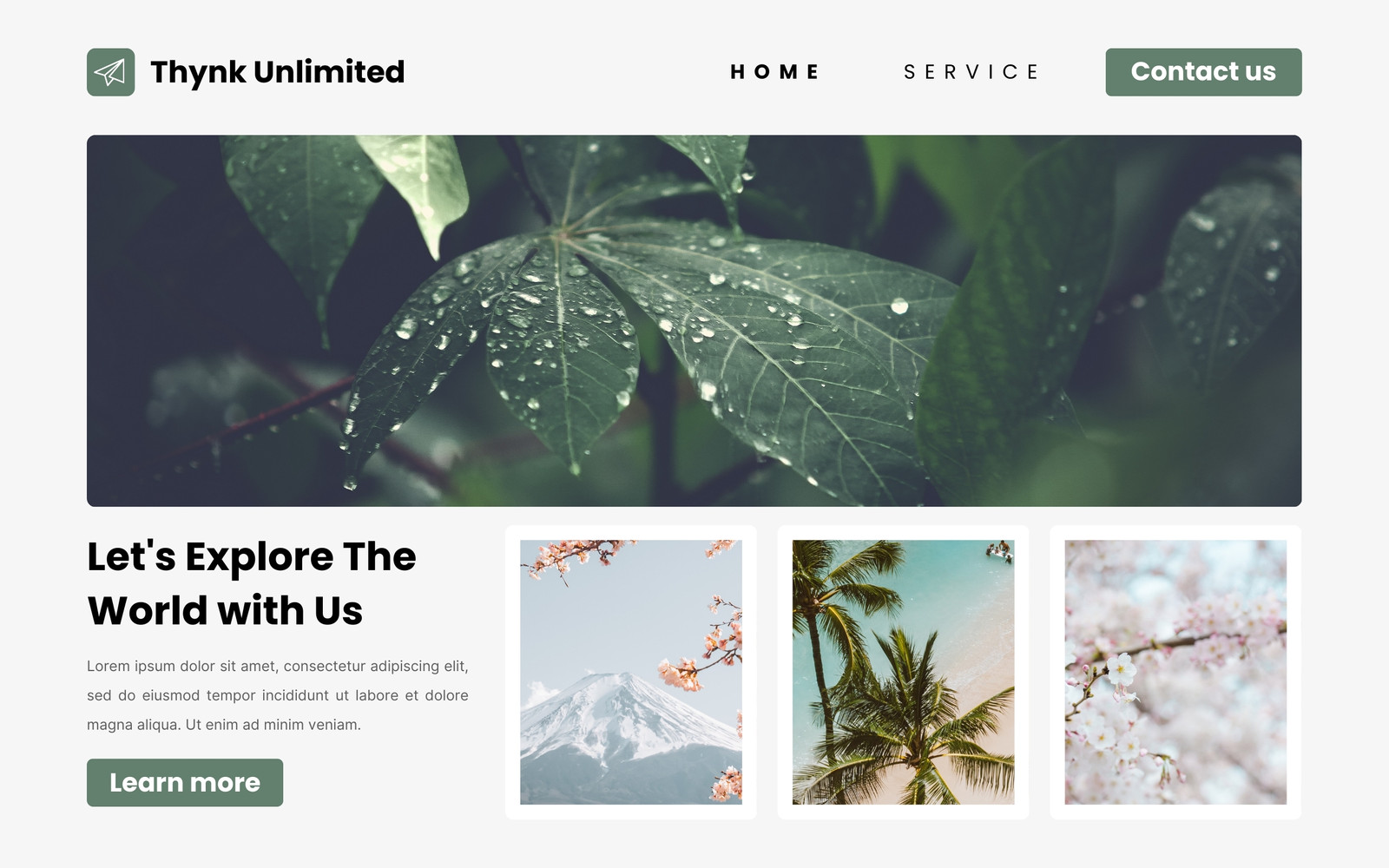
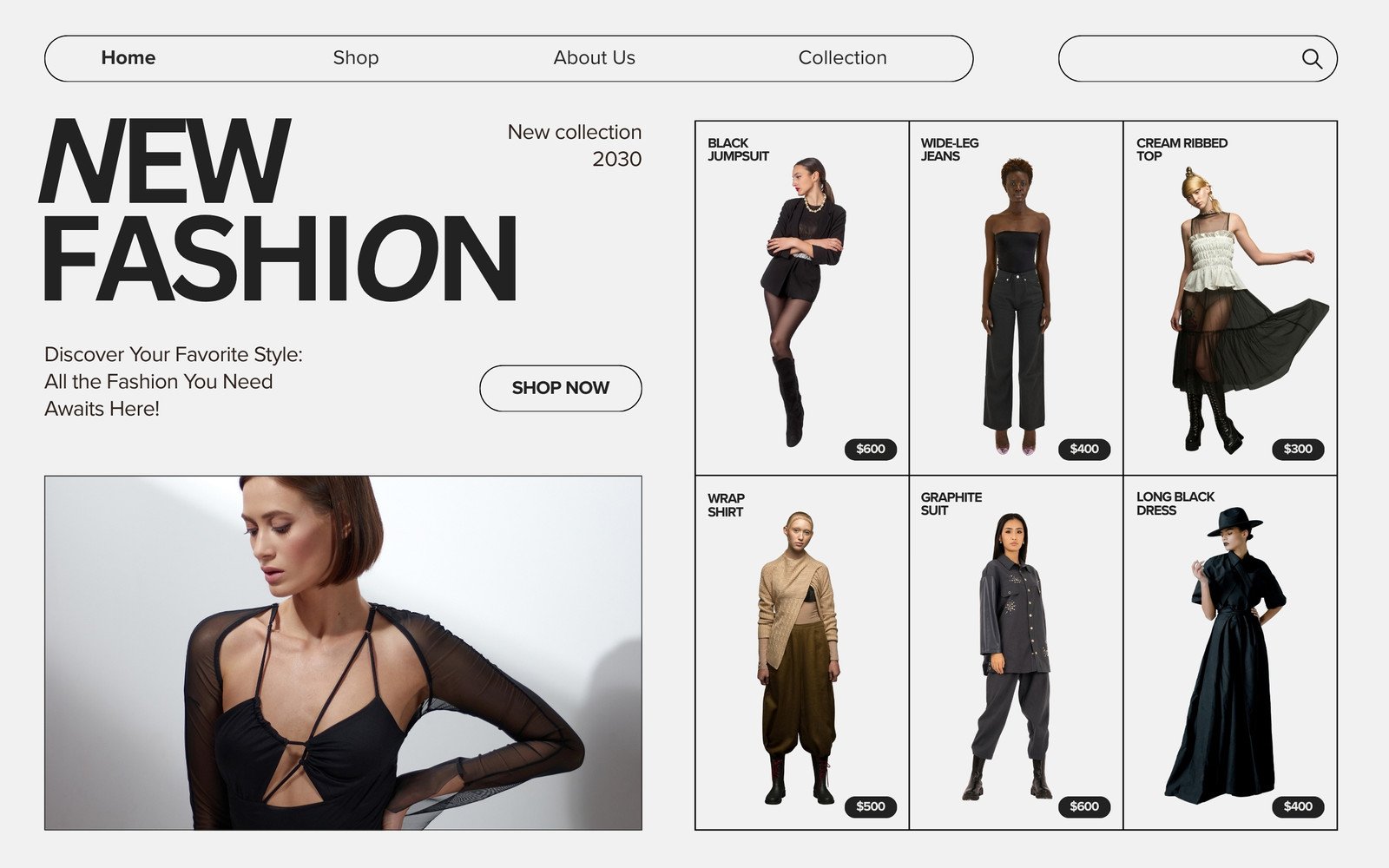
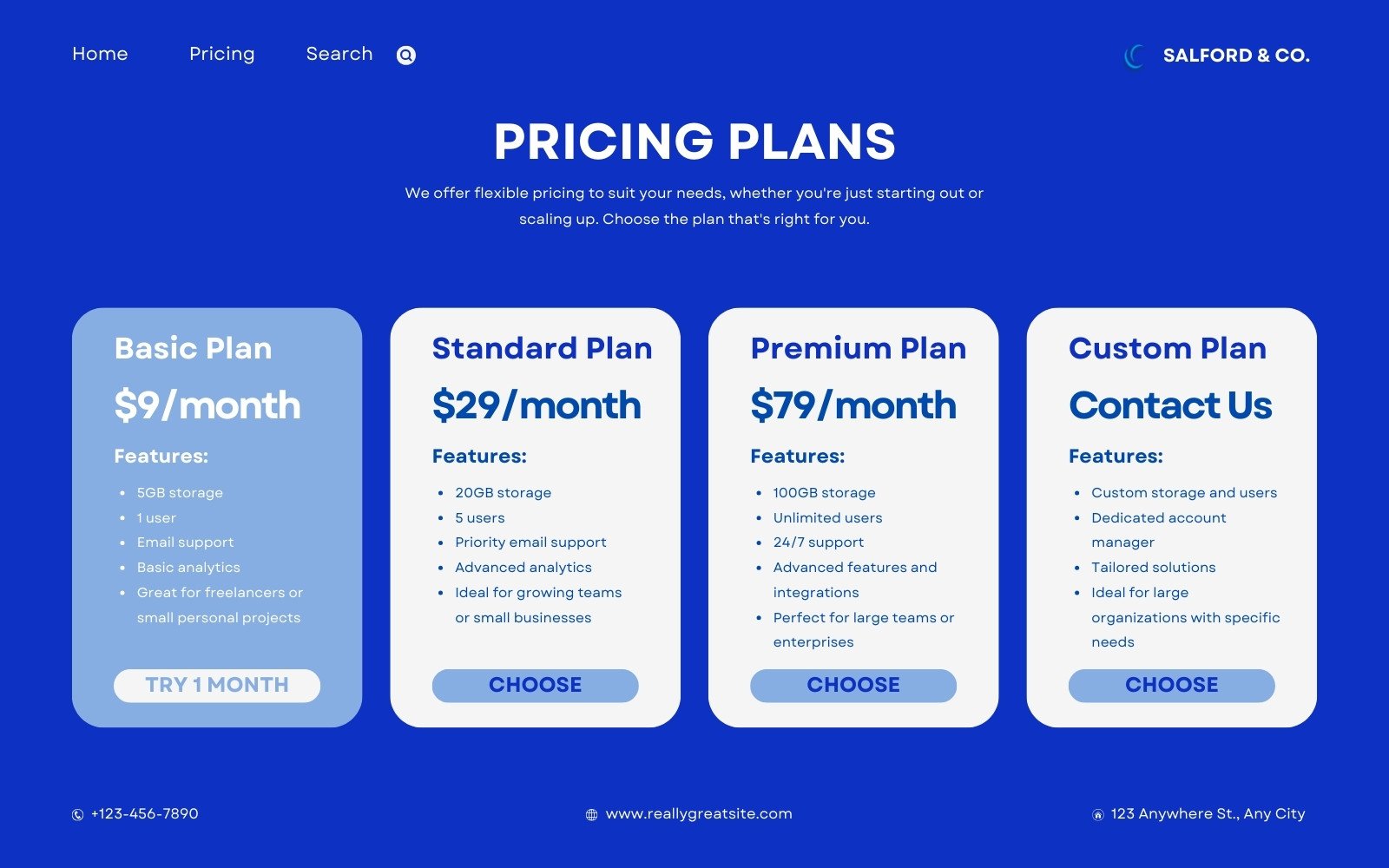
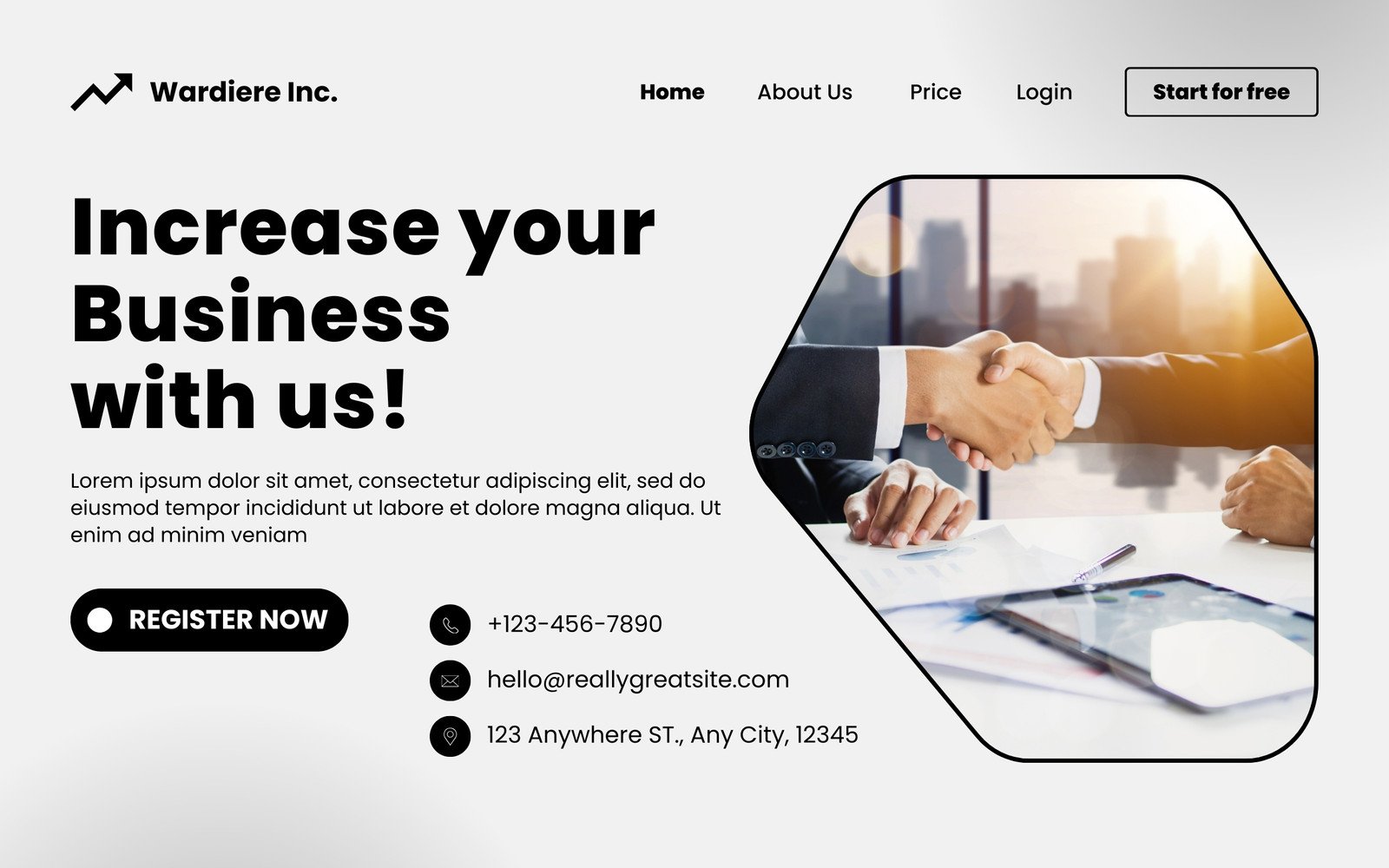
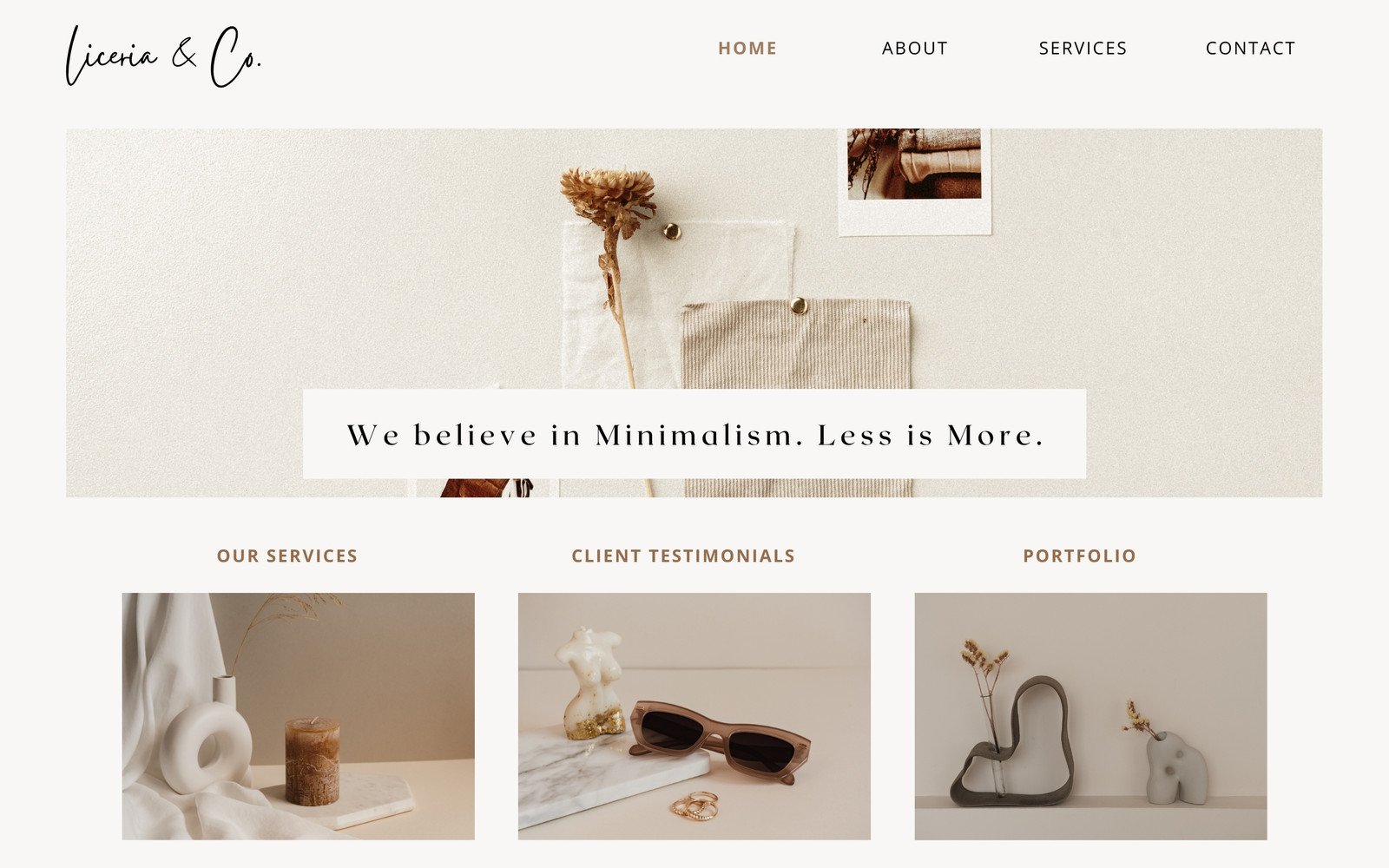
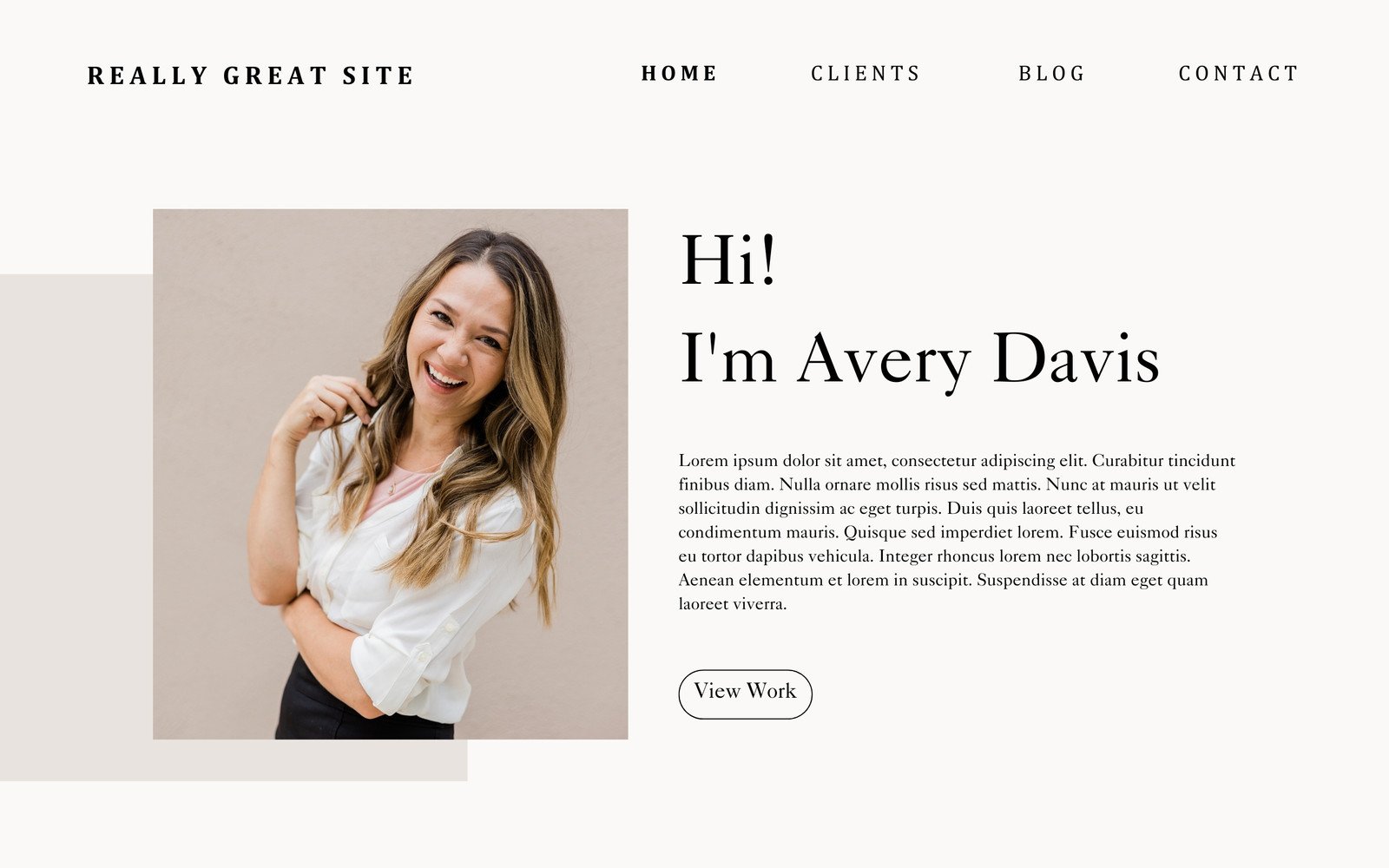
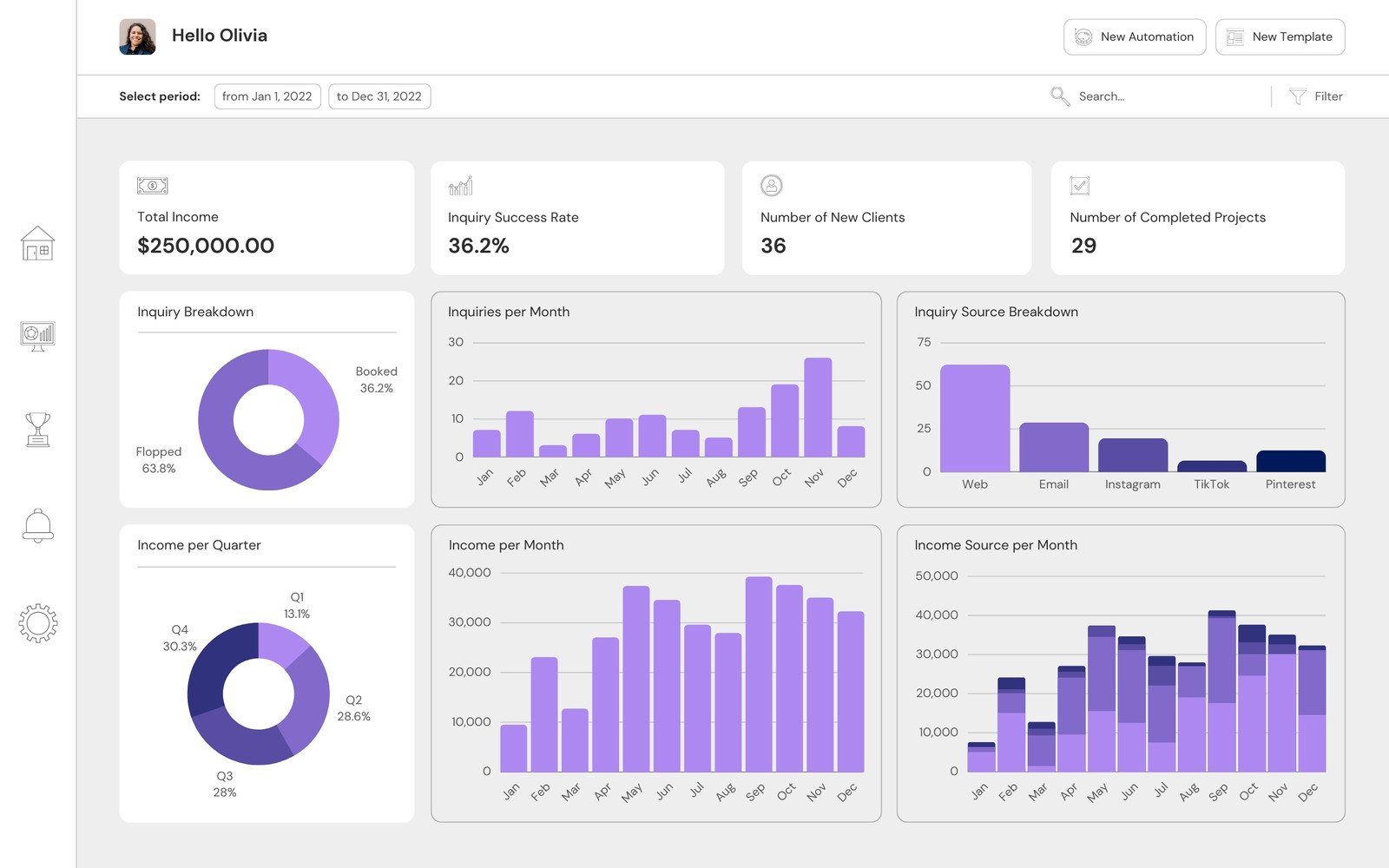
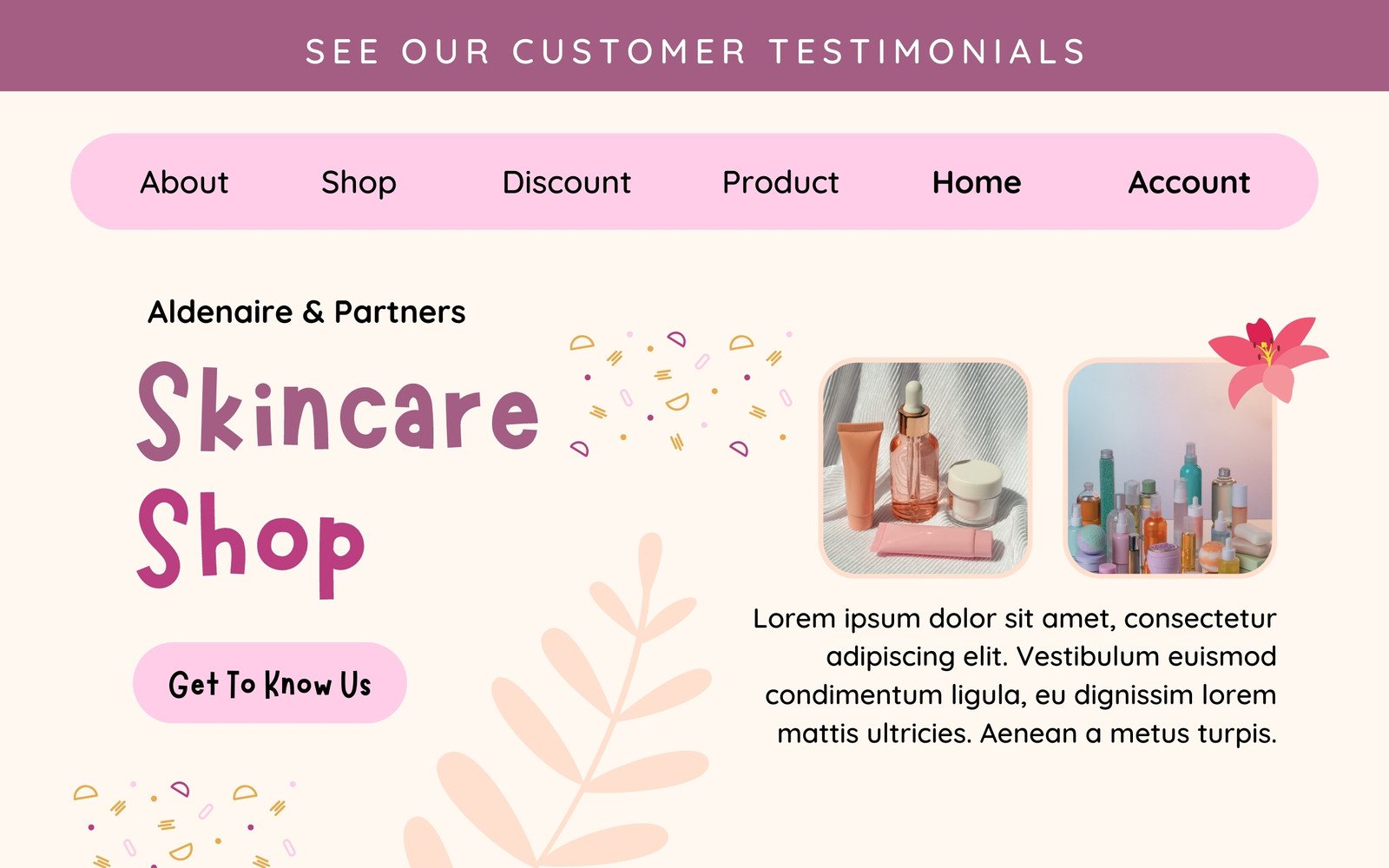
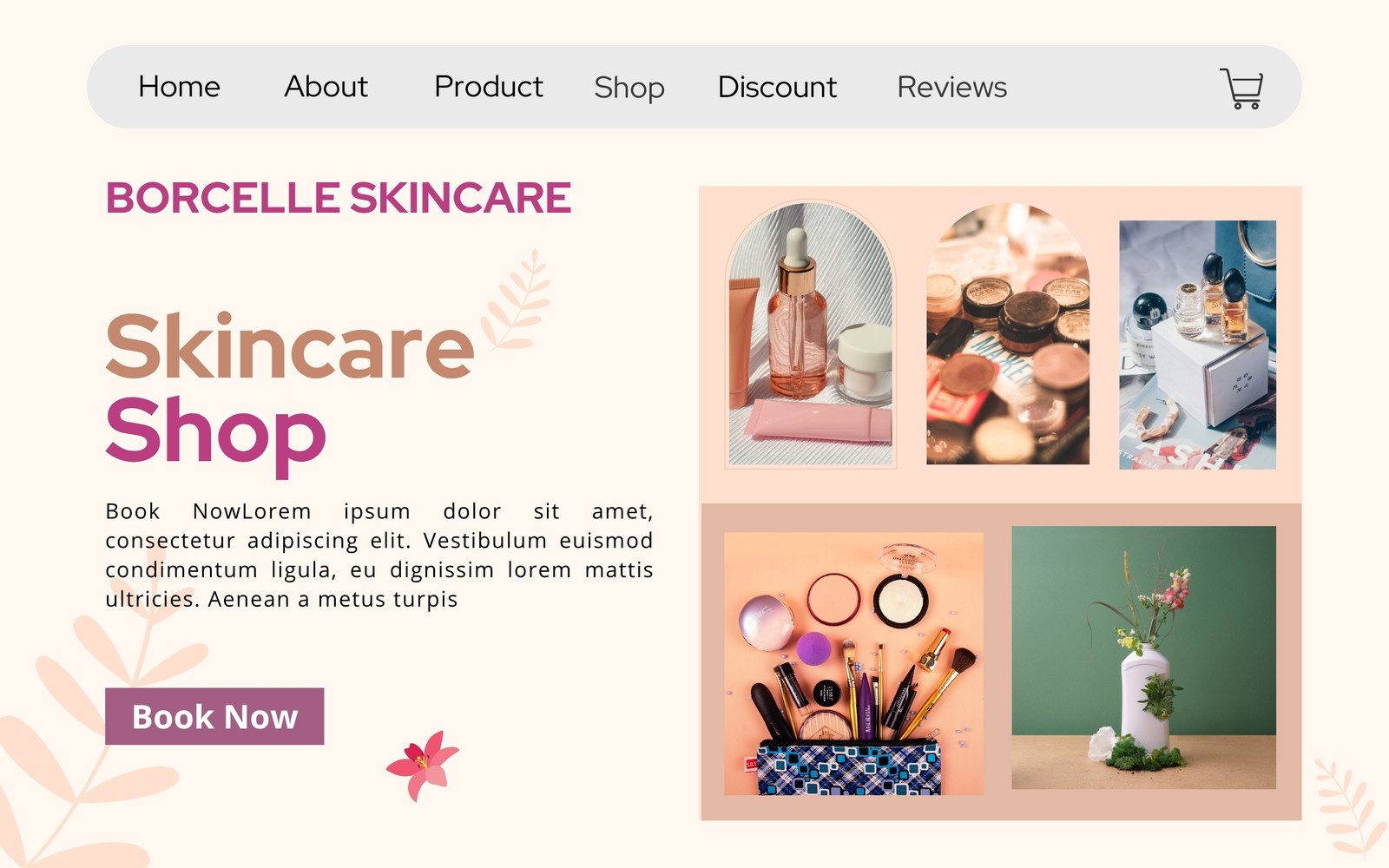
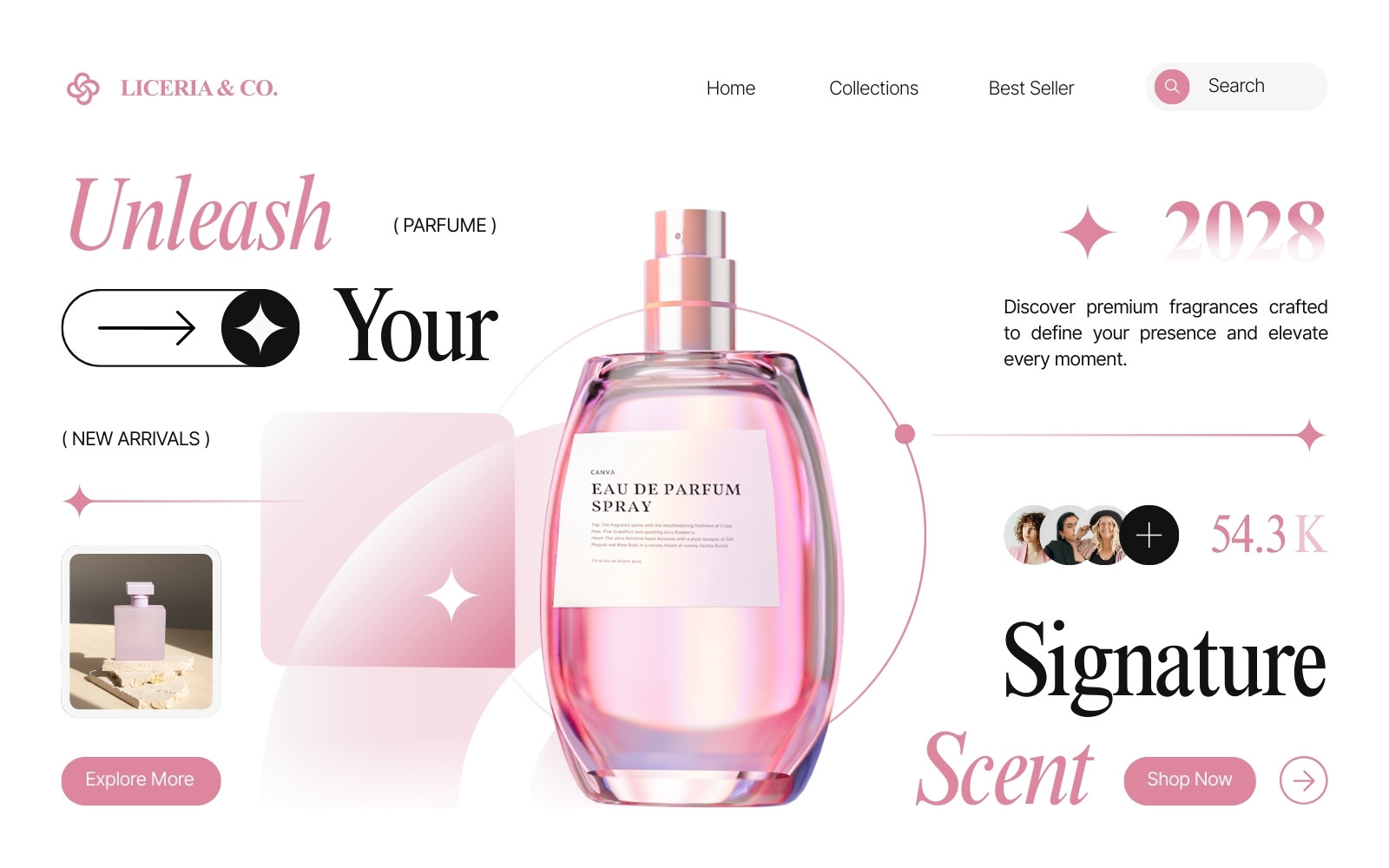
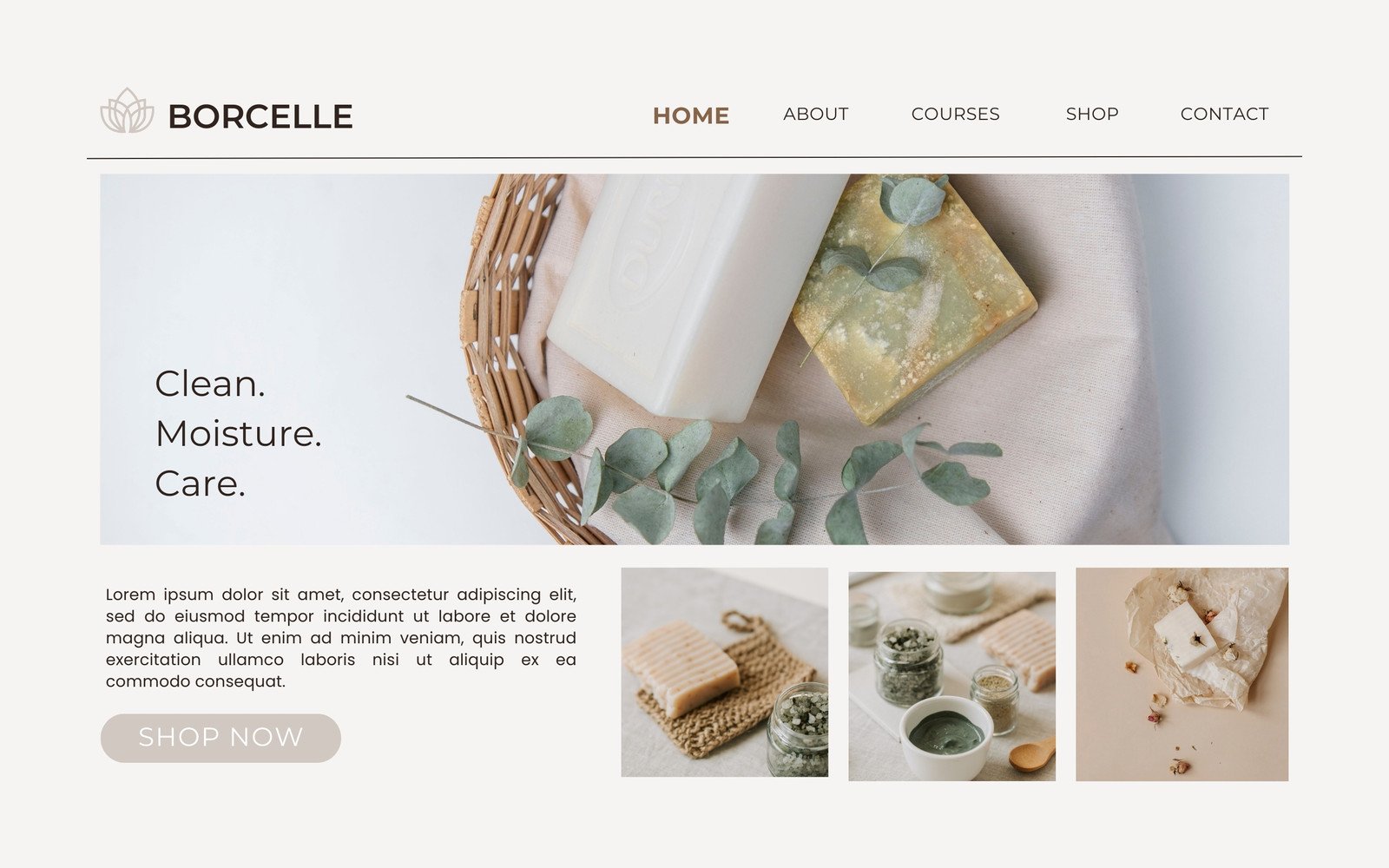
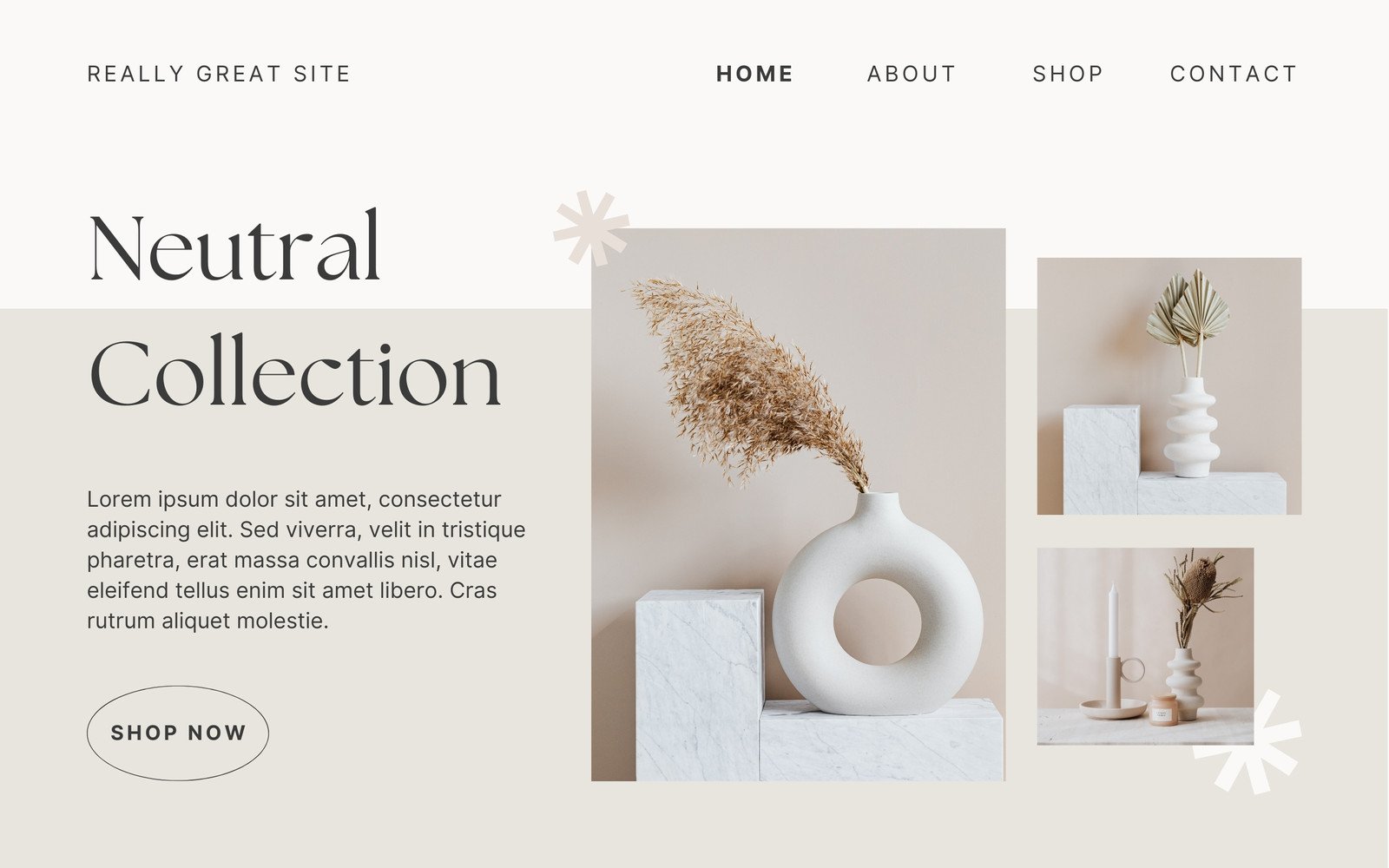
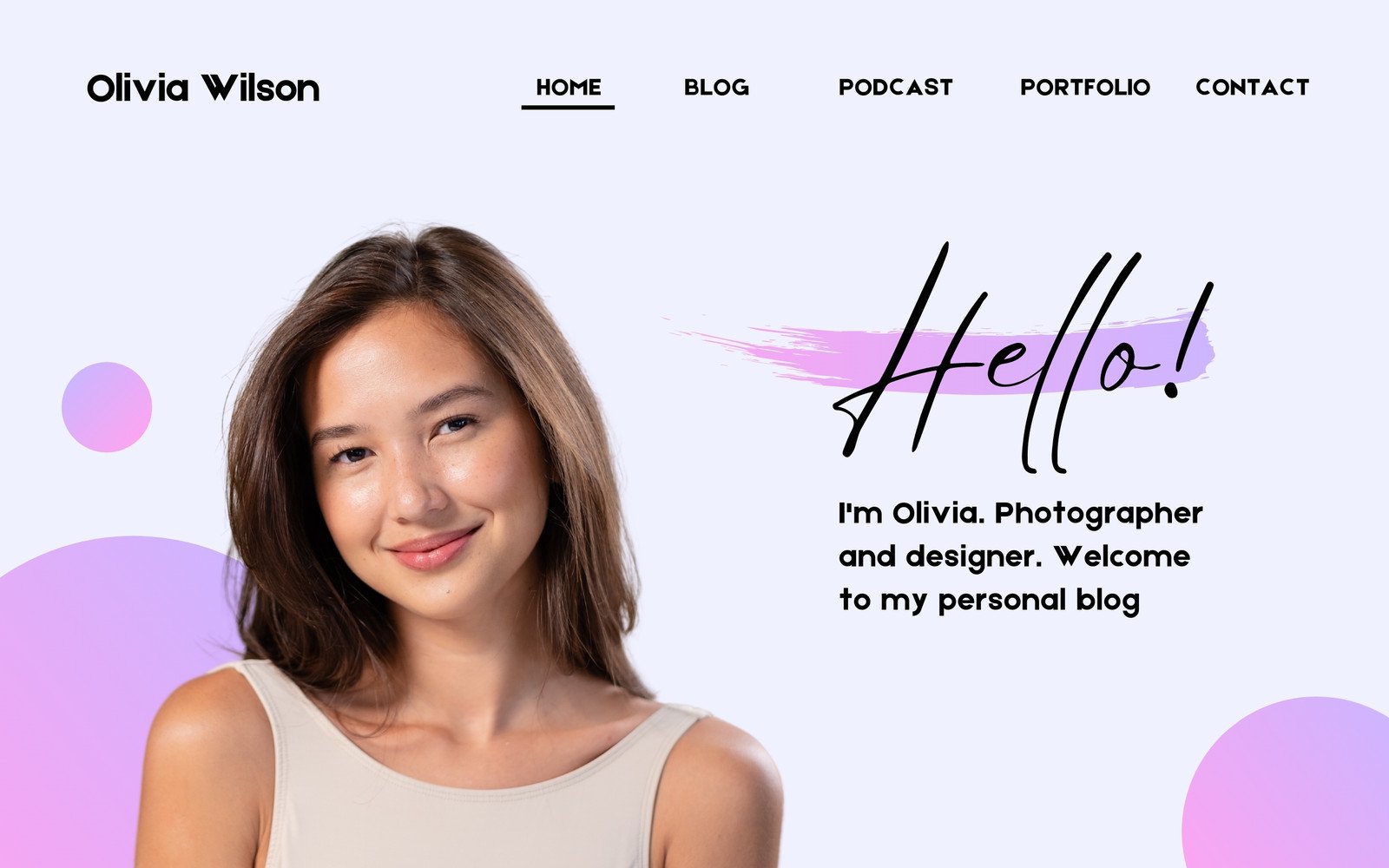
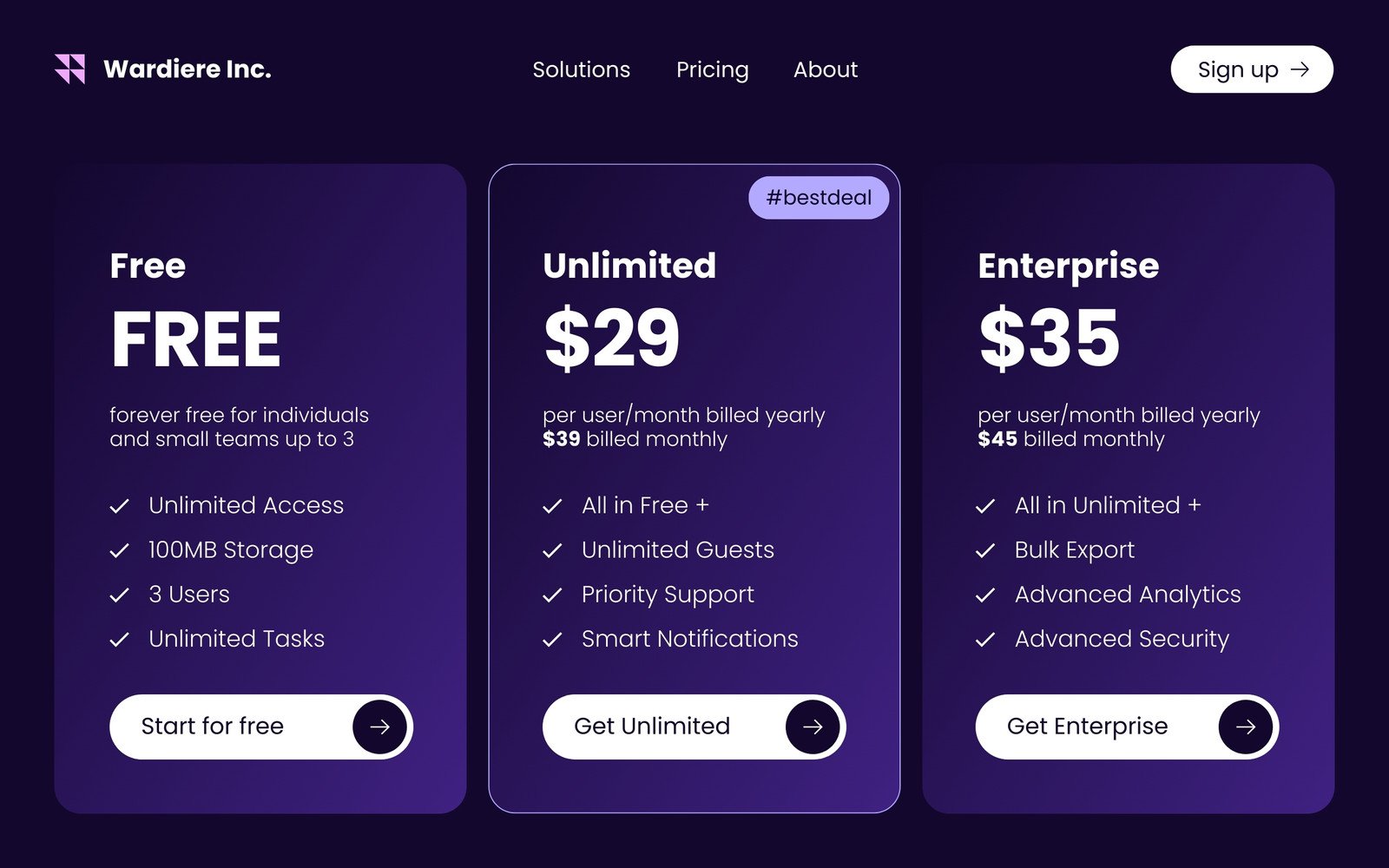
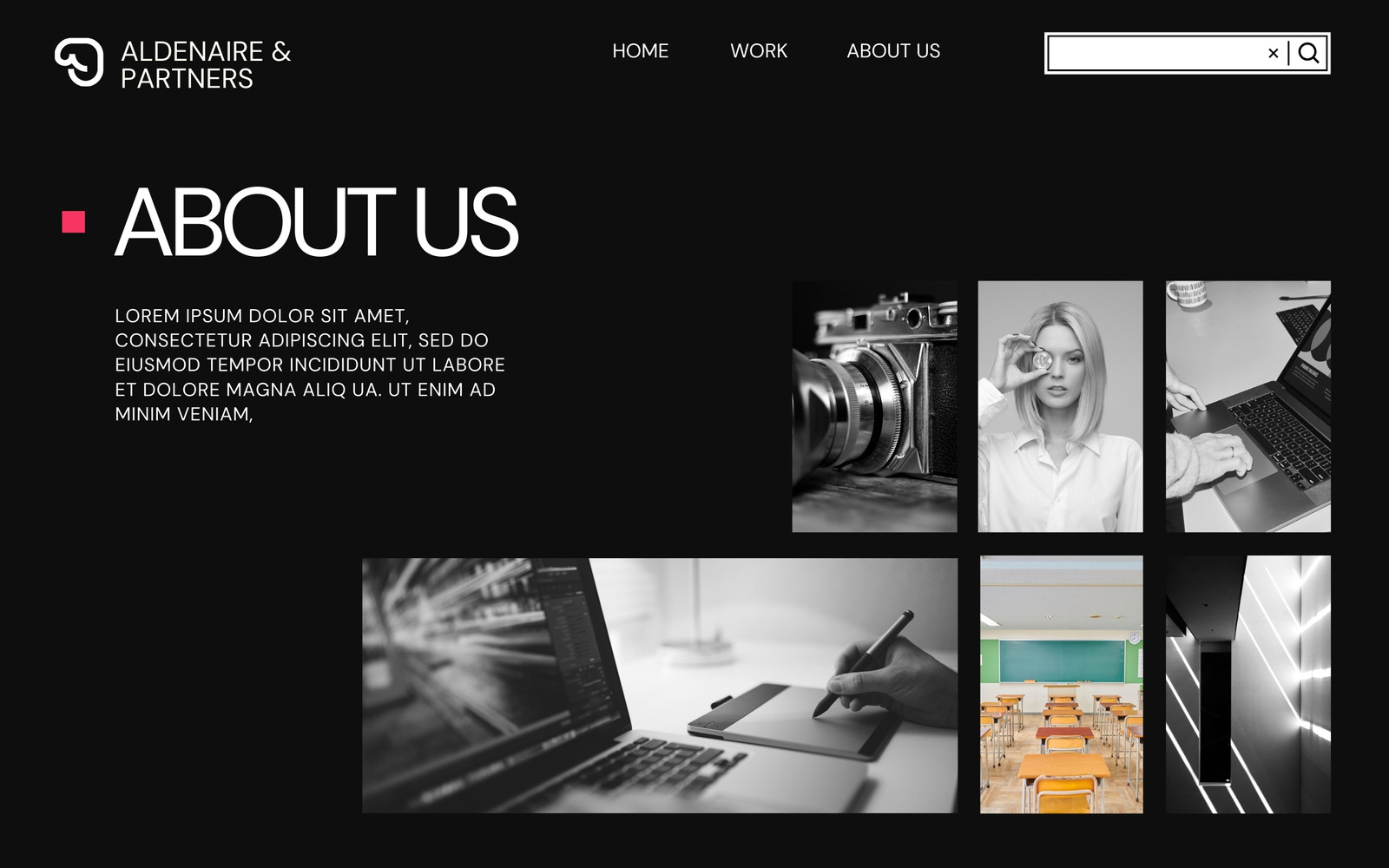
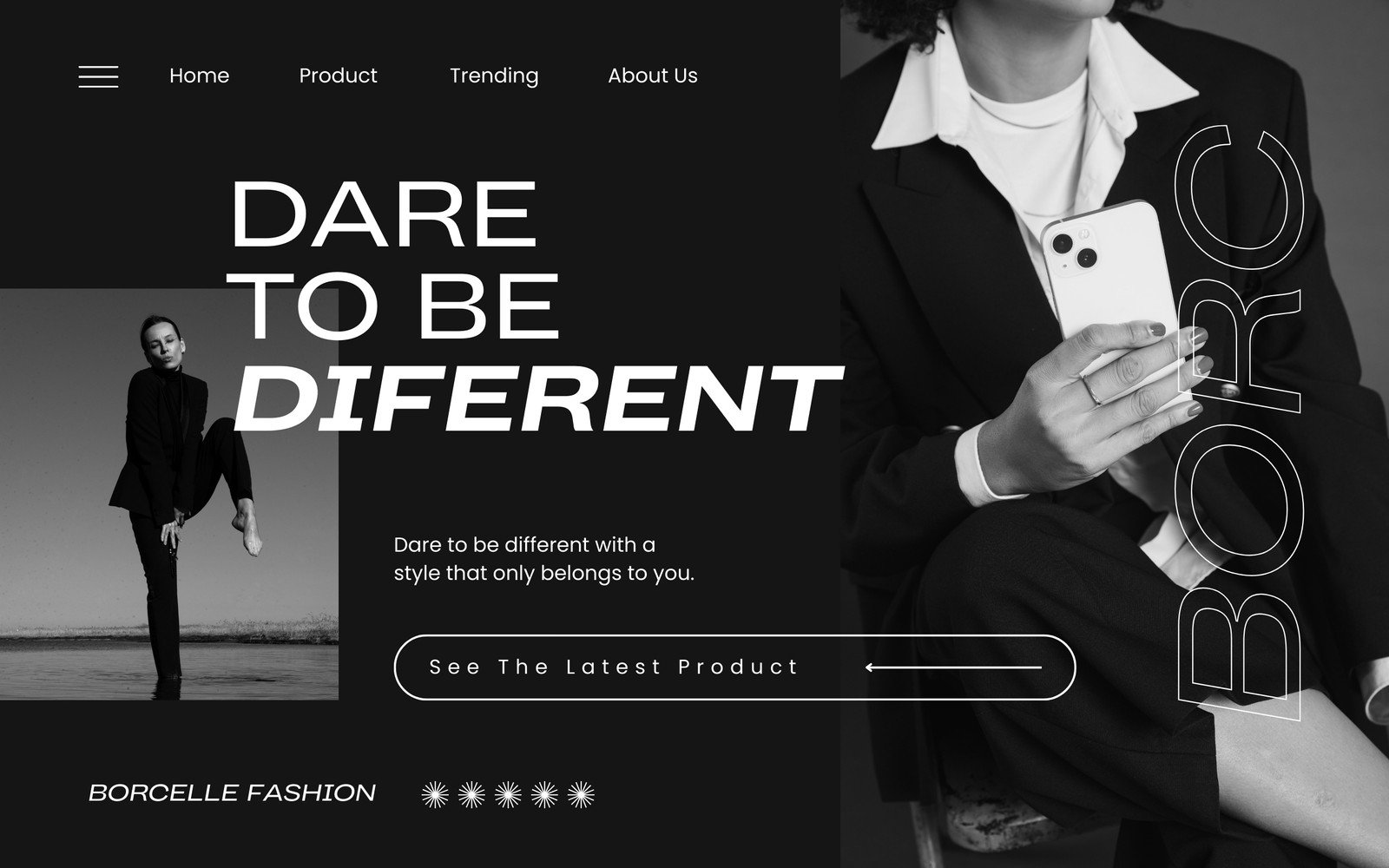
Prototyping made easy—for everyone
Small businesses
Create quick, low-cost designs to share and collaborate with your employees or contractors fast.
Freelancers
Impress clients with a fast turnaround on prototypes for websites, interfaces, or entire apps.
Entrepreneurs
Manage your team and mock up design-focused deliverables fast while keeping the budget low.
All the features you need
Canva's free drag-and-drop design tools make it easy to create any design, fast!
Thousands of free templates
Plenty of template design inspiration for any occasion, no need to start from scratch and 100% customizable.
Millions of free images, icons, and graphics
Get access to our entire library of millions of photos, icons, graphics, media elements, audio, sound effects, and more.

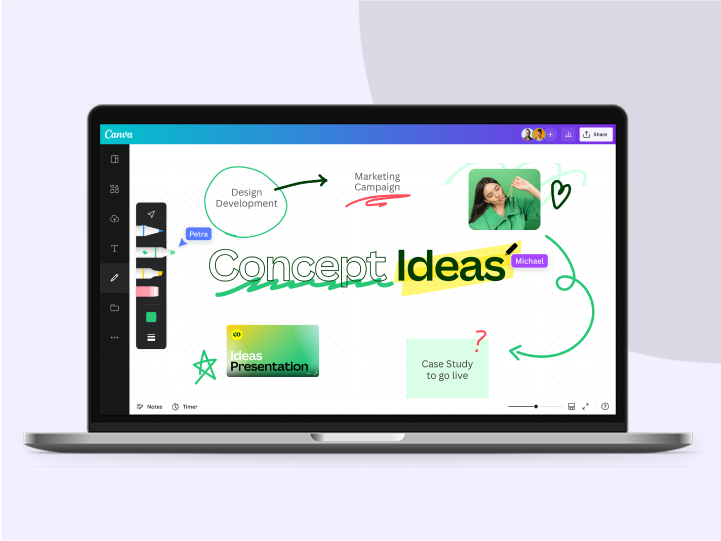
Real-time collaboration
Create, collaborate, comment on designs, and get everyone on the same page, at the same time, from anywhere.
Customizable charts and tables
Data visualization made beautiful, interactive, and easy—no complicated software to learn.
Easy sharing and exporting tools
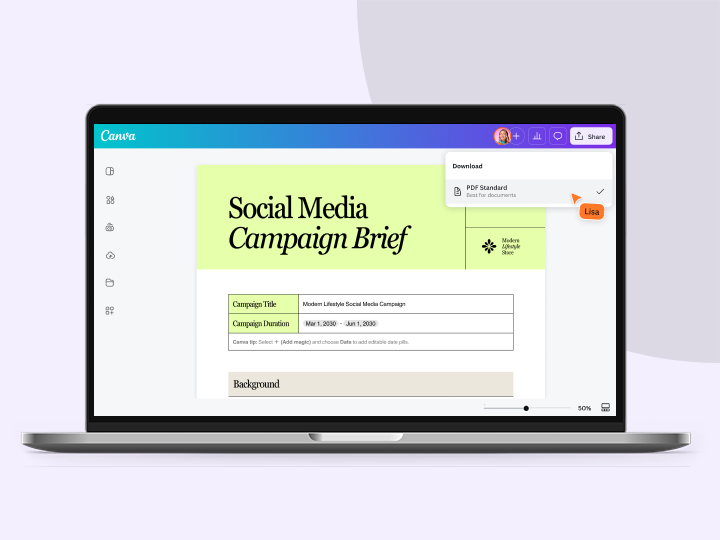
Share and export designs as a JPG, PNG, PDF, and PPTX. And when you embed a doc, you can customize which page will be displayed.

Font library
Upload your own or access 3,000+ free and premium fonts.
Access on any device
Jump from mobile to desktop—design how you work best!

Brand Kit (Pro)
Store your logo, brand colors, and fonts to stay effortlessly on-brand.

One-click background remover (Pro)
Remove image backgrounds, perfect for product photos, headshots, or transparent PNGs.
Built-in comments
Collaborate and communicate within designs.
Invite your team
Invite unlimited members to your class space or NFP team and easily share and manage work together. Pro teams are part of Canva Pro.

Approval workflow (enterprise)
Review and approve designs instantly.
How to build a prototype
- Choose a prototype template that’s aligned with your product, app, website vision or business goal.
- Customize with icons, logos, images, links, text, effects, etc.
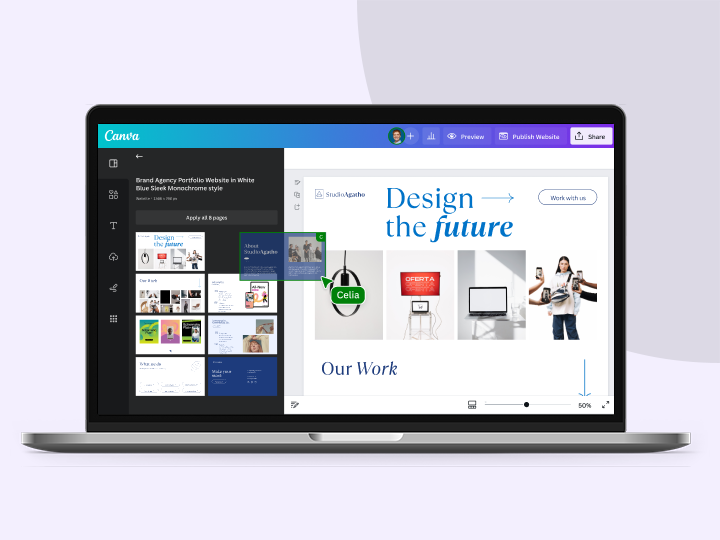
- Add links to the other pages within your design to see your prototype flow from one screen to another.
- Collaborate with your team in real-time and get feedback fast.
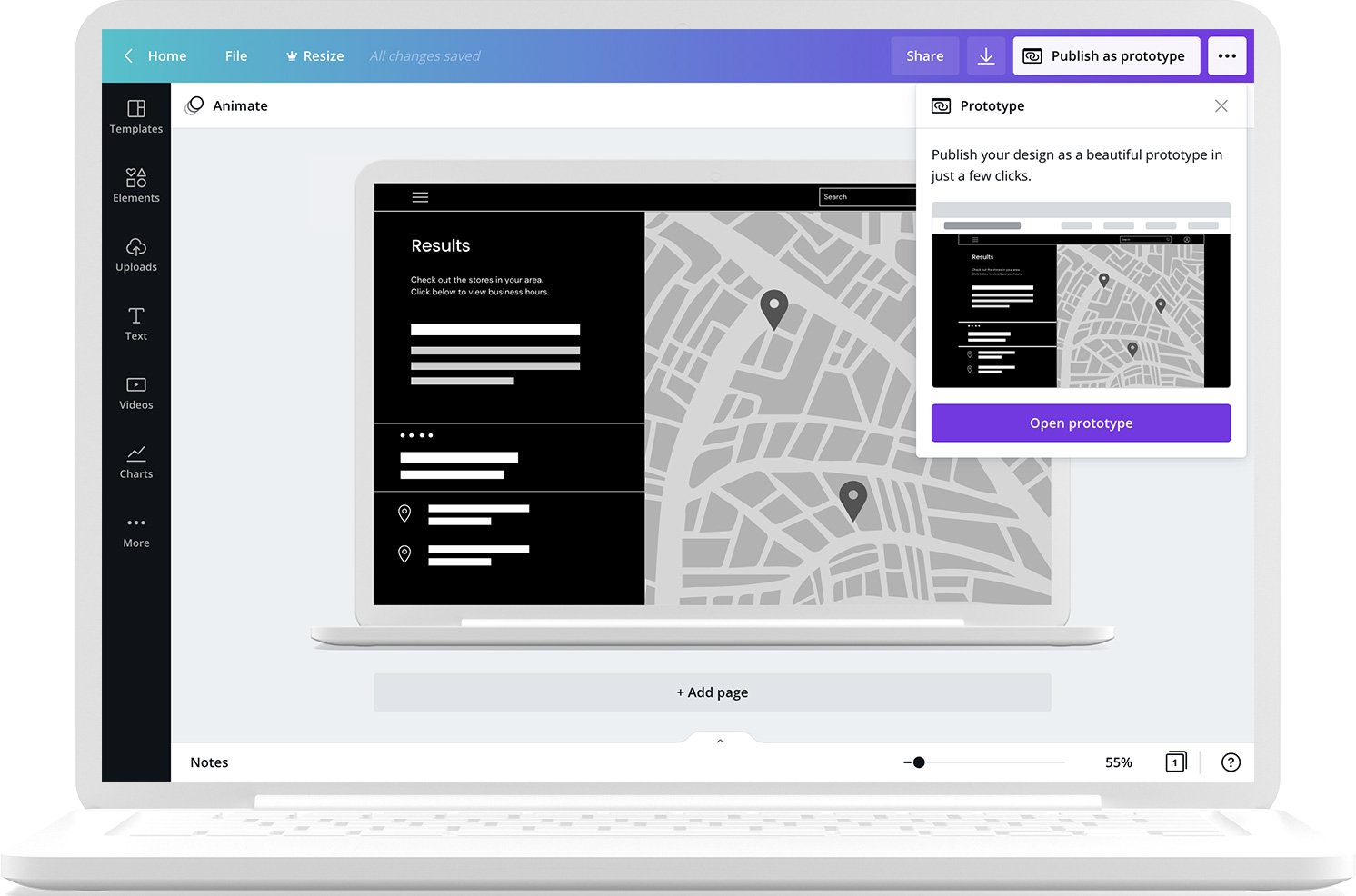
- Click "Publish as prototype" and share your vision with your team or the world.
Your questions, answered
A prototype is a design or mock-up of something you want to build that’s more detailed than a starting point. To prototype means to build a sample of the product, app, website, page, or tool and test it out if the model works and/or follows the intended process or function.
Getting that prototype right is important, so we got you covered with templates for prototypes for desktop, mobile or tablet use. No design experience needed to start.
Creating a prototype helps give you an idea of the final look of a design and helps you understand and troubleshoot problems. Canva Prototypes provide an easy and low-cost way of designing a professional-looking prototype for any idea–from websites, apps, landing pages, and more.
Prototypes can be created to model, solve or test anything and there are many different types out there. Paper prototypes, for example, begin by being drawn by hand. Digital prototypes, however, are computer-generated so they tend to be a little more realistic to the end design.
Low Fidelity prototypes (or wireframes) are quickly done, just to get a good idea of the bigger picture. On the other hand, High Fidelity prototypes are complete representations of the end goal, so they are more realistic and detailed. Think content, typography, colors, and branding, they are all included in High Fidelity prototypes.
Firstly, they are all different stages of the design flow. The big difference is the amount of detail they have, so think of them as low to medium to high. On the low end is a wireframe—which is just the starting point for a design. A mockup is a more realistic end result, but still lower in detail. A prototype is the end goal, so it’s something that details how a user might interact with your design.
To make them a bit easier to find, prototypes are now available under the ‘For You’ tab on your Canva homepage. You can also search the general term ‘prototype’ or specific prototype categories including desktop prototype, mobile prototype and tablet prototype. Once you select the prototype that suits you, get started and customize to your needs!
More resources
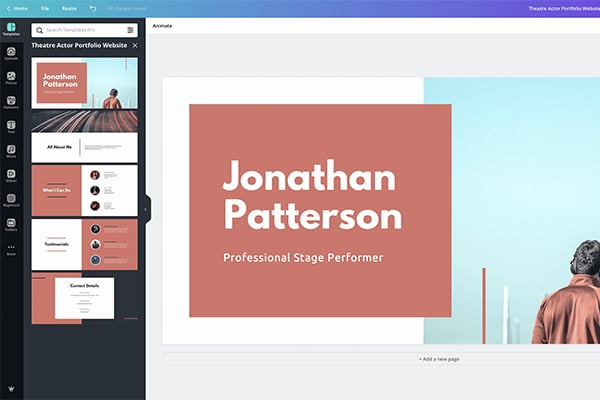
Best website color scheme examples
Know the impact of color on your site design.

Design thinking: Learn how to solve problems like a designer
Learn to think like a designer and solve problems in the most creative way possible.
20 web design principles to follow
Failsafe principles to follow for an eye-catching design every time.
The pros, cons, and future of flat design
Everything you need to know about flat design to inspire you to get creative.
Discover more products
Create prototypes for any platform
Design, test and collaborate faster and more efficiently with the tools you love and the prototyping abilities you need.
