- Content Workflows
Your complete guide to content workflows


Jump to:
What is a content workflow?

Bringing the creative process to the workplace can oftentimes result in chaos. After all, creativity and chaos are intertwined. To stay creative and discover fresh ideas, you need to be brave enough to take risks and make a mess.
While giving structure to creativity feels antithetical to the practice itself, it actually has the opposite effect. A study about creativity and collaboration in creative industries(opens in a new tab or window) proposes that providing structure to teams allows them to bring out each member’s individual creativity while nurturing collaboration – two aspects that creative industries rely on to succeed.
That’s where a content workflow can really come in handy.
A content workflow is a type of workflow map, designed specifically for producing creative content. It’s especially helpful for managing high-volume content creation, which needs a consistent and documented process to stay sustainable amid great demand.
Depending on the format, a content workflow gives you a bird’s eye view of the tasks through which a piece of content needs to go before being released or published. It also lets you know who the directly responsible individual (DRI) is for each task, along with the timeline and tools to get it done so nothing can get lost, no matter how complex the process.
Why content workflows matter
Content is king, but with the demand for it, even the most skillful creators can struggle. Without a content workflow to follow, creative teams might resort to shortcuts just to keep up with deadlines. But if you want both quantity and quality to be consistent, having and enforcing a content workflow is the way to go.
Here are just a few of the benefits of having a content production workflow for you and your team:

Better alignment results in faster and more efficient content production
According to the 2023 Adobe Digital Trends study(opens in a new tab or window), 43% of the 9,000 marketing professionals surveyed reported workflow issues as a critical barrier holding back their organizations.
Enforcing a content workflow is the best way to address this issue. Having everyone follow the same mapped-out steps helps eliminate bottlenecks and delays. When everyone knows their role in the process, content moves faster from ideation to distribution.
Reduced errors, consistent quality, and better compliance
Allocating time and manpower for reviews and revisions helps keep content in check. That said, reviews and approvals tend to be a common holdup for content creation(opens in a new tab or window), so it’s important to set up a clear feedback system with your reviewers and approvers. This way, your draft doesn’t get stuck in the review stage forever.
In producing content that deals with healthcare, legal matters, and other sensitive issues, designating steps for subject matter expert (SME) checks is important. This helps you reduce legal or regulatory risks, protecting your team and company from liability.
Scaling content production
Small start-ups and legacy brands can both scale content production by streamlining their content workflows, often with the help of automation and generative AI.
Take the case of Reuters’ Bangalore(opens in a new tab or window). The news company’s biggest newsroom streamlined its workflow with AI to help publish fast and accurate news alerts within seconds of receiving a press release, amounting to 100,000 business news alerts monthly.
Brand consistency and trust
While your content workflow won’t be a visible part of what you publish and distribute, its effect will certainly be loud and clear in the consistency of your output.
Standardizing your process via a content workflow keeps your content virtually error-free and delivered on time. Plus, marketers have found that brand consistency can result in an average revenue increase of up to 23%(opens in a new tab or window), showing the tangible effect that audience trust can contribute to a brand.
Key components of a content workflow
Content workflows may differ based on the type of content your team is responsible for, whether it’s an informational blog to support your services or a YouTube channel with millions of subscribers. Some are more complex than others, involving cross-functional teams with different sets of expertise. If you’re just beginning to create your own workflow, or looking to optimize an existing one, here are the basic components that you need to consider:
Content planning
No matter what type of content you’re creating, whether it’s for B2B marketing, social media, or the public sector, you should never skip content planning. A good content workflow will always include this step and detail what it entails, including personnel. Content planning requires a clear goal and a thorough knowledge of your target audience.
Why do you need content planning and strategy? In a survey of content marketers(opens in a new tab or window), they say they are mostly frustrated by “getting content to rank (77.6%)” and “meeting user intent/search intent (70.6%).” If you likely find yourself in the same shoes, with a well-planned strategy, both of these issues can be addressed.
To plan your content, you first need to audit past work to inform future work. Then, hold a brainstorming and info-gathering session, during which everyone should contribute ideas and topics to pursue. There you should decide on the channels and formats to focus your content on. Afterwards, you can finally come up with a solid content strategy.
Your output should be a calendar guided by your strategy. Once that’s done, you can proceed with creating your content briefs, which will guide the next component of your strategy: content creation.
Content creation
Content creation can be as simple as assigning copy to copywriters and design elements to the graphics team. Or, if you’re in charge of a multi-channel B2B campaign, this could mean engaging cross-functional teams. One might be in charge of writing white papers, another of blog articles, and another one still of social media content.
In your content workflow, these tasks should be mapped out either per status (ready, in process, delivered) or per output (copy, graphics, layout). In either case, each task should have an owner and a designated timeline for everyone’s alignment.
Automated content workflows via a content management system (CMS) allow all task owners to focus on their work, knowing there’s no need for manual coordination for tasks to move forward. With such tools, a writer or graphic artist simply needs to tick a box or move a task ticket to notify the next person that they’re up next on the pipeline.
Review and feedback
This is another crucial component in the content workflow, and the breakdown of this process varies per industry. In publishing for example, an editorial workflow may involve a developmental editor, a line editor, a copy editor, and a proofreader.
In content marketing workflows, brand executives may facilitate review and feedback with the client. Apart from quality assurance, the focus of this kind of review is also ensuring that the assets produced have the right brand identity(opens in a new tab or window).
In niche content like healthcare, legal, and other sensitive content, the review process may involve engaging a subject matter expert (SME).
Again, clarifying this component of the workflow is important, as you don’t want overlapping or contradicting input. So make sure to codify this step — you may have to limit the number of back-and-forths between the reviewer and the creator. Unlimited revisions can confuse your team and may result in more errors.
You can also create a review and approval workflow that best suits your team’s particular needs. See, for instance, Pixar’s Brain Trust sessions(opens in a new tab or window). It’s a review session of a work-in-progress with a committee of filmmaker peers, but there are no mandatory notes. The whole goal of the review session is for the filmmakers in charge to simply find advice that works with their vision.
Publishing and distribution
Once everything has been created, reviewed, and approved by all the right people, publishing and distribution are the next steps in the content production workflow. These involve scheduling the distribution of assets to their proper channels and integrations. These may also require repurposing assets for different media (extracting quotes from video interviews to turn into short reels, for example).
Performance analysis
If you want your content to improve and gain more traction, you should make room for performance analysis in your content management workflow.
Assign a person and set a regular schedule for content audits and performance analysis, whether it’s to maintain or improve SEO ranking, check social media engagement, or monitor for errors or misinformation.
Take inspiration from how newsrooms in 2016 implemented editorial analytics(opens in a new tab or window) to help journalists and newsrooms make data-driven decisions to optimize their journalistic content. With editorial analytics, the goal is to help their teams develop loyal and engaged audiences and consistently produce smarter, more effective journalism in the long run.
Formalizing this step in the content workflow is highly recommended, as it will help inform your next content creation cycle, ensuring your growth not just in scale but also in quality.

Access the full report
89% of business leaders say visual fluency is a must-have skill — and the returns are adding up.
See what marketing, sales, and creatives stand to gain from visual-first work.
How to create a content workflow
Creating a content workflow may seem intimidating at first, especially if you’ve got a big team with several parts moving all at once. But that’s exactly why standardizing your process is completely necessary. Without a content workflow, content management can feel more like trying to play catch-up. But with one in place, the process can go a lot more smoothly, with everyone from project managers to content creators and reviewers fully aligned every step of the way.


If you’ve already got a working content process but haven’t yet documented it, now’s the time to review how you and your team work. You or a team member can sketch out a quick process map on an online whiteboard or a piece of paper.
Next, gather your DRIs per task or line item and get their input. Identify what works and what doesn’t. Spot the usual blockers – is it in the multiple layers of approvals, or does it start with the content planning from the get-go? Are there any repetitive tasks (e.g. daily check-ins and manual logs for progress updates, manual posting to multiple channels) that can be streamlined with automation? Document your findings.
Once you’ve optimized your current content processes, it’s time to identify and codify your task owners. Who’s in charge of creating, reviewing, approving, and publishing content? Clarify the coverage of their roles and responsibilities to ensure there’s no overlap. You can use graphic representations like icons or colors to visualize the delineation of responsibilities.
Decide on a software or platform that can help you create and collaborate seamlessly — from planning, brainstorming and ideation, creation, and all the way to publishing and distribution.
This is especially important if you’re scaling your content workflow to an organizational level. Having a centralized collaboration platform can help you streamline your team’s tech stack (which tends to be complex and sprawled(opens in a new tab or window) for a lot of companies, and therefore difficult to learn and integrate), ensuring that everyone can perform most of their workflow in one accessible space.
Next, turn your assets into templates and store them in a brand folder. Give access to the proper departments so they can repurpose content without the risk of straying from your company’s brand voice.
Keeping all your assets in the same brand voice and look is especially helpful if you work with a fully remote team, or if you’re managing different stores or branches. A brand kit(opens in a new tab or window) works best if you want to have a folder that’s easily accessible on various devices.
If you’ve yet to come up with your own brand voice, review branding templates(opens in a new tab or window) for inspiration.
Soft launch your content workflow with a campaign. Train your members to follow the flow and task them to document their experience objectively.
Afterwards, gather all their input, same as what you did with the initial process audit — identify what works and what doesn’t, fix bottlenecks, and determine further automation opportunities.
Review and analyze the findings of your content workflow soft launch. Based on the findings, iterate your workflow. Document all the best practices in a playbook or manual to guide your next content creation cycle.
Content workflow best practices
Having a content workflow is itself a content management practice that’s already become an industry standard. But if you want to fully maximize this tool to enhance your team’s process efficiency and productivity, here are a few more tips to keep in mind.
Automate low-value tasks
In a 2025 Deloitte Digital study on content demand(opens in a new tab or window), content marketing orgs that implement automation report better results compared to those with low automation. They cite a 24% increase in their ability to meet content demand and a 29% increase in revenue impact.
The same study pointed out that nearly every process in the content cycle can achieve greater efficiency with automation. Potential benefits include better workload balance between teams, faster campaign implementation, and reducing errors and the need for follow-ups, among many others.
To answer those needs, there are now tons of tools and software that you can fully integrate into your content production workflow to keep things running smoothly.
Use project management platforms like Trello or Jira to automate assignments, progress updates, and notifications. Create your entire weekly content ahead of time and schedule your posts on your CMS or via Canva’s social media management solution(opens in a new tab or window). Incorporate generative AI for brainstorming visuals or creating overnight drafts for quick client approvals.
Adopt visual collaboration tools like Canva Whiteboards
While the good old pen and paper or physical whiteboard still work for content workflow development, adopting a cloud-based one like Canva can take your content creation and management to greater and more accessible heights.
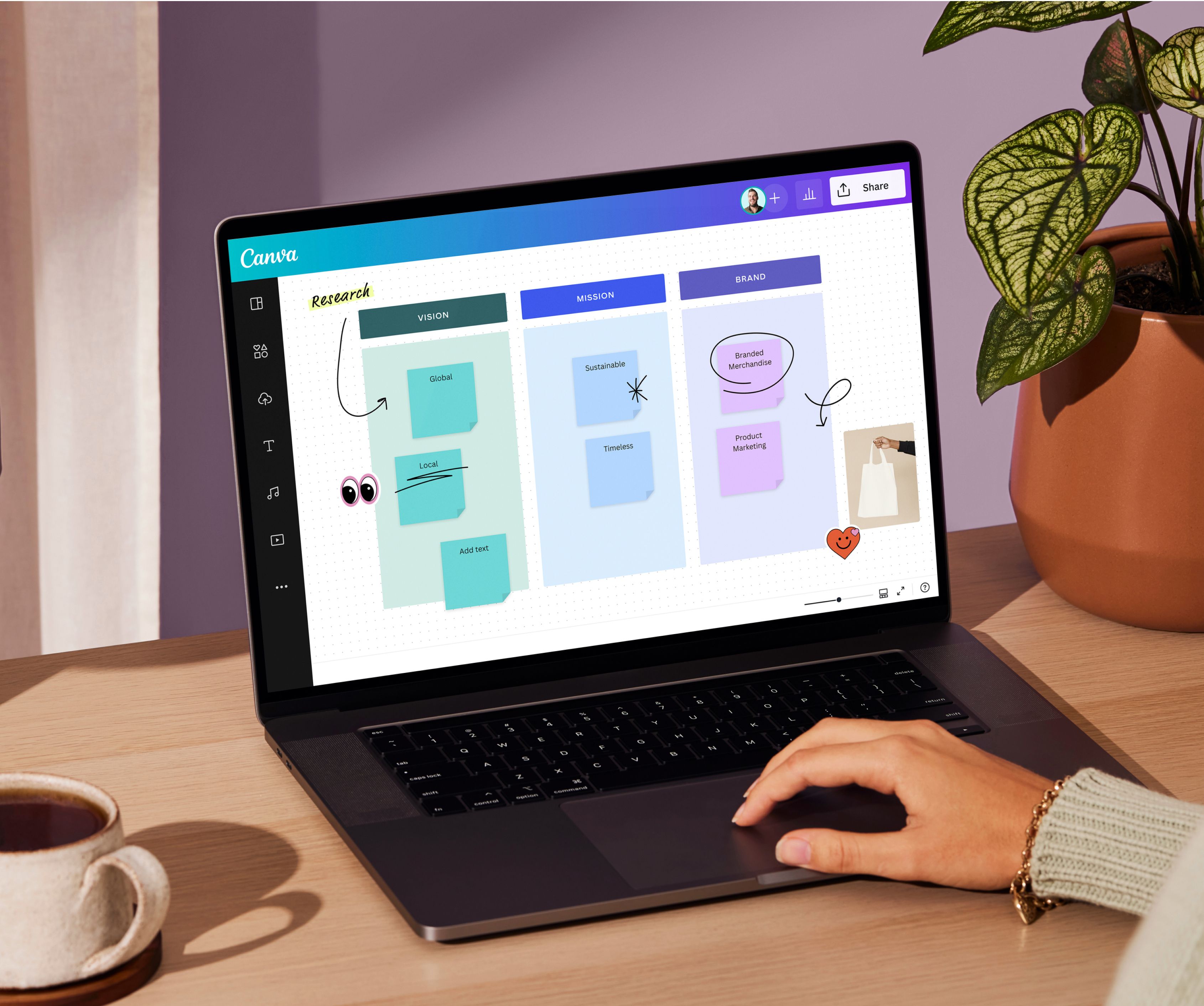
With Canva Whiteboards(opens in a new tab or window), you can collaborate in real time with team members across the globe. Efficiently brainstorm ideas with an infinite canvas space, instantly transform your final output into a presentation(opens in a new tab or window), and save everything for documentation – all in one platform.
Maintain a single source of truth for assets and feedback
According to a McKinsey study(opens in a new tab or window), workers estimate spending 20% of their time searching for and gathering information, and another 28% reading emails. One of the reasons for these time-consuming tasks could be that they don’t have a single source of truth (SSOT) for collaboration.
To ensure you and your team avoid wasting time switching platforms to access assets and collaborate, decide on a platform where you can have space for both. Not only can such a switch improve productivity, but it can also save you costs.
See the case of Ray White, one of Australia’s largest real estate groups. The company leveraged Canva as its SSOT platform for branded content(opens in a new tab or window). By consolidating its marketing applications into one, it had an estimated $200K financial savings over the next two years. It also reduced their amount of design hours by 15% each week, giving their team more time to deliver more impactful design projects.
Using Canva as your SSOT for content creation, you can create and keep all your brand assets, templates, and guidelines without switching platforms. You can also use the platform for feedback gathering and approvals for everyone’s easy and instant access. Imagine how much time you and your team can save just by having a dedicated SSOT for your content creation and workflow needs.

Build a content workflow to optimize your process
Creativity and efficiency can work hand in hand with the right content workflow in place. By bringing structure to the creative process, creators and stakeholders can produce great content consistently, with the promise of scaling up in a sustainable manner.
Build trust within your content team with a workflow that simply works, and watch this translate into content that audiences reward with their attention and engagement.
Was this page helpful?
The new rules of team content success