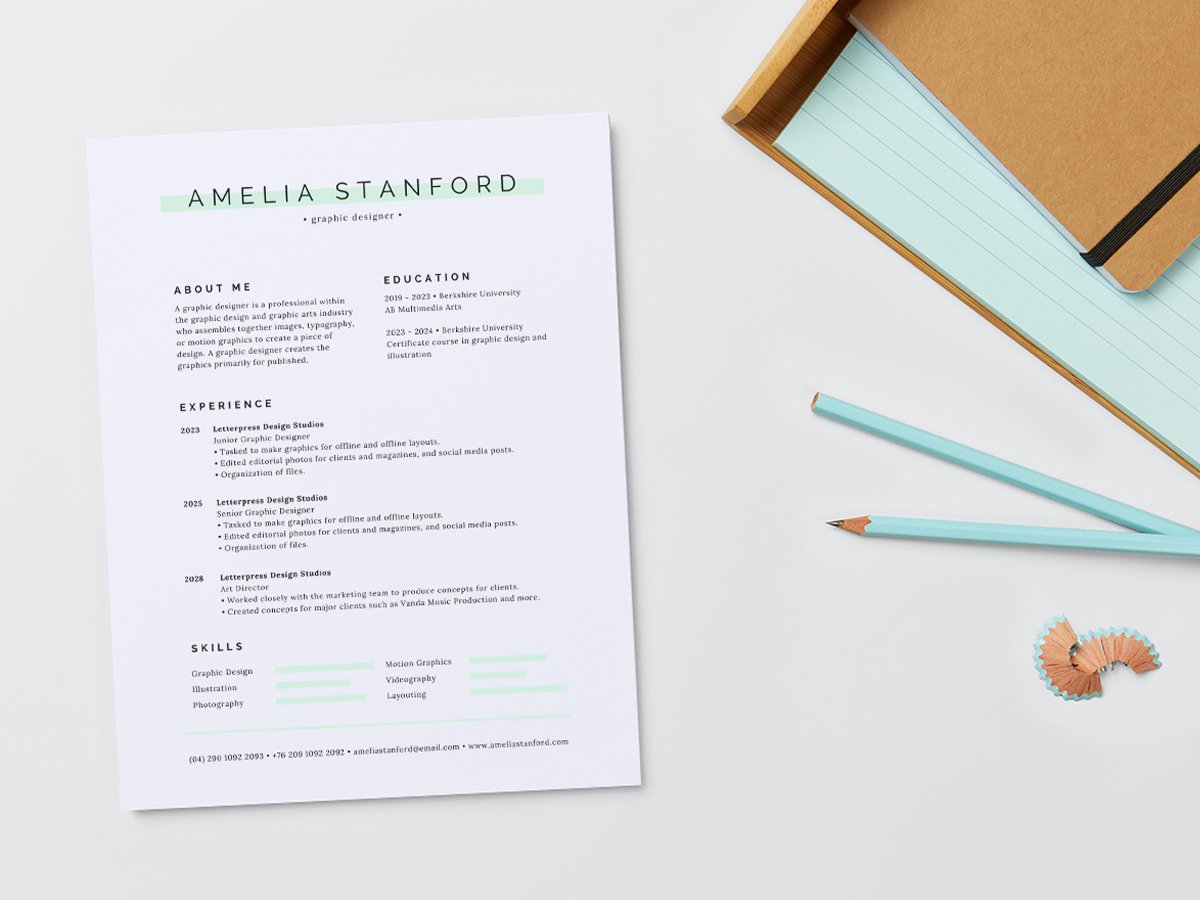
Stand out with professional custom resumes
Let your qualifications shine with an exceptional CV, designed with ease and made to stand out from the crowd.




+75M customers trust Canva Worldwide
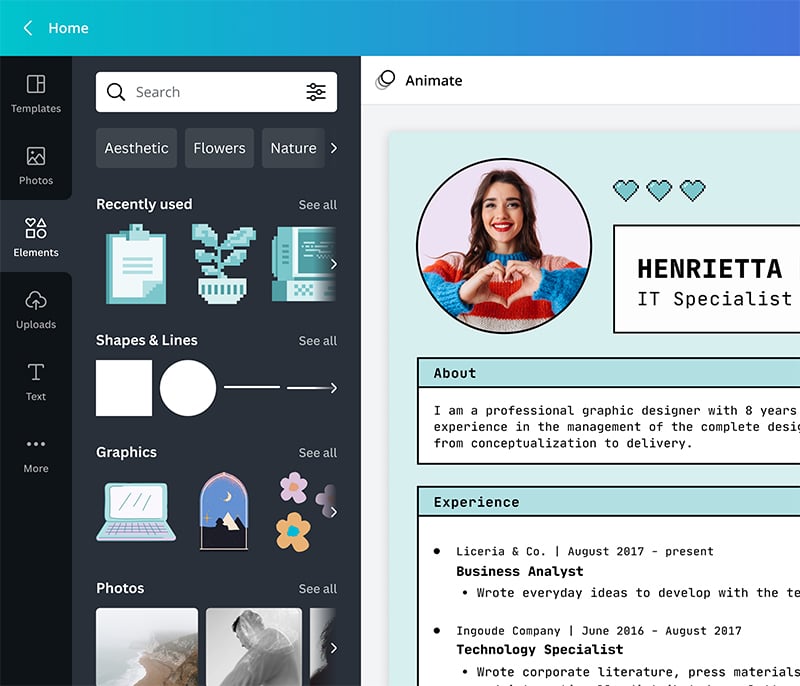
Create a unique resume in minutes

Thousands of professional-looking templates

Millions of free graphic elements

Easy upload for your own assets
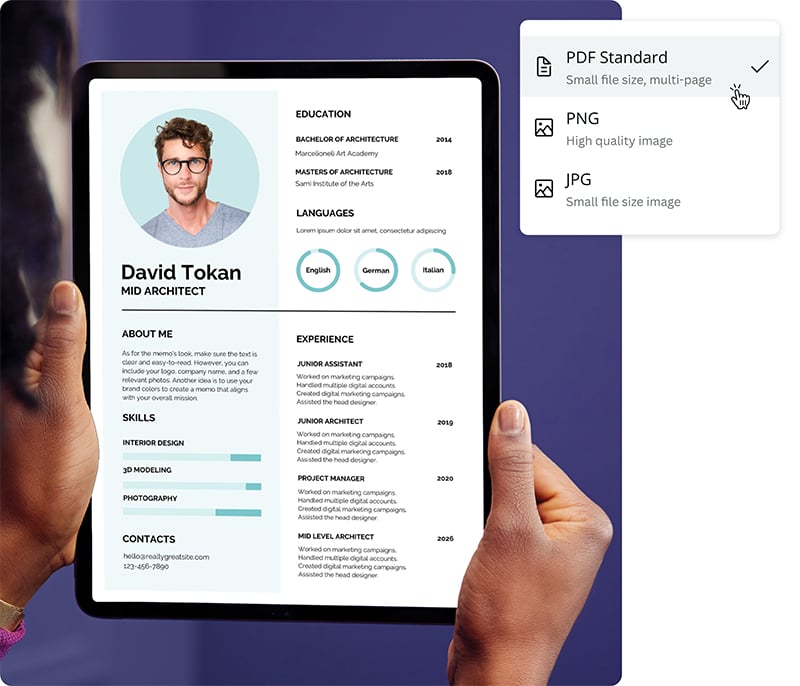
Share your resume your way

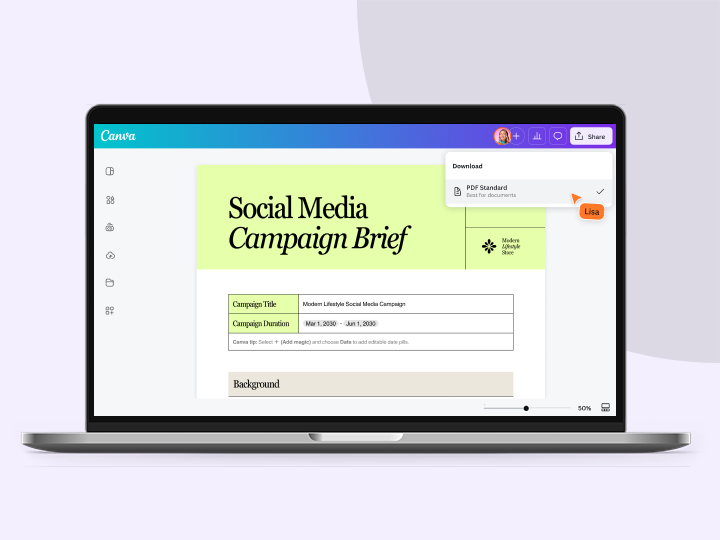
Download in your format of choice

Send a viewable link
Showcase your CV on your personal website
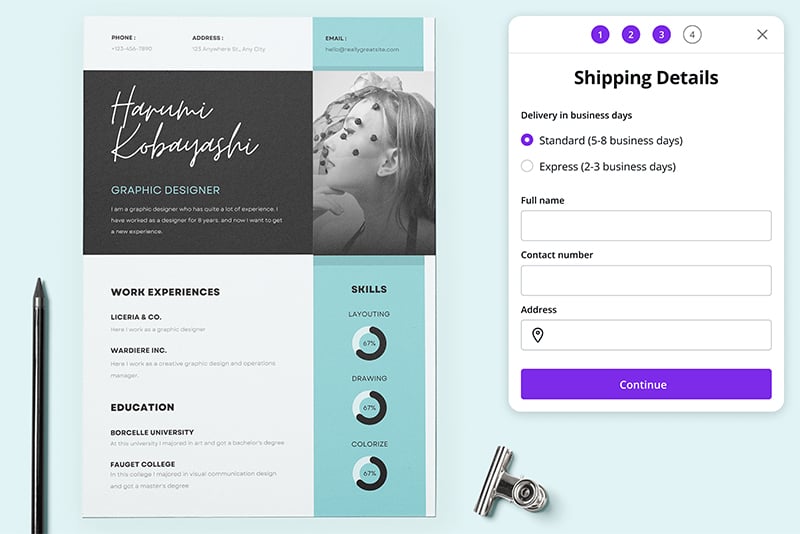
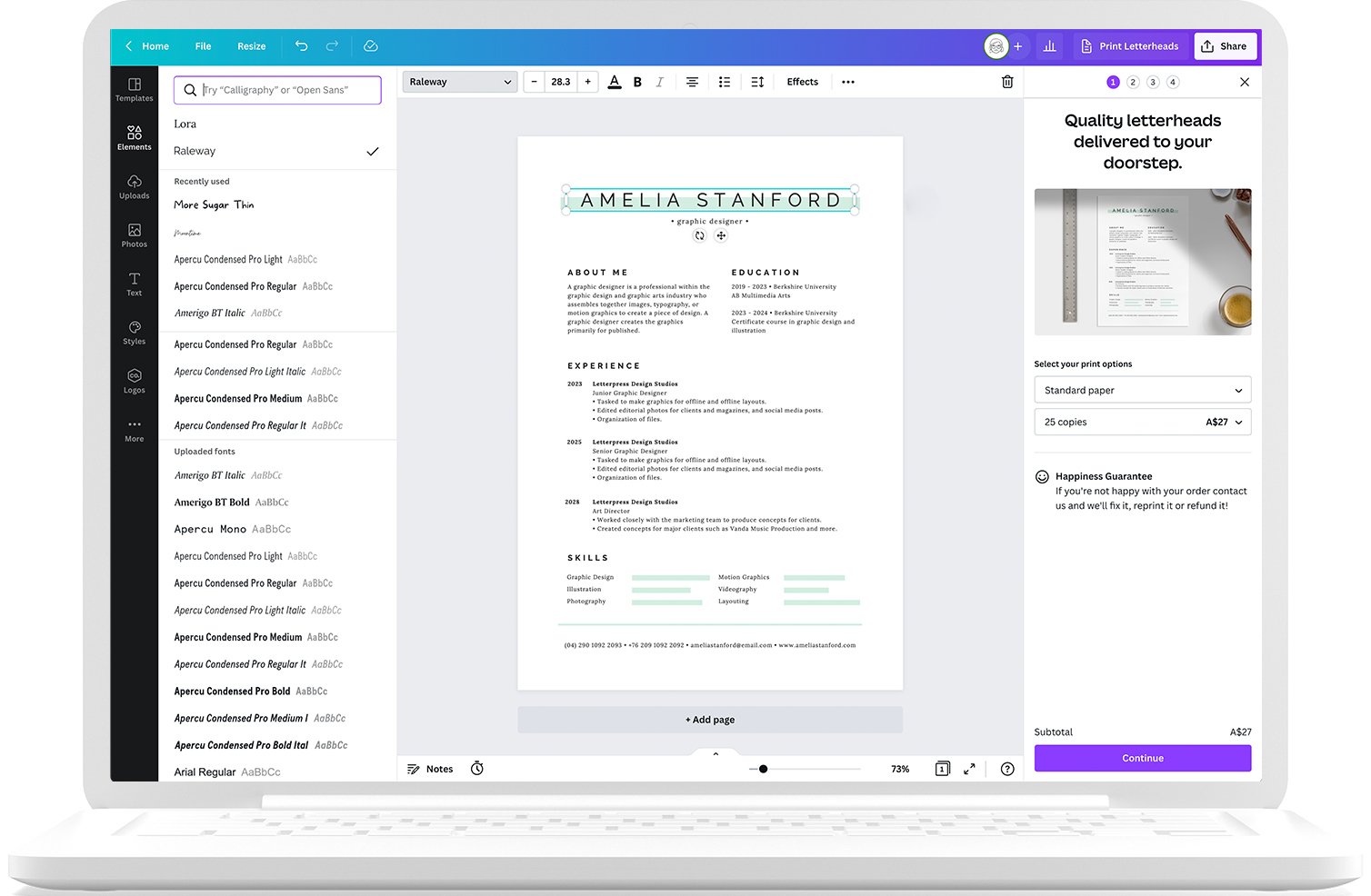
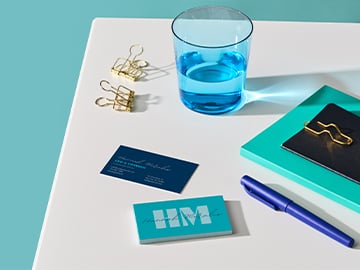
Print your resume two ways
Our custom resumes are print-ready. Print a stack in your personal printer or if you want a stack of high-quality, eco-conscious prints, order straight from Canva.
Start inspired
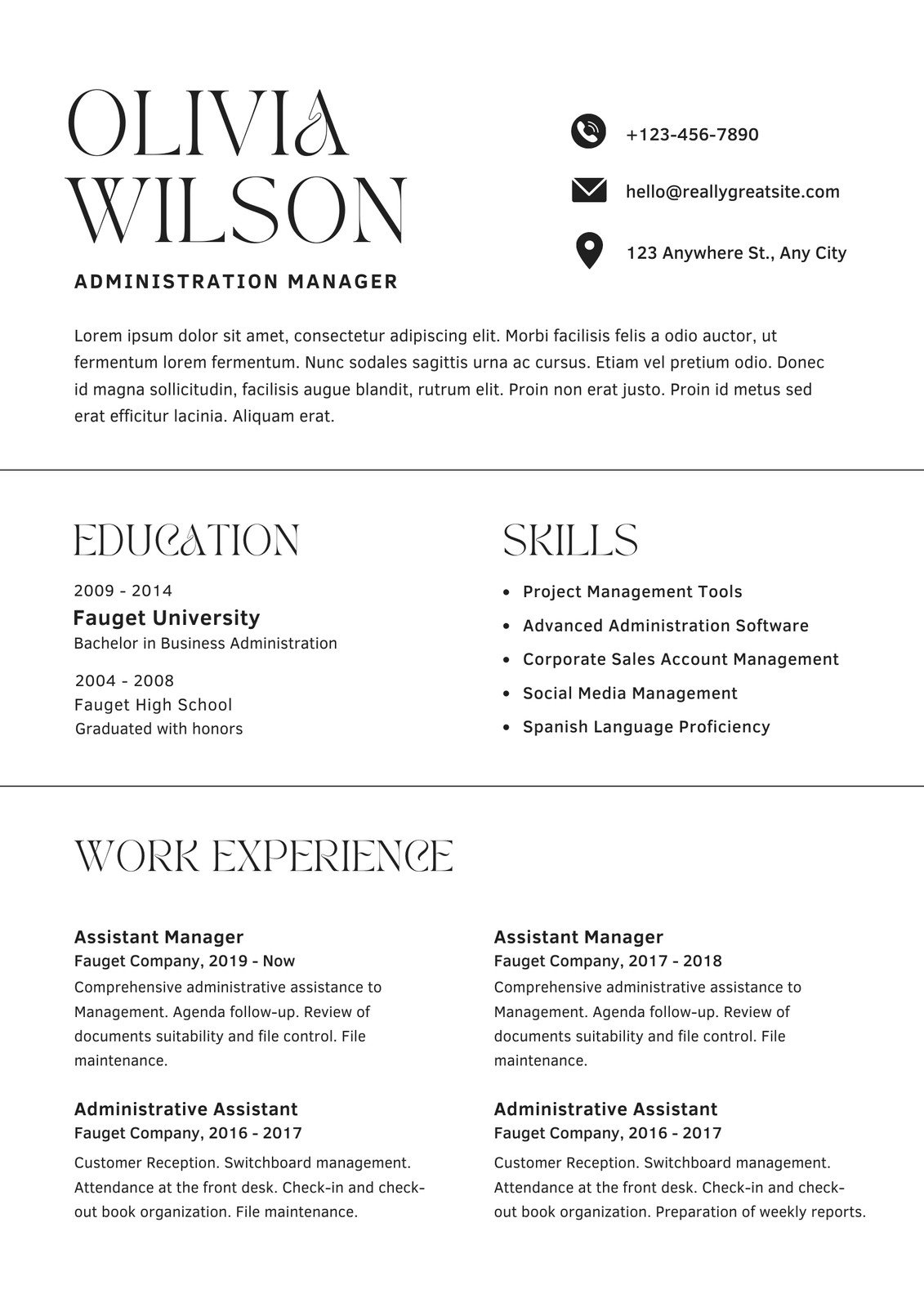
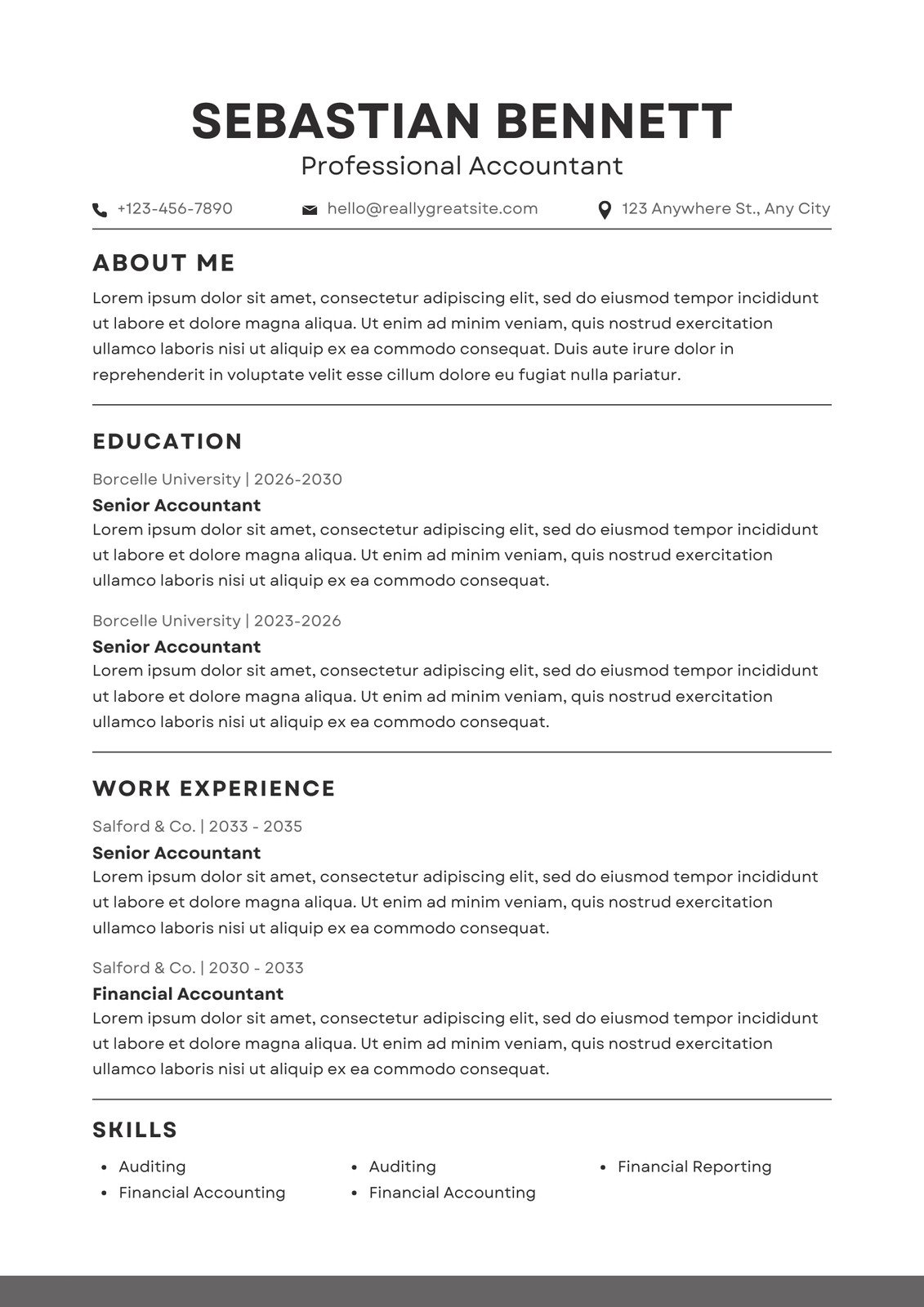
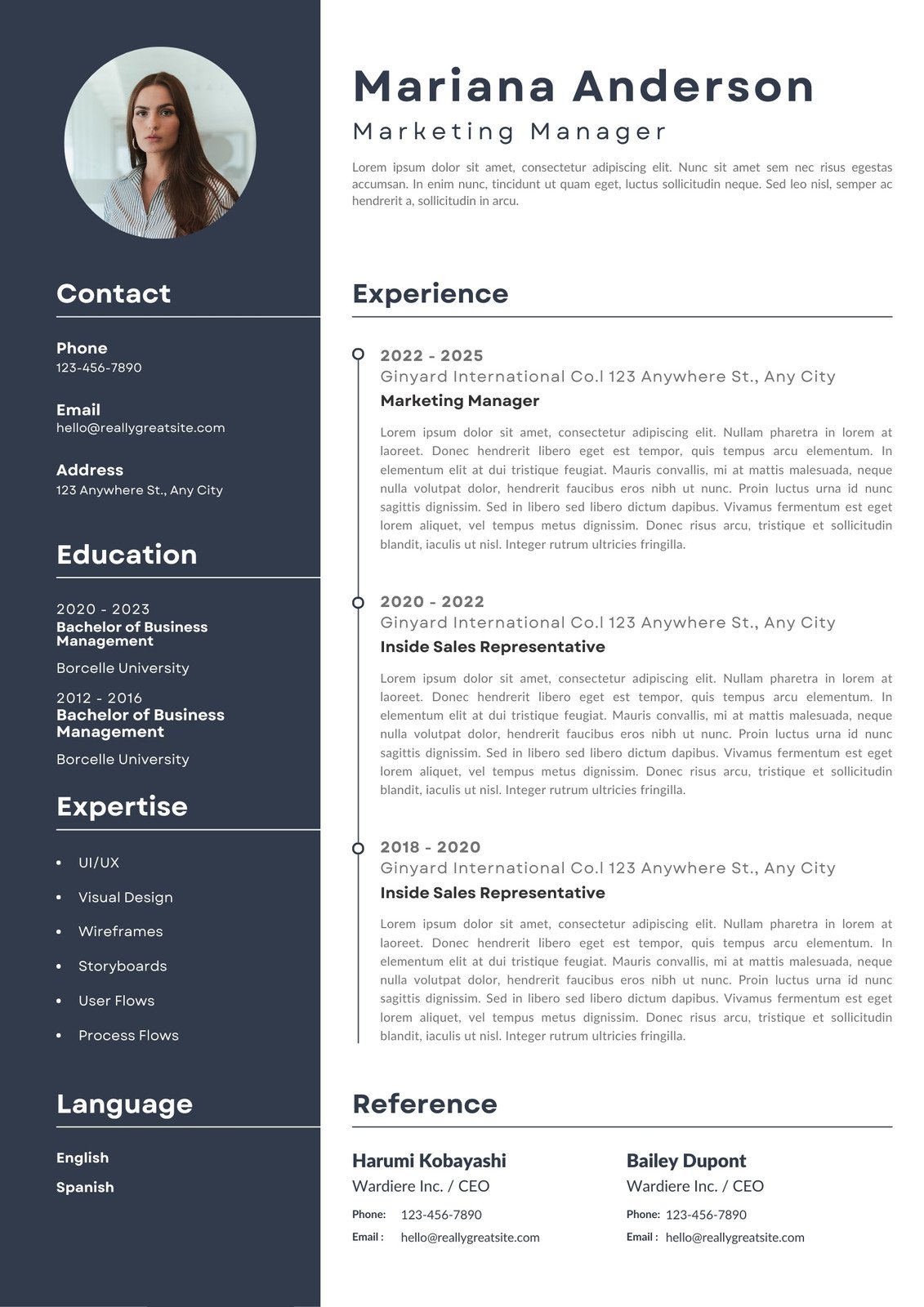
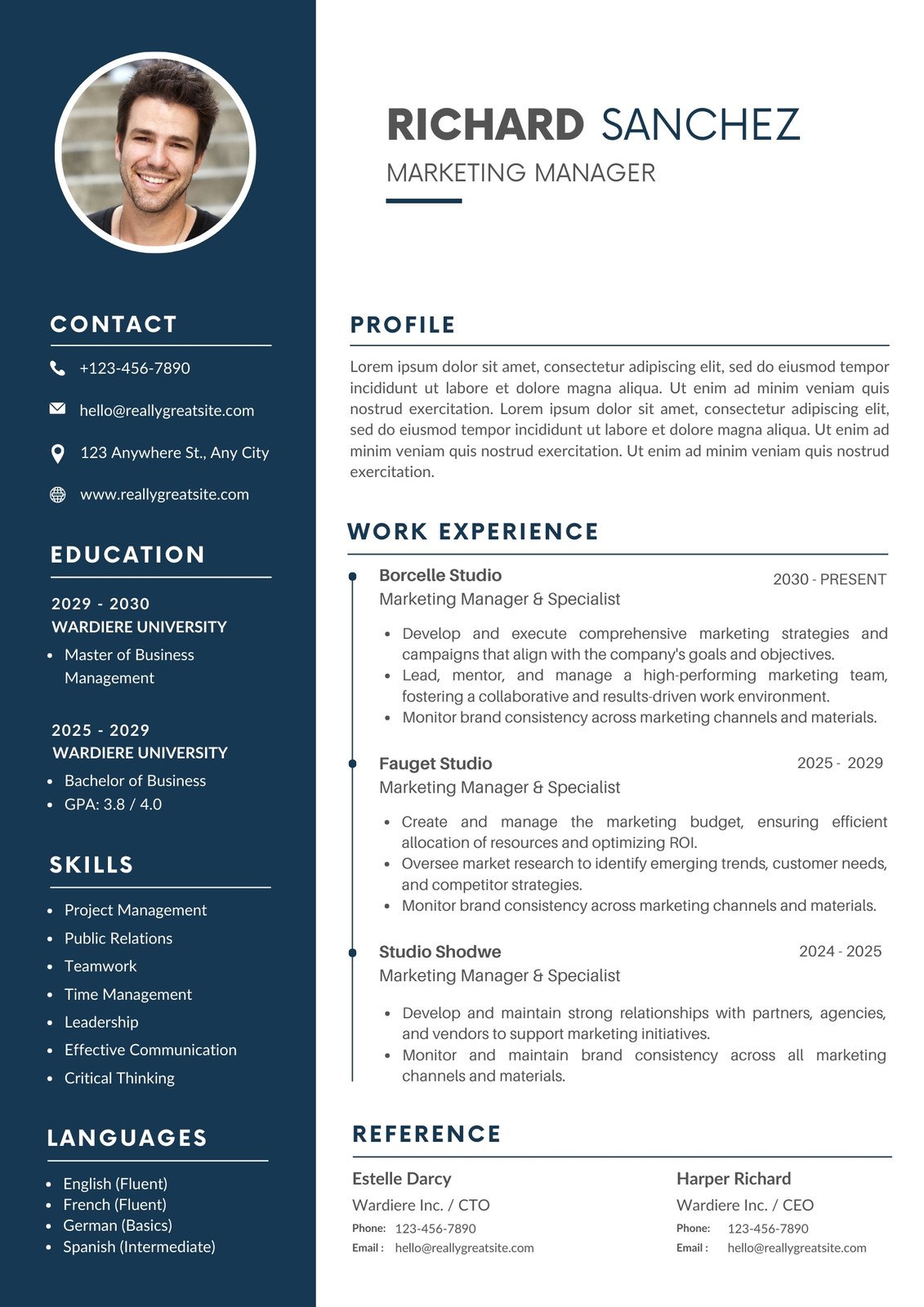
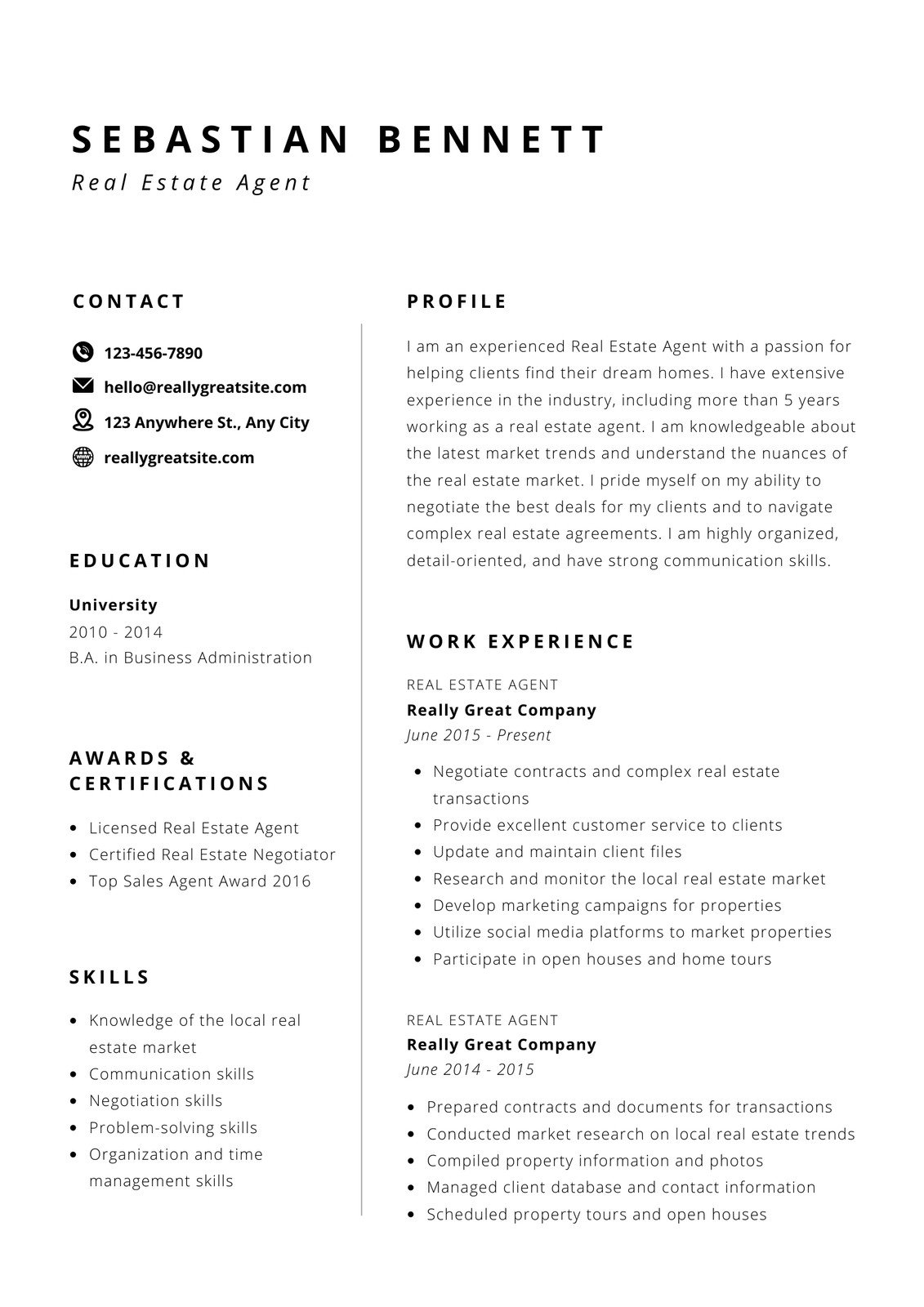
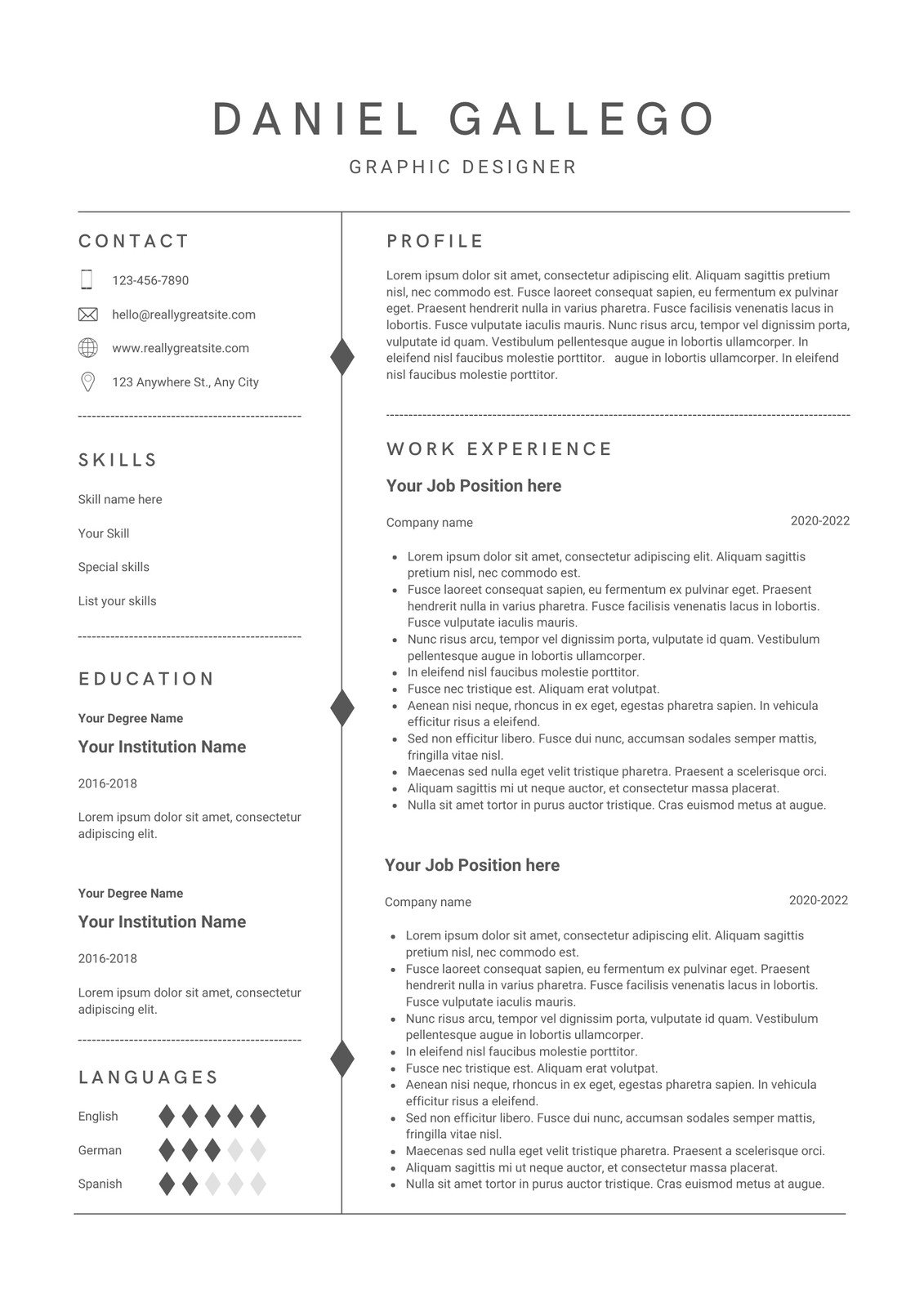
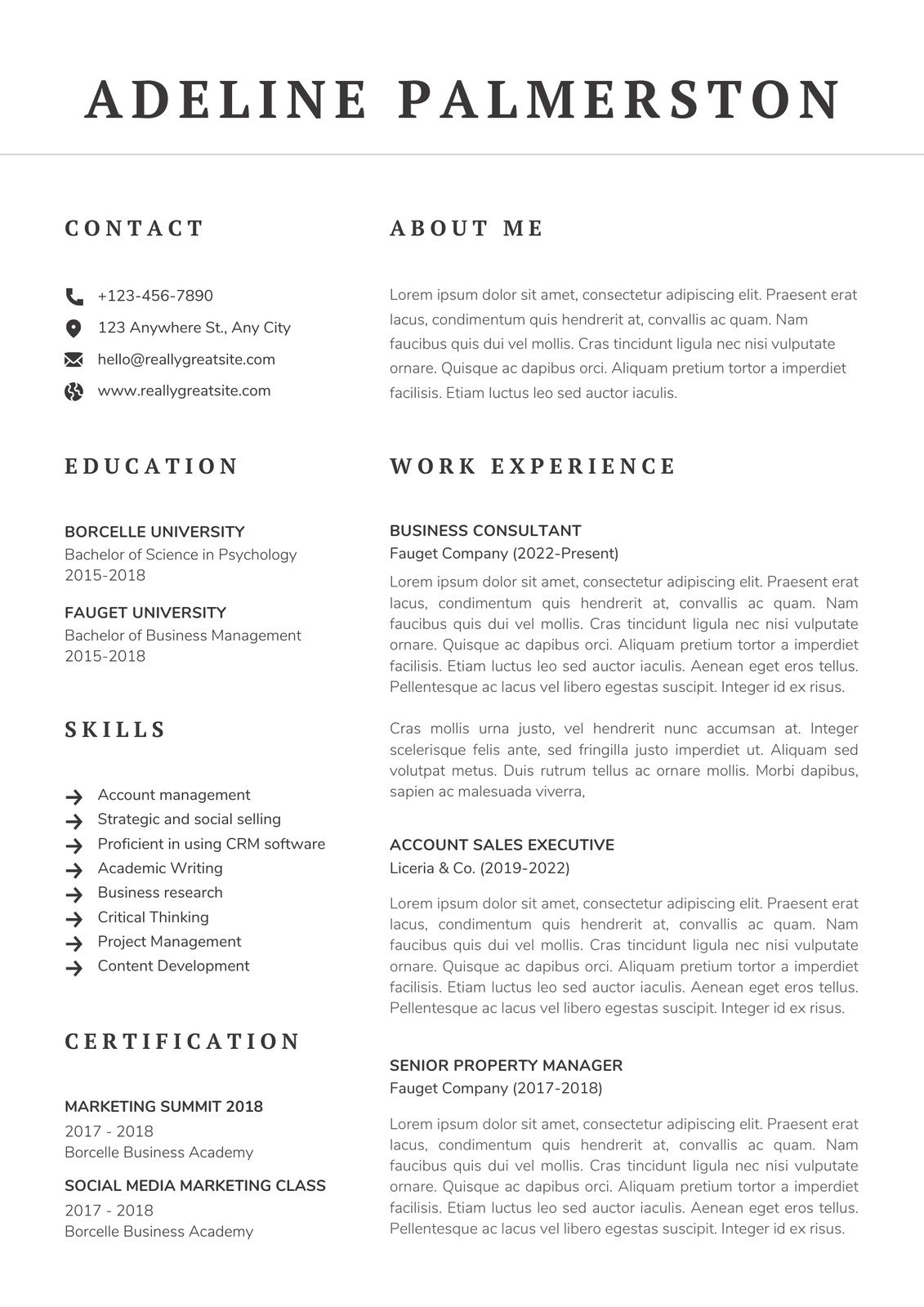
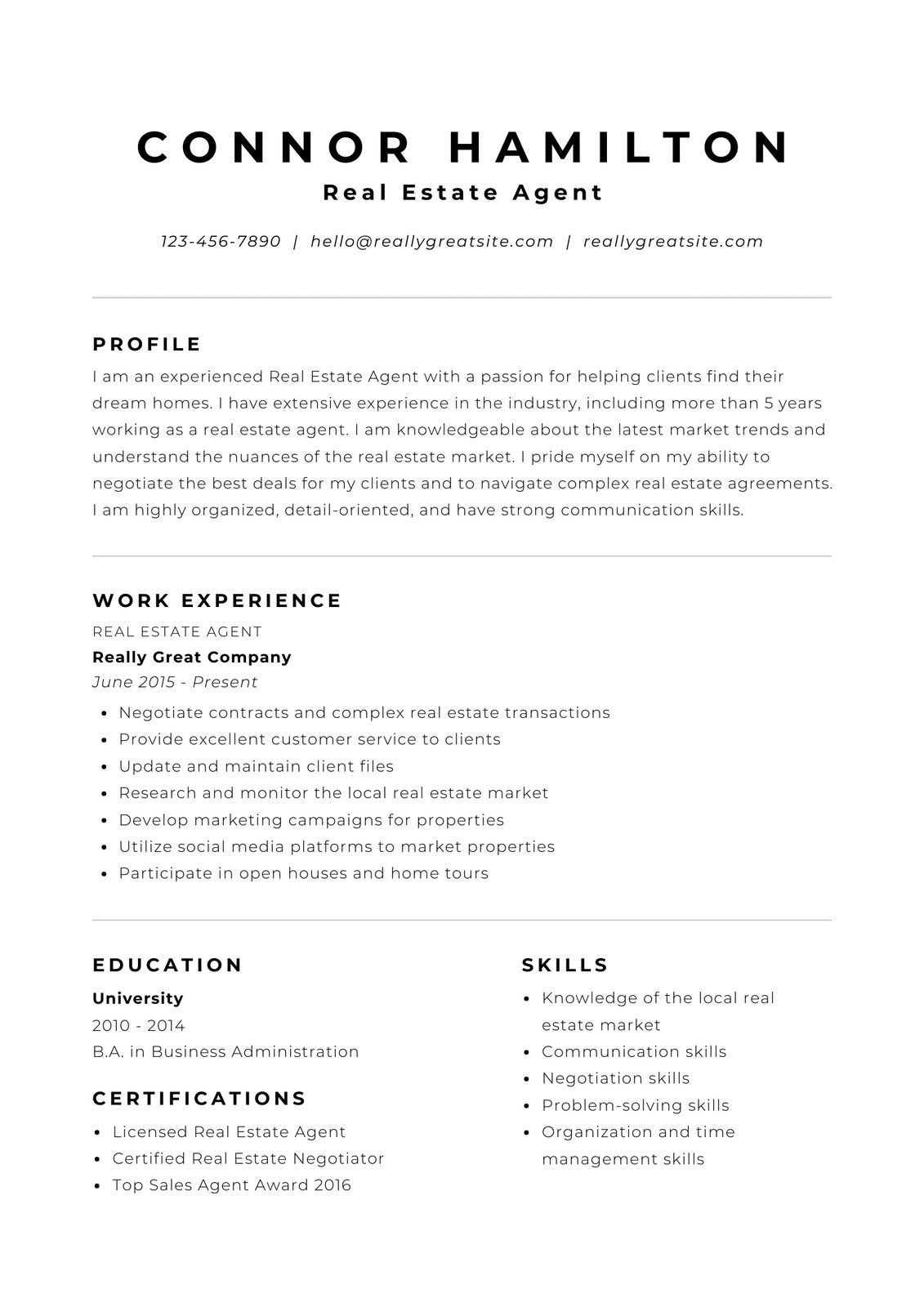
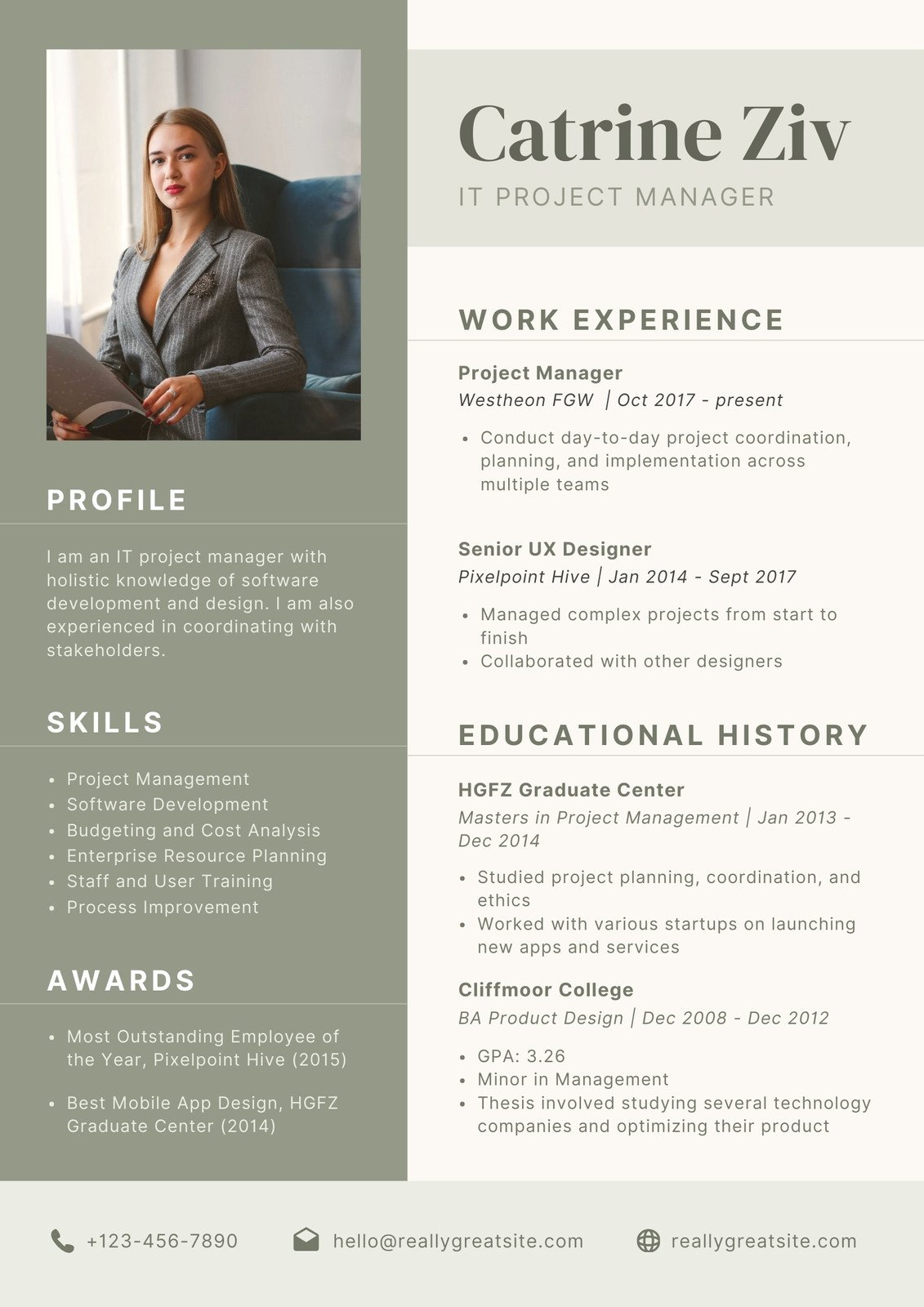
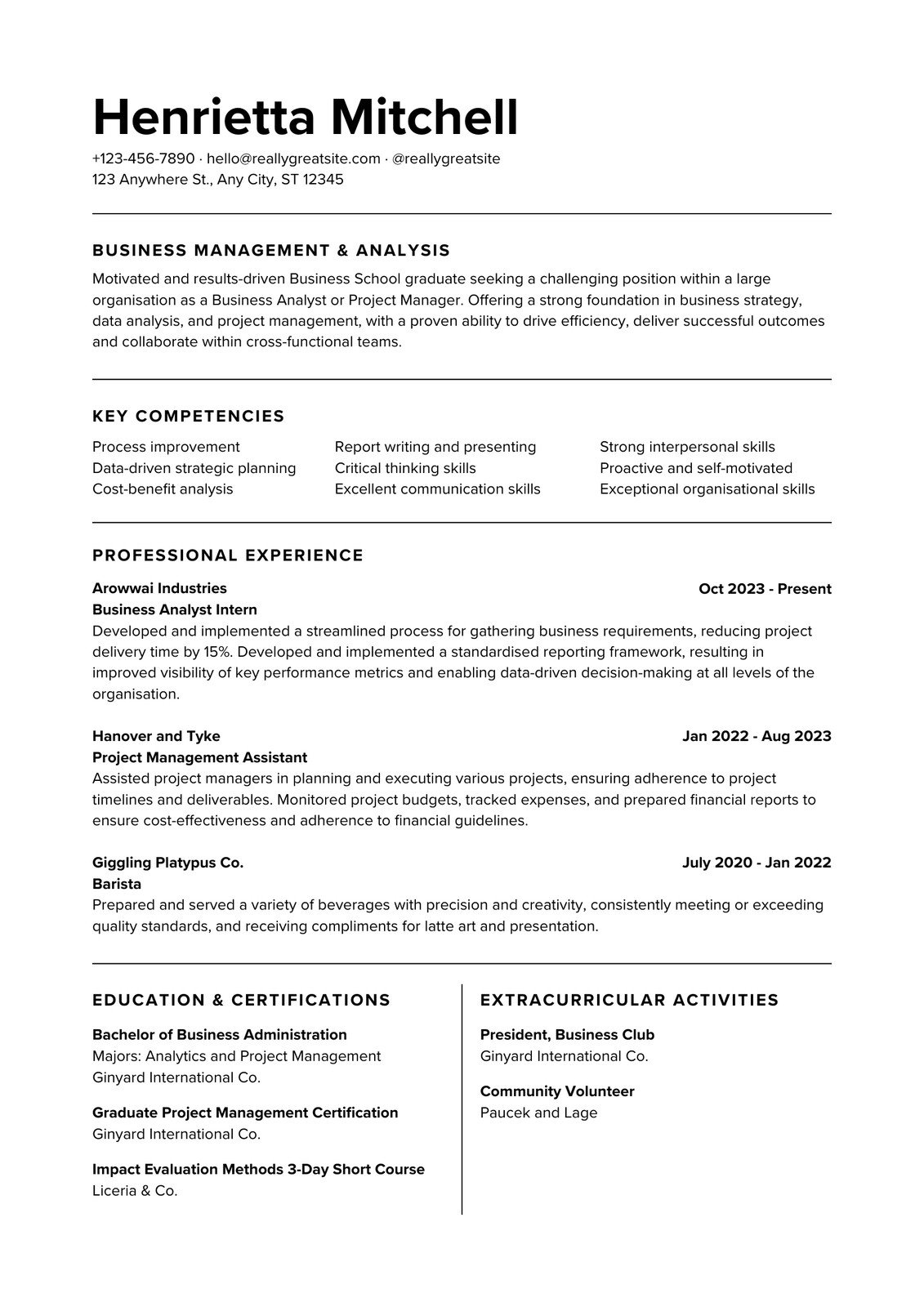
Get a headstart with free design templates you can customize in a few clicks.
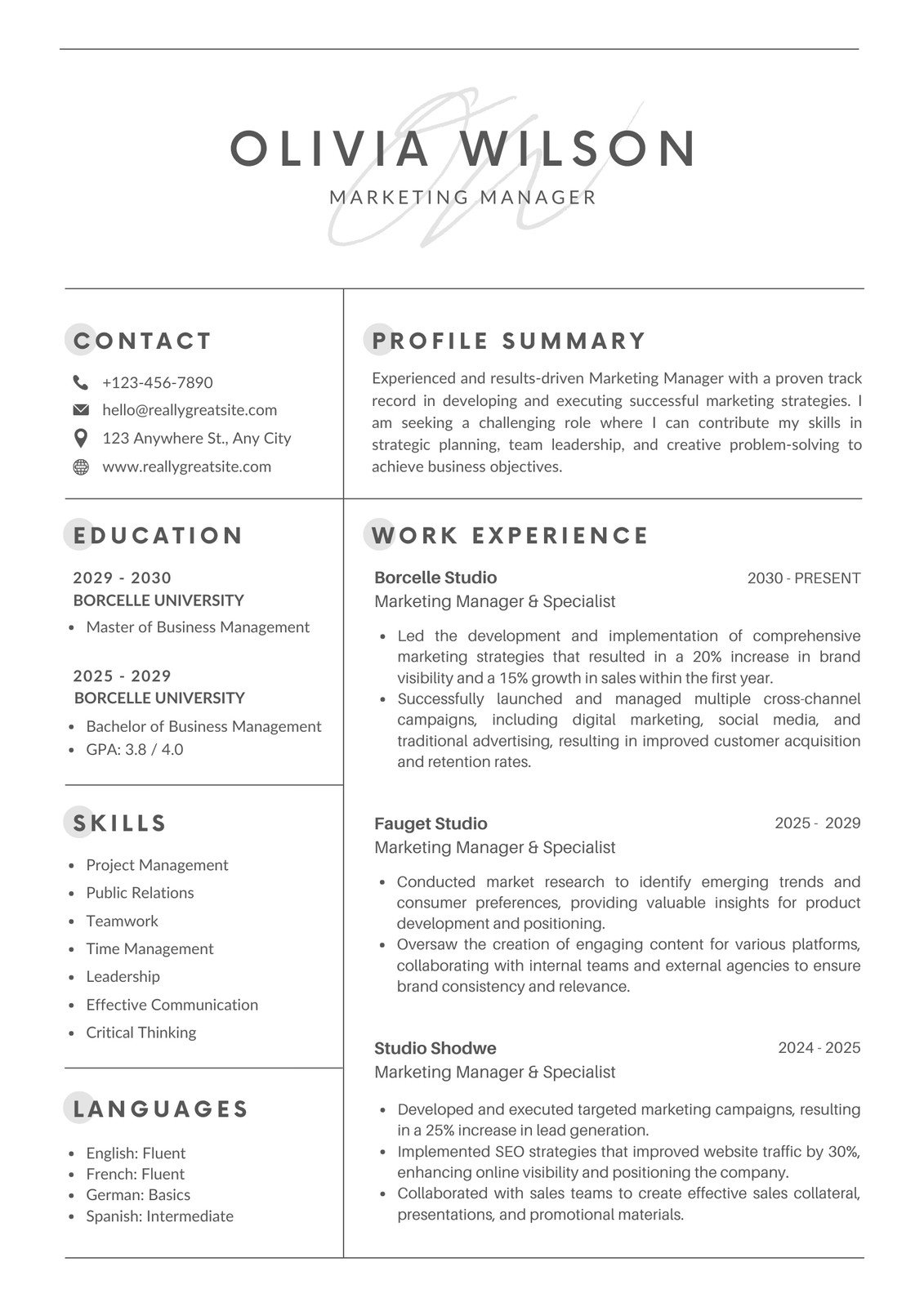

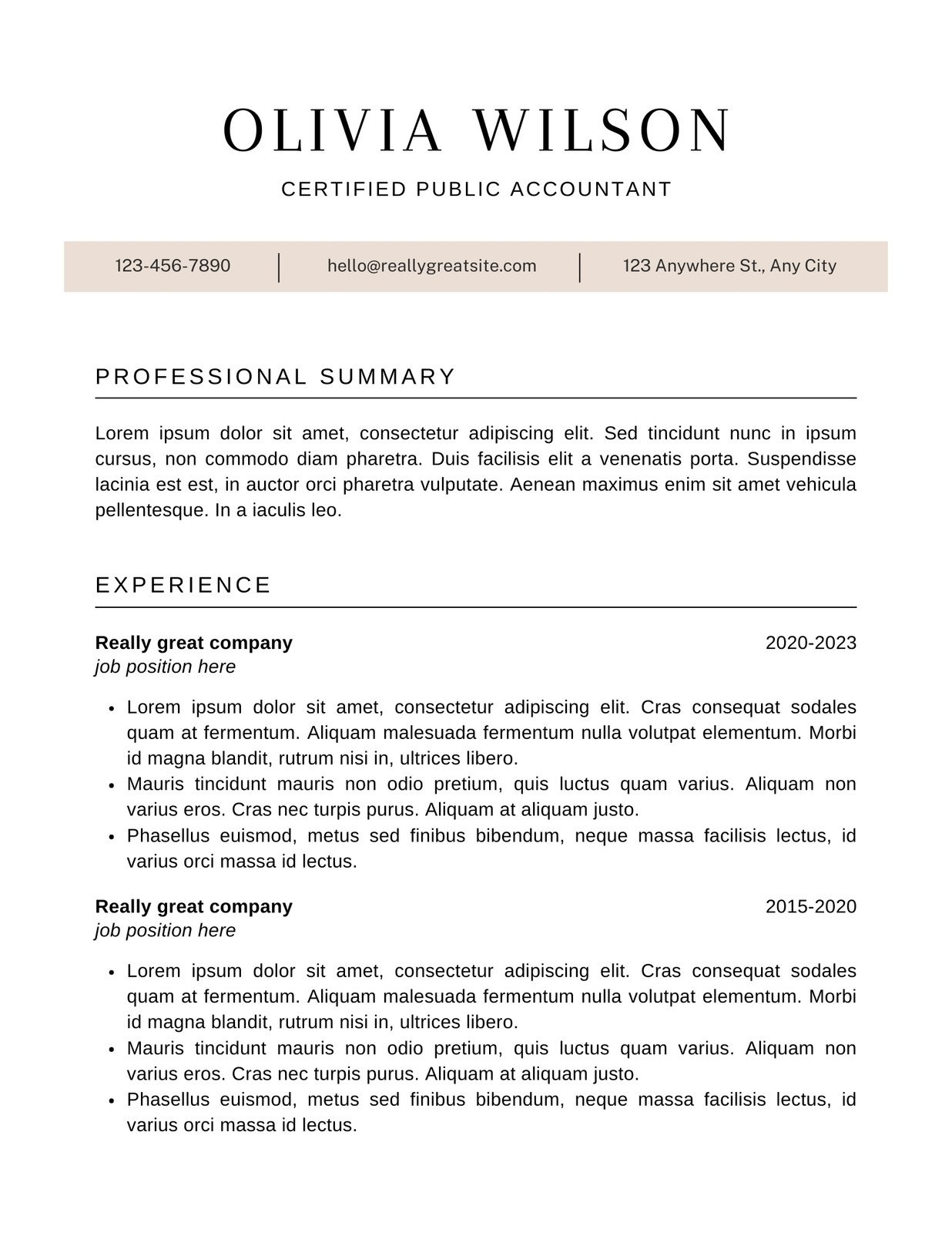
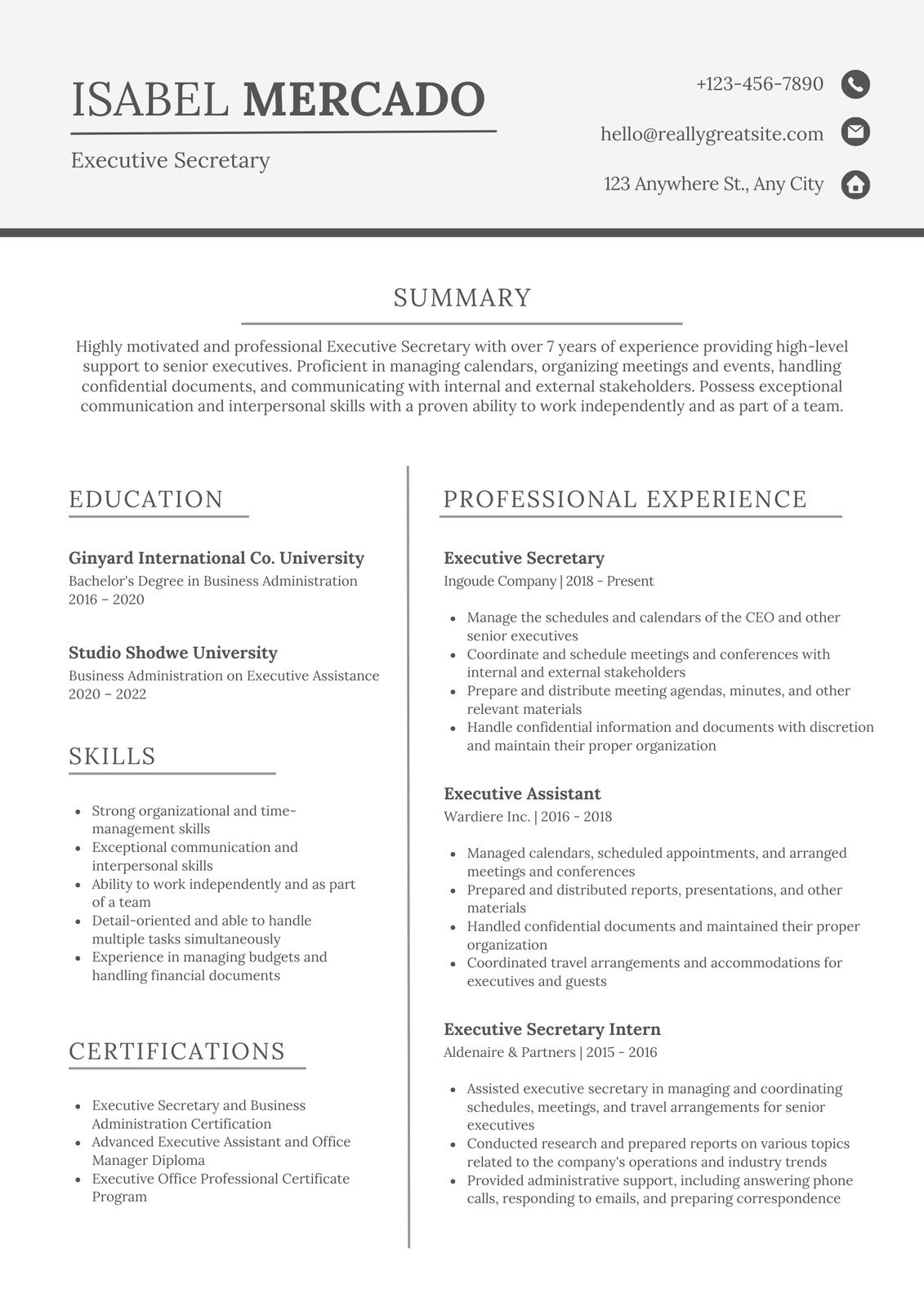
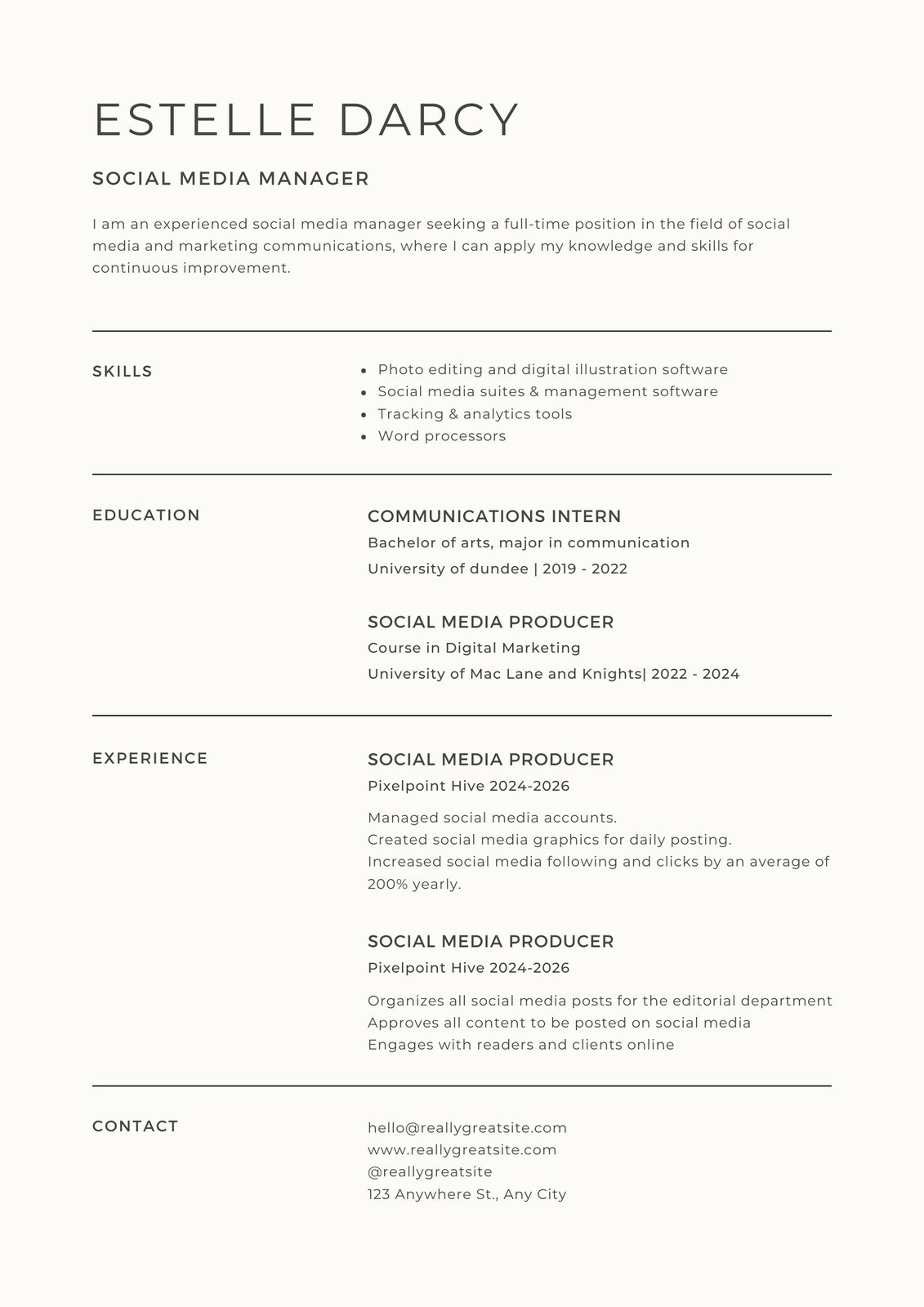


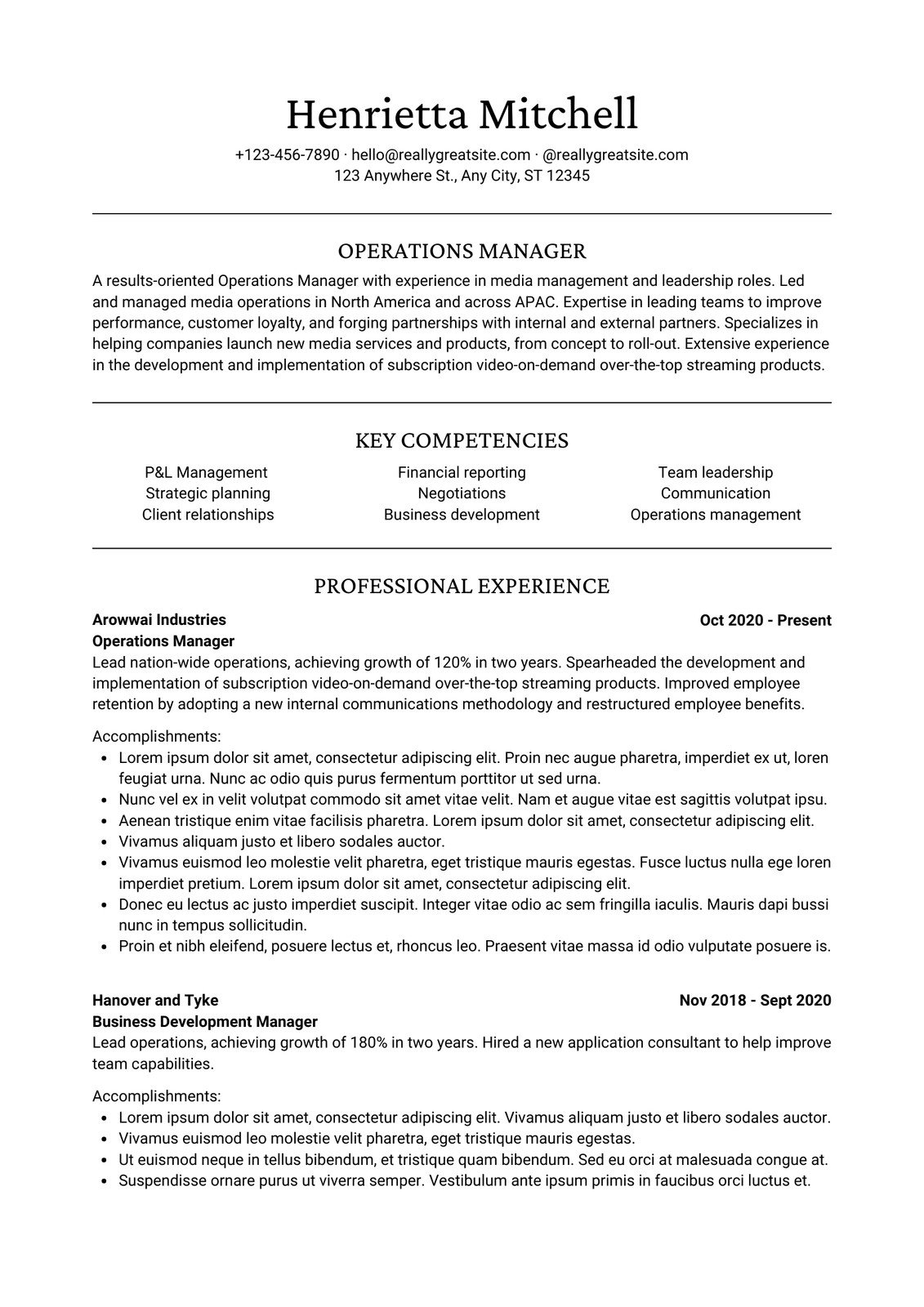
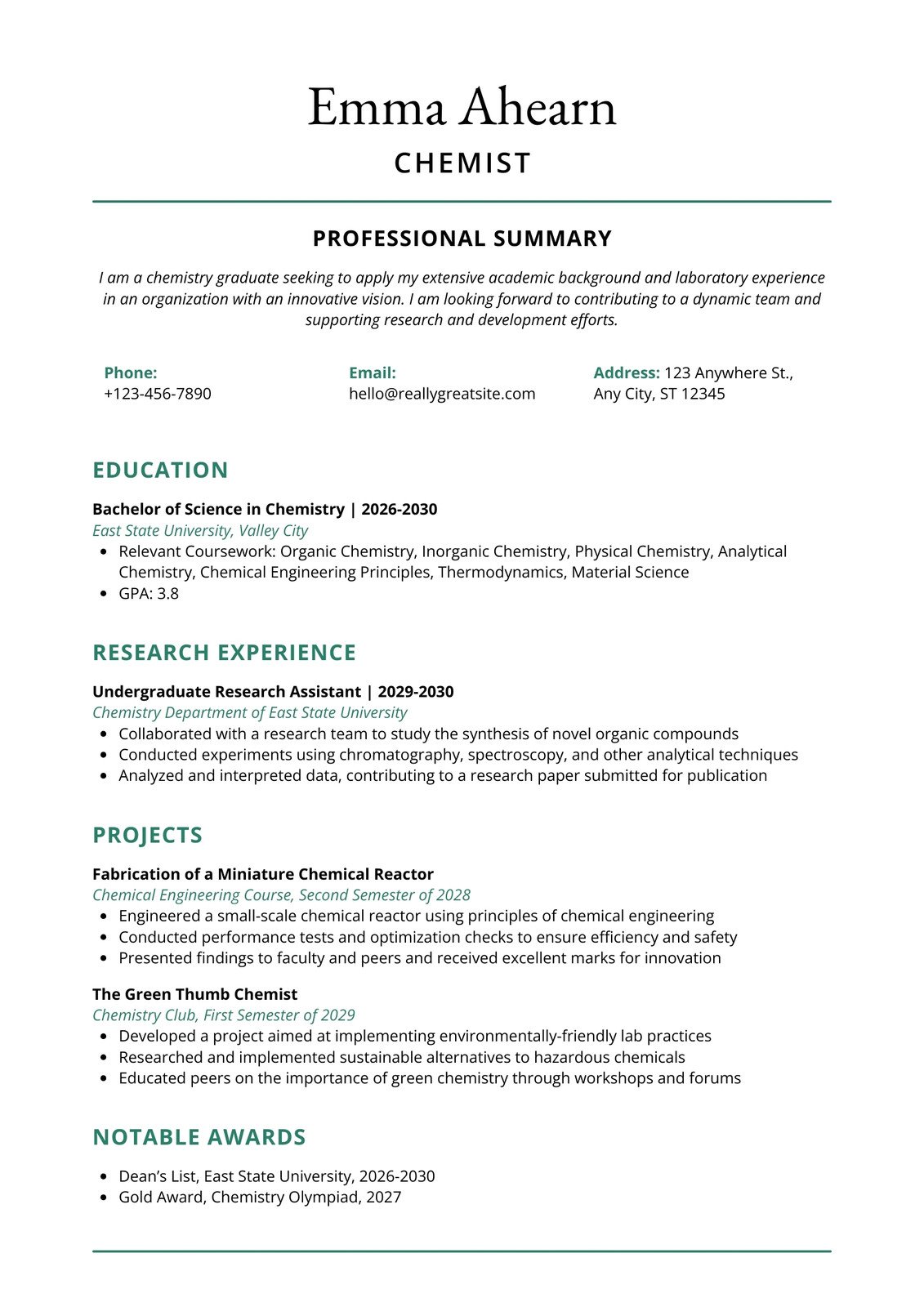
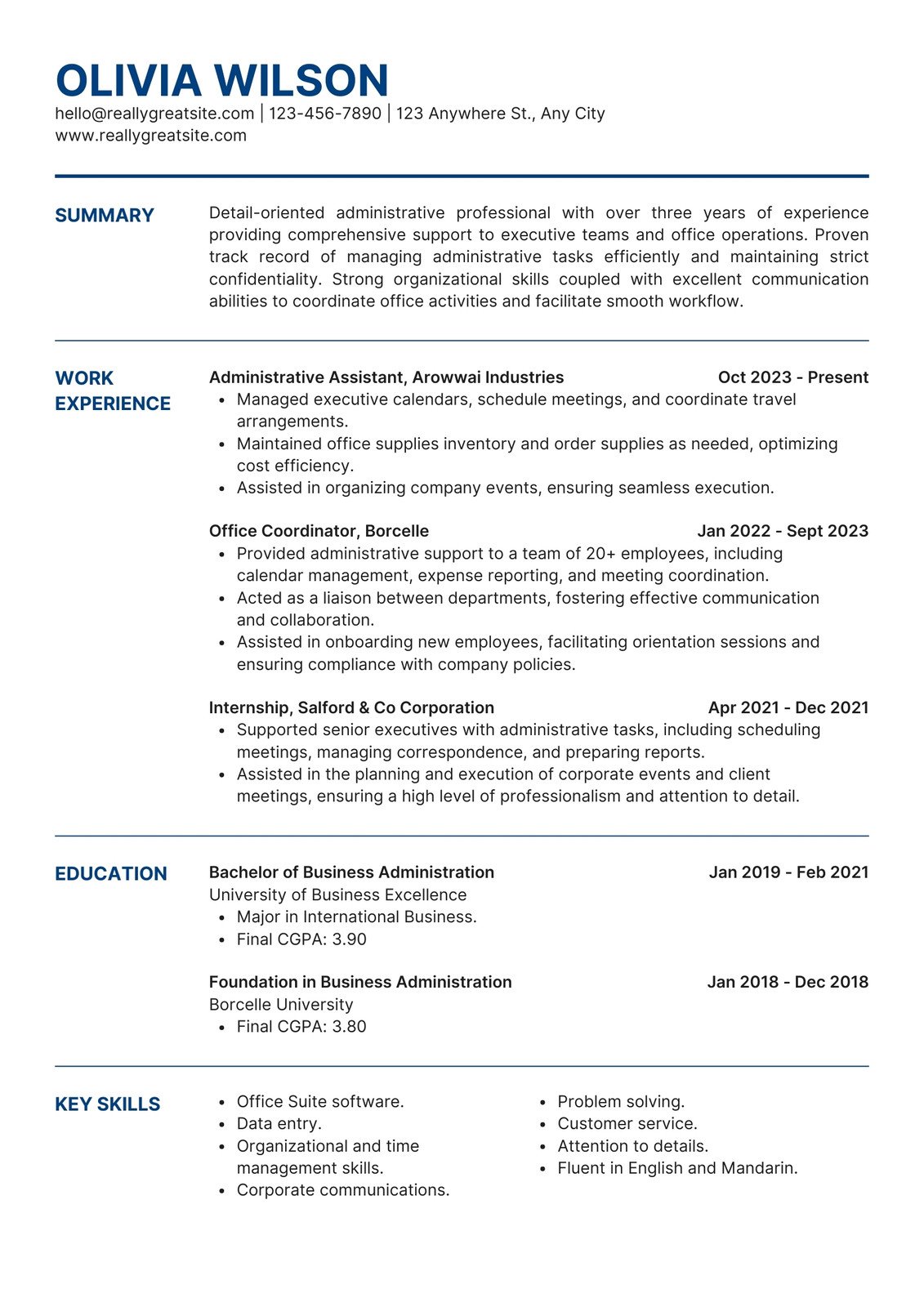
All the features you need
Canva's free drag-and-drop design tools make it easy to create any design, fast!
Thousands of free templates
Plenty of template design inspiration for any occasion, no need to start from scratch and 100% customizable.
Millions of free images, icons, and graphics
Get access to our entire library of millions of photos, icons, graphics, media elements, audio, sound effects, and more.

Font library
Upload your own or access 3,000+ free and premium fonts.

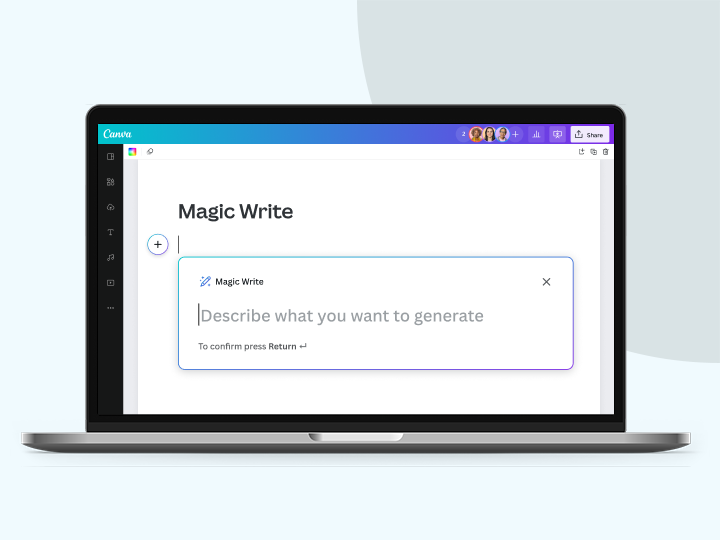
Magic Write™
Create quality content faster with Magic Write™, an AI writer & text generator powered by OpenAI. Easily generate, summarize, expand, and re-write text. Your co-author for a fast first draft.

Magic Design™
Auto-generate one-page designs with Magic Design, a free AI design tool. Get refined templates based on your text and uploaded media, made just for you.

Brand Kit (Pro)
Store your logo, brand colors, and fonts to stay effortlessly on-brand.

One-click background remover (Pro)
Remove image backgrounds, perfect for product photos, headshots, or transparent PNGs.
Easy sharing and exporting tools
Share and export designs as a JPG, PNG, PDF, and PPTX. And when you embed a doc, you can customize which page will be displayed.
Access on any device
Jump from mobile to desktop—design how you work best!

Color palette generator
Generate a color palette from any image that inspires you.
Photo effects
Play around with the look of your images for the perfect design.
Cloud storage
Get free 5GB storage or upgrade to Canva Pro and get unlimited folders with up to 1TB storage for all your designs.
Autosave
Canva autosaves your progress so you can update anything, anytime.
Free standard shipping
Order prints and get them delivered fast, free, and in recycled packaging.
Customizable charts and tables
Data visualization made beautiful, interactive, and easy—no complicated software to learn.
How to design and print your own resume
- Choose a free resume template from our library or start from scratch.
- Edit the text to insert your skills, background, and qualifications.
- Add your professional photo or logo. Include graphic elements to make your CV visually engaging.
- Save and download in your preferred PDF or Word format, embed online, or transform into a responsive Canva Site.
- Share a secure link with a recruiter. Or, get high-quality printed CVs from Canva Print.
Your questions, answered
Everything on a CV or resume should be as clear and as easy to read as possible. Ideally, it should include the following:
• Relevant contact details—including mobile, email and where you’re based
• A personal summary focusing on your career thus far and your achievements
• Relevant professional experience, from most recent to earliest
• Key skills, education, and training
• Any additional certifications or qualifications
If you have enough space or if it’s relevant to the position, you can include your hobbies or side projects if you feel they are relevant. Only include them if they are relevant. If the employer or recruiter requires it, you can include professional references as well. Just make sure to let your reference know that you’ve included them in your application.
Although it’s not exactly a strict requirement for every job application, enclosing a cover letter, especially if you’re applying directly to a specific person, is a good idea. A strong cover letter can supplement your resume as it allows you to speak directly about how your skills and qualifications can add value to the company you’re applying to.
An effective resume features professional and easy-to-read fonts (as opposed to fancy typography), single-line spacing, clear section headings, and half-inch margins. The first page or top half of your resume should include your contact information and personal summary. Organize your academic and professional history from the most recent or the most relevant.
It’s a myth that employers prefer one page over two pages. As long as your resume is clear and easy to read, having a two-page resume is fine. If you have limited work experience, a one-page resume makes sense. But if you have more than ten years of professional experience, don’t sell yourself short, especially if your qualifications are a perfect fit for the job you’re applying for.
Try to include both hard skills and soft skills that are relevant to the job. Hard skills are your core abilities, think software skills, writing skills or any job specific skills that are at your disposal. These are often listed in the job description so it’s a good idea to update your resume to every job you apply for. Soft skills are your people-based skills, or what you bring above your key qualifications. Both can be weaved into your personal summary or in your professional experience section, or put them in a separate section.
It’s not always essential to add references to your resume. Oftentimes, you can simple ask a prospective employer to contact you for these details. However, if you choose to add them, the best format for your reference list is as follows:
• Your reference's name
• Your reference’s current position
• Your reference’s current company/affiliation
• Professional contact information (work number, work email)
• An optional one-sentence description of your professional relationship
The One Print, One Tree initiative is just one of the ways we are making our printing solutions more sustainable, as part of doing the most good that we can through our Two-Step Plan. So, how does it work? Simple: for every print order you make with us, we will plant one tree. For more information, visit here.
More resources
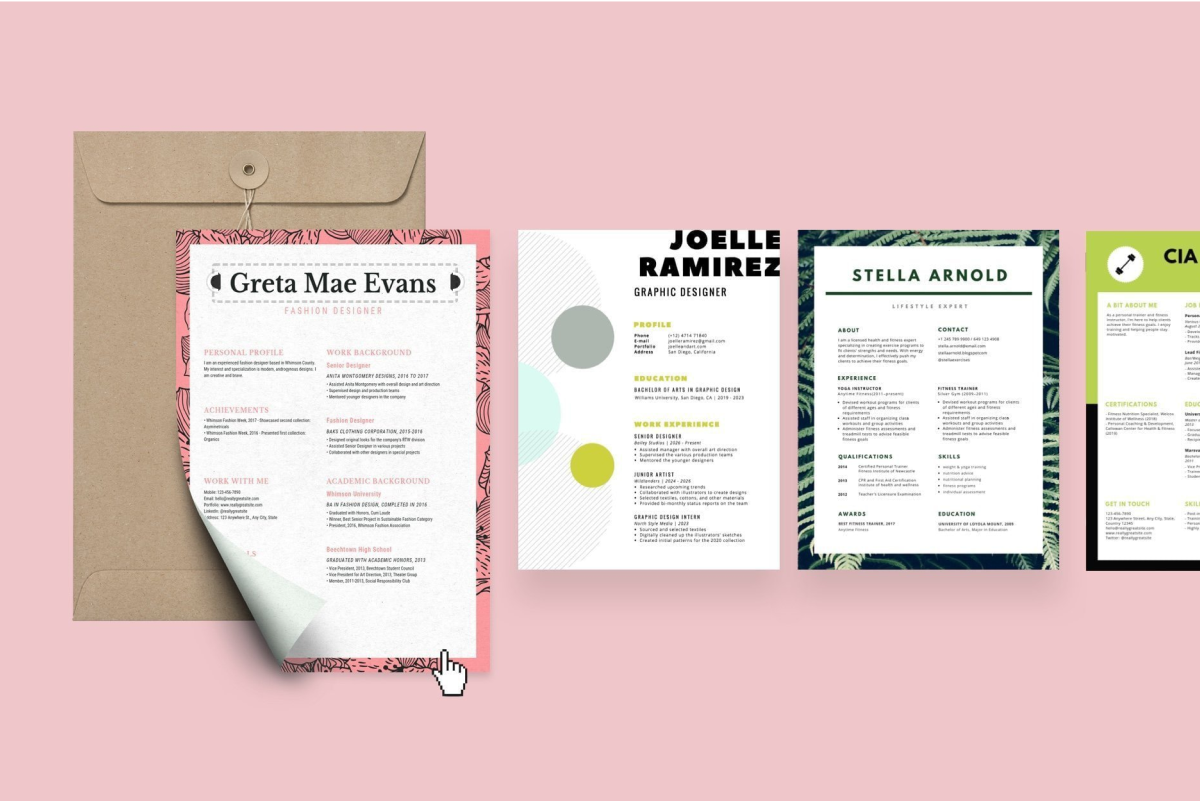
Get ready to build a dreamy resume.
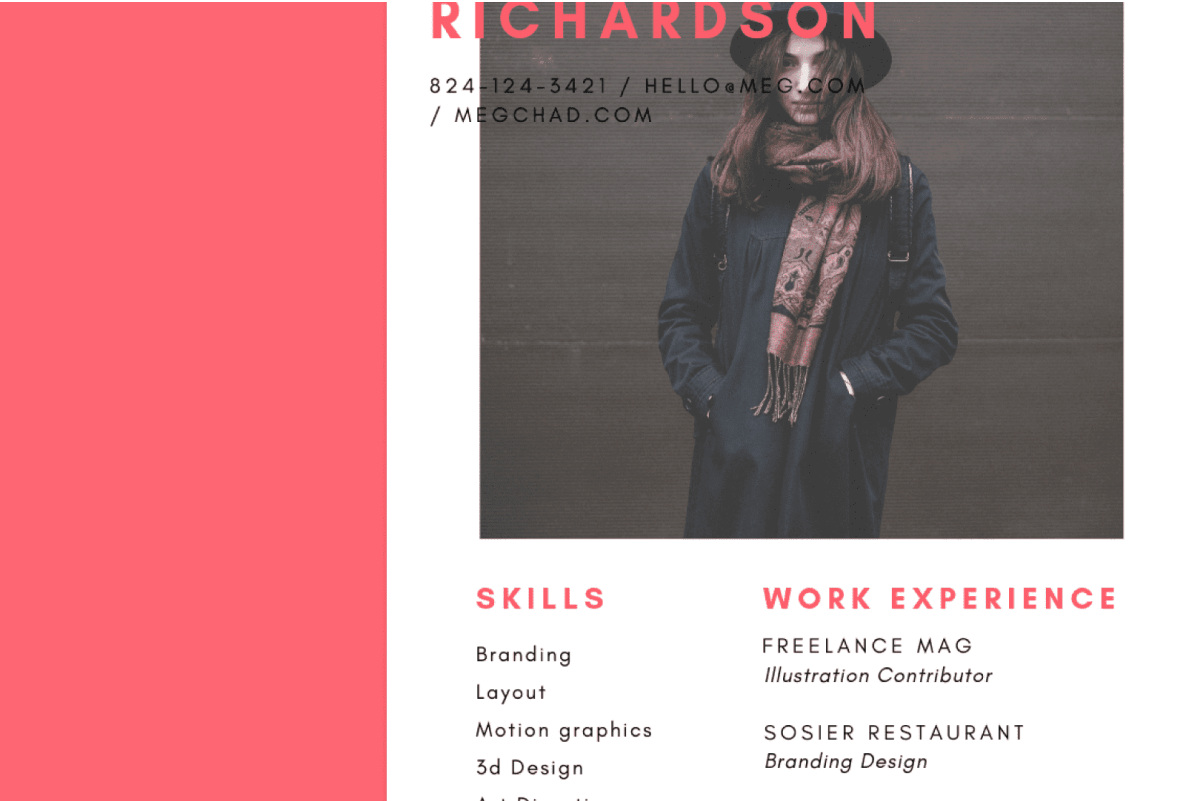
Polish your resume with this easy tutorial.

How to create a resume for your first job
Top resume tips for first-time job hunters.
Discover more products
Stand out with professional custom resumes
Let your qualifications shine with an exceptional CV, designed with ease and made to stand out from the crowd.
