AI Topic Generator
Never run out of inspiration for your content with the Magic Write™’s random topic generator on Canva. Just enter your prompt and generate tons of topic ideas, whether it’s for a blog, marketing campaign, or even a novel.
Magic Write™
See how it works
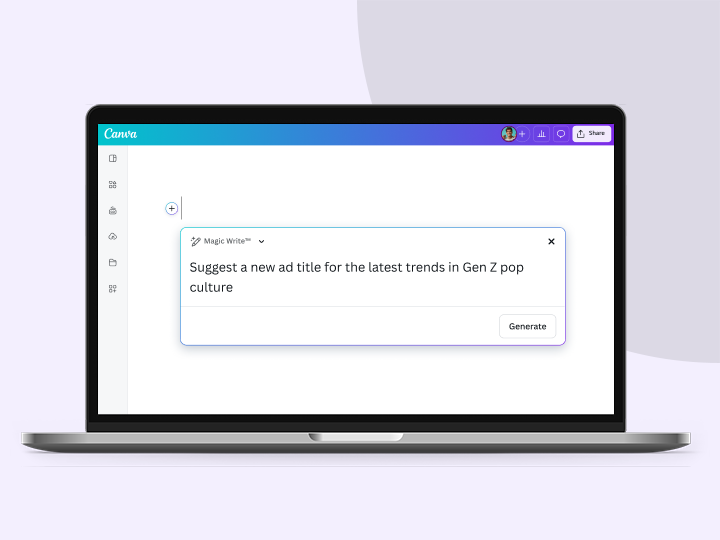
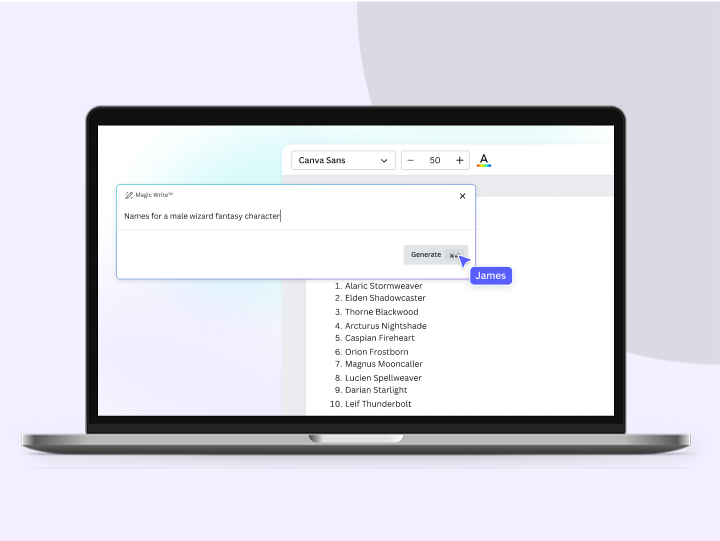
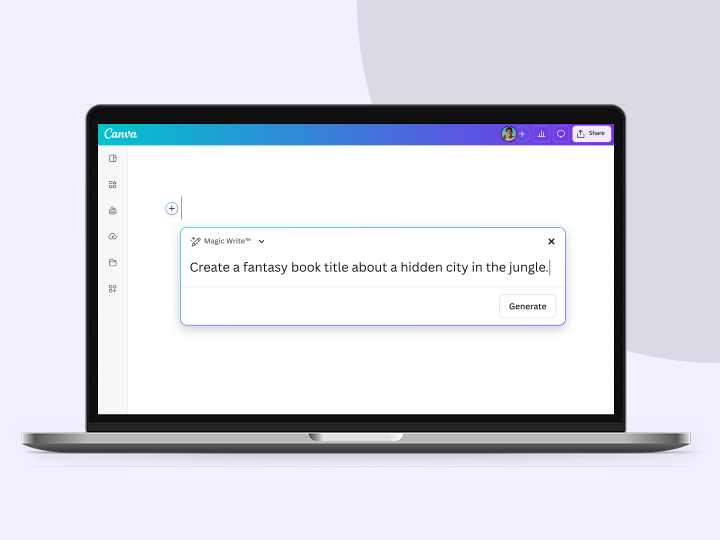
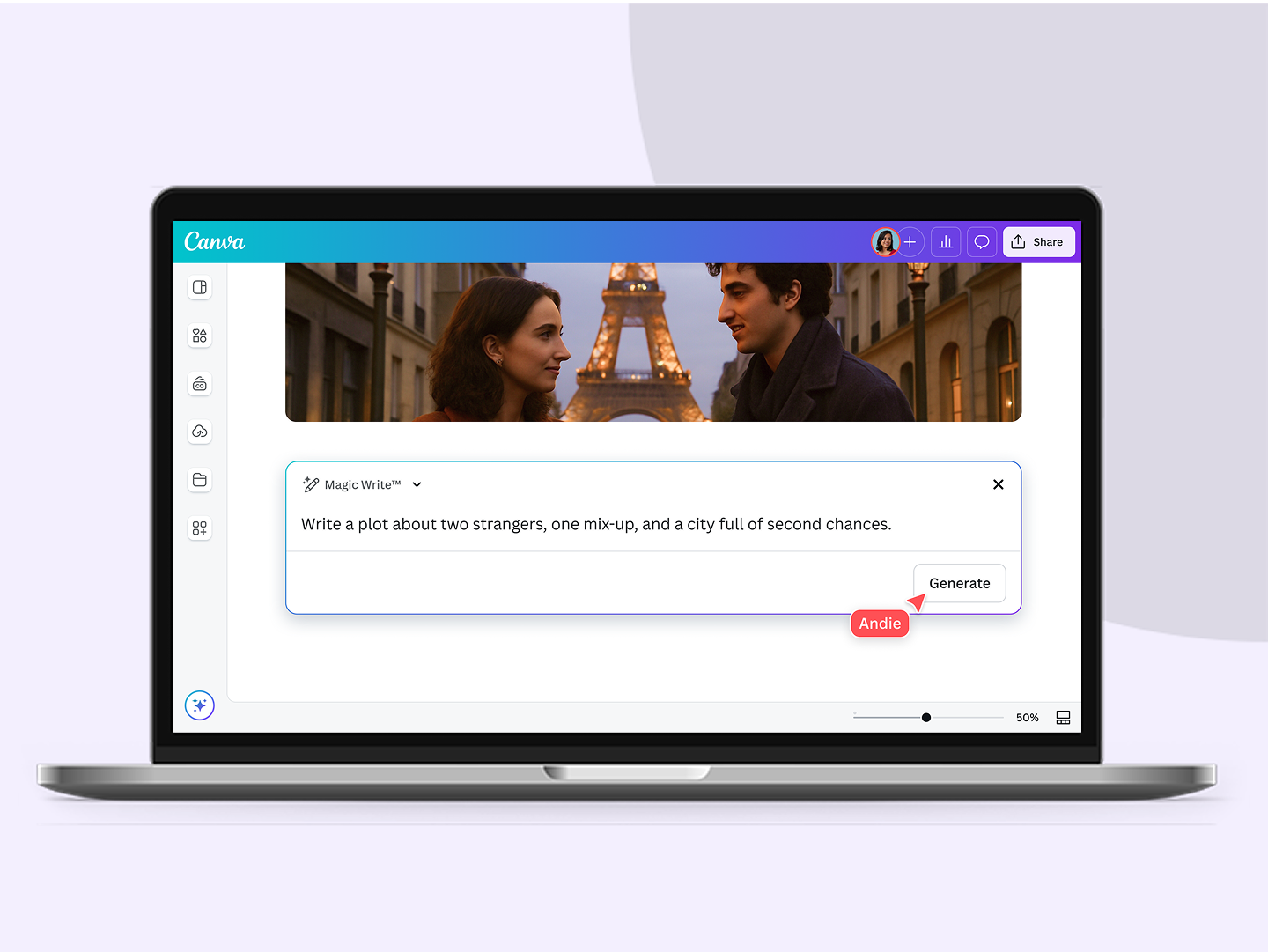
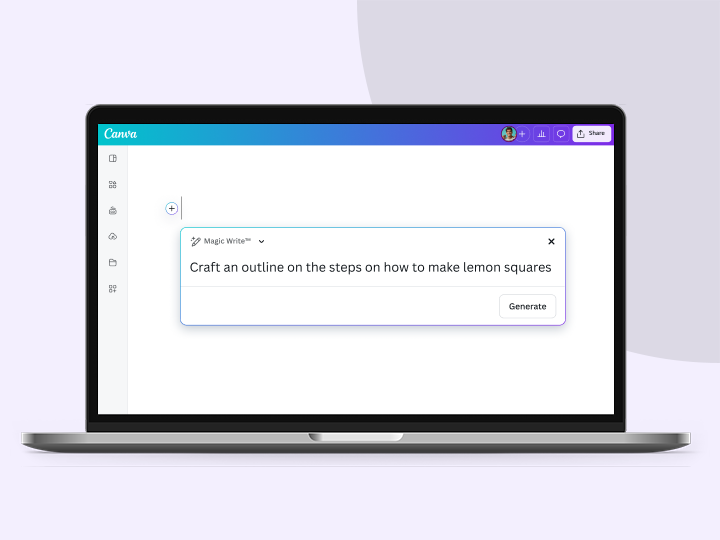
Interact with the sample prompts below to see the ideas generated by Magic Write.
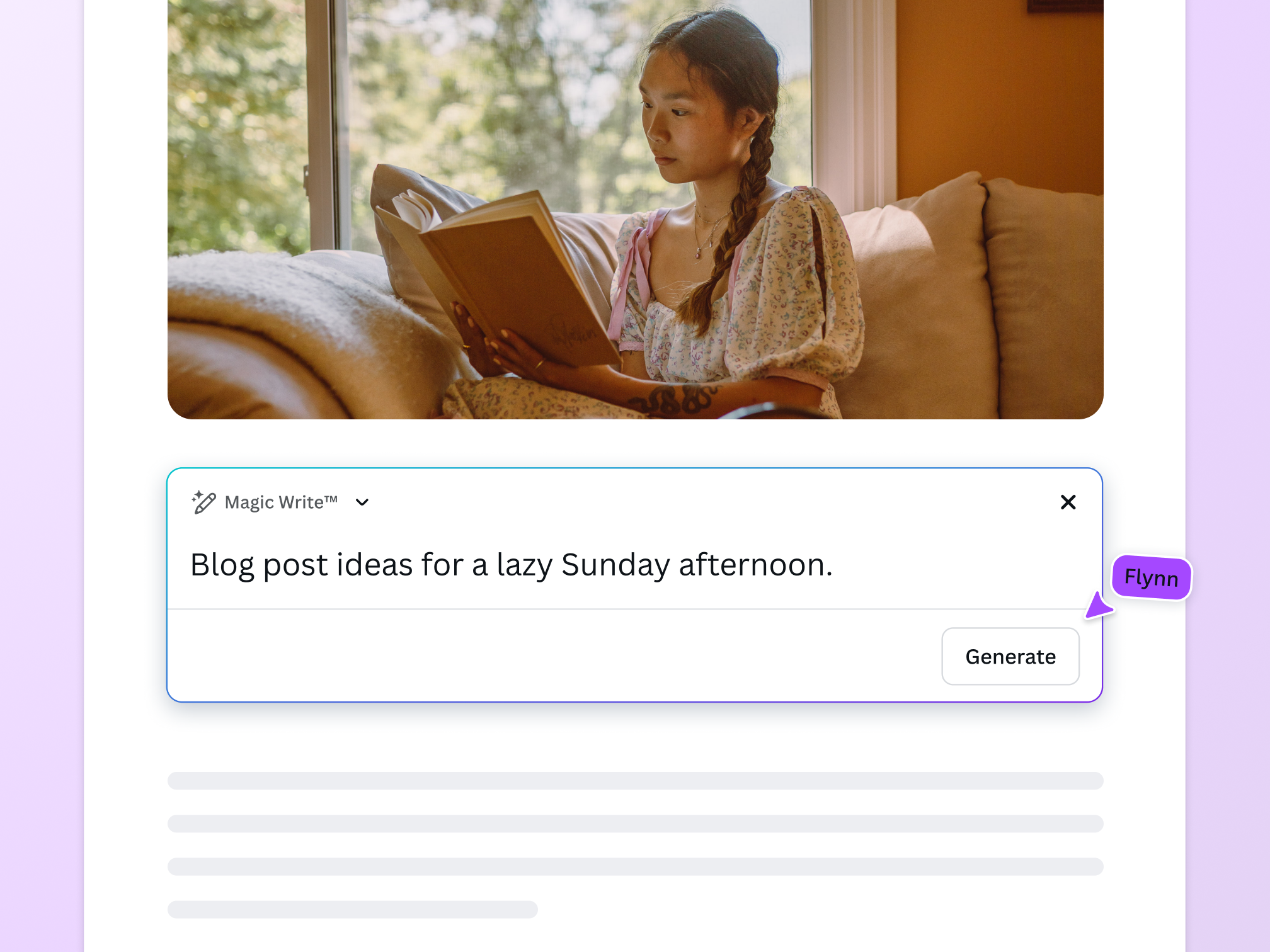
Introducing the AI topic generator
Brainstorming just got easier with the Magic Write™ random topic generator. Powered by OpenAI, this writing assistant churns out topic inspiration in just a few seconds. Get plenty of ideas for your social media content, blog, website, or creative project. Enter a prompt and watch the topic generator spitball fun ideas for you to choose from.
Topic generation made fast and easy

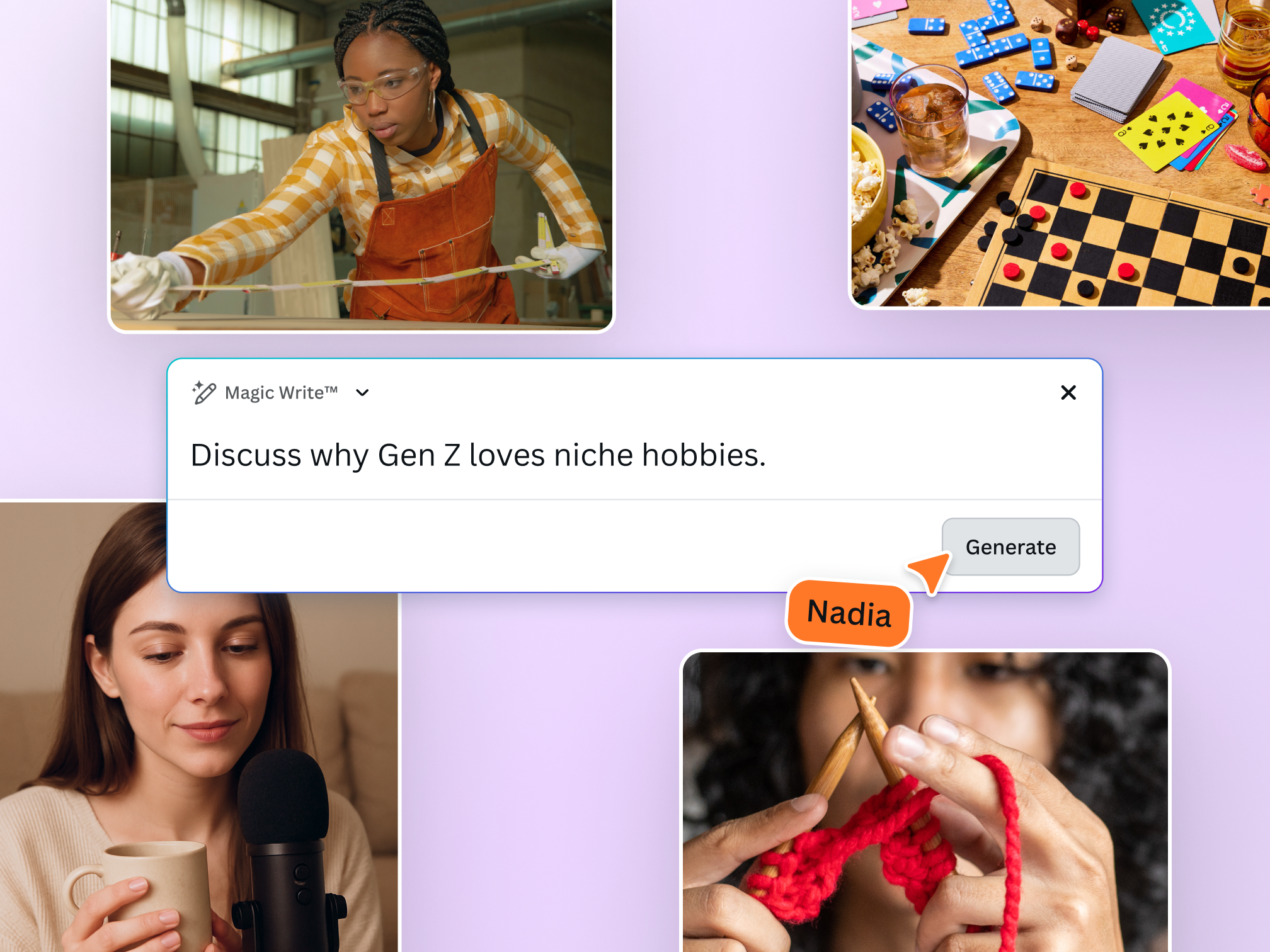
Find topics for all sorts of content
Magic Write can be your blog, essay, poem, conversation, and research topic generator. Just specify what you need in your prompt–the more detailed, the better!

Quantity and quality
Use the AI-powered topic generator for any project, whether you have a Canva Free, Canva Pro, NFP, or Education (teachers and administrators only) account.

Flesh out your topic
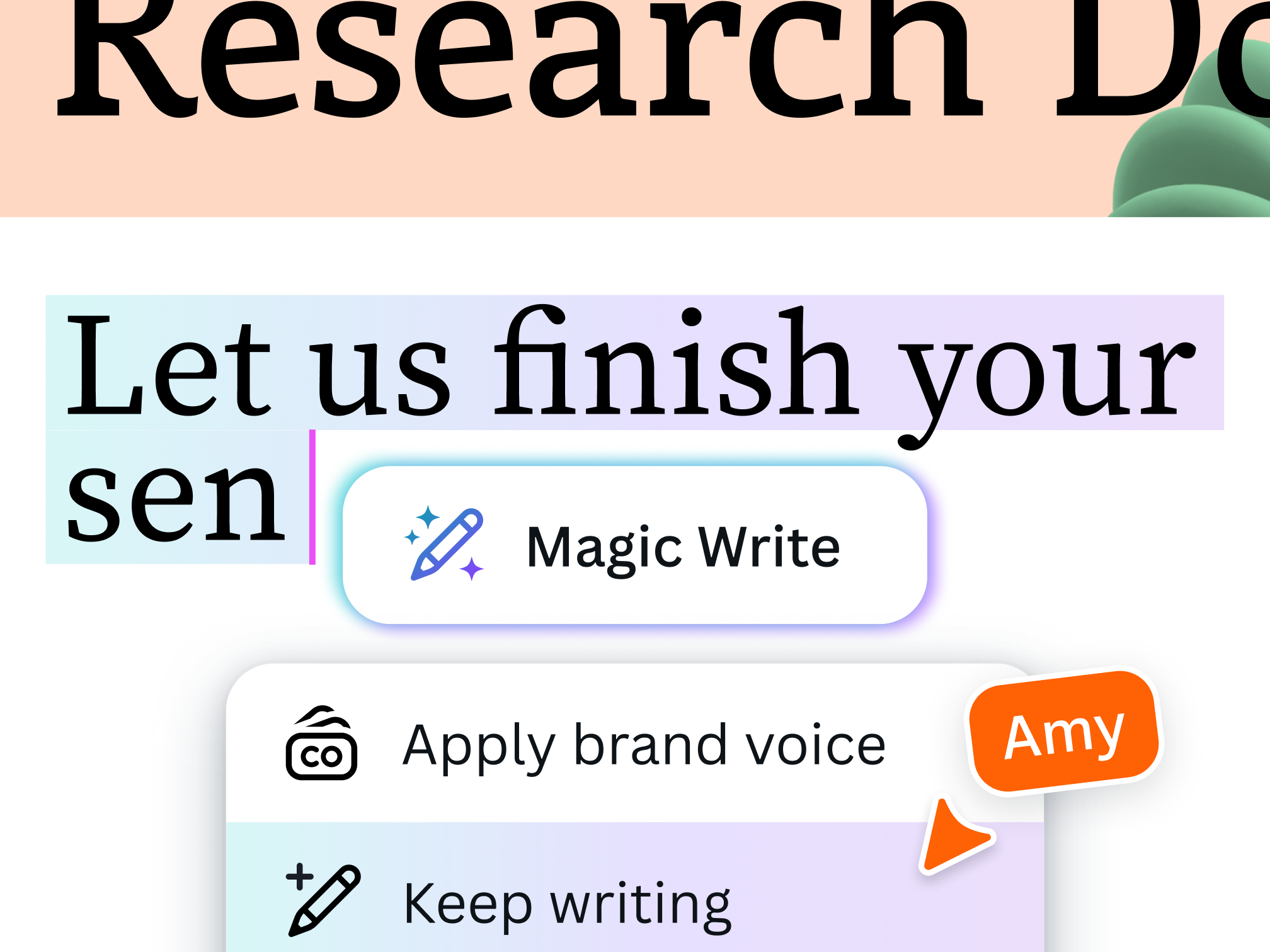
Use Magic Write to create outlines, generate paragraphs, and improve your draft in a few clicks. Generate writing in your brand voice. Just add a sample text for Magic Write to analyze and follow.
From topic to full-fledged content

Visualize your ideas
Turn your topic into a visual-first document on Canva Docs. Incorporate images, beautiful fonts, and other graphic elements to bring your content to life.

Collaborate with ease
Two (or more) heads are better than one. Brainstorm, develop, and execute your topic ideas with your team all in one platform.

Take your topic to new heights
Explore different possibilities for your topic. Turn it into a social media post, website, infographic, and more.
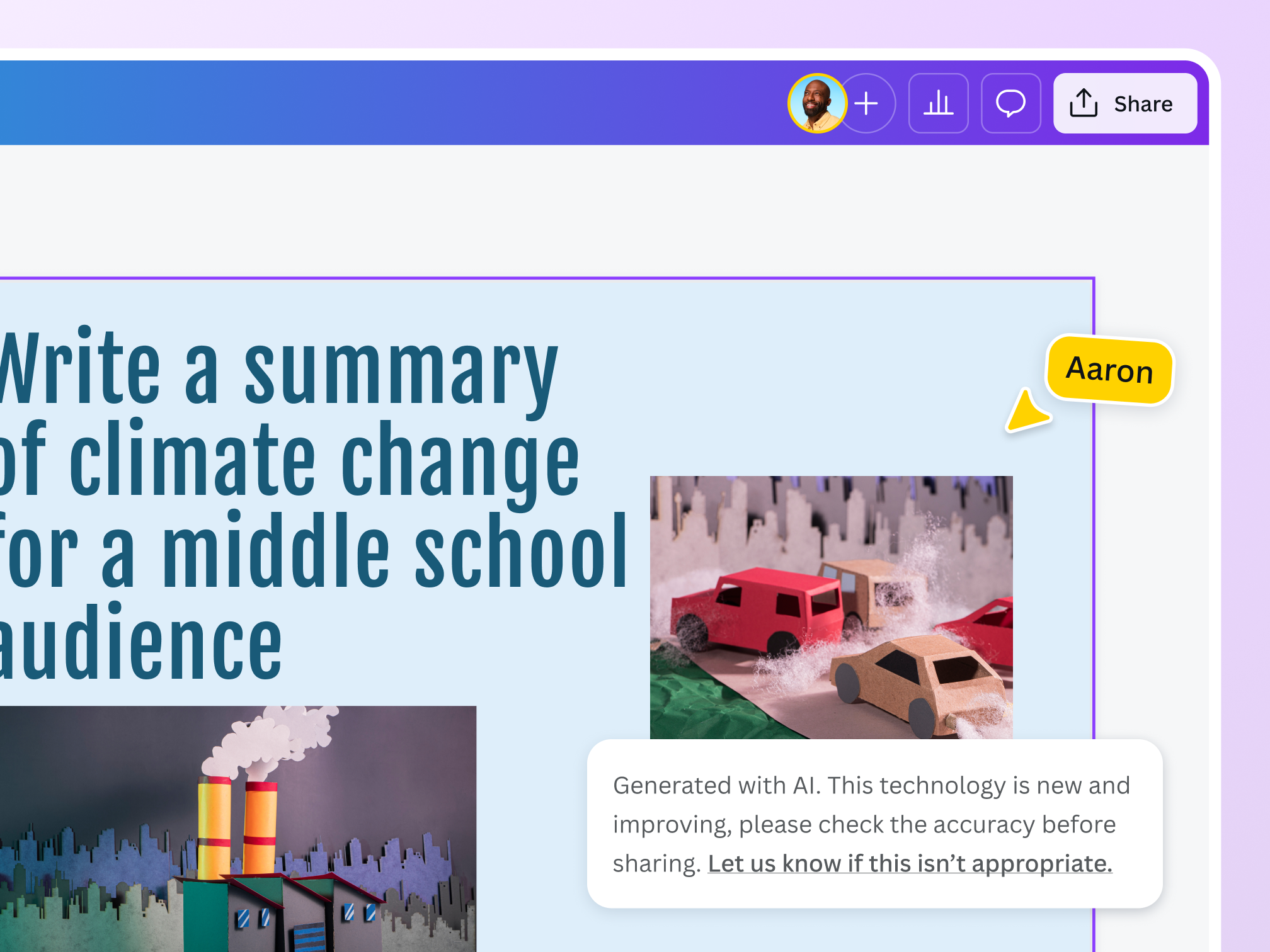
Stay safe and secure while creating
Trust Canva to keep your creative process fun, collaborative, and secure. We’ve put in layers of measures to check the content generated on our platform remains safe, fair, and inclusive. We won’t tolerate any use of our topic generator and other AI tools that violates our Terms and Acceptable Use Policy.
The topic generator for all writing needs

For marketing and business needs
Generate fresh topics to keep your campaigns engaging for your audience.

For professional requirements
Get topics for your meetings, presentations, and reports to impress your colleagues.

For creative and educational pursuits
Jumpstart your process with inspiring topics that encourage everyone to read.
All the features you need
Get to your first draft fast with Magic Write™. Simply start with a prompt and watch magic happen. Write anything, from internal comms to a story with Magic Write™ in Canva Docs—all in one fast and easy document creation platform!

Brainstorm faster and find new ideas
Magic Write™, an AI Writer and idea generator, helps you come up with ideas and topics you may have never even thought of.

Generate short-form text
Create any short-form text—from social media captions, profile bios, product descriptions, and more—with a few prompts.

Generate long-form text
Quickly craft high-quality, long-form content for blogs, sales emails, feature stories, and more. Experience a faster writing process.

Create outlines
Use Magic Write™, an AI writing assistant, to effortlessly generate outlines for articles, blogs, or essays and to better structure any piece of content.

Create lists
An AI writer tool that lets you generate lists—from pros & cons lists to marketing strategy lists—so you can focus on writing better, faster.

Headline generator
Generate catchy headlines, titles, and taglines fit for your blog, article, essay, story, or more with the keywords you specify.

Paragraph generator
Generate complete paragraphs for articles, essays, stories, blogs, and other content types in your desired tone or voice.

Rewriting tool
An AI-powered tool to help you rewrite any piece of content, so you can focus on getting out that first draft, fast.

Expand writing
When stumped for words and ideas mid-sentence, let Magic Write™ continue writing and expand the rest of your content.
Edit content
An AI-powered text editor and grammar checker automatically edits typos and zaps grammar mistakes so you can speed up your creative process.

Paraphrase tool
An AI-powered paraphrasing tool that will reword and rewrite any piece of content, so you can focus on spinning and editing it into a creative sentence or paragraph.

Summary generator
An AI-powered text summarizer tool that will condense and extract key topics from any piece of content, so you get a shortened, more readable version.
How to generate topics with AI
- Open CanvaCreate a new design or Canva Doc or start with an existing one.
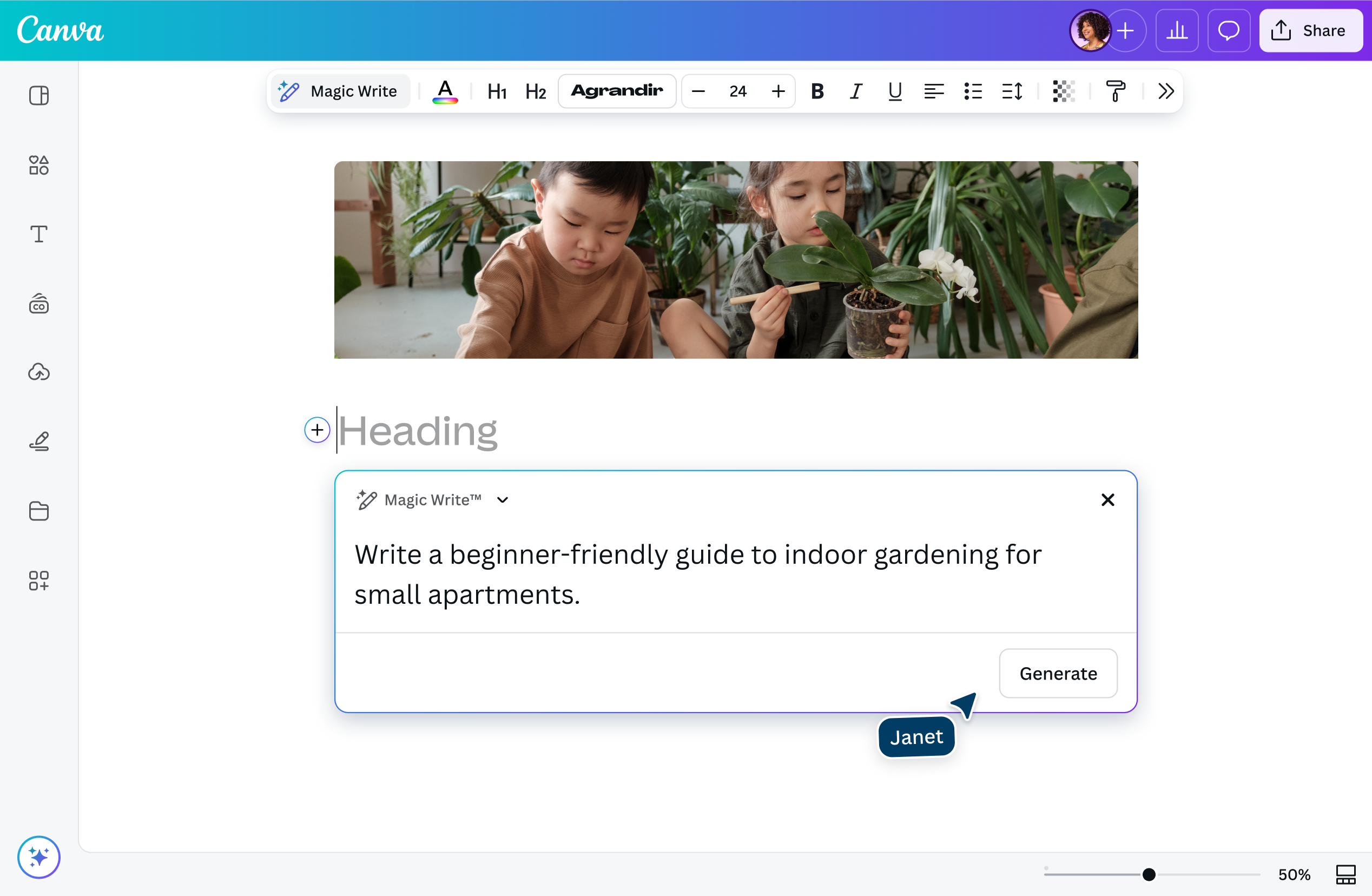
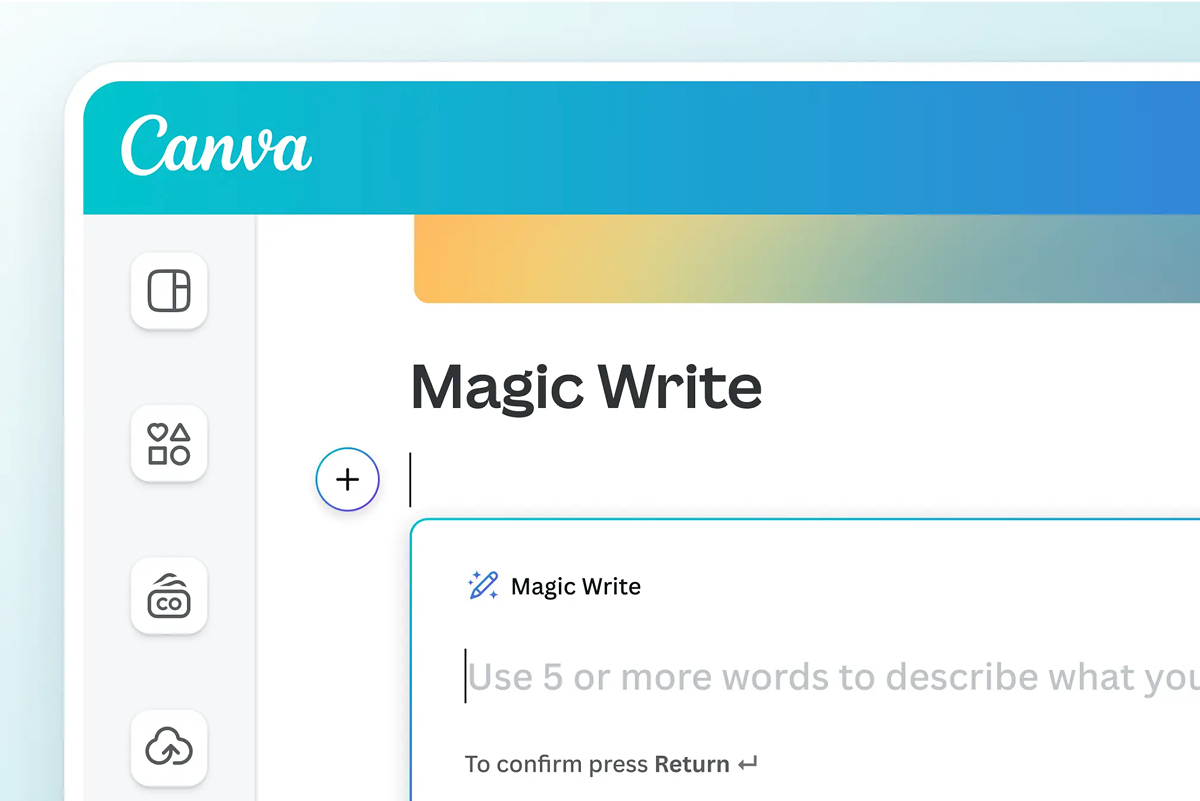
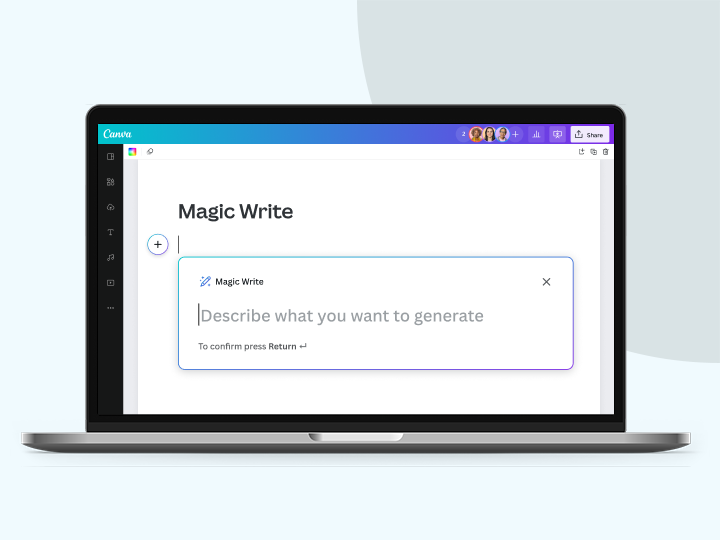
- Launch Magic Write™Tap the Canva Assistant button to access the topic generator. On Canva Docs, click the + icon. Select Magic Write. Or, enter your prompt on the landing page to go to the editor.
- Enter your promptDescribe what you need: topics and titles for your blog, ideas for your research, or class discussion ideas. Get as detailed as you can in 200 words or less.
- Generate topic ideasClick “Enter” and watch as the random topic generator churns out topic ideas for you.
- Start writingRefine your prompt to get more topic ideas, share your Canva Docs with your collaborators, or start expanding your topic into full content.
Your questions, answered
The topic generator on Canva is a feature of Magic Write, an AI writing assistant powered by OpenAI. It uses a machine learning model to predict and generate the text you want based on the prompt you provide.
Because its output is based on your instructions, you’ll get better topic ideas with a more detailed prompt. Say you need topics for discussion in your upcoming meeting. What type of meeting is it, who are the attendees, and what do you need topics for: an icebreaker, a getting-to-know-you session, or a brainstorming session? Including such details in your prompt will help the conversation topic generator generate appropriate ideas for you.
A few words on the limitations of the topic generator and Magic Write in general:
- Magic Write uses data and information up to mid-2021. This means that some of the generated text, including any rewritten sentences, might contain outdated information.
- The topic generator might generate topics that aren’t accurate or unique. So you’ll want to use your best judgment and be a meticulous checker before using any AI-generated text as is.
- The topic generator has a 200-word input limit and around a 500-word output limit. This means that any generated text might get cut off mid-sentence.
Yes, it’s free! Whether you’re a Free Canva user, or you’ve upgraded to a Pro, Teams, or NFP account, you can use the AI topic generator for your projects.
Choosing the best topic ideas depends on your specific interest or expertise, your audience, and the format of delivery.
Think about what you’re best interested in. Or, if you have a specific expertise, will a certain topic idea help you showcase that?
Consider your audience. Are you talking to kids, teens, or working professionals? Think of their interests and attention span. What sort of delivery engages them?
Then finally, the format of delivery. Are you choosing topic ideas for a blog, a research paper, or a presentation?
If you’re having a hard time choosing on your own, getting input from your family, friends, and colleagues is a must. Create an informal survey and get their feedback. Oftentimes, working on a particular project closely can affect your perspective. An outsider’s point of view can help you see your topic ideas in a new light.
Magic Write™’s AI topic generator currently works in 20 languages. The languages supported as of March 22, 2023 are English, Spanish, Portuguese, Indonesian, French, Thai, Italian, Russian, Arabic, Japanese, Turkish, German, Vietnamese, Chinese, Polish, Dutch, Korean, Czech, Romanian, Malay, and Tagalog text.
There’s no guarantee that the topics generated by the random topic generator are unique. So when using the topic generator and other AI writing tools on Canva, we highly recommend doing your due diligence. Research and fact-check everything first to make sure you’re not infringing on any creator’s copyright. Also, be sure to exercise your full creativity on the topics generated. Using the AI writing assistant on Canva is meant as a first step to jumpstart your creative process.
Unfortunately, there is no easy answer to this! The treatment of AI-generated works under copyright law is an open question, and the answer may vary depending on what country you live in.
For now, Canva does not make any copyright claim over the output you create with Magic Write. Between you and Canva, you own the output you create with Magic Write (subject to you following our Terms), and you give us the right to to host it on our platform and use it to market our products.
However, please note that this does not mean you are the copyright owner of the output or that you have exclusive rights to it.
Our values define how we build our products, treat our community, and impact the world. We want to ensure our community feels safe when creating or interacting with content on our platform.
To ensure our community can enjoy Magic Write safely and responsibly, we’ve put various measures in place, including automated reviews of input prompts that might generate inappropriate content. Users can report unsafe content here. We also encourage you to get in touch with our support team to give feedback at any time.
We won’t tolerate any use of Magic Write that violates our Terms and Acceptable Use Policy.
Magic Write™ is only active if you choose to use the feature. When you do use the feature, Magic Write only processes the instructions you submit and does not have access to other parts of your document. The AI model is trained on public web pages and is not trained on Canva documents or designs.
More resources
Unlock your writing potential with Magic write
Learn how to use Magic Write, Canva’s AI writing assistant.
Learn the basics for creating your ideal document.

How to organize your blog post while you write
Structure your thoughts and ideas for an awesome blog post.

Learn how to start a blog that connects with your audience.
AI Topic Generator
Never run out of inspiration for your content with the Magic Write™ random topic generator on Canva. Just enter your prompt and generate tons of ideas, whether it’s for a blog, marketing campaign, or even a novel.
