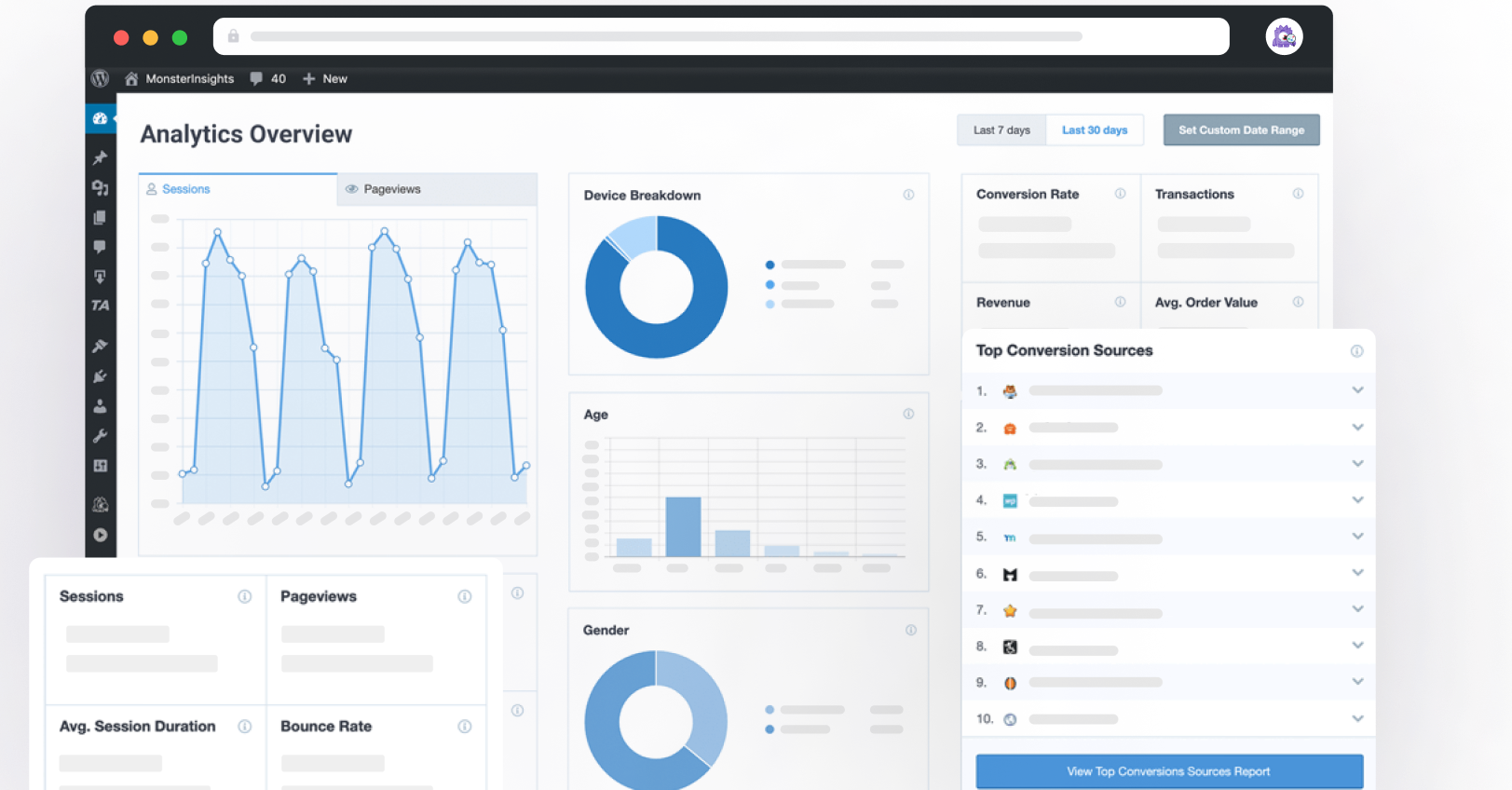
MonsterInsights automatically surfaces your top-performing posts and products across your site – ranked by real Google Analytics data, not guesswork. Keep visitors engaged, reduce bounce rate, and turn one-page visits into loyal readers.
Finally, a Popular Posts Tool for WordPress that’s both Easy and Powerful
MonsterInsights makes it simple to show your best content everywhere it matters. Here are the features that make MonsterInsights Popular Posts the best plugin for keeping visitors on your site.
No-Code Setup
Install MonsterInsights, activate the Popular Posts feature, and your top content starts appearing automatically. No developer, no shortcodes required unless you want them.
Flexible Popularity Sorting
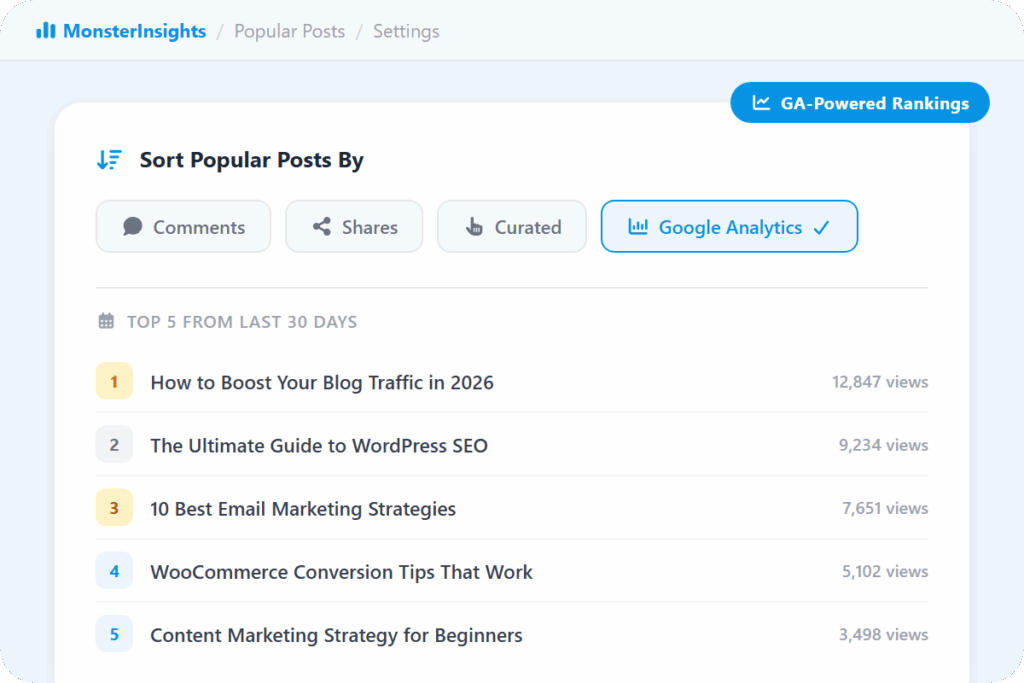
Choose how to define popular: most comments, most shared (via SharedCount), a randomly-rotating curated list, or the top 5 posts from the last 30 days via Google Analytics.
Inline Popular Posts
Automatically embed your top posts inside your content body after a set word count. Readers see your best articles right when they are most engaged.
Popular Posts Widget
Add a popular posts list to any sidebar or footer area. Display up to 10 top posts wherever your visitors are most likely to click through.
Popular Products
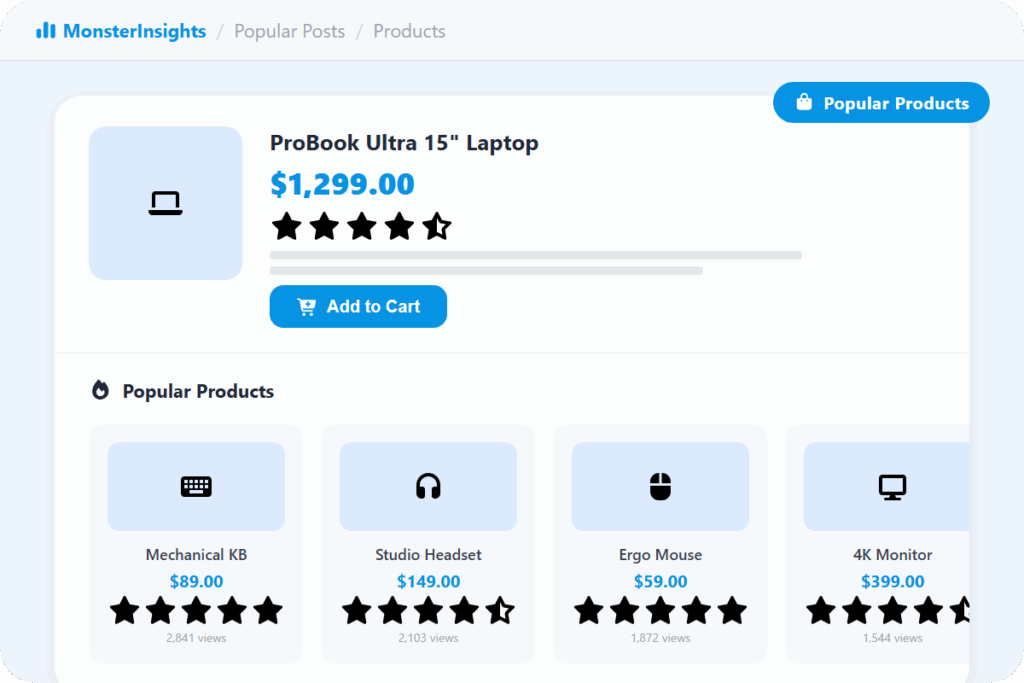
Automatically showcase your top-selling products on single product pages. Display up to 10 best sellers in grid or list layout using real sales data.
Manual Curation
Want to highlight specific posts? Build a curated list and MonsterInsights will rotate them randomly – giving you control without losing the automation.
Flexible Placement
Place popular posts automatically after a set word count, or drop them in manually using Gutenberg blocks, shortcodes, or widgets.
Customizable Themes
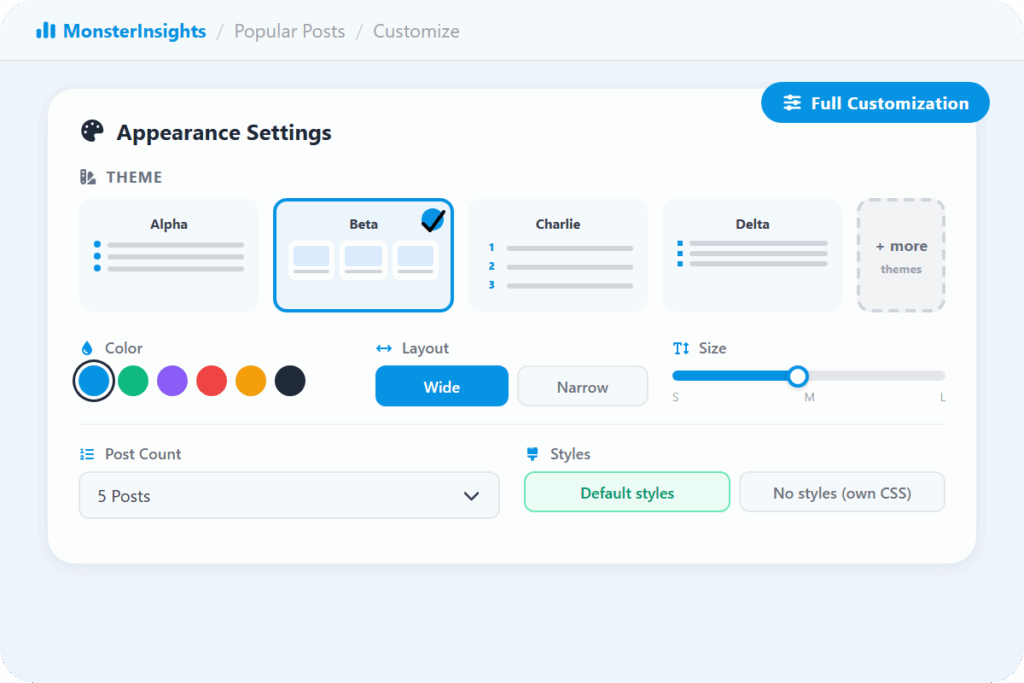
Choose from pre-built themes that match your site design. Adjust colors, font sizes, and layouts – or override everything with custom CSS.
Post Type Filtering
Show popular posts only from specific post types, or exclude certain posts and categories. Keep recommendations relevant to the page your visitor is reading.
“It is so helpful that I am able to get a detailed report of my site traffic in a more advanced way. It also helped me work on driving more potential traffic and results with the help of its rich analytic tool.”
Joshua Samuel
“I love just having sensible, easy-to-understand data available at a glance.”
Peter Witham
“Straightforward for someone with no great tech skills and also really helpful friendly customer service – that makes the biggest difference in feeling confident with this product.”
Why Over 3 Million Users
MonsterInsights for Popular Posts & Products
Most site owners guess which content to promote. MonsterInsights shows you the answer – automatically, inside WordPress – so you can act on real data instead of instinct.
Popular Posts Ranked by Real Data – Not by Gut Feeling
Most popular posts plugins give you one way to sort – usually comment count. MonsterInsights gives you four: most comments, most shares via SharedCount, a randomly-rotating list of posts you handpick, or the top 5 posts from the last 30 days pulled straight from your Google Analytics data.
That last option is the one that changes everything: your recommendations update automatically based on what people are actually reading right now, not what was popular a year ago.
Show Popular Posts Inside Your Content, In Your Sidebar, or Anywhere Else
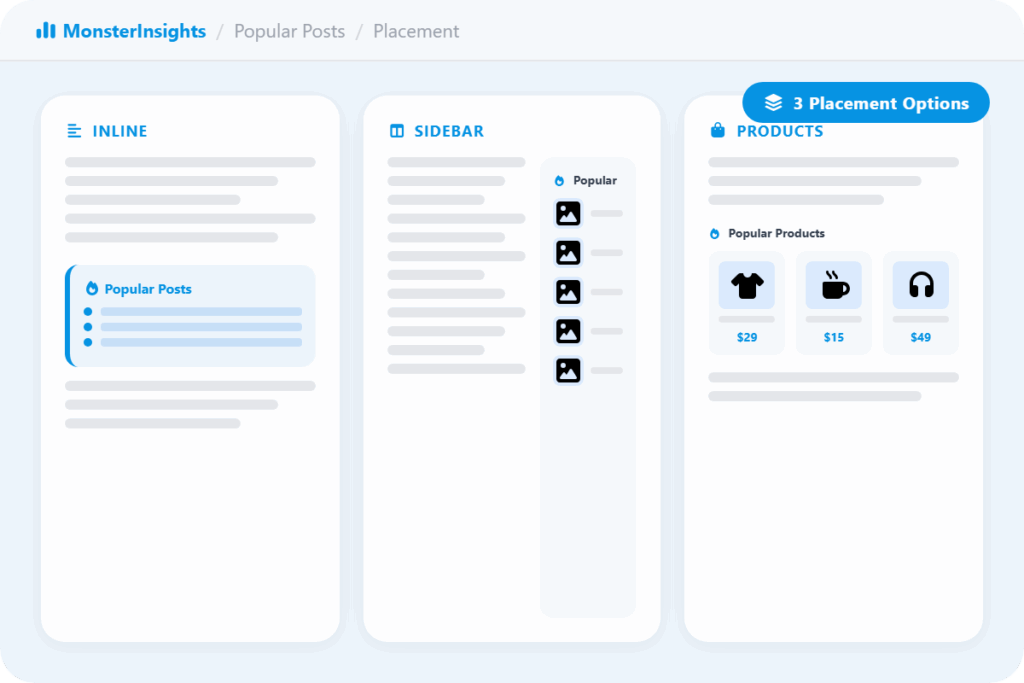
MonsterInsights gives you three ways to surface popular content. Inline Popular Posts embed automatically within your article body – catching readers at the moment they are most engaged. The Popular Posts Widget drops a list of top posts into any sidebar or footer area. And Popular Products automatically showcases your top sellers on single product pages.
You can use one, two, or all three – each one working independently to keep visitors clicking through your site.
Fewer Visitors Leaving After One Page
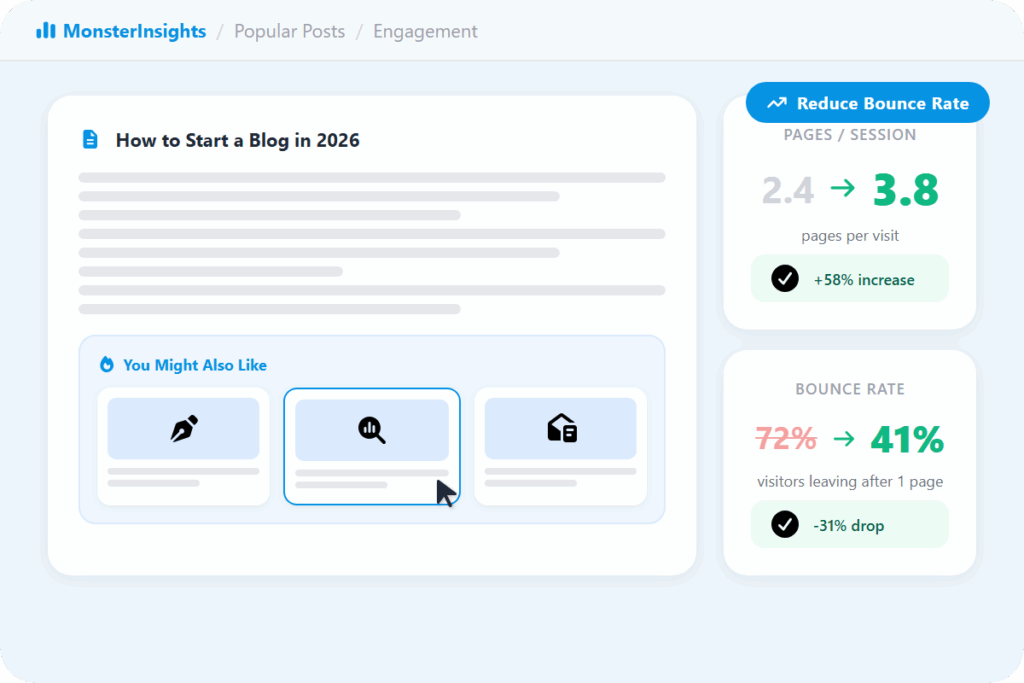
Every time a visitor reads your content and leaves without clicking anything else, that is a missed opportunity. Popular Posts puts your best content directly in front of readers at the right moment – when they are already engaged and looking for what to read next.
Site owners who add inline popular posts consistently see more pages per session and lower bounce rates, because the next great article is always one click away instead of something the visitor has to go searching for.
Your Best-Selling Products, Shown to Every Shopper Automatically
For WooCommerce store owners, Popular Products works the same way as Popular Posts – but powered by your actual sales data. Your top-selling products appear automatically on single product pages in a grid or list layout, giving every shopper a clear view of what other buyers are choosing.
You can display up to 10 products, and the whole thing updates automatically as your sales data changes – no manual curation needed unless you want it.
Full Control Over What Shows Up and Where
Popular Posts works automatically out of the box, but you have full control when you want it. Choose from pre-built themes that match your site design, adjust colors and font sizes, and filter recommendations by post type or exclude specific posts and categories.
If you want to highlight particular content instead of letting the data decide, you can build a curated list and MonsterInsights will rotate through it. Automatic or manual – the choice is yours.
Frequently Asked Questions
Do you have questions about MonsterInsights? See the list below for our most frequently asked questions. If your question is not listed here, then please contact us.
You have four options. You can rank by most comments, most shares (via your SharedCount account), or a randomly-rotating list of posts you handpick yourself. On the Pro plan, you can also switch on Automated + Curated mode, which automatically surfaces the top 5 posts from the last 30 days based on your Google Analytics data – no manual input needed.
MonsterInsights gives you three placement options: Inline Popular Posts (automatically embedded inside your article body after a set word count), a Popular Posts Widget (for sidebars and footers), and Popular Products (auto-placed on WooCommerce product pages). All three can be placed manually using Gutenberg blocks, shortcodes, or widgets.
Yes. You can filter by post type, exclude specific posts or categories, and switch between automated (GA-powered) and curated modes. In curated mode, you manually select which posts appear and MonsterInsights rotates through them randomly.
Yes. MonsterInsights includes pre-built themes you can preview and apply instantly. You can adjust colors, font sizes, and post titles, and choose between wide or narrow widget layouts. For more control, override the built-in styles with custom CSS.
Yes. The Popular Products feature uses your actual sales data to display your top-selling items on product pages. Show up to 10 products in grid or list format – no manual updating needed as your sales data changes.
Your Best Content Deserves to Be Seen. Put It in Front of Every Visitor.
Join over 3 million WordPress users who use MonsterInsights to keep visitors engaged and reading more.