Spring Data JPA
Pagination and Sorting
 Pagination is often helpful when we have a large
dataset and we want to present it to the user in
smaller chunks.
 Also, we often need to sort that data by some criteria
while paging.
 While dealing with large amount of data the lazy
processing is often essential. Even if a service returns
a huge amount of data the consumer is less likely
using it.
 Consider a shopping website, where customer
searches for a product and the website has
thousands of products to display. Fetching thousands
of products and displaying it on a web page will be
very time consuming. In most of the cases the
customer may not even look at all of the products.
contd
 For such cases a technique called as Pagination is used. Only a
small subset of products (page) is displayed at first and customer
can ask to see the next subset (page) and so on. This is called
as Pagination.
 Pagination allows the users to see a small portion of data at a
time (a page), and sorting allows the users to view the data in a
more organized way. Both paging and sorting help the users
consume information more easily and conveniently.
Query Approaches
Spring Data by default provides the following query
methods through its interface:
 findAll //Returns all entities
 findById(ID id) //Returns the entity depending upon
given id
 What if one wants to query customer records based on the
customer's address?
 How does Spring support this scenario?
 Spring supports these kinds of scenarios using the
following approaches:
 Query creation based on the method name.
 Query creation using @NamedQuery: JPA named queries
through a naming convention.
 Query creation using @Query: annotate the query method
with @Query.
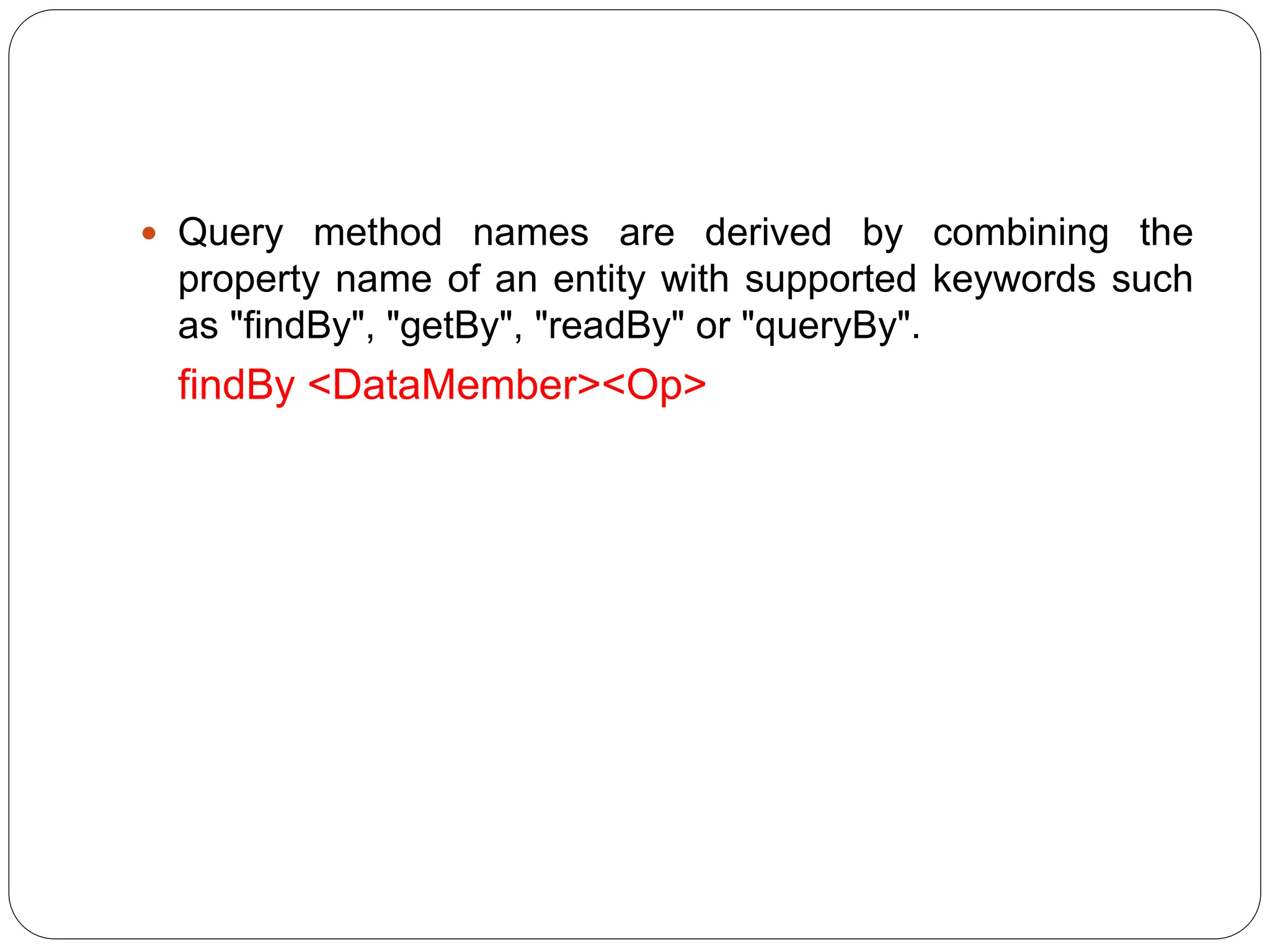
 Query method names are derived by combining the
property name of an entity with supported keywords such
as "findBy", "getBy", "readBy" or "queryBy".
findBy <DataMember><Op>
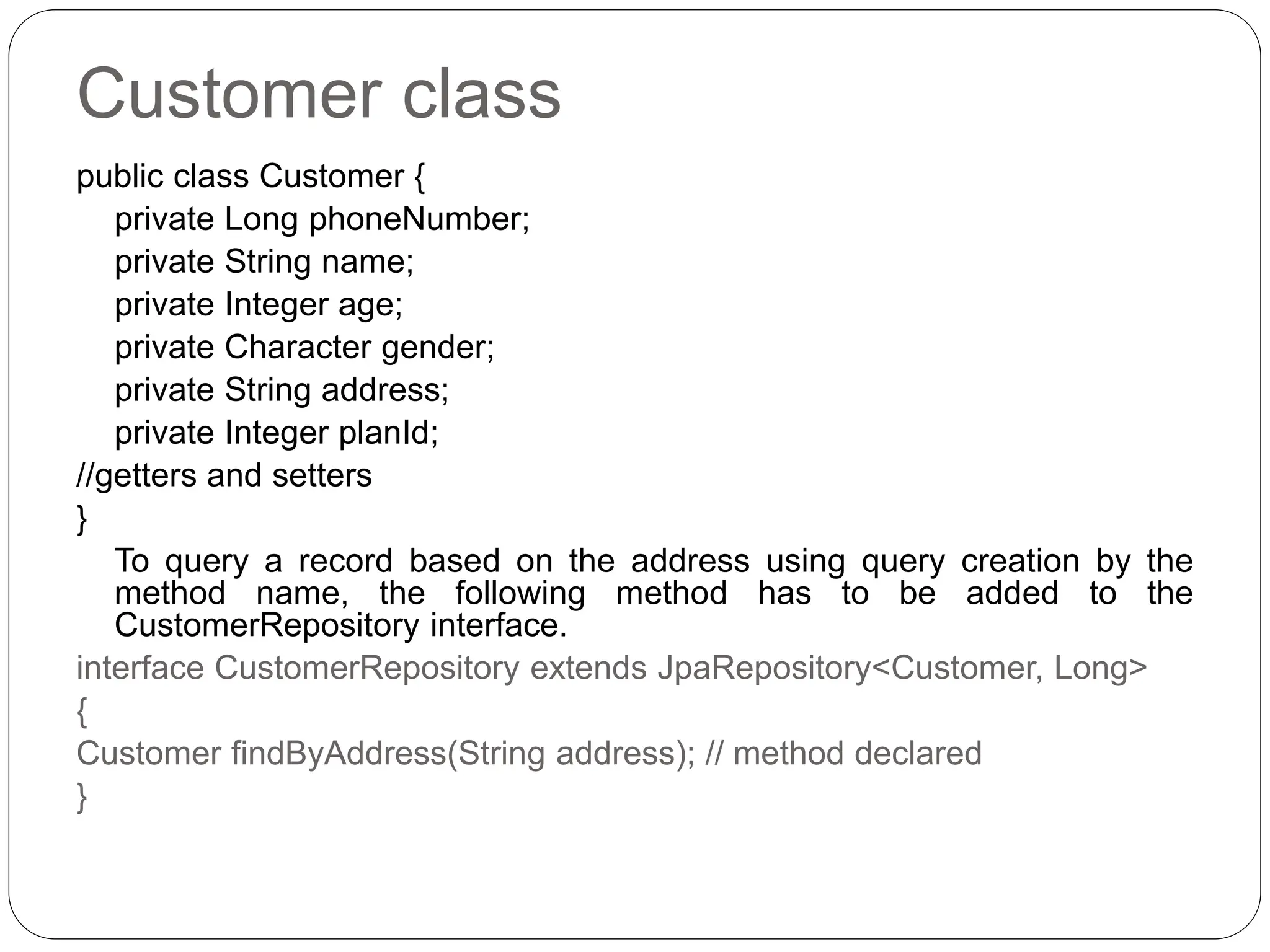
Customer class
public class Customer {
private Long phoneNumber;
private String name;
private Integer age;
private Character gender;
private String address;
private Integer planId;
//getters and setters
}
To query a record based on the address using query creation by the
method name, the following method has to be added to the
CustomerRepository interface.
interface CustomerRepository extends JpaRepository<Customer, Long>
{
Customer findByAddress(String address); // method declared
}
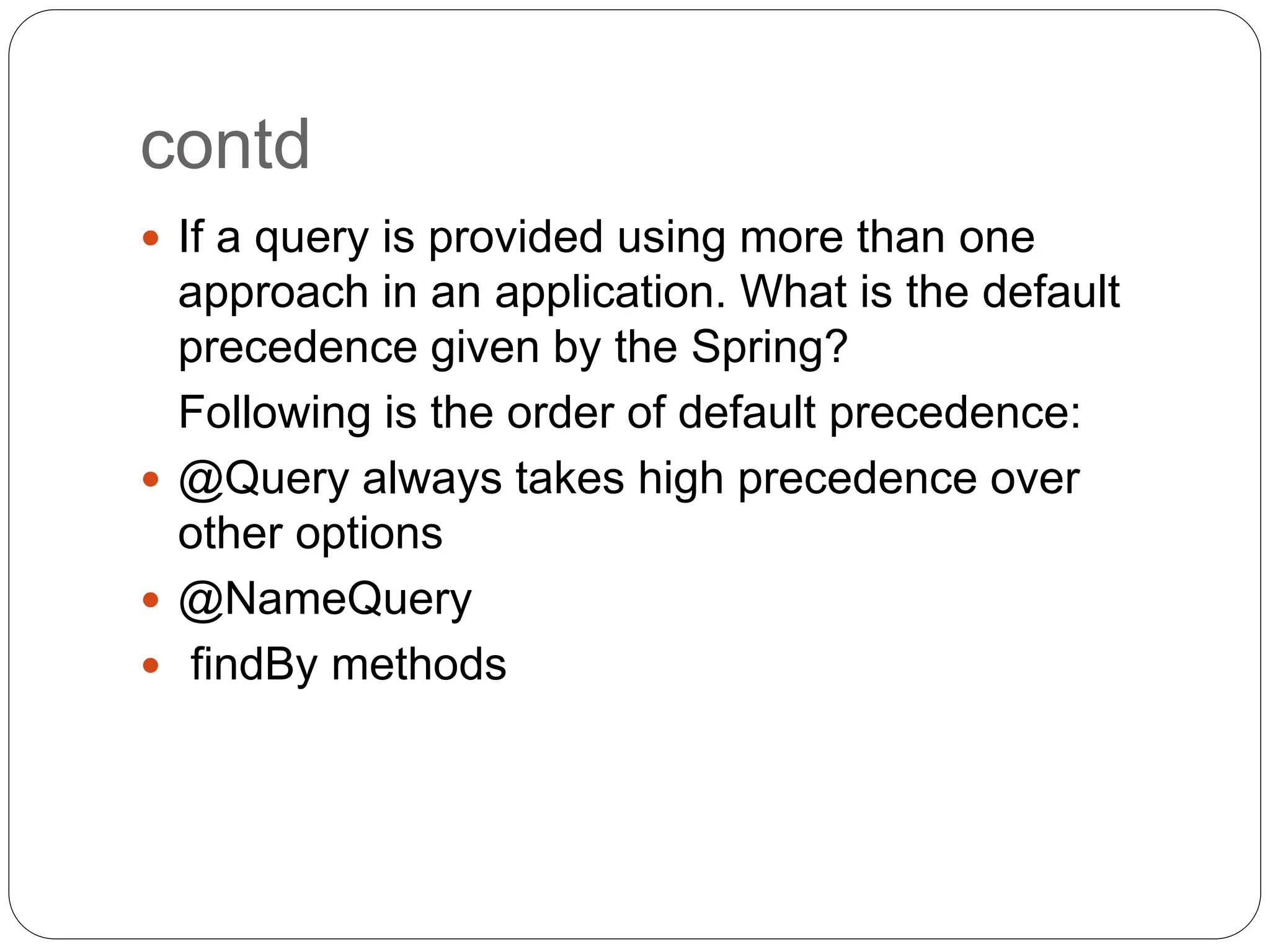
contd
 If a query is provided using more than one
approach in an application. What is the default
precedence given by the Spring?
Following is the order of default precedence:
 @Query always takes high precedence over
other options
 @NameQuery
 findBy methods
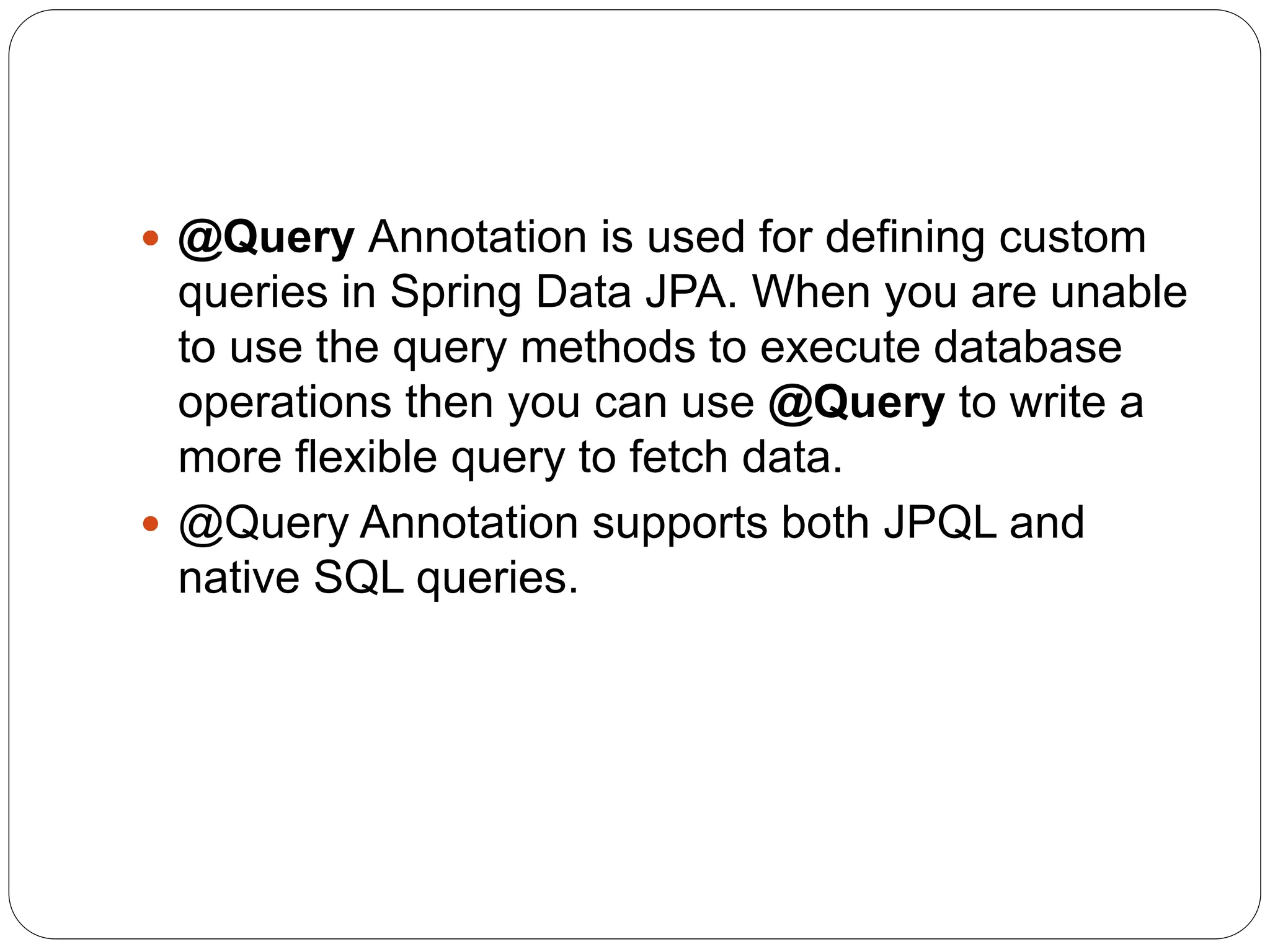
 @Query Annotation is used for defining custom
queries in Spring Data JPA. When you are unable
to use the query methods to execute database
operations then you can use @Query to write a
more flexible query to fetch data.
 @Query Annotation supports both JPQL and
native SQL queries.
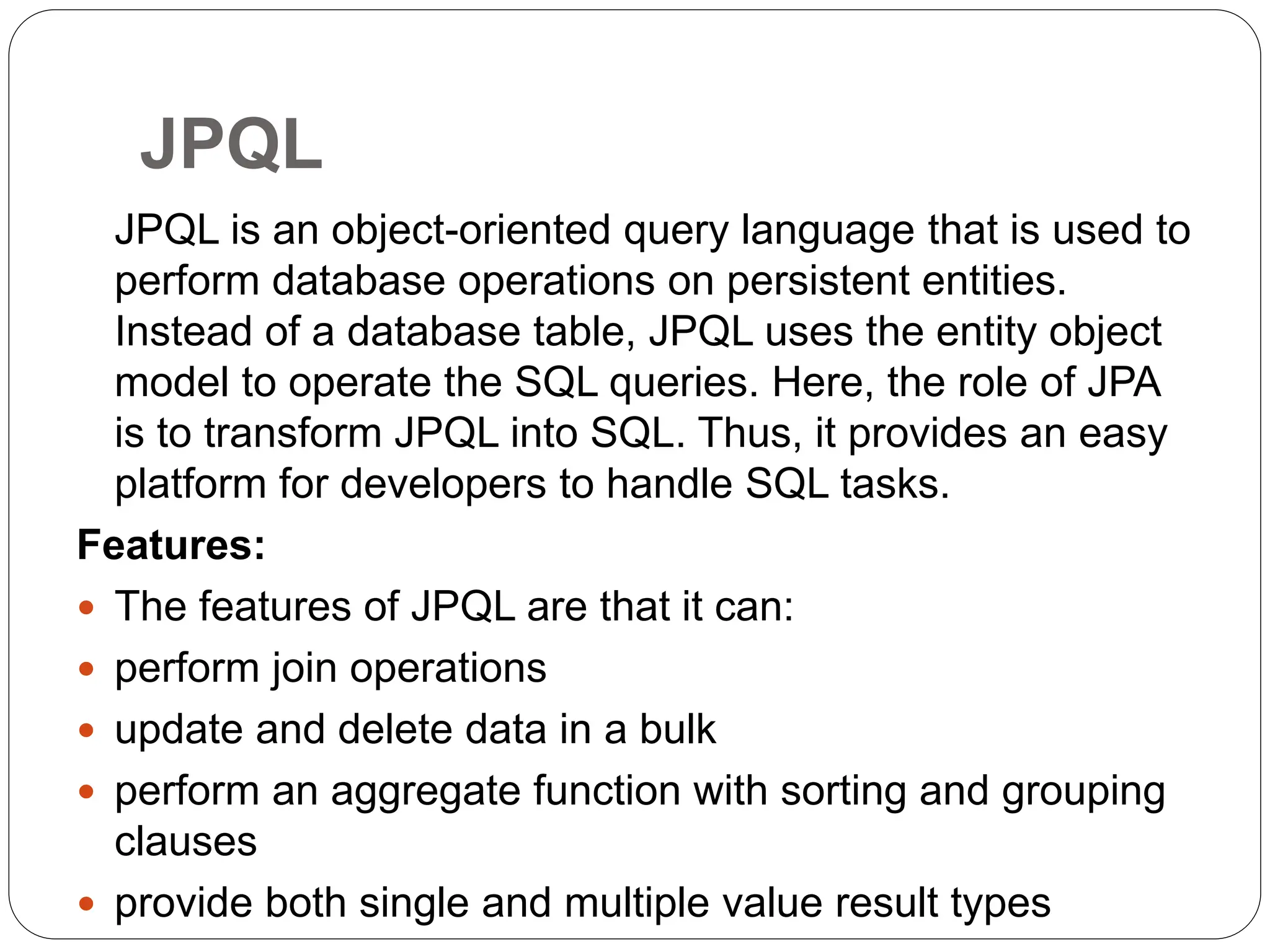
JPQL
JPQL is an object-oriented query language that is used to
perform database operations on persistent entities.
Instead of a database table, JPQL uses the entity object
model to operate the SQL queries. Here, the role of JPA
is to transform JPQL into SQL. Thus, it provides an easy
platform for developers to handle SQL tasks.
Features:
 The features of JPQL are that it can:
 perform join operations
 update and delete data in a bulk
 perform an aggregate function with sorting and grouping
clauses
 provide both single and multiple value result types
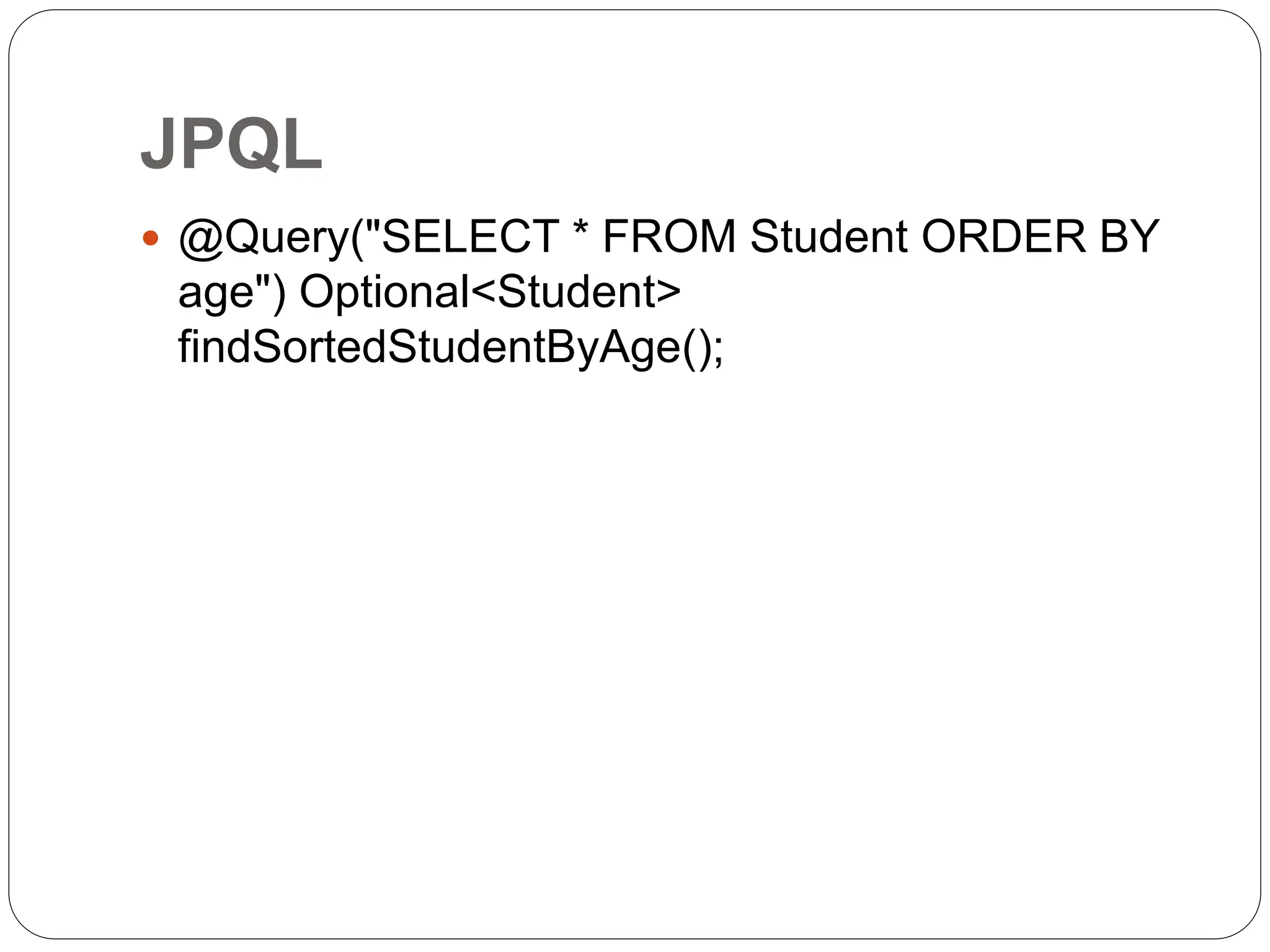
JPQL
 @Query("SELECT * FROM Student ORDER BY
age") Optional<Student>
findSortedStudentByAge();
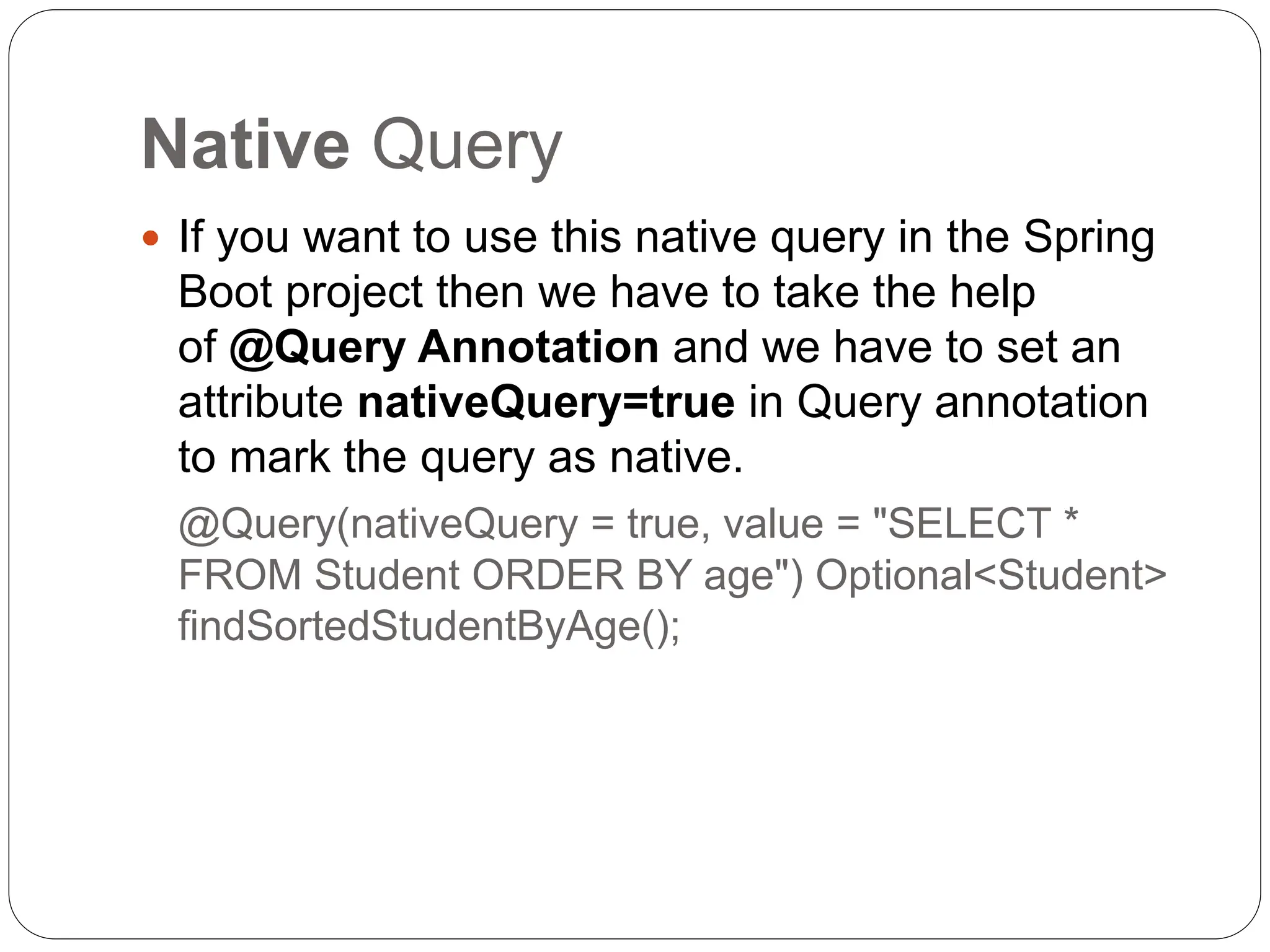
Native Query
 If you want to use this native query in the Spring
Boot project then we have to take the help
of @Query Annotation and we have to set an
attribute nativeQuery=true in Query annotation
to mark the query as native.
@Query(nativeQuery = true, value = "SELECT *
FROM Student ORDER BY age") Optional<Student>
findSortedStudentByAge();
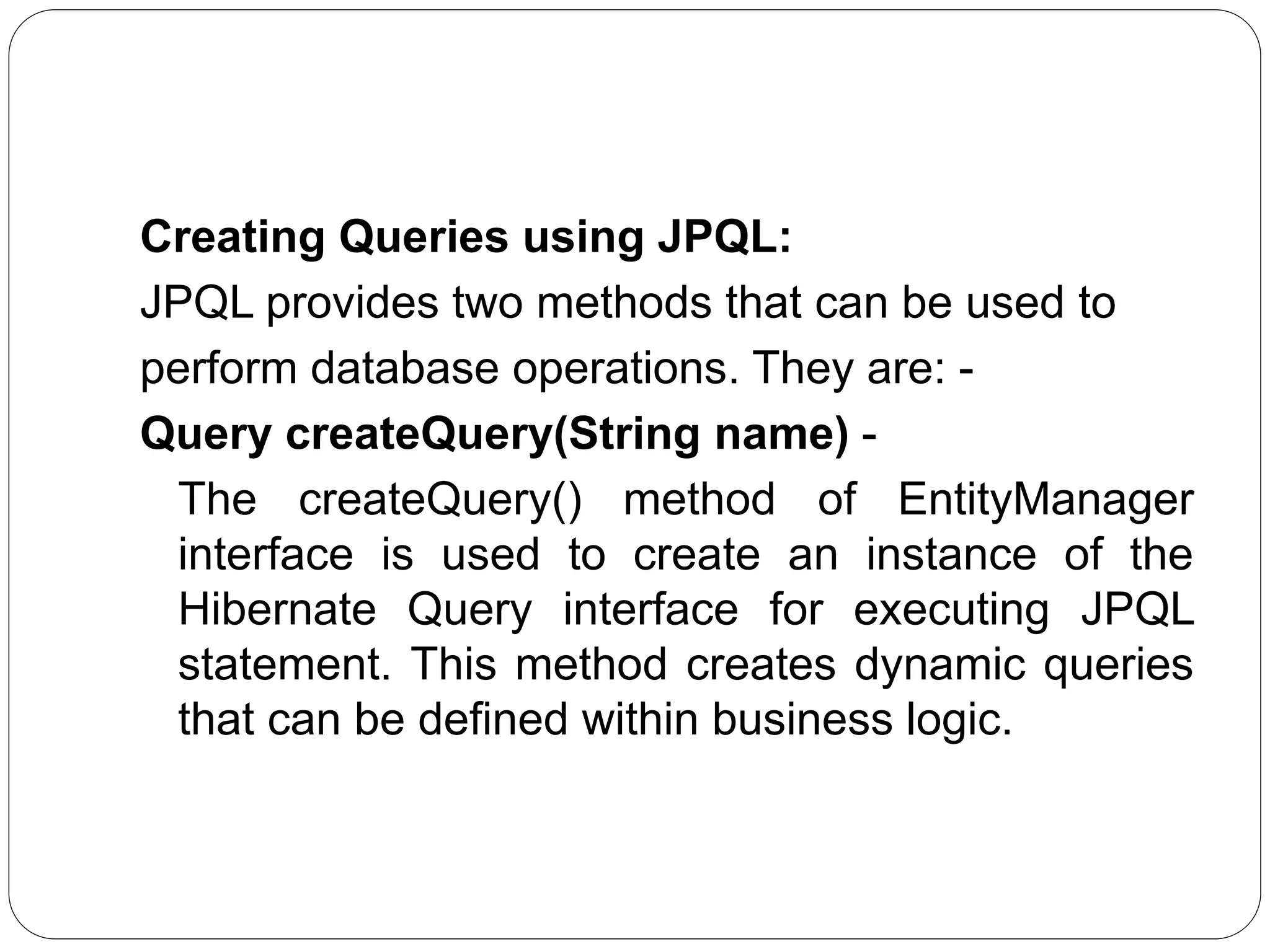
Creating Queries using JPQL:
JPQL provides two methods that can be used to
perform database operations. They are: -
Query createQuery(String name) -
The createQuery() method of EntityManager
interface is used to create an instance of the
Hibernate Query interface for executing JPQL
statement. This method creates dynamic queries
that can be defined within business logic.
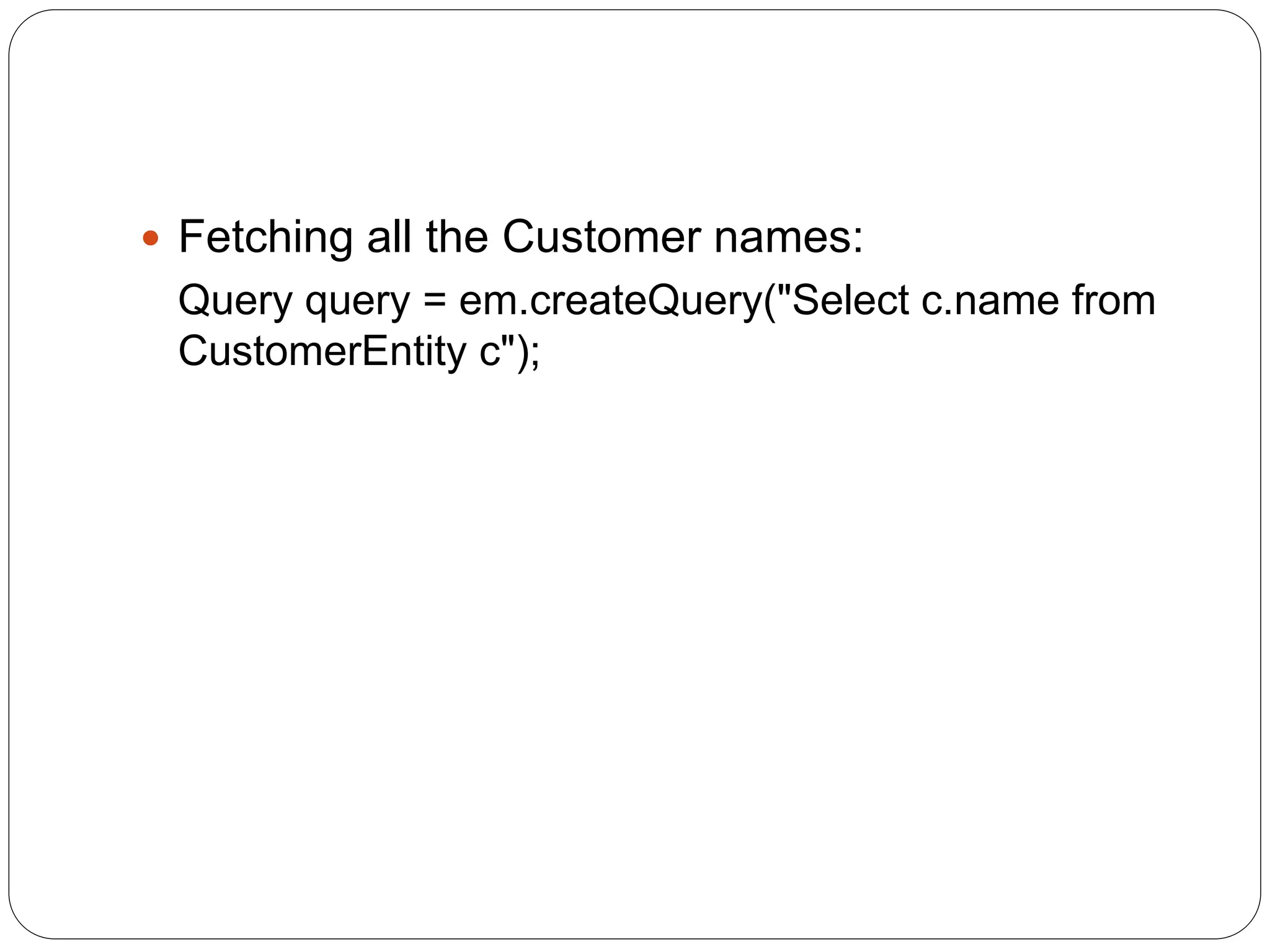
 Fetching all the Customer names:
Query query = em.createQuery("Select c.name from
CustomerEntity c");
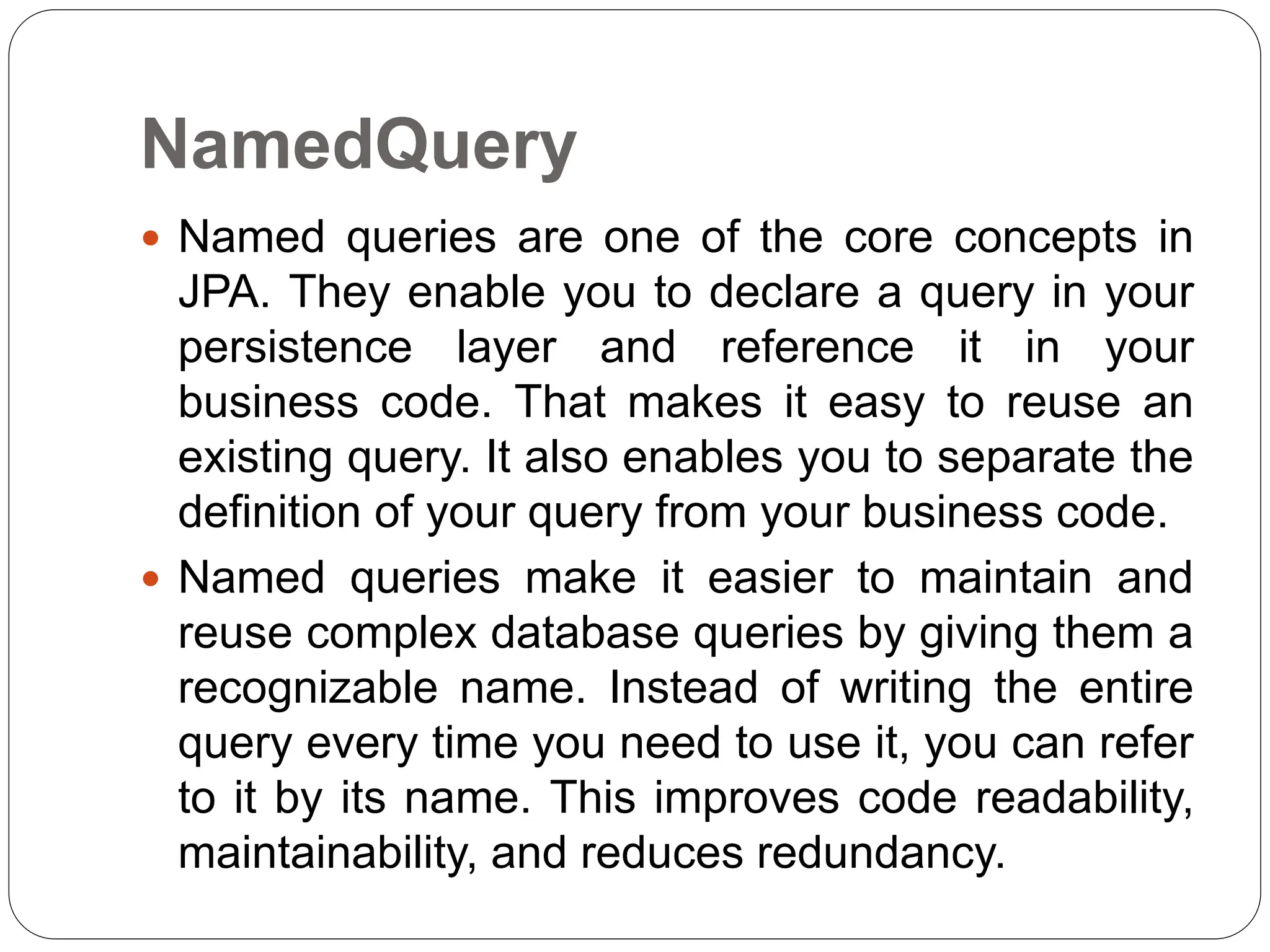
NamedQuery
 Named queries are one of the core concepts in
JPA. They enable you to declare a query in your
persistence layer and reference it in your
business code. That makes it easy to reuse an
existing query. It also enables you to separate the
definition of your query from your business code.
 Named queries make it easier to maintain and
reuse complex database queries by giving them a
recognizable name. Instead of writing the entire
query every time you need to use it, you can refer
to it by its name. This improves code readability,
maintainability, and reduces redundancy.
NamedQuery
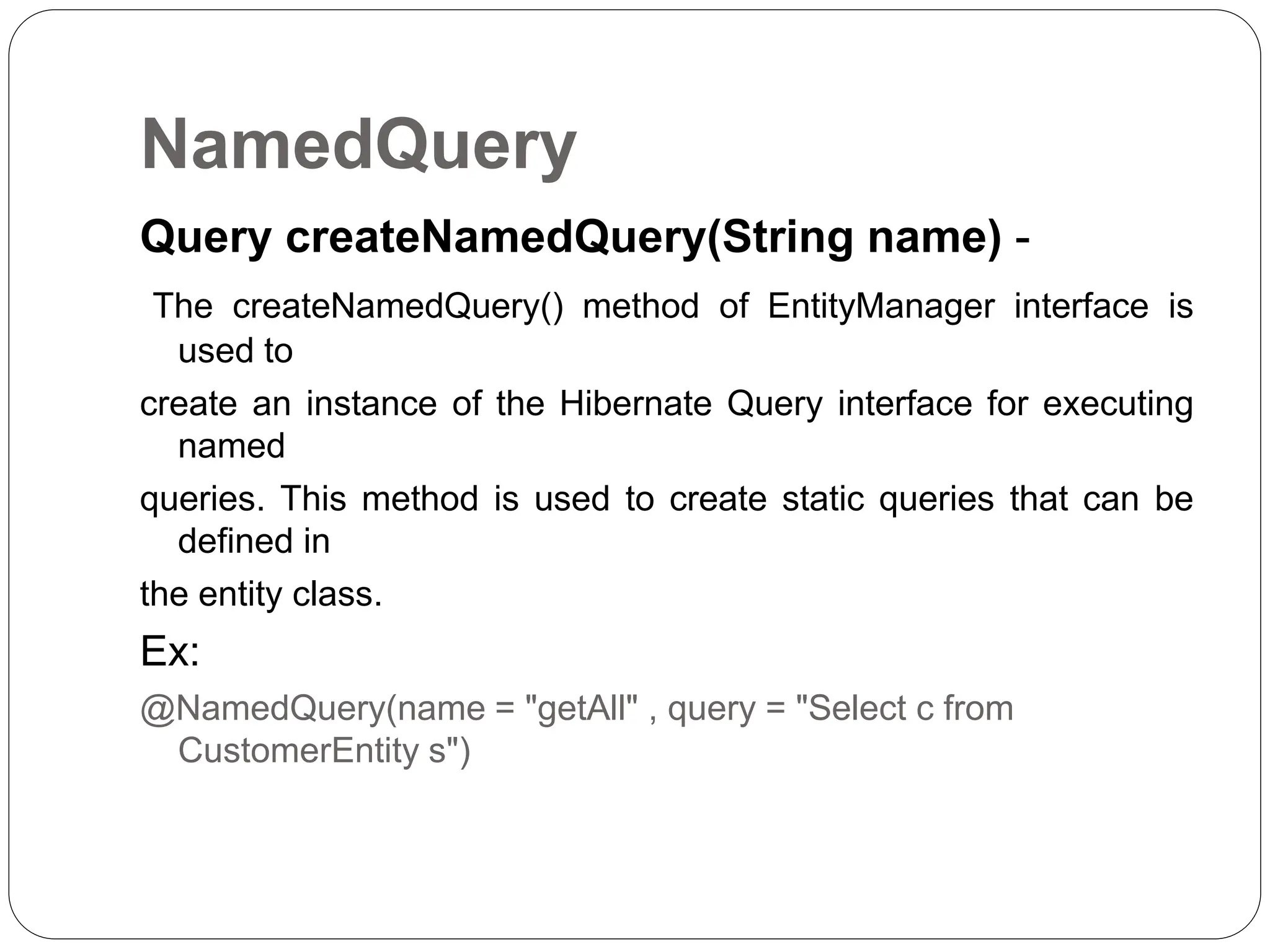
Query createNamedQuery(String name) -
The createNamedQuery() method of EntityManager interface is
used to
create an instance of the Hibernate Query interface for executing
named
queries. This method is used to create static queries that can be
defined in
the entity class.
Ex:
@NamedQuery(name = "getAll" , query = "Select c from
CustomerEntity s")
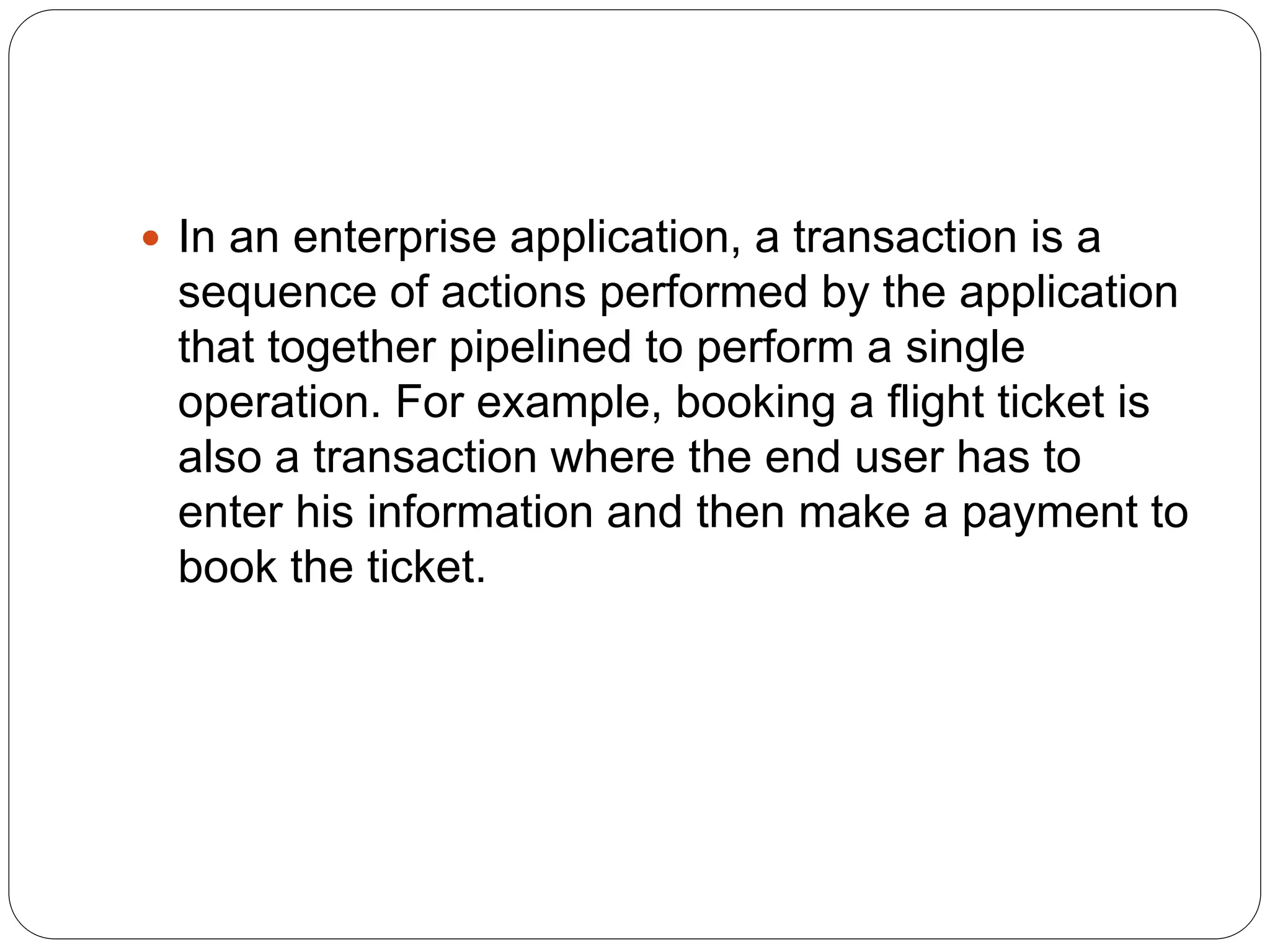
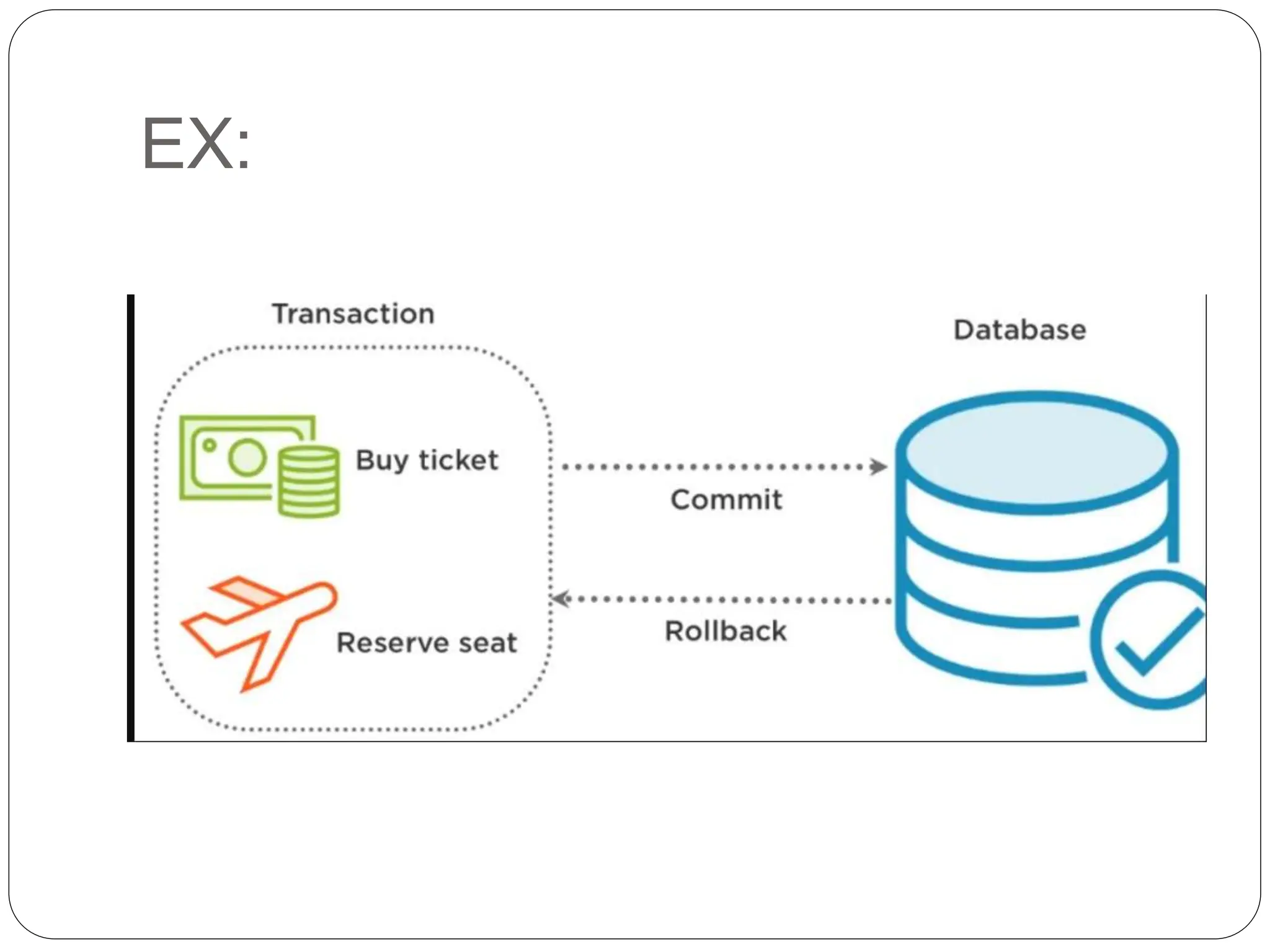
 In an enterprise application, a transaction is a
sequence of actions performed by the application
that together pipelined to perform a single
operation. For example, booking a flight ticket is
also a transaction where the end user has to
enter his information and then make a payment to
book the ticket.
Why Do We Need Transaction
Management?
 Let’s understand transactions with the above
example, if a user has entered his information the
user’s information gets stored in the user_info
table. Now, to book a ticket he does an online
payment and due to some reason(system failure)
the payment has been canceled so, the ticket is
not booked for him. But, the problem is that his
information gets stored on the user_info table. On
a large scale, more than thousands of these
things happen within a single day. So, it is not
good practice to store a single action of the
transaction
contd
 To overcome these problems, spring provides
transaction management, which uses annotation
to handle these issues. In such a scenario, spring
stores the user information in temporary memory
and then checks for payment information if the
payment is successful then it will complete the
transaction otherwise it will roll back the
transaction and the user information does not
gets stored in the database.
EX:
Programmatic vs. Declarative
 In Spring, a transaction is a unit of work performed on a
database that must be executed in its entirety (atomically)
and in isolation from other transactions. It ensures that any
changes made to the database are either fully committed
or fully rolled back if an error occurs.
 There are two main approaches to managing transactions
in Spring:
 . Programmatic (Imperative) Transaction Management:
 - In programmatic transaction management, the
application code explicitly manages the transaction
boundaries by starting and committing/rolling back the
transaction.
 - This approach requires manual transaction
management code to be written in the application, which
can make the code more complex and harder to maintain.
 - This approach is suitable when fine-grained control
over transactions is required or when the transaction
contd
 2. Declarative Transaction Management:
 - In declarative transaction management, the transaction
boundaries are defined using XML configuration or
annotations, and the framework takes care of starting,
committing, and rolling back the transaction automatically.
 - This approach allows transaction management to be
separated from the application code, making it more
modular and easier to understand.
 - Declarative transaction management is recommended
for most applications as it reduces boilerplate code and
promotes a cleaner separation of concerns.
 In summary, the main difference between transaction and
declarative transaction management is that transaction
management requires manual coding to manage the
transaction boundaries, while declarative transaction
management allows the transaction boundaries to be
defined declaratively using configurations or annotations,
with the framework handling the transaction management
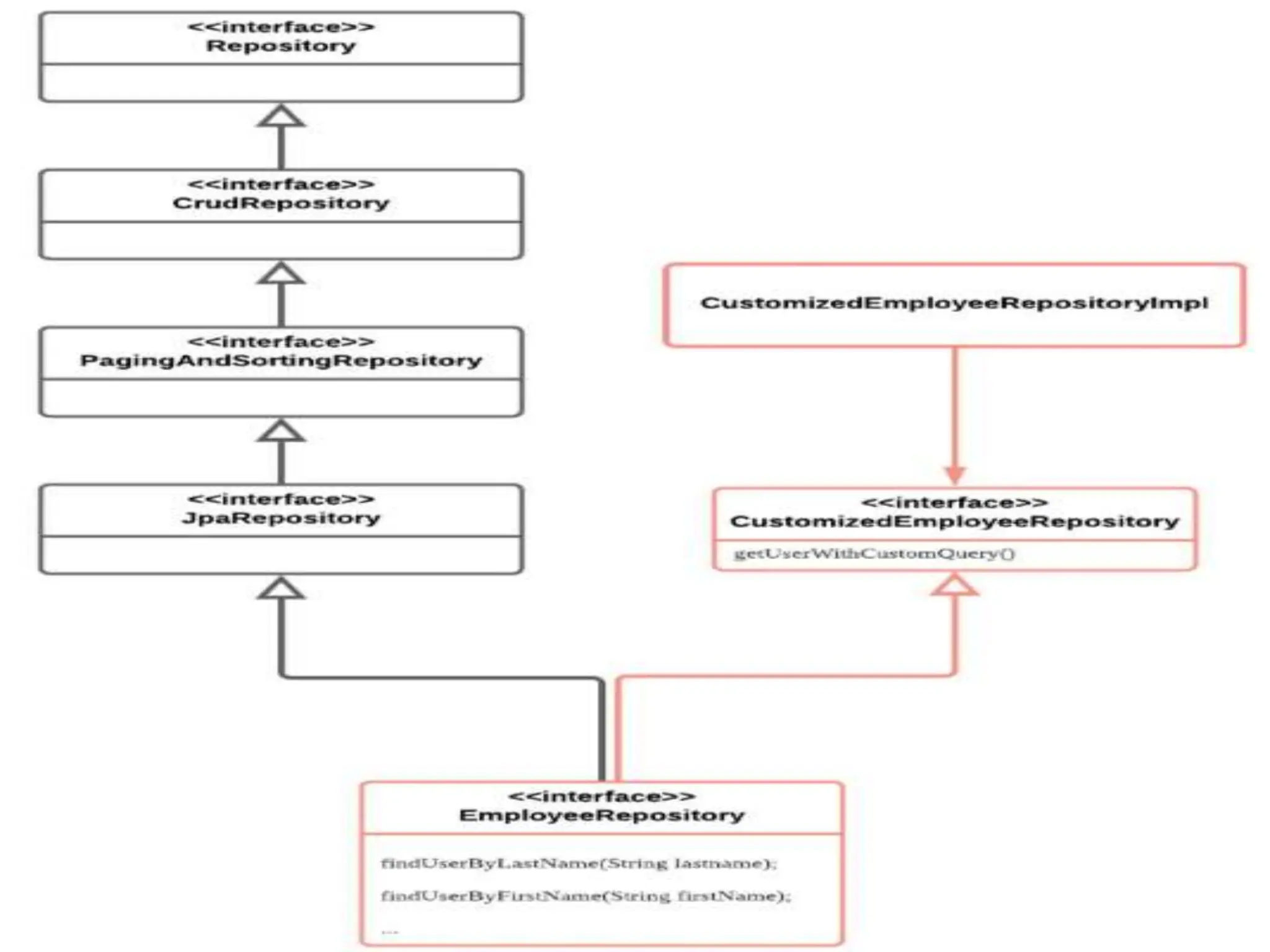
Custom Repository
 Spring Data JPA already provides many solutions
that allow us to query data easier such as Query
Method, Query Method, or four repository
 interface(JpaRepository, PagingAndSortingRepos
itory, CrudRepository, Repository). These features
are powerful, which help me a lot when building
an application with Spring Data JPA. But a lot of
time we still need to custom query or method to
meet expectations or requirements.
Spring Data JPA USE FOR CREATING DATA  JPA

Spring Data JPA USE FOR CREATING DATA JPA

  • 1.
  • 2.
    Pagination and Sorting Pagination is often helpful when we have a large dataset and we want to present it to the user in smaller chunks.  Also, we often need to sort that data by some criteria while paging.  While dealing with large amount of data the lazy processing is often essential. Even if a service returns a huge amount of data the consumer is less likely using it.  Consider a shopping website, where customer searches for a product and the website has thousands of products to display. Fetching thousands of products and displaying it on a web page will be very time consuming. In most of the cases the customer may not even look at all of the products.
  • 3.
    contd  For suchcases a technique called as Pagination is used. Only a small subset of products (page) is displayed at first and customer can ask to see the next subset (page) and so on. This is called as Pagination.  Pagination allows the users to see a small portion of data at a time (a page), and sorting allows the users to view the data in a more organized way. Both paging and sorting help the users consume information more easily and conveniently.
  • 4.
    Query Approaches Spring Databy default provides the following query methods through its interface:  findAll //Returns all entities  findById(ID id) //Returns the entity depending upon given id  What if one wants to query customer records based on the customer's address?  How does Spring support this scenario?  Spring supports these kinds of scenarios using the following approaches:  Query creation based on the method name.  Query creation using @NamedQuery: JPA named queries through a naming convention.  Query creation using @Query: annotate the query method with @Query.
  • 5.
     Query methodnames are derived by combining the property name of an entity with supported keywords such as "findBy", "getBy", "readBy" or "queryBy". findBy <DataMember><Op>
  • 6.
    Customer class public classCustomer { private Long phoneNumber; private String name; private Integer age; private Character gender; private String address; private Integer planId; //getters and setters } To query a record based on the address using query creation by the method name, the following method has to be added to the CustomerRepository interface. interface CustomerRepository extends JpaRepository<Customer, Long> { Customer findByAddress(String address); // method declared }
  • 7.
    contd  If aquery is provided using more than one approach in an application. What is the default precedence given by the Spring? Following is the order of default precedence:  @Query always takes high precedence over other options  @NameQuery  findBy methods
  • 8.
     @Query Annotationis used for defining custom queries in Spring Data JPA. When you are unable to use the query methods to execute database operations then you can use @Query to write a more flexible query to fetch data.  @Query Annotation supports both JPQL and native SQL queries.
  • 9.
    JPQL JPQL is anobject-oriented query language that is used to perform database operations on persistent entities. Instead of a database table, JPQL uses the entity object model to operate the SQL queries. Here, the role of JPA is to transform JPQL into SQL. Thus, it provides an easy platform for developers to handle SQL tasks. Features:  The features of JPQL are that it can:  perform join operations  update and delete data in a bulk  perform an aggregate function with sorting and grouping clauses  provide both single and multiple value result types
  • 10.
    JPQL  @Query("SELECT *FROM Student ORDER BY age") Optional<Student> findSortedStudentByAge();
  • 11.
    Native Query  Ifyou want to use this native query in the Spring Boot project then we have to take the help of @Query Annotation and we have to set an attribute nativeQuery=true in Query annotation to mark the query as native. @Query(nativeQuery = true, value = "SELECT * FROM Student ORDER BY age") Optional<Student> findSortedStudentByAge();
  • 12.
    Creating Queries usingJPQL: JPQL provides two methods that can be used to perform database operations. They are: - Query createQuery(String name) - The createQuery() method of EntityManager interface is used to create an instance of the Hibernate Query interface for executing JPQL statement. This method creates dynamic queries that can be defined within business logic.
  • 13.
     Fetching allthe Customer names: Query query = em.createQuery("Select c.name from CustomerEntity c");
  • 14.
    NamedQuery  Named queriesare one of the core concepts in JPA. They enable you to declare a query in your persistence layer and reference it in your business code. That makes it easy to reuse an existing query. It also enables you to separate the definition of your query from your business code.  Named queries make it easier to maintain and reuse complex database queries by giving them a recognizable name. Instead of writing the entire query every time you need to use it, you can refer to it by its name. This improves code readability, maintainability, and reduces redundancy.
  • 15.
    NamedQuery Query createNamedQuery(String name)- The createNamedQuery() method of EntityManager interface is used to create an instance of the Hibernate Query interface for executing named queries. This method is used to create static queries that can be defined in the entity class. Ex: @NamedQuery(name = "getAll" , query = "Select c from CustomerEntity s")
  • 16.
     In anenterprise application, a transaction is a sequence of actions performed by the application that together pipelined to perform a single operation. For example, booking a flight ticket is also a transaction where the end user has to enter his information and then make a payment to book the ticket.
  • 17.
    Why Do WeNeed Transaction Management?  Let’s understand transactions with the above example, if a user has entered his information the user’s information gets stored in the user_info table. Now, to book a ticket he does an online payment and due to some reason(system failure) the payment has been canceled so, the ticket is not booked for him. But, the problem is that his information gets stored on the user_info table. On a large scale, more than thousands of these things happen within a single day. So, it is not good practice to store a single action of the transaction
  • 18.
    contd  To overcomethese problems, spring provides transaction management, which uses annotation to handle these issues. In such a scenario, spring stores the user information in temporary memory and then checks for payment information if the payment is successful then it will complete the transaction otherwise it will roll back the transaction and the user information does not gets stored in the database.
  • 19.
  • 20.
    Programmatic vs. Declarative In Spring, a transaction is a unit of work performed on a database that must be executed in its entirety (atomically) and in isolation from other transactions. It ensures that any changes made to the database are either fully committed or fully rolled back if an error occurs.  There are two main approaches to managing transactions in Spring:  . Programmatic (Imperative) Transaction Management:  - In programmatic transaction management, the application code explicitly manages the transaction boundaries by starting and committing/rolling back the transaction.  - This approach requires manual transaction management code to be written in the application, which can make the code more complex and harder to maintain.  - This approach is suitable when fine-grained control over transactions is required or when the transaction
  • 21.
    contd  2. DeclarativeTransaction Management:  - In declarative transaction management, the transaction boundaries are defined using XML configuration or annotations, and the framework takes care of starting, committing, and rolling back the transaction automatically.  - This approach allows transaction management to be separated from the application code, making it more modular and easier to understand.  - Declarative transaction management is recommended for most applications as it reduces boilerplate code and promotes a cleaner separation of concerns.  In summary, the main difference between transaction and declarative transaction management is that transaction management requires manual coding to manage the transaction boundaries, while declarative transaction management allows the transaction boundaries to be defined declaratively using configurations or annotations, with the framework handling the transaction management
  • 22.
    Custom Repository  SpringData JPA already provides many solutions that allow us to query data easier such as Query Method, Query Method, or four repository  interface(JpaRepository, PagingAndSortingRepos itory, CrudRepository, Repository). These features are powerful, which help me a lot when building an application with Spring Data JPA. But a lot of time we still need to custom query or method to meet expectations or requirements.