











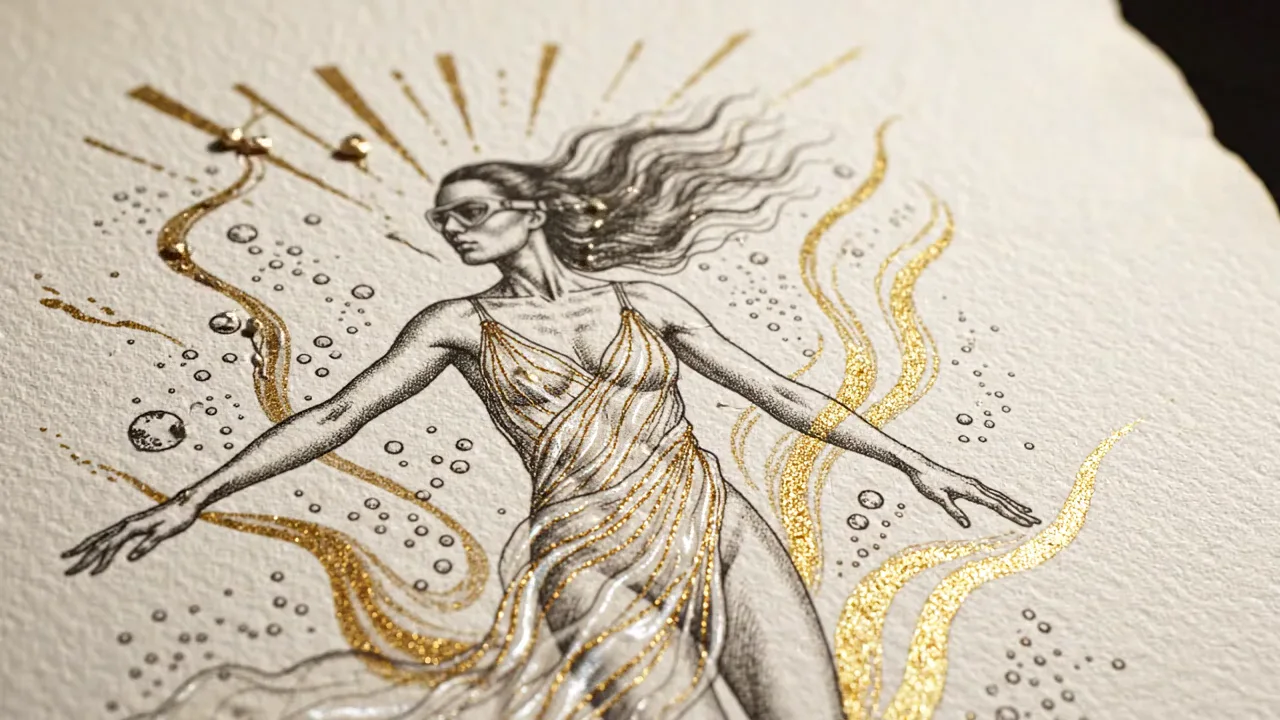
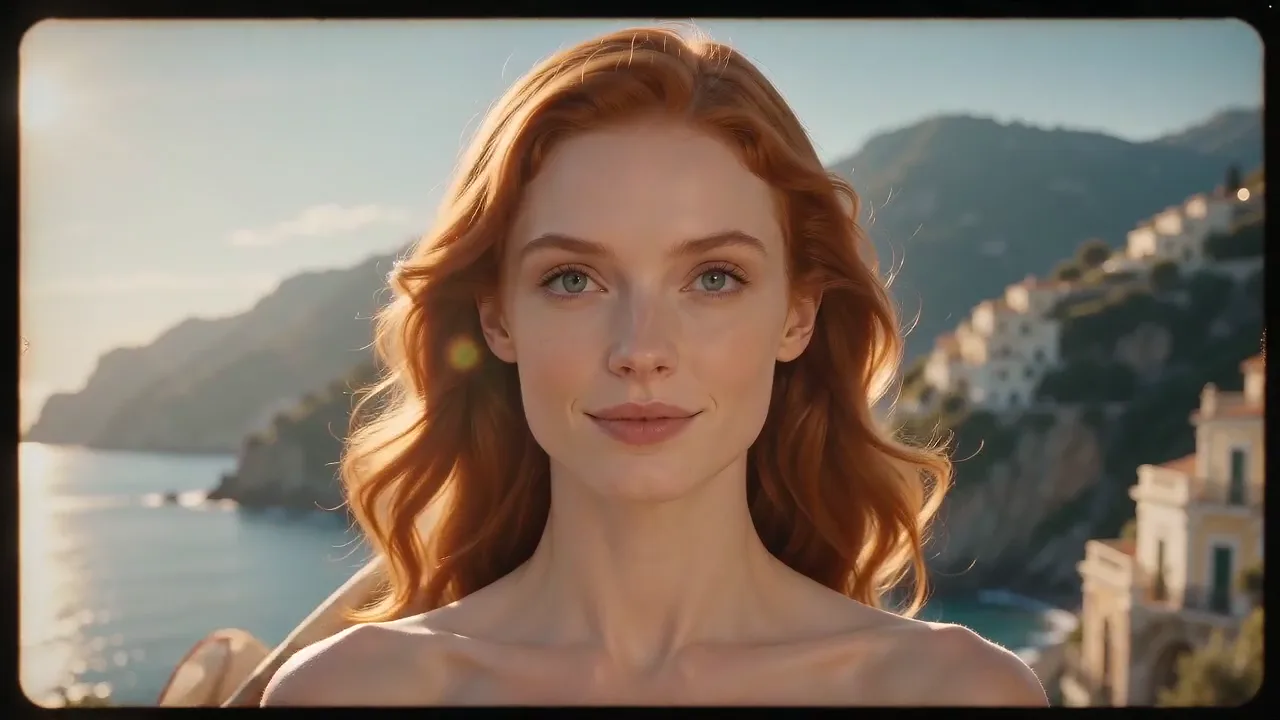
AI Video Enhancer for image-to-video creation

Upload a still, describe the motion and turn it into a cinematic clip with natural camera movement, subject consistency and polished visual depth — without opening a separate editing timeline.
 AIEnhancer
Create, transform and refine visual content with AI photo enhancer effects, AI image enhancer workflows and AI video enhancer tools in one connected workspace.
Start Creating FreeUpload a still, describe the motion and turn it into a cinematic clip with natural camera movement, subject consistency and polished visual depth — without opening a separate editing timeline.
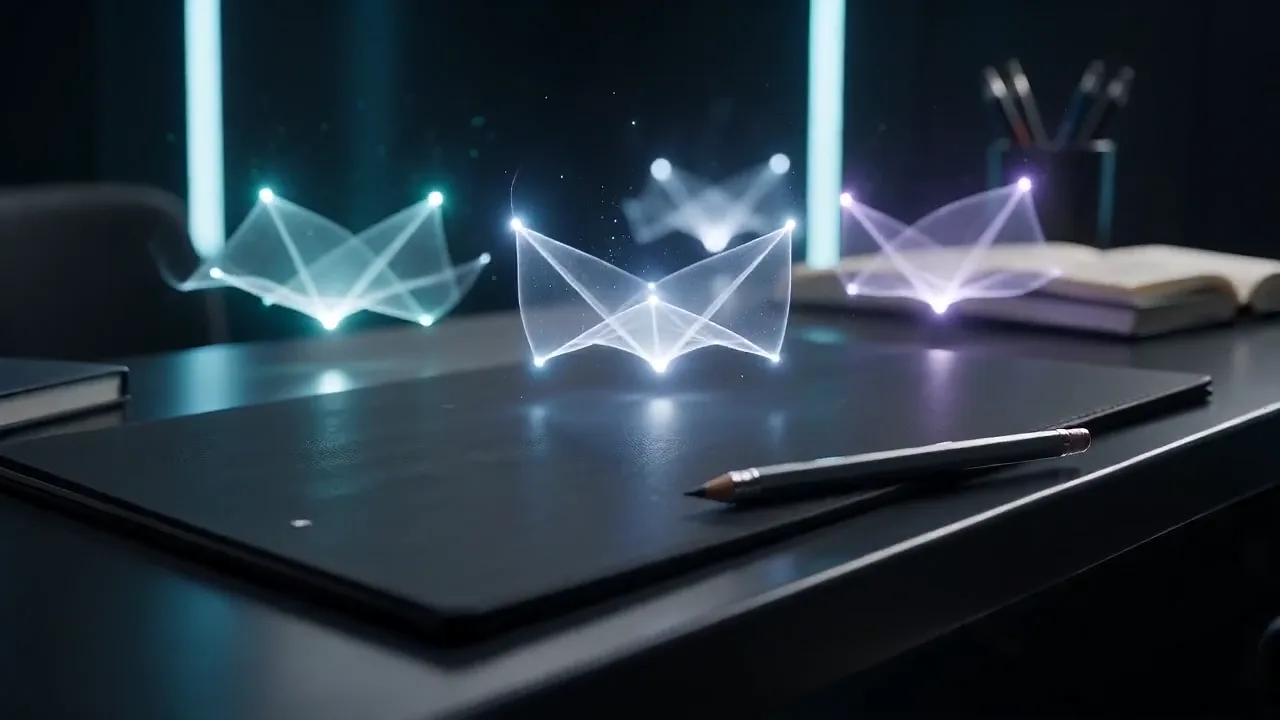
Start with a few words and turn the idea into a complete video. AIEnhancer keeps the important creative controls visible, validates every setting and routes the job to a production-tested model that supports the result you chose.


Start with a proven Effect, add your reference and create a recognizable format without rebuilding the workflow from scratch.
Transform one reference into multiple useful visual directions. Preserve the subject and composition you care about while exploring new styles, treatments and campaign-ready variations from the same starting image.
Turn a short prompt into a polished visual faster. Focused controls, compatible model choices and a shared asset library make it easier to explore, compare and keep the image directions worth using.
Choose the outcome instead of wrestling with providers. AIEnhancer matches mode, ratio, resolution and model support, then keeps a safe fallback path available when the preferred route cannot run.
Short-form content moves fast, and the creative process should too. AIEnhancer helps creators, marketers and small teams turn ideas into useful visual assets without stitching together disconnected tools.









Turn simple ideas into repeatable formats using AI Baby, AI Beauty Test and other focused Effects your audience can recognize and share.

Move from a prompt or reference to motion with the AI Video Enhancer and Text to Video, then keep every useful result in one asset library.
Build campaign concepts and motion variations across Seedance 2.0, Veo 3.1 and Nano Banana 2 while keeping useful outputs together for the next test.
Explore visual directions with Text to Image and the AI Image Enhancer, then compare compatible models without rebuilding the prompt for every provider.
Bring meaningful photographs back to life with Deep Nostalgia, Old Photo Restoration and family-photo tools.
Review generated work in My Work, keep reusable elements in Assets, and compare compatible routes in All Models.
Speed up iteration, simplify refinement, and build repeatable image and video creation workflows that scale across AIEnhancer.
AIEnhancer is an AI enhancer workspace for creating, transforming and refining photos, images and videos with compatible models, guided controls and reusable results.
Open the AI Video Generator, choose text or image input, describe the intended motion and review the Credit estimate before submitting.
Yes. The AI Video Generator can use a clear photo as the visual anchor while your prompt directs action, camera movement and atmosphere.
Yes. The AI Video Generator accepts written scene direction and routes it to a model that supports the selected video workflow.
The AI Video Generator includes production-tested options such as Seedance, Veo, Kling and other models listed in the AIEnhancer model selector.
AI Video Generator timing depends on model demand, duration and resolution. AIEnhancer shows progress and saves the completed result to Assets.
The AI Video Generator can be tested with available signup Credits. The exact cost appears before generation and varies by configuration.
AI Video Generator commercial use depends on your source rights, plan and model-provider terms. Upload only material you own or can legally use.
Every successful AI Video Generator result is saved in Assets, where you can compare, download and reuse previous versions.
For the AI Video Generator, describe the subject, action, environment, camera and finish in order, then change one detail per iteration.
The AI Video Generator runs in a modern mobile or desktop browser. Desktop offers more room for comparing prompts and settings.
Some AI Video Generator models support native audio. The audio control appears only when it is compatible with the selected route.
If an AI Video Generator job fails, reserved Credits are returned to their original balance and the failure remains visible for review.
Yes. AI Video Generator outputs stay in Assets, so a new iteration does not remove the earlier result.
A team can use the AI Video Generator as a repeatable production workflow, with shared conventions for prompts, settings and result review.
AIEnhancer replaces complex tools — faster, clearer and easier to run.
