


 Create similar image
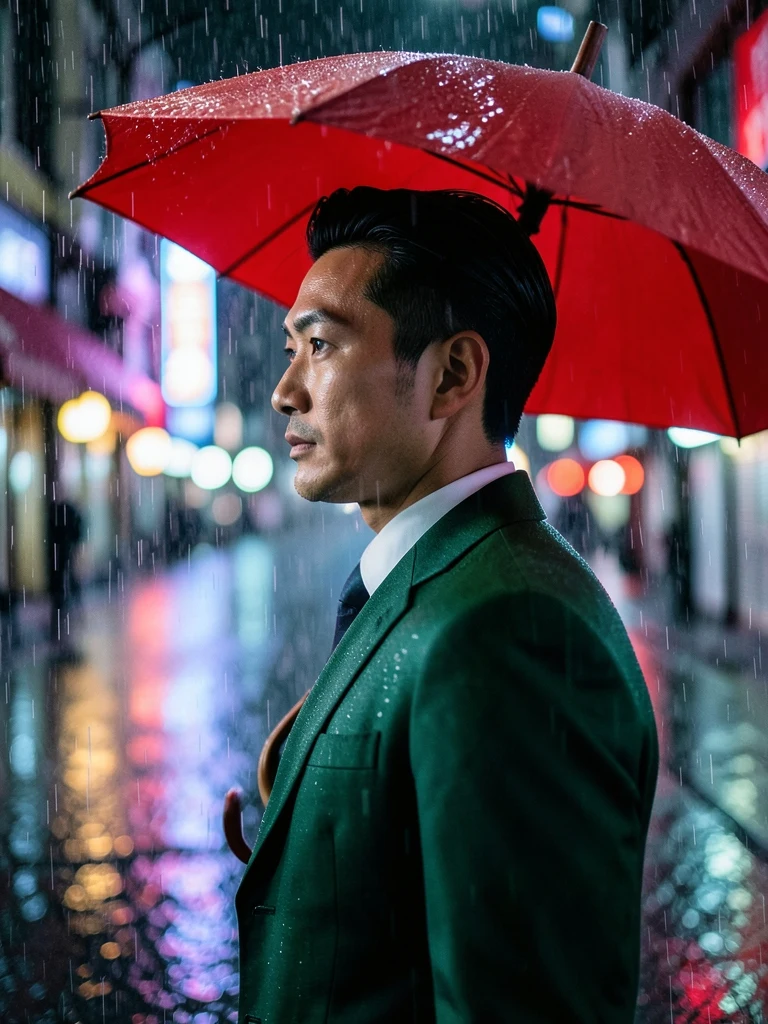
Red umbrella
East Asian man, 30, slick black hair, emerald suit, side-profile beneath a red umbrella in heavy rain, neon street bokeh, cinematic half-body portrait.
Your AI generated image will appear here
Create similar imageEast Asian man, 30, slick black hair, emerald suit, side-profile beneath a red umbrella in heavy rain, neon street bokeh, cinematic half-body portrait.
 Create similar image
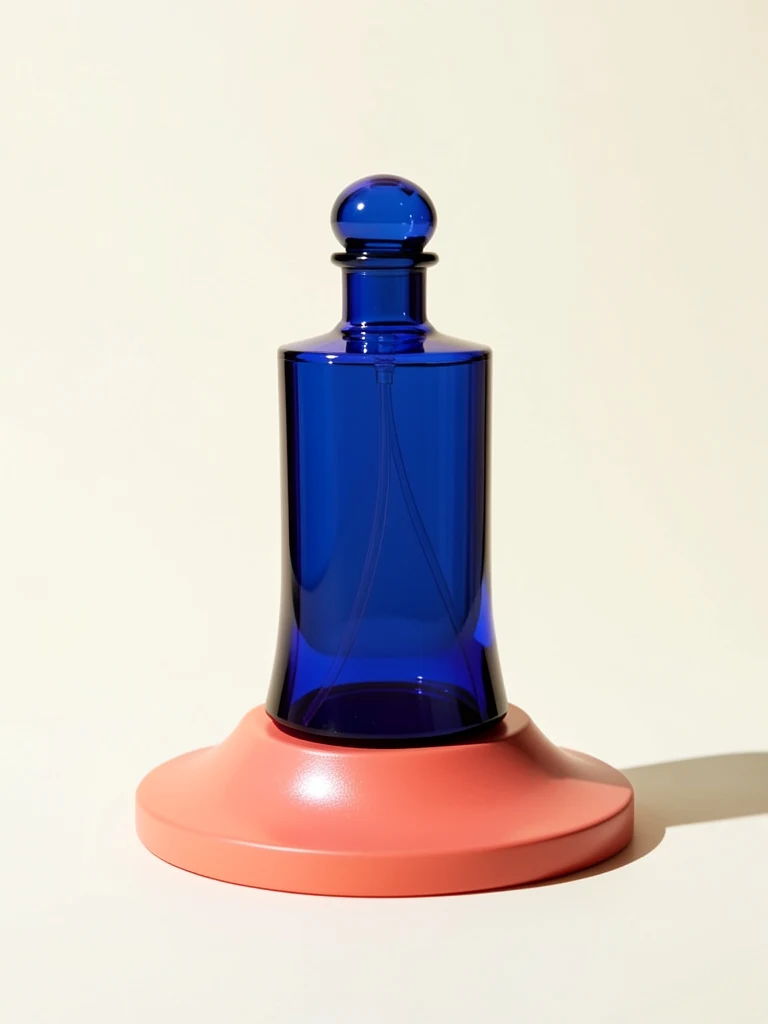
Cobalt glass perfume bottle on a coral pedestal, clean ivory backdrop, hard side sun, luxury product shot.
 Create similar image
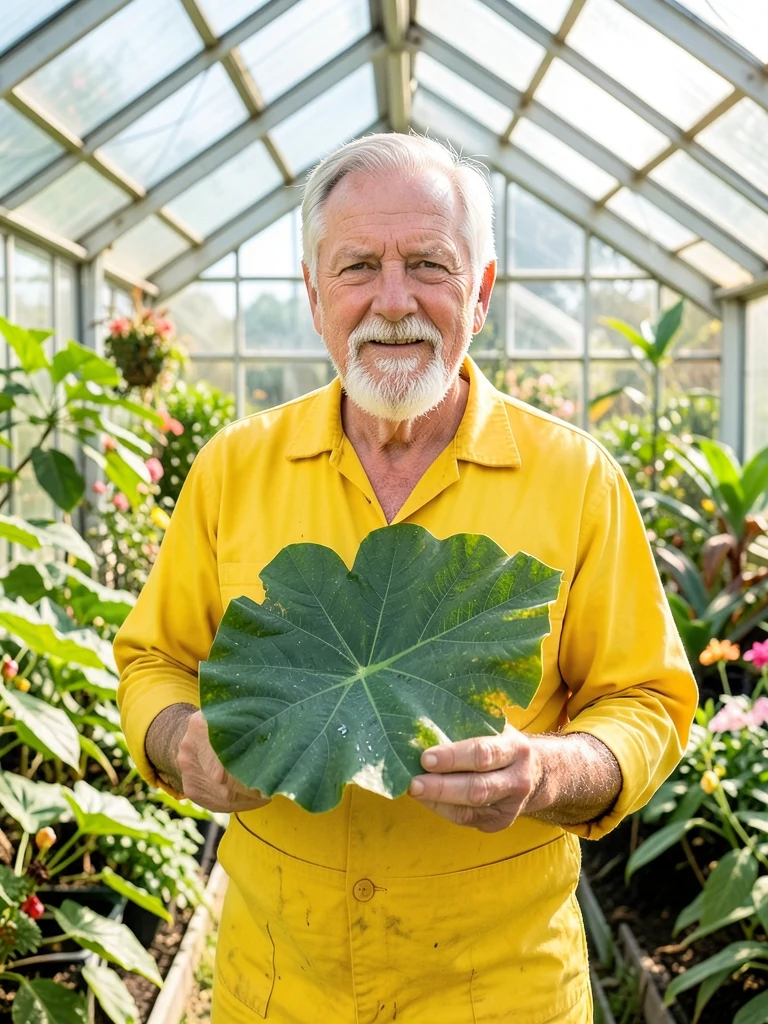
White man, 64, weathered fair skin, gray beard, yellow workwear, waist-up holding one giant leaf in a bright glass greenhouse.
 Create similar image
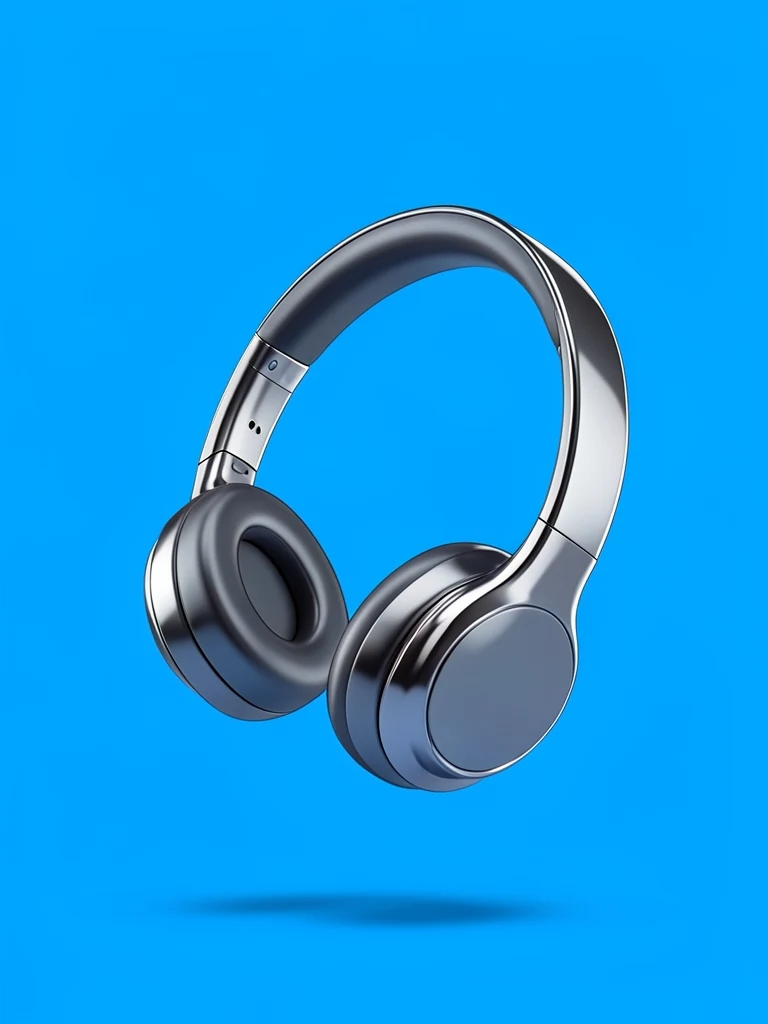
Orange sculptural headphones floating on a clean electric-blue backdrop, centered and glossy.
 Create similar image
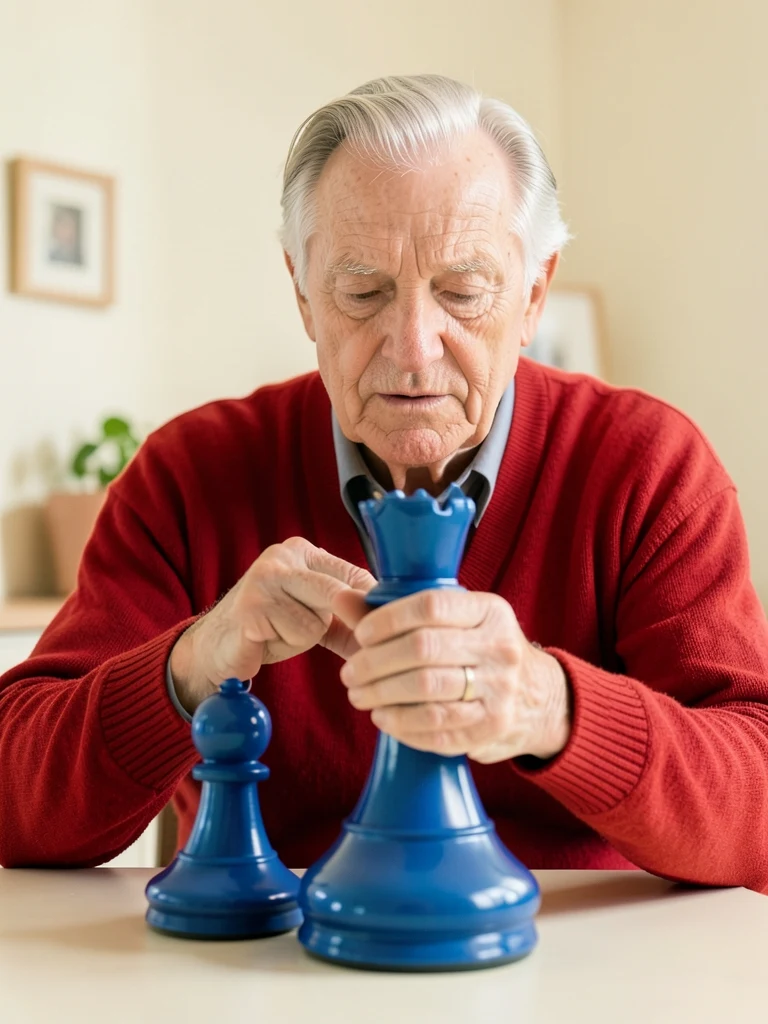
White man, 78, weathered fair skin, swept silver hair, red cardigan, seated half-body moving one giant blue chess piece, clean cream room.
 Create similar image
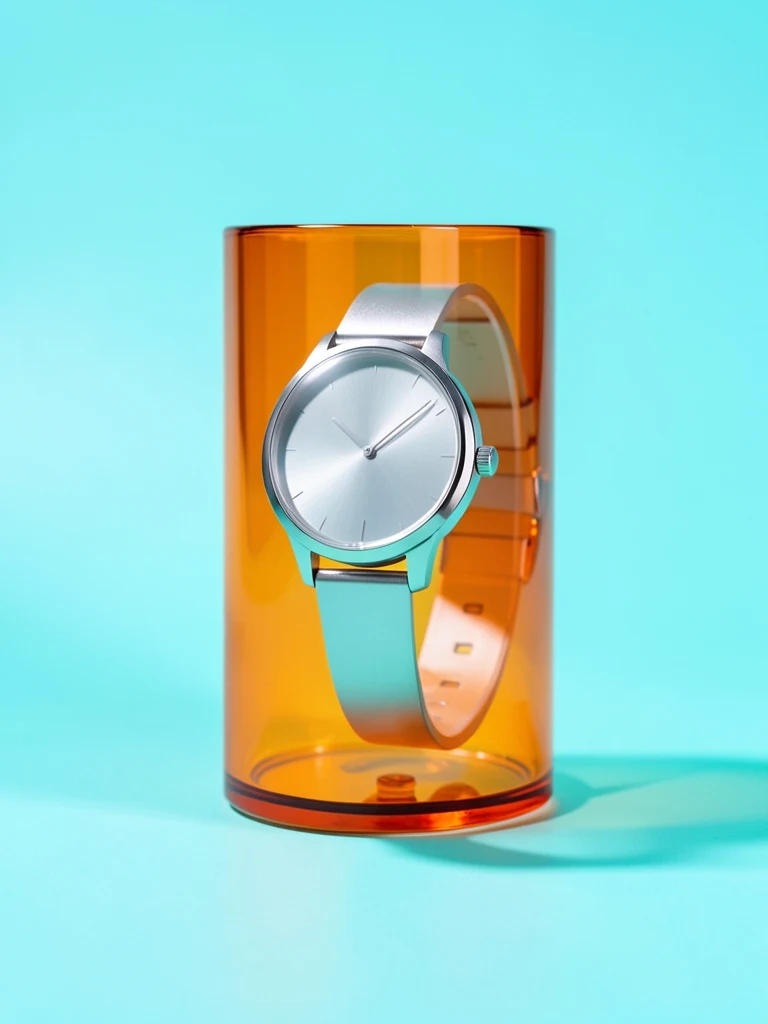
Minimal silver wristwatch wrapped around a translucent orange glass cylinder, clean cyan studio, precise luxury product lighting, no logo.
 Create similar image
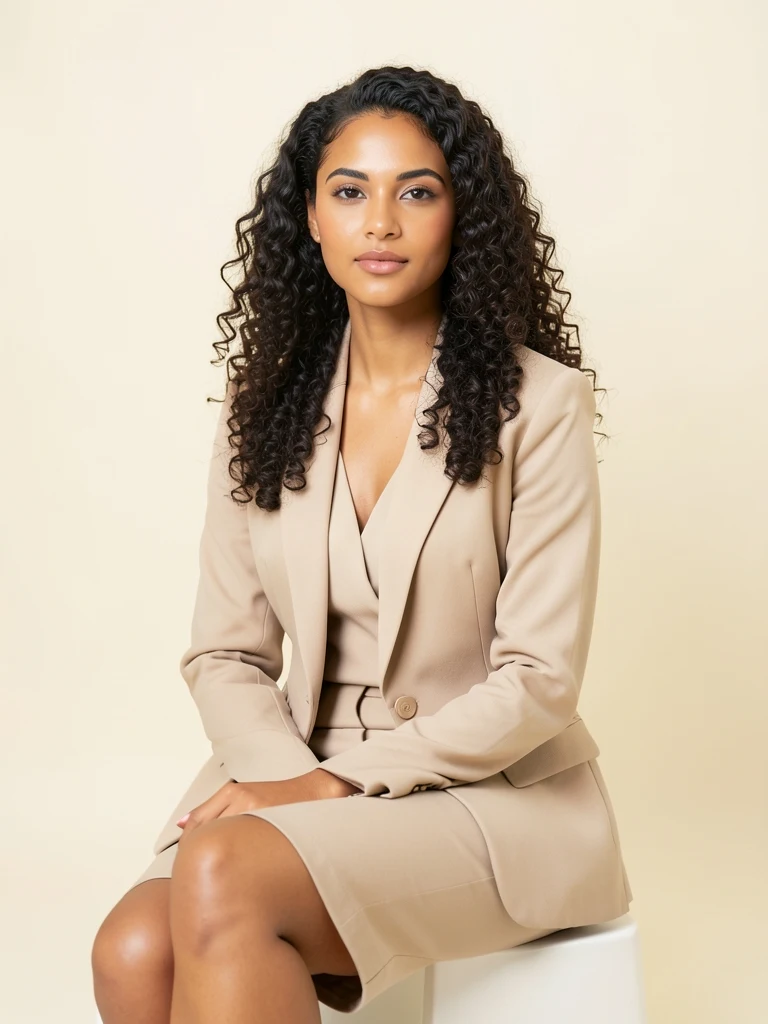
Latina woman, 25, warm tan smooth skin, dark curls, beige suit, seated three-quarter view, ivory studio.
 Create similar image
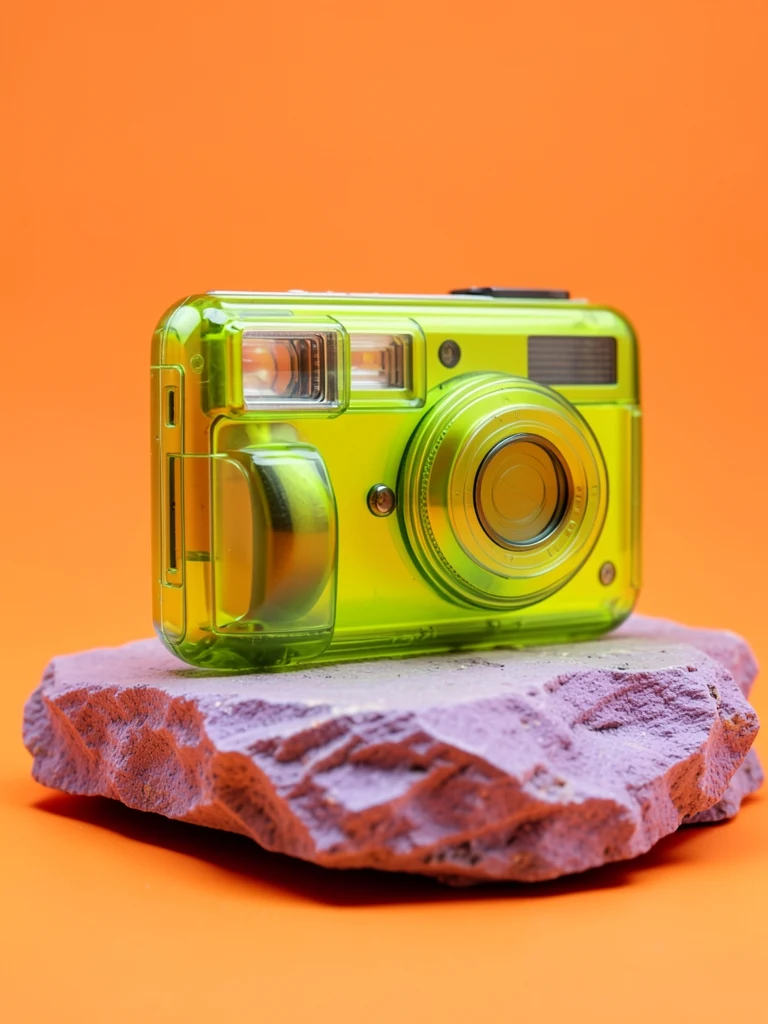
Transparent lime-green instant camera on a rough lilac stone, clean orange studio, low product angle, glossy reflections, no branding or text.
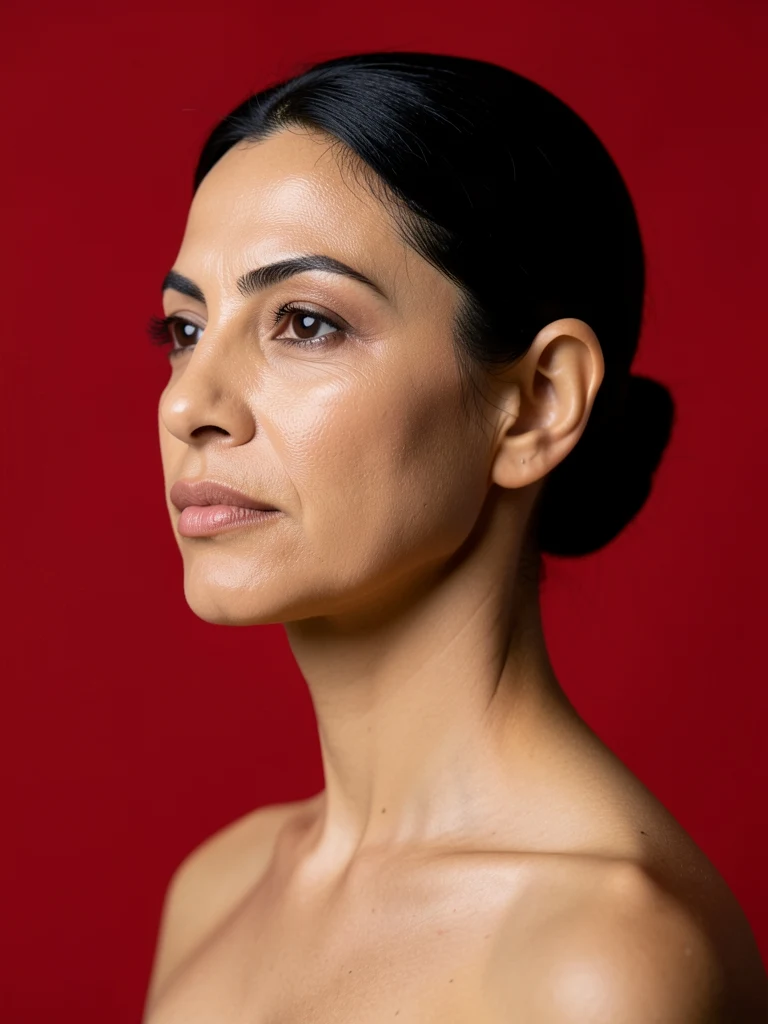 Create similar image
Middle Eastern woman, 40, olive smooth skin, pulled-back black hair, strong side profile, red studio.
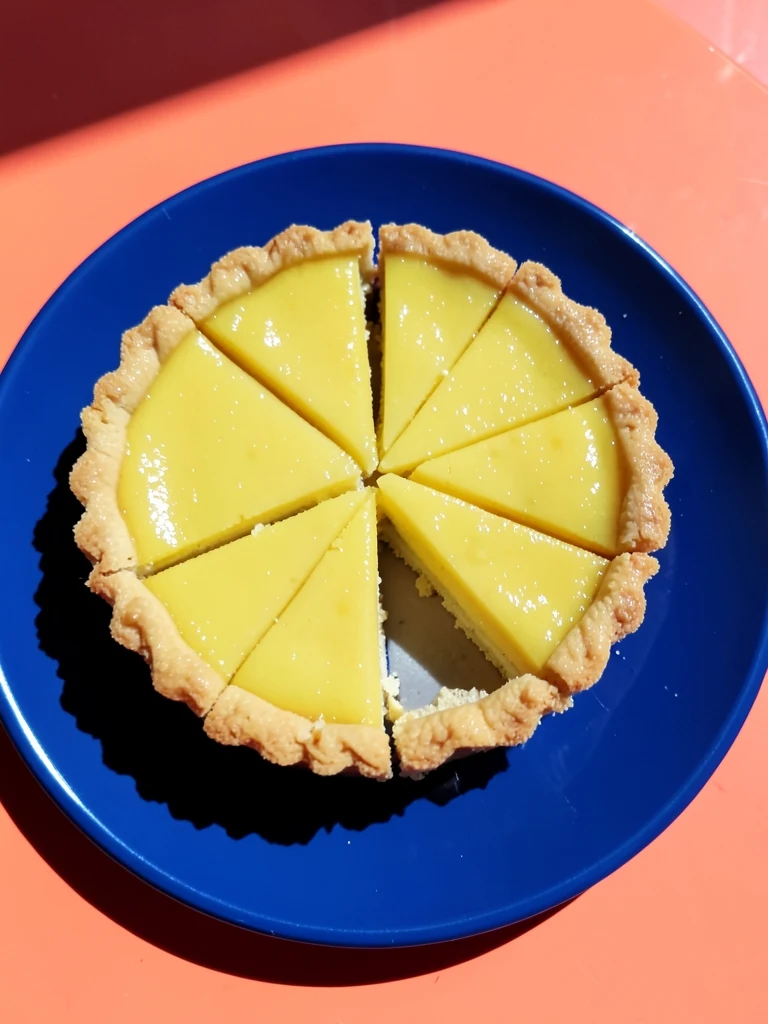 Create similar image
Glossy lemon tart cut into precise wedges on a cobalt plate, top-down food photograph, clean coral table, sharp geometric sunlight.
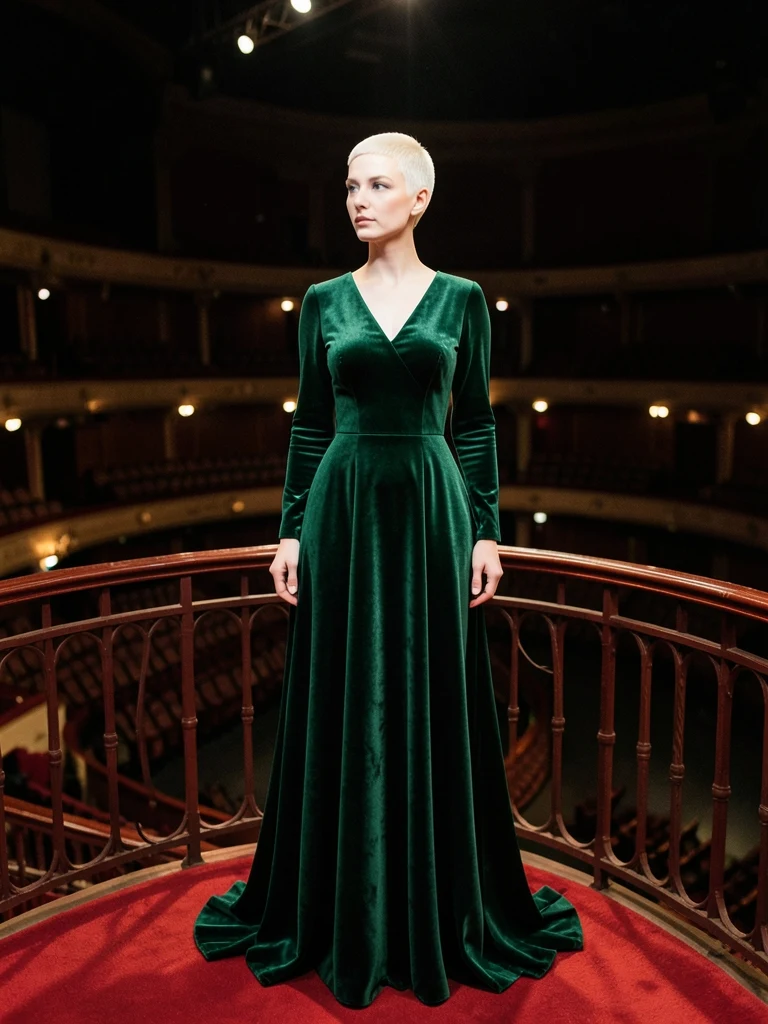 Create similar image
Pale white woman, 39, smooth skin, platinum buzz cut, emerald velvet gown, distant full-body alone on a red theater balcony, centered symmetry.
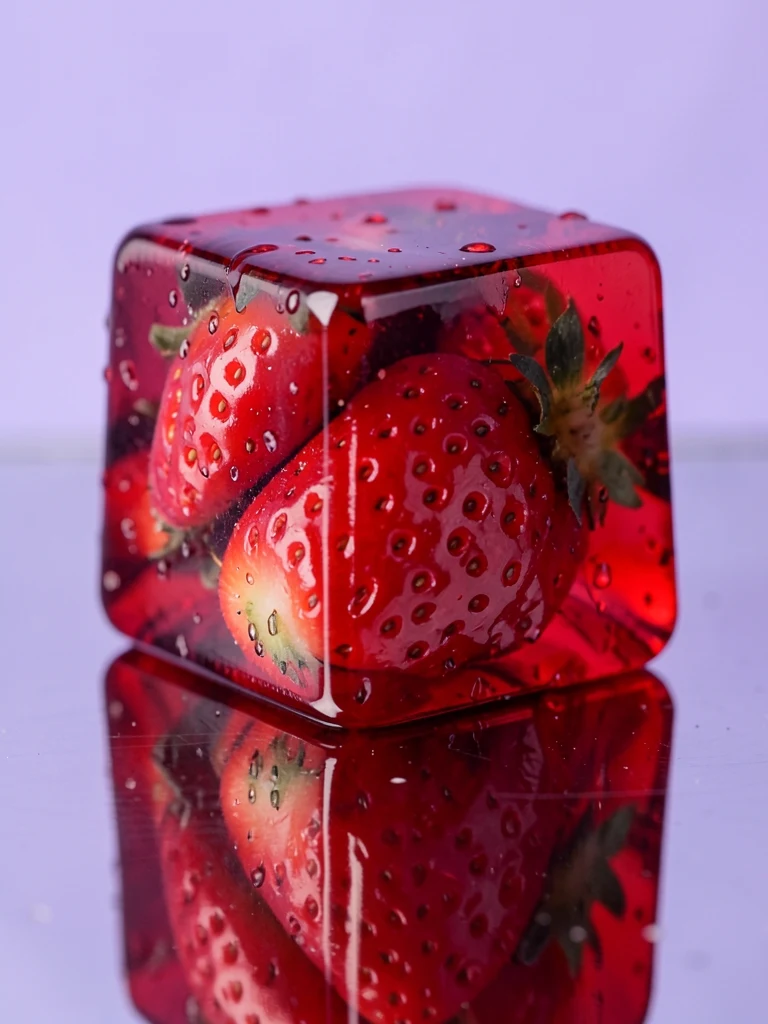 Create similar image
Transparent ruby jelly cube encasing whole strawberries on mirrored steel, tiny condensation beads, clean lilac background, macro food photograph.
 Create similar image
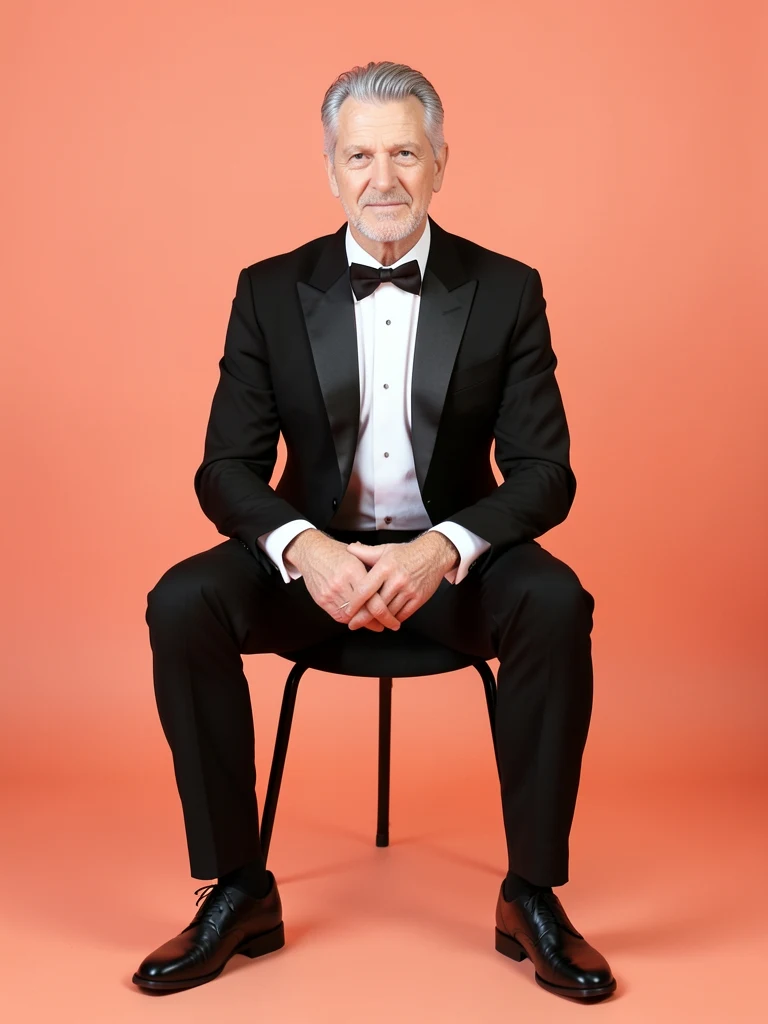
White man, 52, fair skin, light wrinkles, salt-and-pepper hair, tuxedo, seated full-body, coral studio.
 Create similar image
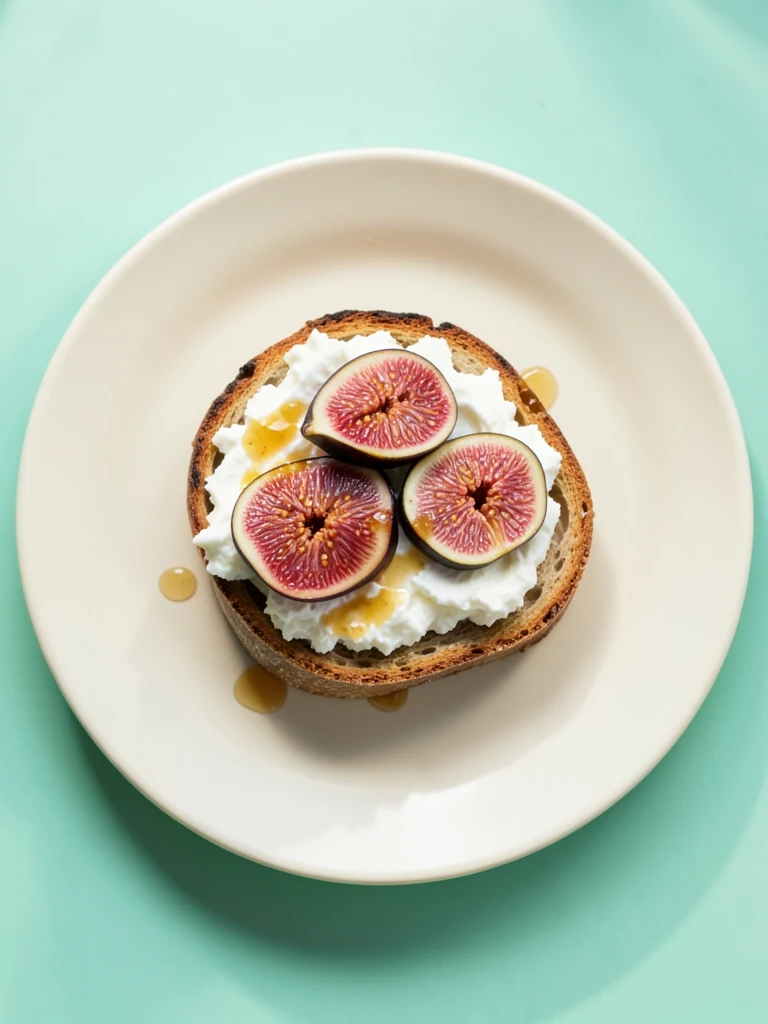
Top-down sourdough toast with whipped ricotta, sliced purple figs and honey, one ivory plate on a clean mint table, soft morning shadow.
 Create similar image
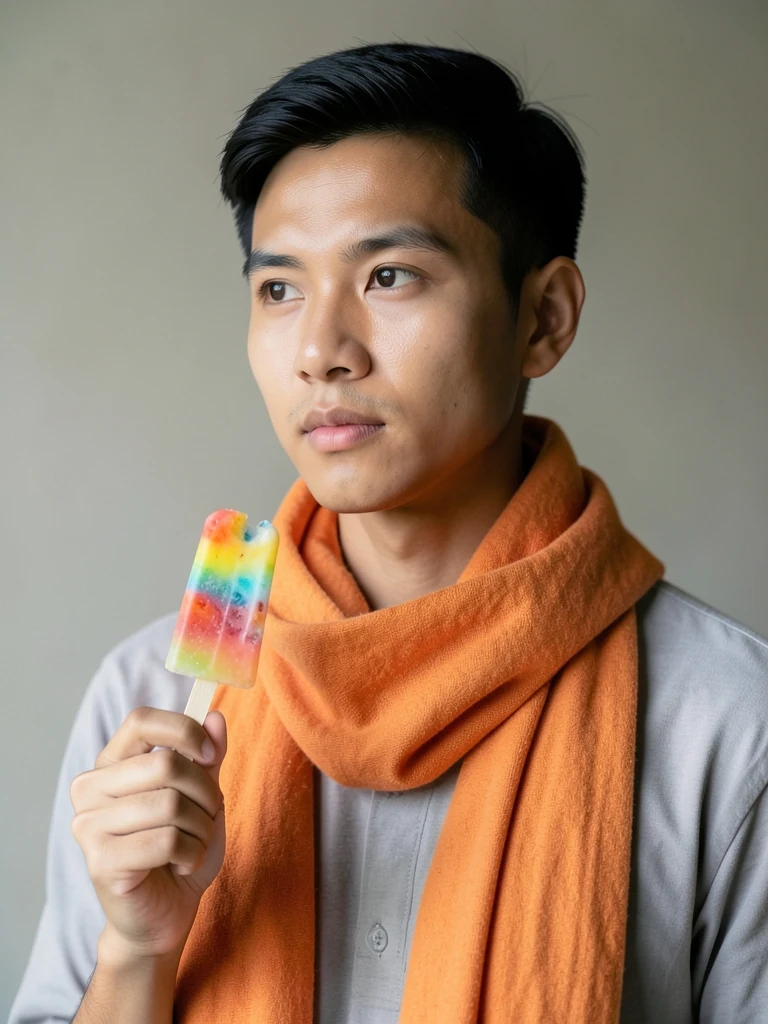
Slim Southeast Asian man, 23, medium-tan smooth skin, short black hair, orange scarf, popsicle, waist-up.
 Create similar image
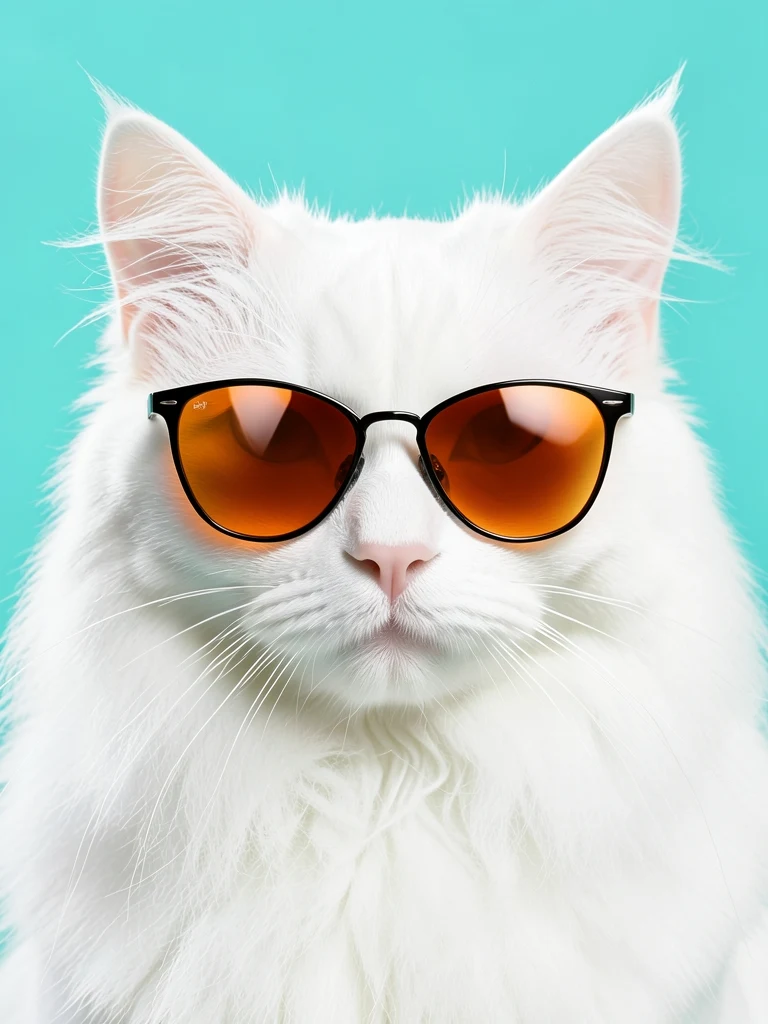
White Persian cat in orange sunglasses, clean turquoise backdrop, centered glossy close-up.
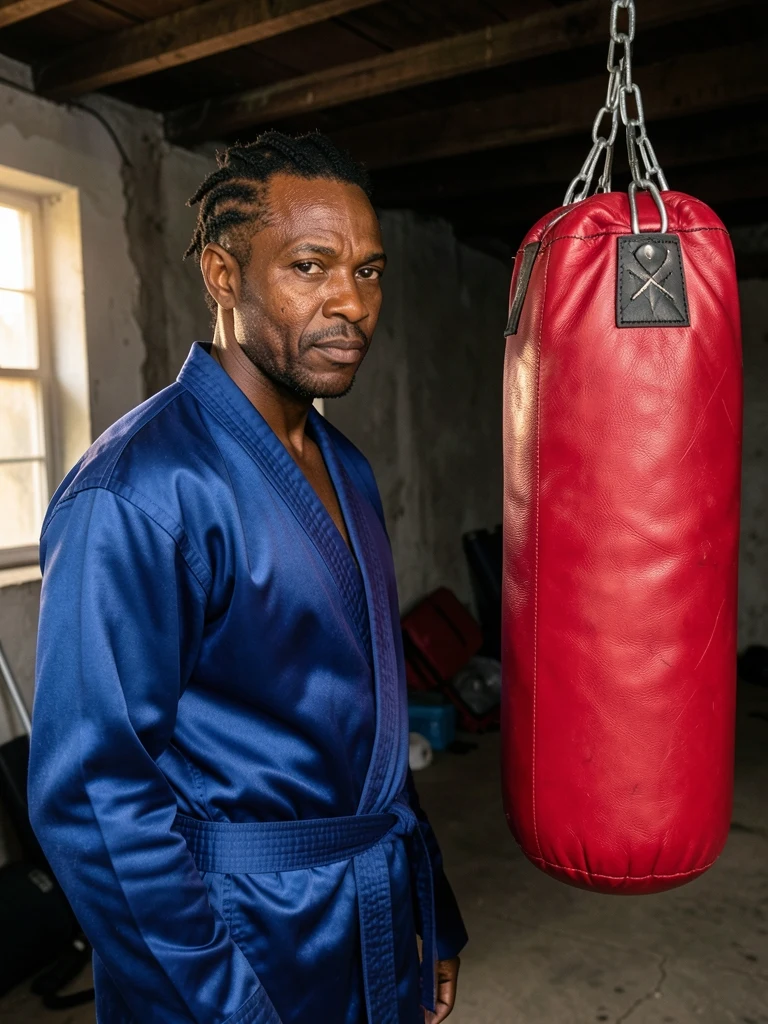 Create similar image
Black man, 47, deep brown skin with natural pores, short twists, cobalt boxing robe, three-quarter portrait beside one red punching bag.
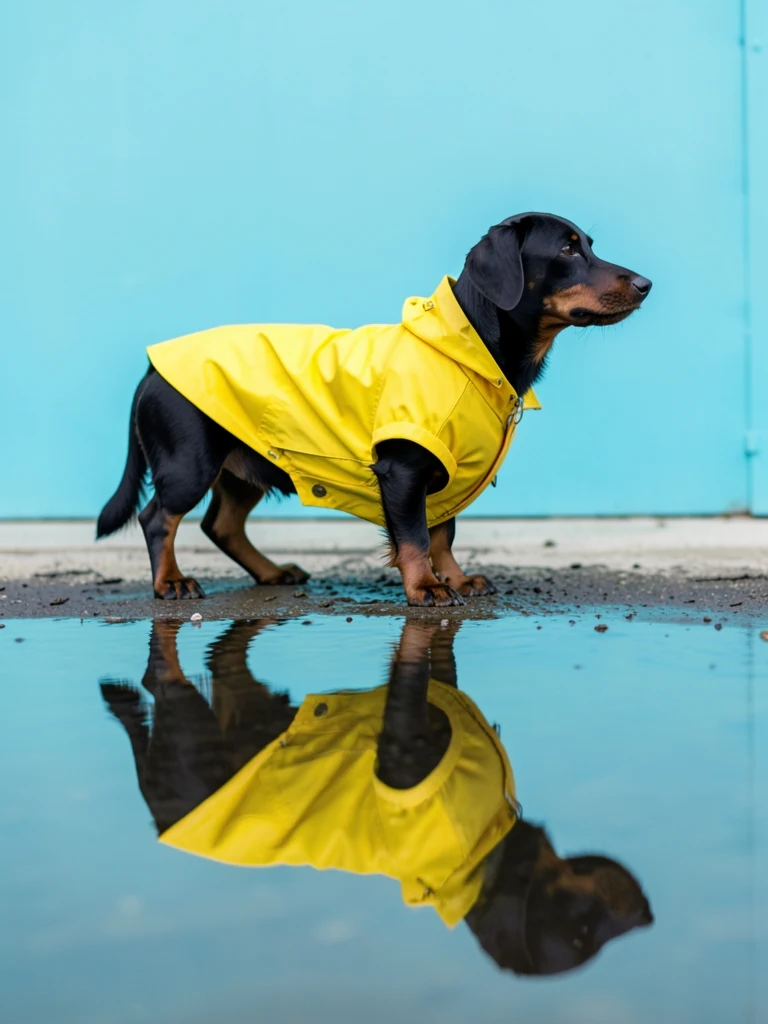 Create similar image
Full-body black dachshund in a bright yellow raincoat standing in one shallow puddle, clean cyan wall, side view and crisp reflection.
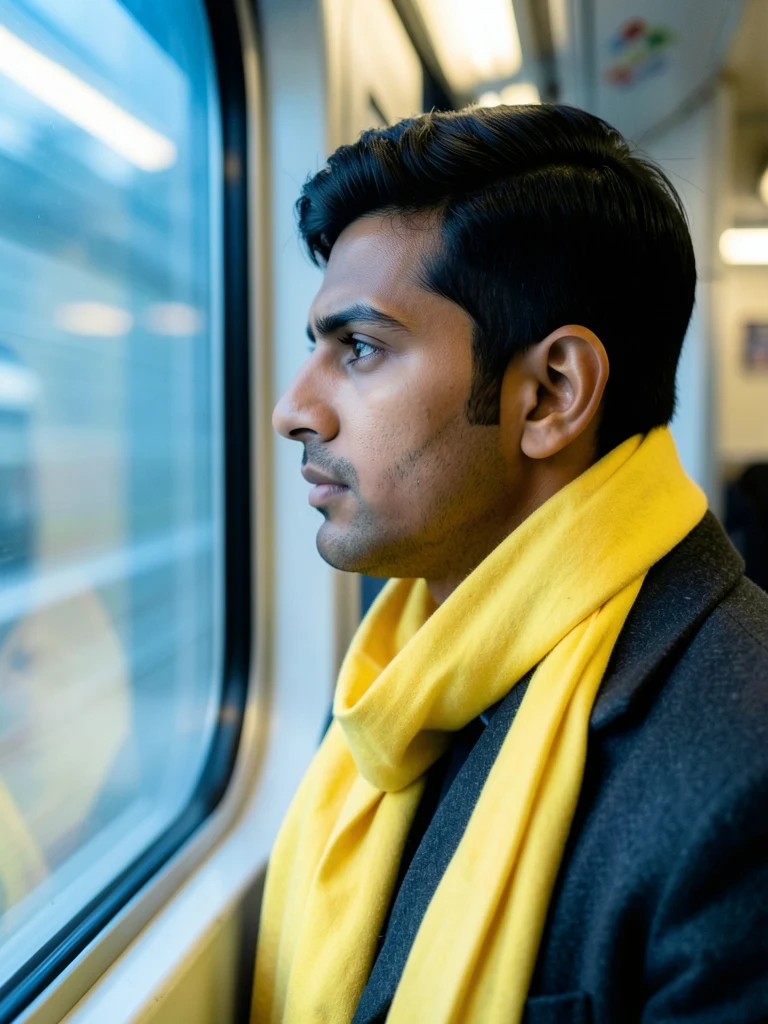 Create similar image
South Asian man, 34, medium-brown smooth skin, thick black hair, long yellow scarf and charcoal coat, profile at a clean blue train window.
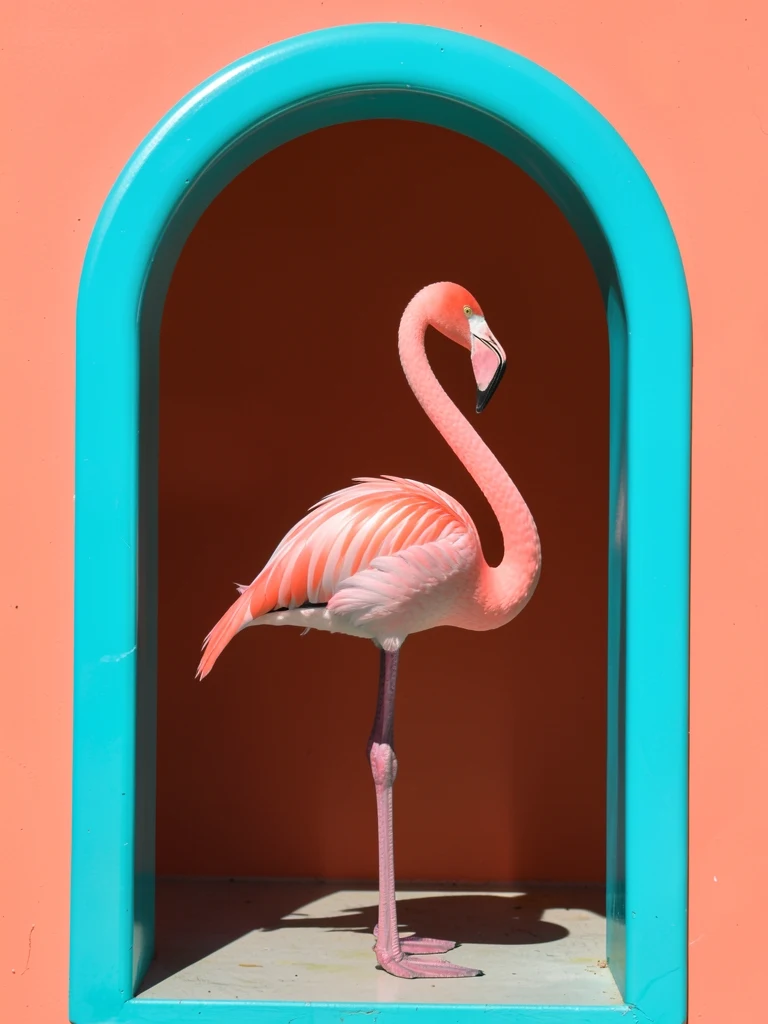 Create similar image
Full-body pink flamingo standing in a turquoise arched doorway, centered animal portrait, clean coral wall, hard tropical sunlight.
Create an original image, rework a photo, or fix the details. Bring image generation and everyday editing together with tools for each part of the job.
Generate images around the subject, setting, lighting, and style you have in mind. Explore a specific visual direction instead of searching for a stock photo that almost fits.
Change a photo’s setting, colors, or visual style with written instructions. Use your existing image as the starting point to explore a new version without rebuilding the whole scene.
Remove the background to create a transparent cutout. Reuse the subject in a new layout or place it against a different backdrop without tracing the outline by hand.
Remove unwanted objects and fill the selected area using the surrounding image. Clean up a distracting detail while keeping the framing that made the photo worth keeping.
Upscale images to increase resolution and enhance detail. Give a small source image more room in your design when a simple resize leaves it looking soft.
Generate new image content beyond the original edges. Add space around your subject for a wider composition or a different format without cropping away the parts you want to keep.
Write what you want to see. Include a subject and a style; add a image if you want to edit an existing photo.
Pick a square, portrait, or landscape shape to suit where you plan to use the image.
Click Generate and complete a browser check if prompted. When the image is ready, download it or refine your prompt and try again.
Content creators
Explore thumbnails, blog illustrations, and social post ideas. Match a scene and mood to the story you want to tell.
Designers & makers
Try product scenes, color directions, and moodboard ideas before committing to a full design or photo shoot.
Everyday creativity
Turn a character, place, or unexpected thought into an image. Compare styles and keep the direction that feels right.
Free AI Image Generator creates images from written descriptions and uploaded photos. Use it to turn an idea into a visual or give an existing image a new look.
The best choice depends on what you want to create and how much control you need. Free AI Image Generator is a good fit for straightforward text-to-image and photo-based creation with free downloads.
Yes. You can generate and download images with the free model without spending Credits.
Use it for social graphics, blog illustrations, product concepts, characters, and moodboards. Describe the scene and style you want to explore.
Upload a photo, describe your changes, choose an aspect ratio, and generate. For a prompt without a photo, open Free AI Text To Image Generator. Review the result and download the version you want to keep.
Image-to-image generation accepts up to four PNG, JPG, or WebP images, each up to 10MB, together with your written instructions. Text-to-image generation only needs a prompt.
No. You can use the free generator without creating an account.
Yes. Start with a written prompt in Text To Image, or upload a photo and describe your changes in Image To Image. Both support square, portrait, and landscape compositions.
Inspect the subject, composition, faces, hands, and any lettering at full size. For photo-based edits, compare important details with the original before downloading.
Yes. Free generation is subject to usage limits, and each request produces one image. Finish one generation before starting the next; follow any limit message shown in the workspace.
Put your next idea into the picture.
A few words. A new direction. Start with the free image generator and see where your idea takes you.
Generate a free image