Photography
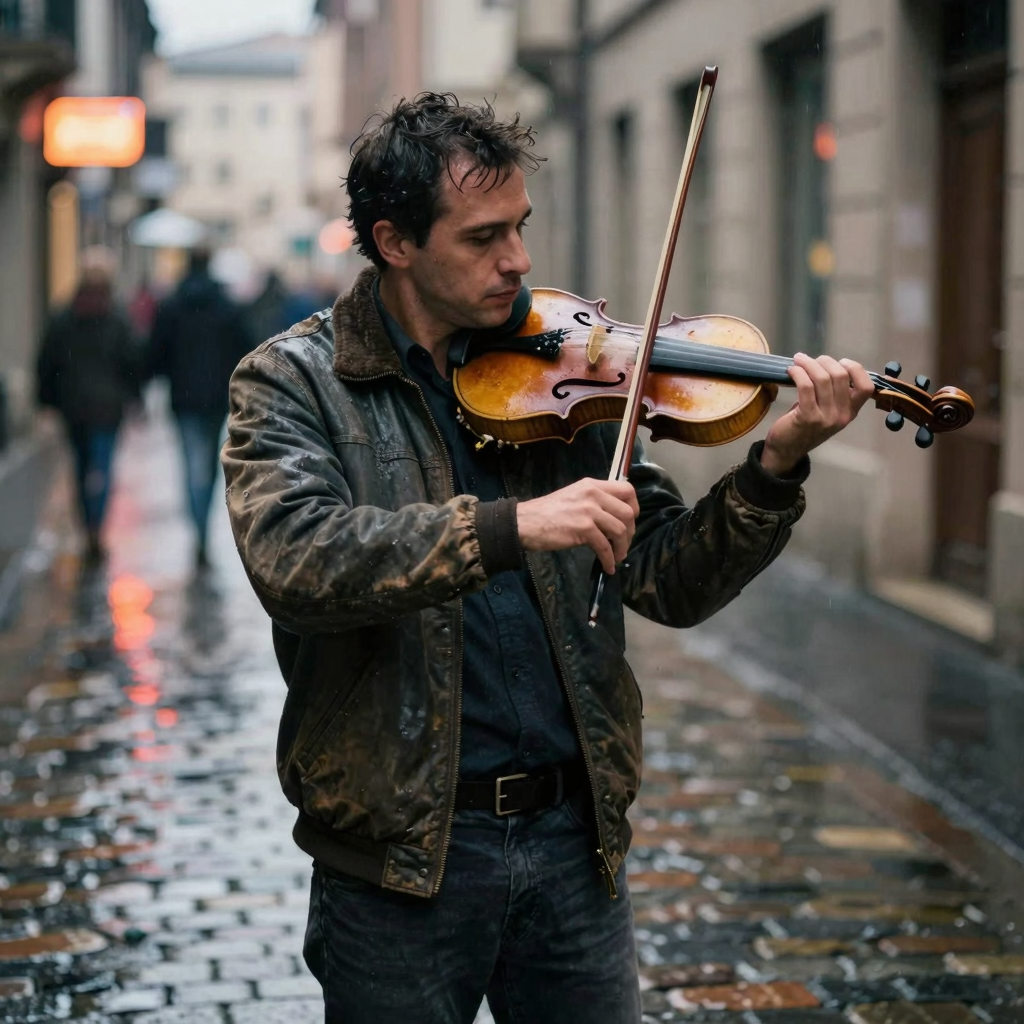
Street Violinist in the Rain
Prompt: “A weathered street musician playing violin on a rainy cobblestone alley, soft neon reflections, cinematic, shallow depth of field”
Create AI images for free, instantly, with no sign-up required.
Aspect Ratio
ImageFree.net is a free AI image generator for bloggers, marketers, designers, and small teams that need quick visual drafts. Use this browser-based text-to-image tool for AI image creation, blog illustrations, social posts, concept art, and product mockups. It is a practical AI art tool for anyone who wants to generate images from text, while image generation without sign-up keeps the workflow simple.
Built for creators who need quick, quality visuals without friction. Open the tool, describe what you need, get an image.
No trials, no limits, no daily credit balance, and no surprise paywall. Our AI image generator will always be free to use for everyone.
This free AI image generator can create everything from photorealistic portraits to stylized illustrations. Include style references in your description to guide the output toward watercolor, anime, 3D render, or other aesthetics.
Choose between square, portrait, and landscape orientations to match your intended use. Social media posts, blog headers, and product images each have their own optimal dimensions.
The rendering engine prioritizes clarity and detail. Complex compositions with multiple elements, fine textures, and specific lighting setups can be requested directly in your description.
Open the AI image generator, write a prompt, and create an image. No account, email, or password required.
Generated images come without watermarks and can be used across projects. Whether for commercial work, editorial content, or personal creative endeavors, the output belongs to you.
From idea to image in five steps
Type a description of the image you want. Include details about the subject, setting, style, and mood for best results.
Select an aspect ratio that fits your project—square for social posts, portrait for mobile, or landscape for banners.
Click generate and wait a few seconds while the AI processes your description and renders the image.
If the result isn't quite right, adjust your description and try again. When satisfied, download the image directly.
Your generated images are yours to use. Add them to blog posts, social media, presentations, or any project you have in mind.
Simple tips for getting better results from this free AI image generator
A description tells the system what to render. Include the subject, setting, visual style, lighting, and any specific details that matter to your vision.
Name-dropping established styles works well. Try "photorealistic," "watercolor," "cyberpunk," or "Studio Ghibli style" to anchor the visual approach. Lighting keywords like "golden hour" or "dramatic shadows" shape the mood.
No description is perfect on the first try. Adjust one element at a time—if the lighting is wrong, add a lighting keyword. If the style misses, name a different reference.
Part of the fun is experimentation. Combine subjects, styles, and settings in ways that wouldn't exist in real life. That's where AI generation shines.
Describe the detail level, focus, lighting, and composition you want instead of relying on resolution buzzwords. Camera references such as "85mm lens" or "shallow depth of field" can help communicate a photographic look, but they do not increase the actual output resolution.
Lead with what's essential. "A castle on a cliff" establishes the foundation; "at sunset, oil painting style" adds flavor. The system processes descriptions in order.
Explore four prompt-and-output examples across photography, product imagery, illustration, and nature scenes. Use them as starting points, then change the subject, lighting, composition, or style to fit your project.
Photography
Prompt: “A weathered street musician playing violin on a rainy cobblestone alley, soft neon reflections, cinematic, shallow depth of field”
Product
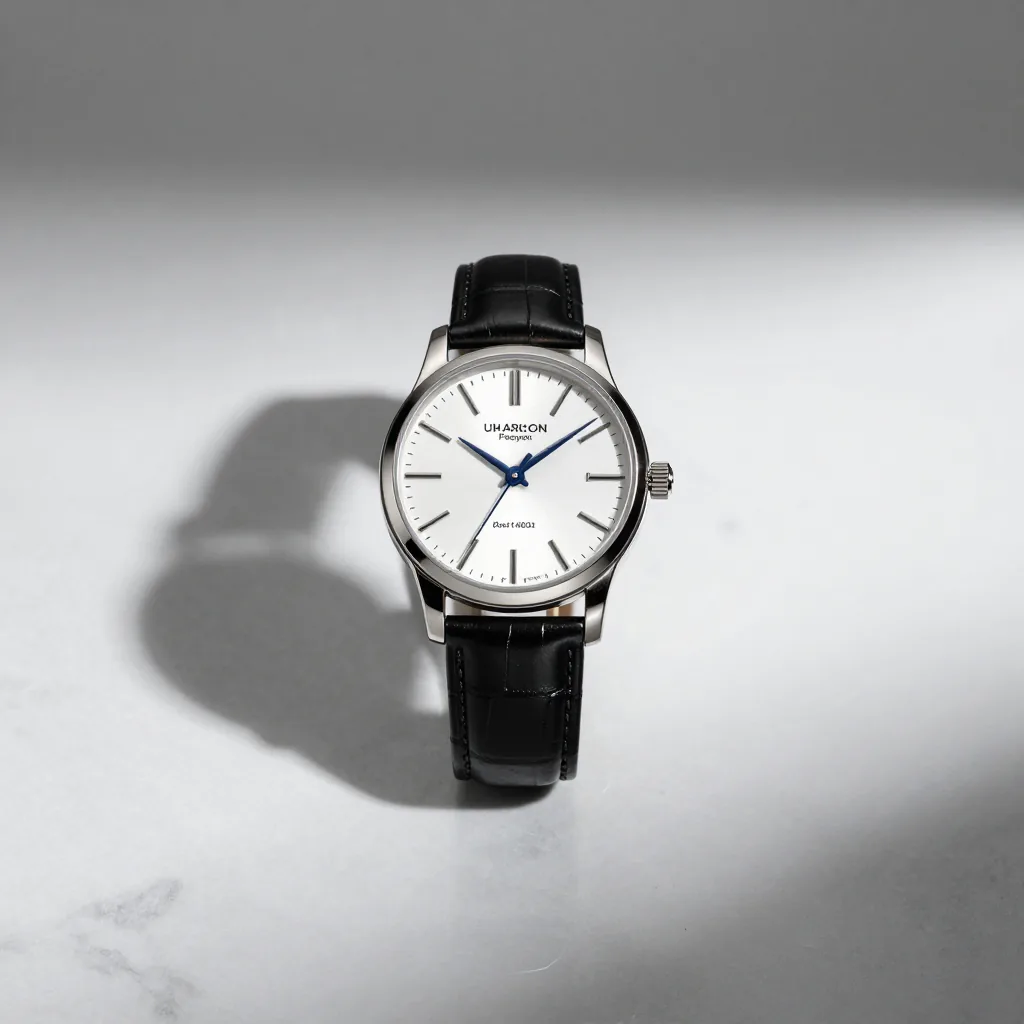
Prompt: “Luxury watch on white marble surface, soft shadow, product photography, studio lighting, minimalist, high-end”
Illustration
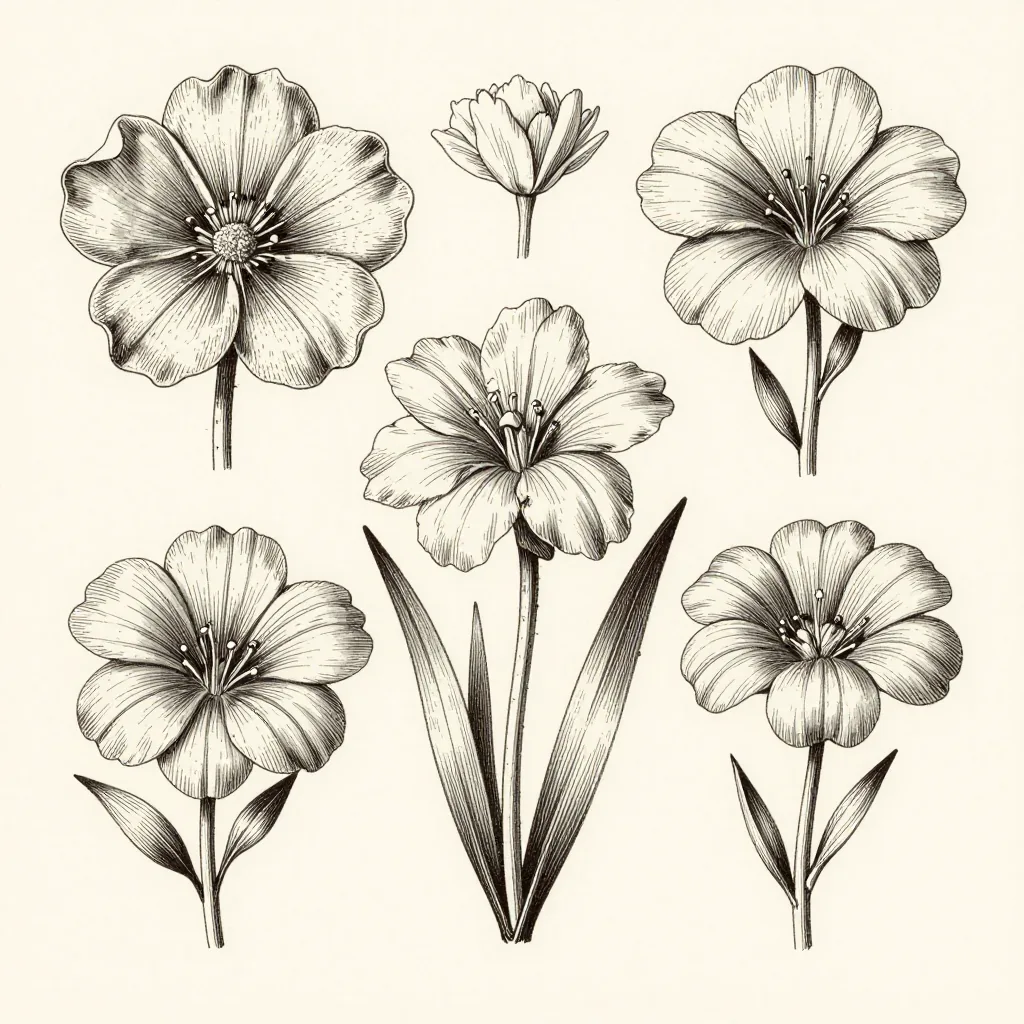
Prompt: “Scientific botanical illustration of exotic flowers, hand-drawn style, detailed linework, vintage field guide aesthetic”
Nature
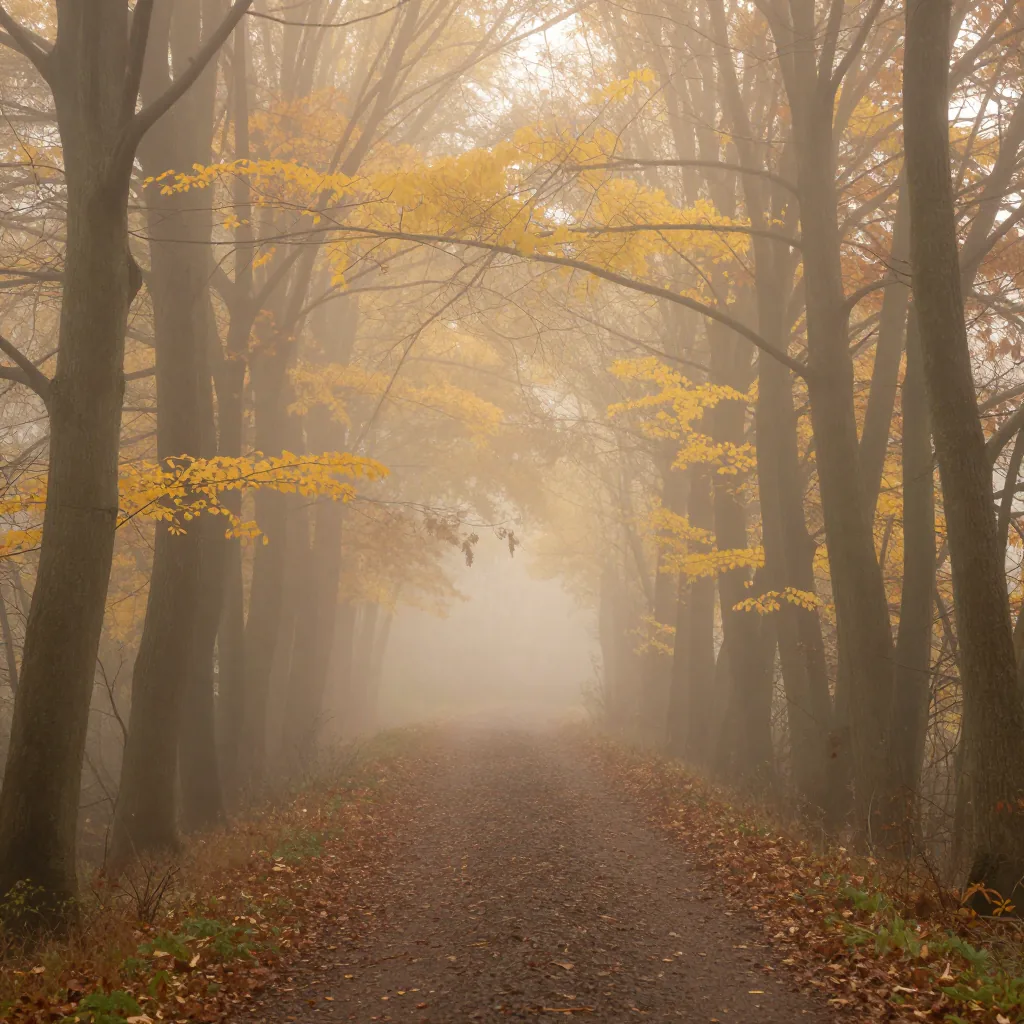
Prompt: “Misty forest path in autumn, golden light filtering through trees, fog, peaceful atmosphere, fine art photography”
ImageFree.net is a completely free AI image generator that turns text into images. No sign-up, no credits, and no account are required—just write a prompt, choose an aspect ratio, and generate.
Yes. ImageFree.net is 100% free. You can create AI images without buying credits, starting a trial, or entering payment details.
The system processes your written description through a neural network trained on millions of image-text pairs. It interprets your words, maps them to visual concepts, and constructs a new image pixel by pixel. Different wording produces different results, so refining your description is often the key to getting what you envisioned.
No design background is required. The interface is straightforward: describe what you want, select your preferred format, and the system handles the rendering. That said, learning how to phrase descriptions effectively helps—specific details tend to yield better outcomes than vague instructions.
Style is primarily controlled through your description. Including style keywords like watercolor, cyberpunk, or Studio Ghibli influences the visual approach. You can also specify mood, lighting conditions, and composition details to guide the aesthetic direction of the output.
Standard output is PNG format, which preserves image quality and supports transparency. The resolution varies by aspect ratio selection—square outputs render at 1024x1024, while portrait and landscape orientations render at their respective dimensions up to 1024 pixels on the longest side.
No. ImageFree.net has no credits, tokens, or daily generation allowance. Generate as many AI images as you need, completely free.
Processing time varies based on server load and image complexity. Straightforward descriptions typically render within seconds, while highly detailed or unusual requests may take longer. The system queues requests efficiently to maintain consistent response times during peak usage periods.
The underlying model handles anime-style outputs when specifically prompted. Using terms like anime, manga, Studio Ghibli, or cel-shaded in your description steers the system toward that visual register. Complex anime compositions with multiple characters or detailed backgrounds may require more precise description.
Photorealistic results depend heavily on description quality. Including camera specifications, lighting references, and material descriptions helps. Terms like 35mm lens, shallow depth of field, or golden hour suggest photographic conventions. The system can produce convincing simulations but results vary based on the specificity of your request.
Traditional illustration requires either technical skills or budget for commissioning work. An AI generator democratizes visual creation—anyone can produce imagery for personal projects, content creation, or brainstorming. The speed and accessibility make it useful for rapid iteration when exploring visual concepts.
Yes. No account, login, or personal gallery is required to use ImageFree.net. Your prompts, task records, and generated images are permanently deleted after 24 hours. Do not submit confidential or sensitive information.
