
Bezel: Mirror, capture and frame any iPhone
Bezel lets you live mirror any iPhone to your Mac, and turns your screenshots and screen recordings into beautifully framed shots on Mac, iPhone and iPad.
Quick Facts
- New: Ready for Siri AI. Frame, restyle and share your screenshots just by asking Siri
- New: A full editor for screenshots and screen recordings in the Mac app
- New: Create framed videos from screen recordings
- Available: Release Day of OS 27, TestFlight available now
New: Ready for Siri AI
Editing a screenshot is now as easy as asking for it. Siri knows which screenshot you're looking at in Bezel. Ask it to change the frame, background, padding and size, or to send the screenshot to someone.
Give a screenshot a polished look.
Open a screenshot in Bezel and just say which frame and background you want.
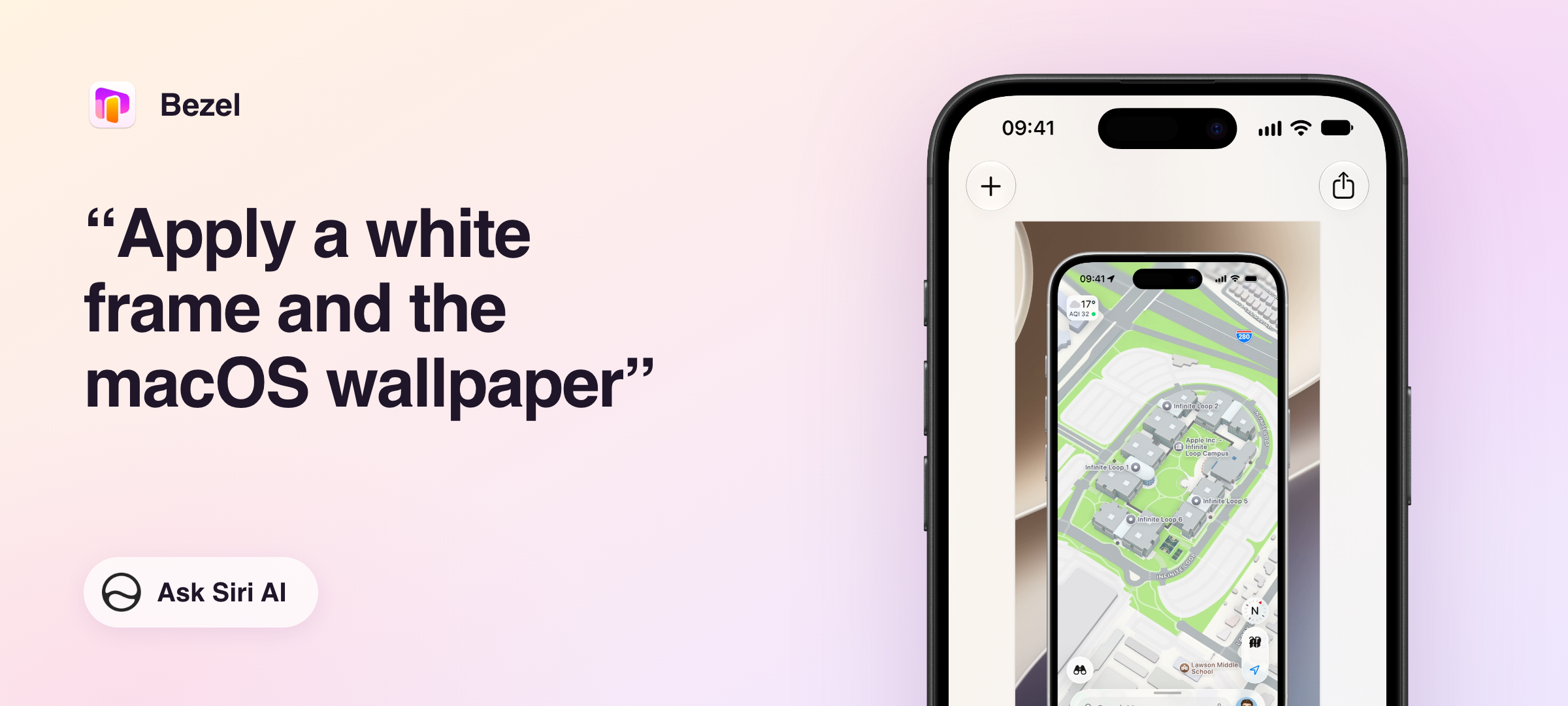
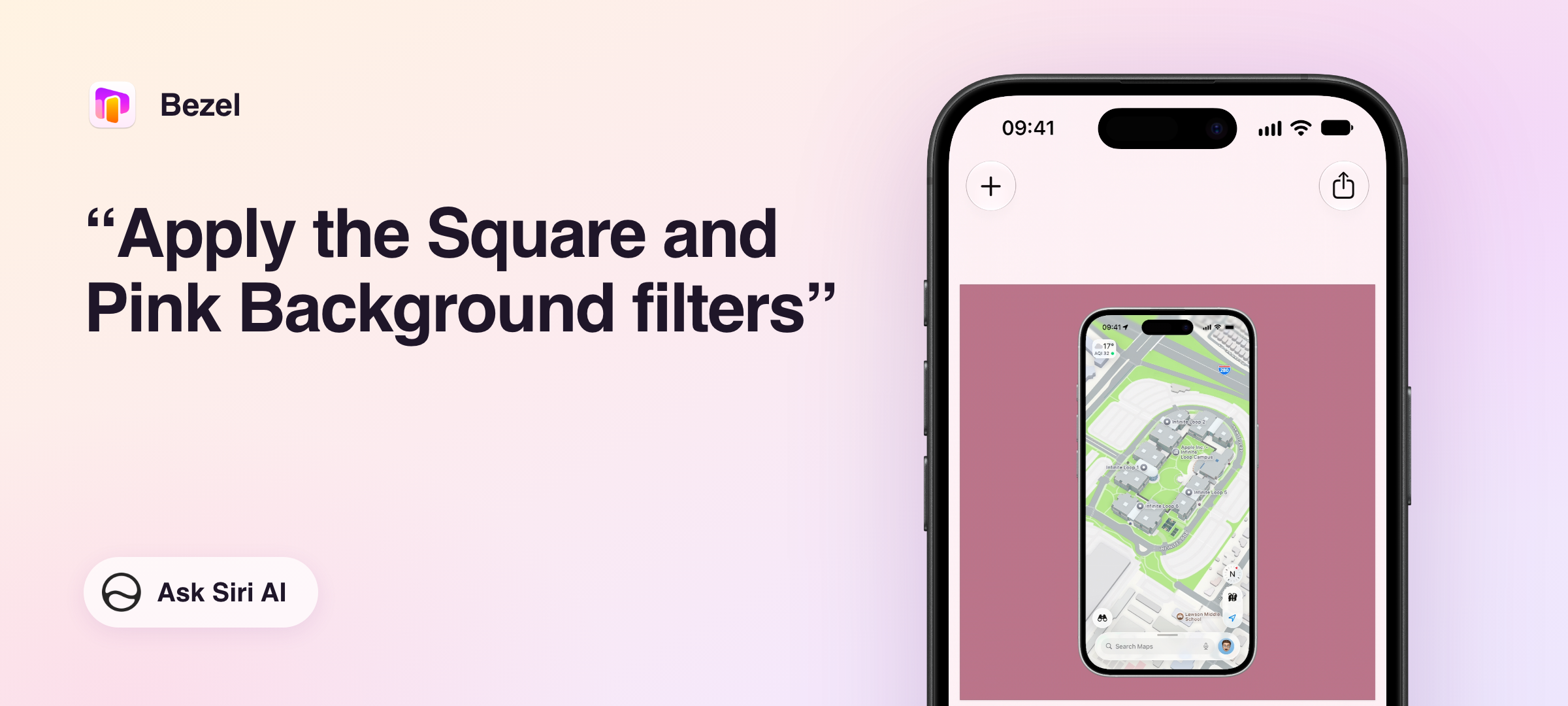
Prepare a screenshot for social media.
Open a screenshot of your new feature in Bezel and ask Siri to make it square, on a background that stands out.
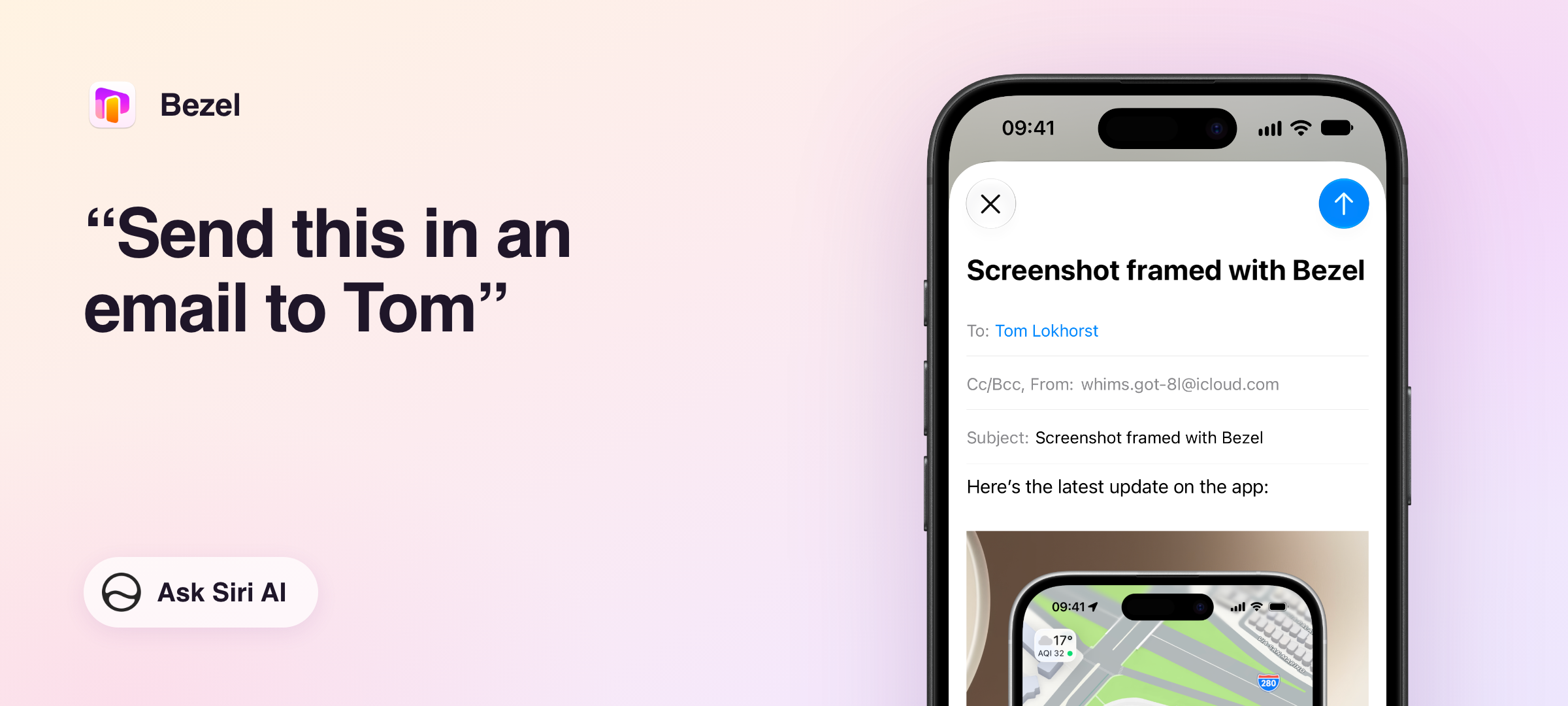
Send it to a colleague.
Siri sees the screenshot you're looking at, so you can pass it on without saving or attaching anything.
Try it yourself
Open a screenshot in Bezel and ask Siri for any of these styles, and combine as many as you like. If Siri doesn't pick up a style, add the word "filter", like in "Apply the Square and Pink Background filters".
- Frame: Device Frame, Shape Only, No Frame, or a Black, White, Blue, Green, Pink, Purple, Red or Yellow Frame
- Background: Transparent Background, macOS Wallpaper, or a White, Black, Gray, Beige, Red, Orange, Yellow, Green, Teal, Blue, Blue Violet, Purple, Pink or Ochre Background
- Padding: No, Small, Medium, Large, Extra Large or Huge Padding
- Size: Fit Content, Square, 16:9, 5:3, 3:2, 7:5, 4:3 or 5:4 Ratio, and Portrait or Landscape
Bezel's actions are also available in the Shortcuts app on Mac, iPhone and iPad. For example, to frame a whole batch of App Store screenshots at once.
New: A screenshot editor on the Mac
Bezel for Mac now has a full editor for your screenshots and screen recordings.
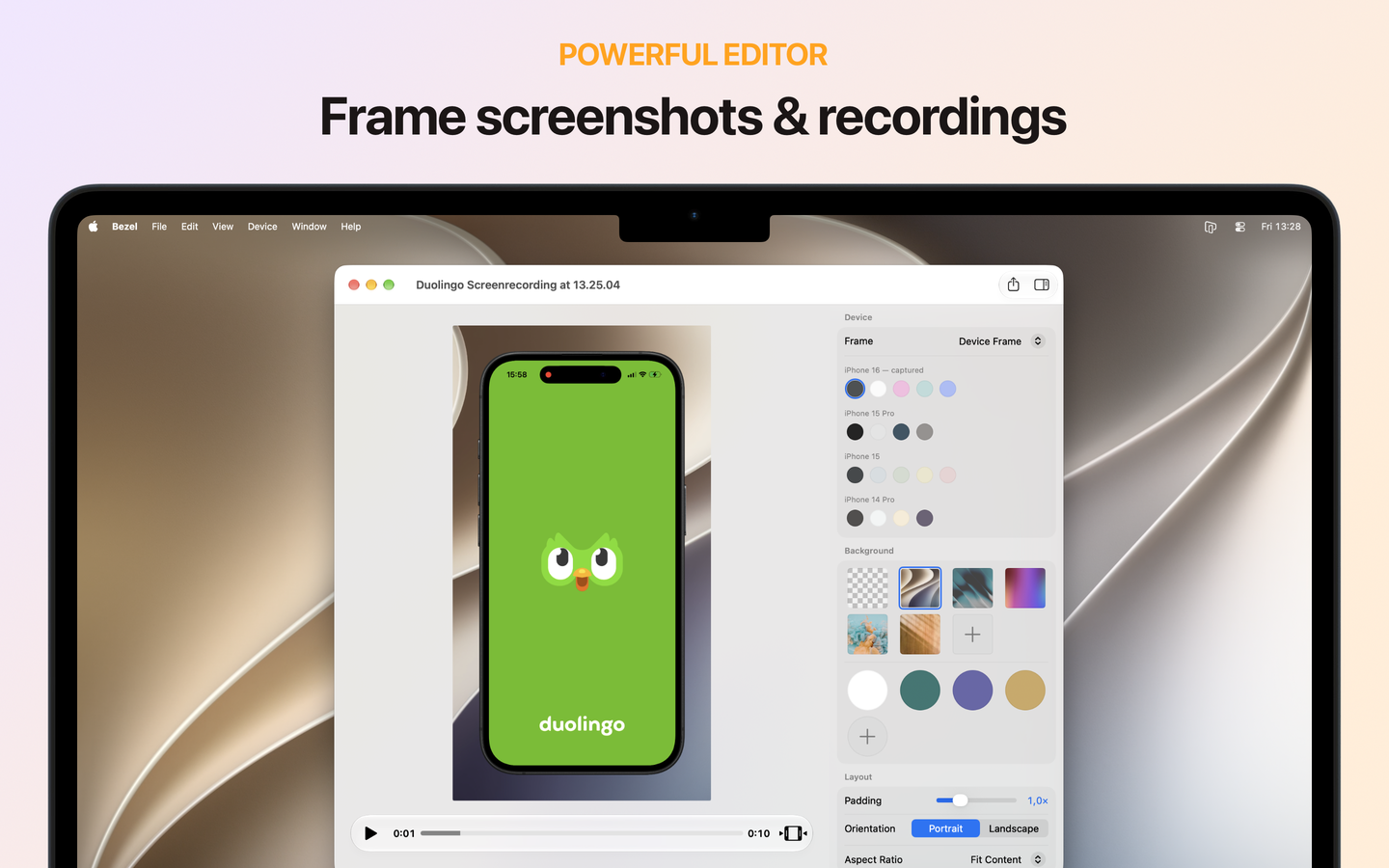
Share progress with your team. Take a screenshot or recording while mirroring your iPhone, and it's already framed. Drag it straight into Slack, an email or your release notes.
Make screenshots for your website or App Store page. Drop in screenshots from your iPhone or the Simulator, pick a background and a size, and export.
Put a demo in your presentation. Trim a screen recording down to the part that matters and export it as a framed video for Keynote.
What the editor can do:
- Frame screenshots and recordings in a pixel-perfect device frame, with the right device detected automatically
- Choose a background: a wallpaper, a color, your own image, or transparent
- Adjust the padding and pick a size for social media, slides or the web
- Trim screen recordings before you export them
- Open any image or video clip: drop it on Bezel, use File > Open, or pick it from Recent Shots
- Drag the result straight into another app, or copy it with ⌘C
New: Framed videos from screen recordings
Bezel already turned screenshots into framed shots. Now it does the same for screen recordings.
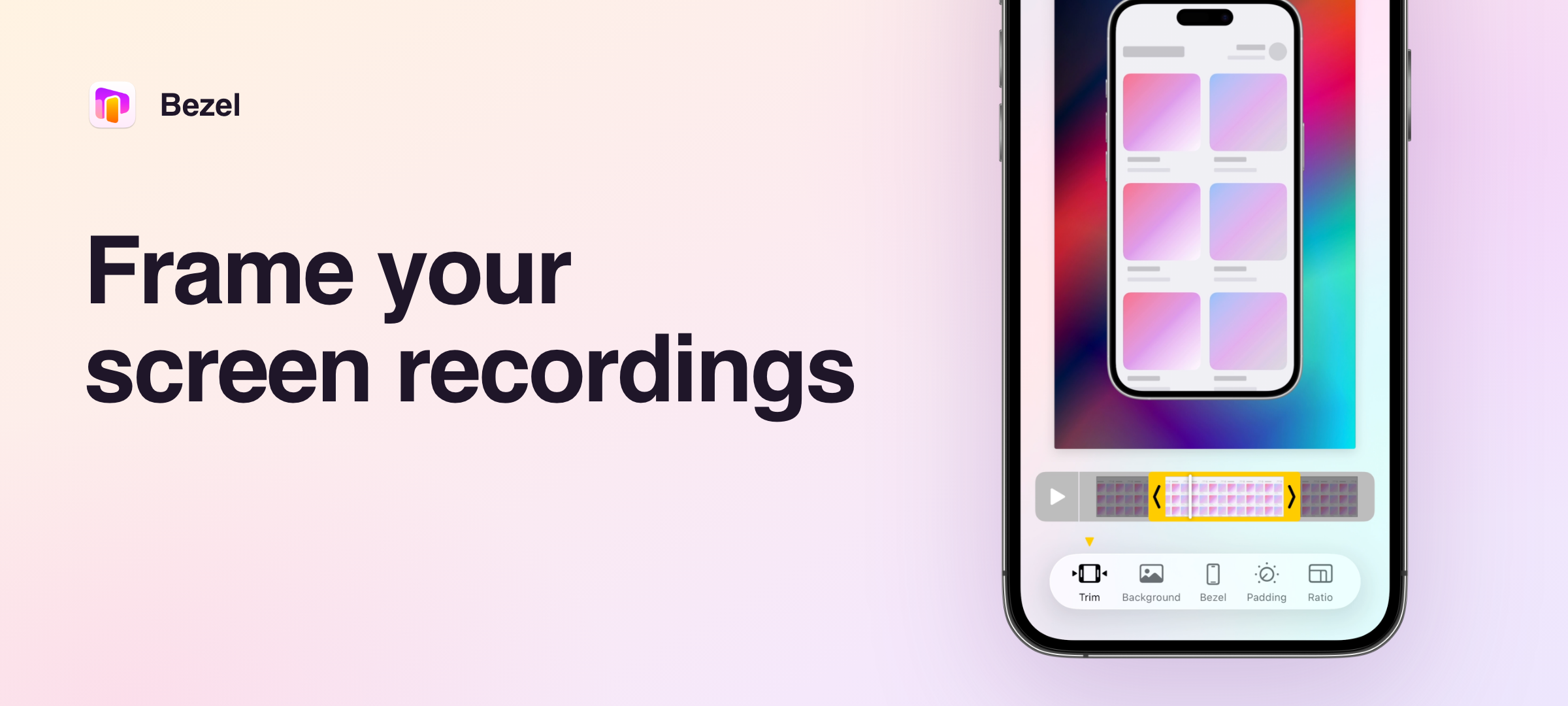
Show off your app on social media. Record your screen, frame the recording in Bezel, and export it square or in portrait, ready to post.
Show what you mean. Turn a quick screen recording of a new feature or a bug into a clean, framed clip your team or your users instantly understand.
What you can do:
- Pick a screen recording from Photos or Files, or share it to Bezel from any app
- The same device frames, backgrounds, padding and sizes as your screenshots
- Trim the recording and export it as a framed video
What is Bezel?
Bezel is the app for showing your iPhone to others. It does two things:
- Live mirroring. See any iPhone, iPad, Apple TV or Vision Pro on your Mac, wired or wireless, in a pixel-perfect device frame that matches the device's color. Present, screen share, record and demo any app.
- An editor for screenshots and screen recordings. Put what you captured, or any image or video clip, in a device frame on a background of your choice, in the right size for social media, slides or the web. Edit by hand, or just ask Siri.
Bezel is available for Mac, iPhone and iPad:
- Bezel for Mac mirrors your devices live, records and takes screenshots, and has the full editor.
- Bezel for iPhone and iPad has the editor on the go, and can send your screen wirelessly to Bezel on your Mac.
Pricing
Bezel is free to try, with all features available. The free version shows a watermark, and live mirroring sessions are time-limited.
Bezel Pro gives you unlimited mirroring and removes the watermark. It is available with various subscription options and as a one-time lifetime purchase.
Bezel can be purchased in the App Store or at getbezel.app.
Backstory
Bezel is made by Tom Lokhorst and Mathijs Kadijk. While building apps like the official Rijksmuseum and Tate London apps and the app that became Apple Music Classical, demoing them was always harder than it should be. We wanted a simple, elegant solution that just works: demo an app live, or capture a good-looking screen recording or screenshot of it.
Bezel is the app we always wanted to use ourselves. Mirror an iPhone or iPad in a pixel-perfect frame, take a recording or screenshot, and share it on Slack or mail it to a client in seconds.
About Nonstrict
Nonstrict is an indie app development studio based in the Netherlands, founded by Tom Lokhorst and Mathijs Kadijk. With over a decade of experience building apps, they’re creating apps that are a pleasure to use.
FAQ
Q: When is the new version available?
A: On September 14, 2026, together with the release of iOS 27 and macOS 27.
Q: What are the requirements to use Bezel?
A: Any Mac running macOS 14 or later, or any iPhone or iPad running iOS 18 or later.
For wired mirroring: any iPhone, iPad, Vision Pro, or iPod Touch connected via Lightning or USB-C cable running iOS 8 or newer.
For wireless mirroring: any iPhone, iPad, Vision Pro, or iPod Touch that supports AirPlay screen mirroring.
Apple TVs are also supported both wired and wirelessly.
Q: What do I need to use Bezel with Siri?
A: A Mac, iPhone or iPad that supports Siri AI, running macOS 27 or iOS 27. Open a screenshot in Bezel and say, for example, "Apply a white frame and the macOS wallpaper".
Q: Are there press licenses available to review Bezel?
A: Please contact us at team+bezel@nonstrict.com
Fact Sheet
Bezel website
https://getbezel.app
Company website
https://nonstrict.eu
Release date
September 14, 2026
Continue to images
